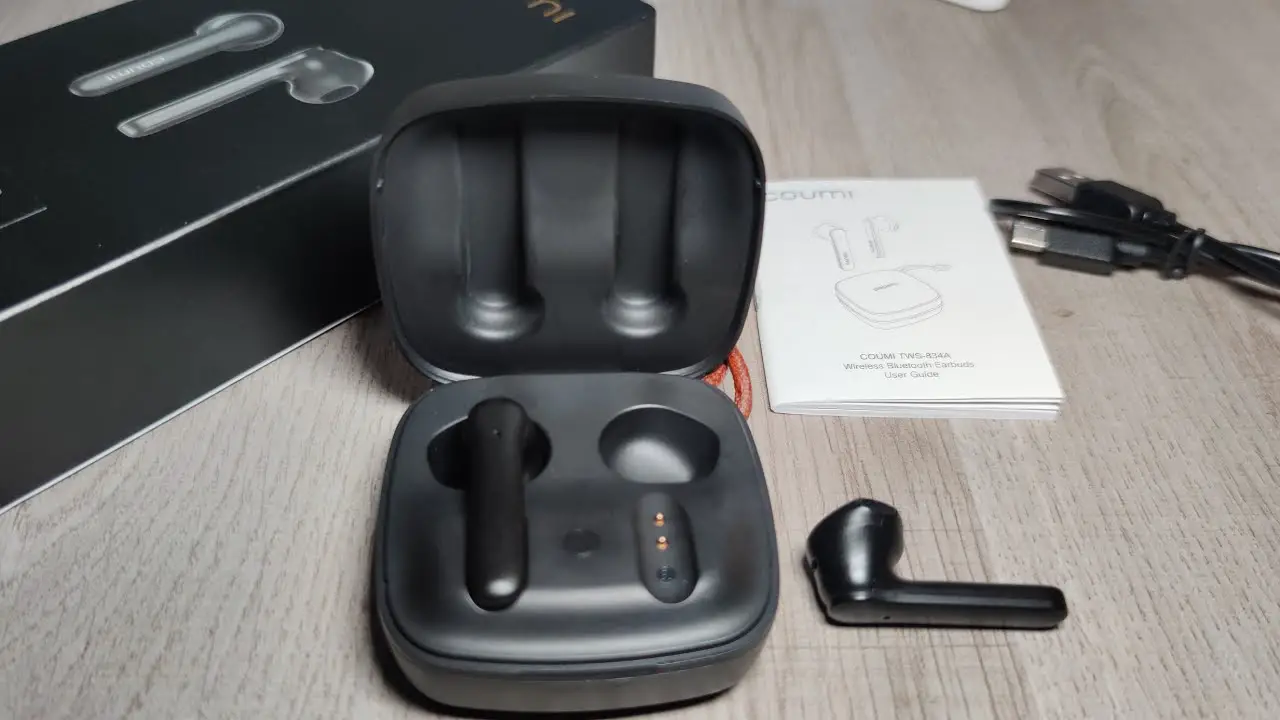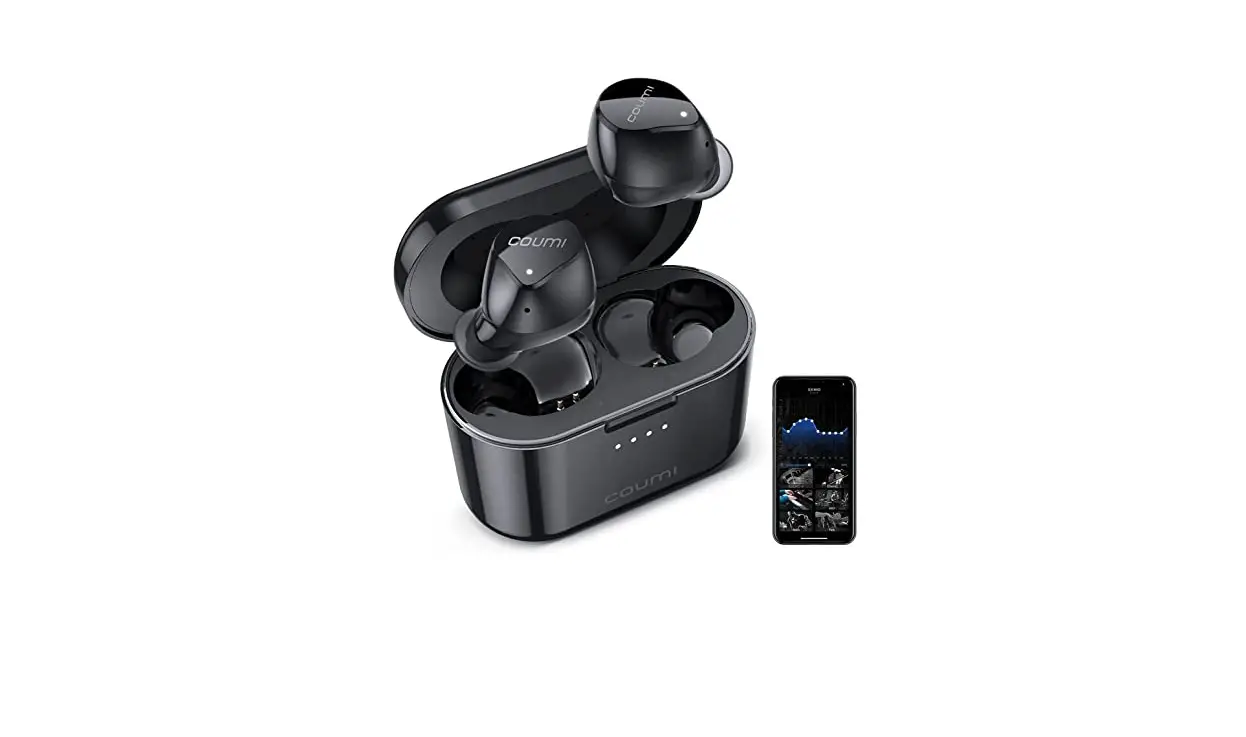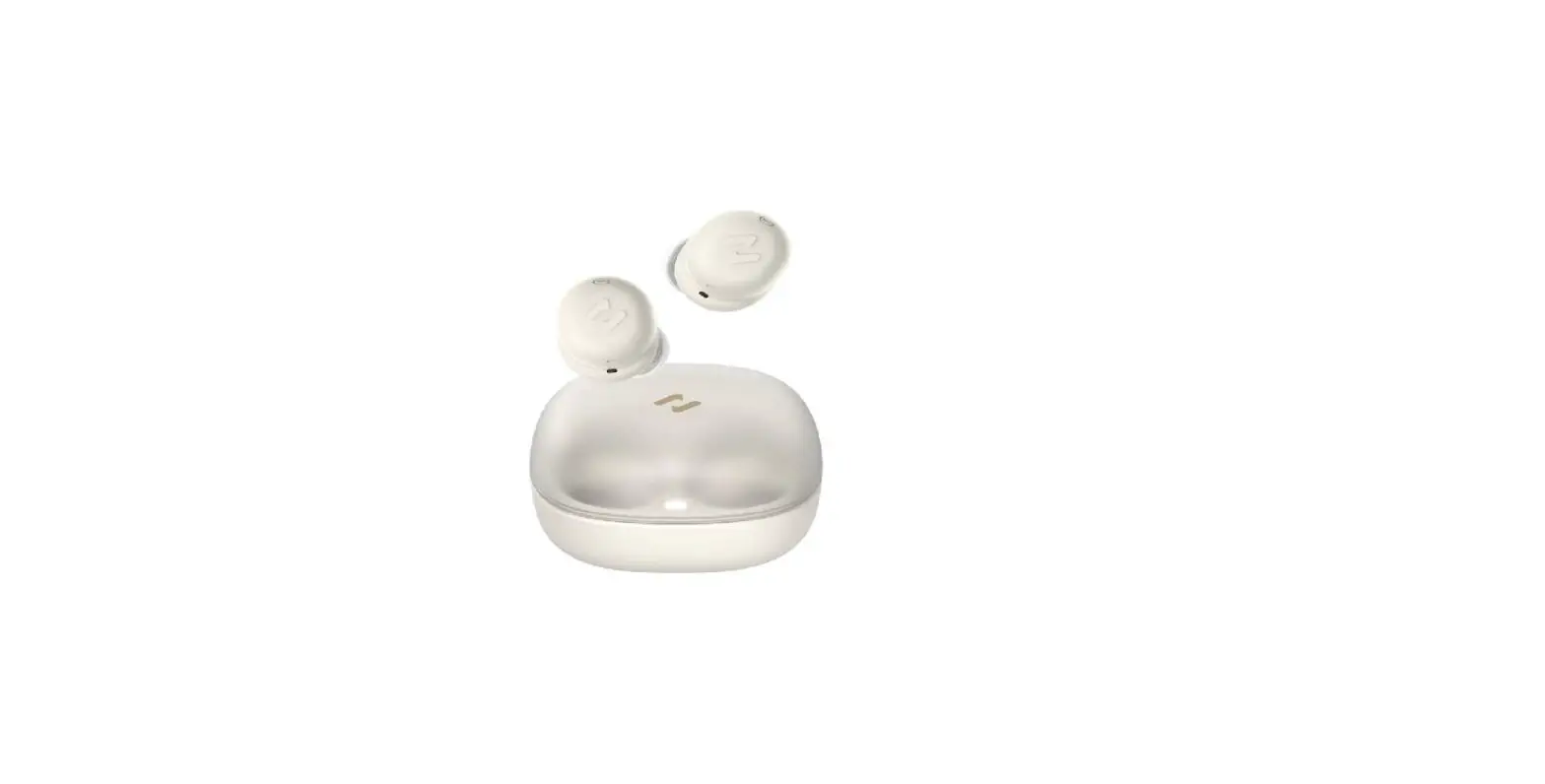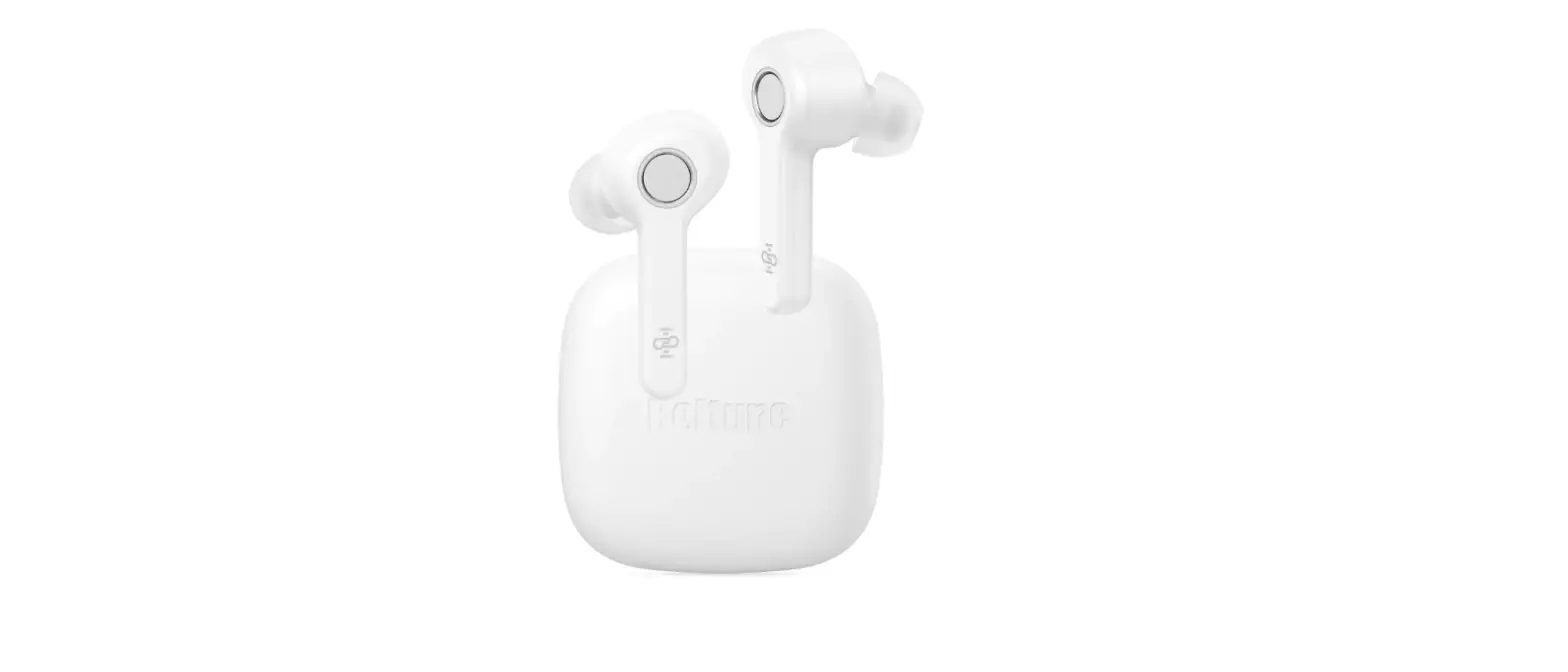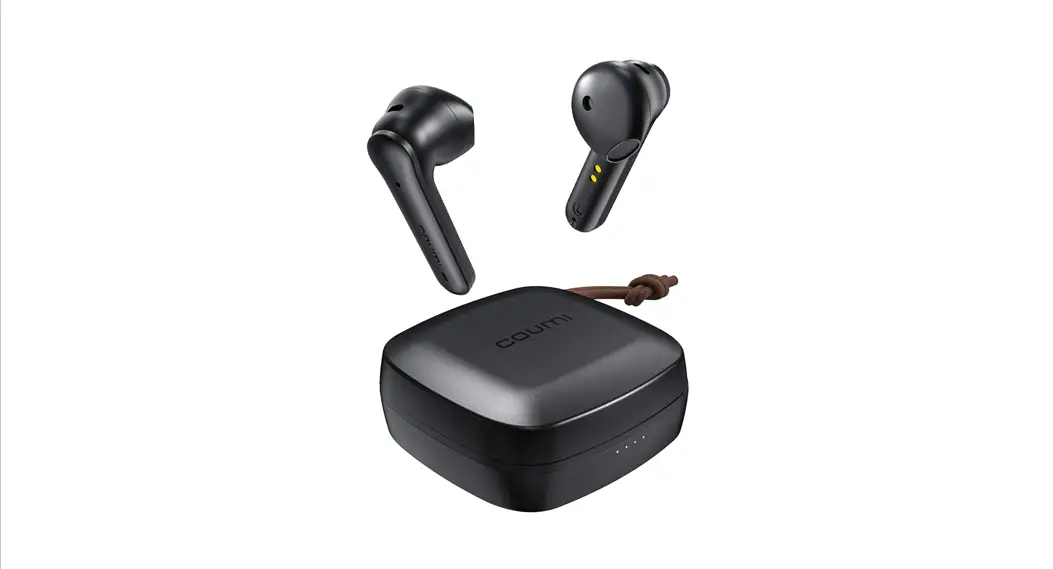
 COUMI TWS-834A
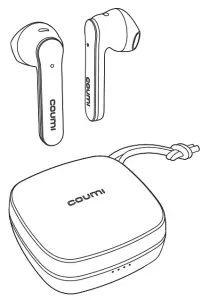
TRUE WIRELESS STEREO EARBUDS
Quick Start Guide
| Press |  |
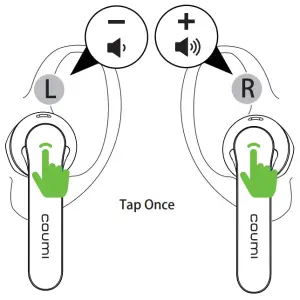
| Tap Once |  |
| Tap Twice |  |
| Tap Triple |  |
 Charge/Power On
 Charge/Power On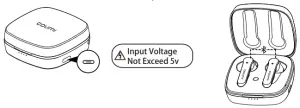
 Fitting
 Fitting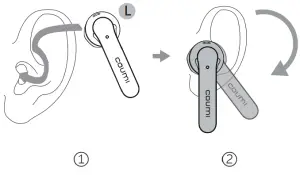
 Google Fast Pairing
 Google Fast Pairing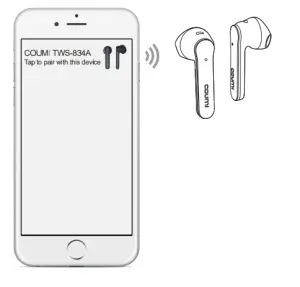
or
How to fast pair?
- Turn on Bluetooth on the phone.
- Pick up earbuds from the charging case.
- Move earbuds close to the phone.
- Pairing request tab pops out on phone.
- Click the tab, get connected.
※Only supports partial Android smartphones ,Furthermore, you need to log in to your Google account on your smartphone.
Pairing
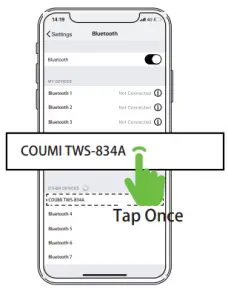
 Play/Pause
 Play/Pause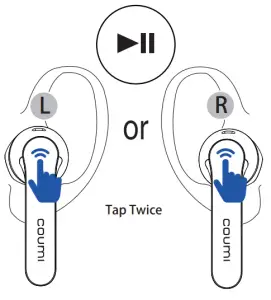
Forward/Backward
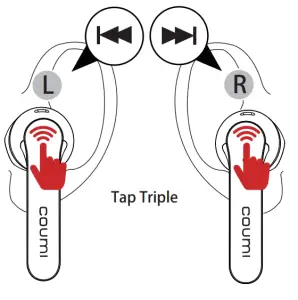
Volume-/+
 Answer
 Answer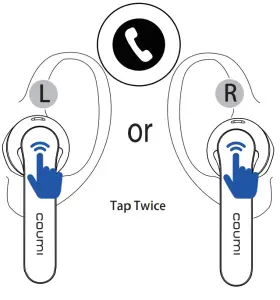
Hang Up
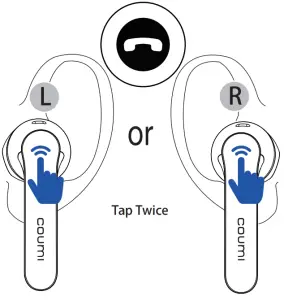
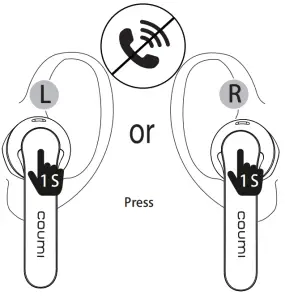
Reject
 Voice Assistant
 Voice Assistant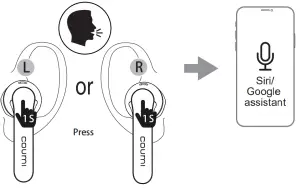
Power Off
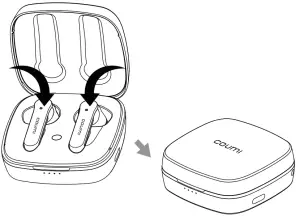
Please refer to the user manual for more detailed instructions