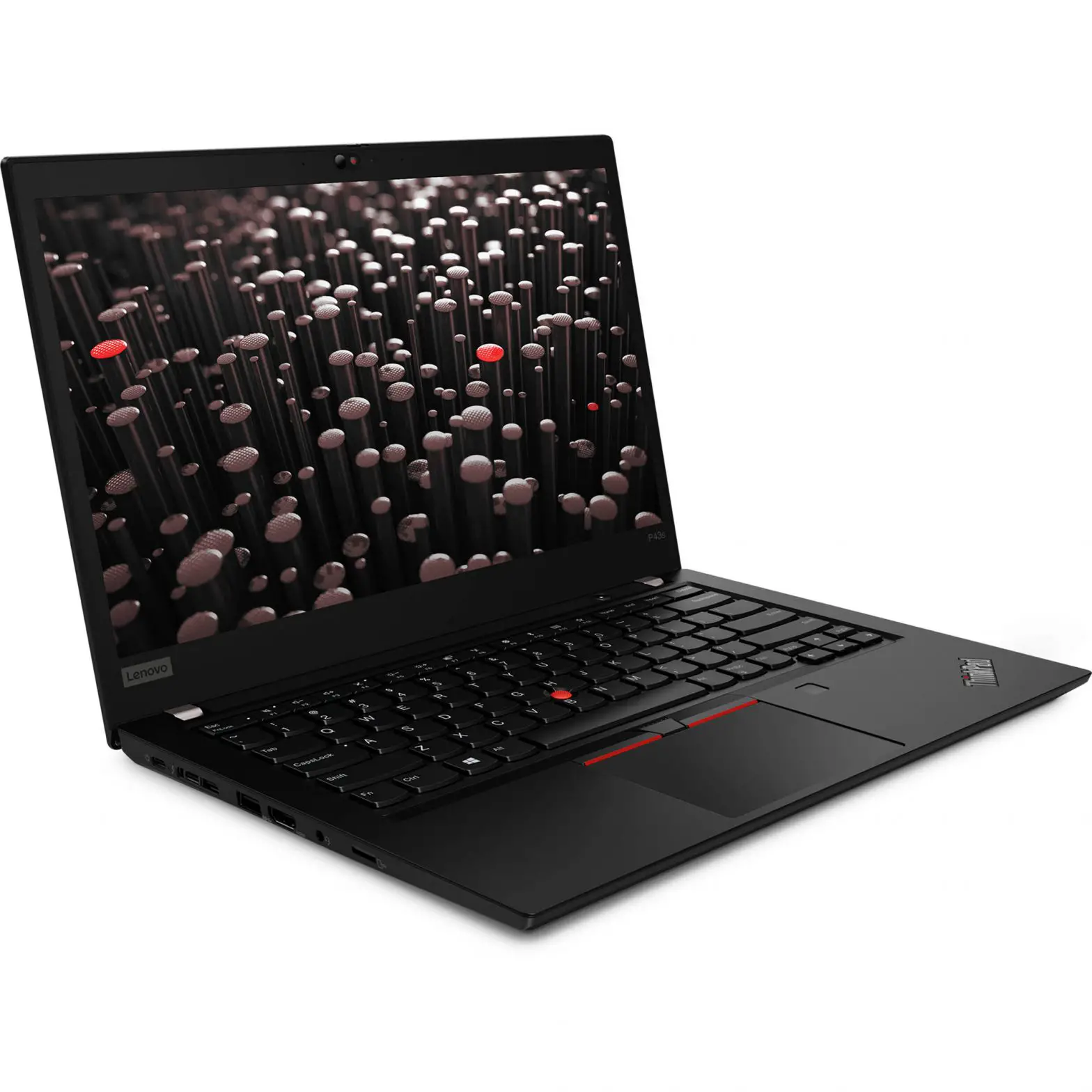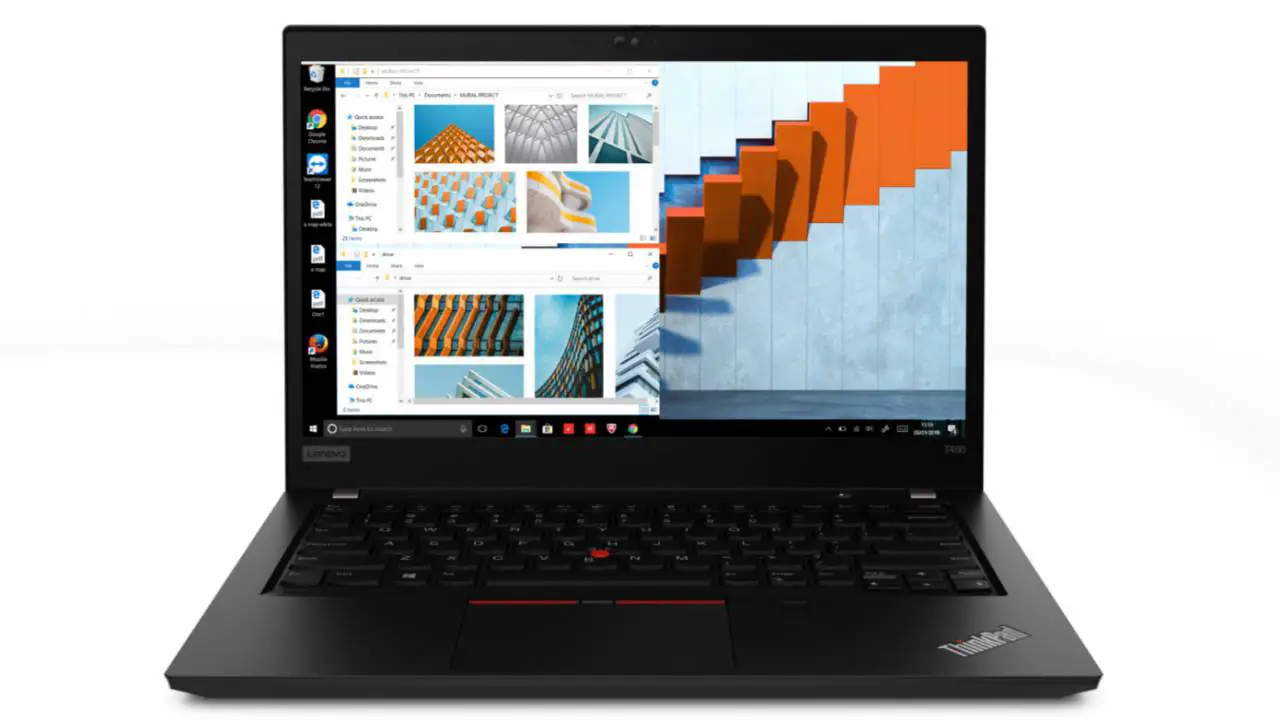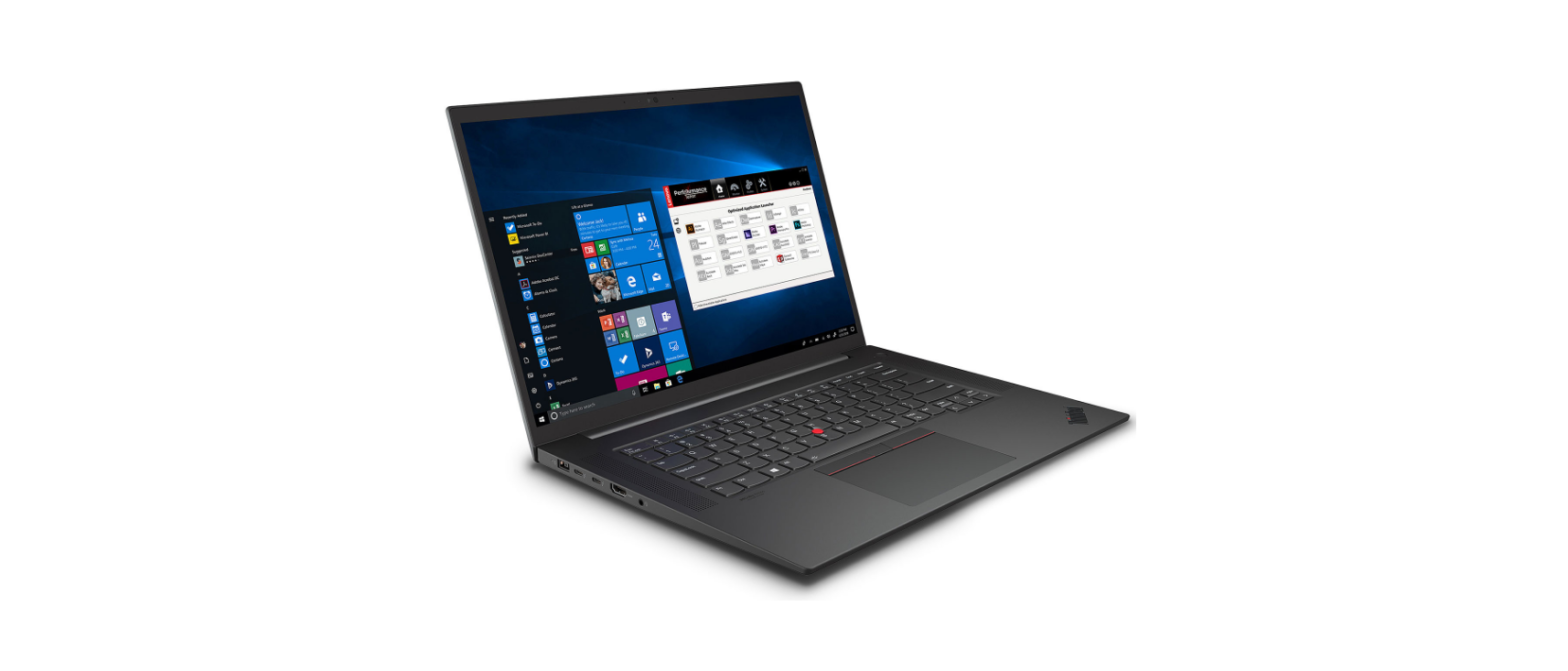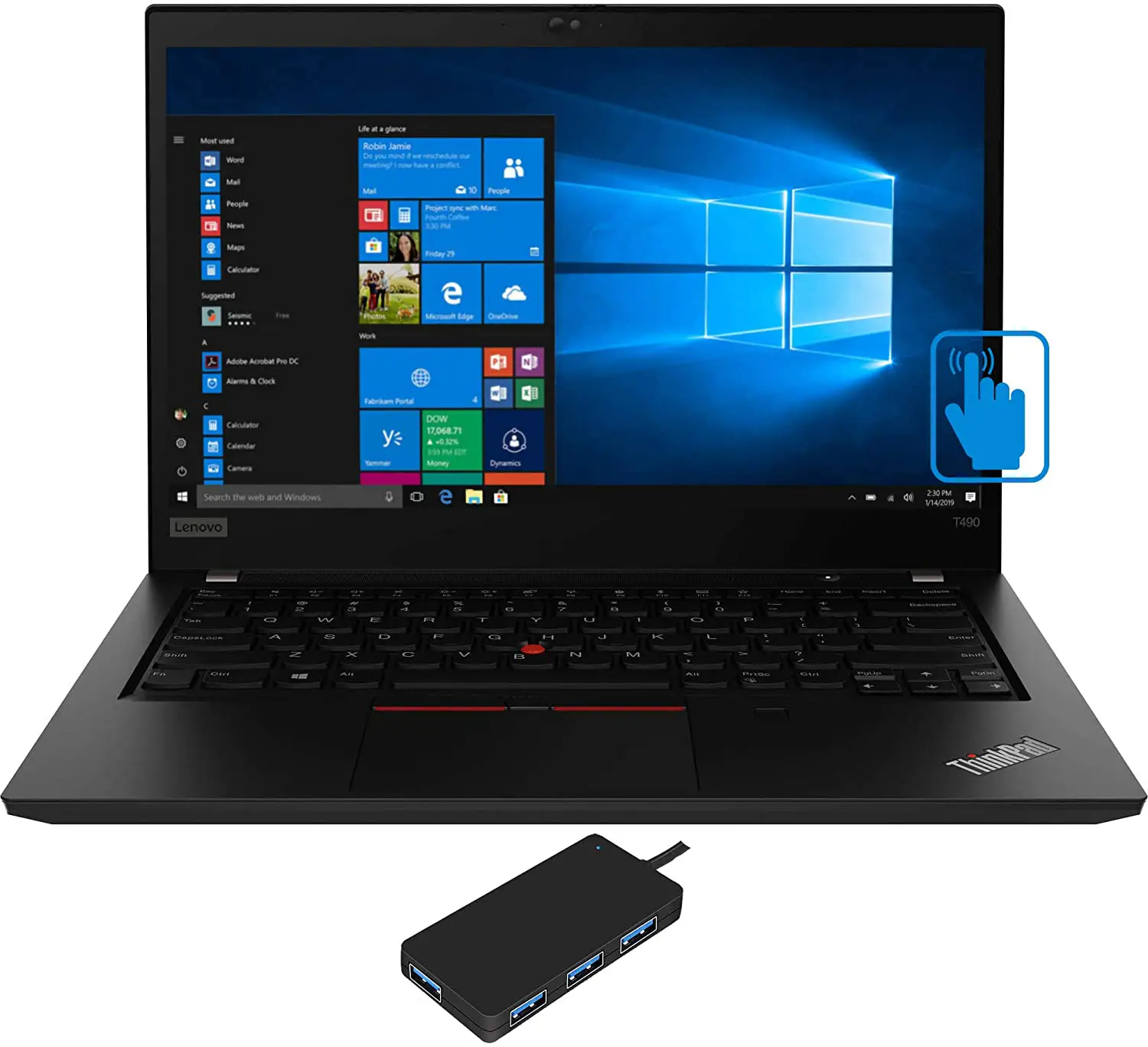
ThinkPad T490s
Setup Guide
Initial Setup
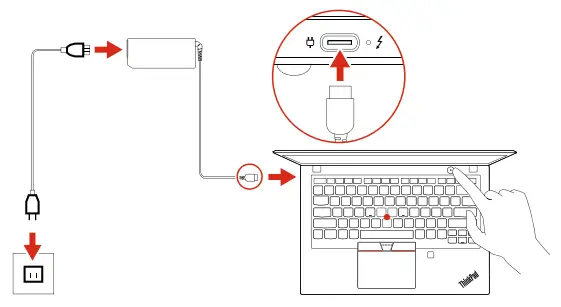
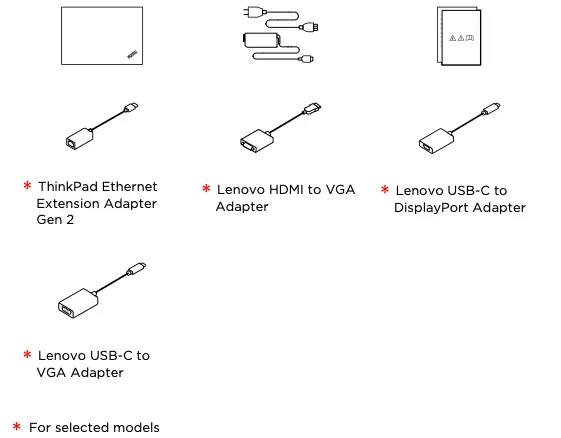
Unpack
Overview
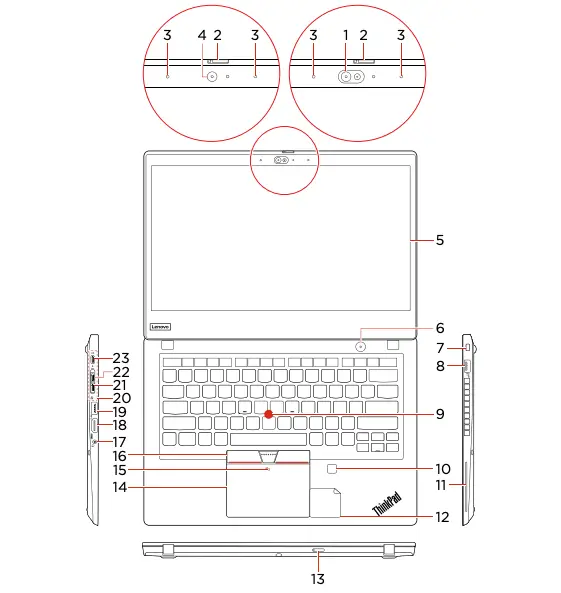
* 1. Infrared camera
* 2. ThinkShutter
* 3. Microphones
* 4. Camera
* 5. Multi-touch screen
6. Power button
7. Security-lock slot
8. Always On USB 3.1 connector Gen 1
9. TrackPoint pointing stick
* 10. Fingerprint reader
* 11. Smart card slot
* 12. NFC label for silver model
13. Nano-SIM-card and microSD-card slot
14. Trackpad
* 15. NFC mark for black model
16. TrackPoint® buttons
17. Audio connector
18. HDMI™ connector
19. USB 3.1 connector Gen 1
20. Docking station connector
21. Ethernet extension connector Gen 2
22. Thunderbolt™ 3 connector (USB-C)
23. USB-C™ connector (USB 3.1 Gen 1)
* For selected models

Read the statement on USB transfer rate in the User Guide. Refer to the Safety and Warranty Guide for accessing the User Guide.
Customer Replacement Units (CRUs)
- ac power adapter
- Power cord
- Base cover assembly
- M.2 solid-state drive
- M.2 solid-state drive bracket
- Nano-SIM-card and microSD-card tray
- * Wireless WWAN card
* For selected models
Refer to the User Guide for CRU definition.
Additional information
European Union — compliance with the Radio Equipment Directive
Hereby, Lenovo (Singapore) Pte. Ltd., declares that the radio equipment type ThinkPad T490s is in compliance with Directive 2014/53/EU. The full text of the system EU declaration of conformity and the EU wireless module declarations are available at the following Internet addresses:
- For notebook computers: https://www.lenovo.com/eu-doc-notebooks
- For tablets: https://www.lenovo.com/eu-doc-tablets
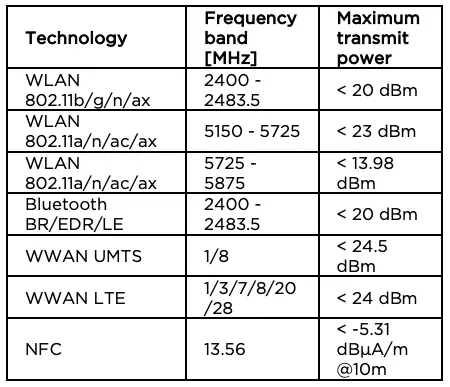
This radio equipment operates with the following frequency bands and maximum radio-frequency power:
E-manual

Lenovo ThinkPad T490s Setup Manual – Optimized PDF
Lenovo ThinkPad T490s Setup Manual – Original PDF