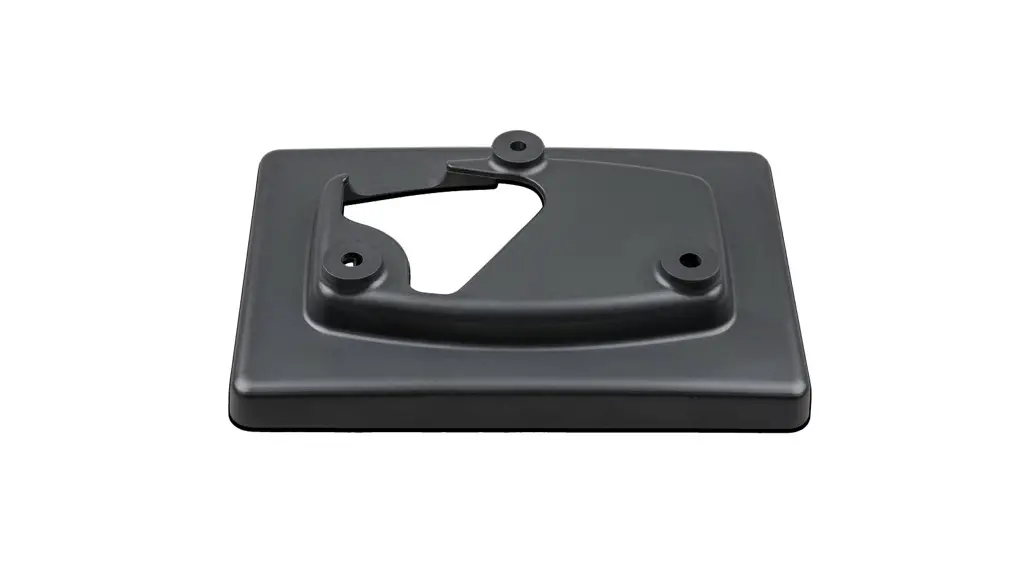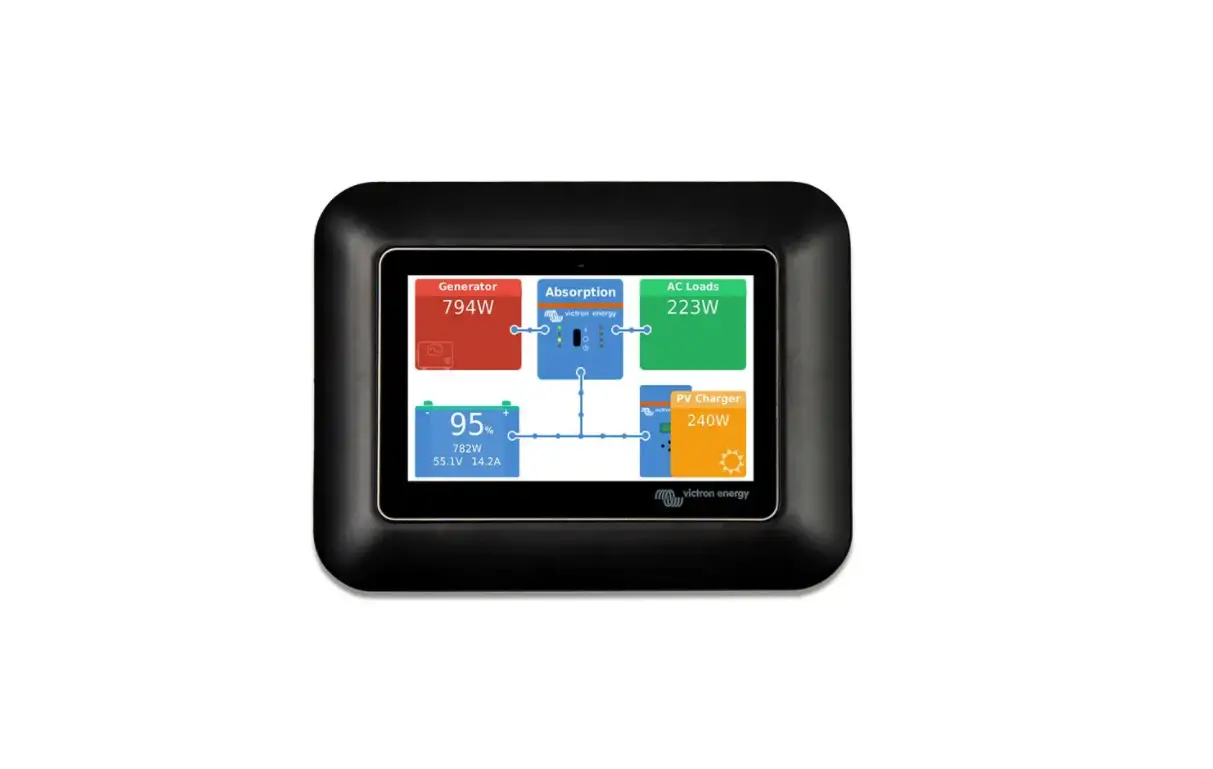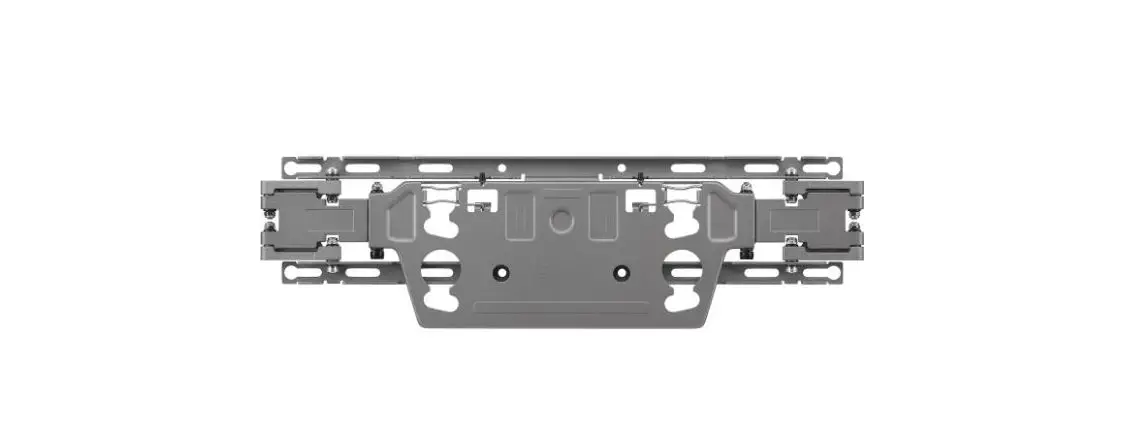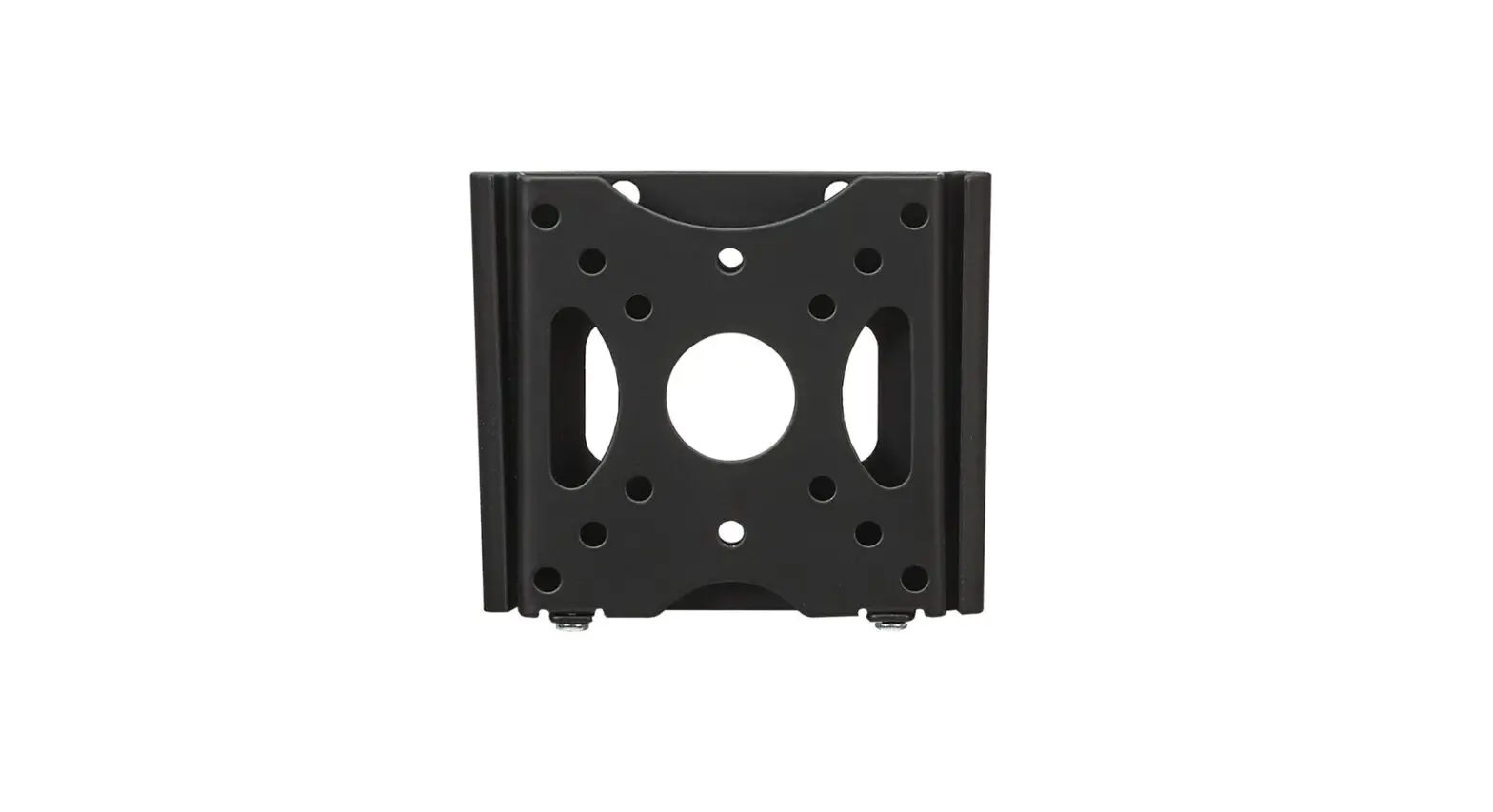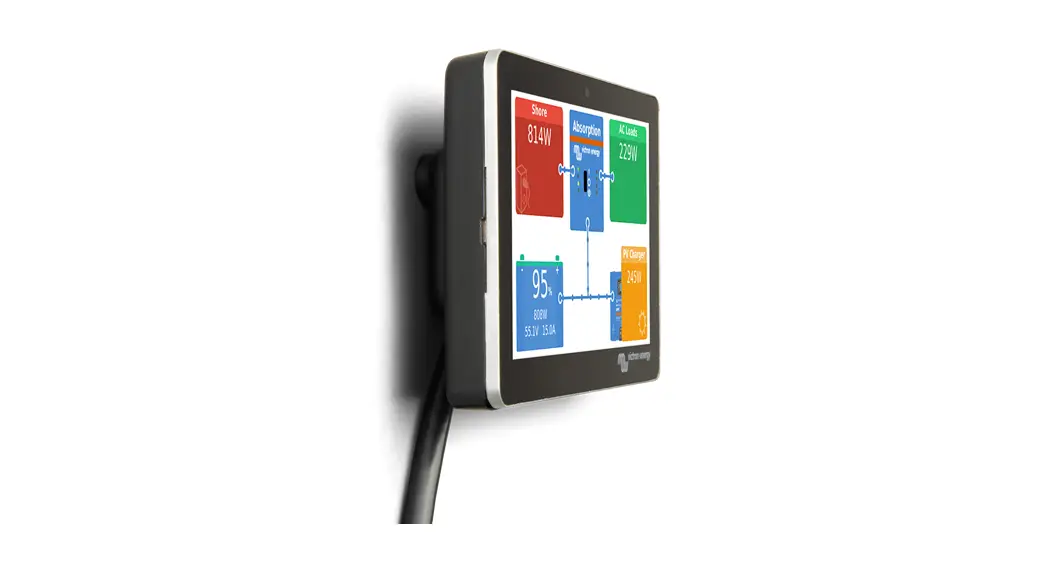

GX Touch 50 Wall Mount
www.victronenergy.com
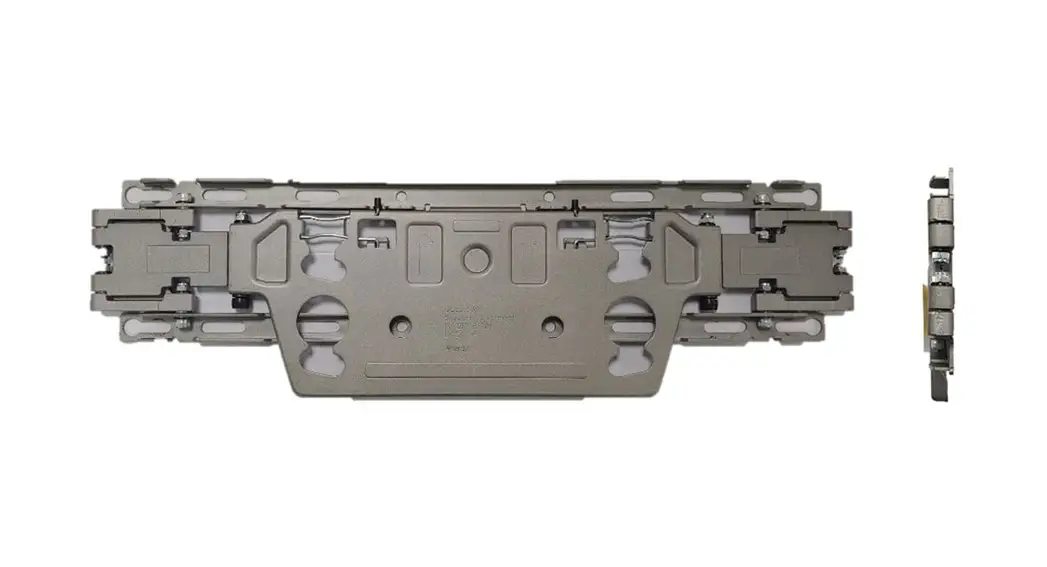
Installation Instructions for GX Touch 50 Wall Mount (BPP900465050)
 |  |
 |  |
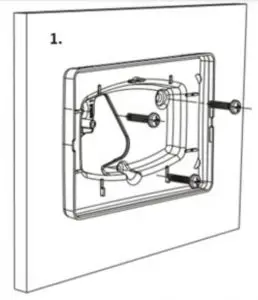
1. Assemble Wall Mount to the wall using 3 screws
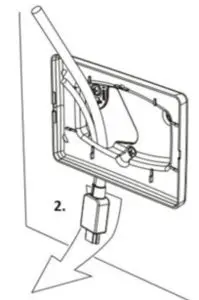
2. Pull display cable through the opening
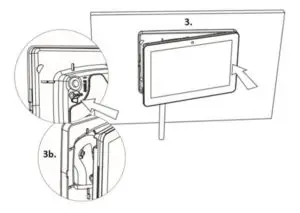
3. Insert display right side in Wall Mount Optional: fold cable around pin for additional pull relief
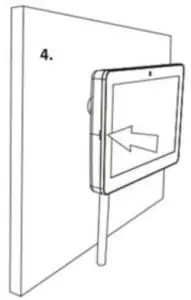
4. Press display left side into place
Victron Energy B.V. | De Paal 35 | 1351 JG Almere | The Netherlands
General phone: +31 (0)36 535 97 00 | E-mail: [email protected]
www.victronenergy.com