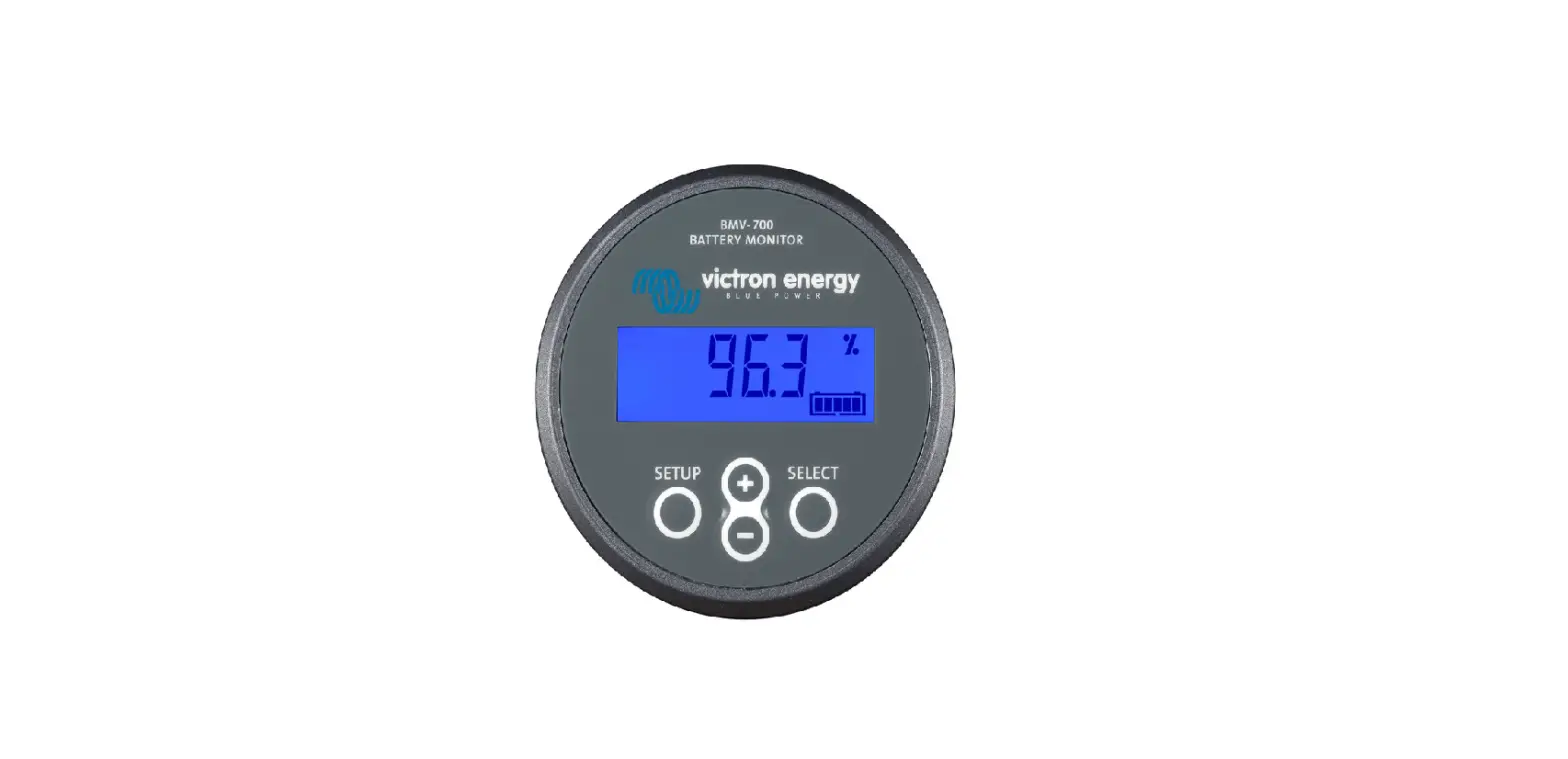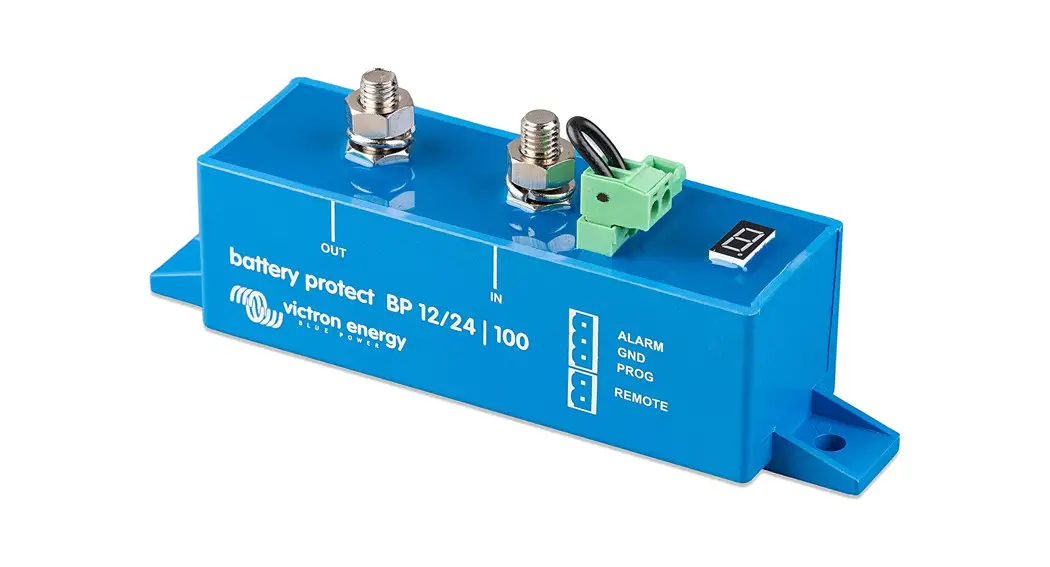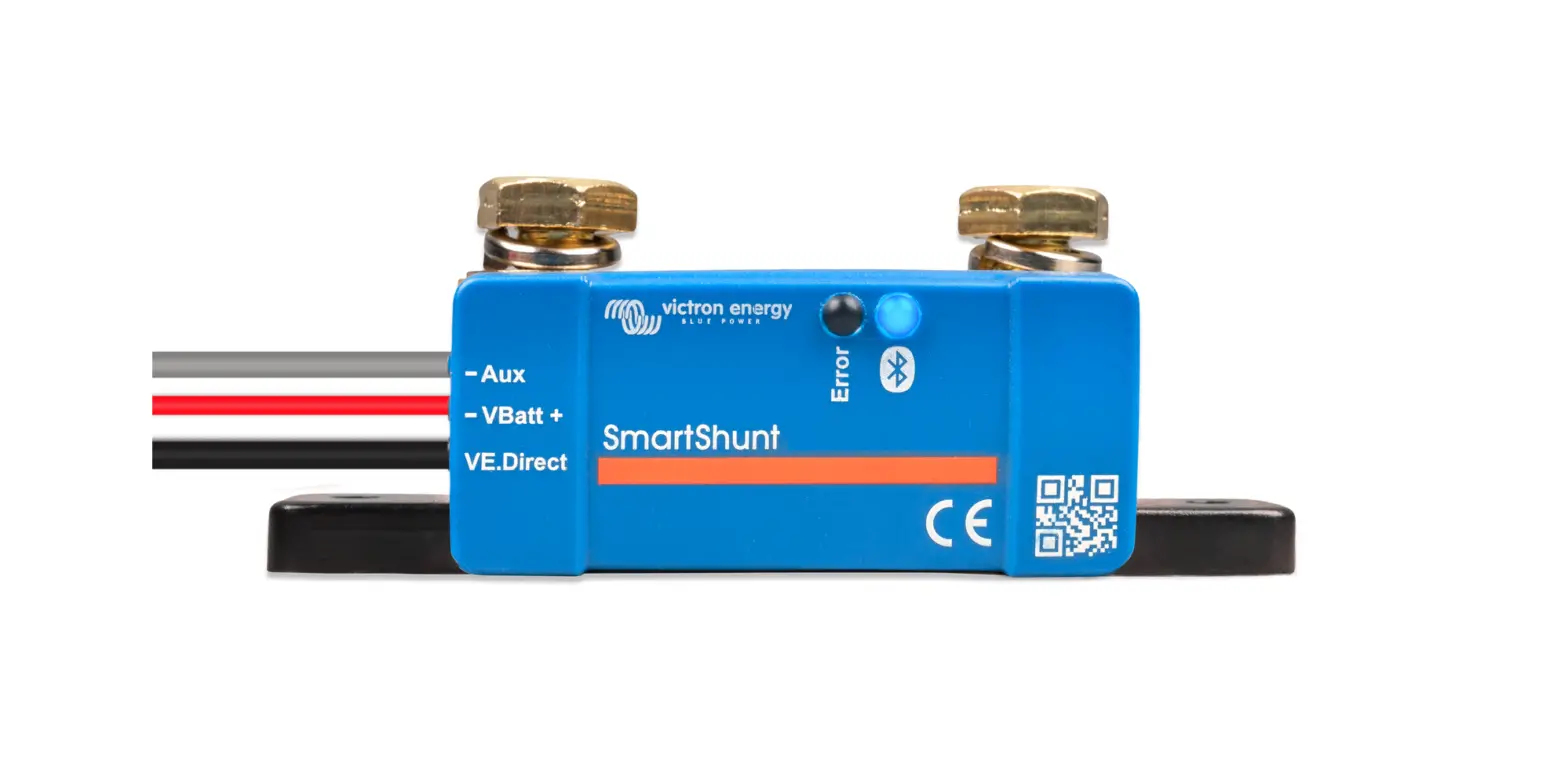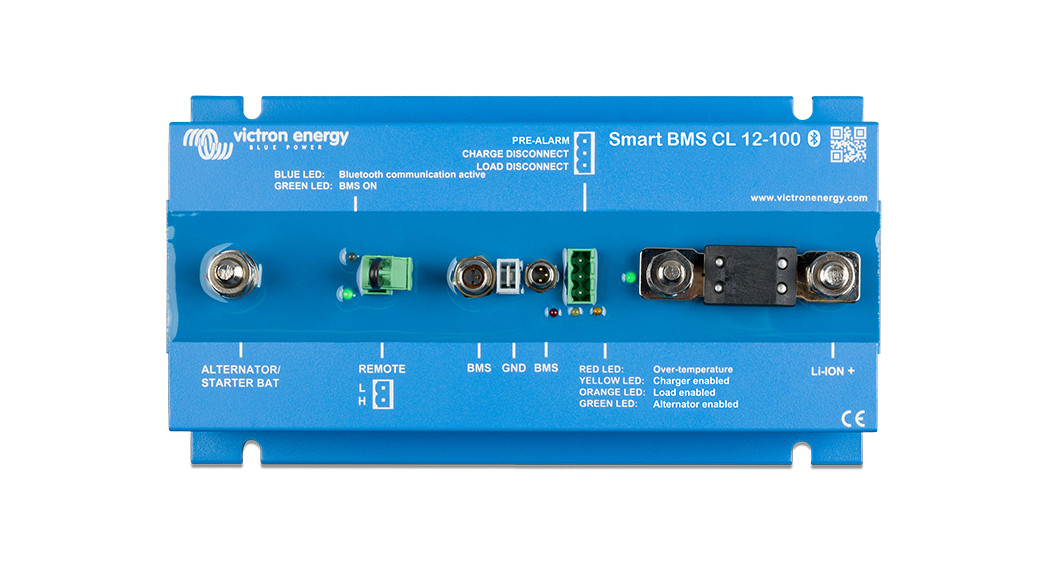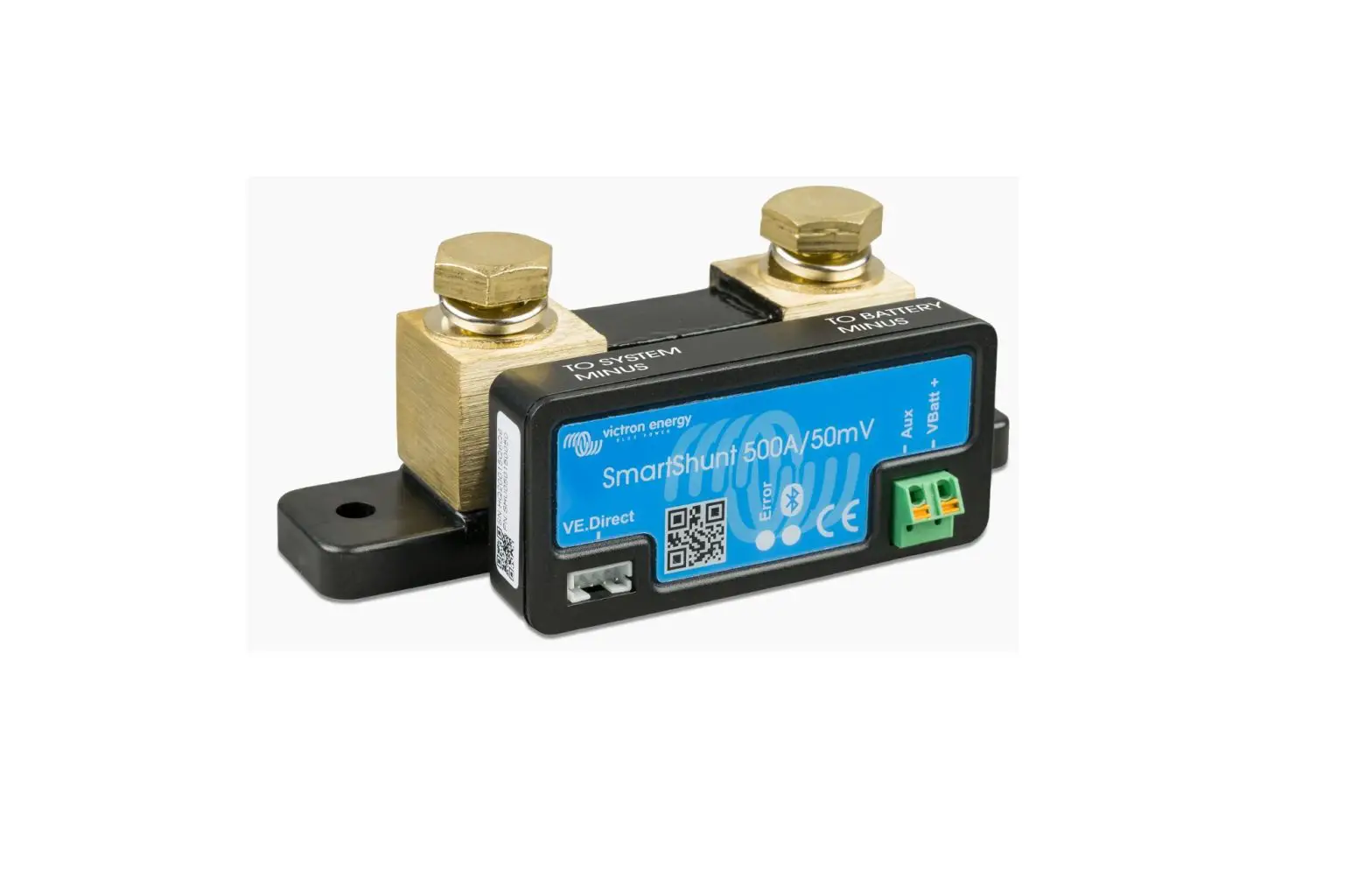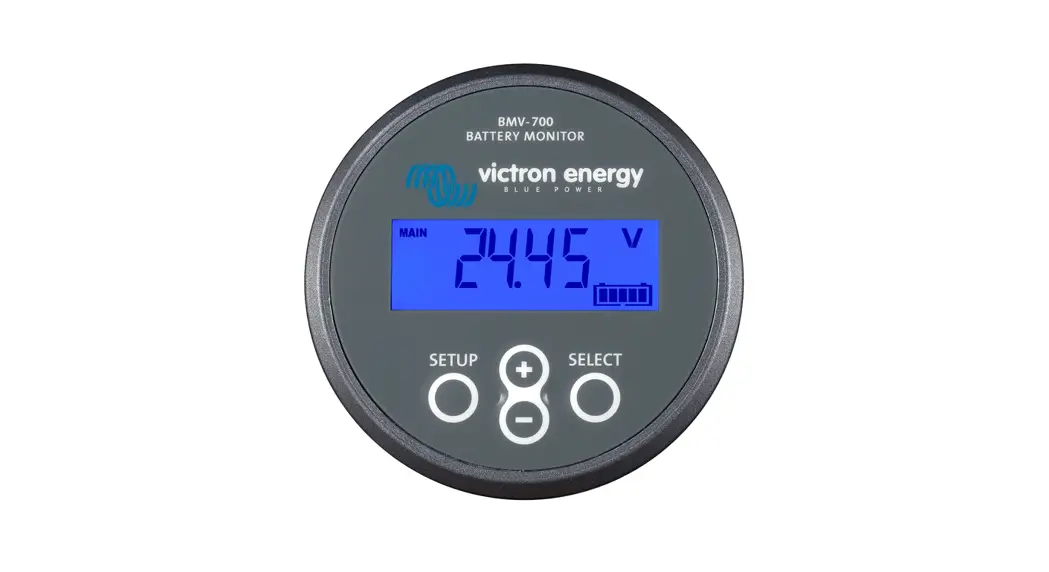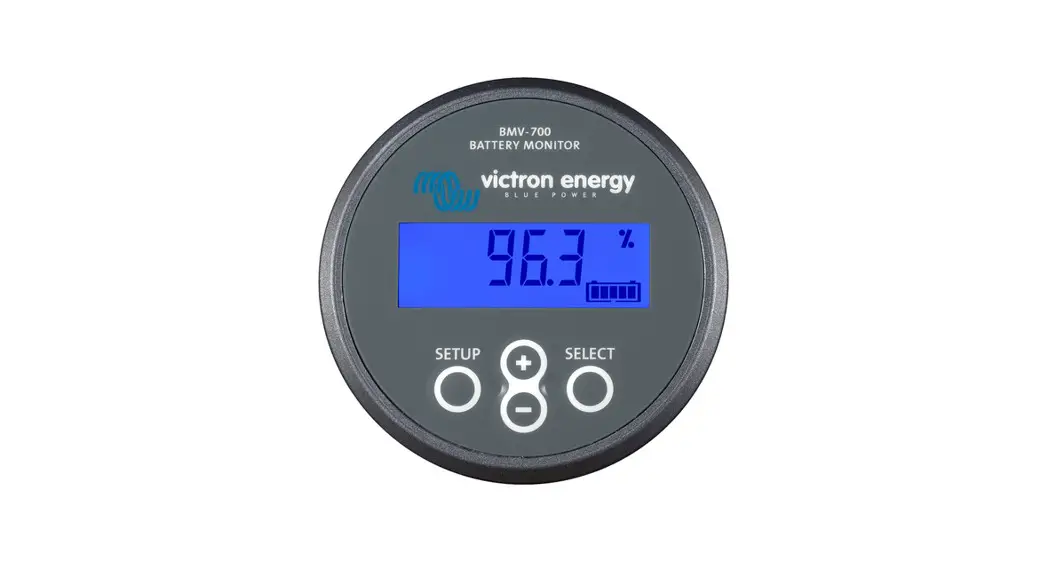

BMV 700
Quick installation guide
 Battery safety warnings
 Battery safety warnings
 – Working in the vicinity of a lead-acid battery is dangerous. Batteries can generate explosive gases during operation. Never smoke or allow a spark or flame in the vicinity of a battery. Provide sufficient ventilation around the battery.
– Wear eye and clothing protection. Avoid touching eyes while working near batteries. Wash your hands when done.
– If battery acid contacts skin or clothing, wash them immediately with soap and water. If acid enters an eye, immediately flood the eye ith running cold water for at least 15 minutes and get medical attention immediately.
– Be careful when using metal tools in the vicinity of batteries. Dropping a metal tool onto a battery might cause a short circuit and possibly an explosion.
– Remove personal metal items such as rings, bracelets, necklaces, and watches when working with a battery. A battery can produce a short circuit current high enough to melt objects such as rings, causing severe burns.
– Disconnect the negative pole of the battery before installation.
Battery monitor BMV contents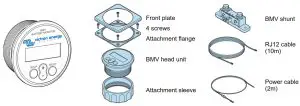
Full manual available online

BMV and mounting dimensions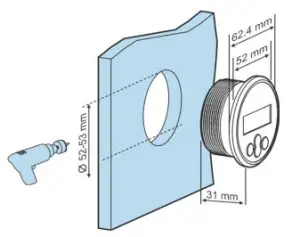
Mounting option A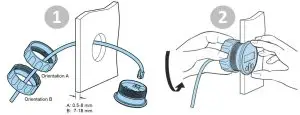
Mounting option B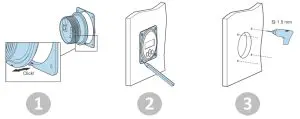 BMV connections
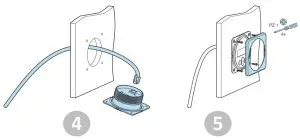
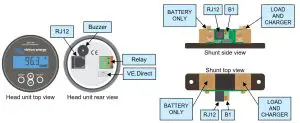
BMV connections
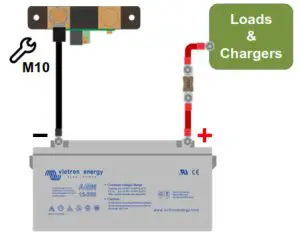 Battery negative connection | 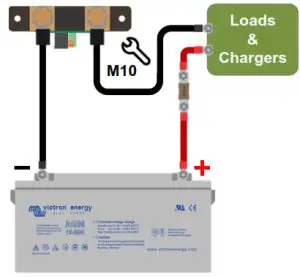 System negative connection |
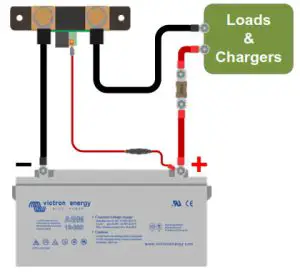 Power cable connection |
|
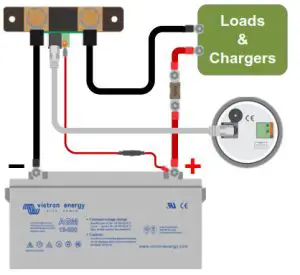 Head unit connection
Make essential settings
Set the battery capacity
- Press any button
- Use + and – to enter the value of the first digit
- press select to go to the next digit
- Repeat until all 4 digits have been entered
- Press select to store setting, you will hear a beep
- Press setup to next setting
Make lithium settings
Additional settings if lithium batteries are used
- Set the charge efficiency at 99%
- Set the Peukert exponent at 1.05
Connecting to a GX monitoring device
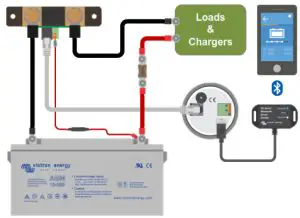
|  https://ve3.nl/VictronConnect-manual https://ve3.nl/VictronConnect-manualVictronConnect • The VictronConnect App can be used for monitoring or for changing settings |
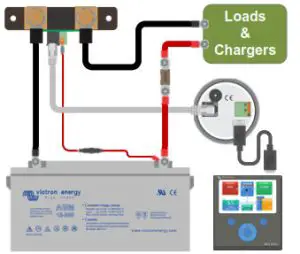
• Connect the (not included) VE. Direct Bluetooth Smart dongle ASS030536011 to the VE.Direct the terminal of the BMV
| 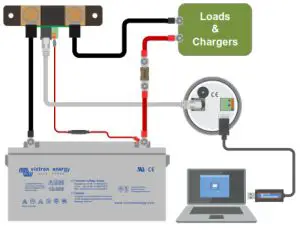 VictronConnect via USB • Connect the (not included) VE. Direct to USB |
 BMV-700 - Victron Energy