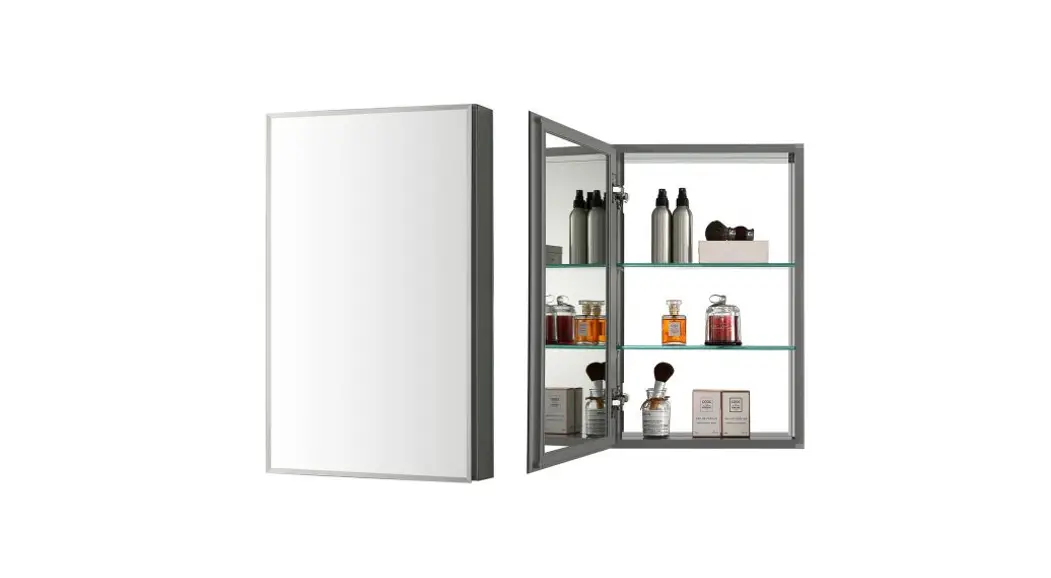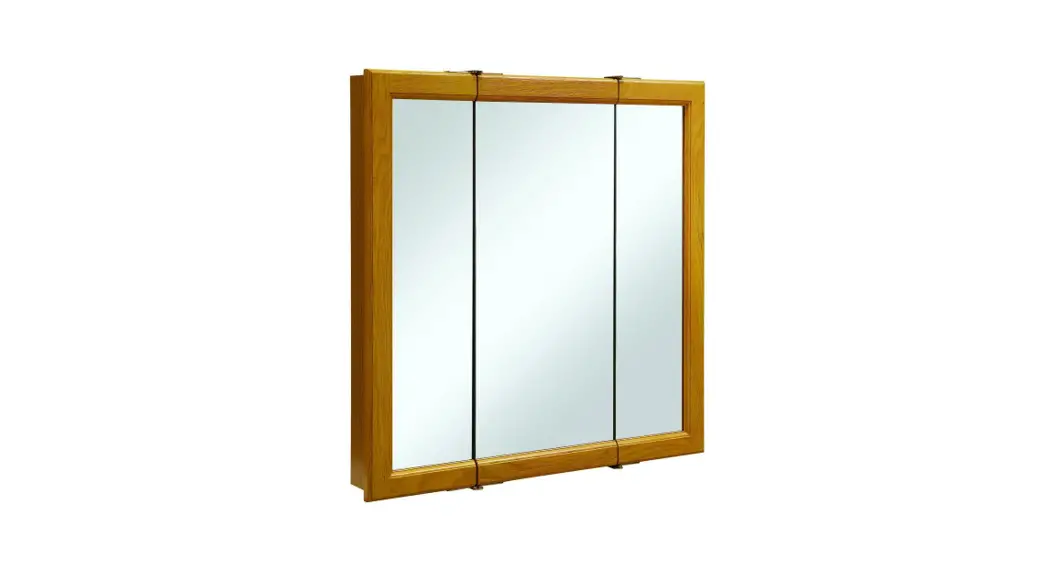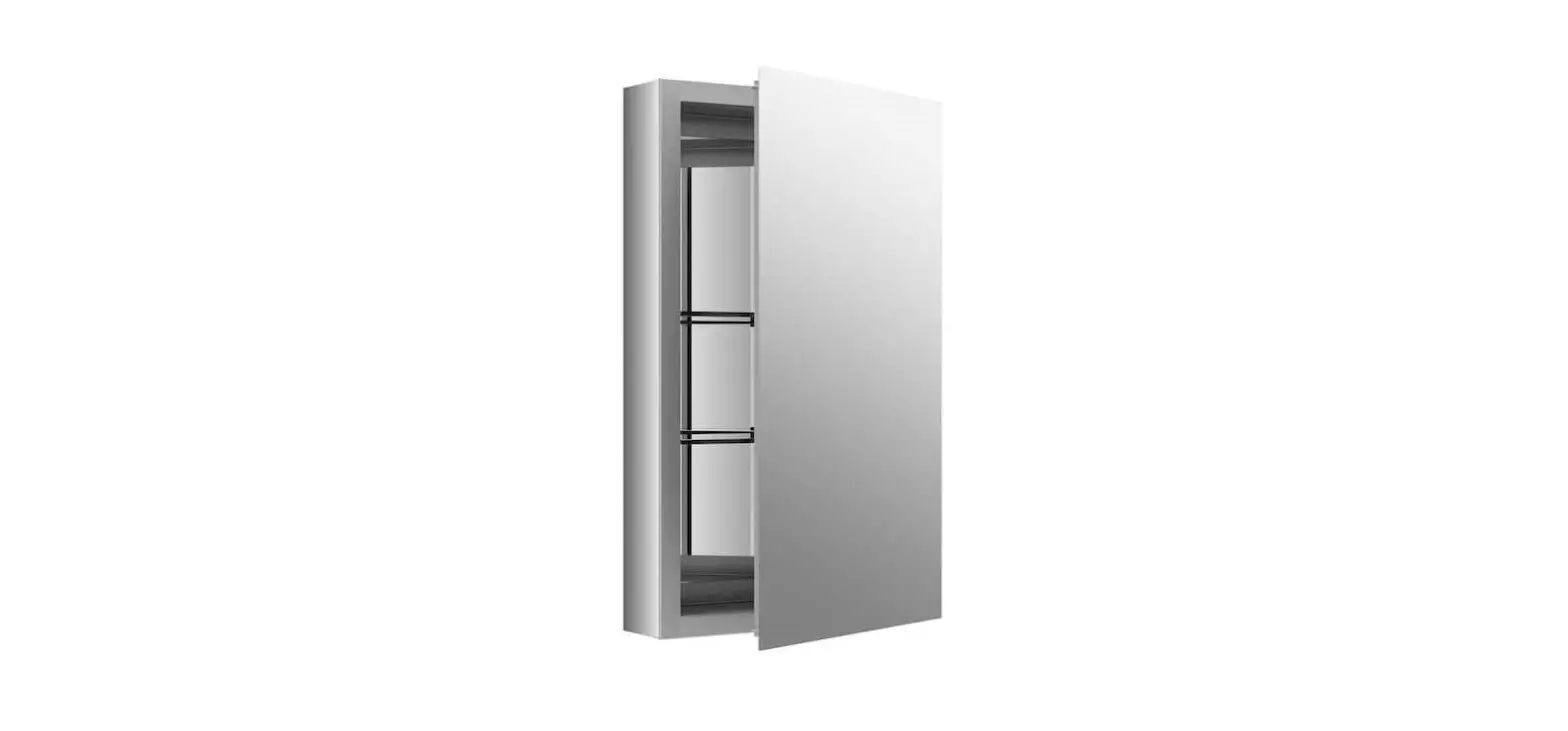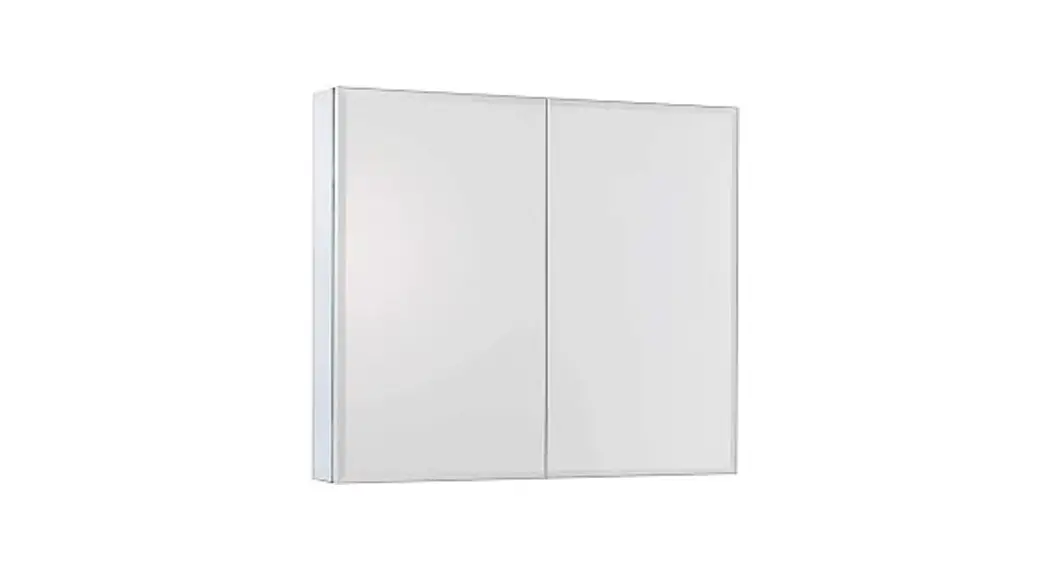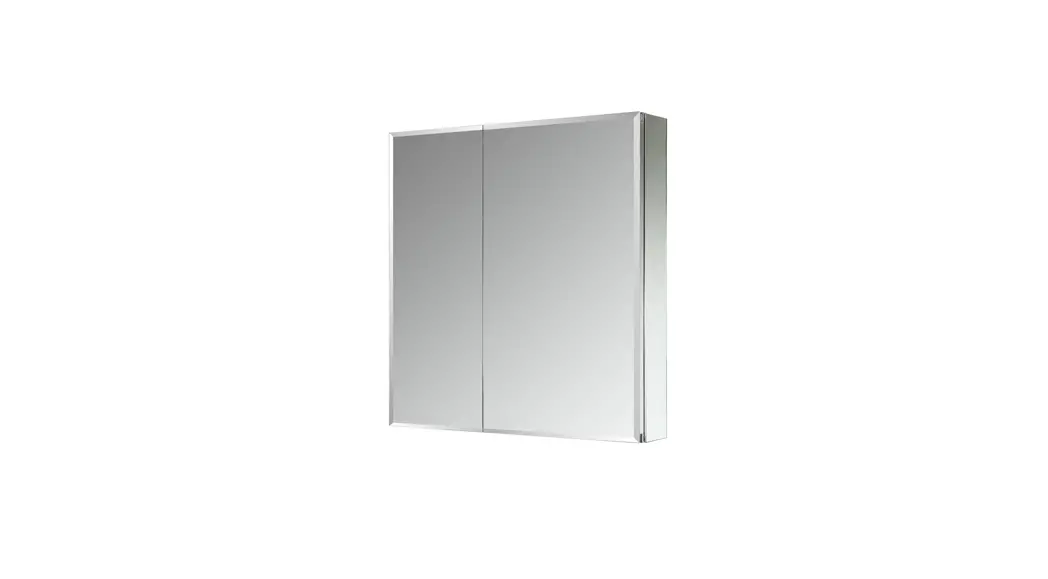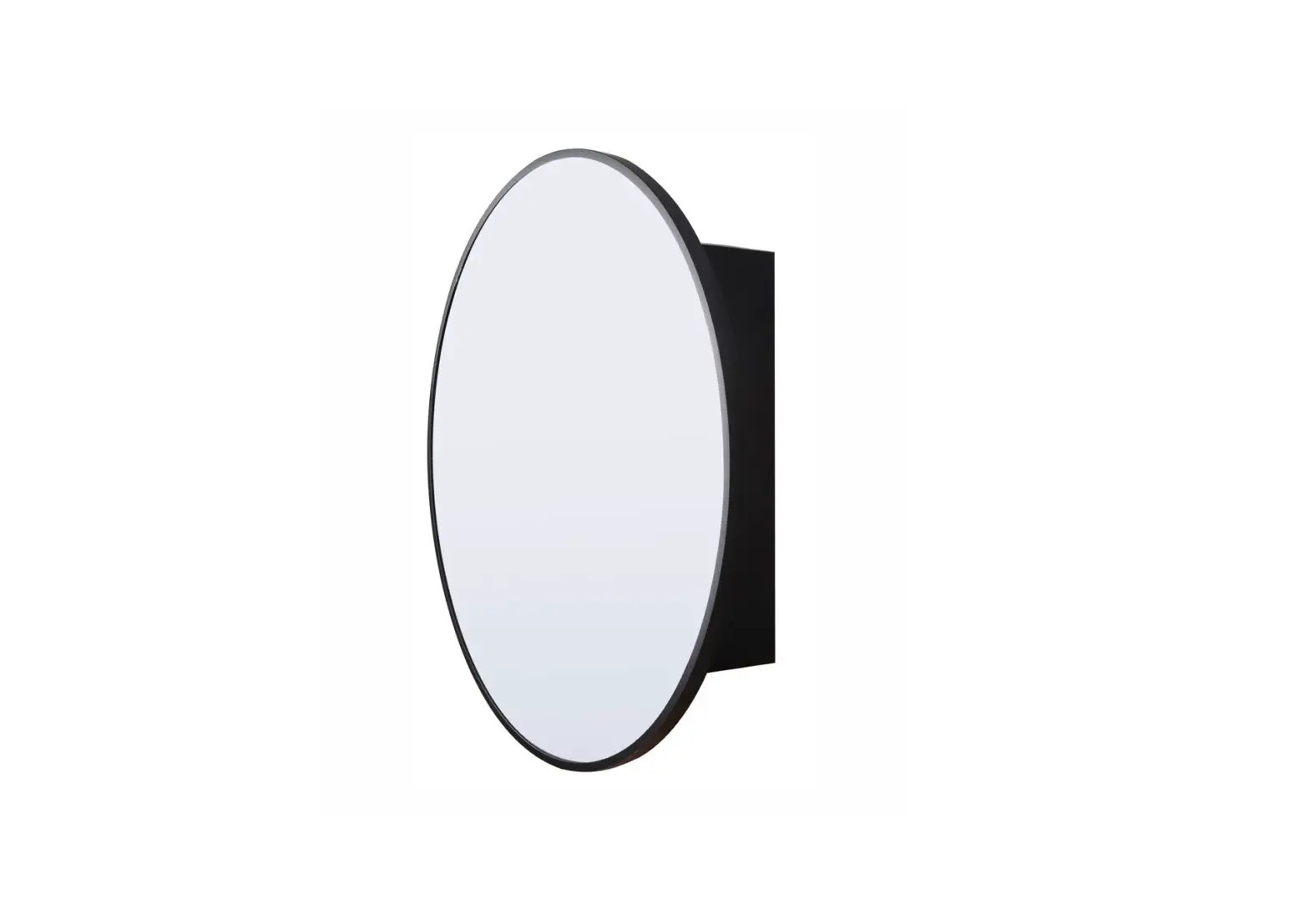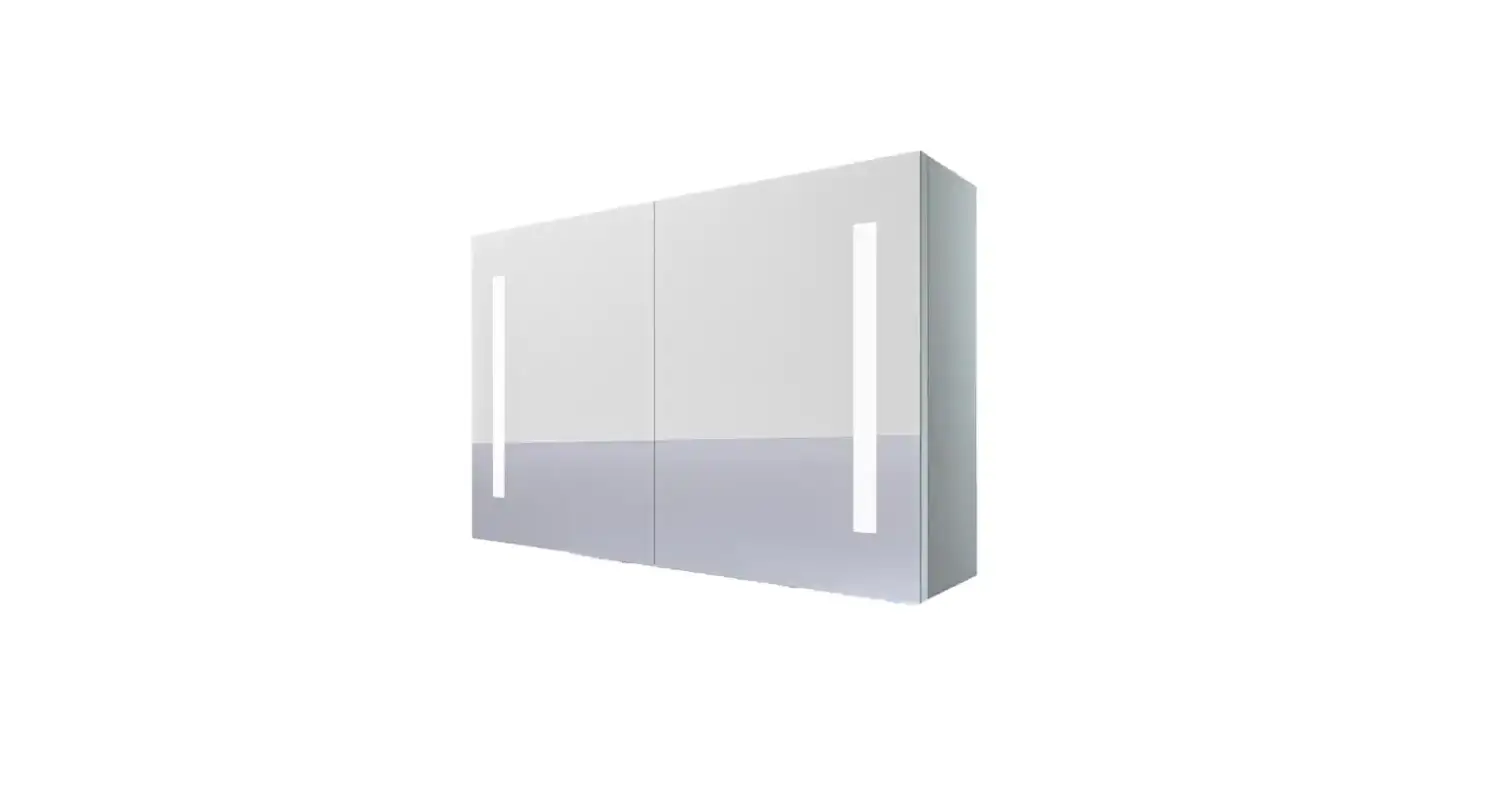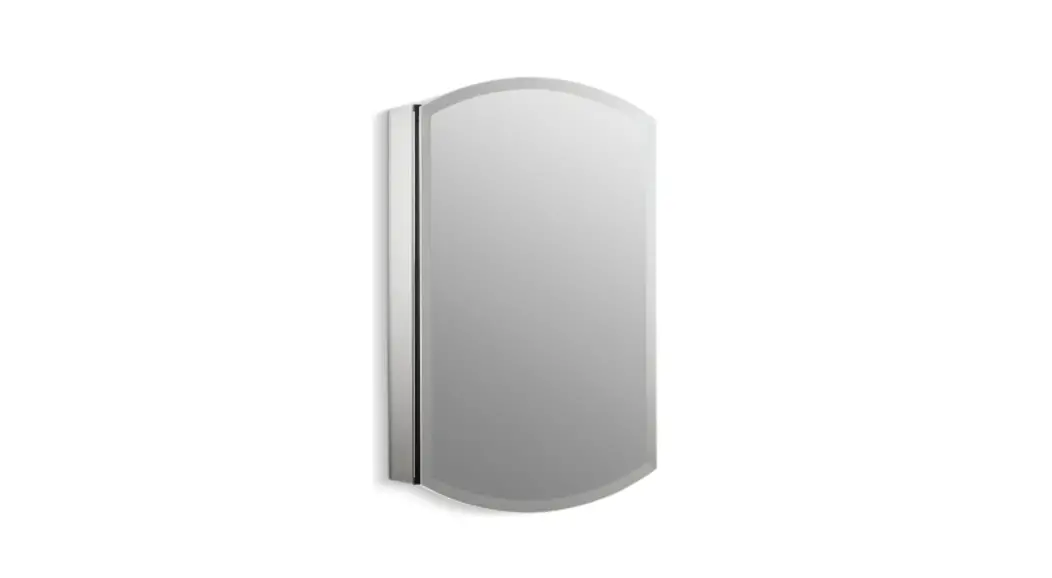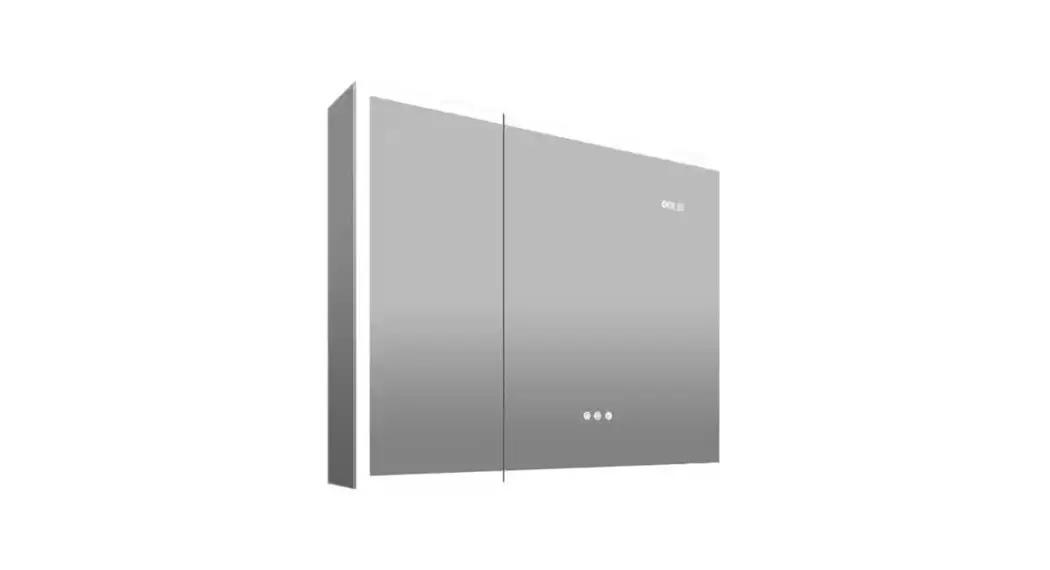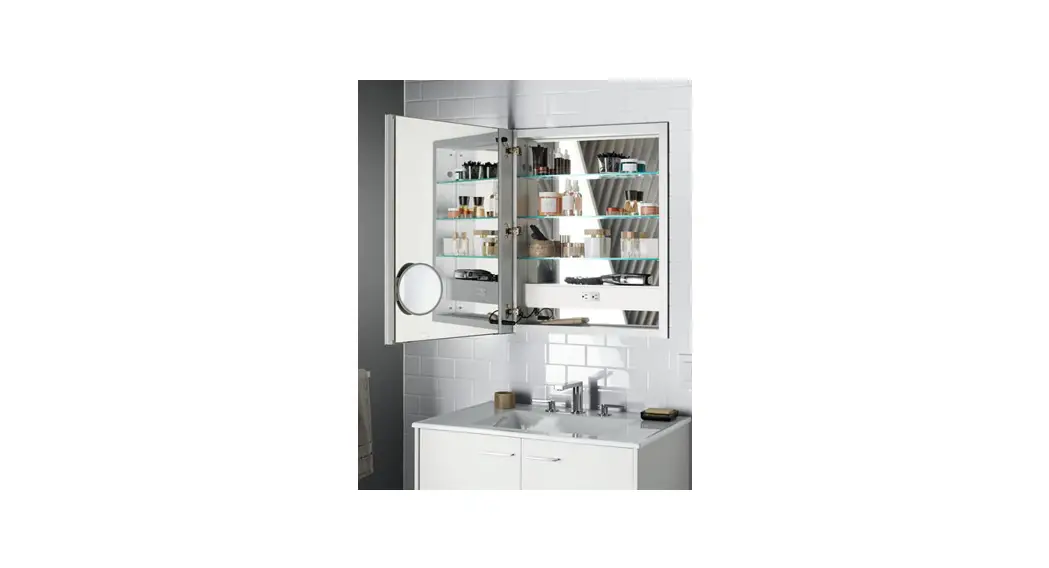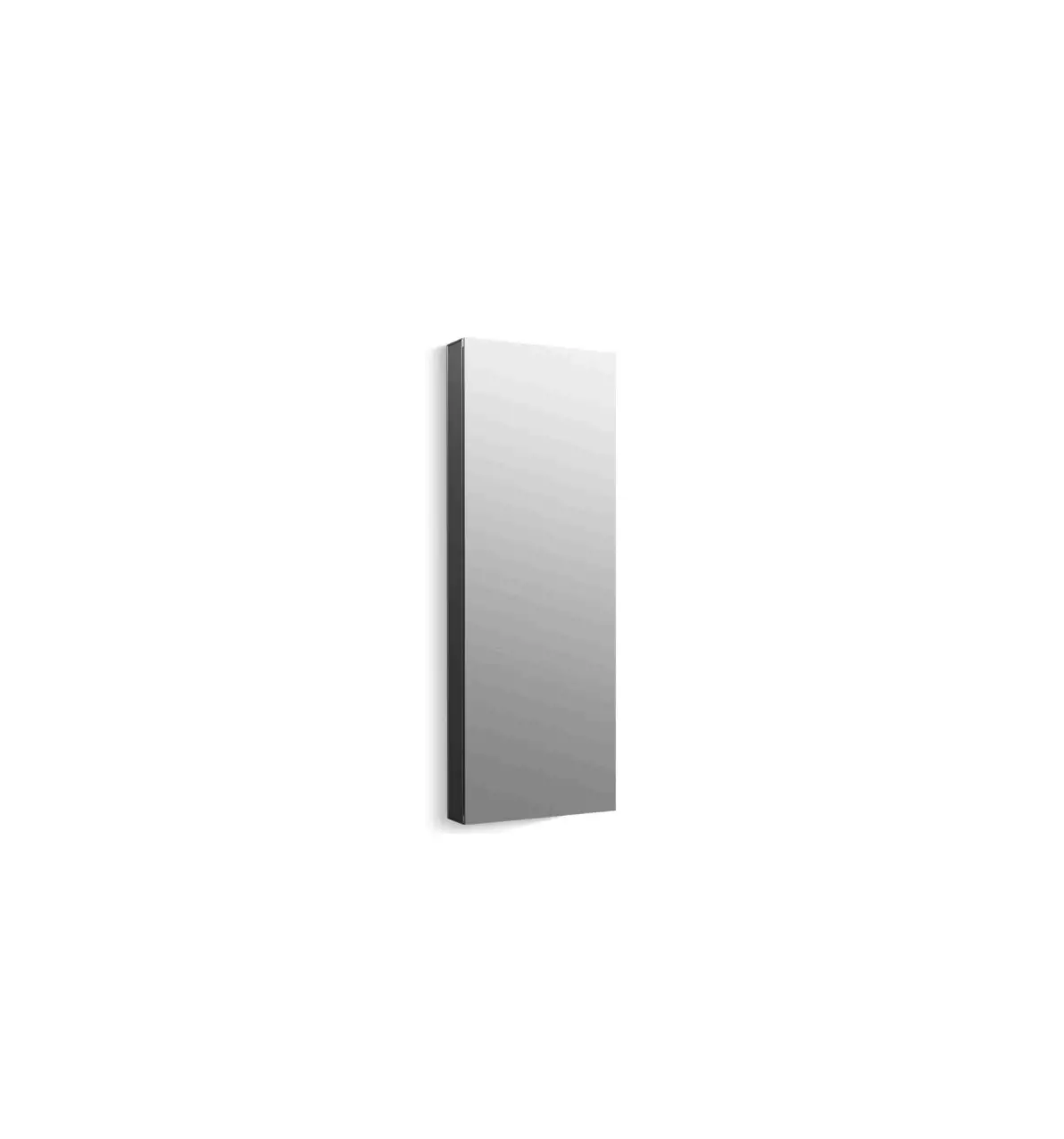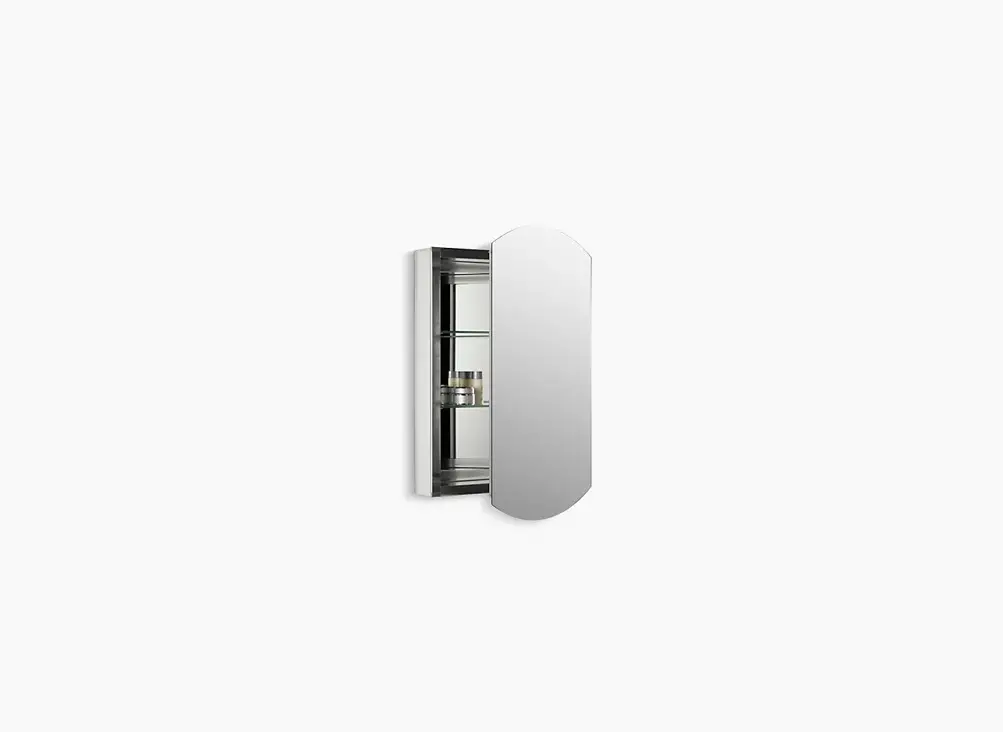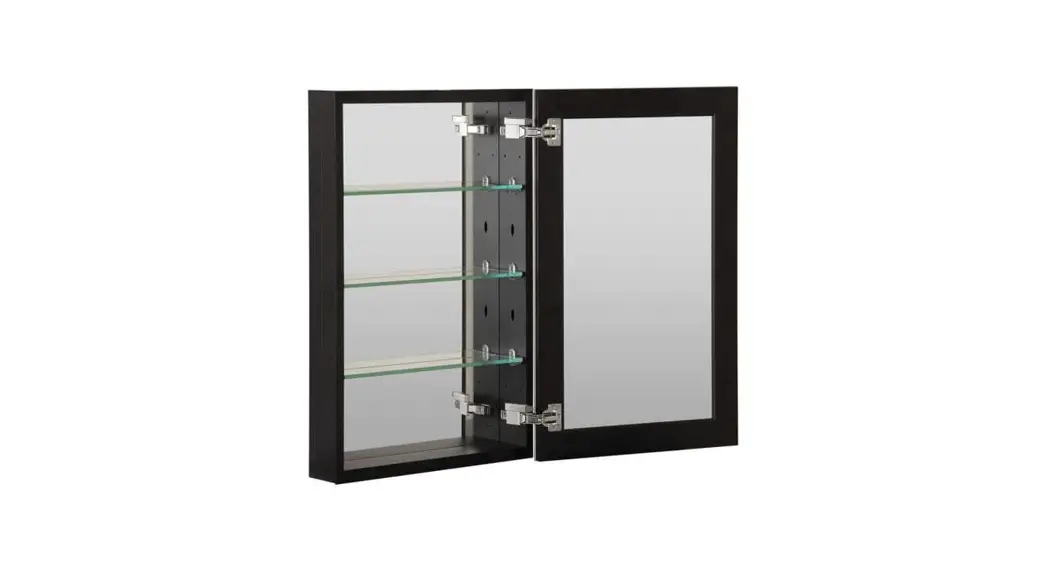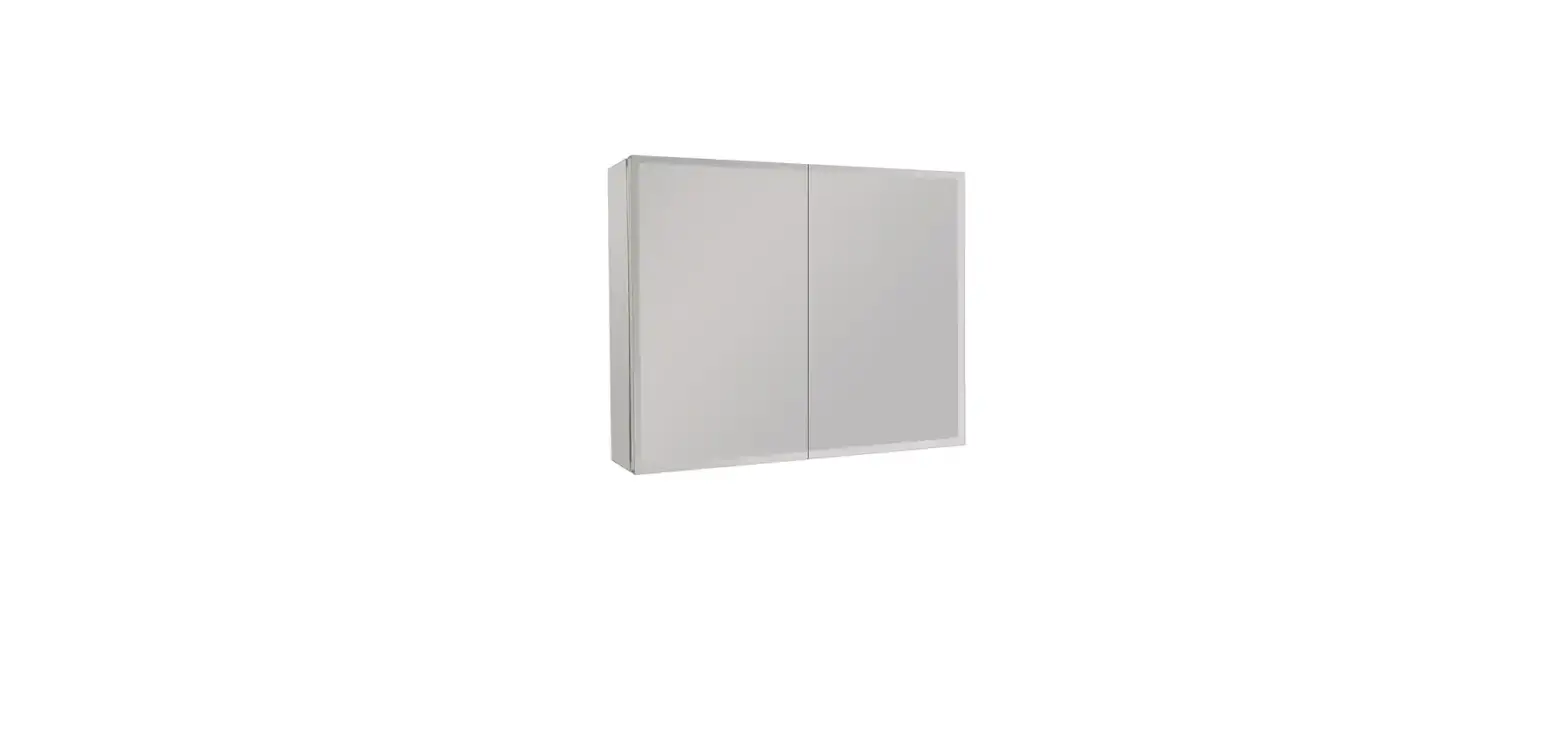

EPOWP MC635 Aluminum Medicine Cabinet
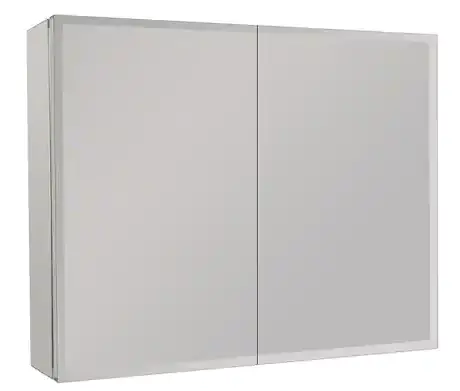
List of Parts
- Cabinet x 1
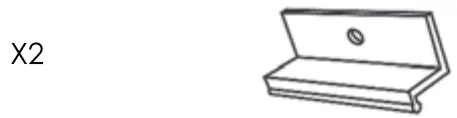
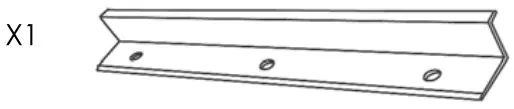
- Top Bracket Soporte superior Support superieur

- Bottom Bracket Soporte inferior Support inferieur

- Side Mirror Side Mirror Miroir lateral


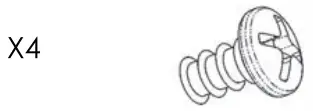
- A. Side Mirror Screw Tomillo para el lateral del espejo Vis pour miroirs lateraux

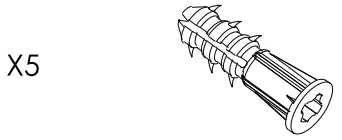
- B. Wall Anchor Anclaje de pared Cheville murale

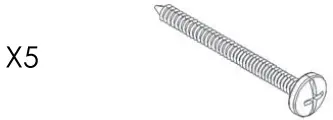
- C. Mounting Screw Tomillo de montaje Vis de montag

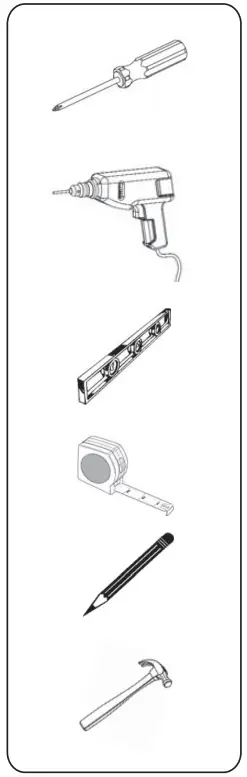
Tools Needed
Rough Wall Opening
| Overall Size | Rough Wall Opening |
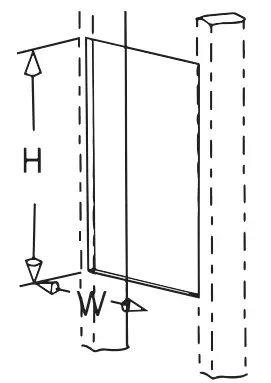
| 30 in.(W) X 26 in.(H) X 5 in.(D) | 29-1/4 in(W) X 25-5/16 in. (H) X 3-7/8 in. (D) |
Use a 1/4 in. (6 mm) drill bit for drywall anchor installation. Use a 1/8 in. (3mm)drill bit for direct stud installation.
NOTE: If installing into material other than drywall or into a stud, consult a professional for proper installation.
Step 1
Measure and mark two bottom mounting holes on the wall corresponding to the pre-drilled hole locations in the bottom mounting bar.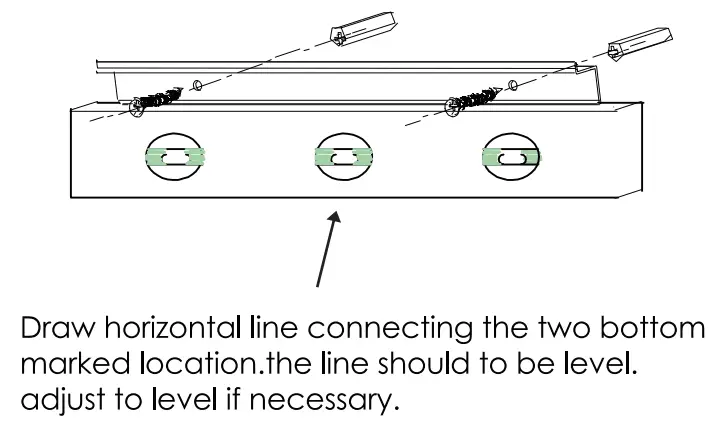 Use a 1/4 in. (6 mm) drill bit for drywall anchor installation. Use a 1/8 in. (3mm) drill bit for direct stud installation.
NOTE: If installing into material other than drywall or into a stud, consult a professional for proper install-lation.
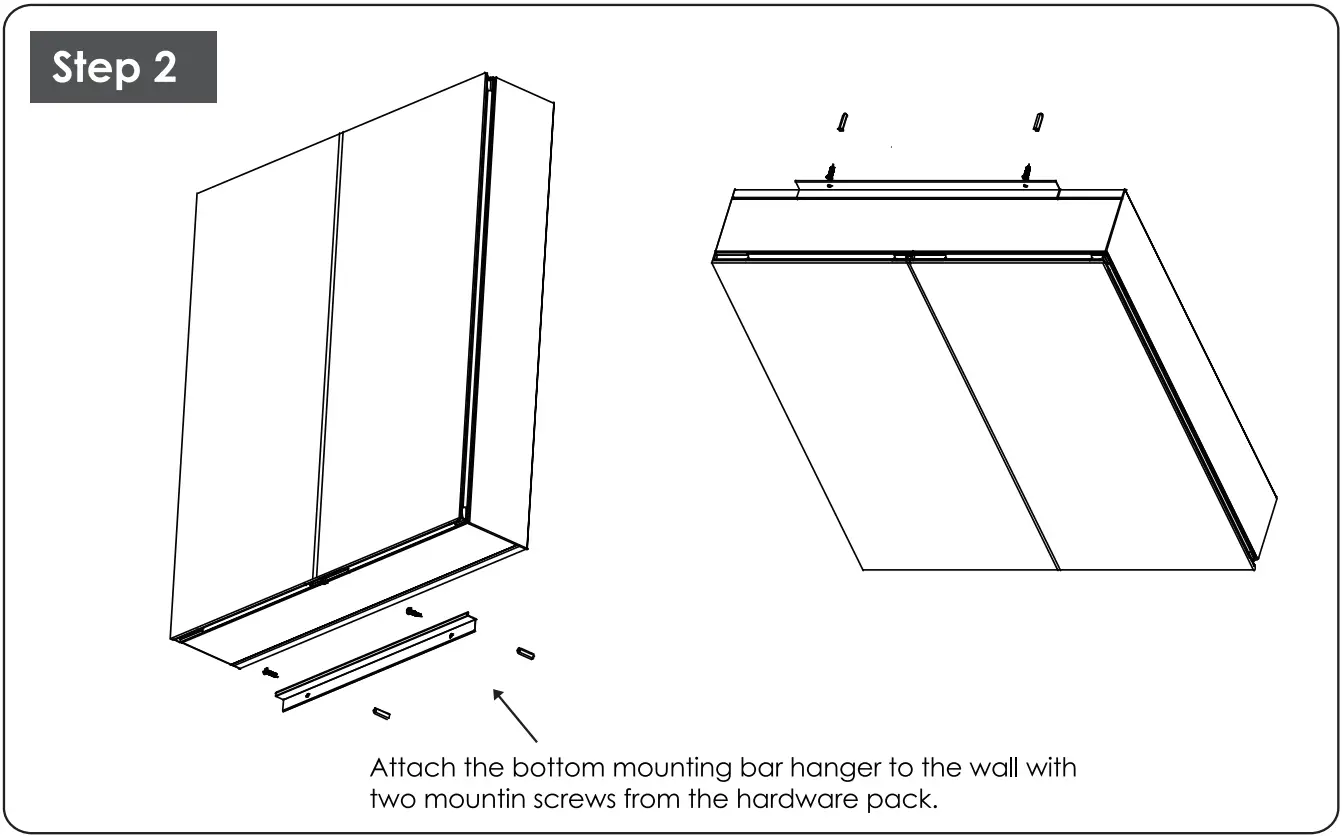
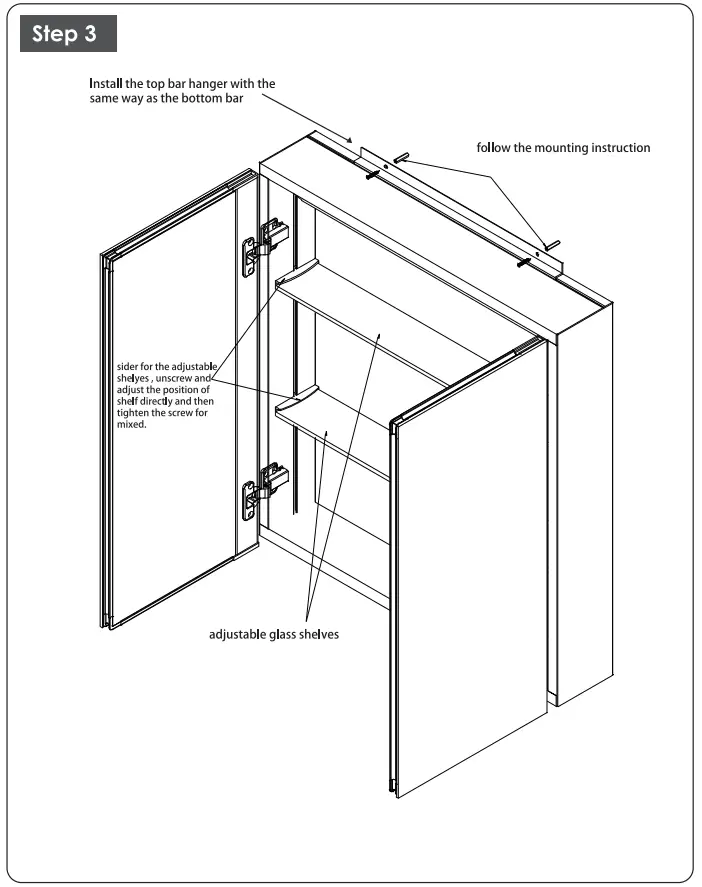
Put the cabinet on the bottom bar hanger and hold the cabinet, please make sure that the hanger must match the track from the bottom board of the cabinet
RECESS MOUNT INSTRUCTIONS
NOTE: Rough opening is not an exact measurement. The extra space allows the cabinet to be inserted into the opening. Add shims to level and tighten space if necessary. Additional framing might be required.
STEP 1
NOTE: Before cutting the rough opening, check for pipes, electrical cables, or heating ducts. If it is required to remove part of the stud, make sure that the wall is not a load-bearing wall. Prepare the opening in the wall for the cabinet body. Make sure that there is support on both sides of the opening to attach the cabinet body, as shown.
NOTE: The cabinet height should be a minimum of 2 in. above the faucet.
STEP 2
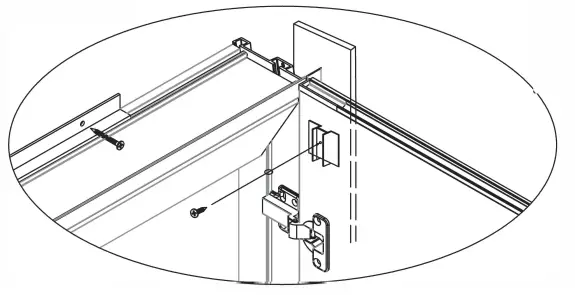
Position the cabinet body in the rough wall opening. Make sure that the cabinet body flange covers the wall opening uniformly. Secure both sides of the cabinet body to the wall supports using mounting screws.
NOTE: The cabinet body must be level for the door to work properly.
SHELF ADJUSTMENT
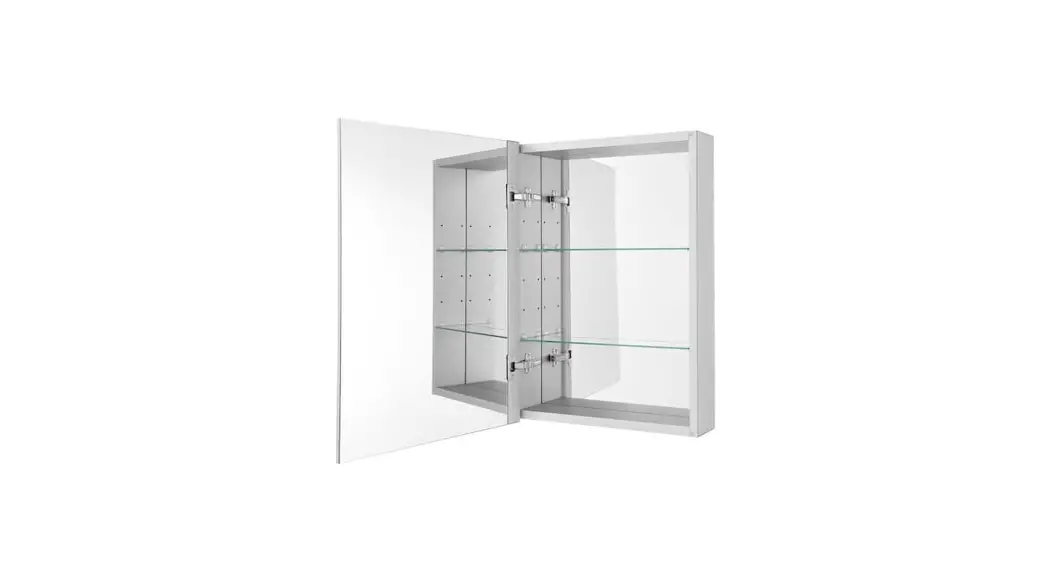
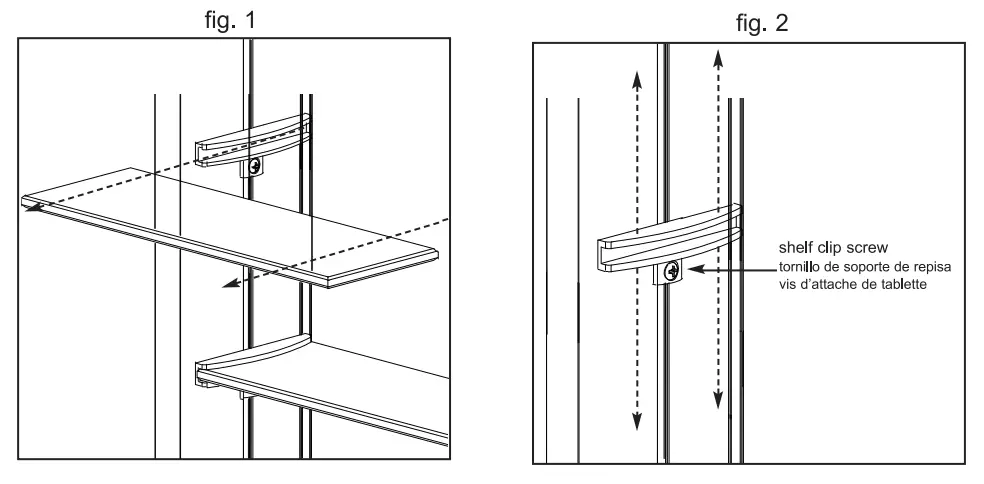
For your convenience, adjustable shelves have been pre-installed. In order to adjust shelf location:
- Carefully slide the shelf out from the shelf clips. See fig.1.
- Loosen each shelf clip screw (two for each shelf) and slide to the desired location. See fig 2.
- Carefully slide the shelf into the shelf clips making sure the shelf is level and retighten shelf clip screws.
HINGE ADJUSTMENT
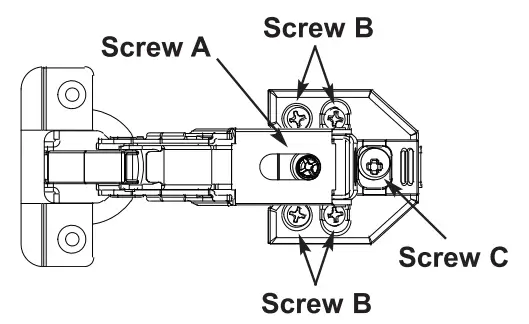
SIDE-TO-SIDE: The door is adjustable from side to side by turning screw A clockwise or counterclockwise.
UP-DOWN: Loosen screw B on both the top and bottom of the hinge plate. Raise or lower the door to the desired position and re-tighten both screws.
IN-OUT: Loosen screws C on both top and bottom hinges. Move the door in or out to desired position and re-tighten.