
DIGITUS DA-73300-2 USB 3.0 Sharing Switch
INTRODUCTION
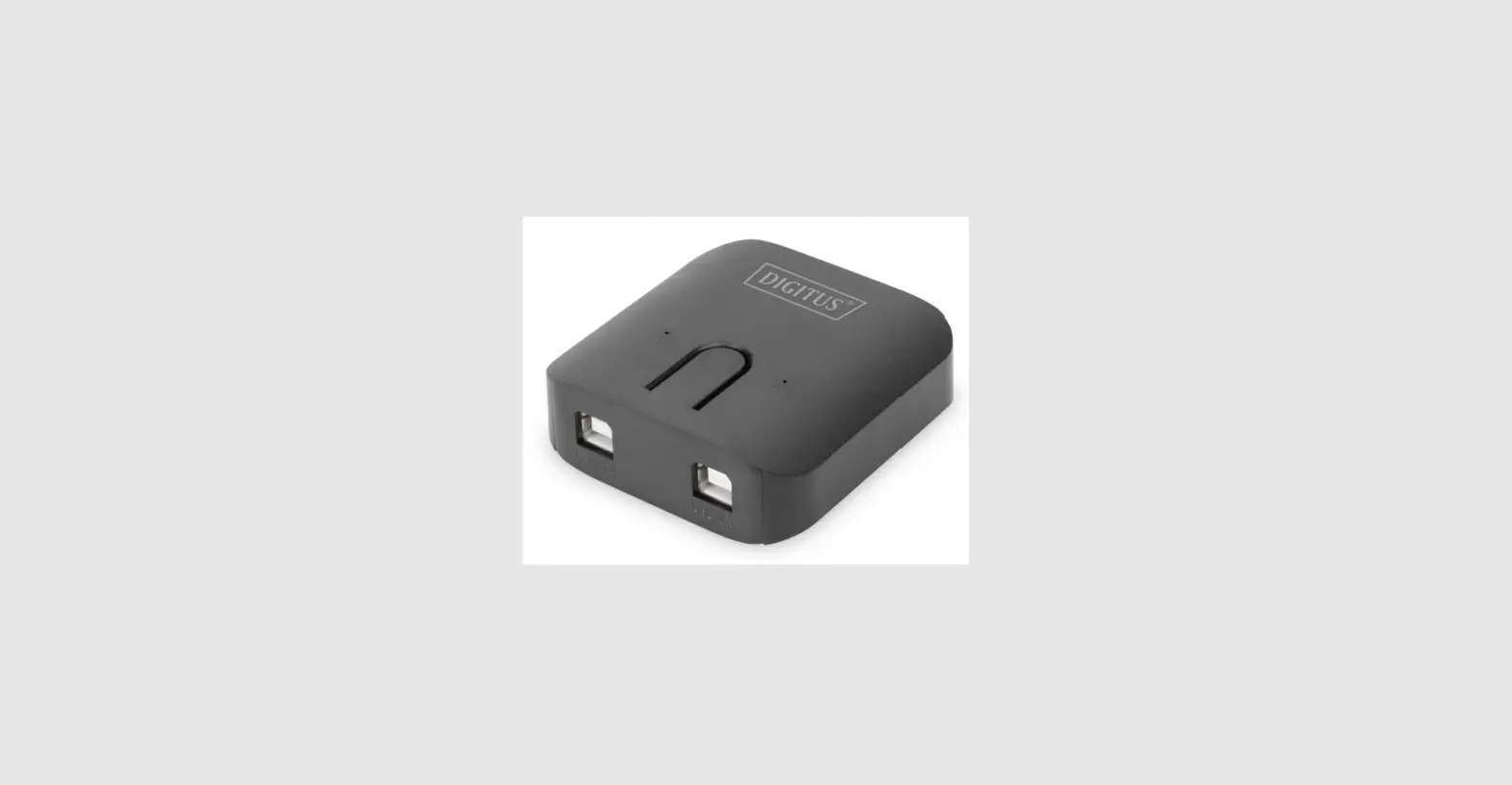
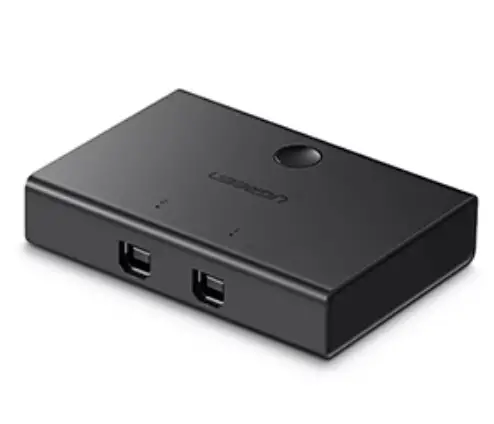
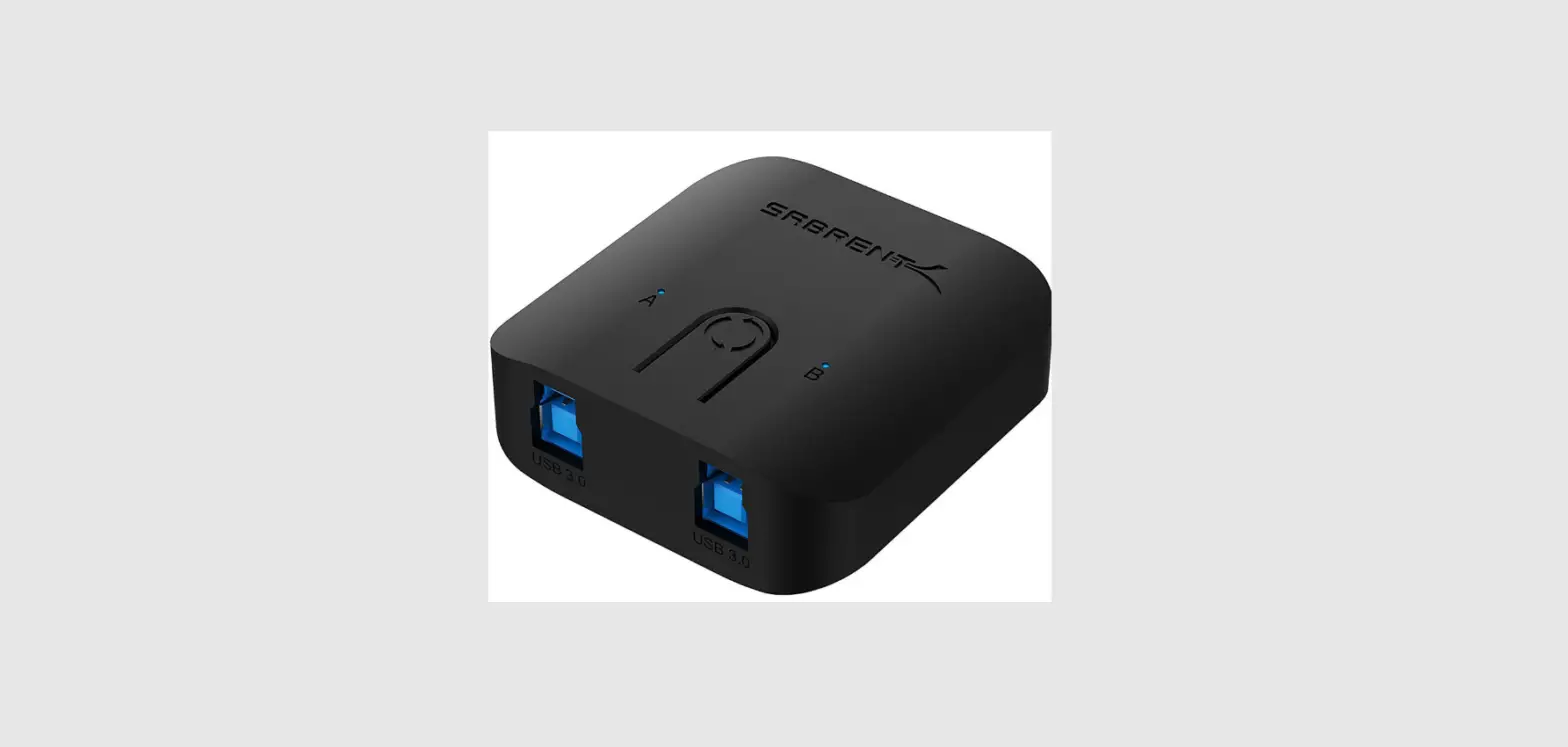
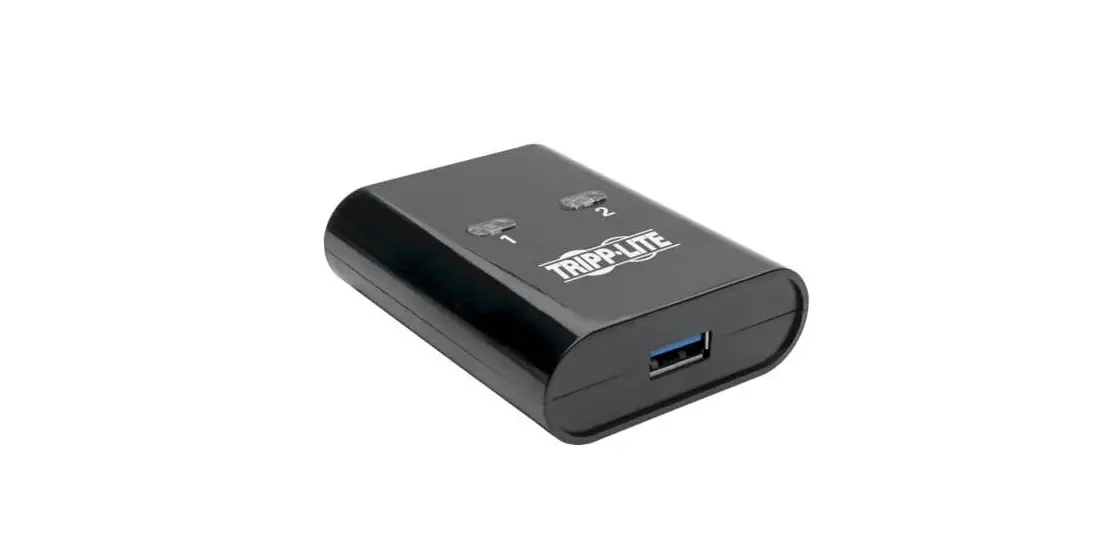
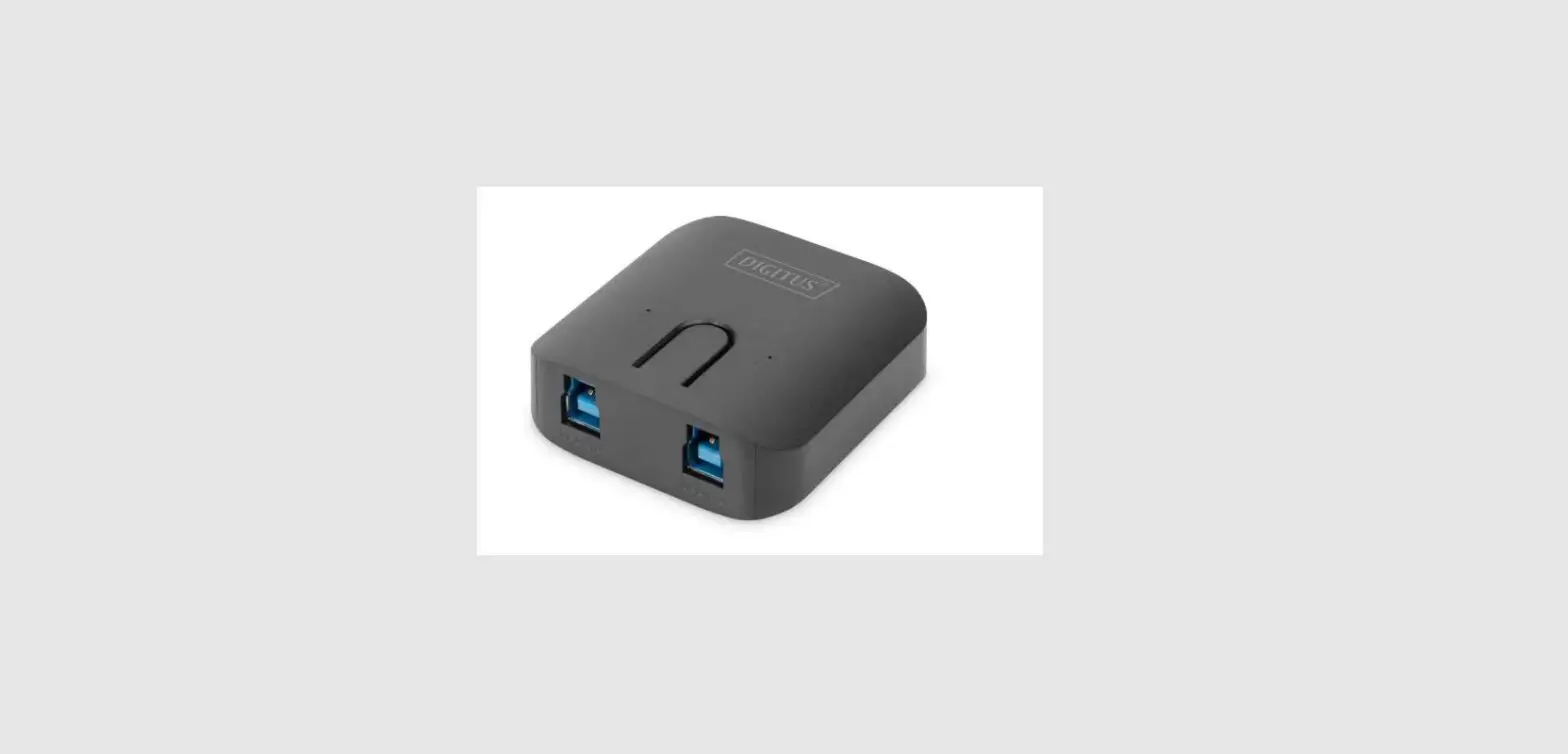
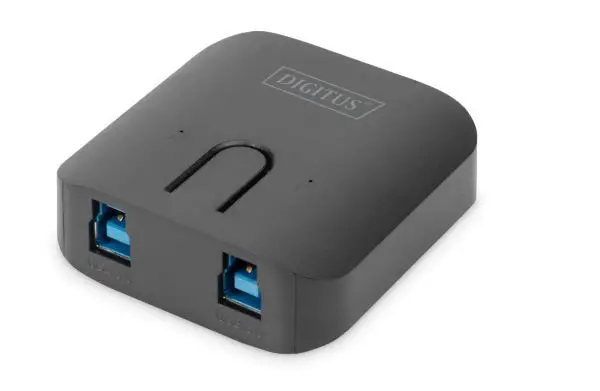
DA-73300-2 USB 3.0 Sharing Switch allows maximum of two PCs to share one port device connected. It provides a great solution to share USB devices between two PCs to save the limited budgets on USB devices and the effort to do the hot-plug process.
SPECIFICATIONS
| Function | |
| Model No. | DA-73300-2 |
| PC Port | USB3.0 B-Type x 2 |
| USB Device Port | USB3.0 A-Type x 1 |
| Port Selection | 2 x Push buttons |
| LED | 2 x LEDs |
| Operating System | Windows XP, Vista, 7, 8, 10, Mac OS 10.3 and higher |
| Compatible USB Device | USB 1.1/2.0/3.0 |
| Power Mode | USB Bus Power |
| Power Adapter | No |
| Operation Temperature | 0~40 °C |
| Storage Temperature | -20~60 °C |
| Power Consumption | 5V/50mA (Maximum) |
FEATURES
- USB 3.0 Sharing Switch can support data transfer rate up to 5Gbps.
- USB 1.1/2.0 backward compatible.
- USB 3.0 B-Type corresponded to computers and USB3.0 A-Type connected to device.
- No extra power is required
- Selects PCs by using the top panel Pushbuttons
- Two LEDs indicate which PC is selected
PACKAGE CONTENTS
- 1 x USB 3.0 Sharing Switch
- 1 x Quick Installation Guide
- 2 x 1.5m USB 3.0 cable
HARDWARE INSTALLATION
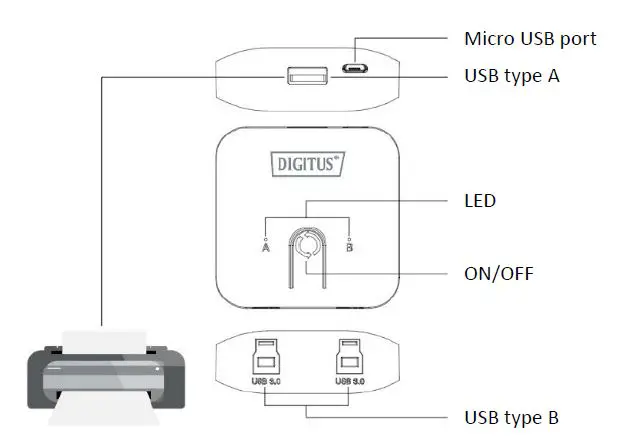
- Connect the USB device to the USB port.
- Using USB 3.0 cable to connect PCs and sharing switch.
FAQ
Q1: Does the sharing switch support USB 1.1 and 2.0 devices?
- A: The sharing switch can work and comply with USB 1.1 and 2.0.
Q2: Does the sharing switch need a power supply?
- A: No, the sharing switch is designed for non-powered switches.
- It shares with computer power when you connect to the computer.
Q3: What operating system will the sharing switch work with?
- A: The sharing switch can support Windows 7, 8, 10, Vista, XP, 2000, and Mac OS x (10.3 and higher).
TROUBLESHOOTING
- The switching function does not detect my computer.
- make sure that the cable between the sharing switch and the computer is completely connected
- Try to connect the computer to a different USB port
- The USB device is not working correctly.
- Please unplug and plug in again to activate the device
Hereby Assmann Electronic GmbH declares that the Declaration of Conformity is part of the shipping content. If the Declaration of Conformity is missing, you can request it by post under the below-mentioned manufacturer address.
- www.assmann.com
- ]ASSMANN Electronic GmbH
- Auf dem Schüffel 3
- 58513 Lüdenscheid
- Germany