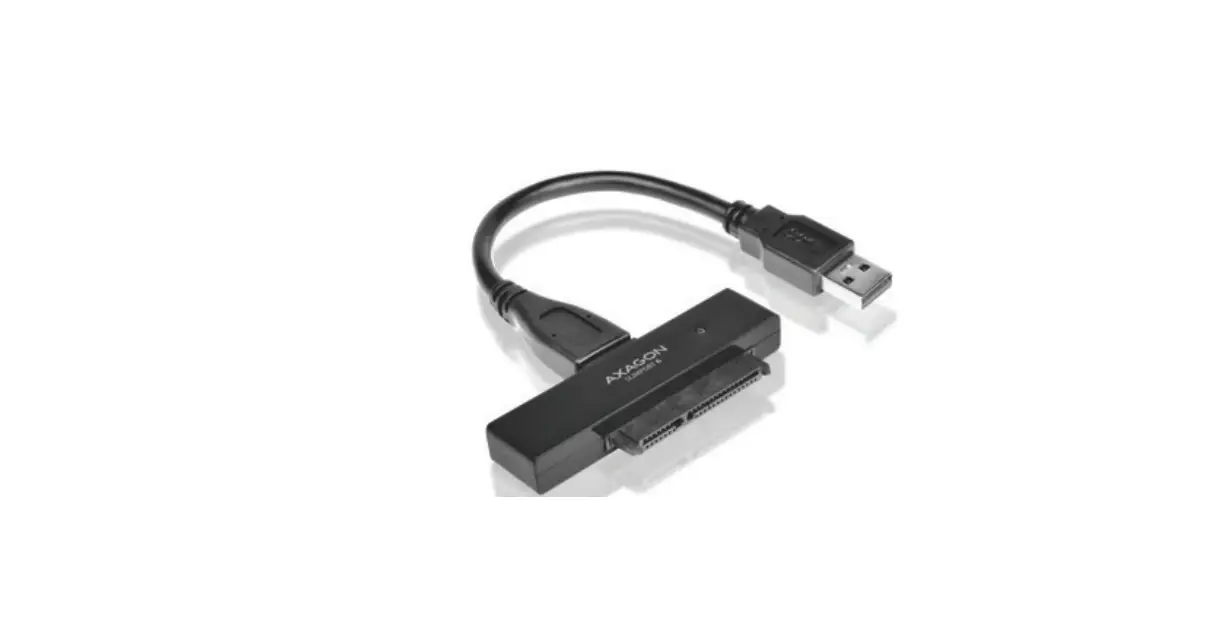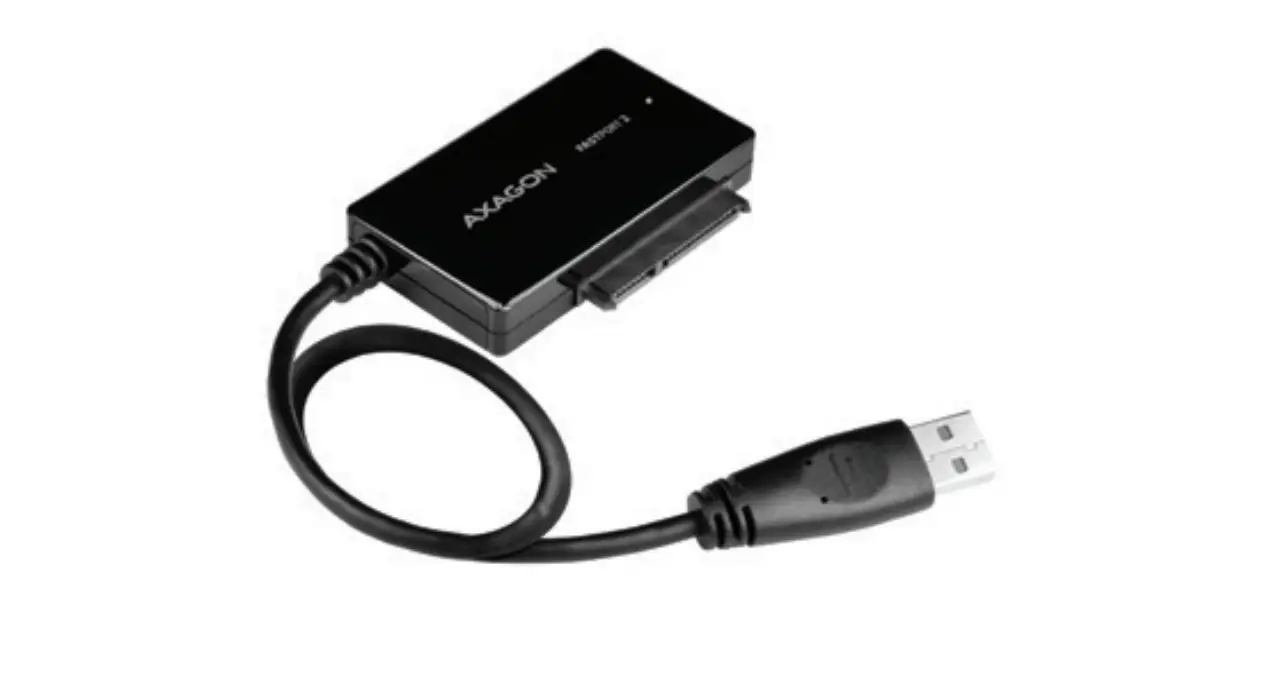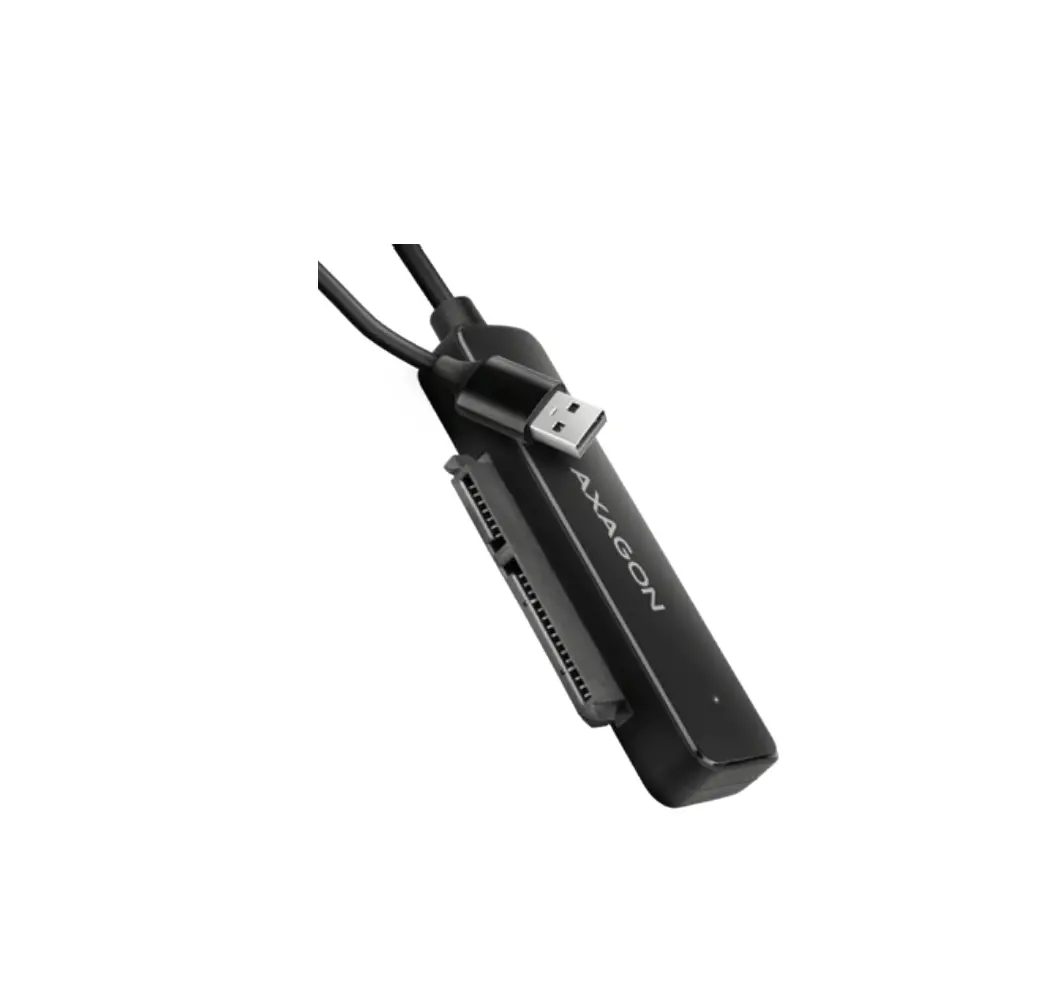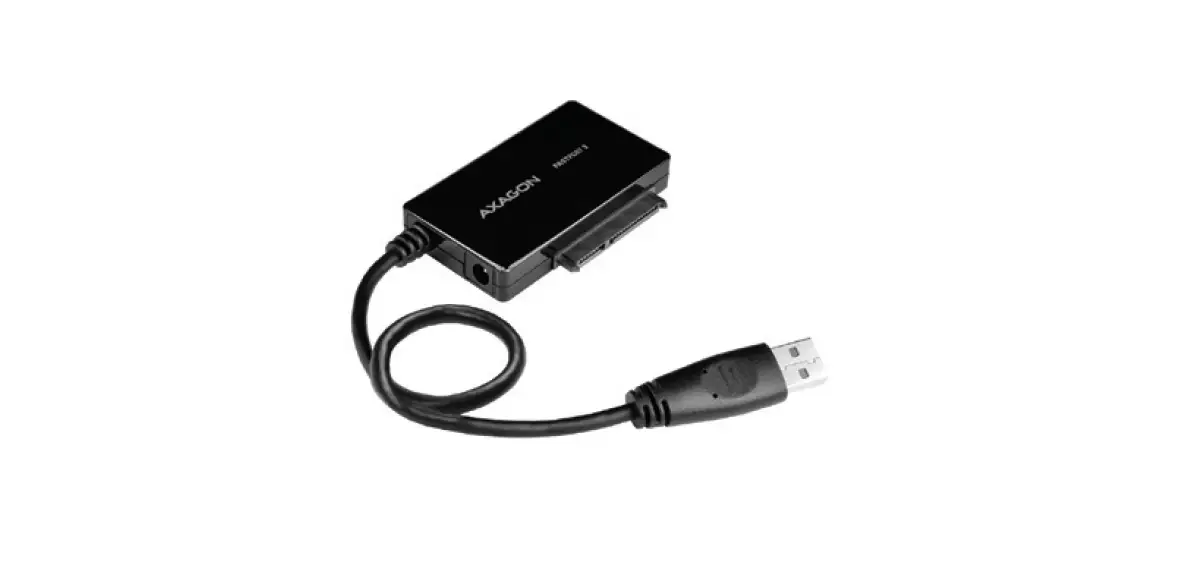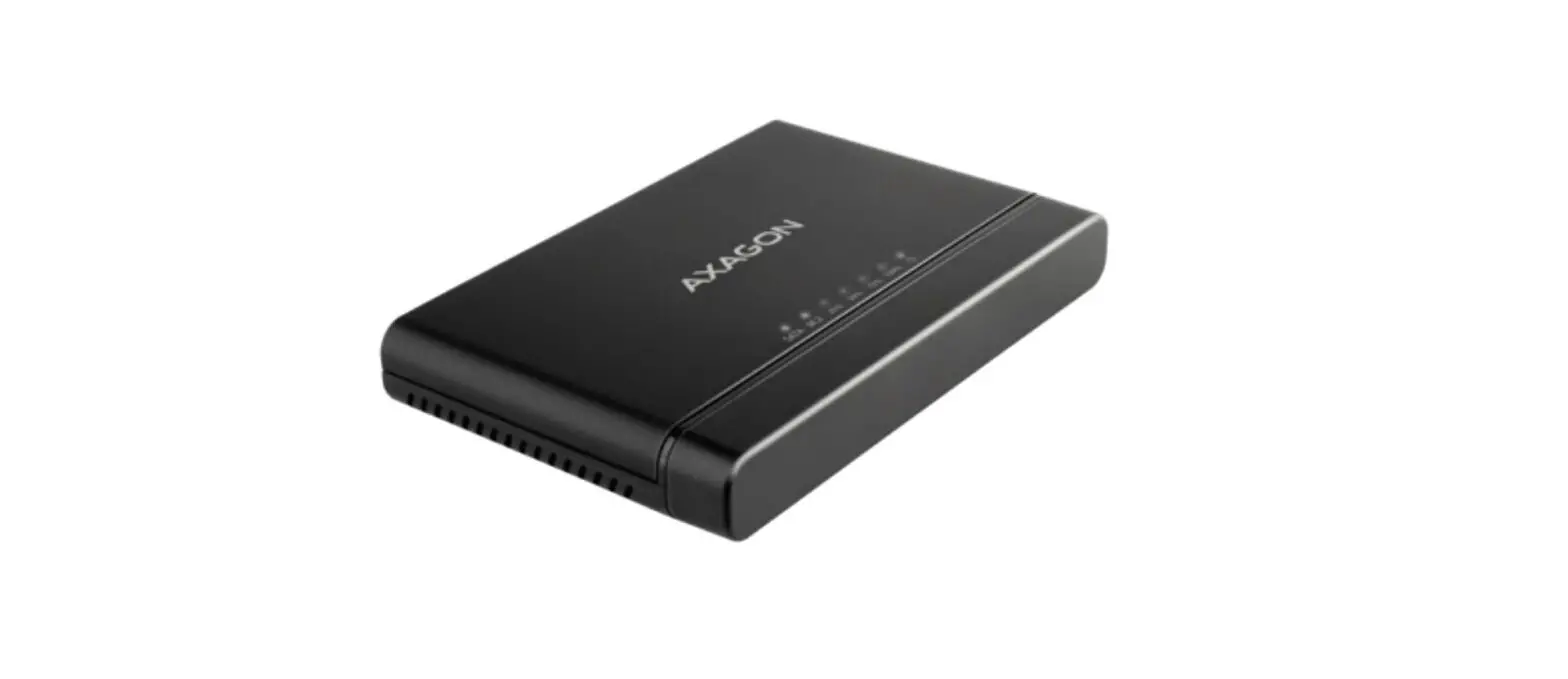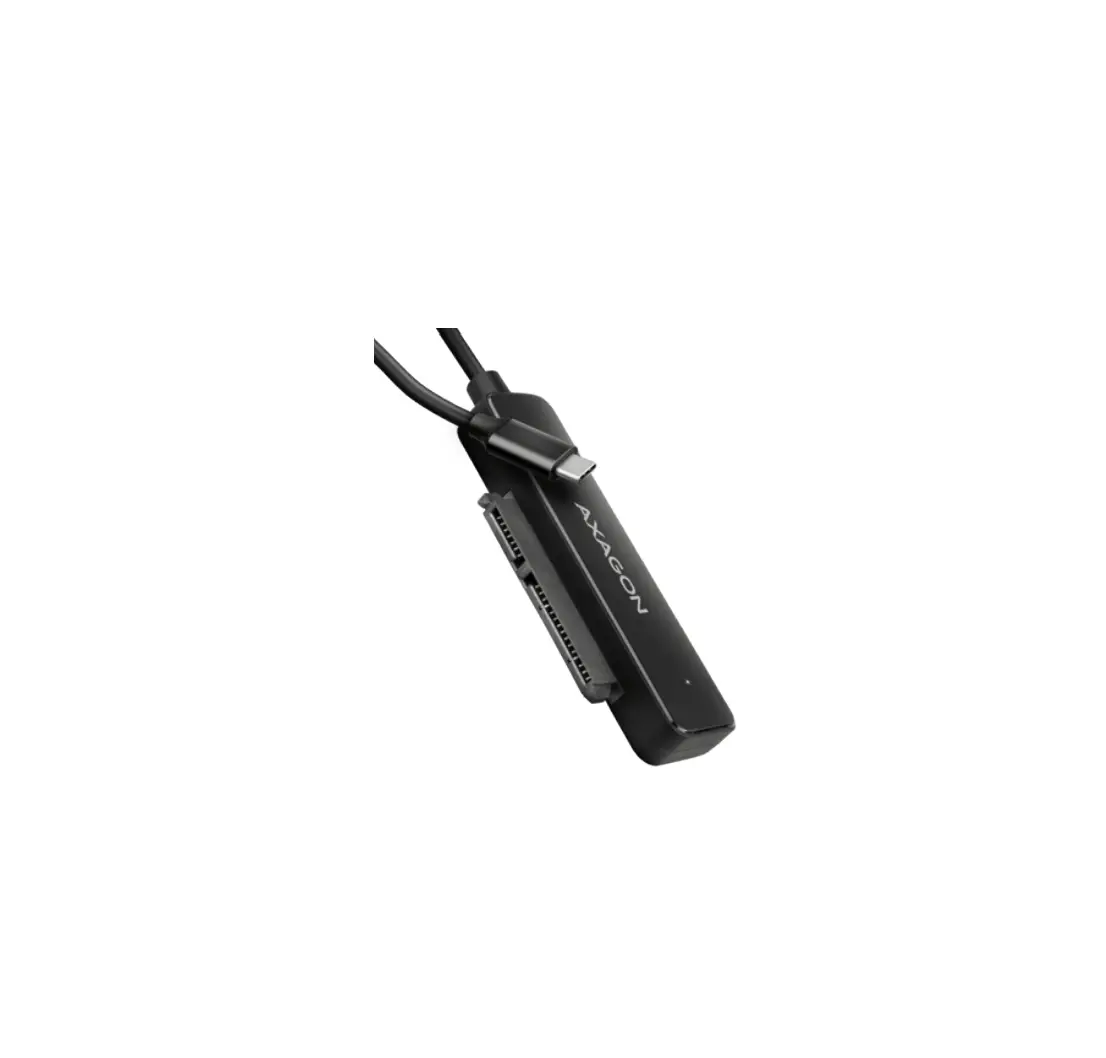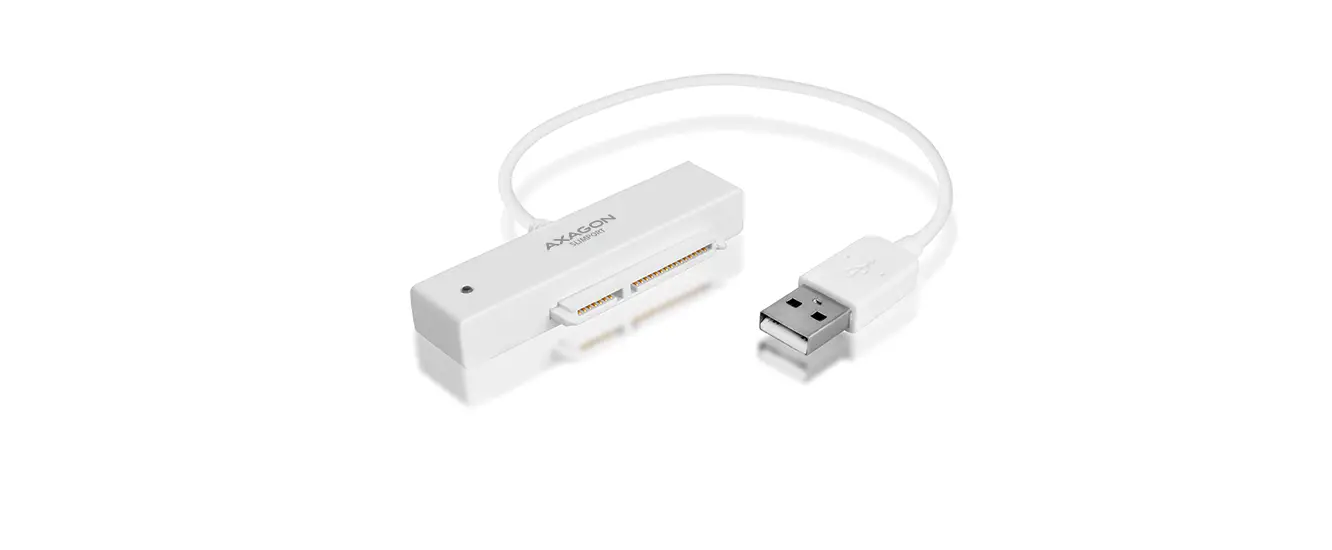

AXAGON ADSA-1S USB Adapter for 2.5 Inch HDD
INSTRUCTIONS FOR USE
- Turn on computer.
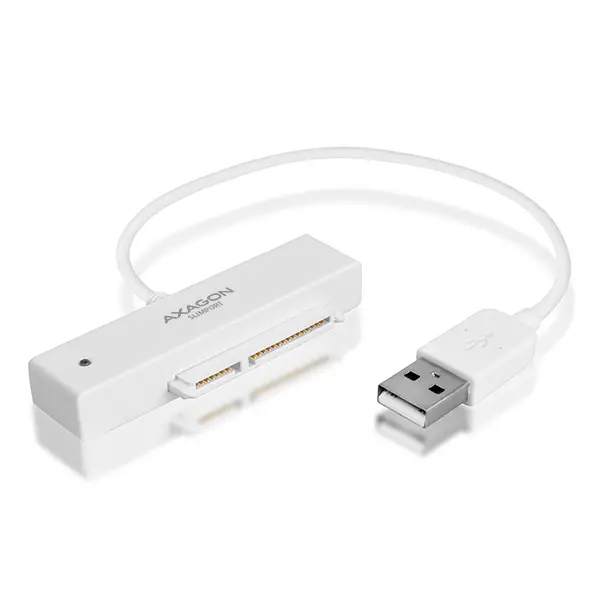
- Connect the USB adapter to the disk SATA connector.
- Connect the adapter to the USB port of the computer.
- The hard disk and will be detected installed automatically.
Information
If you want to disconnect the hard disk, make sure that data copying is finished and the data transfer indicator is not blinking.
TECHNICAL SUPPORT
At the end of its service life, do not throw the product into household waste; to a collection point for electrical equipment recycling. For information about collection and recycling programmes in your country.
EU declaration of conformity: The device complies with the harmonization legislation of the eurpeon union. The complete EU declaration of conformity is available from the manufacturer.
Before using the product, the user is obliged to read the user instructions. The Product use other than specified must be consulted with the manufacturer
Do not use the product in humid or explosive environments and near flammable substance