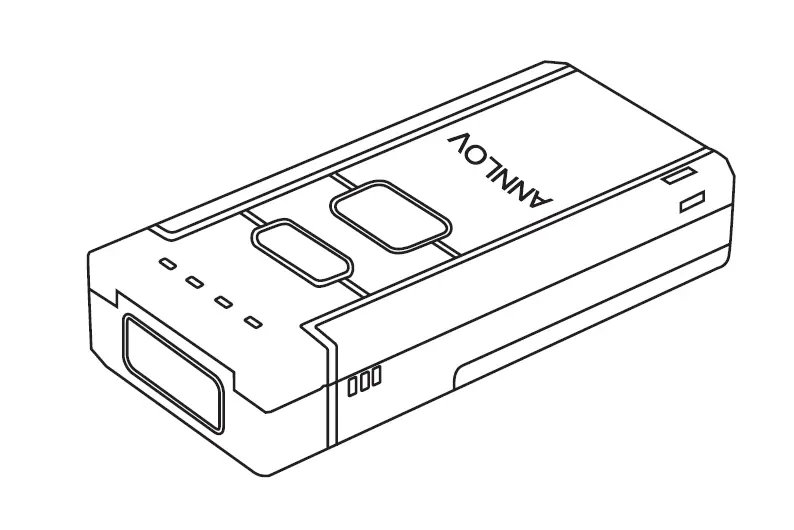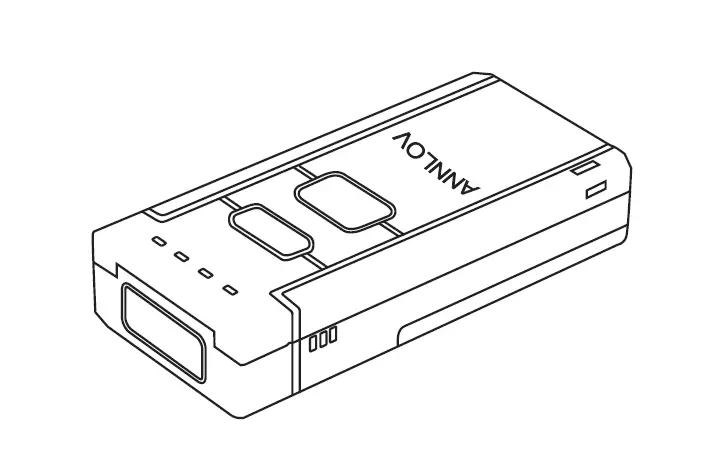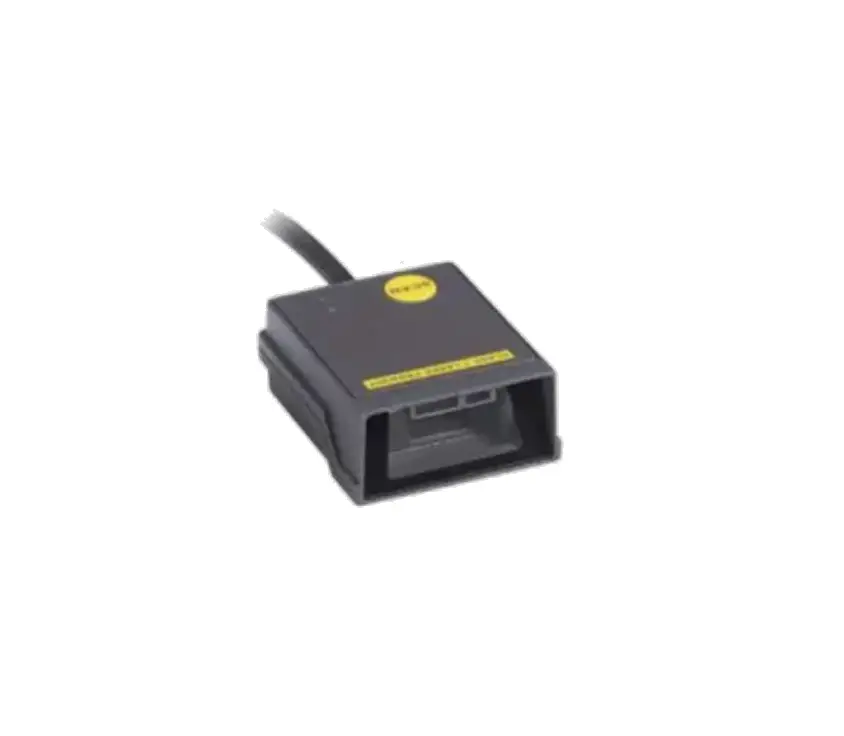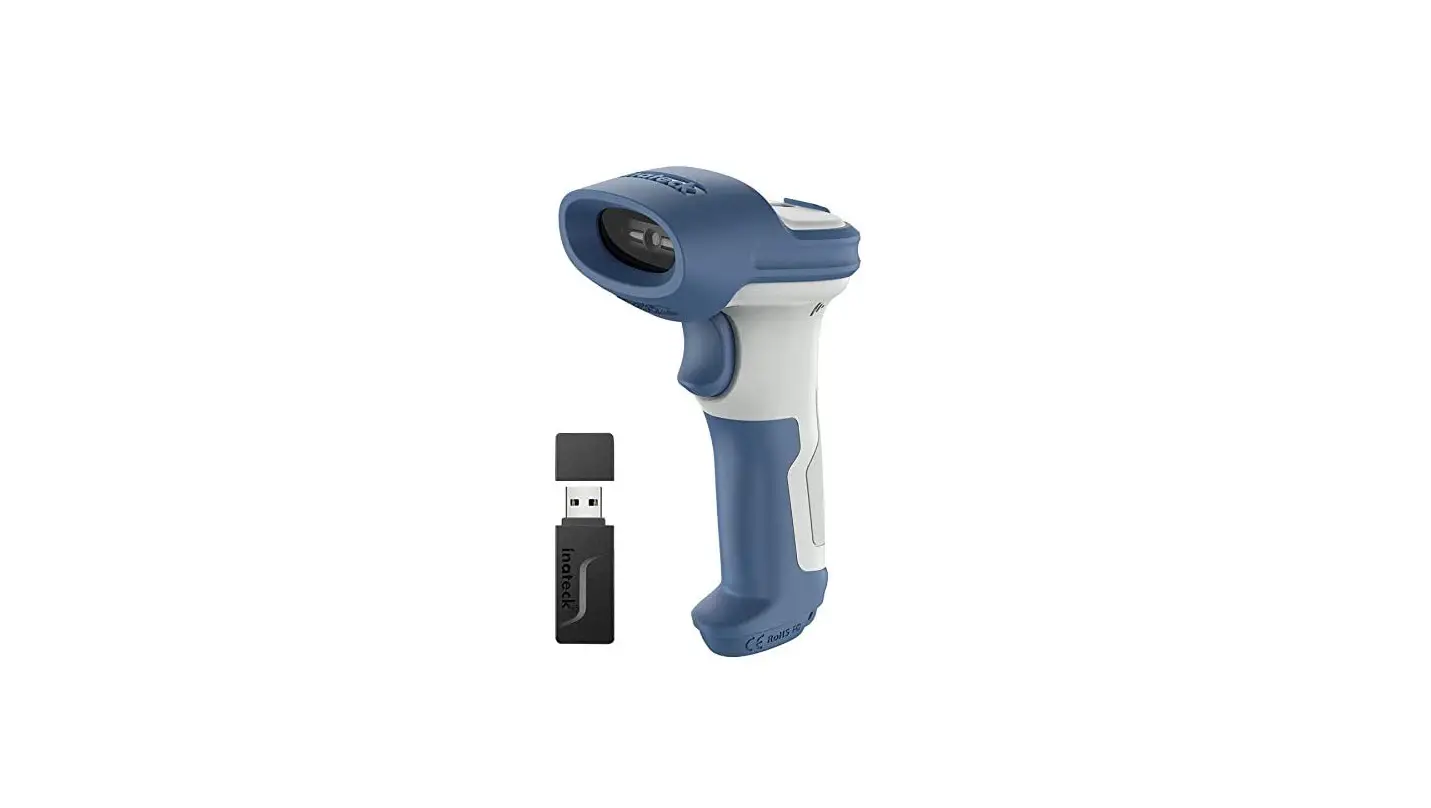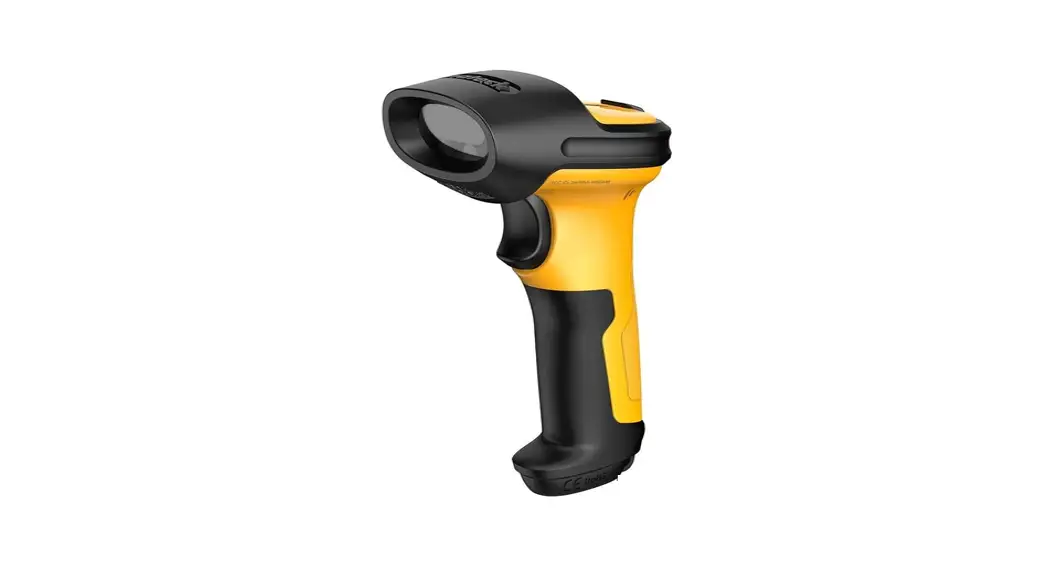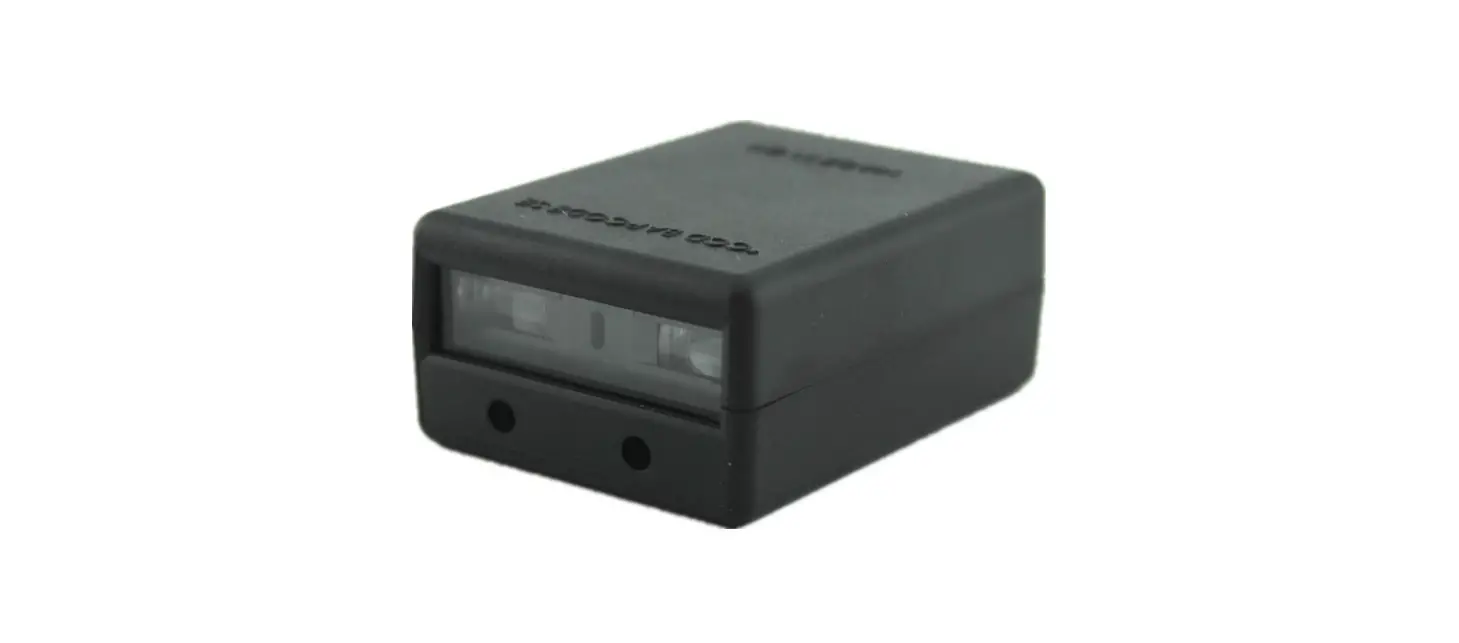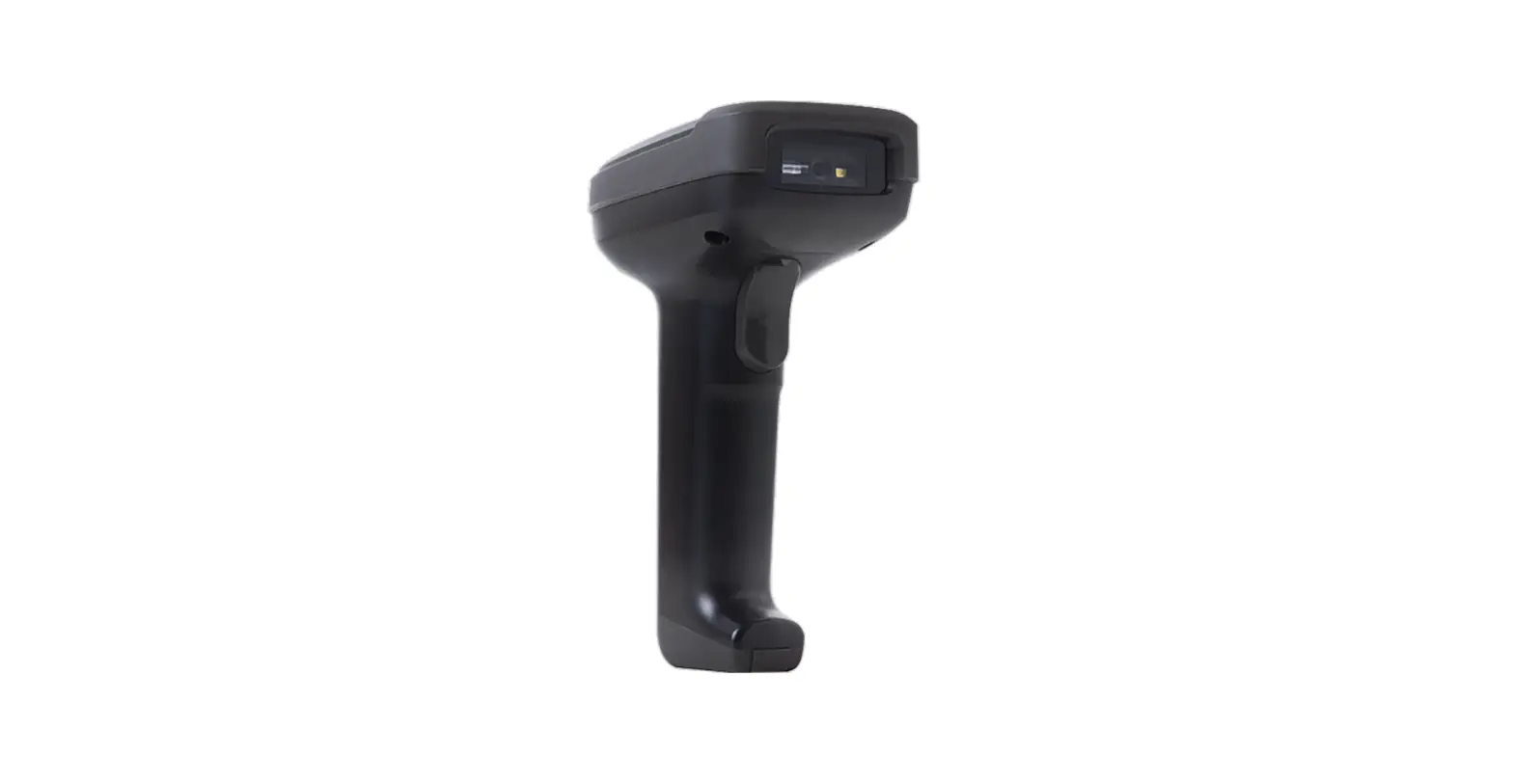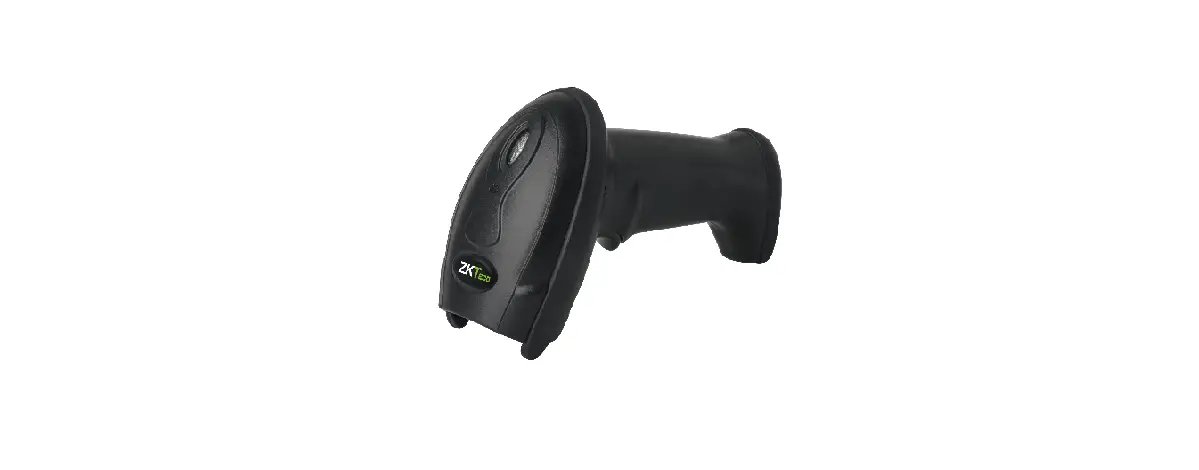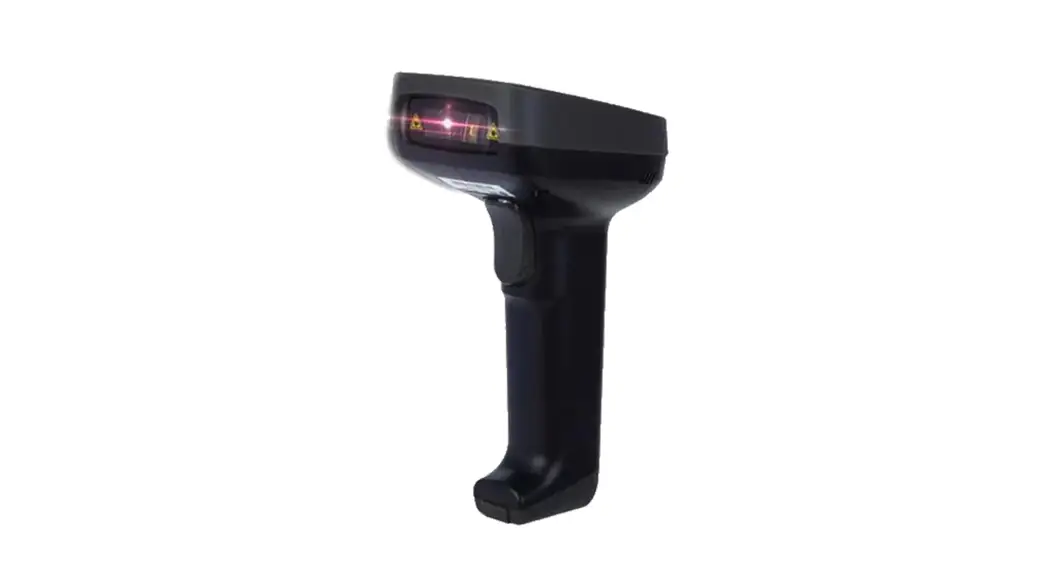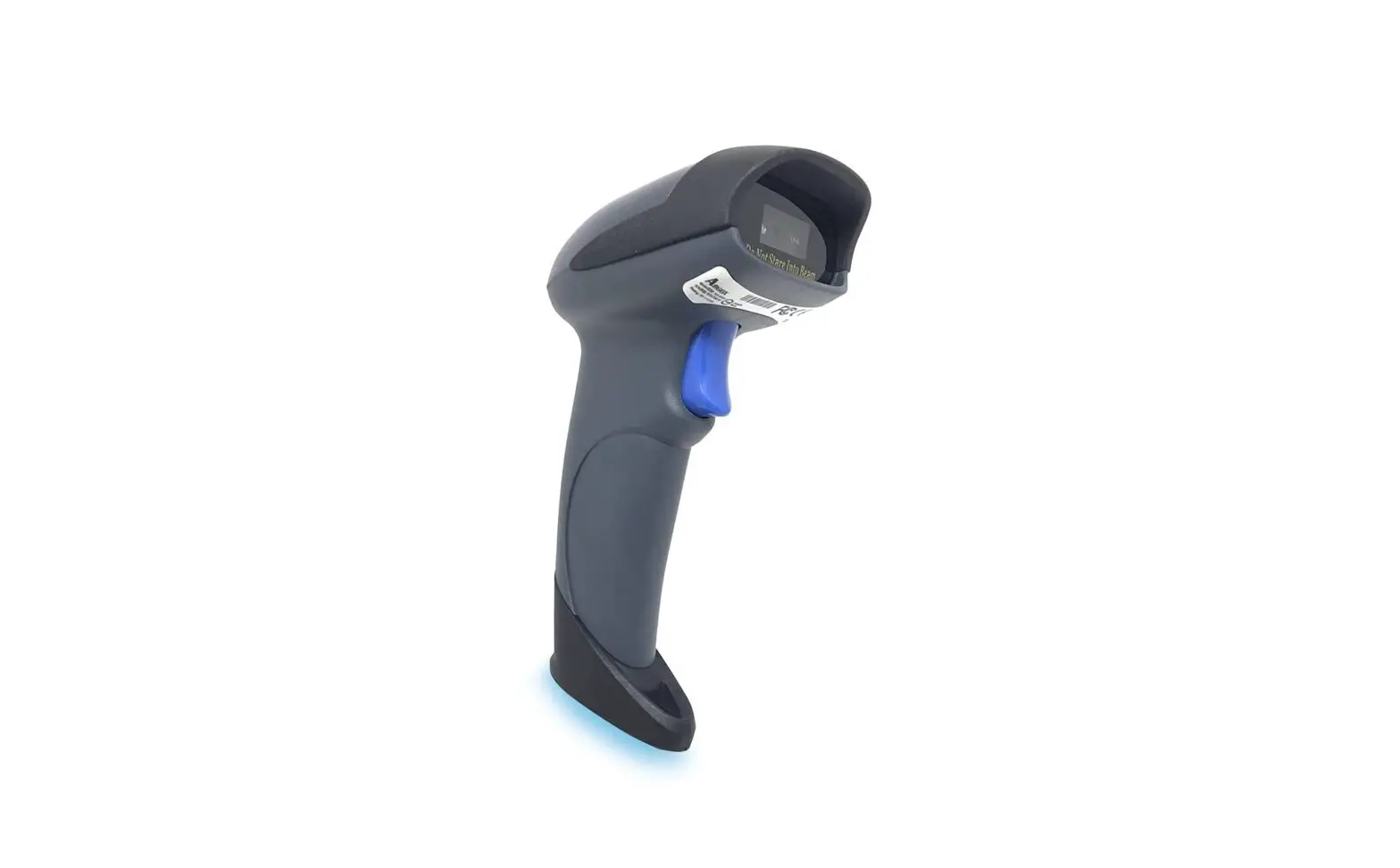
ARGOX AS-9400 Barcode Scanner User Guide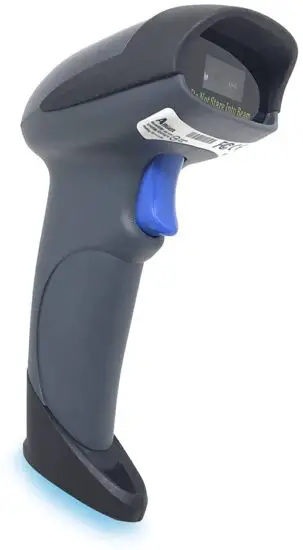
Recall Default
- Recall Default

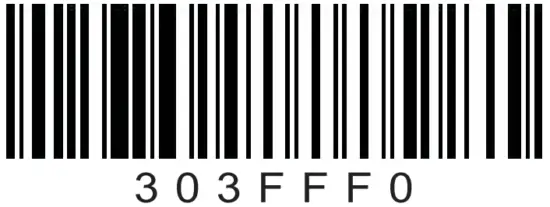
USB Interface Setting
- USB HID

- USB COM
- Continuous Trigger Mode

- Automatic Reading Mode

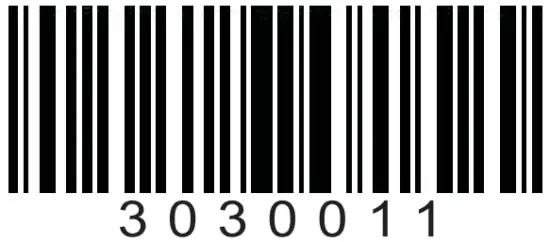
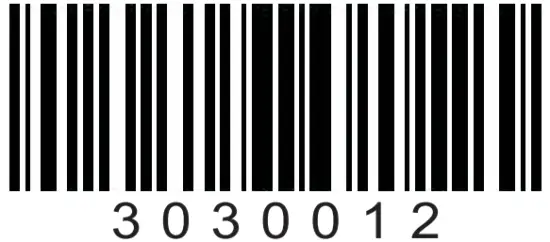
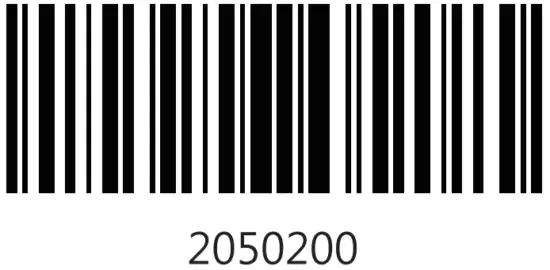
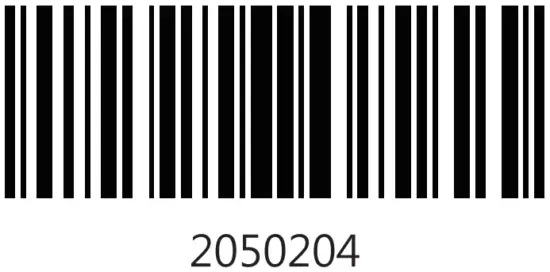
Suffix Setting
- None

- CRLF
- CR

- TAB
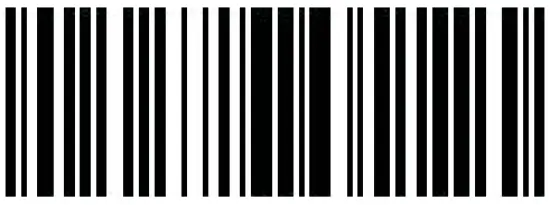
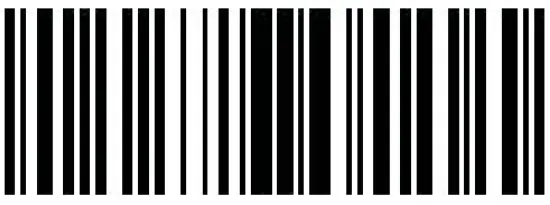
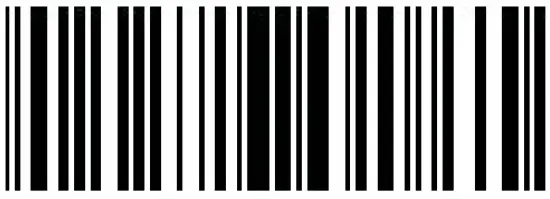
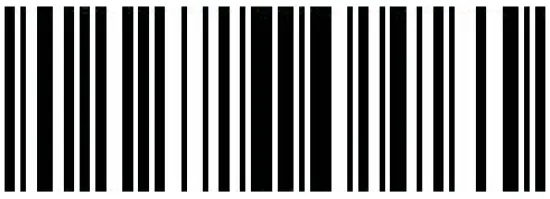
Multi-language keyboard
- USA

- FRANCE
- GERMANY
- ITALY
- Portugal
- Russia
- England

- Japanese
- Spain
- TurkeyF

- TurkeyQ
- Belgium
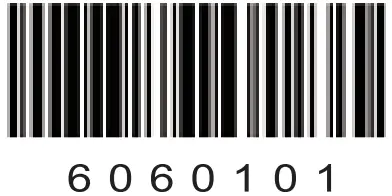
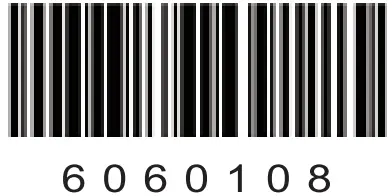
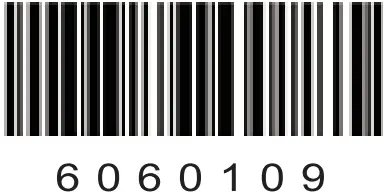
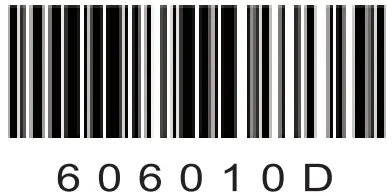
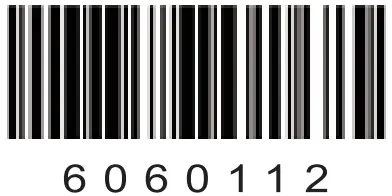
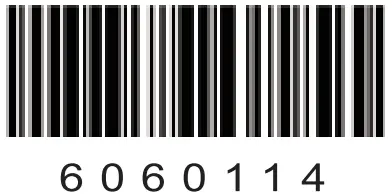
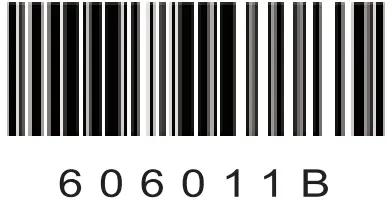
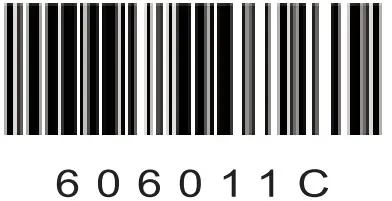
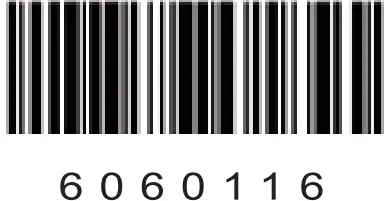
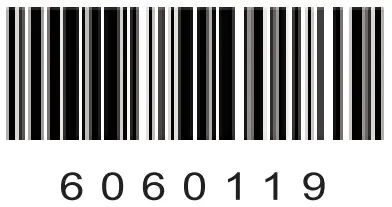
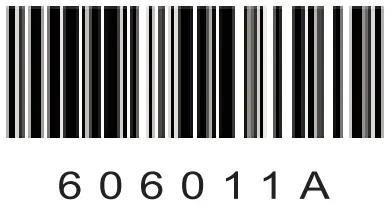
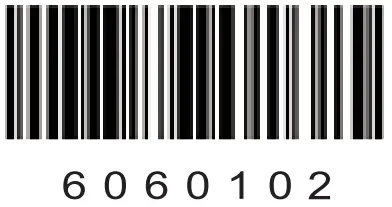
For other language keyboards, please contact sales for details.
| Equipment name | Type designation (Type) | |||||
| (Restricted substances and its chemical symbols) | ||||||
| Unit | Lead (Pb) | Mercury (Hg) | Cadmium (Cd) | Hexavalent chromium(Cr ) | Polybrominated biphenyls (PBB) | Polybrominated diphenyl ethers (PBDE) |
printed circuit board assembly | _ |  | | | |
|
chassis |
| | | | |
|
wire
|
| | | | |
|
Scan module | _ | | | | |
|
| Note 1: “” indicates that the percentage content of the restricted substance does not exceed the percentage of reference value of presence. Note 2: The “−” indicates that the restricted substance corresponds to the exemption. | ||||||
Publish Date: May. 2021