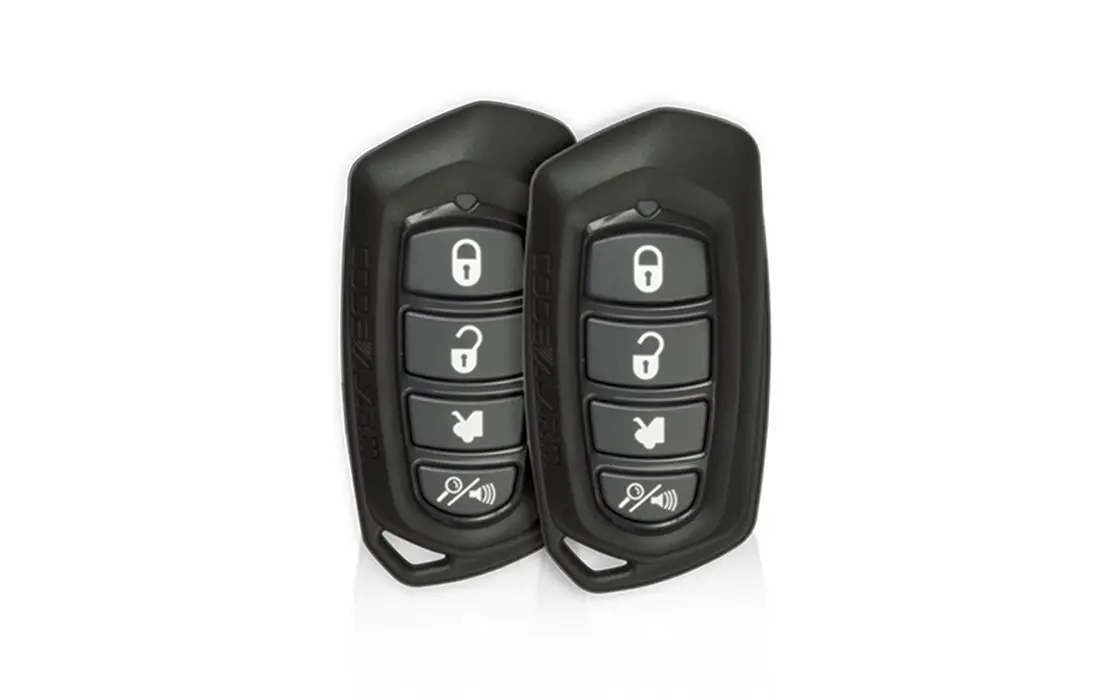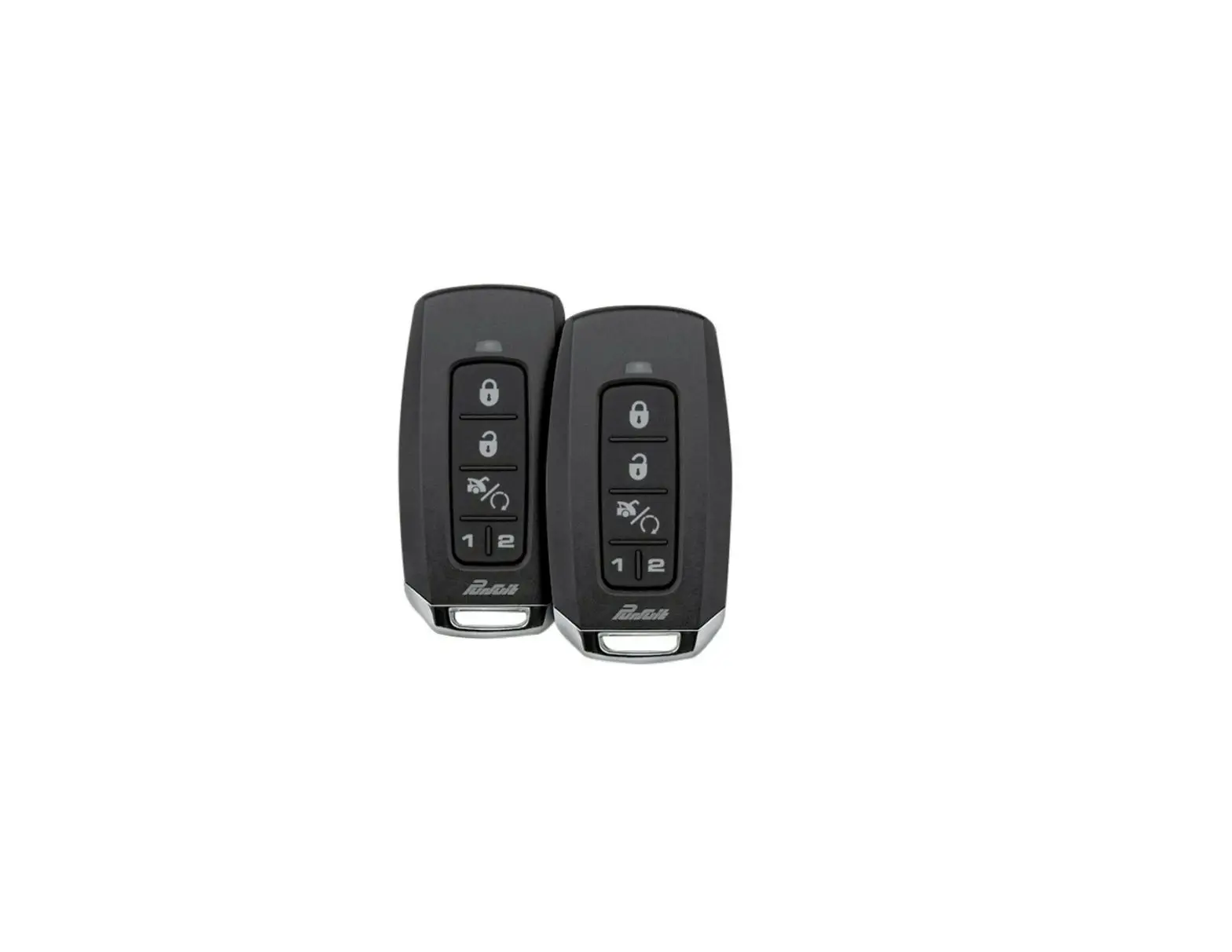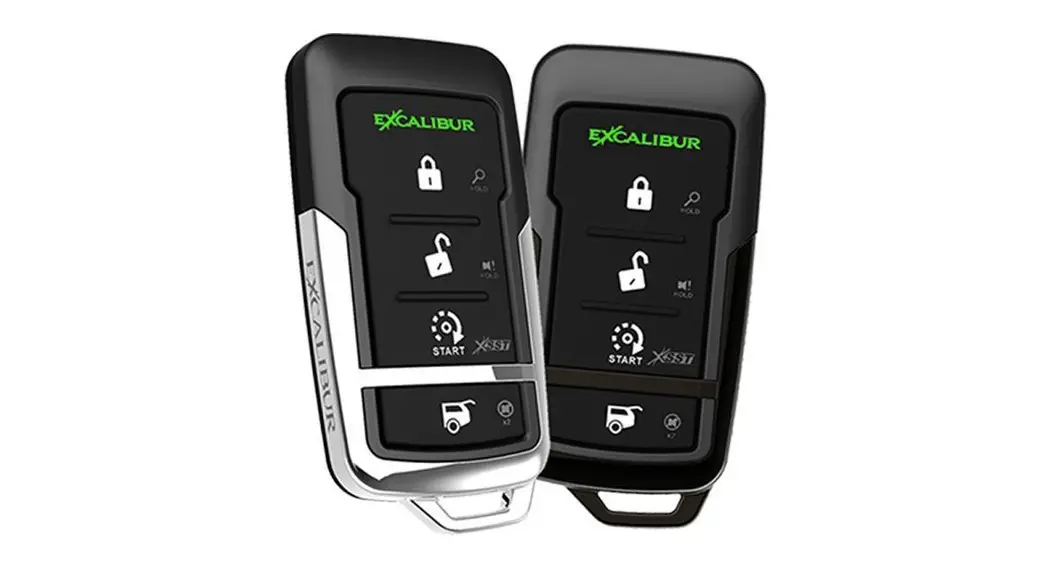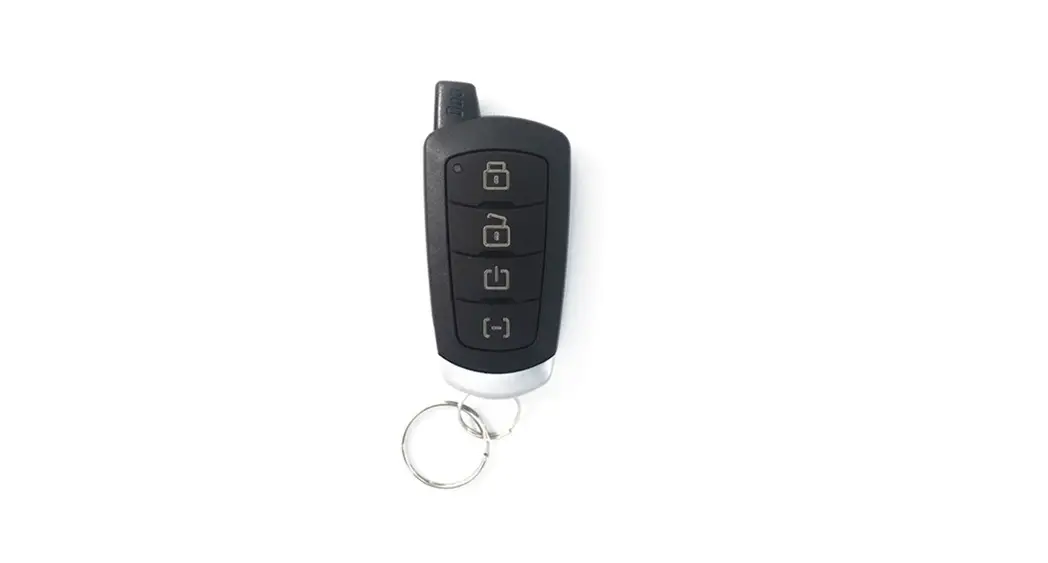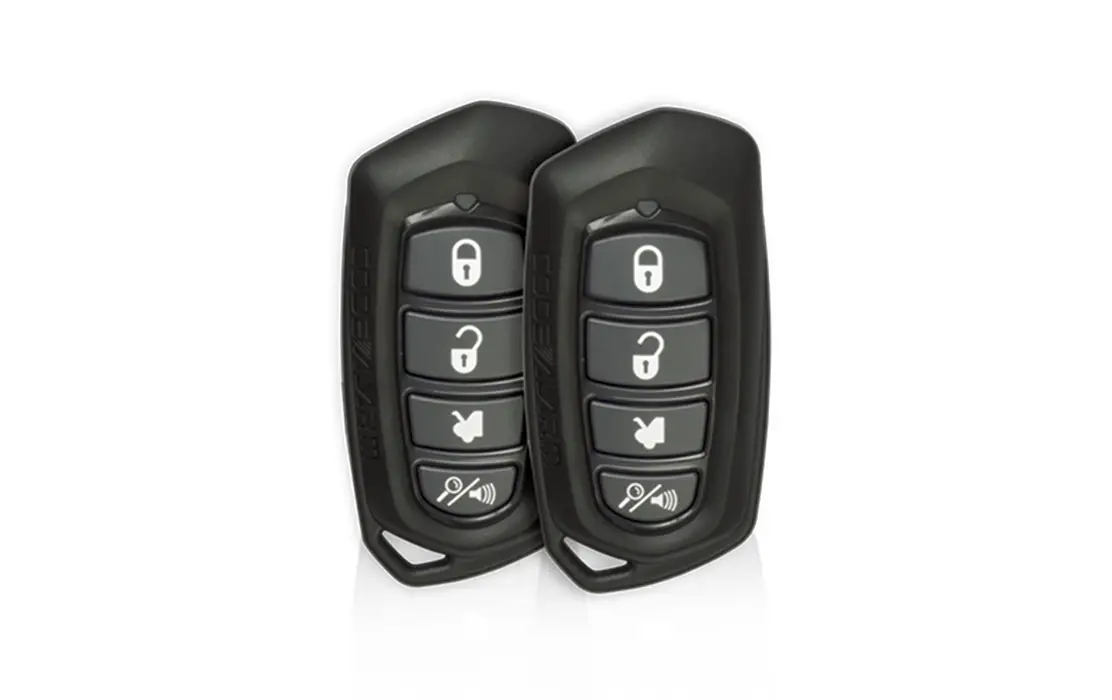
CODEALARM caSECRS PROFESSIONAL Series Security and Remote Start
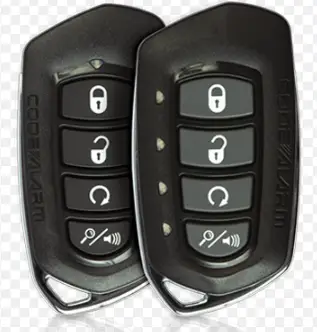
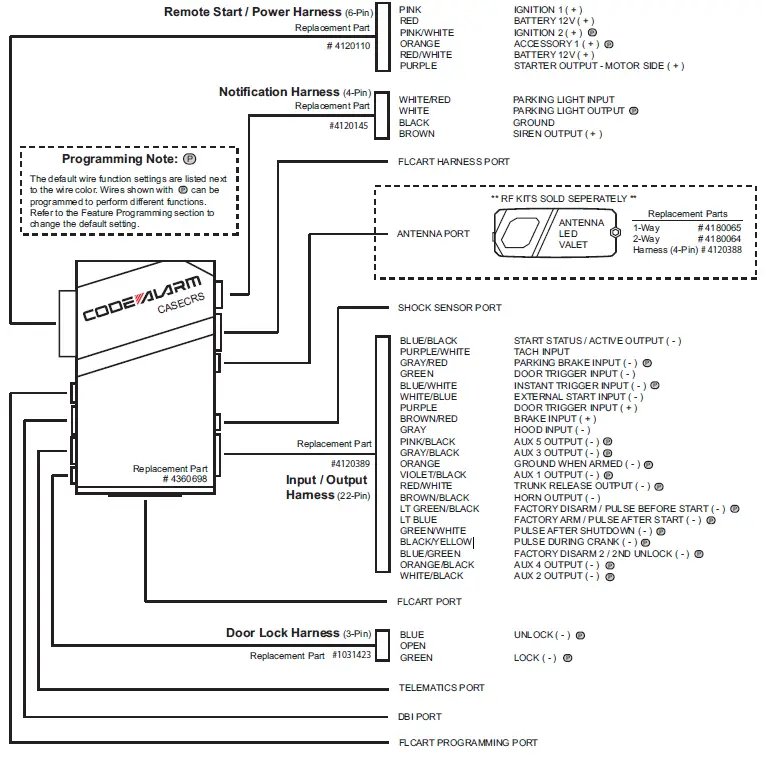

Remote Start Shutdown Diagnostics
If the remote start shuts down or fails to start, the parking lights will flash one of the patterns below indicating the shutdown input.
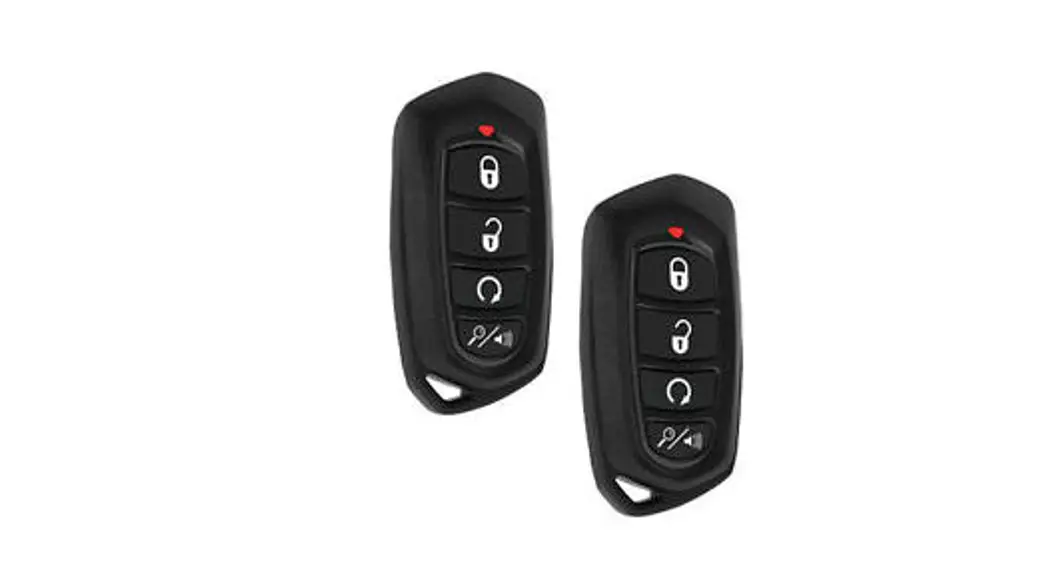
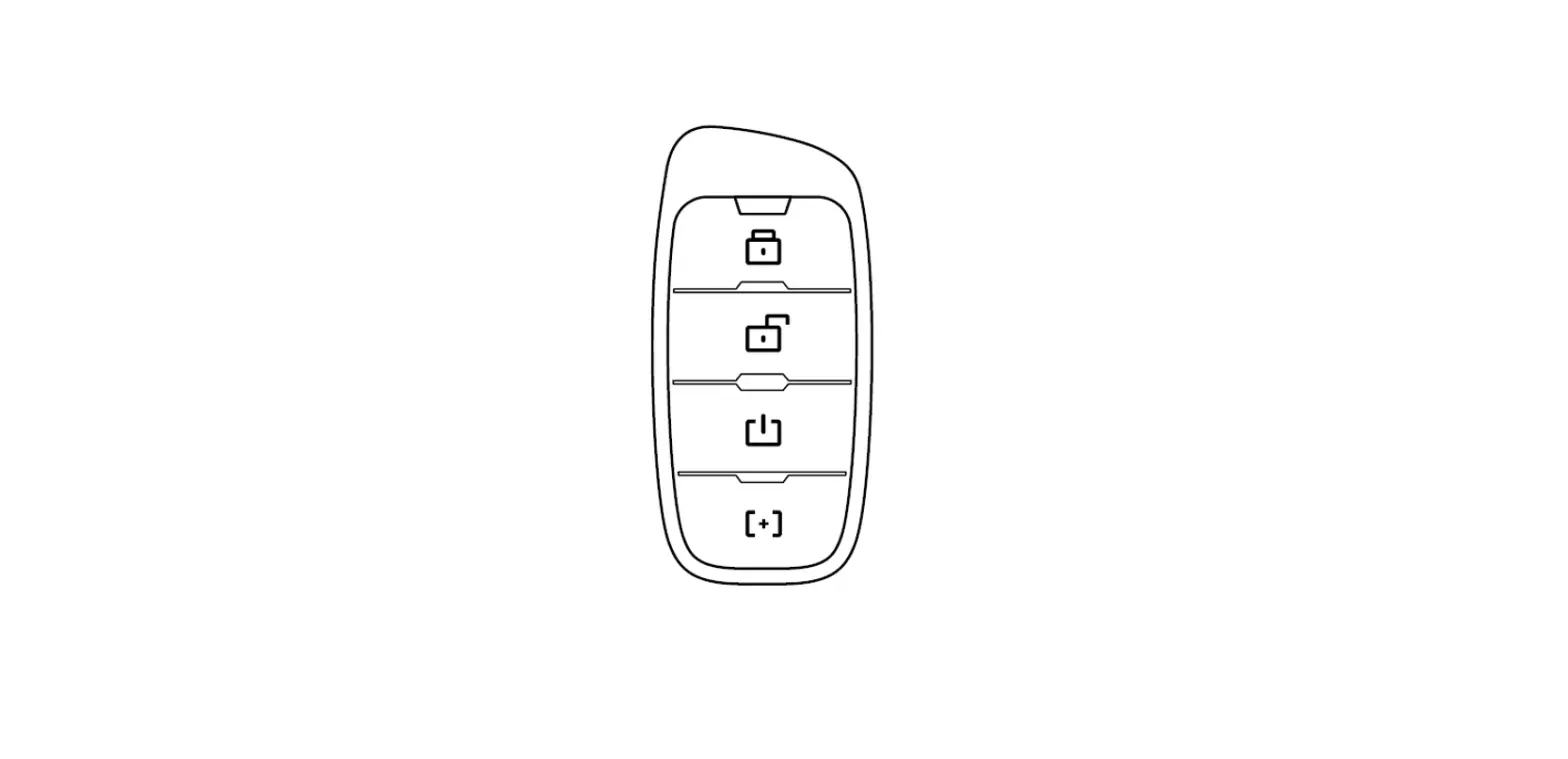
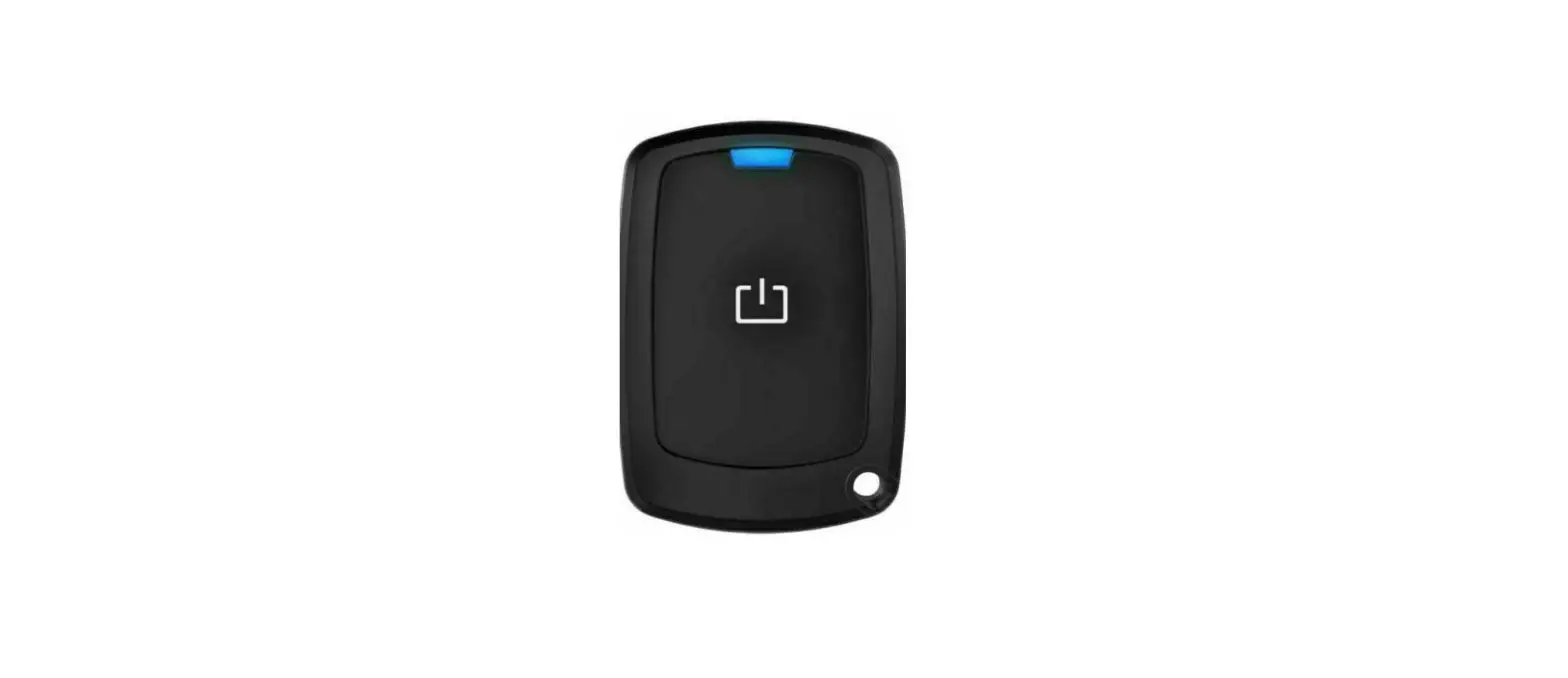
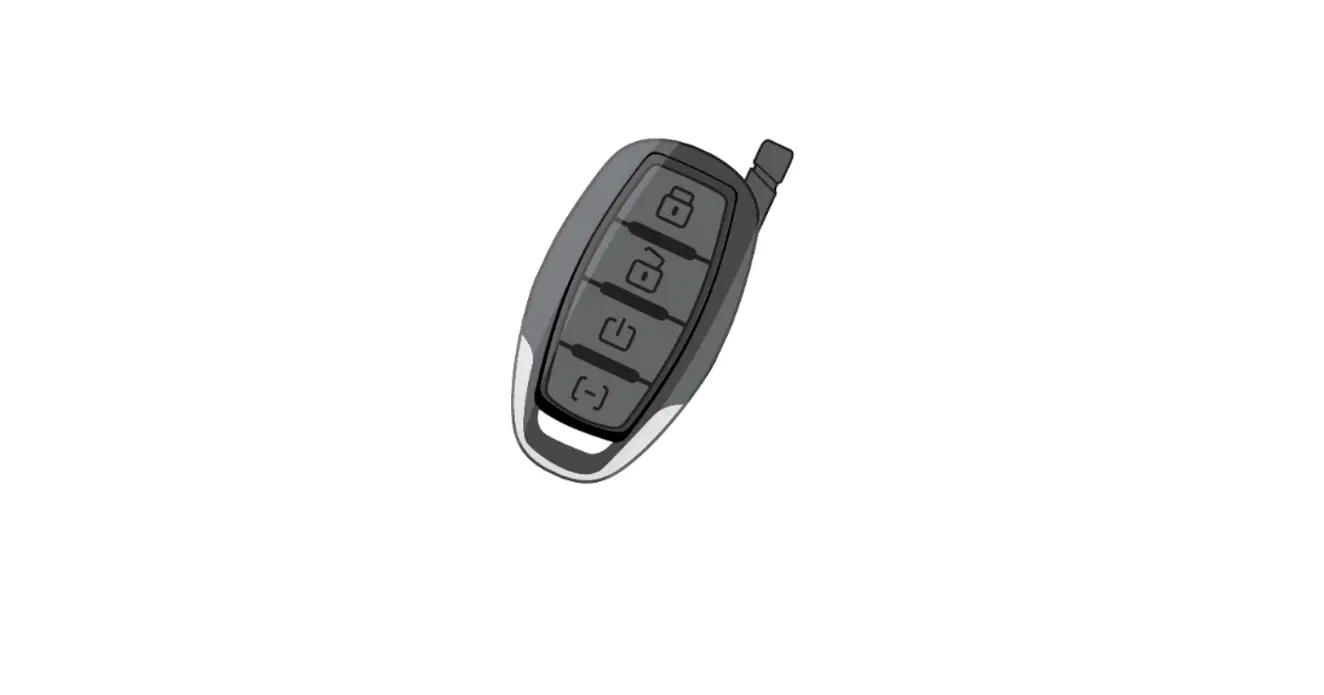
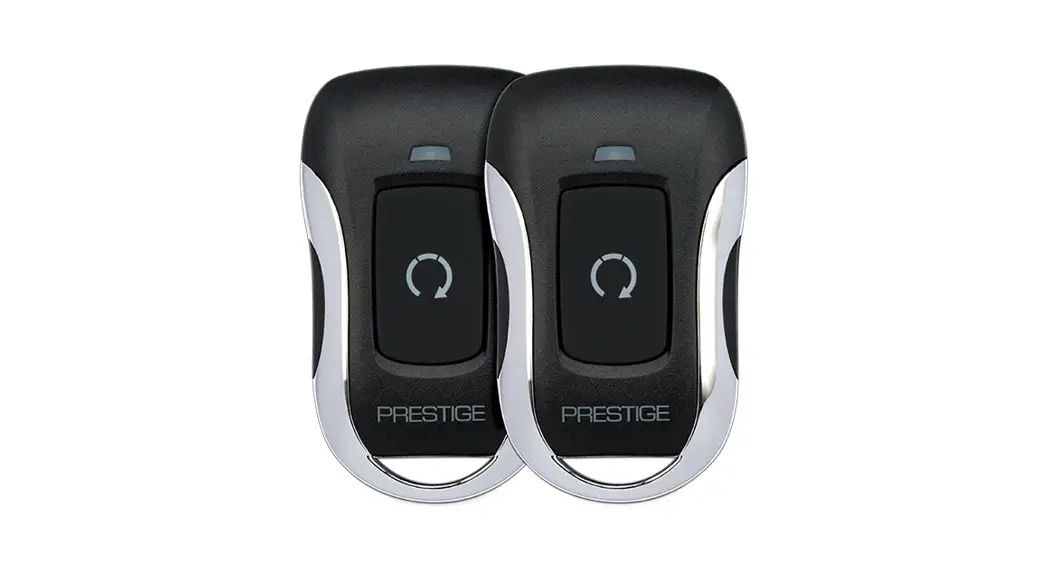
To manually enter diagnostics and view the last shutdown, turn the ignition ON and press and release the button.
PARKING LIGHT FLASHES SHUTDOWN ZONE
3 Flashes Hood / Brake Input
4 Flashes Remote Start Valet Mode
5 Flashes Manual Transmission Mode not ready
7 Flashes Tach not learned / Crank Average not learned
Tach Programming
The remote start will not operate unless the tach is programmed or a tachless option is turned ON. The default method set for Tach Mode in the feature programming banks for confirming that the engine is running is “Tach”. This method monitors the PURPLE/WHITE tach input wire. If an attempt is made to start the vehicle via the remote start without first programming tach, the unit will flash the parking lights 7 times indicating tach has not been learned and stored.
The Remote Start unit will learn the tach rate of most vehicle’s single coil, multiple coil packs, or single injector. There are 2 methods for learning the vehicle’s tach rate, to learn tach follow one of the methods below:
Standard:
- Turn the ignition key to the ON position.
- Press and release the valet/override button 3 times.
- Immediately turn the ignition key OFF.
- Press and hold the valet/override button, then start the vehicle using the key.
- When the unit senses the tach signal, the parking lights will begin to flash.
- Allow the vehicle to settle to a normal idle speed.
- Release the valet/program push-button switch. The parking lights will turn on for 2 seconds and 1 long chip will indicate that the learned tach signal is stored, and the unit has exited tach learn mode.
Without valet/override button using the Factory Remote w/Flashlogic Interface or CarLink Device:
- Start the vehicle’s engine leaving the ignition key in the On/Run position.
- Press and hold the brake pedal.
- Lock the system using the either the Factory Remote/Flashlogic Interface or CarLink device. The system must see the lock input from either of these two methods.
- When the unit senses the tach signal, the parking lights will begin to flash.
- Allow the vehicle to settle to a normal idle speed.
- Release the brake pedal. The parking lights will turn on for 2 seconds and 1 long chip will indicate that the tach signal has been stored, and that the unit has exited tach learn mode.
NOTE: If the unit fails to learn tach rate due to an improper tach connection or a poor tach source, the parking lights will not flash. To correct this situation, locate and connect the PURPLE/WHITE wire to the proper tach signal, and then repeat the tach learn routine.
Smart Tachless Mode
Smart Tachless Mode is available only if a tach signal has never been learned to the system and when activated will automatically change the Tach Mode feature in option programming to Tachless without the need to enter the feature programming mode.
- Activate the remote start. The parking lights should begin flashing 7 times indicating no tach signal has been learned.
- Within the 7 flash time period, press and hold the button.
- The system will chirp 1 time indicating the system is now in tachless mode.
Adjusting the Shock Sensor
- Increase sensitivity by turning the adjustment dial clockwise.
- Decrease sensitivity by turning the adjustment dial counter clockwise.
Dome Light Delay / Theater Dimming
When the Dome Light Delay is set to “Program Custom Time” in feature programming (this is the default setting) the system can be programed to delay arming after the lock button is pressed for vehicles with a dome light delay or theater dimming feature. Once programed the system will ‘learn’ the timing of the dome light delay (60 second max) and add 2 seconds before arming.
- Close all doors with ignition off.
- Using the transmitter press LOCK, UNLOCK, LOCK ,UNLOCK, LOCK , UNLOCK, LOCK. The LED will light solid to indicate the system has entered DOME DELAY LEARN MODE.
- Immediately OPEN then CLOSE the door WITHOUT disarming the system. The system will then monitor the door trigger wire. Once the dome light turns off, the system will then add 2 seconds and then exit the learning mode.
- The LED will begin to flash indicating the system has exited the learning mode and is now armed.
Note: To program a custom delay time Feature Bank 2, Feature 16, “Dome Light
Delay: Preset Time or Programmable, must be set to “OFF/Program Custom Time”.
Defaulting the Dome Light Delay: Turn the ignition ON then OFF 3 times then press and hold the valet button for 5 seconds, the system will chirp 1 time indicating the learned delay time has been cleared.
Security Trigger Zones
If the security system has been triggered the LED will flash one of the patterns below indicating the zone.
LED FLASHES TRIGGER ZONE
2 Flashes Hood / Trunk Input
3 Flashes Door Input
4 Flashes Shock Sensor
5 Flashes Ignition Input
Complete guides also available at www.voxxuniversity.com
2019 Voxx Electronics Corporation . All rights reserved .
Feature Bank 1 – 3 Chirps
Transmitter Programming
Refer to transmitter programming.
| Feature Bank 2 – 4 Chirps Security Control | 1 LED Flash | 2 LED Flash | 3 LED Flash | 4 LED Flash | 5 LED Flash | 6 LED Flash | |
| 1 | Silent Choice | ON | OFF | ||||
| 2 | Door Locks | Active | Passive | ||||
| 3 | System Arming | Active | Passive | ||||
| 4 | System Notifications | Siren & Horn | Siren Only | Horn Only | |||
| 5 | Alarm Duration | 30 Seconds | 60 Seconds | ||||
| 6 | Security | ON | OFF | ON w/ OEM Remote Start | |||
| 7 | Anti-Hijack Mode | OFF | ON | ||||
| 8 | Ground While Armed Orange ( – ) Output | Ground While Armed | Ground While Disarmed | ||||
| 9 | DBI Port Protocol / Telematic Port Protocol | DBI / Voxx Telematic | ADS / Voxx Telematic | DBI / ADS Telematic | ADS / ADS Telematic | ||
| 10 | Arm / Disarm Chirps | Standard: 2 – Arm 1 – Disarm | Inverted: 1 – Arm 2 – Disarm | ||||
| 11 | LED Indicator | ON | OFF | ||||
| 12 | Auto Re-lock | OFF | Lock Only | Arm & Lock | |||
| 13 | Extended Parking Lights | OFF | After Unlock | After Lock | After Lock & Unlock | ||
| 14 | Parking Light Relay / Trunk ( – ) Output | Standard | Inverted | ||||
| 15 | Digital Tilt Sensor | N/A | |||||
| 16 | Domelight Delay: Preset Time or Programmable | OFF / Program Custom Time | 15 Seconds | 30 Seconds | 45 Seconds | 60 Seconds | 120 Seconds |
| 17 | Instant Trigger Input Blue / White ( – ) Input | Full Trigger | Pre-Warn / Warn-Away | Valet Button Input |
Programming Update Notice: Firmware version 5.0 or later.
| Feature Bank 3 – 5 Chirps Output Control | 1 LED Flash | 2 LED Flash | 3 LED Flash | 4 LED Flash | 5 LED Flash | 6 LED Flash | |
| 1 | Lock / Unlock Timing | 1 Sec. | 3.5 Sec. | 1 Sec. Lock, 2x Unlock | 30 Sec. Lock, 2x Unlock | 2x Lock, 1 Sec. Unlock | 0.5 Sec. |
| 2 | Factory Disarm 2 Blue / Green Output | Factory Disarm | 2nd Unlock | Factory Disarm 2x 500mS | Factory Disarm 350mS | Factory Disarm 500mS | Factory Disarm w/ Unlock Timing |
| 3 | Ignition Locks | OFF | Lock / Unlock | Lock Only | Unlock Only | ||
| 4 | Trunk Output Timing | 1 Sec. | 10 Sec. | 20 Sec. | Latched until IGN ON | Latched ON until Button Press | |
| 5 | Horn Output Timing | 16mS | 10mS | 30mS | 40mS | 50mS | |
| 6 | Real Panic | ON | OFF | ||||
| 7 | AUX 1 Violet / Black Output | 1 Sec. | Latched | Latched until IGN ON | Dome Light Output | Defrost Output Single Pulse After Start | Defrost Output Latched 5 Min After Start |
| 8 | AUX 2 White / Black Output | 1 Sec. | Latched | Latched until IGN ON | 10 Sec. w/ Arm | 10 Sec. w/ Disarm | L.E.D. Output |
| 9 | AUX 3 Gray / Black Output | 1 Sec. | Latched | Latched until IGN ON | 10 Sec. w/ Arm | 10 Sec. w/ Disarm | L.E.D. Output |
| 10 | AUX 4 Orange / Black Output | 1 Sec. | Latched | Latched until IGN ON | 10 Sec. w/ Arm | 10 Sec. w/ Disarm | L.E.D. Output |
| 11 | AUX 5 Pink / Black Output | 1 Sec. | Latched | Latched until IGN ON | 10 Sec. w/ Arm | 10 Sec. w/ Disarm | L.E.D. Output |
| Feature Bank 4 – 6 Chirps Remote Start Control | 1 LED Flash | 2 LED Flash | 3 LED Flash | 4 LED Flash | 5 LED Flash | 6 LED Flash | |
| 1 | RS Confirmation Chirp | ON | OFF | ||||
| 2 | Run Time | 15 Minutes | 5 Minutes | 10 Minutes | 20 Minutes | 45 Minutes | 60 Minutes |
| 3 | Running Lights | Steady | Flashing | ||||
| 4 | Tach Mode | Tach | Tachless | Hybrid | DBI Port | ||
| 5 | Voltage Level | High | Low | ||||
| 6 | Crank Time | 1.0 Seconds | 0.8 Seconds | 1.5 Seconds | 2.0 Seconds | 4.0 Seconds | |
| 7 | Crank Output | Averaging | Preset Time | ||||
| 8 | Diesel Delay | OFF | 10 Sec. Delay | 15 Sec. Delay | 20 Sec. Delay | 45 Sec. Delay | 5 Sec. Delay |
| 9 | Remote Start Activation | 2x Start | 1x Start | ||||
| 10 | Ignition 2 Output Pink / White | Ignition | Accessory | Start / Crank | |||
| 11 | Auto Start Interval | 3 Hour | 2 Hour | ||||
| 12 | Turbo Timer | OFF | 1 Minute | 3 Minute | 5 Minute | ||
| 13 | Transmission Mode | Automatic | Manual | ||||
| 14 | Temperature Start | OFF | 14F | 5F | -4F | 0F | -14F |
| 15 | Accessory Output Orange | Accessory | Ignition | Start / Crank | |||
| 16 | Pulse Outputs with Unlock | OFF | IGN, ACCY, GWR | IGN, ACCY, GWR – Pulse After Shutdown | |||
| 17 | RS Door Lock Control | OFF | Unlock before Start, Lock After Start | Unlock Before Start | Lock After Start | Lock After Shutdown | |
| 18 | Parking Brake Input Gray / Red ( – ) Input | Parking / Hand Brake | Foot Brake |
Programming Update Notice: Firmware version 5.0 or later.
| Feature Bank 5 – 7 Chirps Alternate Output Control | 1 LED Flash | 2 LED Flash | 3 LED Flash | 4 LED Flash | 5 LED Flash | 6 LED Flash | |
| 1 | Factory Disarm Lt Green / Black Output | Pulse Before Start / During Unlock | Ground While Running | Ignition | Accessory | Pulse During Crank | Pulse Before Start / During Unlock – Uses Unlock Timing |
| 2 | Factory Arm Lt Blue Output | Pulse After Start / During Lock | Ground While Running | Ignition | Accessory | Pulse During Crank | Pulse After Start / During Lock – Uses Lock Timing |
| 3 | Pulse After Shutdown Green / White Output | Pulse After Shutdown | Ground While Running | Ignition | Accessory | Pulse During Crank | Pulse After Shutdown 2 Sec. Delay |
| 4 | Pulse During Crank Black / Yellow Output | Pulse During Crank | Ground While Running | Ignition | Accessory | Pulse Before Start / During Unlock | Pulse Before Start / During Unlock – Uses Unlock Timing |
Set Up & Programming
Transmitter Programming – Feature Bank 1
- Turn the ignition ON.
- Press and hold the valet/override button.
- Within 10 seconds the system will chirp (3) three times.
- Press 1 button of each transmitter you wish to program.
- The system will respond with 1 chirp for each accepted transmitter.
- Pressing the override button at anytime during programming will advance to the next bank.
NOTE:
- The system will exit transmitter programming after 15 seconds of inactivity.
- This system has 1 button programming which programs all channels of the system.
- The system will hold up to 4 transmitters in memory, programming a 5th transmitter will erase the oldest transmitter in memory.
- This system has PTN – Programmed Transmitter Notification. Each time the ignition is turned ON, the LED will flash the number of transmitters programmed to the system.
Transmitter programming for 2 Car Mode *2 way LCD system only:
- Enter the transmitter into 2 Car Mode. (Refer to transmitter operation in the owners manual for 2 car operation)
- Follow the steps above for transmitter programming.
NOTE: 2 car mode requires an additional security system installed in a second vehicle.
Manual Feature Programming – Feature Bank 2, 3, 4, & 5
- Turn the ignition ON.
- Press and hold the valet/override button.
- Within 10 seconds the system will chirp (3) three times.
- Use the valet/override button to advance through each option bank. For feature programming advance to Feature Bank 2, 3, 4 or 5, which is (4) four, (5) five, (6) six and (7) seven chirps.
- Use the transmitter button to scroll through the selections in each feature bank, the system will chirp to match the feature number.
- Press the transmitter button or the vehicle brake pedal to change the desired feature. The LED will flash indicating the changed feature.
Defaulting All Features: Pressing the button anytime while in any of the feature banks will default all features and return you to feature bank 2 – 4 chirps.
NOTE: The system will remain in feature programming mode as long as the ignition is on, there is no time limit. To exit programming turn the IGNITION OFF.
PC Based Feature Programming / Firmware Updates
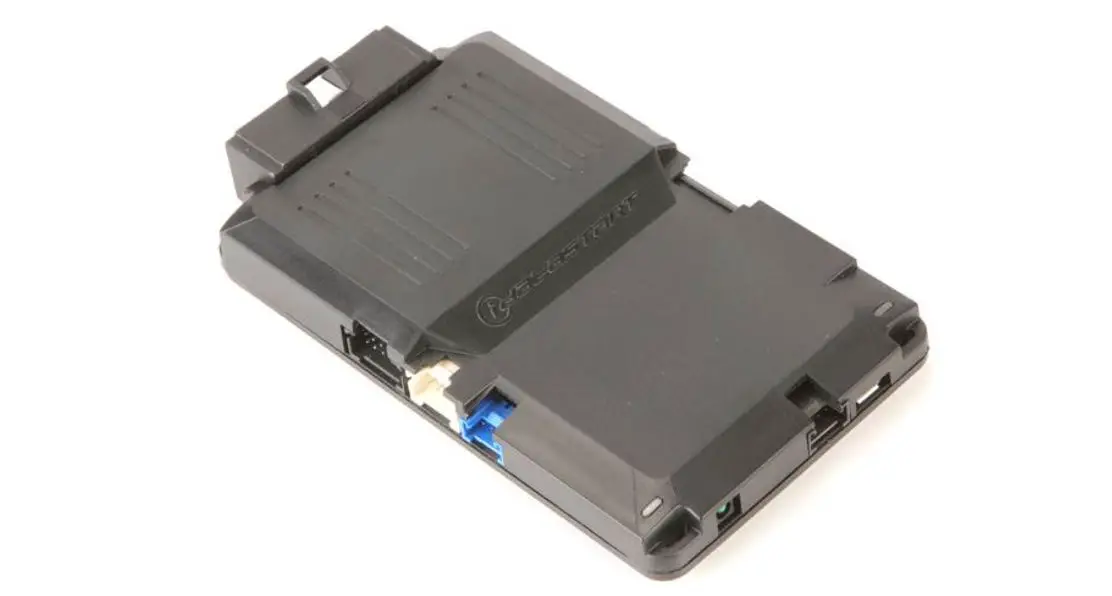
When using the NEW Code Alarm Utility App along with a VEPROG Programming tool you may program selectable features or update the firmware of this module. Refer to full installation guide for additional detail.
- To download the Code Alarm Utility App visit the Voxx University website at voxxuniversity.com (registration/login required).
- Select VOXXTECH and locate the utility app under the heading Software Downloads.
- The Code Alarm Utility App download includes both the CA Utility app and necessary VEPROG drivers.
- Install both items before attempting to update modules.
Technical Support (800) 421-3209 or visit
www.voxxuniversity.com

 University : Sign In
 University : Sign In