Nova Wireless Charging Desktop Base
Nova Wireless Charging Desktop Base
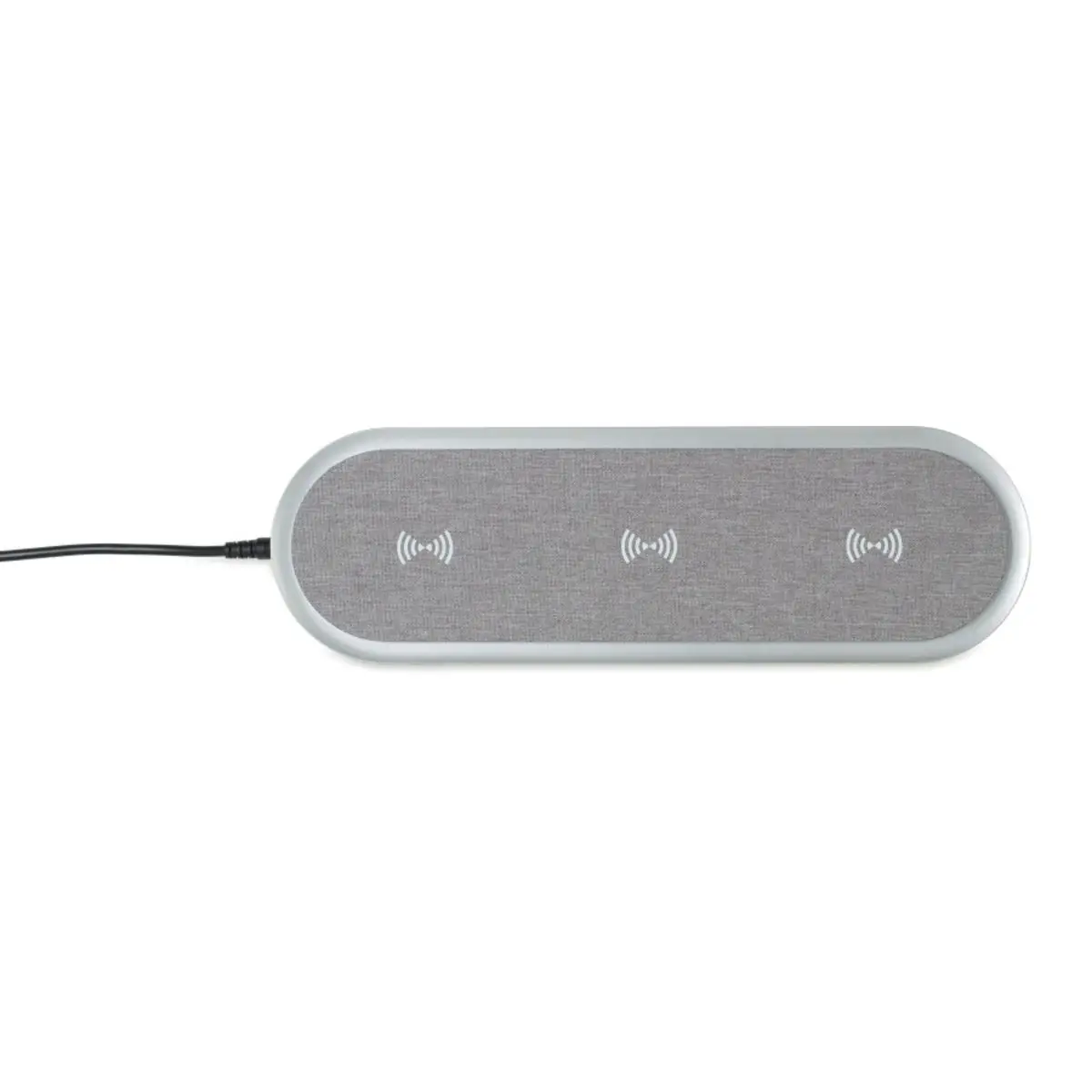
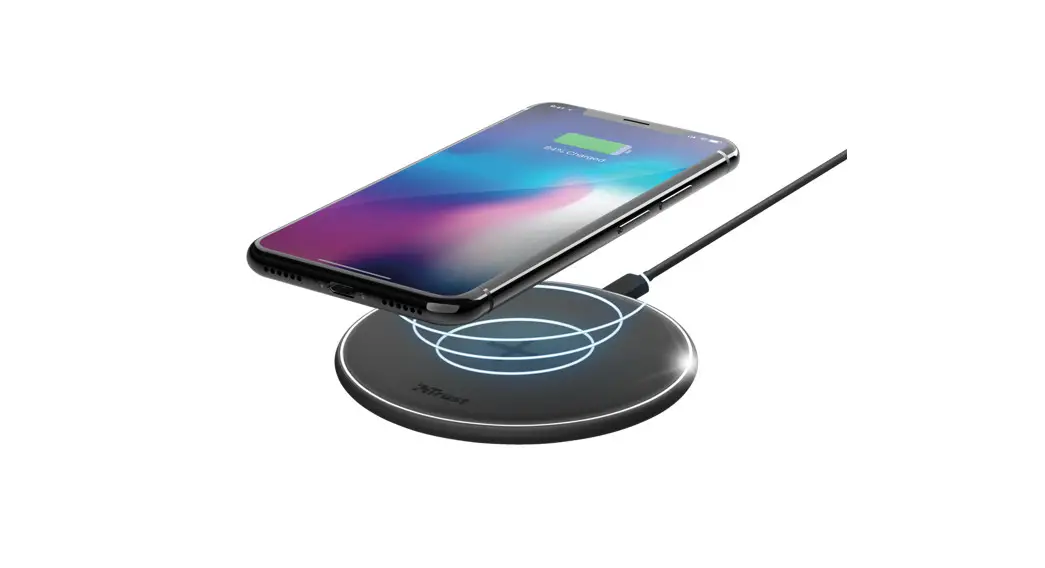
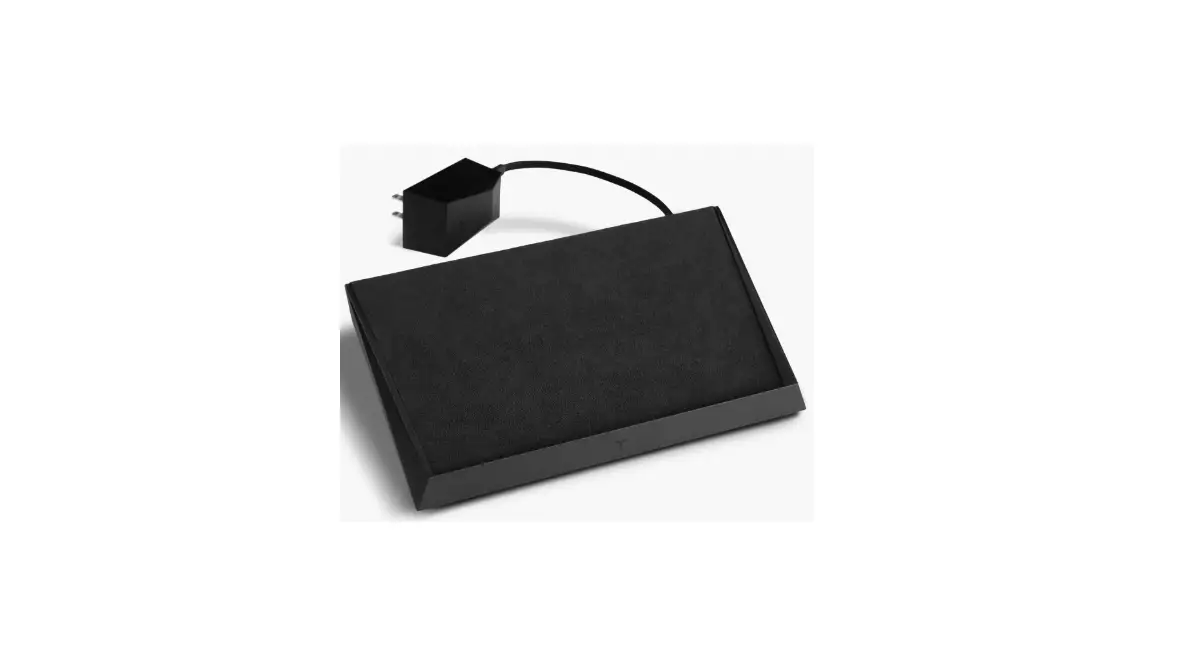
The Nova Wireless Charging Desktop Base is a wireless charging
station that allows you to charge your compatible devices without
the need for cables and wires. The charging field is designed to
charge any Qi-enabled devices such as smartphones, smartwatches,
and earbuds.
Included Parts
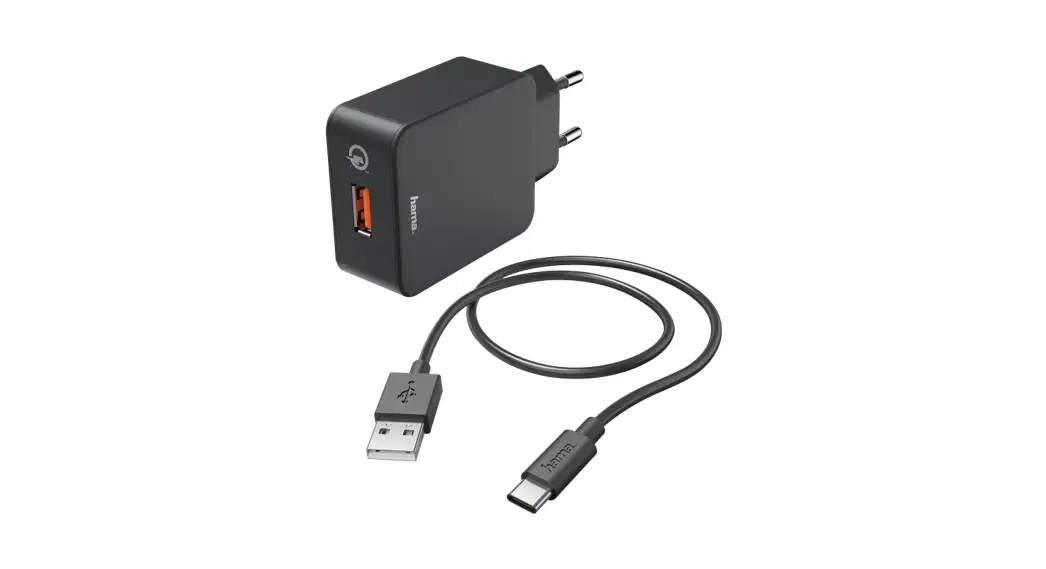
- AC Adapter
- Wireless Charging Base
Input: 24V 1.5A
Assembly Instructions
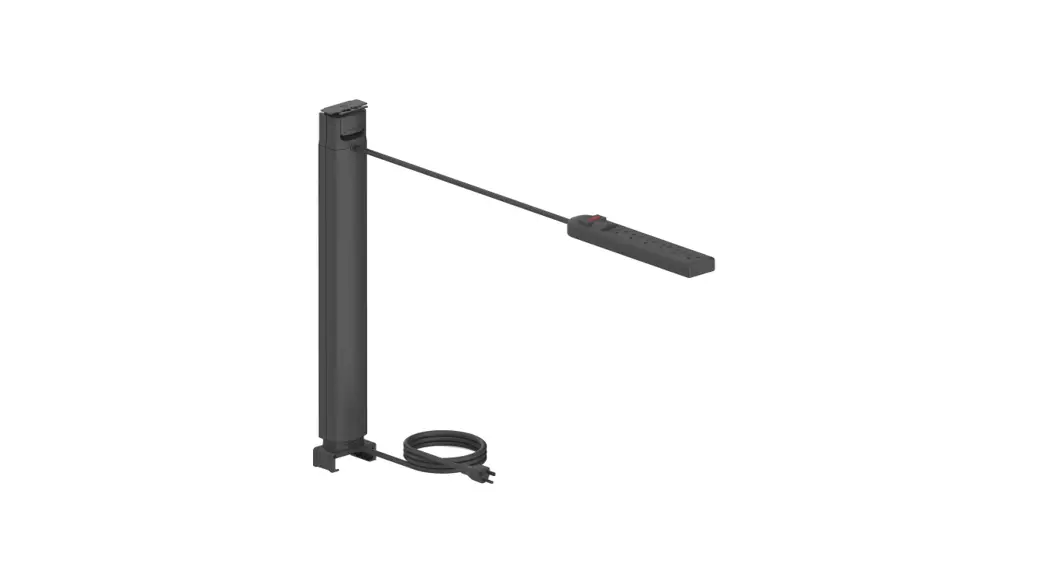
- Connect the Nova Light power cord to the AC adapter.
- Route the Nova Light power cord to the Wireless Charging
Base. - Insert the Light into the Charging Field.
Wireless Charging
The LED Indicator will flash RED if foreign objects are placed
on the charging field. When a chargeable device is placed on the
charging field, a white LED will turn on while charging and turn
off when fully charged. When the chargeable device is removed, the
LED will turn off. Depending on your phone manufacturer’s settings,
this may not apply.
FCC/CAN ICES Notice
The Nova Wireless Charging Desktop Base complies with part 15 of
the FCC Rules and contains license-exempt
transmitter(s)/receiver(s) that comply with Innovation, Science and
Economic Development Canada’s license-exempt RSS(s).
Operation is subject to the following two conditions:
- This device may not cause harmful interference.
- This device must accept any interference received, including
interference that may cause undesired operation.
To ensure compliance with FCC and ISED RF exposure requirements,
this device must be installed to provide a minimum of 20cm between
the device and people.
The FCC requires the user be cautioned that any changes or
modifications made to this device that are expressly approved by
Humanscale may void the user’s authority to operate the equipment.
To avoid interference, the user should:
- Reorient or relocate the receiving antenna.
- Increase the separation between the equipment and
receiver. - Connect the equipment into an outlet on a circuit different
from that to which the receiver is connected. - Consult the dealer or an experienced radio/TV technician for
help.
For more information about our terms and conditions, please
visit
https://www.humanscale.com/about/legal-information/terms-conditions.cfm
Product Usage Instructions
- Connect the AC adapter to a power source.
- Connect the Nova Light power cord to the AC adapter.
- Place the Wireless Charging Base on a flat surface.
- Route the Nova Light power cord to the Wireless Charging
Base. - Insert the Light into the Charging Field.
- Place your Qi-enabled device onto the charging field. The LED
indicator will turn white, indicating that your device is
charging. - When your device is fully charged, the LED indicator will turn
off. Remove your device from the charging field.
Nova
Wireless Charging Desktop Base
ASSEMBLY INSTRUCTIONS
North America: +1 800 400 0625
Included Parts
INPUT: 24V
1.5A
Wireless Charging Field Champ de Chargement sans Fil
LED indicator
AC Adapter
Wireless Charging Base
Assembly Instructions / Instructions de montage
1 Connect the Nova Light power cord to the
output jack underneath the Charging Base. Branchez le câble d’alimentation du luminaire Nova à la prise de sortie en dessous de la base de chargement.
2
USB 5v/1.0A per port
2 Route the Nova Light power cord to the
rear of the Charging Base. Acheminez le câble d’alimentation du luminaire Nova vers l’arrière de la base de chargement.
3 Insert the Light into the Charging
Base. Connect the AC adapter to the Charging Base’s power cord. Insérez le luminaire dans la base de chargement. Branchez le câble d’alimentation au câble d’alimentation de la base de chargement.
3
Wireless Charging / Chargement Sans Fil
LED Indicator will flash RED if foreign objects are placed on the charging field.
When chargeable device is placed on charging field, white LED will turn on while charging, and turn off* when fully charged. When chargeable device is removed, LED will turn off. *Depending on your phone manufacturer’s settings, this may not apply.
L’indicateur DEL clignotera ROUGE si des objets étrangers sont placés sur le champ de chargement.
Lorsque le dispositif à charger est placé sur le champ de chargement, une DEL blanche s’allumera pendant le chargement et s’éteindra* lorsque le dispositif sera complètement chargé. Lorsque le dispositif est retiré, la DEL s’éteindra. *Selon les paramètres usine de votre téléphone, ceci pourrait ne pas s’appliquer.
4
Safety and Care Instructions / Instructions de sécurité et d’entretien
Unplug from power source before cleaning. Wipe clean with a soft damp cloth. Avoid ammonia-based cleaners and abrasives. Débranchez l`appareil de la source d`alimentation avant de nettoyer. Nettoyez-le à l’aide d’un chiffon doux et humide. Évitez les nettoyants abrasifs et à base d’ammoniac.
Do not expose power cord to liquids or high temperatures. N’exposez pas le câble d’alimentation à des liquides ou à des températures élevées.
The external flexible cable or cord of this luminaire cannot be replaced; if the cord is damaged, the luminaire shall be destroyed. Le câble ou cordon flexible extérieur de ce luminaire ne peut pas être remplacé; si le câble est endommagé, le luminaire doit être détruit.
5
FCC/CAN ICES Notice
Wireless Charging Desktop Base for Nova Series Model N
FCC ID: 2AMDTWCDB This device complies with part 15 of the FCC Rules. Operation is subject to the following two conditions: (1) This device may not cause harmful interference, and (2) this device must accept any interference received, including interference that may cause undesired operation.
To ensure compliance with FCC and ISED RF exposure requirements this device must be installed to provide a minimum of 20cm between the device and people.
The FCC requires the user be cautioned that any changes or modifications made to this device that are expressly approved by Humanscale may void the user’s authority to operate the equipment.
Note: This equipment has been tested and found to comply with the limits for a Class B digital device, pursuant to part 15 of the FCC Rules. These limits are designed to provide reasonable protection against harmful interference in a residential installation. This equipment generates, uses and can radiate radio frequency energy and, if not installed and used in accordance with the instructions, may cause harmful interference to radio communications. However, there is no guarantee that interference will not occur in a particular installation. If this equipment does cause harmful interference to radio or television reception, which can be determined by turning the equipment off and on, the user is encouraged to try to correct the interference by one or more of the following measures:
·
Reorient or relocate the receiving antenna.
·
Increase the separation between the equipment and receiver.
·
Connect the equipment into an outlet on a circuit different from that to which the receiver is connected.
·
Consult the dealer or an experienced radio/TV technician for help.
IC: 23760-WCDB This device contains license-exempt transmitter(s)/receiver(s) that comply with Innovation, Science and Economic Development Canada’s license-exempt RSS(s). Operation is subject to the following two conditions:1.This device may not cause interference. 2.This device must accept any interference, including interference that may cause undesired operation of the device.
To ensure compliance with FCC and ISED RF exposure requirements this device must be installed to provide a minimum of 20cm between the device and people.
Pour garantir la conformité aux exigences d’exposition RF de la FCC et d’ISED Canada, cet appareil doit être installé de manière à laisser un minimum de 20 cm entre l’appareil et les personnes.
Cet appareil est conforme aux exigences des États-Unis en matière d’exposition aux ondes radioélectriques, de la FCC et d’ISED Canada. Il est conçu et fabriqué pour ne pas dépasser les limites d’émission imposées pour une exposition à l’énergie de radiofréquence (RF). Pour satisfaire aux exigences de conformité en matière d’exposition aux radiofréquences, les opérations portées sur le corps sont limitées aux pinces de ceinture, étuis ou accessoires similaires ne comportant aucun composant métallique dans l’assemblage et doivent ménager une distance minimale de xx mm entre l’appareil, son antenne, et le corps de l’utilisateur.
6
7
03/02/2022 GT-NPD-AI-3841-001-R00
1114 6th Ave. 15th Floor New York, NY 10036
www.humanscale.com
For our terms and conditions please go to https://www.humanscale.com/about/legal-information/terms-conditions.cfm
© 2022 Humanscale Corporation. The text and artwork are copyrighted materials. All rights reserved. The Humanscale mark and logo are trademarks of Humanscale Corporation and are registered in the United States and certain other countries.