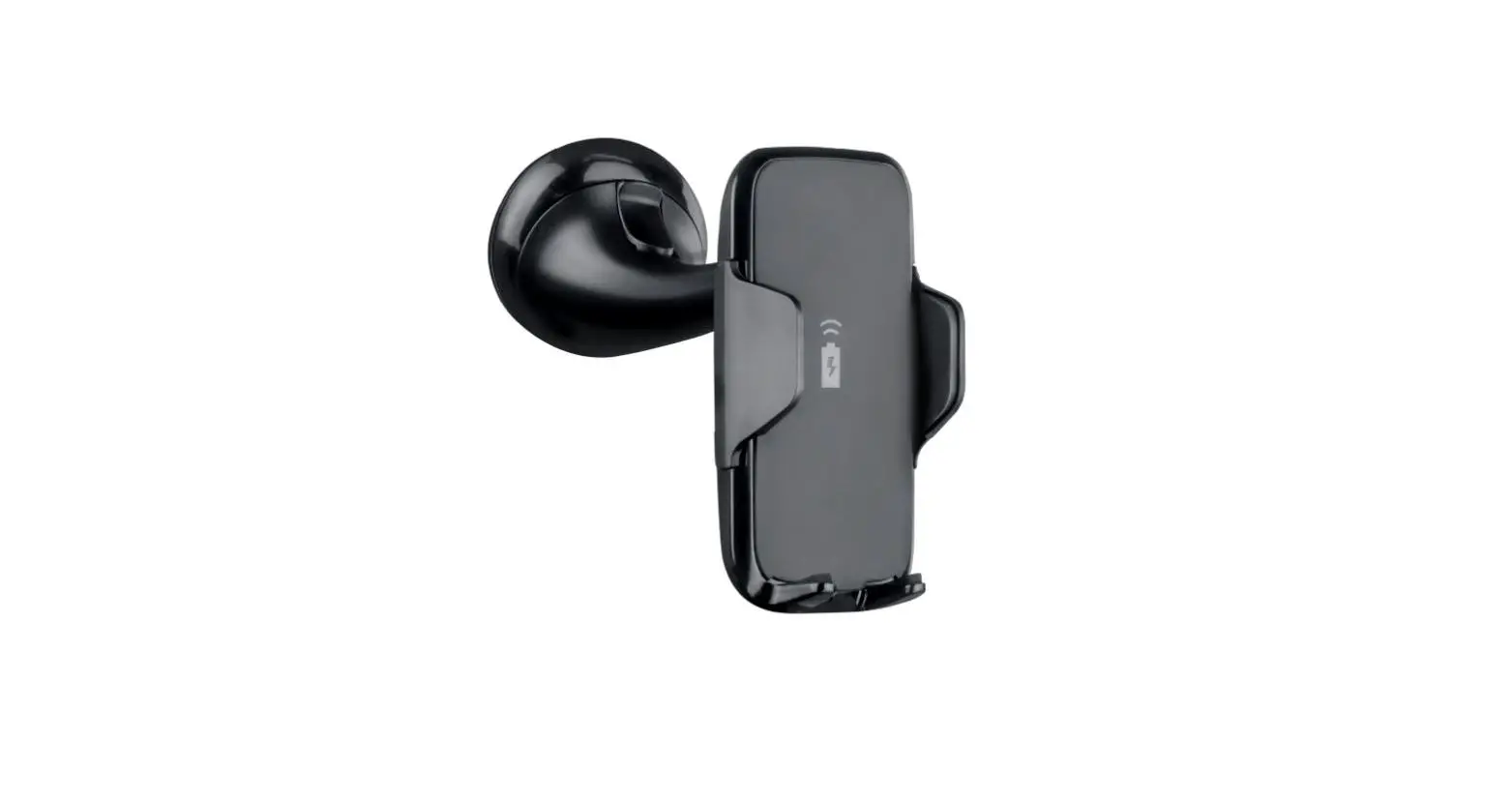

Mizco TT-WCMAG Wireless Charging Holder
Introduction
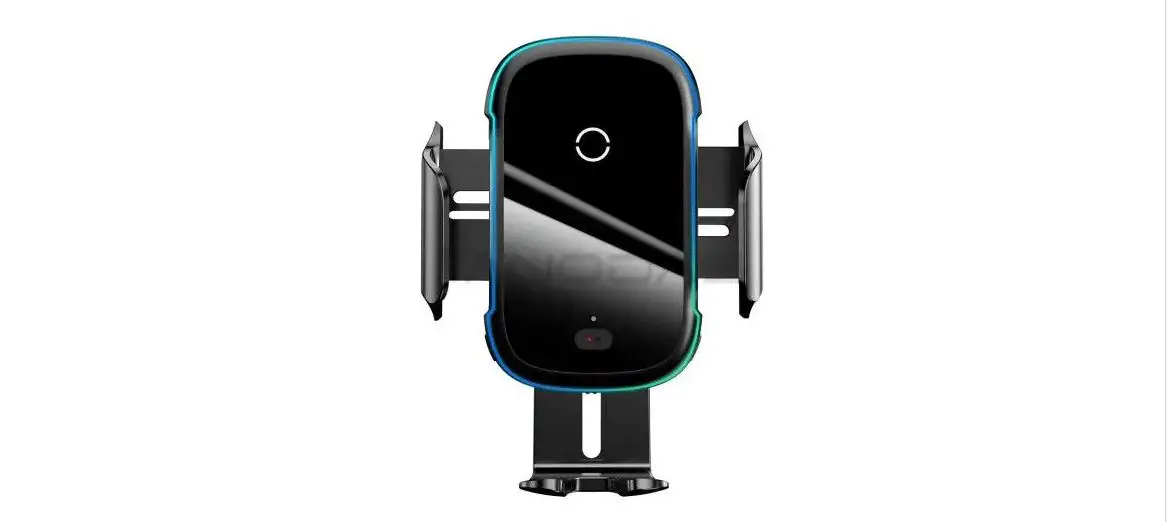
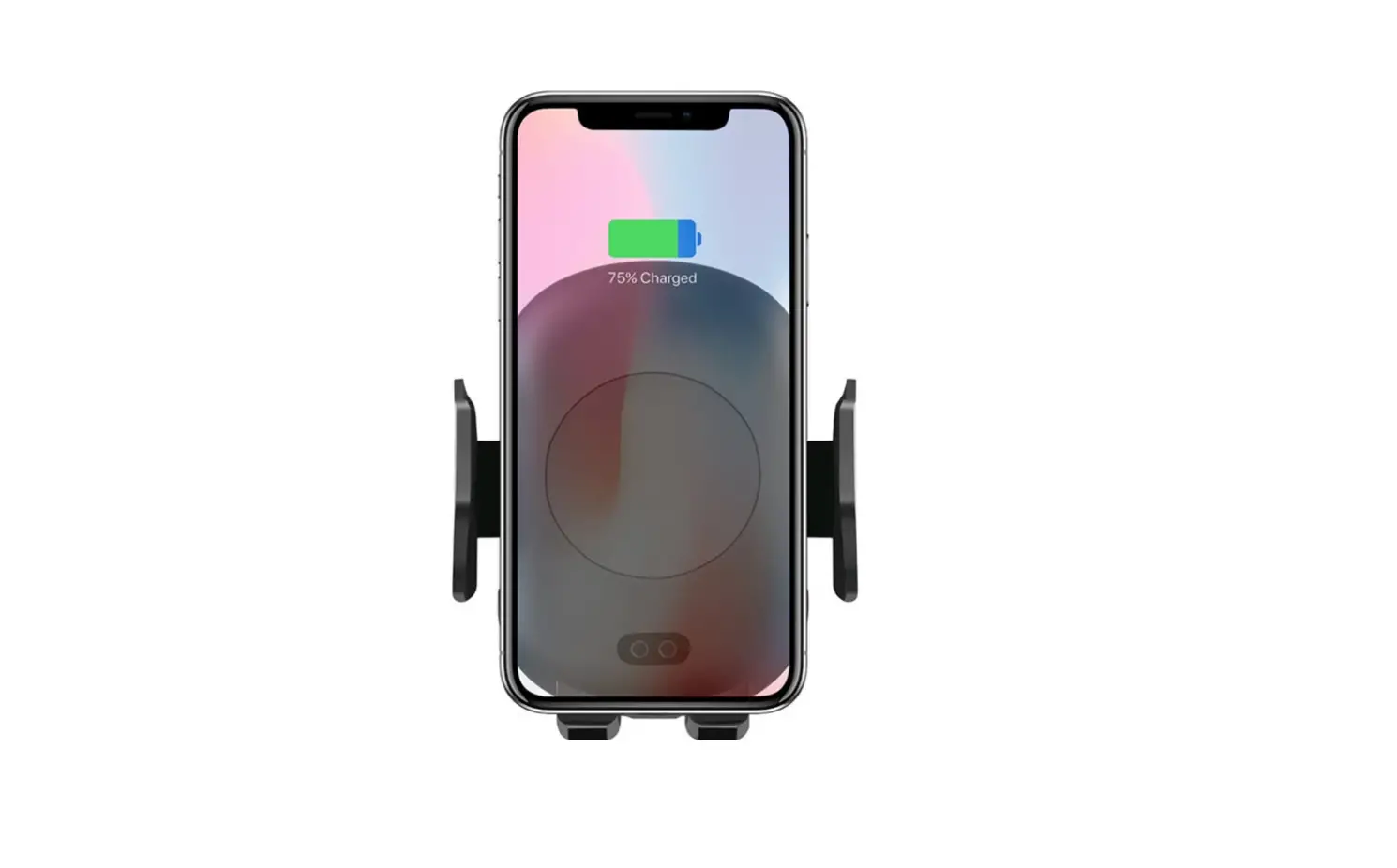
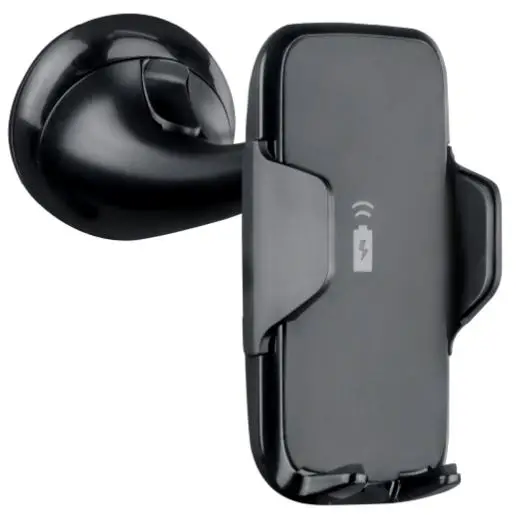
- As a wireless charging phone holder in the car, combine with windshield/dashboard suction mount.
- Attach windshield/dashboard suction mount on the windshield and dashboard
- Snap the T-slot of the product into the T-buckle of the above
- accessories, snap into place, This secures the product
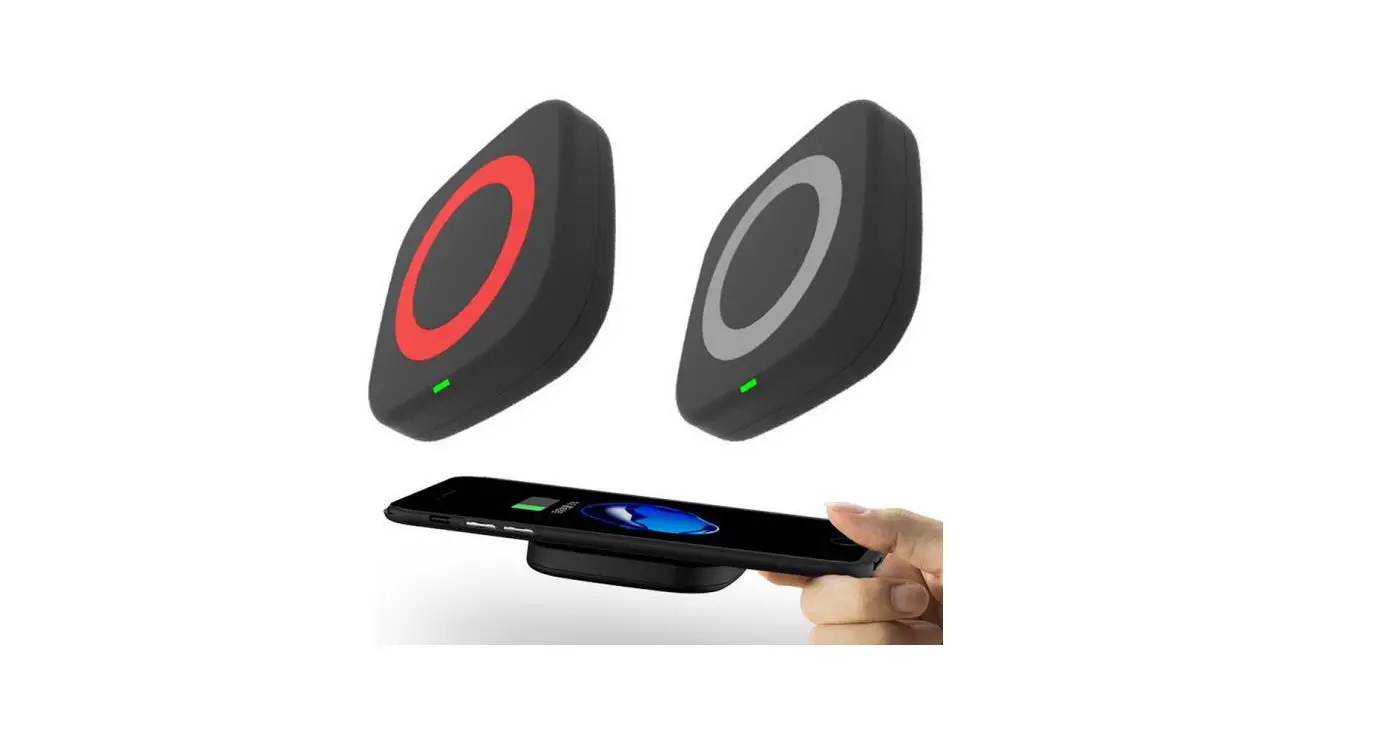
- Place the smartphone on the center of the product, The smartphone is automatically and firmly adsorbed by the product
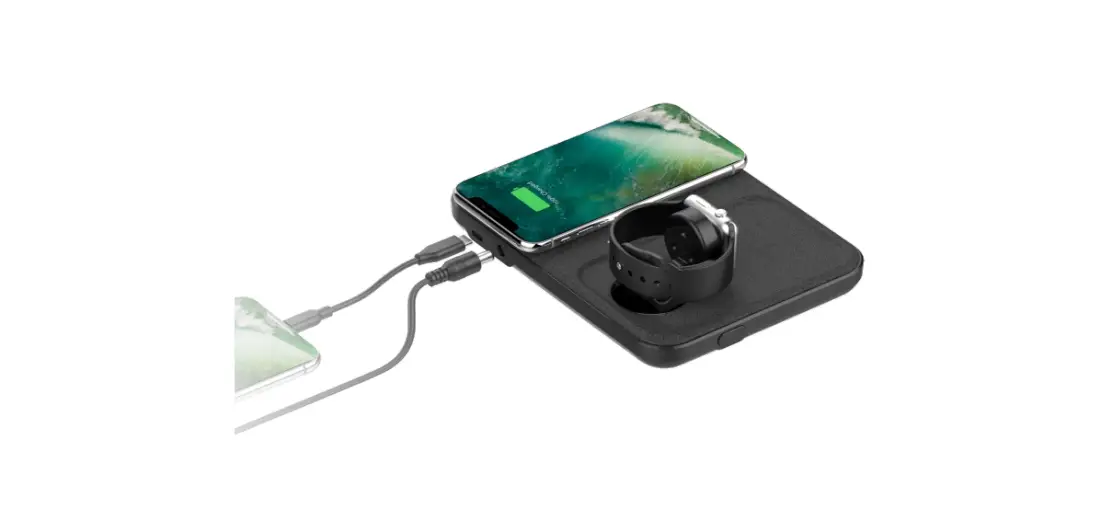
- Plug the car charger into the car cigarette lighter or the travel charger, Insert the TYPE-C plug of the car charger cable into the TYPE-C female charging input socket on the product
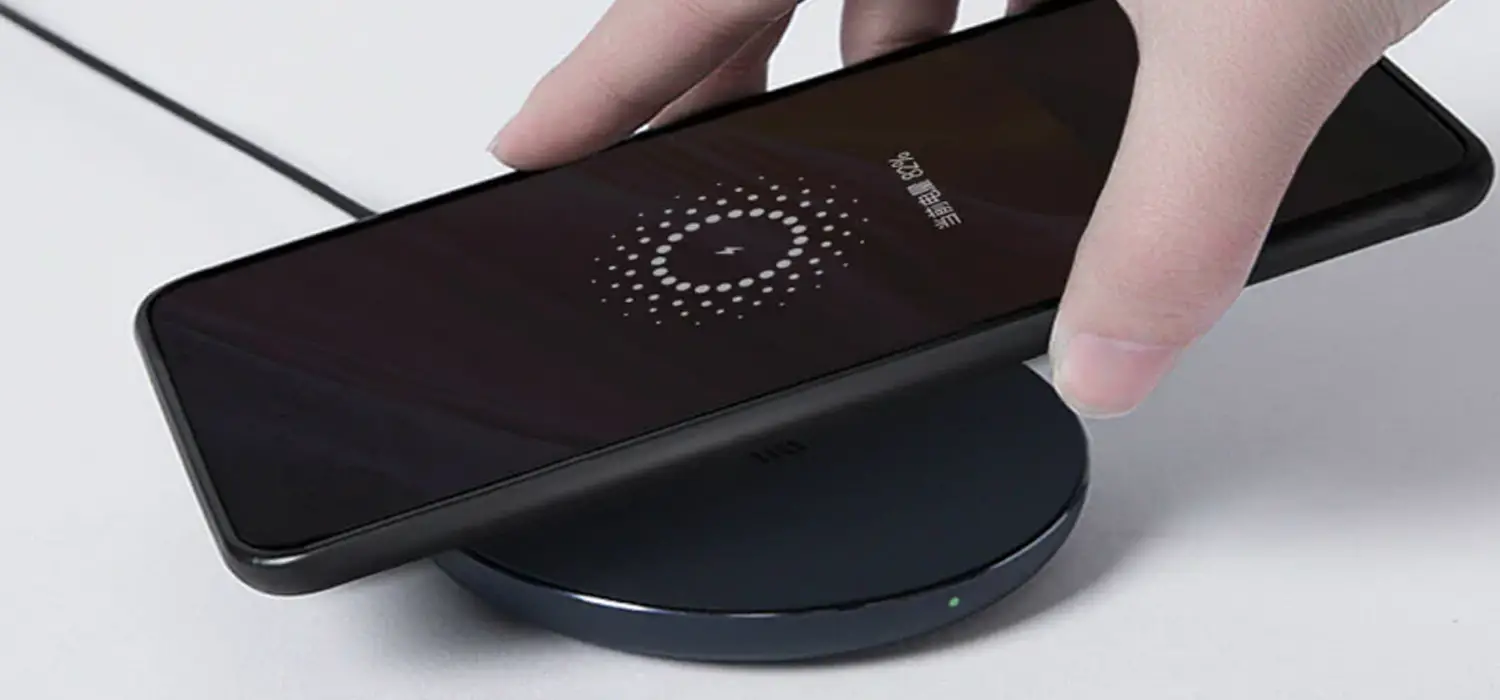
- When the power is turned on, the smartphone starts to charge, to achieve a wireless charging function, No need to plug the charging plug into the smartphone
- When the phone is fully charged and you want to remove the phone, hold the phone and take it out directly,
- No need to unplug the charging plug
- The interference potential of the device or system.
- Maintenance of the
- The interference potential of the device or system.
- Maintenance of the system
RF Exposure: A distance of 20 cm shall be maintained between the antenna and users, and the transmitter may not be co-located with any other transmitter or antenna.