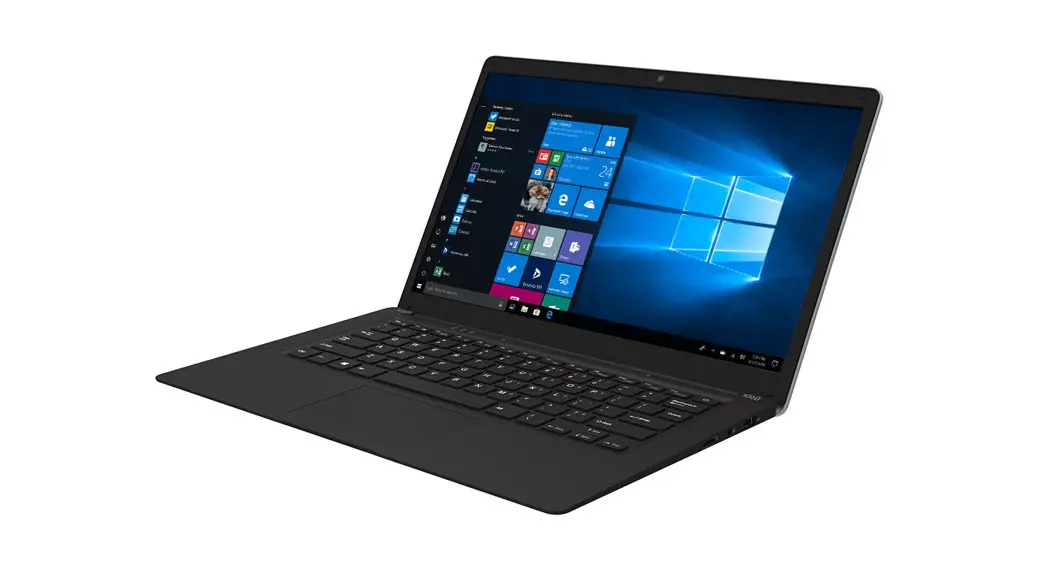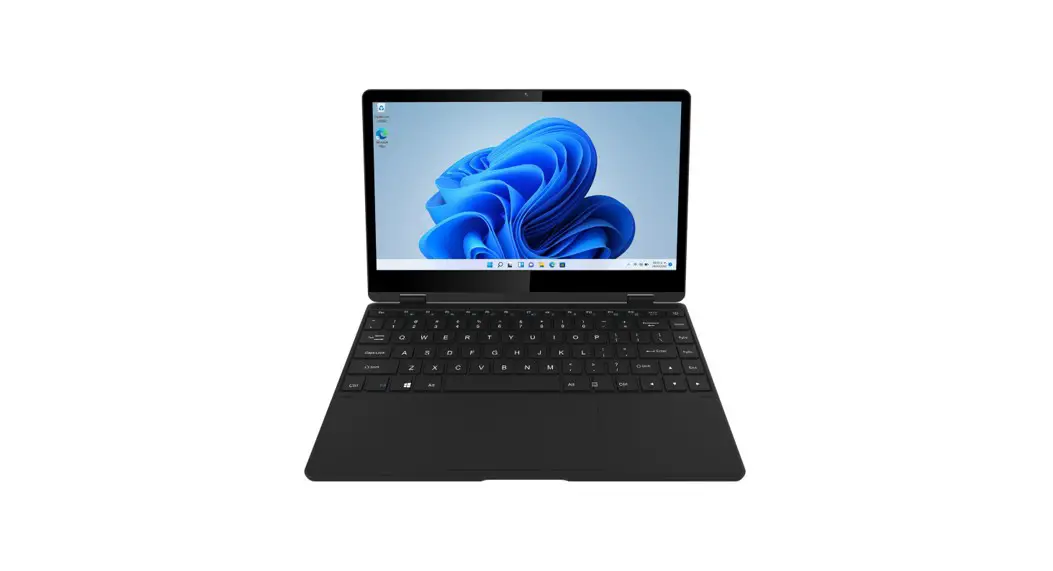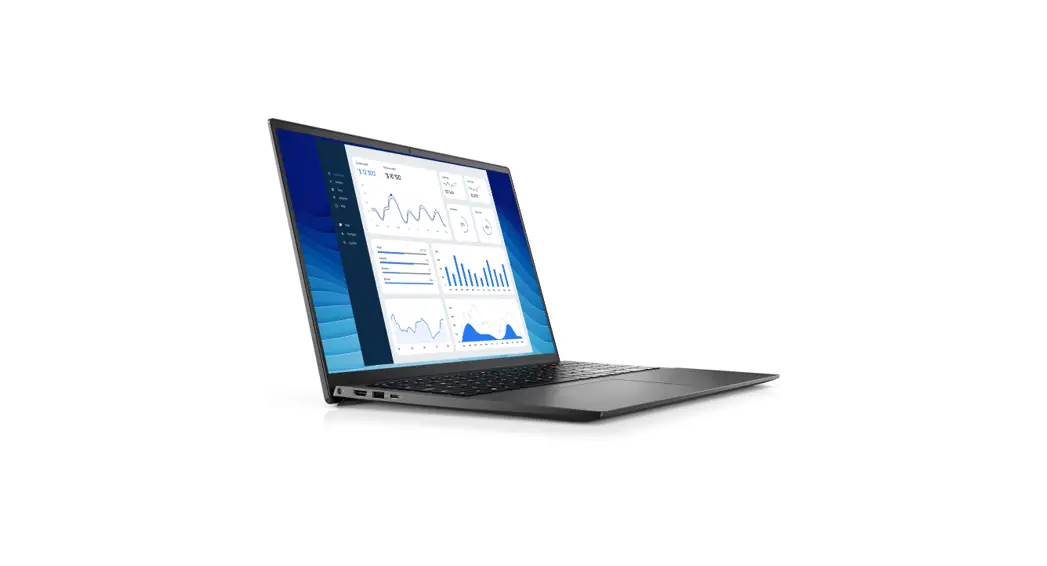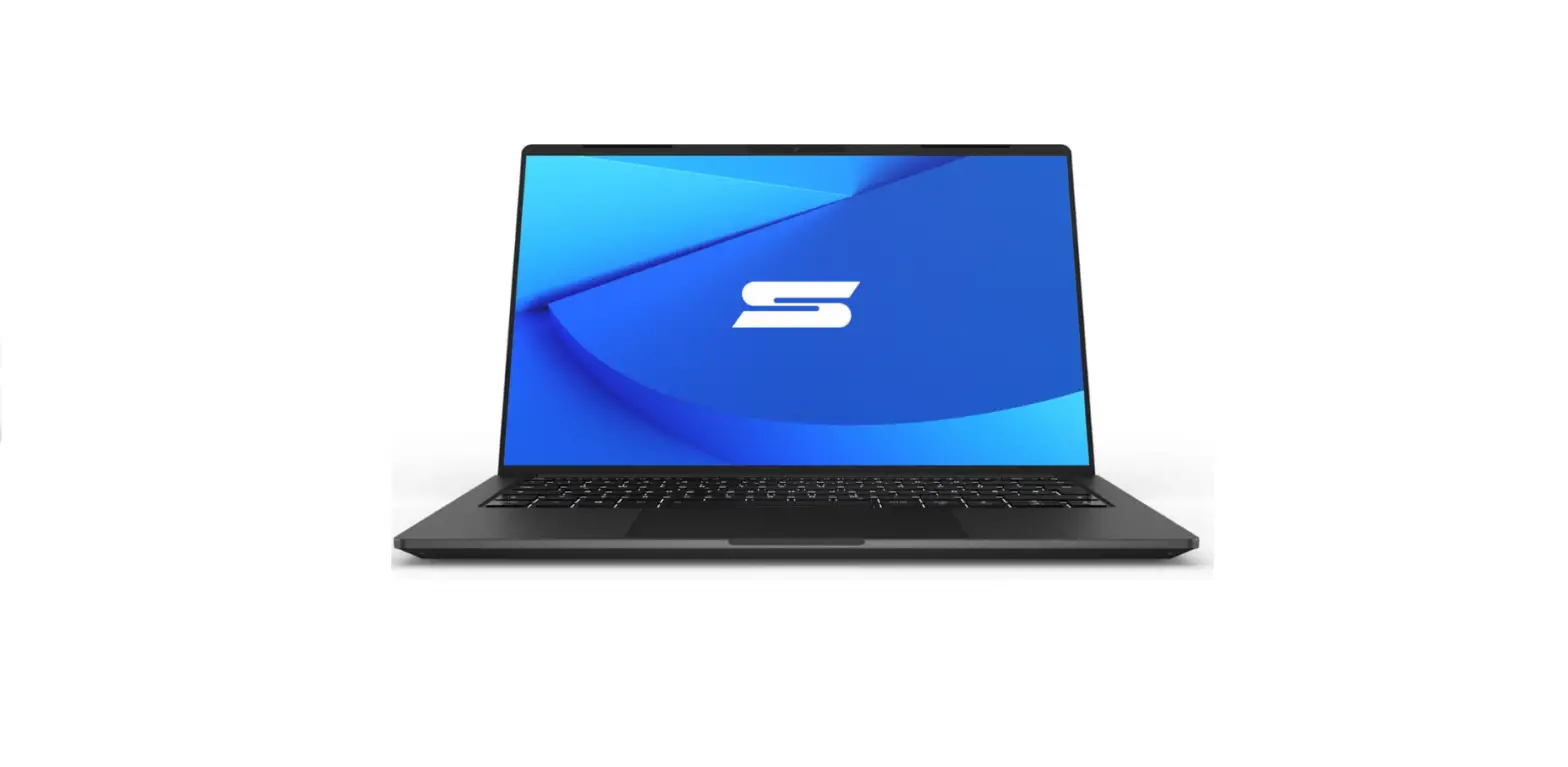

SVS14E22 Schenker Vision 14 Laptop
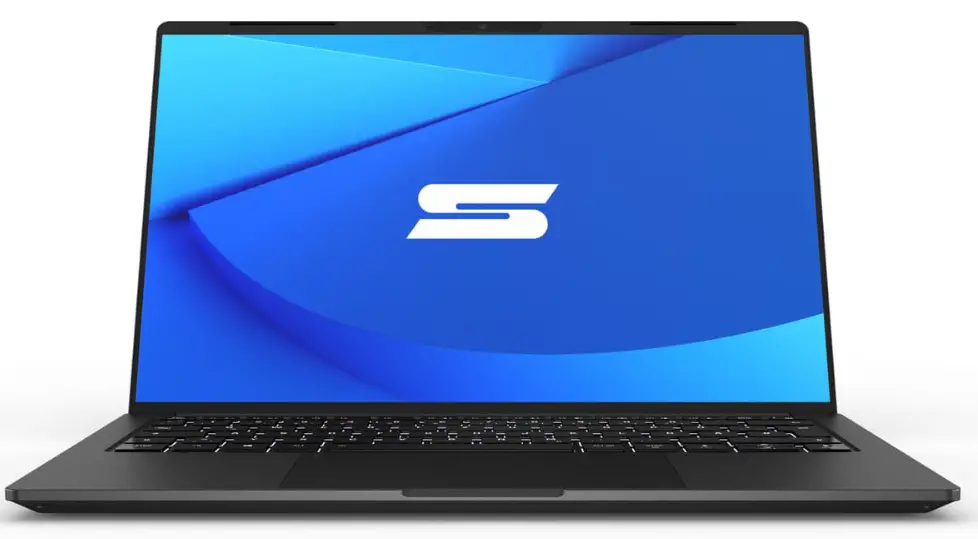
Overview
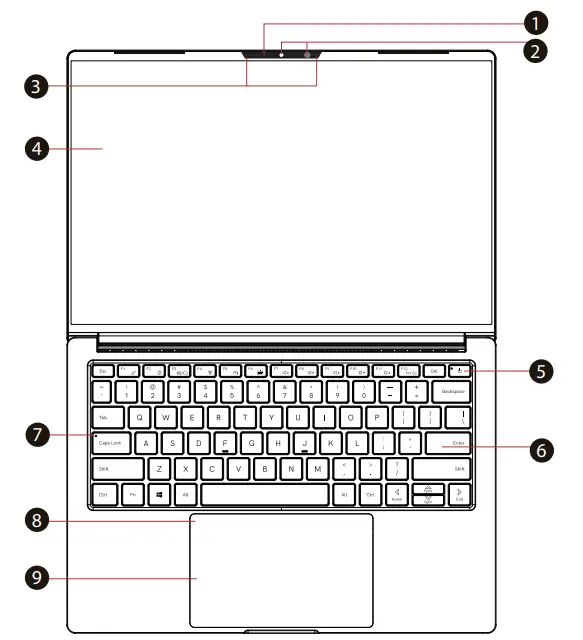
- Camera Status LED
- Camera with Windows Hello Support
- Microphone
- LCD Screen
- Power Button & Power Status LED
- Keyboard
- Caps Lock Status LED
- Touchpad Status LED / Touchpad Toggle
- Touchpad / Clickpad
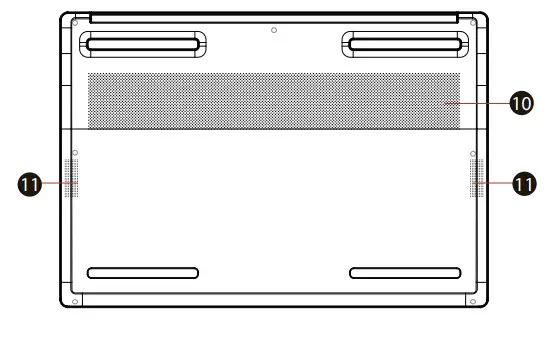
- Ventilation
- Speakers


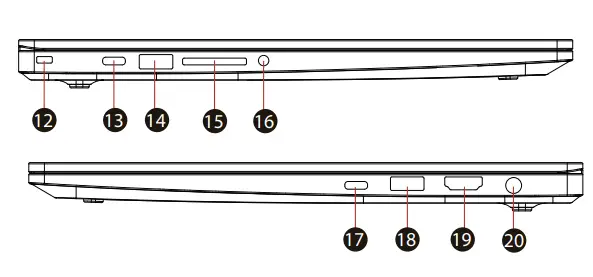
- Kensington Lock
- USB-C (with PD & DP)
- USB-A 3.2 Gen1
- Card Reader
- Audio/Headset-Port
- Thunderbolt 4 (with PD & DP)
- USB-A 3.2 Gen1
- HDMI 2.0
- Power Connector

Starting
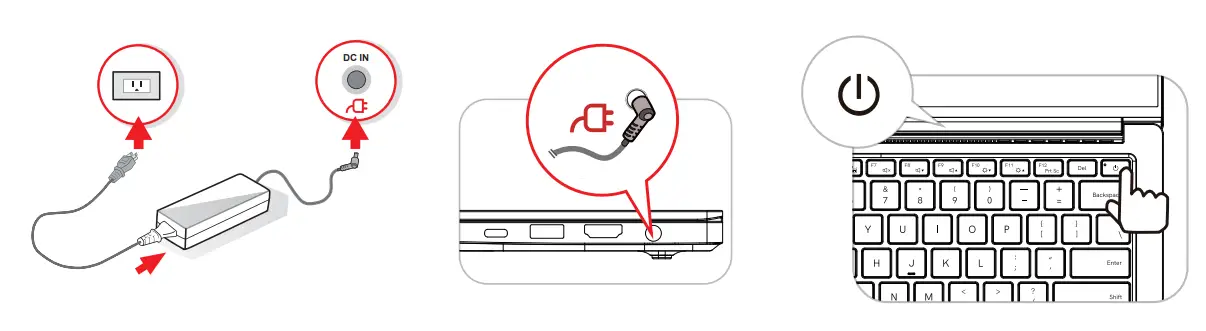
Please note: The AC adapter included with your PC was specifically designed and approved for your model. Utilization of an after-market may damage either the notebook or other devices connected to it. If damage is determined to have been caused by utilization of an unauthorized power supply, it will not be protected under warranty.