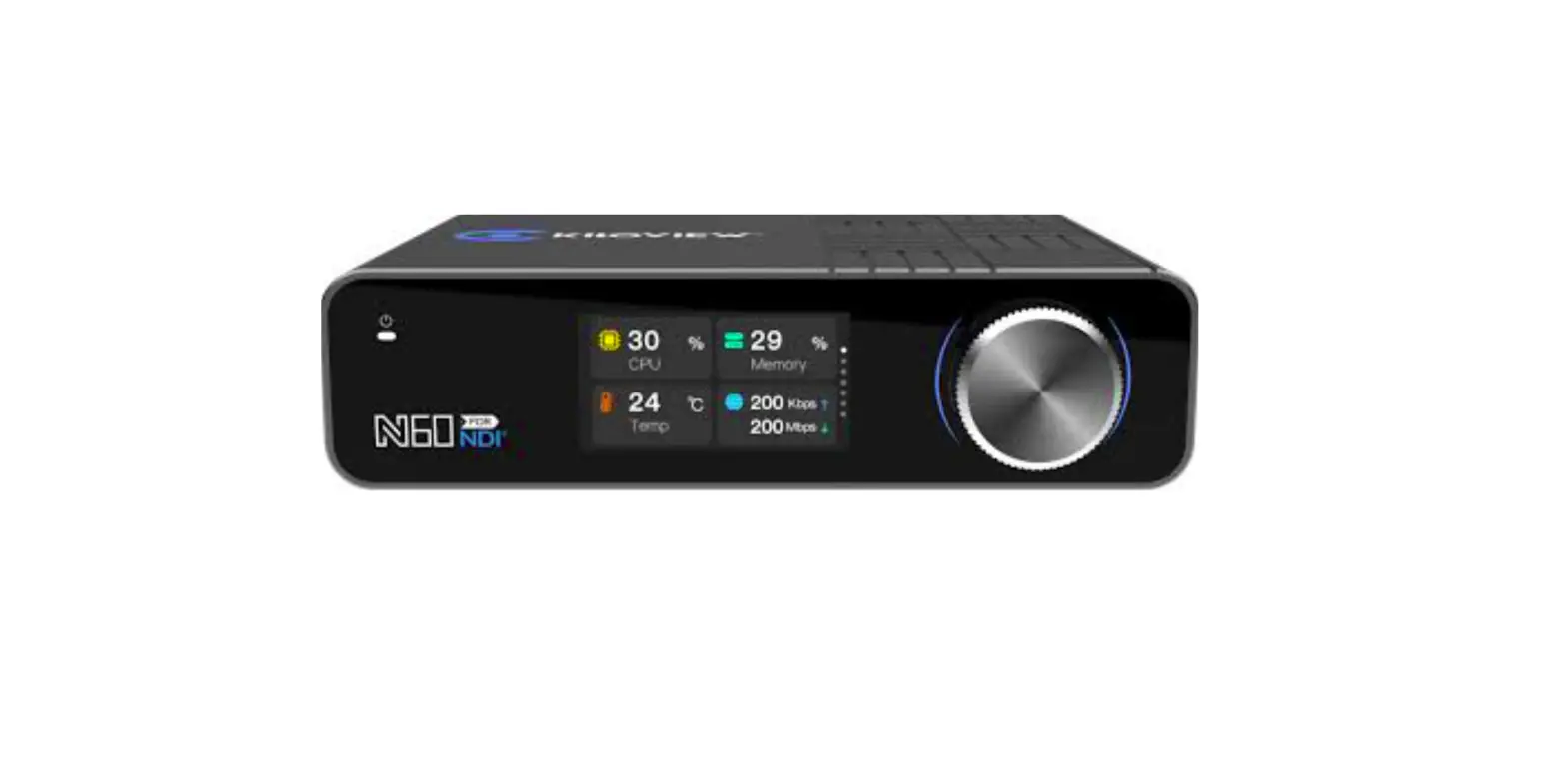
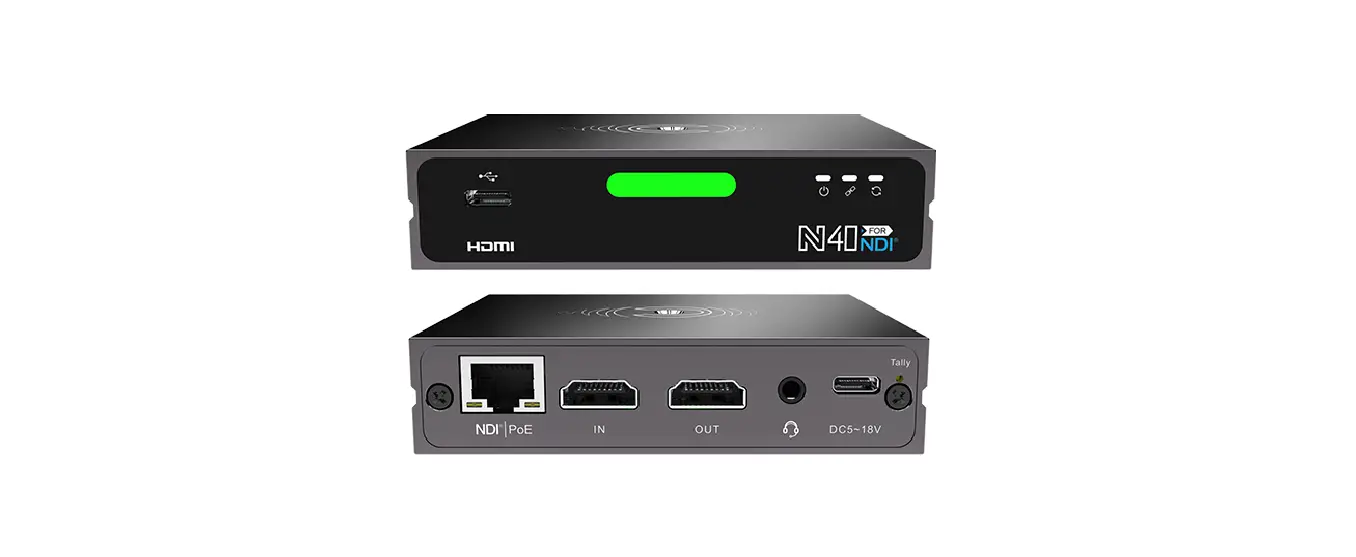
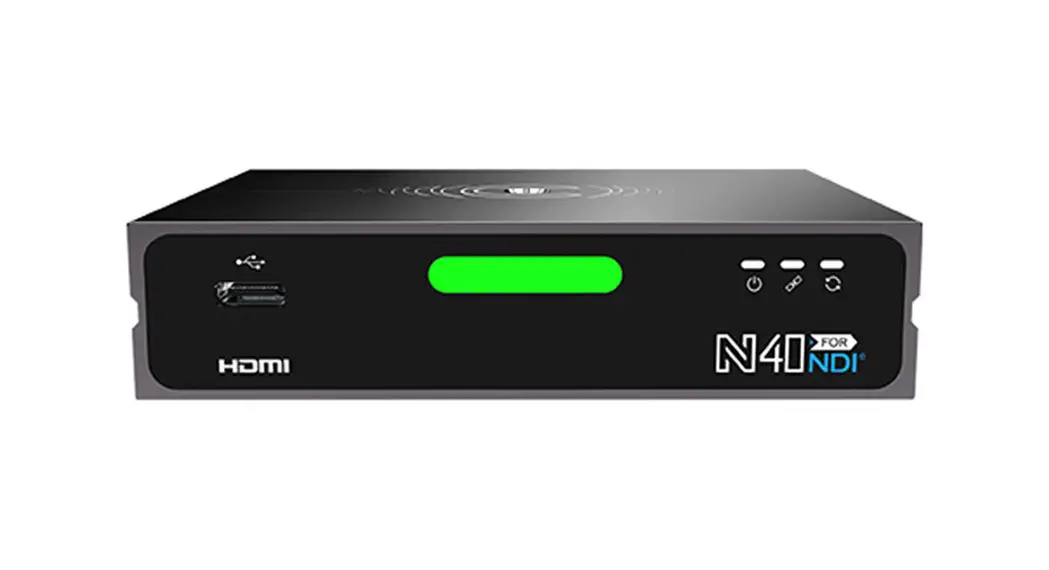
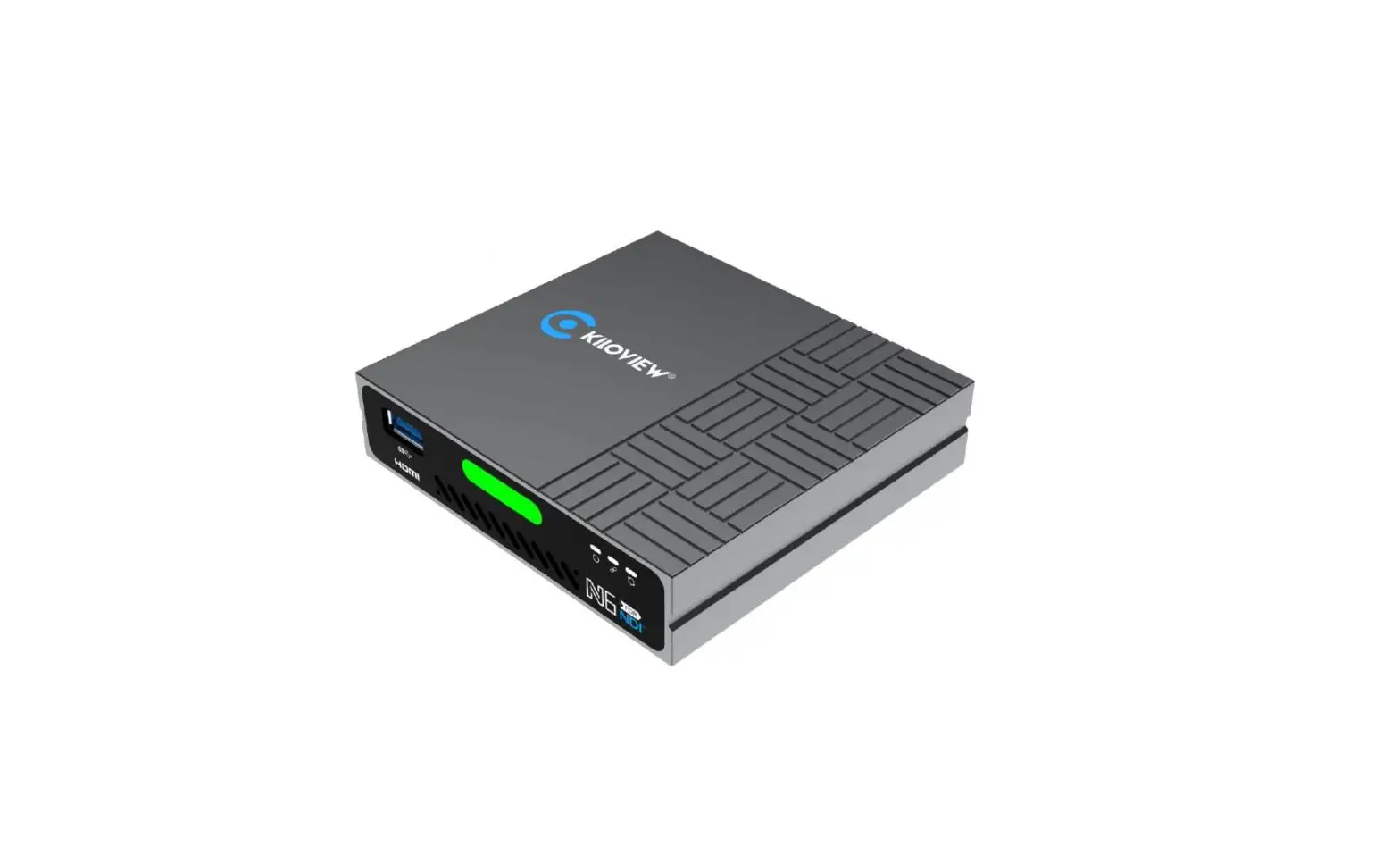
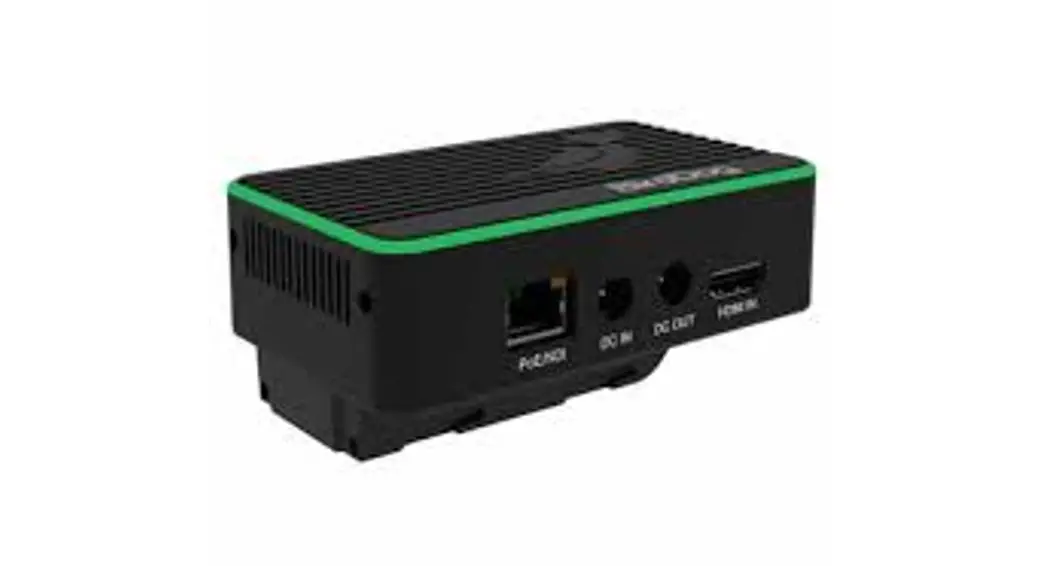
N60 4K HDMI to NDI Bi-Directional Converter
N60 4K HDMI to NDI Converter
Product Information:
| Descriptions | With other updated features such as PoE and dual ethernet ports, TF storage, PTZ control, 3.5mm analog audio and voice intercom, N60 is your ideal choice to get access to the fabulous NDI/NDI|HX world with the most versatile options and convenient operations. |
|---|---|
| Features | Encoding+decoding Built-in LCD panel + scroll-wheel Cold-shoe and V-mount Ultra Low latency transmission Local storage with TF card PTZ control via USB |
| Advantages | NDI and NDI|HX, Encoding + Decoding, All-in-One Plug-and-play operation, simple Web UI management 4Kp60 HDMI input and encode to both NDI and NDI|HX NDI or NDI|HX decoding to 4K HDMI output Support YCbCr 4:2:2 10bit for encoding and decoding, enjoy professional image quality Point to point latency less than 80ms Note: N60 can be used as either an encoder or a decoder but not simultaneously currently. Please note our update when simultaneous working is available. |
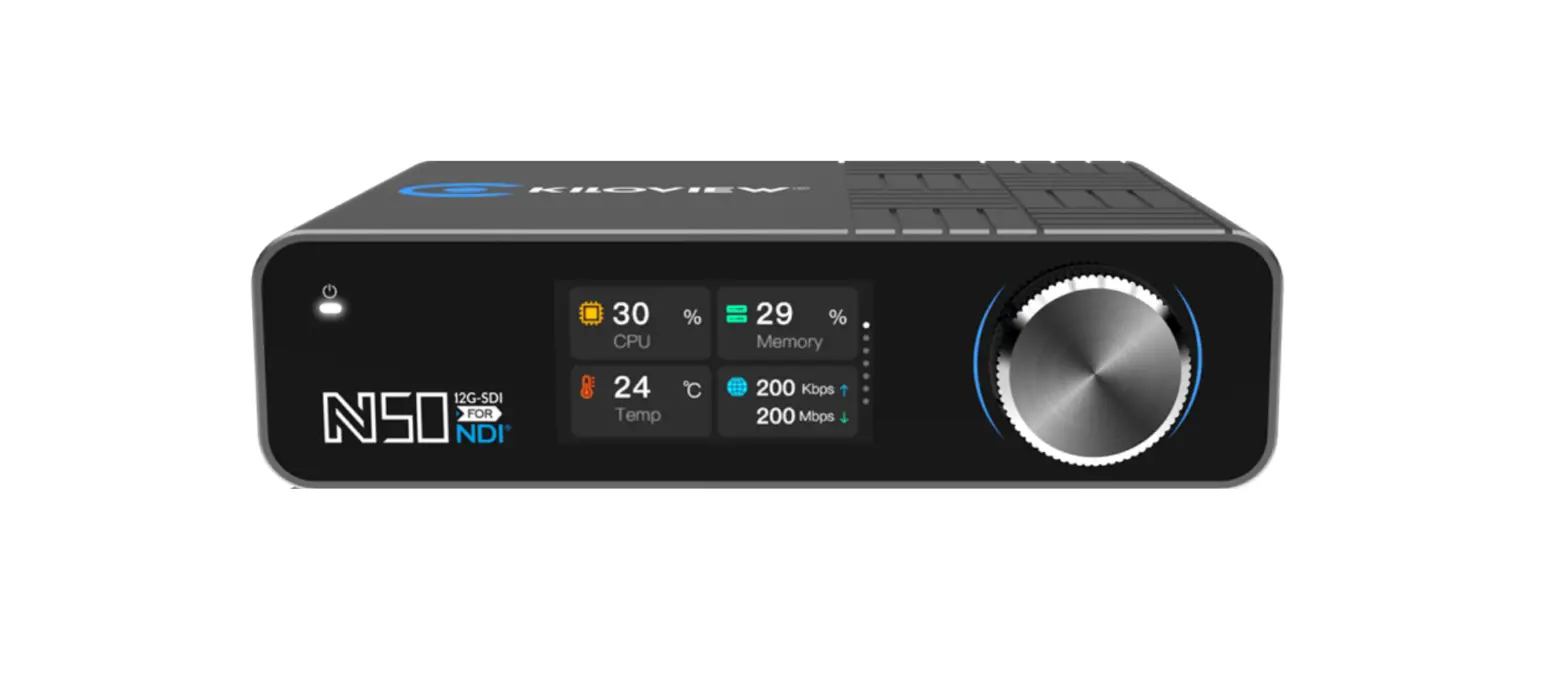
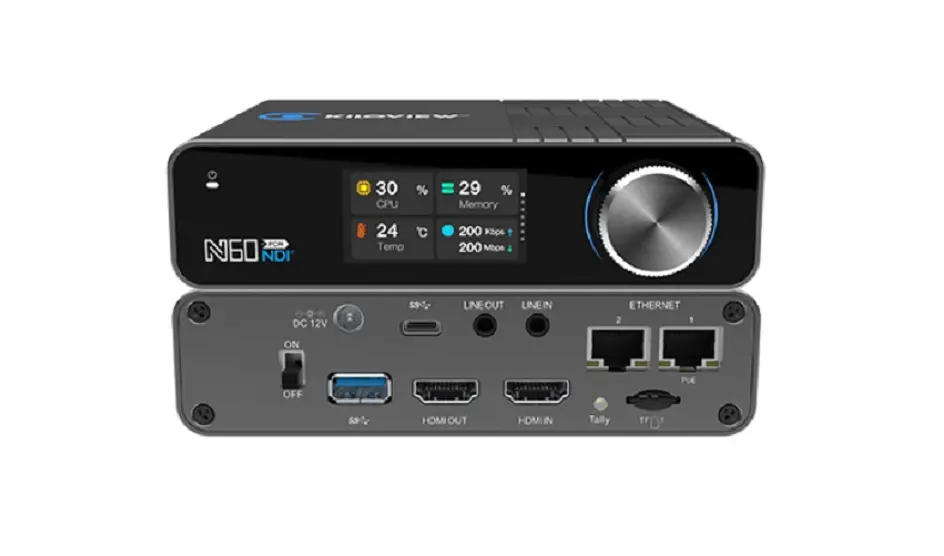
| Built-in LCD panel + Scroll-wheel | A built-in LCD panel plus a scroll-wheel for management and easy configuration Working as a big tally |
| Audio and intercom | Support 3.5mm analog audio line in/out Support voice intercom between all Kiloview devices and the control PC/phone, or with Kiloview Intercom Server |
| PTZ control | Support PTZ control by external USB USB keyboard for switching optional or control a PTZ camera And PTZ control over IP with different protocols, no extra cable required |
| Other features | TF card storage available, enabling cache for Kiloview Smart Recording for reliable recording Support cold-shoe mounting and V-mounting (paid accessories) 2*1000M Ethernet port, one for PoE(IEEE 802.3AT) Seamless integration with Kiloview Multiview Server, Recorder System, KiloLink Server and NDI CORE |
| Compatible software | NDI-enabled devices and software |
| Parameters | Model: N60 Video input: 1*4Kp60 HDMI 2.0 Video output: 1*4Kp60 HDMI 2.0Loop or decoding output Audio port Network: 1*3.5mm Line in, 1*3.5mm Line out, 2*RJ45 1000Mbps Ethernet port Ethernet 1 with PoE (IEEE 802.3AT, 24W Max) Video resolution: Input: up to 3840×2160@60fps (4Kp60), lowest 720p50 Output (decoding or loop out): up to 3840×2160@60fps (4Kp60), lowest 720p50 Audio encoding and decoding USB: SpeedHQ (NDI CODEC): SHQ0, SHQ2 ISO MPEG-4 Part 10: Advanced Video Coding (AVC)/ITU H.264 ISO MPEG-H Part 2: High Efficiency Video Coding (HEVC)/ITU H.265 AVC (H.264): Baseline, Main, High, High10, High 4:2:2 up to 5.2 level HEVC (H.265): Main, Main Intra, Main10, Main10 Intra, Main 4:2:2 10, Main 4:2:2 10 Intra up to 5.1 High Tier NDI Audio; AAC-LC, Opus, G.711 a-Law/u-Law; others software expansion TF storage: Support TF card for recording, capacity up to 2TB Tally: Built-in OLED panel available as front/rear Tally Power: DC 12V 5.5/2.5or PoE Performance: NDI: Support both NDI and NDI|HX 2.0 (Note: It will support NDI|HX 3.0 in the near future) SpeedHQ (NDI CODEC): 4Kp60: 250Mbps, 1080p60: 132Mbps, 1080p30/1080i60: 112Mbps, 720p60: 105Mbps 480i60: 62.5Mbps |
Product Usage Instructions:
To use the N60 4K HDMI to NDI Converter, please follow the
instructions below:
- Connect the video input source to the N60 using a 4Kp60 HDMI
2.0 cable. - Connect the desired video output device to the N60 using a
4Kp60 HDMI 2.0 cable. - For audio input and output, connect the corresponding devices
to the N60 using 3.5mm Line in and Line out ports. - If PTZ control is required, connect an external USB device or
USB keyboard to the N60. - If using PTZ control over IP, ensure that the N60 is connected
to the network using one of the two RJ45 1000Mbps Ethernet
ports. - If desired, mount the N60 using the cold-shoe or V-mounting
accessories (sold separately). - If TF card storage is required for recording, insert a TF card
with a capacity of up to 2TB into the N60. - Power the N60 using either a DC 12V 5.5/2.5 power supply or
through Power-over-Ethernet (PoE) via Ethernet port 1. - Once powered on, use the built-in LCD panel and scroll-wheel
for management and configuration purposes. - If using audio intercom between Kiloview devices and control
PC/phone or Kiloview Intercom Server, ensure they are connected to
the same network. - To control PTZ cameras, follow the specific protocols for PTZ
control over IP or use an external USB keyboard. - For seamless integration with Kiloview Multiview Server,
Recorder System, KiloLink Server, and NDI CORE, ensure proper
network connectivity and configuration. - Refer to the user manual for more detailed instructions on
advanced settings and software compatibility.
N60 4K HDMI to NDI Converter
NDI & NDI|HX, Encoding and Decoding All-in-One
Descriptions
N6N0640K4NK DNIDBIi-Bdi-irdeicreticotnioanl aCloCnovnevrteerrteisr iKsilKoivloievwie`ws`lsatleasttesNt DNIDcIocnovnevrteerrt,ewr,hwichhicchacnahnahnadnledlbeobthotNh DNIDaInadnNd DNID|HIX|H, Xe,necnocdoindging anadnddedceocdoindgin. gI.t Istuspuppoprtosrtrsesroesluotliuotnionupuptoto4K4KUHUDHDHDHMDIM, IY,CYbCCbrC4r:24::22:2101b0itbiatnadndAVACVC(H(.2H6.246/H4/EHVECV(HC(.2H6.256),5)d, edlievelivrienrging highhig-qh-uqauliatylitiymiamgaegsews itwhithulturalt-rlao-wlowlatleantecnyclyeslsestshathnan808m0sm. sN. 6N060hahsaas baubilut-iilnt-inLCLDCDpapnaenl ealnadnda ascrsoclrlo-bll-ubttuotntonforfobrebtteetrter intienrtaecrtaicotnio. nW. iWthitthhethpeapnaenl eyloyuocuancaqnuqicukilcyklmy omnoitnoirtoarnadncdocnofingfuigreuryeoyuorudredveicveic, esu, scuhcahsaIPs IcPocnofingfuigrautriaotnio, nre, creocrdoirndginsgtasttuastu, es,tce.tc. BeBsiedseids,eist, citancaanlsaolswoowrkoraksaasbaigbiTgalTlay.lly. WiWthhoat’hesrmuoprdeatimedpoferatatunrte, sNs6u0cshupaspoProtEs UanSdB 3d.u0ailneptuhtefrrnoemt pUoSrBtsW, TeFb sCtoamraegrea, oPrTZPCc,ownhtriochl, e3a.5smilymbraingaloNgDIatuedcihonaonlodgvyotioce intyeorcuor mvi,deNo60coinsfeyroeunrcindgeaalncdhoimicaegetopgroecteasscicnegs.s to the fabulous NDI/NDI|HX world with the most versatile options and convenient operations.
With other updated features such as PoE and dual ethernet ports, TF storage, PTZ control, 3.5mm analog audio and voice intercom, N60 is your ideal choice to get access to the fabulous NDI/NDI|HX world with the most versatile options and convenient operations.
Features
Encoding+decoding Built-in LCD panel + scroll-wheel
Cold-shoe and V-mount Ultra Low latency transmission
Local storage with TF card PTZ control via USB
Advantages
NDI and NDI|HX, Encoding + Decoding, All-in-One
Plug-and-play operation, simple Web UI management 4Kp60 HDMI input and encode to both NDI and NDI|HX NDI or NDI|HX decoding to 4K HDMI output Support YCbCr 4:2:2 10bit for encoding and decoding, enjoy professional image quality Point to point latency less than 80ms Note: N60 can be used as either an encoder or a decoder but not simultaneously currently. Please note our update when simultaneous working is available.
Built-in LCD panel + Scroll-wheel
A built-in LCD panel plus a scroll-wheel for management and easy configuration Working as a big tally
Audio and intercom
Support 3.5mm analog audio line in/out Support voice intercom between all Kiloview devices and the control PC/phone, or with Kiloview Intercom Server
PTZ control
Support PTZ control by external USB USB keyboard for switching optional or control a PTZ camera And PTZ control over IP with different protocols, no extra cable required
Other features
TF card storage available, enabling cache for Kiloview Smart Recording for reliable recording Support cold-shoe mounting and V-mounting (paid accessories) 2*1000M Ethernet port, one for PoEIEEE 802.3AT) Seamless integration with Kiloview Multiview Server, Recorder System, KiloLink Server and NDI CORE
Compatible software
NDI-enabled devices and software
Parameters
Model
N60
Connectors and Basic Function
Video input
1*4Kp60 HDMI 2.0
Video output
1*4Kp60 HDMI 2.0Loop or decoding output
Audio port Network
Video resolution
1*3.5mm Line in 1*3.5mm Line out 2*RJ45 1000Mbps Ethernet port Ethernet 1 with PoE (IEEE 802.3AT, 24W Max) Input: up to 3840×2160@60fps (4Kp60), lowest 720p50 Output (decoding or loop out): up to 3840×2160@60fps (4Kp60), lowest 720p50
NDI® codec capacity 1x NDI® FB/HX encoding or 1x NDI® FB/HX decoding
NDI®CODEC feature
Audio encoding and decoding USB
Human-computer interaction
SpeedHQ (NDI CODEC): SHQ0, SHQ2 ISO MPEG-4 Part 10: Advanced Video Coding (AVC)/ITU H.264 ISO MPEG-H Part 2: High Efficiency Video Coding (HEVC)/ITU H.265 AVC (H.264): Baseline, Main, High, High10, High 4:2:2 up to 5.2 level HEVC (H.265): Main, Main Intra, Main10, Main10 Intra, Main 4:2:2 10, Main 4:2:2 10 Intra up to 5.1 High Tier
NDI Audio; AAC-LC, Opus, G.711 a-Law/u-Law; others software expansion
1*USB3.0 (type A) 1*USB3.0 (type C)
1.96LCD screen, Kiloview Magic Rotor
TF storage
Support TF card for recording, capacity up to 2TB
Tally
Built-in OLED panel available as front/rear Tally
Power
DC 12V 5.5/2.5or PoE
Performance
NDI
Support both NDI and NDI|HX 2.0 (Note: It will support NDI|HX 3.0 in the near future)
SpeedHQ (NDI CODEC): 4Kp60: 250Mbps, 1080p60: 132Mbps, 1080p30/1080i60: 112Mbps, 720p60: 105Mbps 480i60: 62.5Mbps
Typical Bitrates
AVC (H.264): Adjustable from 1Mbpsto 120Mbps. >24Mbps (4Kp60); >10Mbps(1080p60).
Recording Voice intercom
PTZ Management
HEVC (H.265): Adjustable from 1Mbps to 120Mbps. >15Mbps (4Kp60); >6Mbps(1080p60). TF card available for local storage to .mov filles. Support remote recording with Kiloview Recorder System, ensuring reliable recording together with Kiloview Smart Recording technology (TF card required). Support voice intercom by USB headset between devices directly, or with Kiloview Intercom server. Support PTZ control through USB to serial RS232/485/422; or PTZ control over IP with different protocols, no extra cable required
Web UI and remote management with Kiloview KiloLink Server
Firmware update Firmware upload by Web UI and remote upgrade with Kiloview Kilolink Server
Mounting
Support cold-shoe mounting and V-mounting
Power Consumption 16W Max
Certificates
CE/ FCC/ROHS
Dimension
135*98*35mm