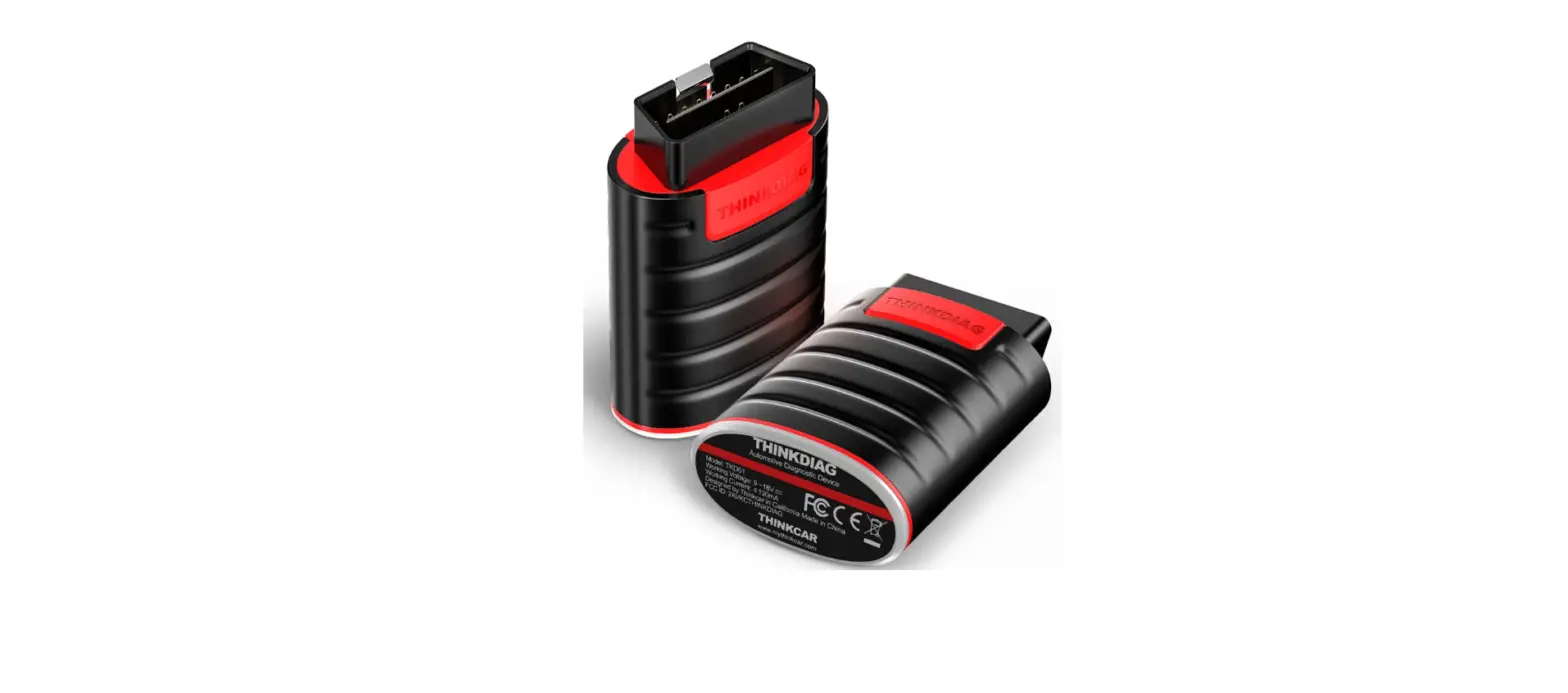
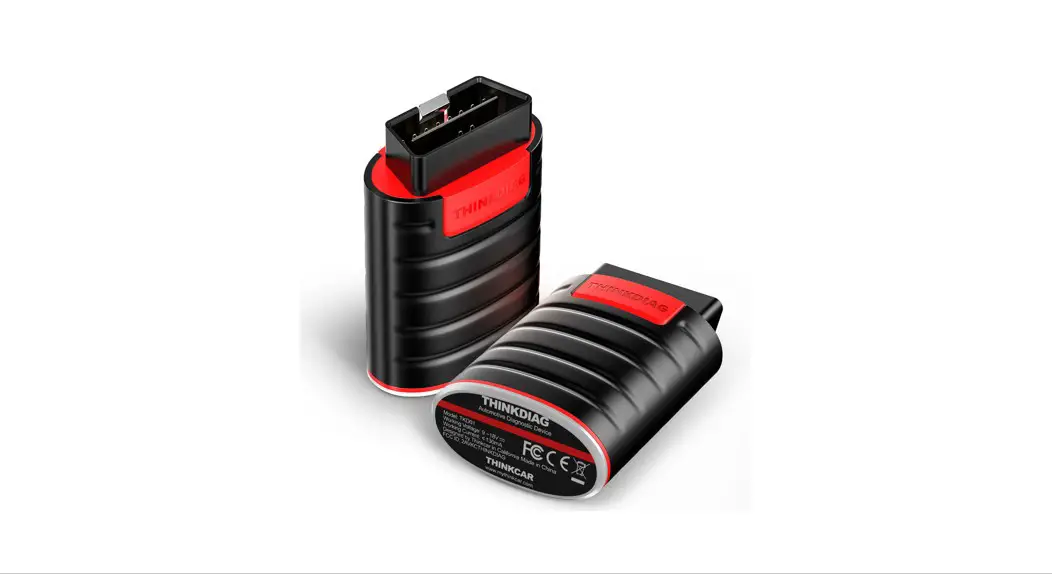
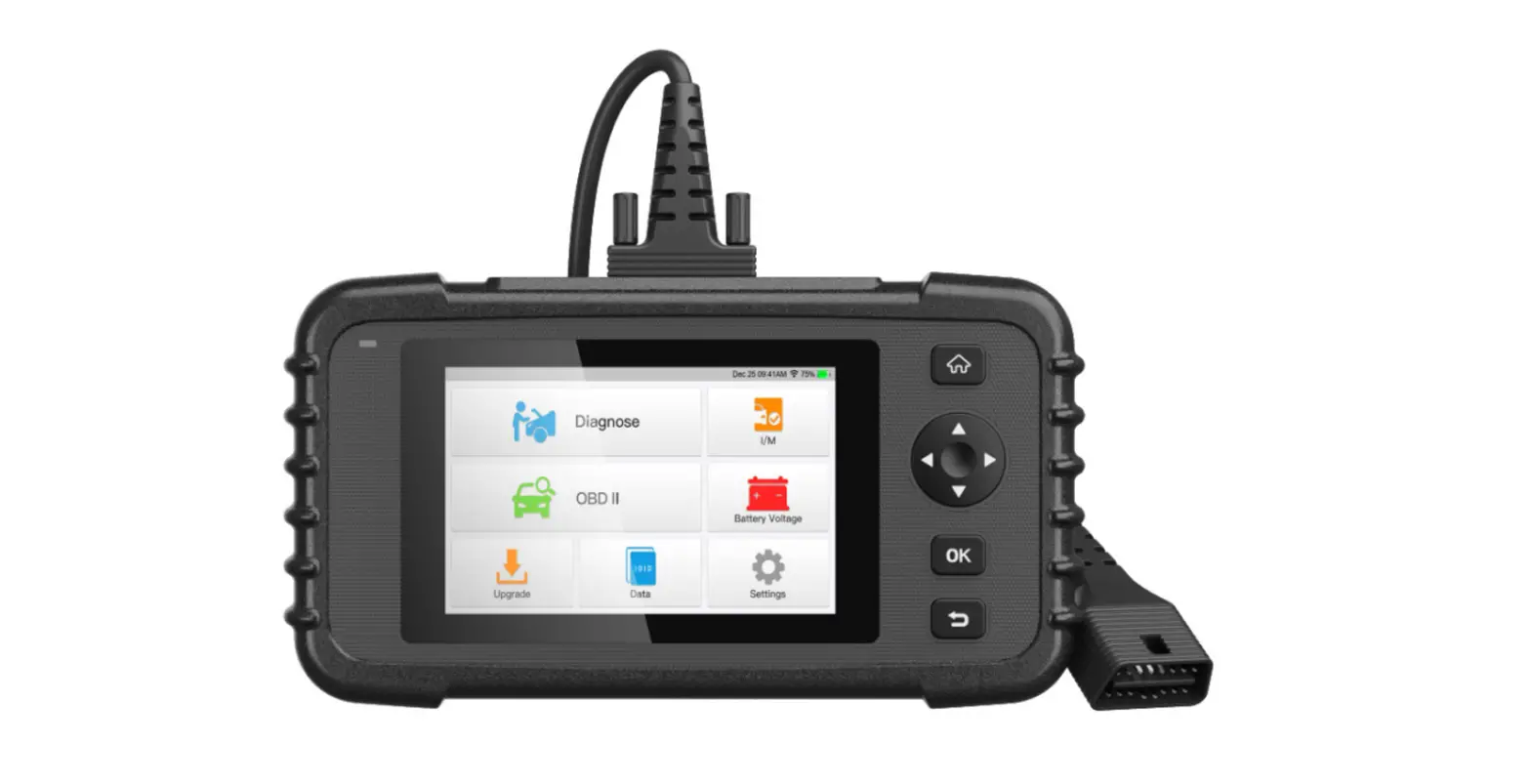
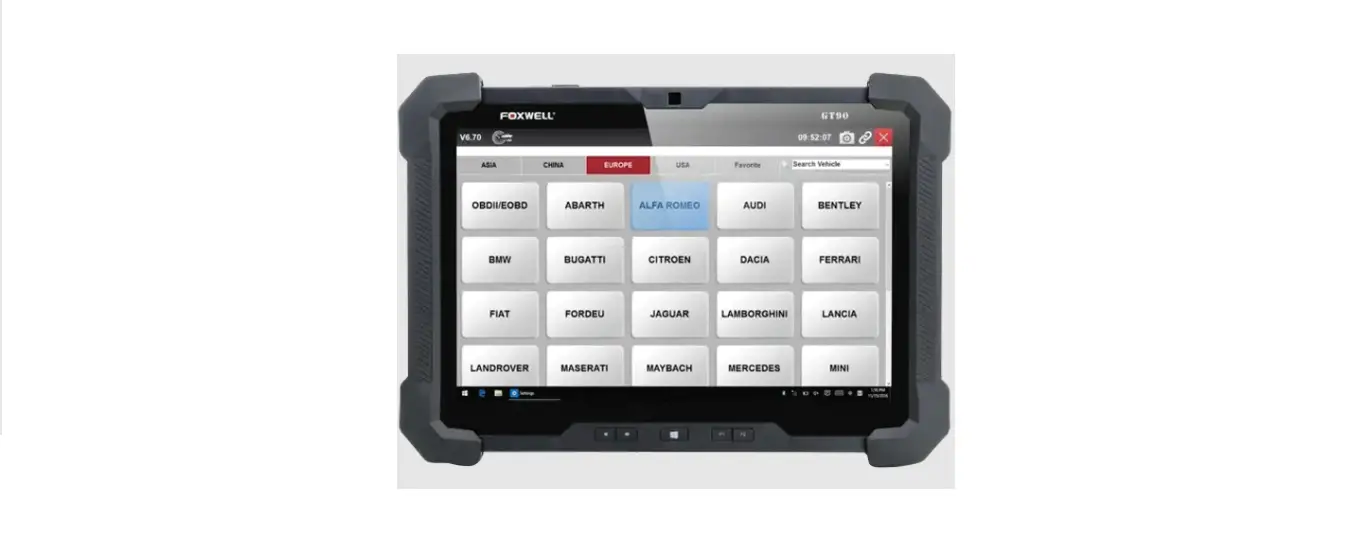
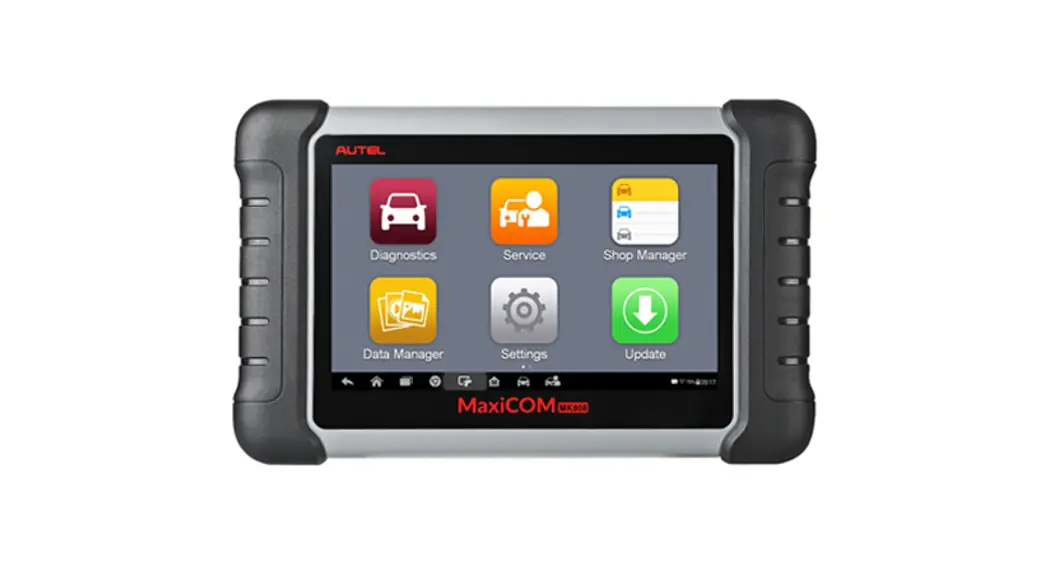
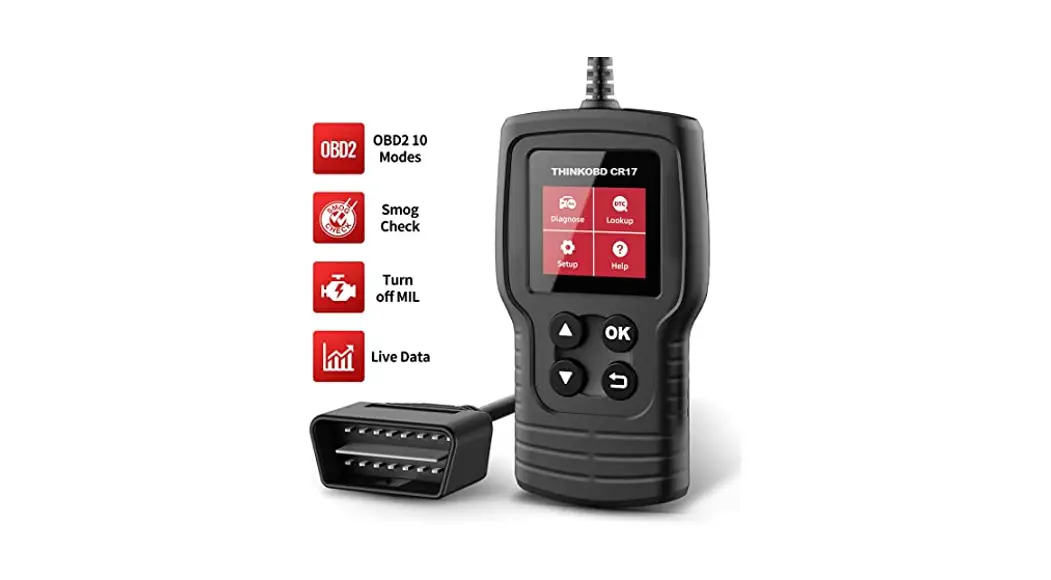
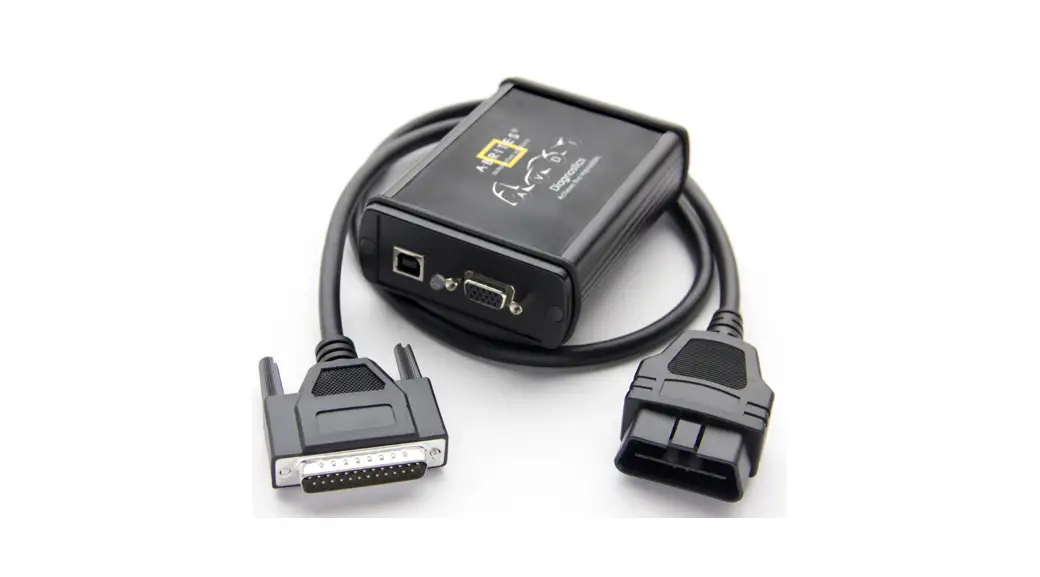
MVO8 Automotive Diagnostic Tool
Product Information
The product is labeled with an FCC Label Sample. This label
indicates that the product complies with the regulations set by the
Federal Communications Commission (FCC). It ensures that the
product meets the necessary standards for electromagnetic
interference and radio frequency emissions.
Product Usage Instructions
To use the product:
- Ensure that the product is properly connected to a power source
and turned on. - Refer to the user manual for any specific setup or installation
instructions. - Follow the guidelines provided by the manufacturer for optimal
product performance and safety. - If applicable, make sure to adjust any necessary settings
according to your preferences. - If you encounter any issues or have questions about the
product, refer to the troubleshooting section of the user manual or
contact customer support for assistance. - When not in use, disconnect the product from the power source
and store it in a safe place.
Label and Information
FCC Label Sample
FCC Label Specifications Text is Black in color and is justified. Labels are printed in indelible ink on permanent adhesive backing or silk-screened onto the EUT or shall be affixed at a conspicuous location on the EUT. Where the EUT is constructed in two or more sections connected by wires and marketed together, the above statement is required to be affixed only to the main control unit. When the EUT is so small or for such use that it is not practicable to place the statement on it, the above information shall be placed in a prominent location in the instruction manual or pamphlet supplied to the user or, alternatively, shall be placed on the container in which the device is marketed. FCC Label Location