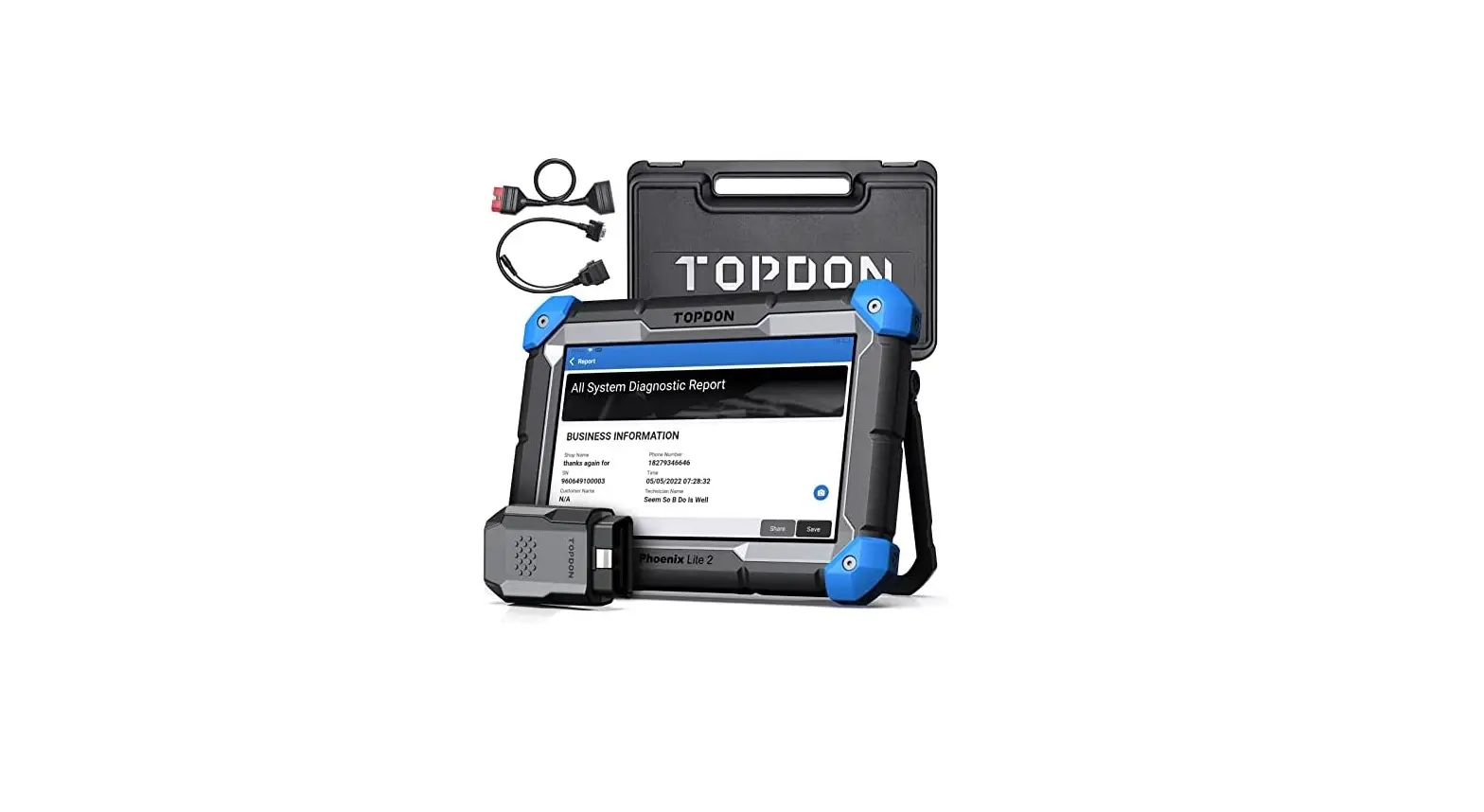
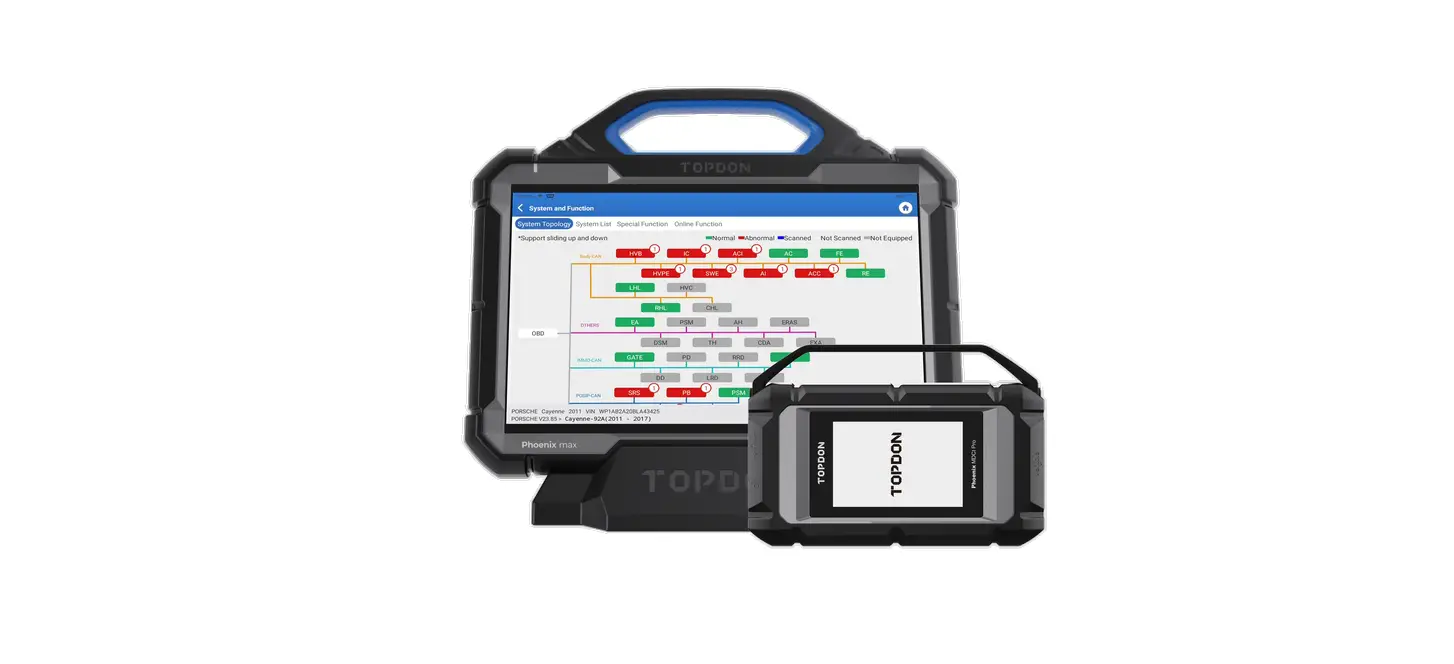
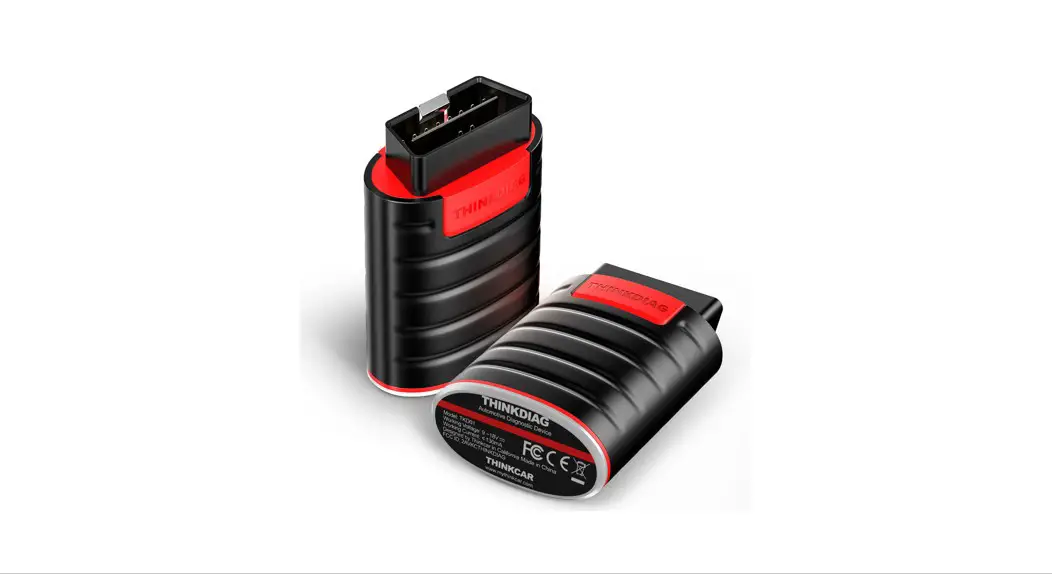
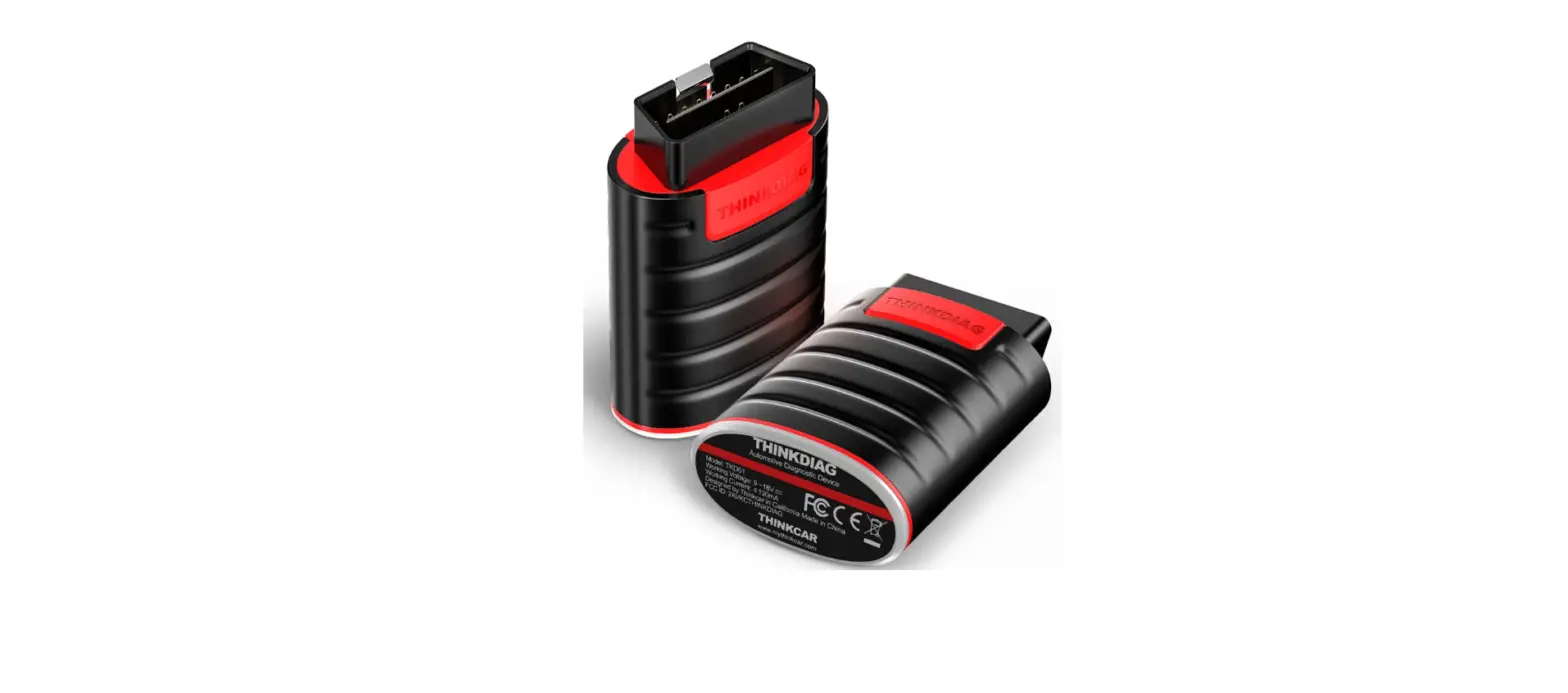
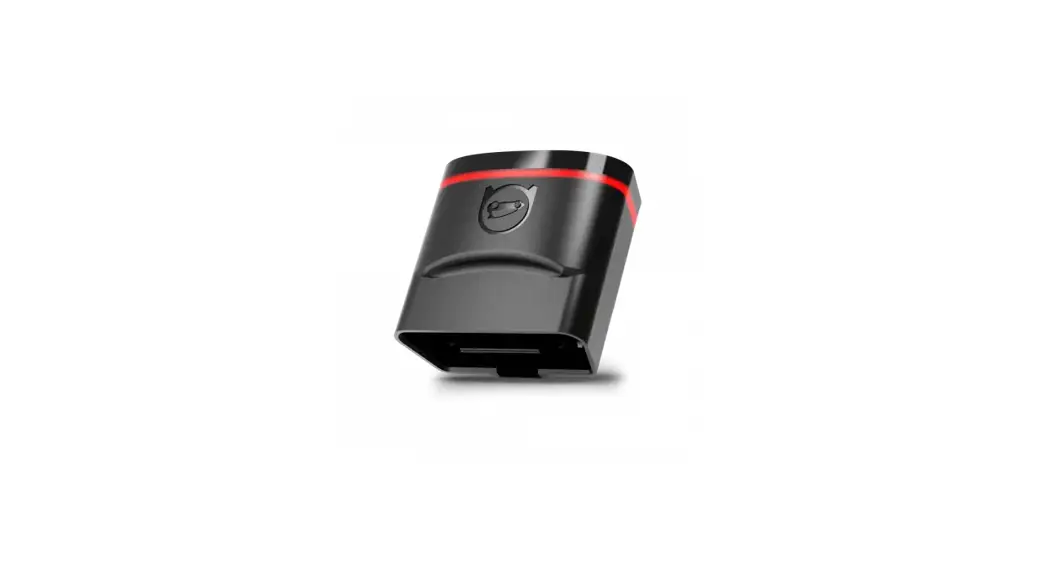
Phoenix Lite 2 Smart Automotive Diagnostic System
Product Information:
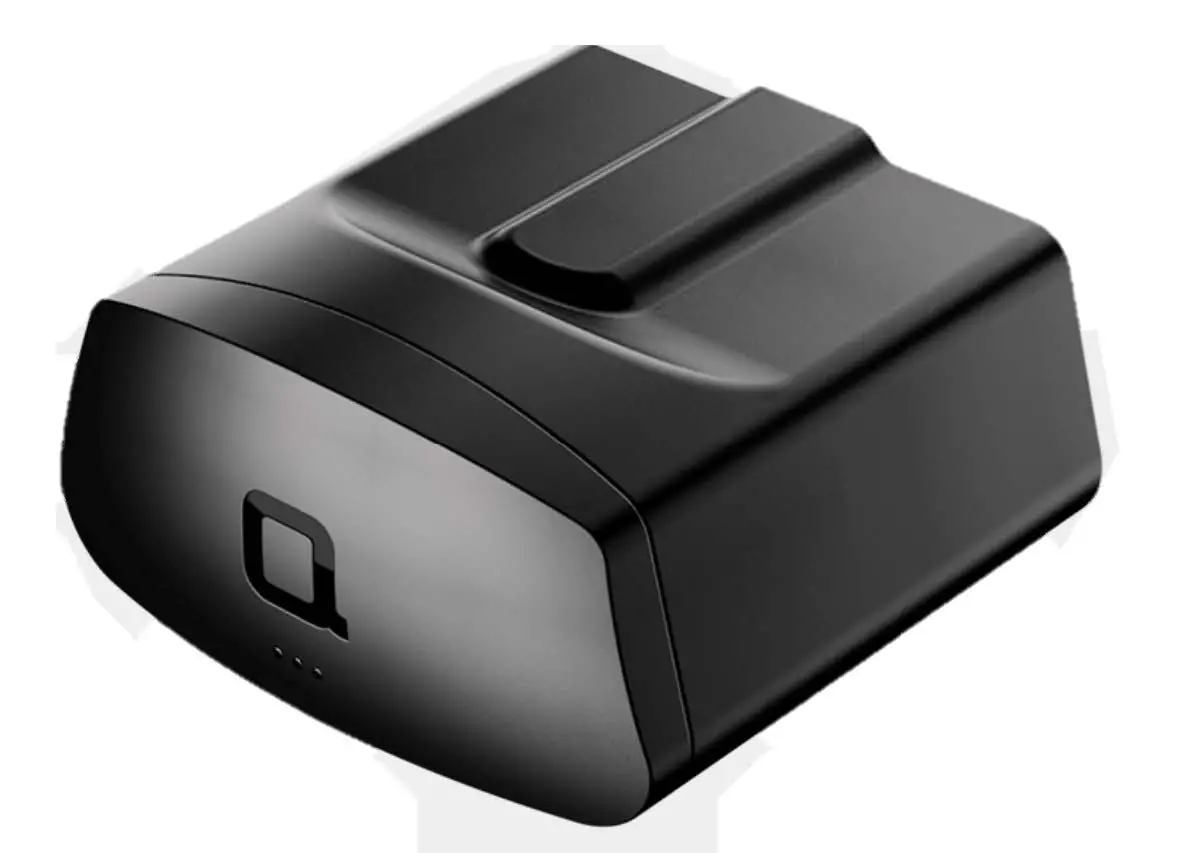
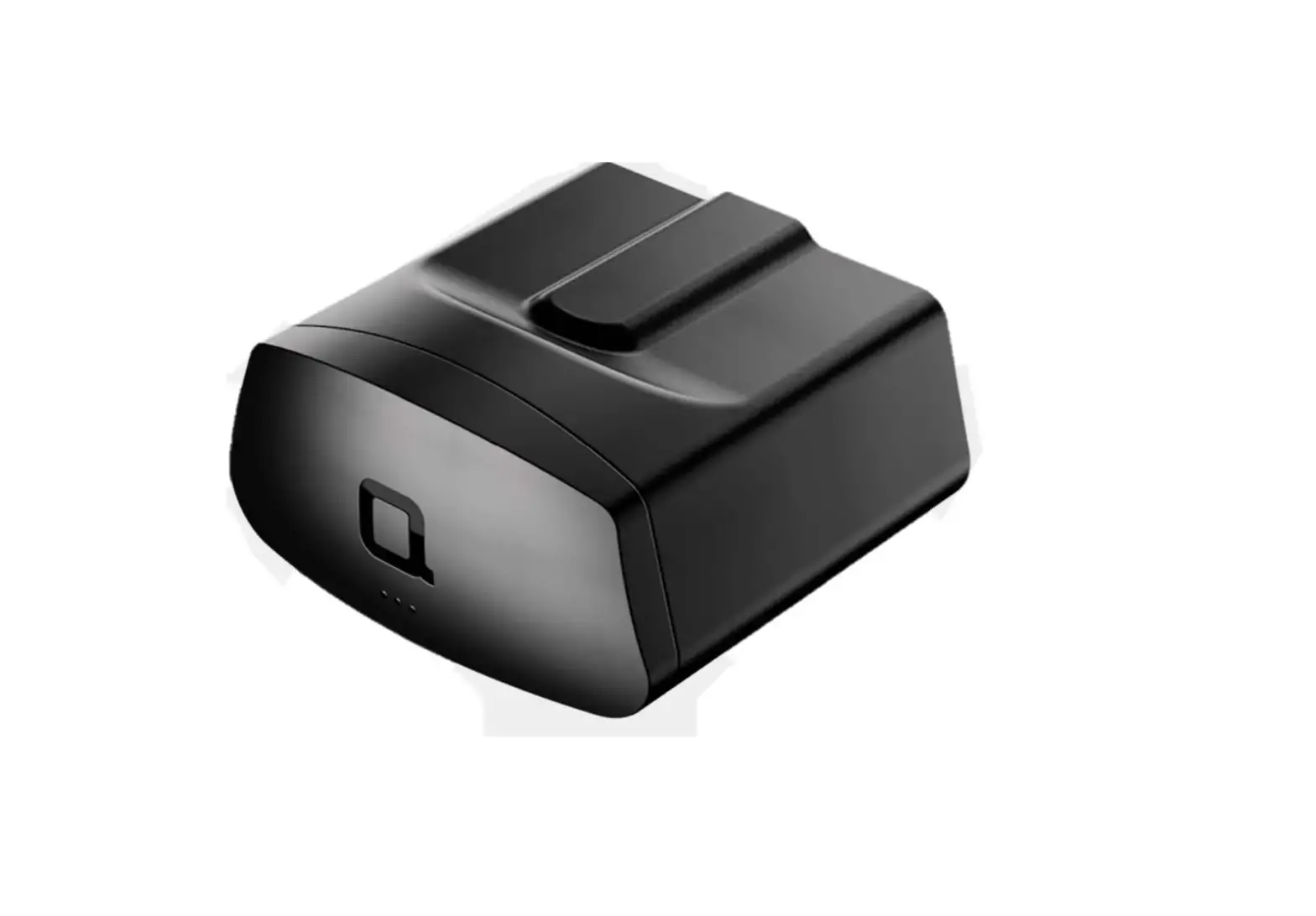
The Papier Phoenix Lite 2 is a smart automotive diagnostic
system designed to provide efficient and accurate diagnostics and
analysis for vehicles. It is a lightweight, portable device that
can be easily carried around and used by both professionals and DIY
enthusiasts. It comes with a user manual that provides detailed
instructions on how to use the device.
Product Usage Instructions:
- Connect the Papier Phoenix Lite 2 to your vehicle’s OBD II
port. - Turn on the device and wait for it to boot up.
- Select the language of your choice from the menu.
- Choose the type of vehicle you have from the options
available. - The device will start scanning your vehicle’s systems and will
display any diagnostic trouble codes (DTCs) that are present. - You can then use the device to clear any DTCs, view live data,
and perform various diagnostic tests. - Refer to the user manual for detailed instructions on using the
various features of the Papier Phoenix Lite 2.
For Services and Support:
- TEL: 86-755-21612590
- North America TEL: 1-833-629-4832
- EMAIL: [email protected]
- WEBSITE: www.topdon.com
- FACEBOOK: @topdonofficial
- TWITTER: @topdonofficial
For Services and Support
TEL EMAIL WEBSITE FACEBOOK TWITTER
86-755-21612590 1-833-629-4832 (North America) [email protected]
WWW.TOPDON.COM @TOPDONOFFICIAL @TOPDONOFFICIAL
Papier
Phoenix Lite 2
Smart Automotive Diagnostic System USER MANUAL
Contents
Welcome ……………………………………………………………………………………. 3 About…………………………………………………………………………………………. 3 Package List ………………………………………………………………………………. 3 Compatibility ……………………………………………………………………………… 3 Notice………………………………………………………………………………………… 4 General Information of OBDII (On-Board Diagnostics II)………………… 4 Diagnostic Trouble Codes (DTCs) ………………………………………………… 4 Product Descriptions ………………………………………………………………….. 5 Preparation & Connection……………………………………………………………. 7 Operation Introduction………………………………………………………………… 12 Technical Specification……………………………………………………………….. 36 Warnings……………………………………………………………………………………. 37 Cautions…………………………………………………………………………………….. 37 FAQ……………………………………………………………………………………………. 38
 TOPDON|Automotive Diagnostic Tools, Battery Tools and Key Programmers – TOPDON ELECTRONIC CO., LIMITED