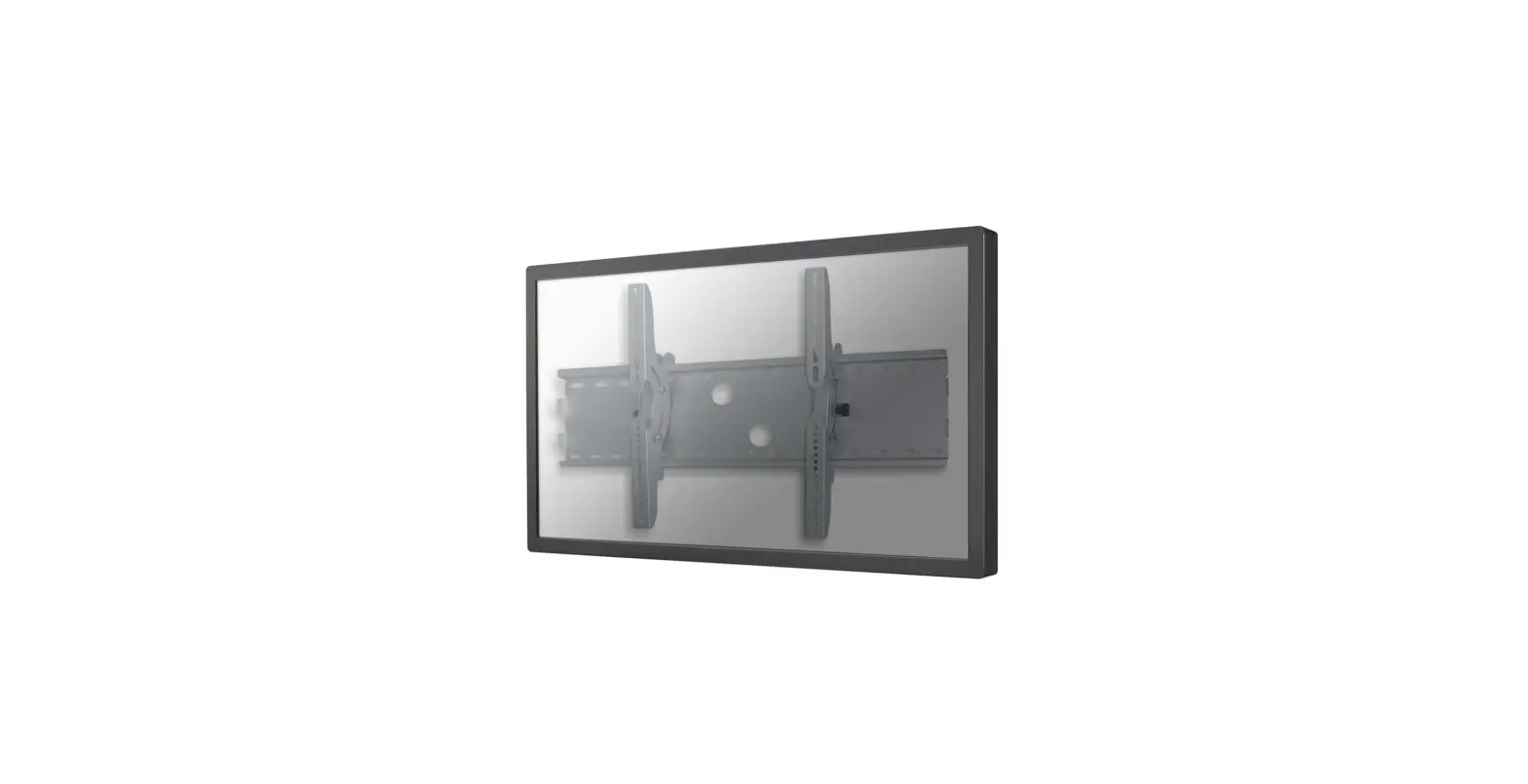
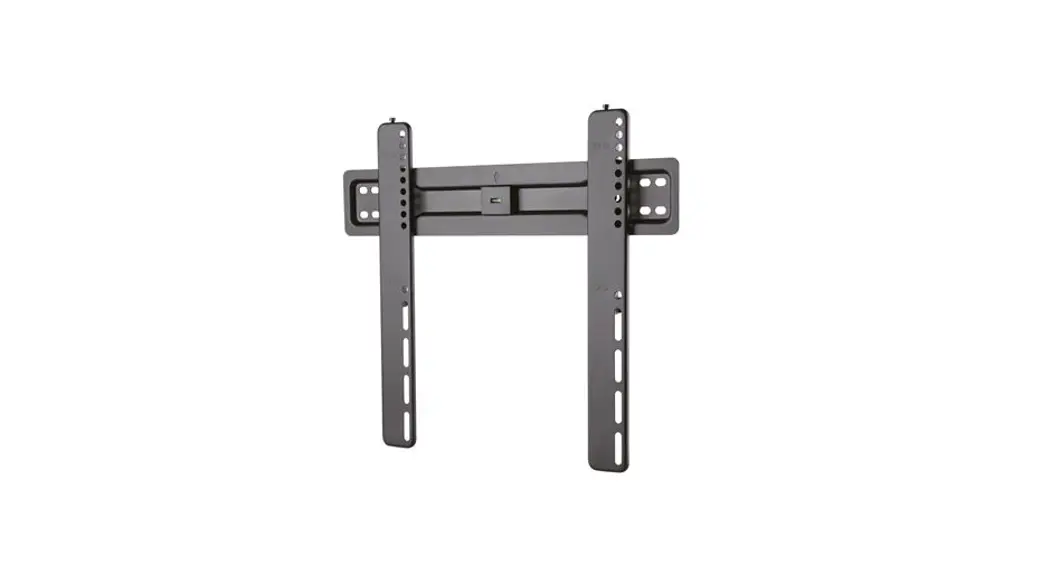
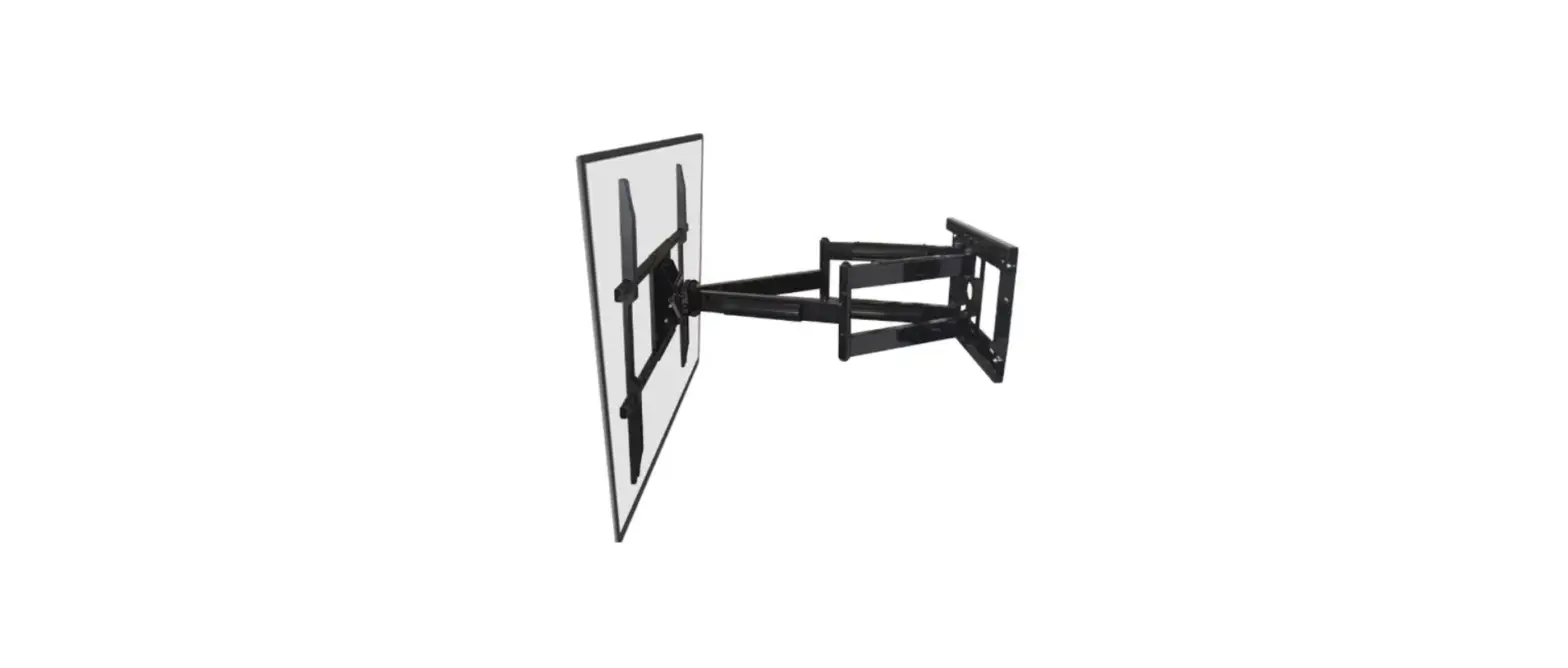
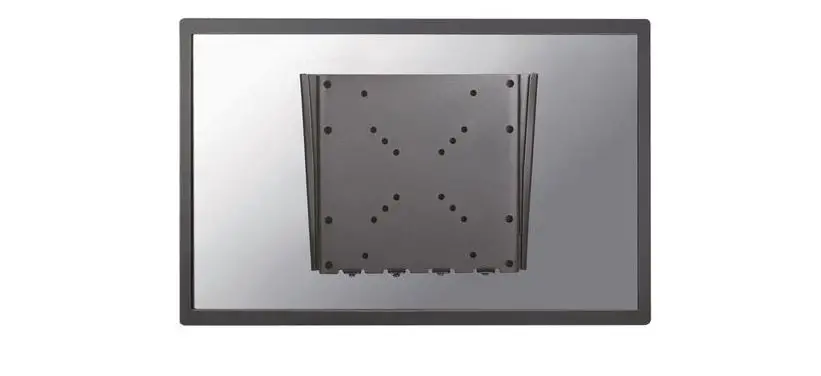
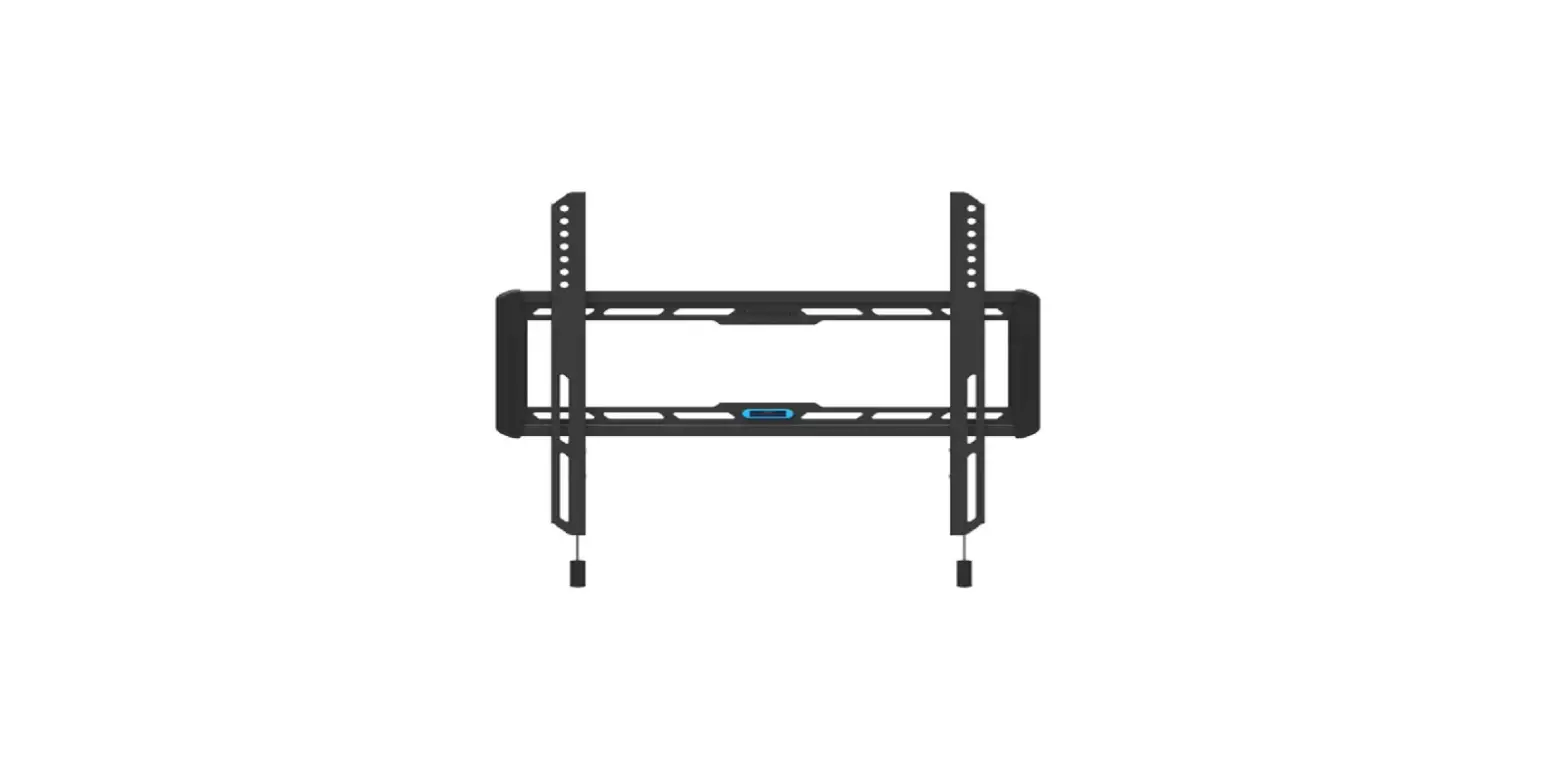
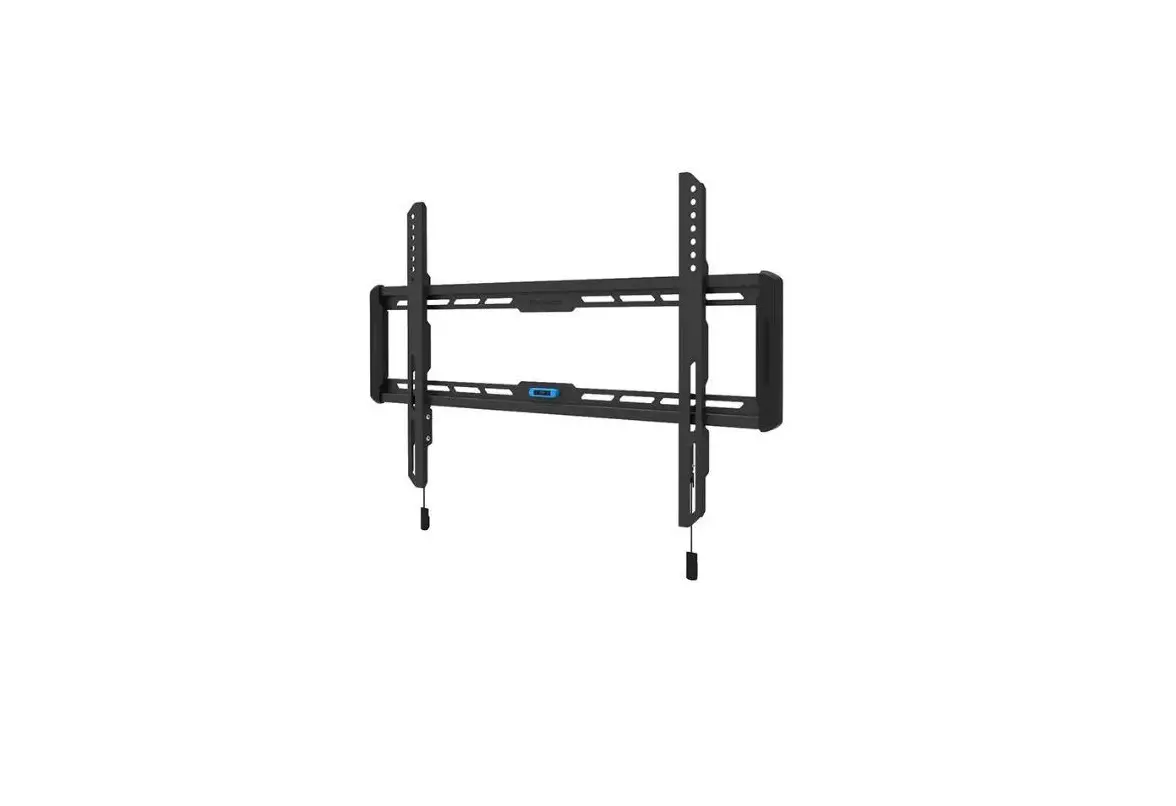
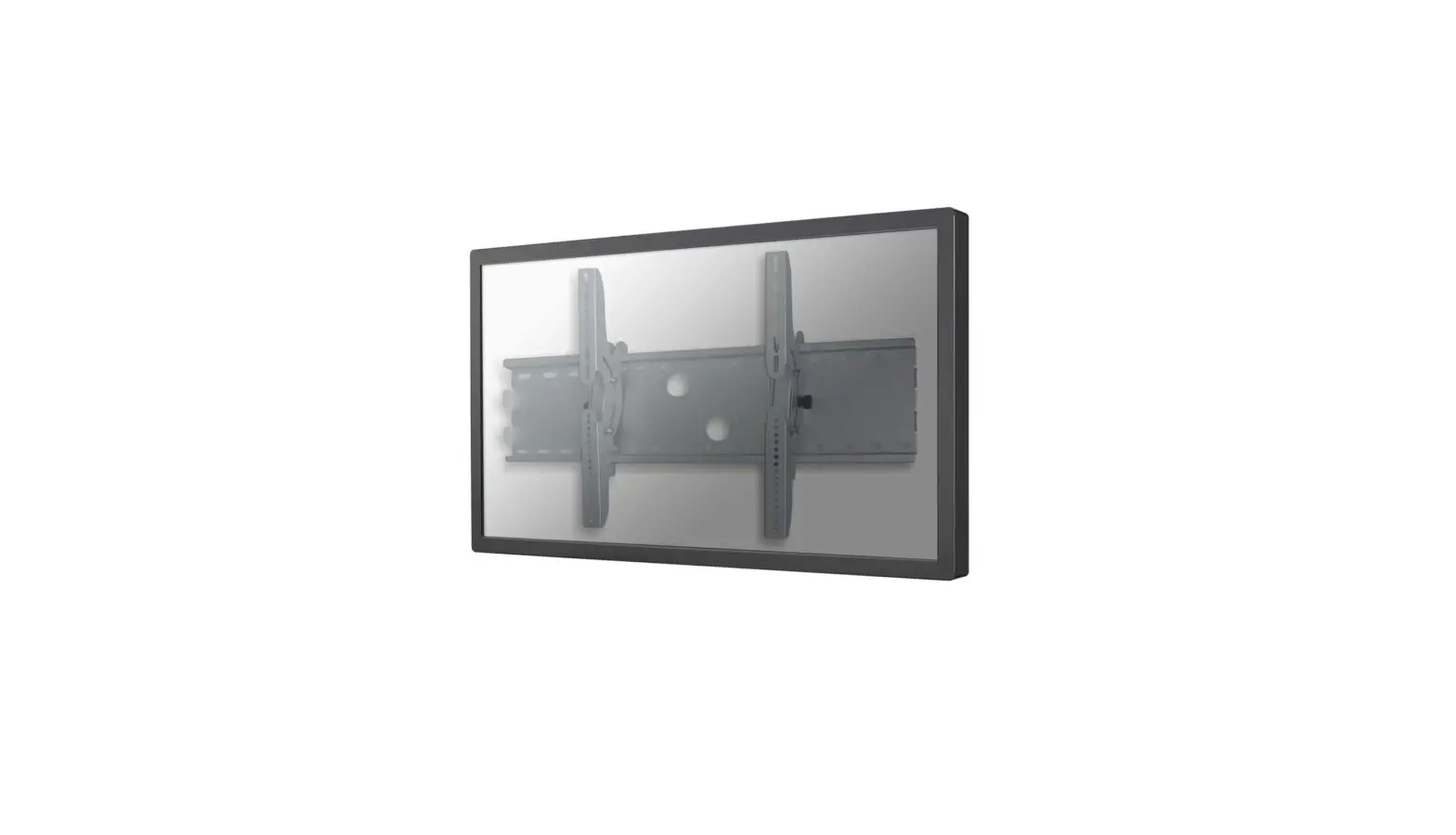
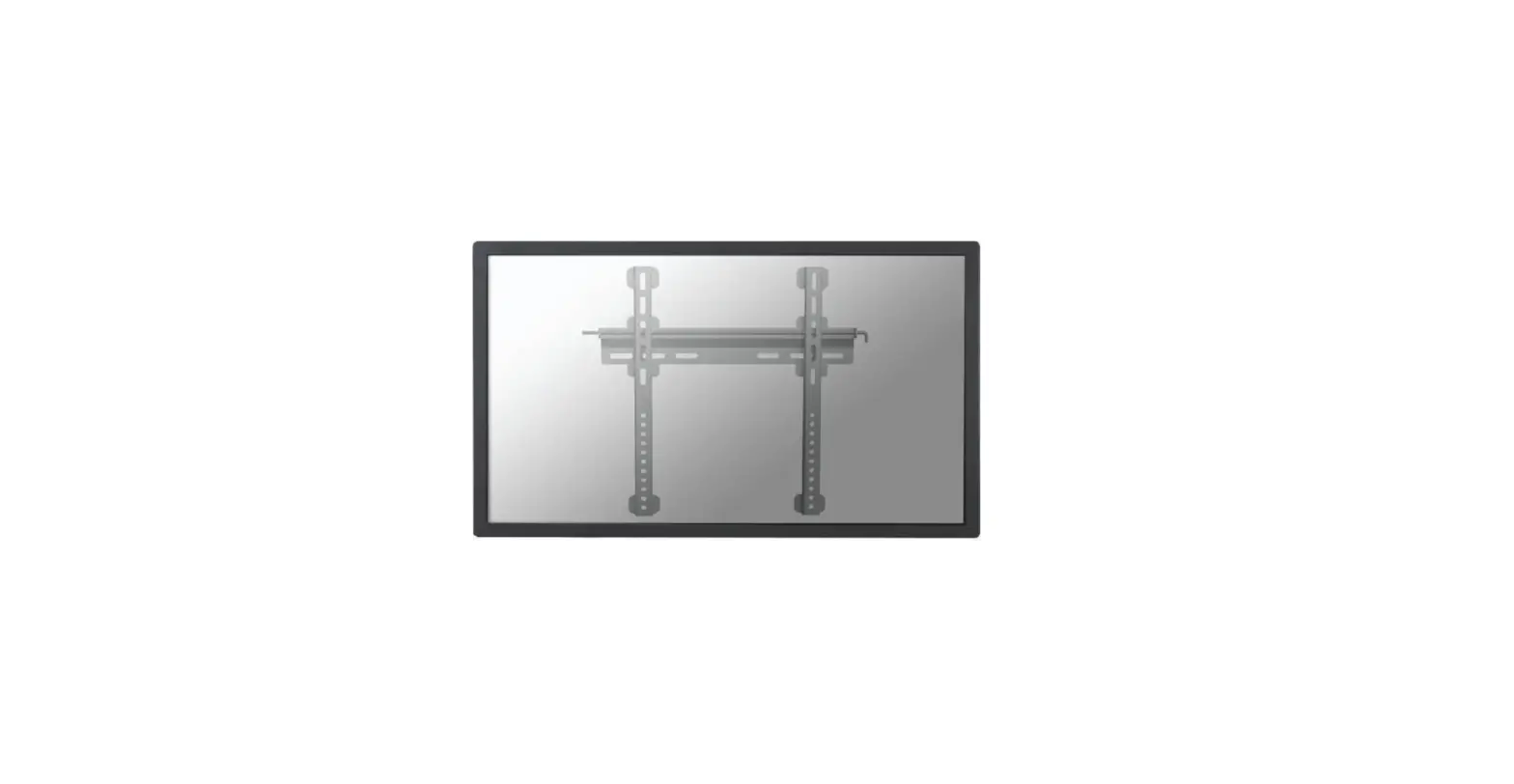
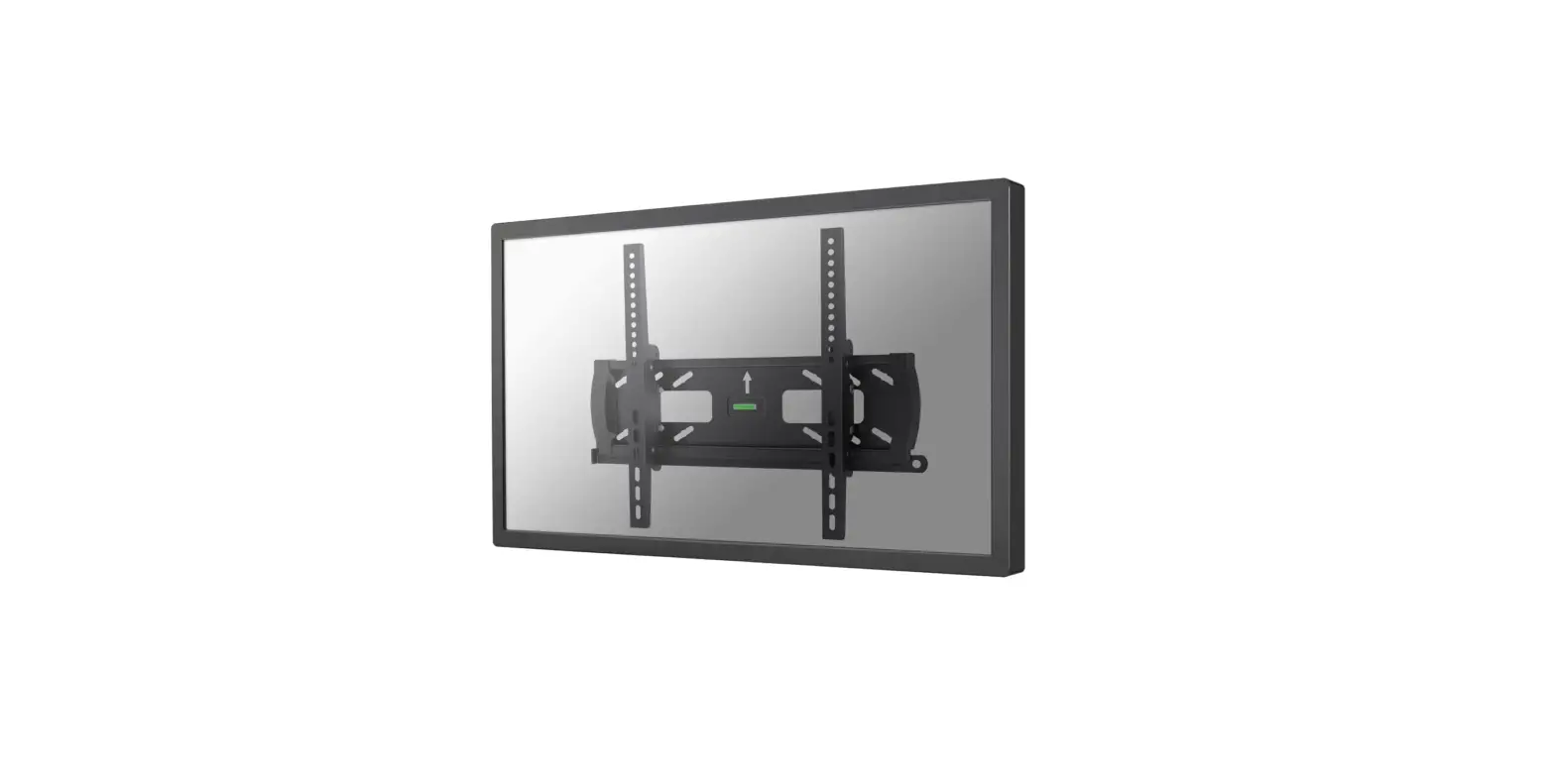
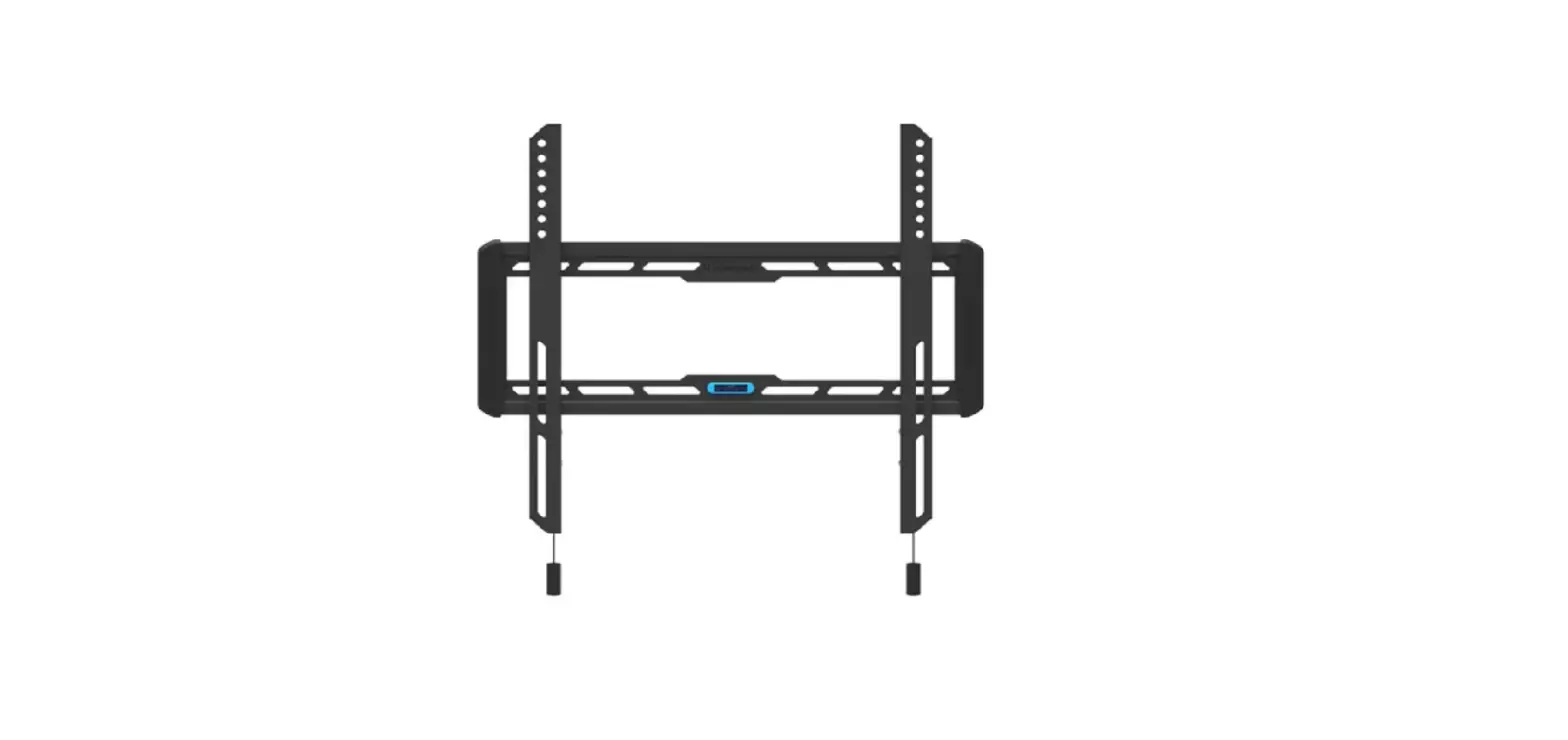
PLASMA-W200BLACK TV Wall Mount
Product Information: – Product Name: PLASMA-W200BLACK –
Manufacturer: NEOMOUNTS – Minimum and Maximum Screen Size: 50mm to
865mm (height), 75mm to 480mm (width) – Wall Plate Dimensions:
223mm x 39mm – Tilt Adjustment: +15 degrees and -15 degrees –
Maximum Load Capacity: 100 kg – Mounting Hole Pattern: 200×200 to
865×480 mm Product Usage Instructions: Step 1A: Installing
on a Stud Wall 1. Attach the wall plate (A) to a wooden stud wall.
2. Use the provided M5x14 screws (M-A) to secure the wall plate to
the stud. Step 1B: Installing on a Solid Brick or Concrete Wall 1.
Attach the wall plate (A) to a solid brick or concrete wall. 2. Use
the provided W-B screws (M-C) and W-C screws (M-D) to secure the
wall plate to the wall. Step 2: Attaching the Screen to the Bracket
1. Place the screen on the bracket. 2. Use the provided screws and
washers (M-F, M-G, M-H) to secure the screen to the bracket. Step
3: Adjusting the Mount Position 1. Adjust the mount to the desired
position. 2. Use the adjusting knob to loosen or tighten the mount
if necessary. Please note that some optional parts and tools may
not be included with the product. Make sure to refer to the user
manual for any additional instructions or safety precautions.
INSTRUCTION MANUAL
904mm min50mm-max865mm
500mm min75mm-max480mm
223mm
39mm
b +15
b -15
83mm
PLASMA-W200BLACK
EN TV wall mount NL TV wandsteun DE TV Wandhalterung FR Support mural pour TV IT Supporto TV a parete ES Soporte de pared para TV PT Suporte de parede para TV DK Vægbeslag TV
NO TV veggfeste SE TV-väggfäste FI TV seinäteline PL Uchwyt cienny do TV CS Nástnný drzák na TV SK Nástenný drziak na TV RO Suport TV de perete
WWW.NEOMOUNTS.COM
PLASMA-W200BLACK PARTS
Tool
Drill
200×200 865×480 mm
0-100 kg
7 cm
A. (x1)
B. (x1)
C. (x1)
D. (x1)
M-A. M5x14 (x4)
M-B. M6x14 (x4)
M-C. M6x30 (x4)
M-D. M8x30 (x4)
M-E. M8x50 (x4)
M-F. (x4) M-G. (x8)
M-H. (x8)
W-A. (x6)
W-B. (x6)
W-C. (x6)
STEP 1 A
EN Install the wall plate on a stud wall NL Bevestig de muurbeugel aan een houten balk DE Befestigen Sie die Wandhalterung an einem Holzbalken FR Installez la plaque murale sur un mur en bois ou en plaque
au platre IT Installare la piastra di parete su un perno in legno ES Fije el soporte de pared a una viga de madera PT Instale a placa so suporte de parede num poste de madeira PL Zamontuj plyt cienn do drewnianej powierzchni
X
W-A W-C
STEP 1 B
EN Install the wall plate on a solid brick or concrete wall NL Bevestig de muurbeugel aan een stevige stenen of
betonnen muur DE Installieren Sie die Wandplatte an einer soliden Ziegel-
oder Betonwand FR Installez la plaque murale sur un mur de brique ou de
béton IT Installare la piastra di parete su un muro di mattoni o
cemento ES Fije el soporte de pared a una piedra sólida o muro de
hormigón PT Instale a placa do suporte de parede numa parede sólida
de tijolo ou betão PL Zamontuj plyt cienn do ciany z cegly lub betonu
W-B
W-C W-A
STEP 2
EN Install the adapter brackets NL Bevestig de adapter steunen DE Befestigen Sie die Halterungsschienen FR Installation des adaptateurs sur l’écran IT Fissare il supporto del adattatore ES Conecte los soportes del adaptador PT Instalação de braços adaptadores PL Zainstaluj ramiona uchwytu
* Not Included
M-A M-B M-F
OPTION
EN Use spacers if necessary NL Gebruik afstandhouders indien nodig DE Verwenden Sie Distanzscheiben wenn nötig FR Utilisez des cales si nécessaire IT Utilizzare distanziatori, se necessario ES Utilice separadores si es necesario PT Utilize separadores se necessário PL Uyj dystansów jeli jest taka potrzeba
* Not Included
M-C M-D M-F
M-C M-D M-F
M-C M-D M-F
M-G M-E M-F
M-H
M-H
M-E M-F
M-G M-H
M-G M-H
M-E M-F
M-G M-H
STEP 3
EN Attach the screen to the bracket and secure it NL Bevestig het scherm op de beugel en zet vast DE Befestigen Sie den Bildschirm an der Halterung
und sichern Sie ihn FR Attachez l’écran au support et fixez-le IT Fissare lo schermo alla staffa e fissarlo ES Coloque la pantalla en el soporte y fíjela PT Fixar o ecrã ao suporte e fixá-lo PL Przymocuj ekran do uchwytu i zabezpiecz go
D
STEP 4
EN Adjust the mount to the desired position and loosen or tighten the adjusting knob if necessary
NL Stel de steun in op de gewenste positie en draai de stelknop indien nodig losser of vaster
DE Stellen Sie die Stütze in die gewünschte Position und drehen Sie den Einstellknopf bei Bedarf lockerer oder fester
FR Réglez le support dans la position souhaitée et desserrez ou serrez le bouton de réglage si nécessaire
IT Regolare il supporto nella posizione desiderata e allentare o stringere la manopola di regolazione, se necessario
ES Ajuste el soporte a la posición deseada y afloje o apriete el botón de ajuste si es necesario
PT Ajustar o suporte à posição desejada e soltar ou apertar o botão de ajuste, se necessário
PL Ustawi podpor w danej pozycji i w razie potrzeby poluzowa lub dokrci pokrtlo regulacyjne
-15°
+15°
 Neomounts