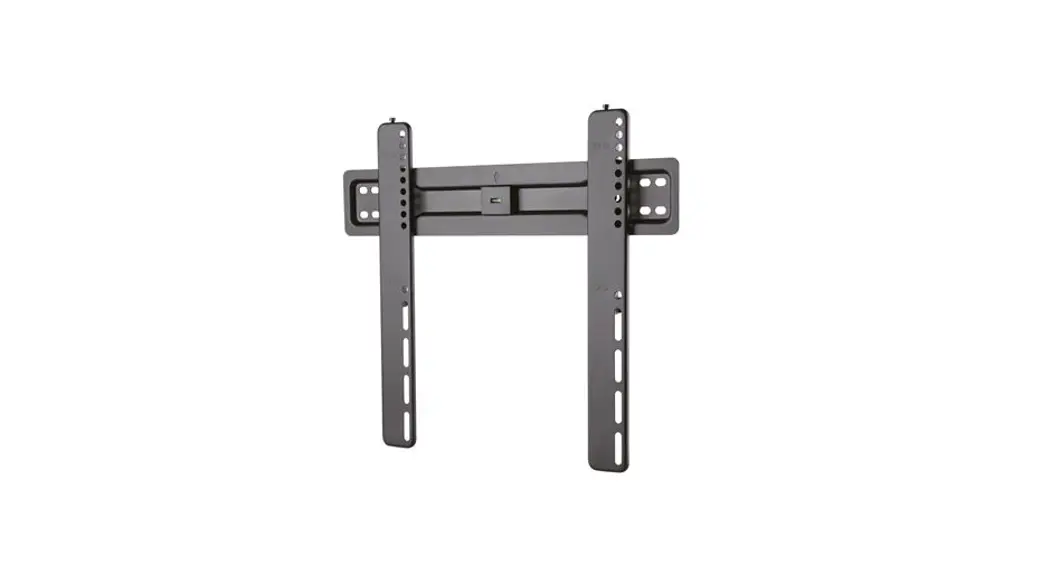
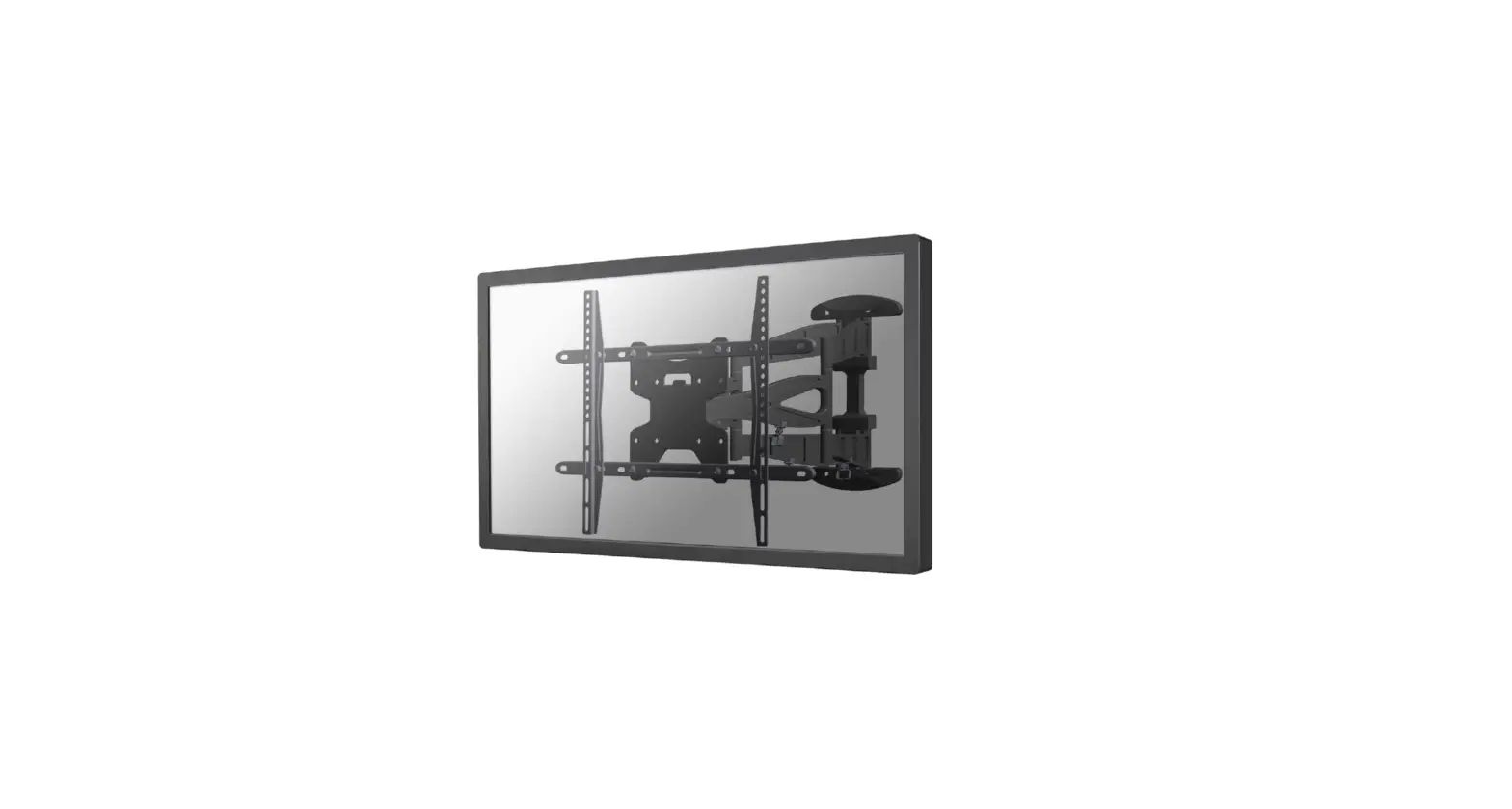
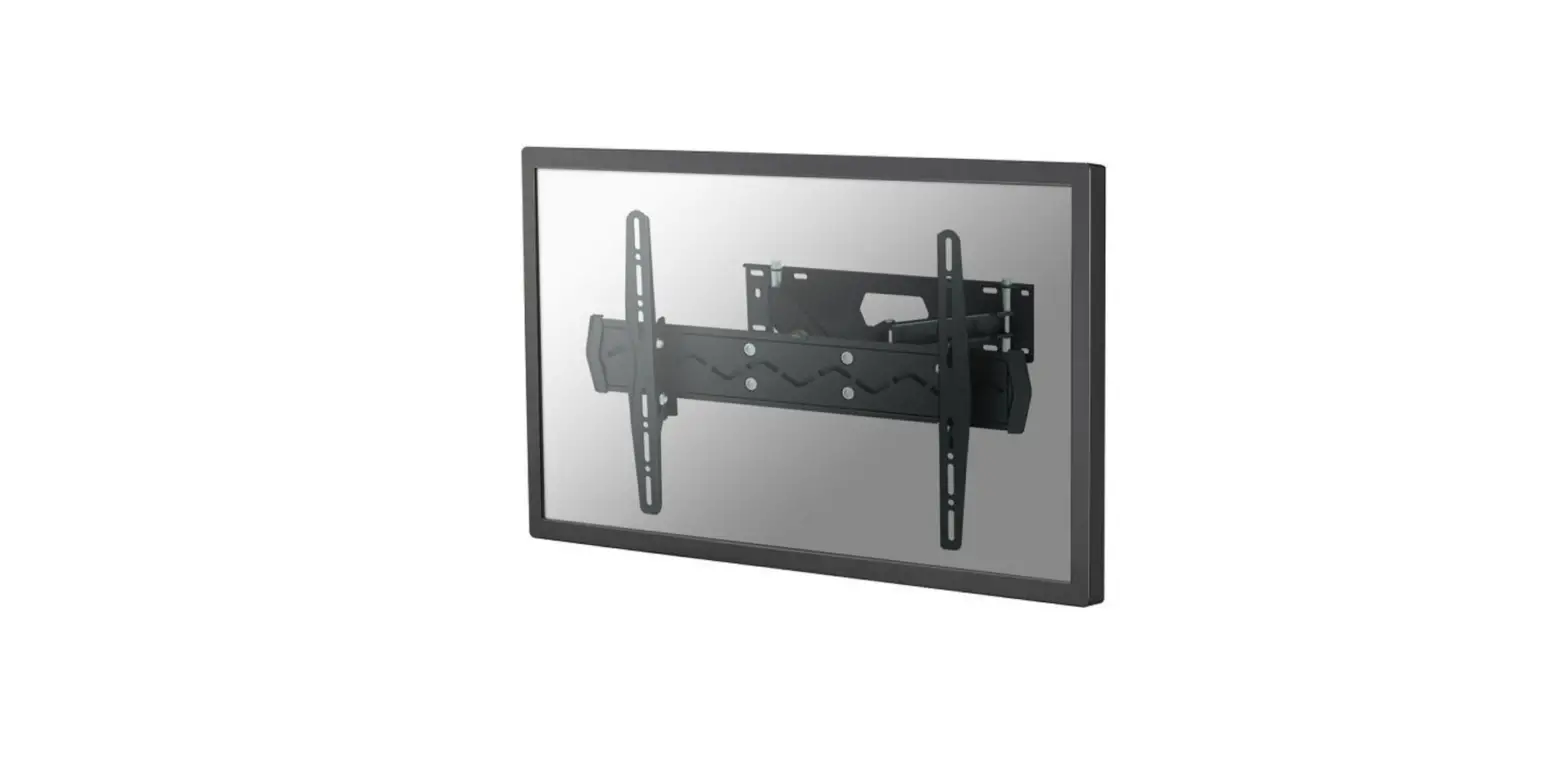
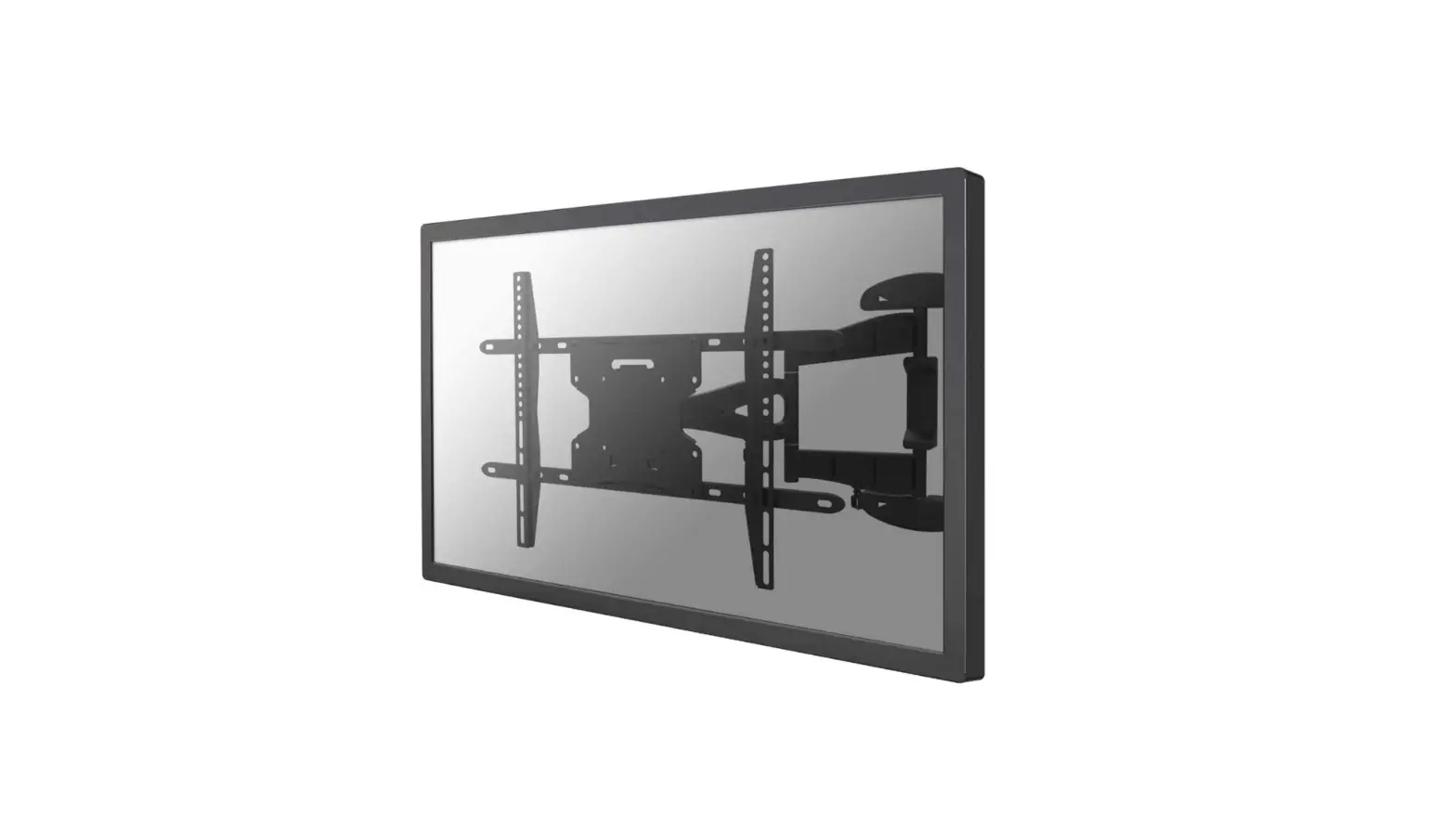
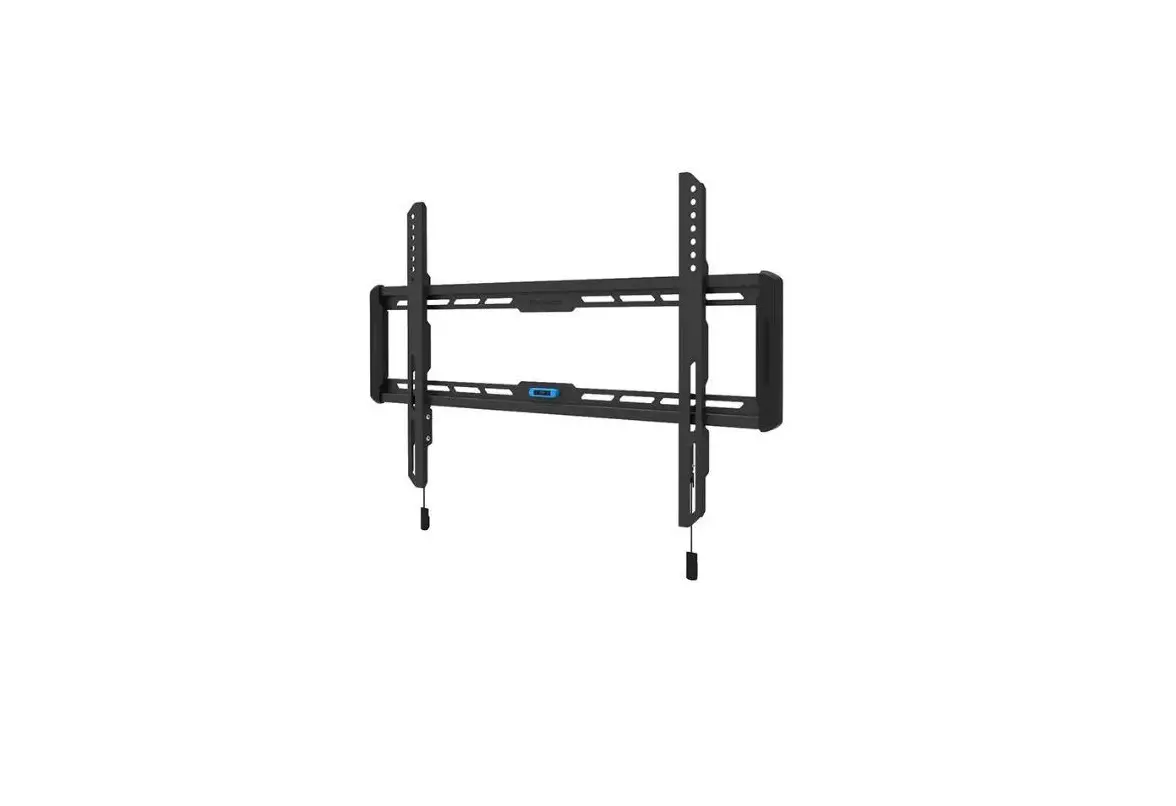
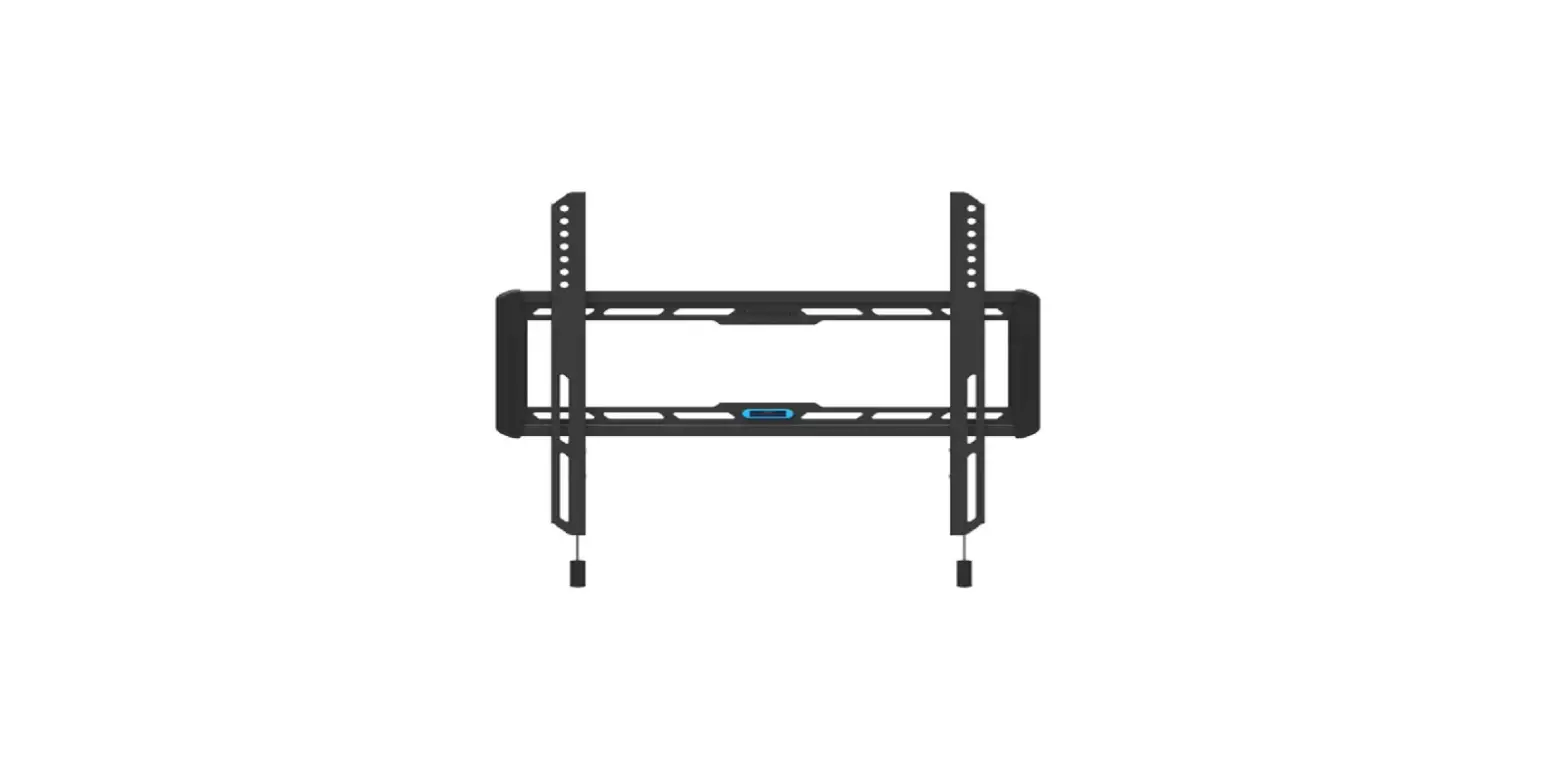
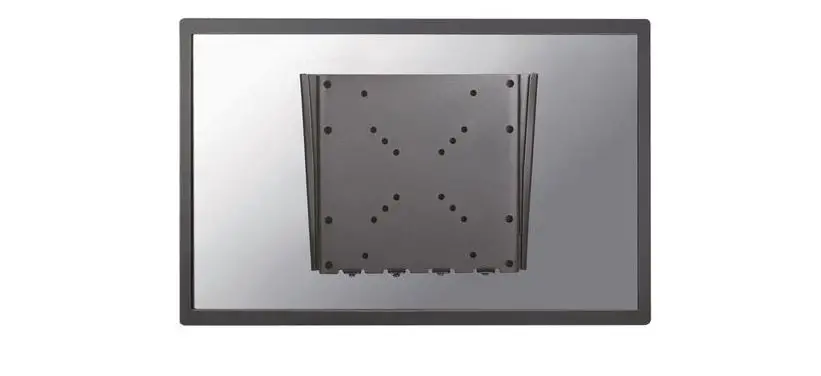
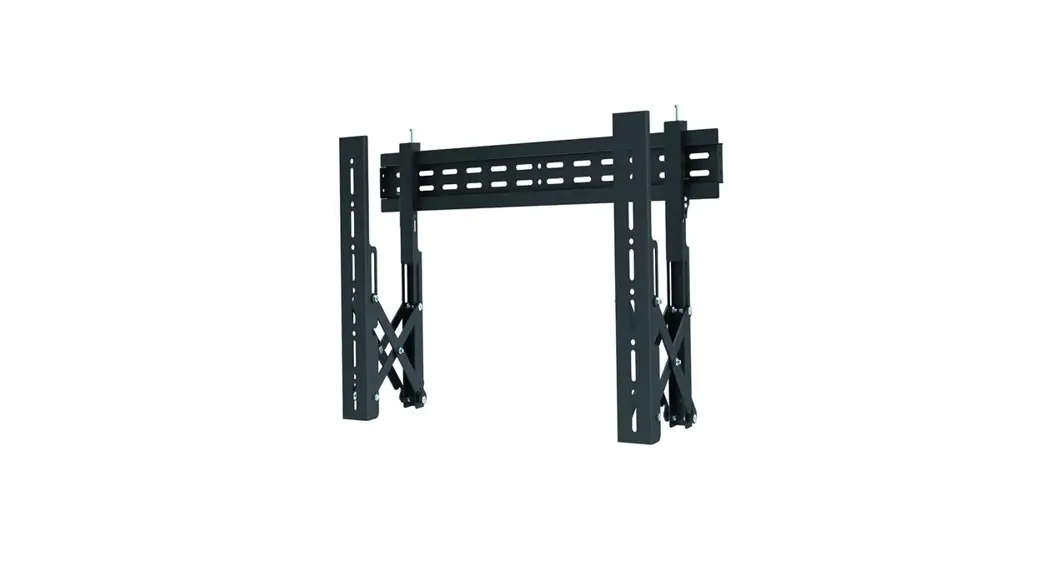
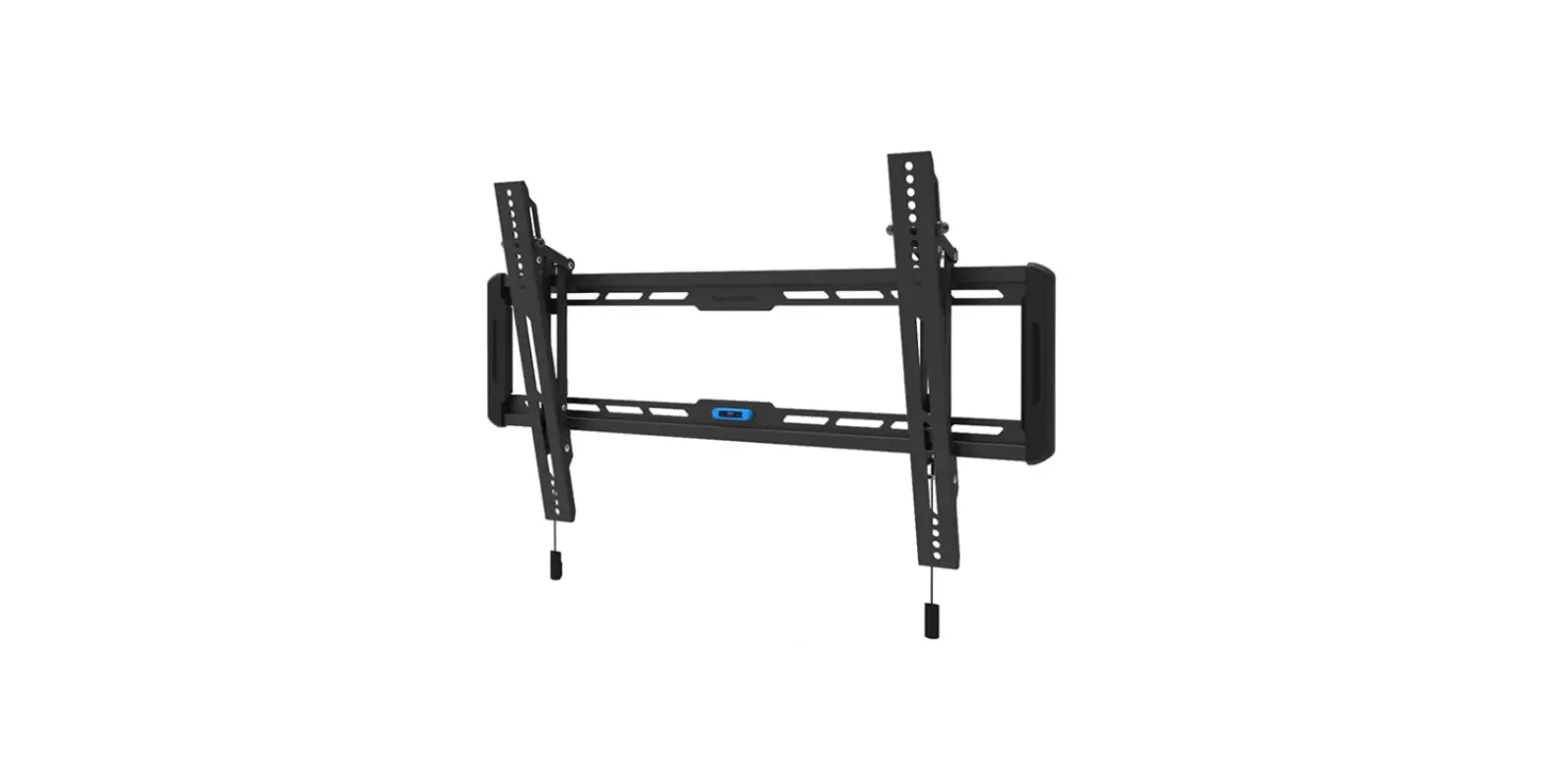
LED-W600BLACK TV Wall Mount
Product Information:
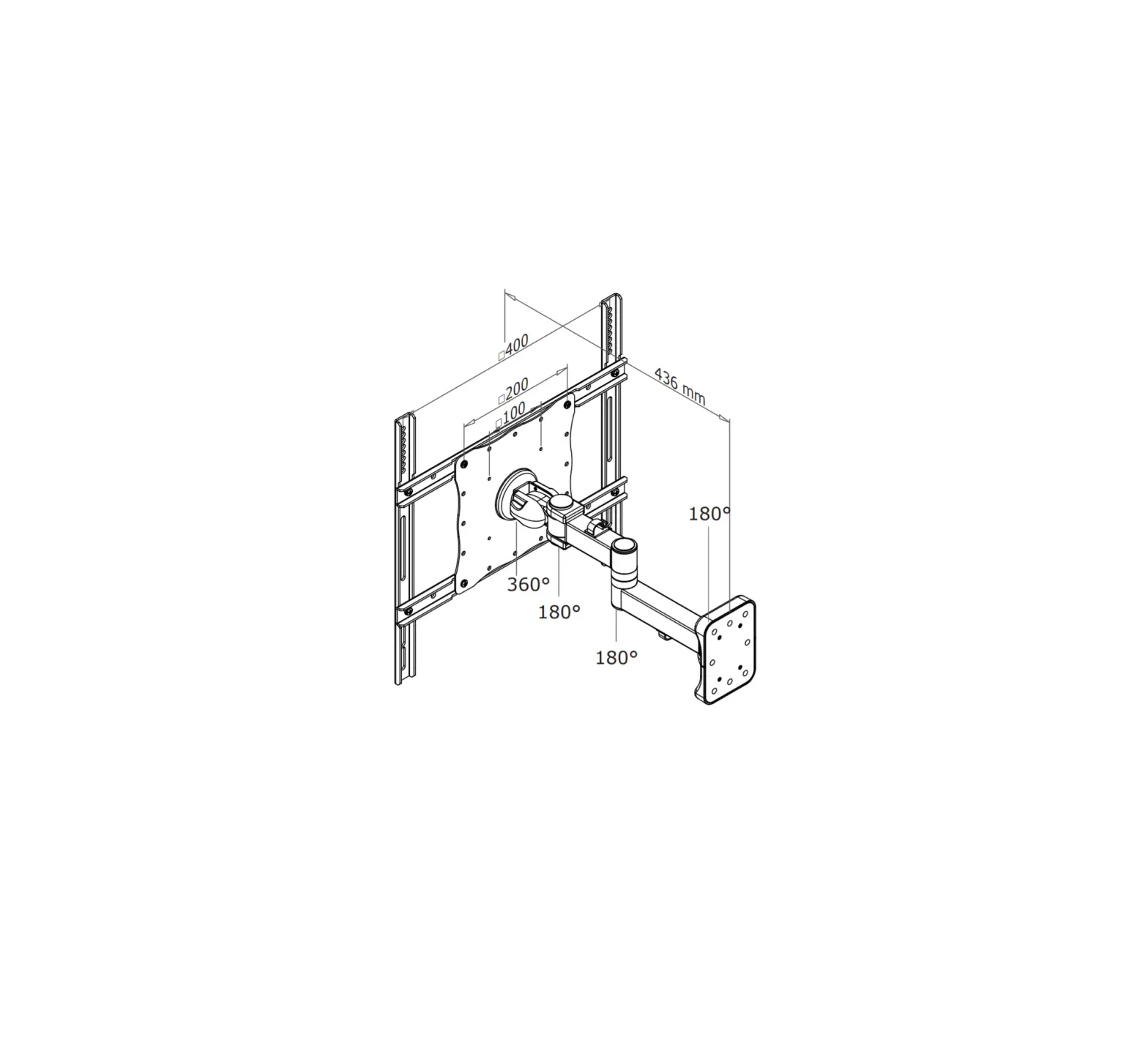
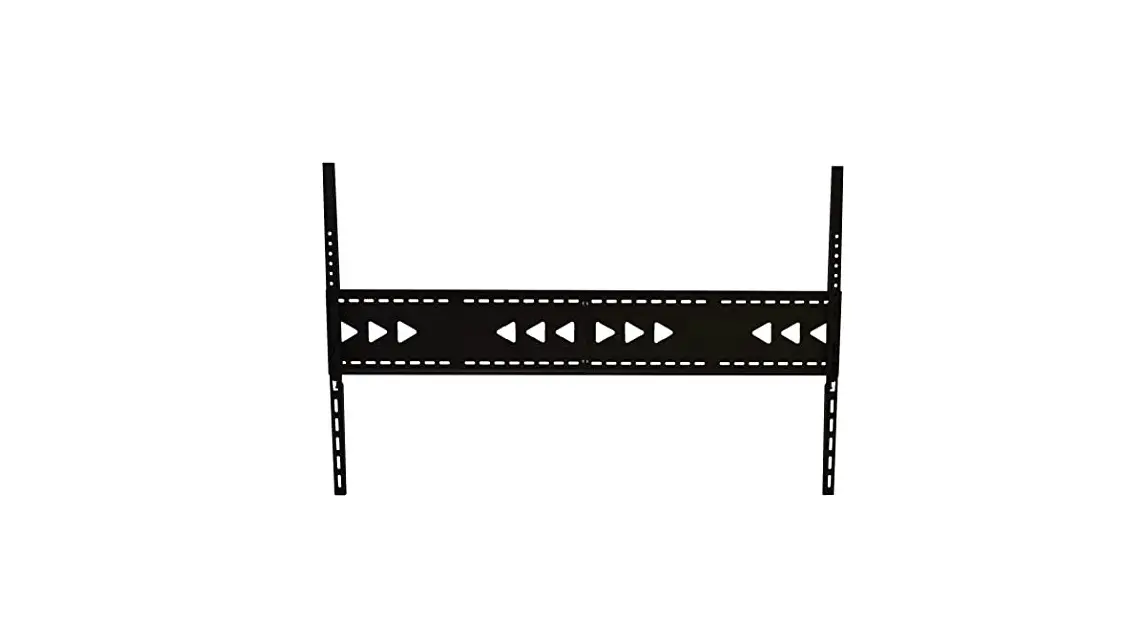
The product is a LED-W600BLACK wall mount designed for mounting
screens with sizes ranging from 90mm to 400mm in width and 436mm to
702mm in height. The maximum weight capacity of the mount is 35kg.
The package includes various parts such as tools, screws, and
brackets.
Product Specifications:
- Compatible Screen Sizes: 200x200mm to 600x400mm
- Weight Capacity: 0-35kg
- Depth: 1.8cm
- Model: LED-W600BLACK
Product Usage Instructions:
Step 1: Installing the Wall Plate
A. Install on a Stud Wall:
– EN: Install the wall plate on a stud wall
– NL: Bevestig de muurbeugel aan een houten balk
– DE: Befestigen Sie die Wandhalterung an einem Holzbalken
– FR: Installez la plaque murale sur un mur en bois ou en plaque
au platre
B. Install on a Solid Brick or Concrete
Wall:
– EN: Install the wall plate on a solid brick or concrete
wall
– NL: Bevestig de muurbeugel aan een stevige stenen of betonnen
muur
– DE: Installieren Sie die Wandplatte an einer soliden Ziegel-
oder Betonwand
– FR: Installez la plaque murale sur un mur de brique ou de
plaque au platre
Step 2: Attaching the Screen to the Bracket
– Attach the screen to the bracket and ensure it is leveled.
Step 3: Right Alignment
– Use a spirit level to ensure the right alignment of the
screen.
Step 4: Final Checks
– Ensure that the alignment is correct and make any necessary
adjustments.
Please note that some parts and options may not be included in
the package.
INSTRUCTION MANUAL
90mm min100~max400mm
436mm
702mm min100~max600mm 8mm
54mm
LED-W600BLACK
EN TV wall mount NL TV wandsteun DE TV Wandhalterung FR Support mural pour TV IT Supporto TV a parete ES Soporte de pared para TV PT Suporte de parede para TV DK Vægbeslag TV
NO TV veggfeste SE TV-väggfäste FI TV seinäteline PL Uchwyt cienny do TV CS Nástnný drzák na TV SK Nástenný drziak na TV RO Suport montare televizor pe perete
WWW.NEOMOUNTS.COM
LED-W600BLACK PARTS
Tool
Drill
200×200 600×400 mm
0-35 kg
1,8 cm
A. (x2)
B. (x1)
C. (x1)
M-A. M5x14 (x4)
M-B. M6x14 (x4)
M-C. M6x30 (x4)
M-D. M8x30 (x4)
M-E. M8x50 (x4)
M-F. D5 (x4)
M-G. D8 (x4)
M-H. (x8)
M-I. (x8)
W-A. (x4)
W-B. (x4)
W-C. (x4)
STEP 1 A
EN Install the wall plate on a stud wall
NL Bevestig de muurbeugel aan een houten balk
DE Befestigen Sie die Wandhalterung an einem Holzbalken
X
FR Installez la plaque murale sur un mur en bois ou en
plaque au platre
W-C
IT Installare la piastra di parete su un perno in legno
W-A
ES Fije el soporte de pared a una viga de madera
PT Instale a placa so suporte de parede num poste de
madeira
PL Zamontuj plyt cienn do drewnianej powierzchni
STEP 1 B
EN Install the wall plate on a solid brick or concrete wall NL Bevestig de muurbeugel aan een stevige stenen of
betonnen muur DE Installieren Sie die Wandplatte an einer soliden Ziegel-
oder Betonwand FR Installez la plaque murale sur un mur de brique ou de
béton IT Installare la piastra di parete su un muro di mattoni o
cemento ES Fije el soporte de pared a una piedra sólida o muro de
hormigón PT Instale a placa do suporte de parede numa parede PL Zamontuj plyt cienn do ciany z cegly lub betonu
W-B
W-A W-C
STEP 2
EN Install the adapter brackets NL Bevestig de adapter steunen DE Montage die Halterungsschienen FR Installation des supports d’adaptateur IT Il montaggio del adattatore ES Coloque los soportes del adaptador PT Instalação de braços adaptadores PL Zainstaluj ramiona uchwytu
* Not Included
M-A M-F
M-B M-G
OPTION
EN Use spacers if necessary NL Gebruik afstandhouders indien nodig DE Montage der Distanzscheiben wenn nötig FR Utilisez des entretoises si nécessaire IT Utilizzare distanziatori, se necessario ES Use espaciadores si es necesario PT Utilize separadores se necessário PL Uyj dystansów jeli jest taka potrzeba
* Not Included
M-C M-D M-G M-H
M-E M-G
M-I
M-C M-D M-G
M-I M-E M-G M-H
M-I
M-C M-D
M-G M-H
M-I
M-E
M-G M-H
M-I
STEP 3
EN Attach the screen to the bracket and level it NL Bevestig het scherm aan de beugel en lijn deze uit DE Befestigen Sie den Bildschirm an der Halterung und
richten Sie ihn aus FR Fixer et niveler l’écran sur le support IT Fissare e livellare lo schermo alla staffa ES Fijar y nivelar la pantalla al soporte PT Fixar e nivelar o ecrã ao suporte PL Przymocuj i wypoziomuj ekran do uchwytu
C 8mm
STEP 4
EN Ensure the right alignment using a spirit level NL Zorg voor de juiste uitlijning met behulp van een
waterpas DE Stellen Sie die richtige Ausrichtung mit einer Wasser-
waage sicher FR Assurer le bon alignement à l’aide d’un niveau à bulle IT Assicurare il giusto allineamento utilizzando una
livella a bolla d’aria ES Garantizar la alineación correcta con un nivel de
burbuja PT Assegurar o alinhamento correcto usando um nível
de bolha PL Zapewnij wlaciwe wyrównanie za pomoc poziomicy
pcher-zykowej
STEP 5
EN Pull the strap to release the TV NL Trek aan de riempjes om de TV los te koppelen DE Ziehen der Leine, um das Fernsehgerät zu lösen FR Tirez les sangles pour déconnecter la télévision IT Tirare la cinghia per rilasciare la TV ES Tire de las correas para desconectar la televisión PT Puxe a alça para soltar a TV PL Pocignij pasek, aby zwolni telewizor
 Neomounts