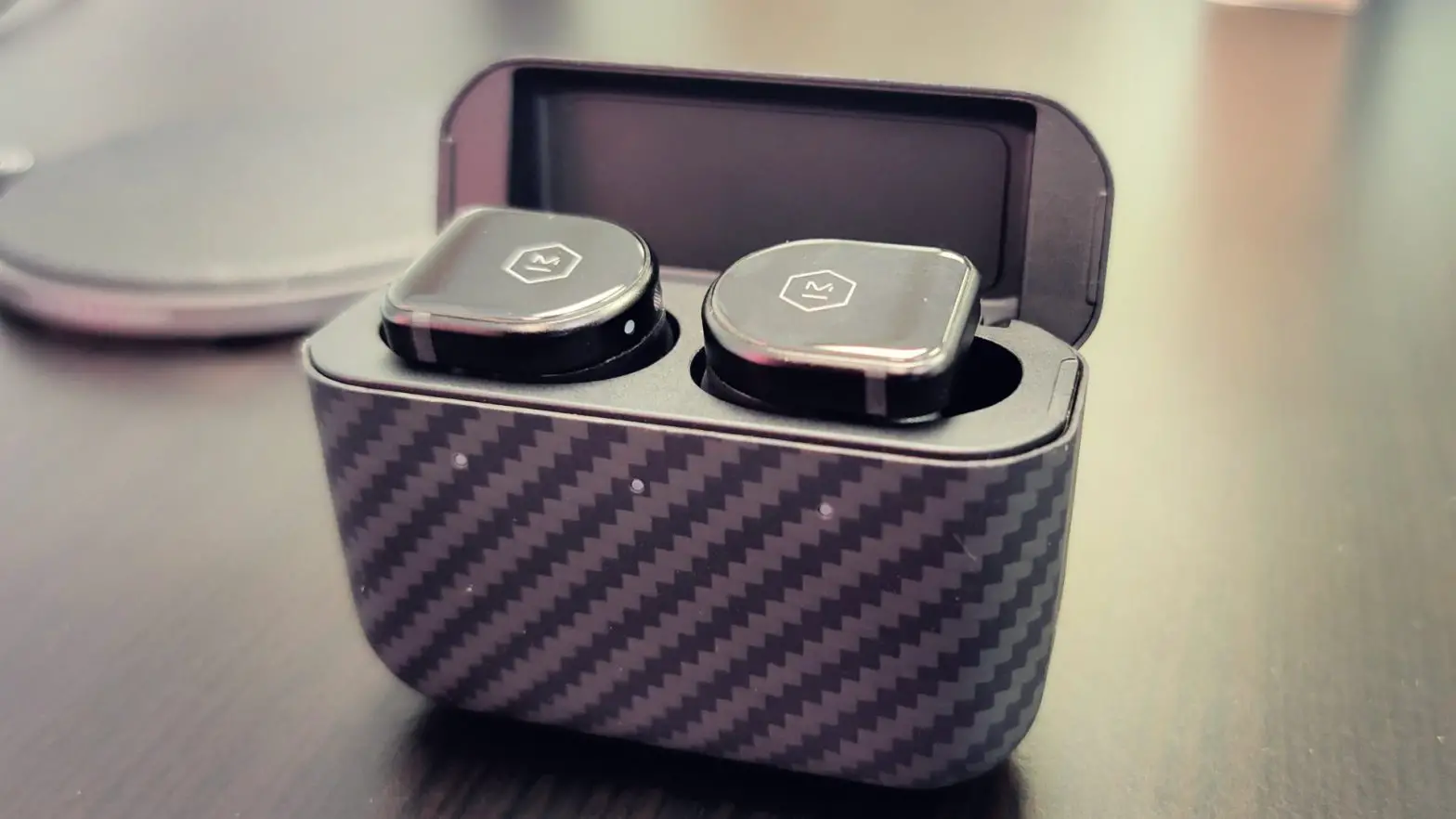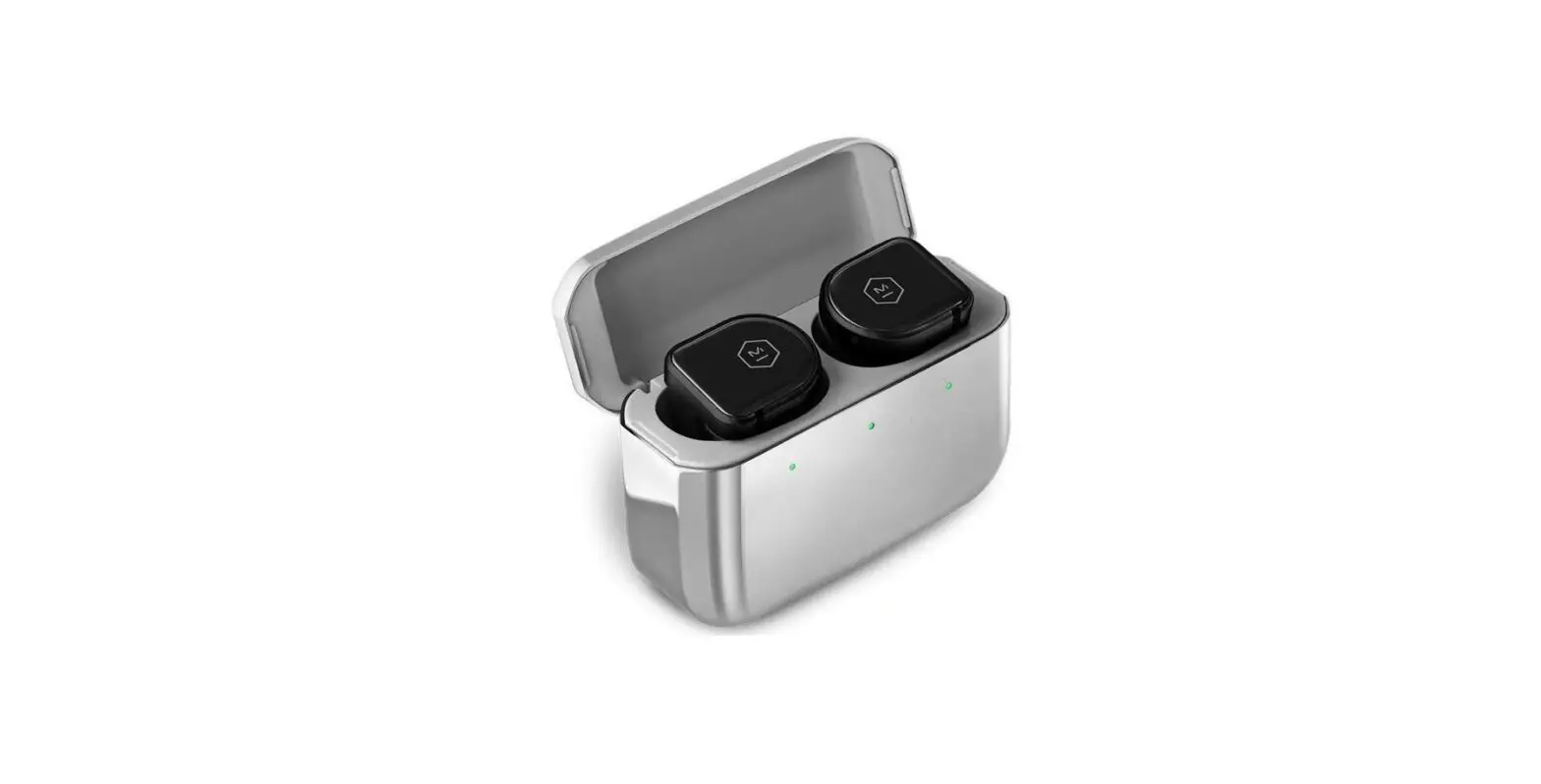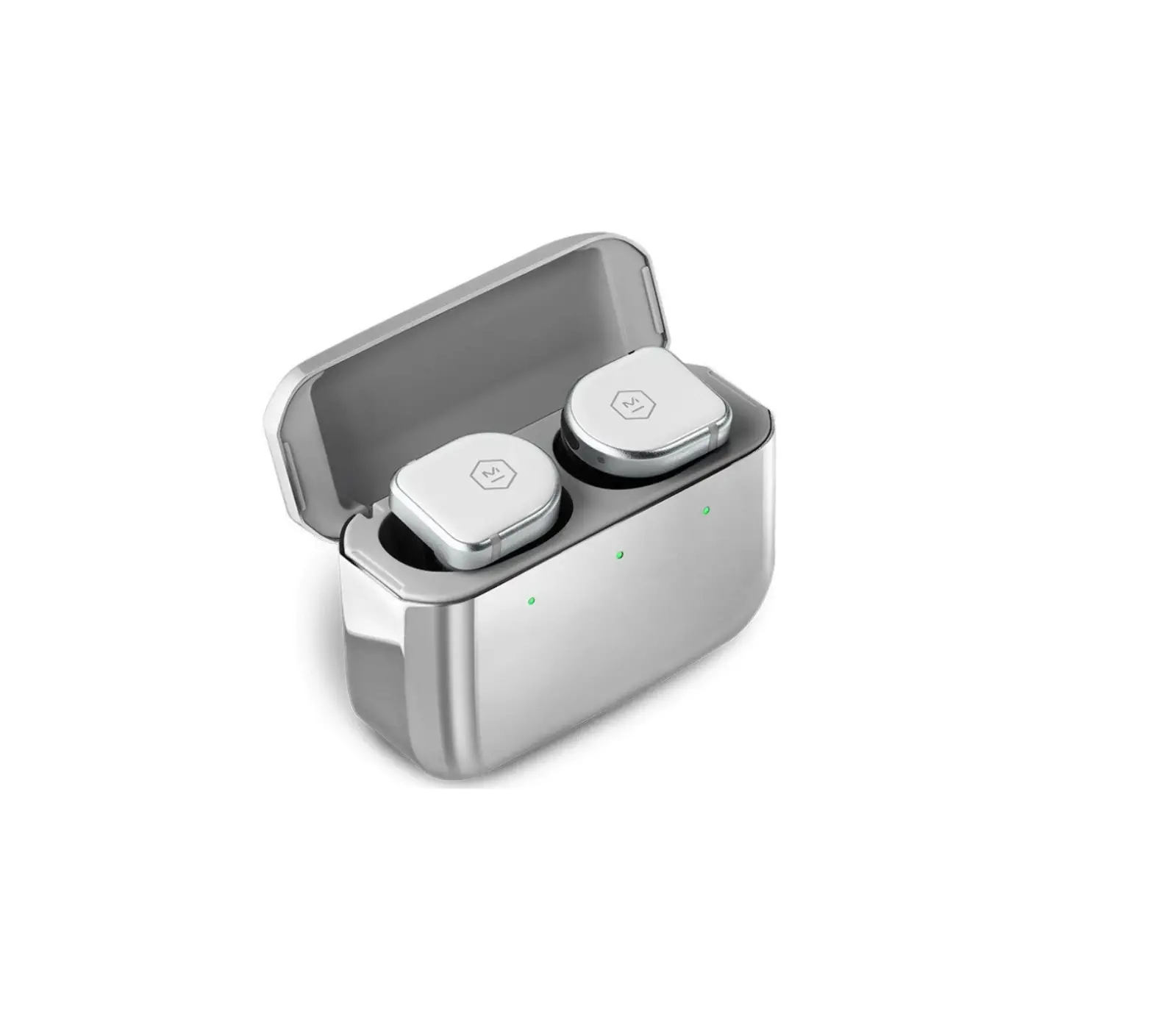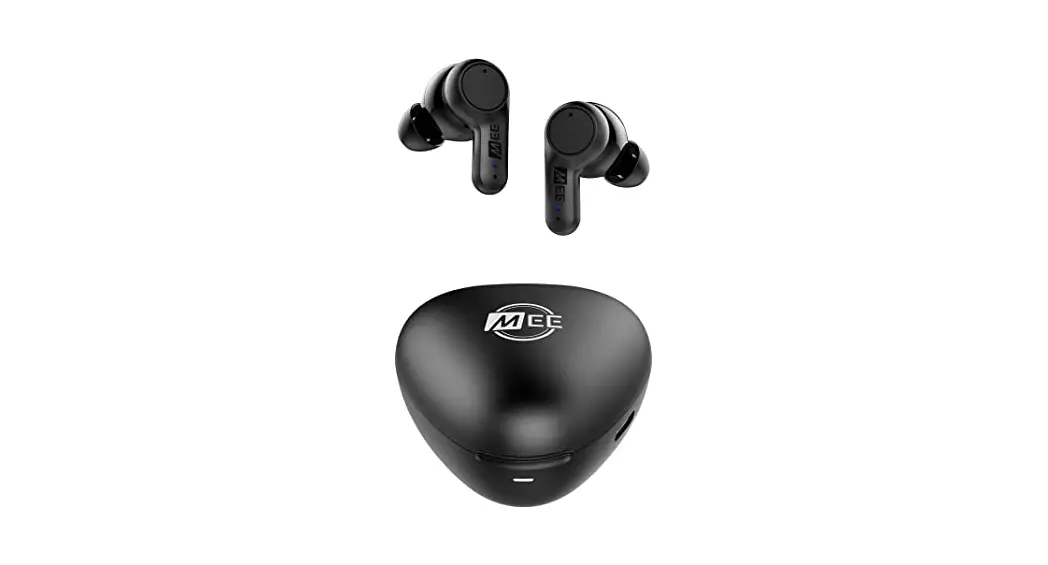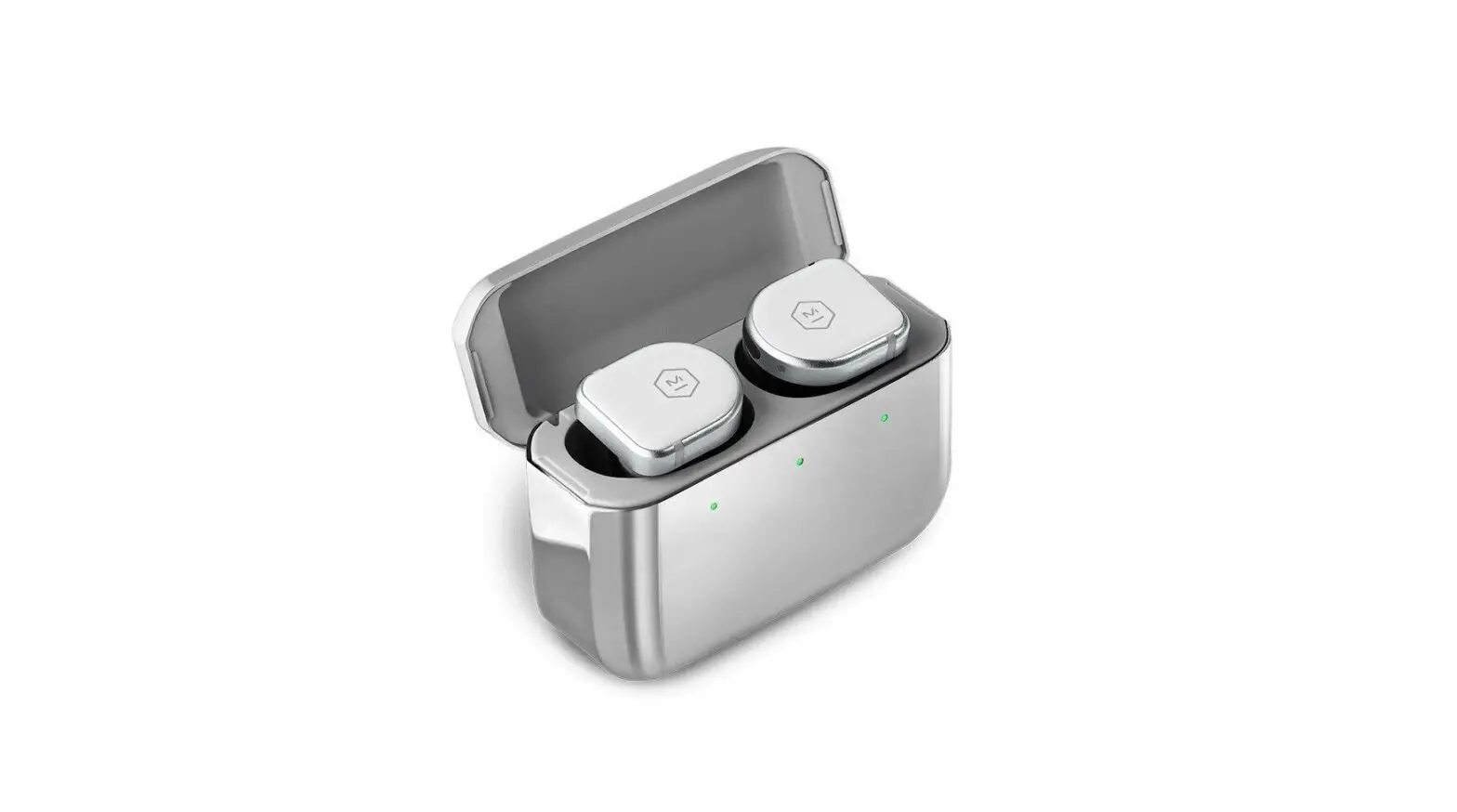


ACTIVE NOISE-CANCELLING TRUE WIRELESS EARPHONES
QUICKSTART GUIDE
CONTROLS
1X: PAUSE / PLAY / ANSWER CALL
2X: SKIP FORWARD
3X: SKIP BACK
HOLD: ACTIVATE VOICE ASSISTANT
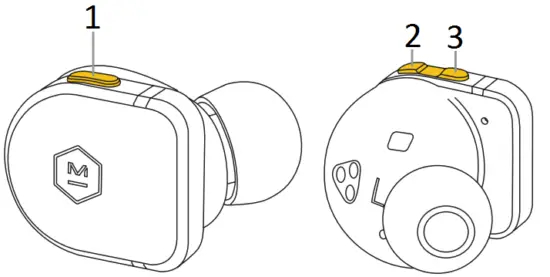
- MULTI-FUNCTION BUTTON
- VOL –
- VOL +
AMBIENT LISTENING MODE
HOLD VOL+ FOR ON/OFF
ACTIVE NOISE-CANCELLING
HOLD VOL- FOR ON/OFF
*SELECT YOUR DEFAULT ANC AND AMBIENT SETTINGS IN THE M&D CONNECT APP
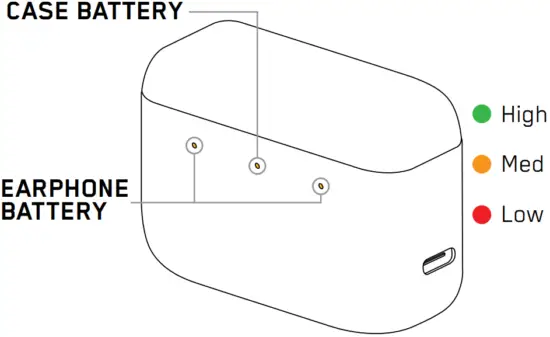
CASE BATTERY
Case battery charges to 50% in 15 minutes, 100% in 60 minutes via charging cable and charges to 50% in 30 minutes and 100% in 100 minutes via wireless charging.
EARPHONE BATTERY
Earphone batteries charge to 50% in 15 minutes and 100% in 45 minutes via cable or wireless charging.
LEDs should face upwards when charging the MW08 SPORT case on a wireless charging device. Wireless charging device is not included.
FIT
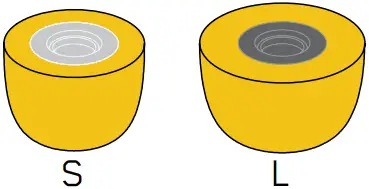
For the most secure fit and best acoustics, choose the ear tips that form a secure seal with your ear. Your earphones come with medium silicone ear tips attached. 2 sizes of foam ear tips (S,L) are also included for a more secure fit during workouts. Clean only with a damp sponge (never alcohol or harsh chemical cleaners).
EAR TIP OPTIONS
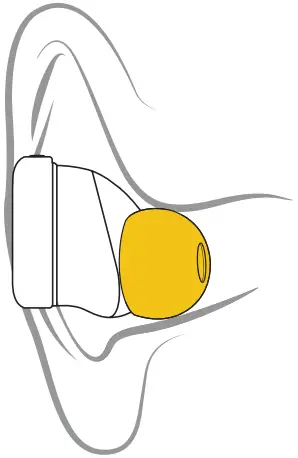
SILICONE

FOAM
MW08 SPORT
PAIRING
The first time you take both earphones out of their case they will enter pairing mode.
STEP 1: Open the Bluetooth menu on your device.
STEP 2: Select M&D MW08S.
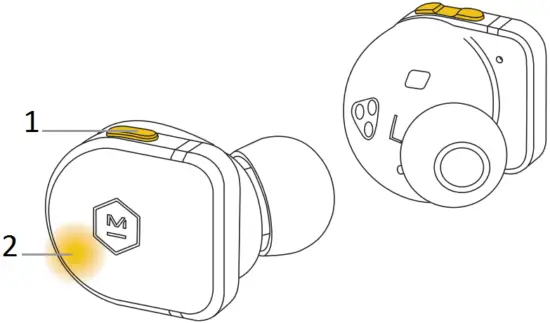
- MULTI-FUNCTION BUTTON
- PULSING INDICATOR LIGHT
To manually activate pairing mode, hold down the multi-function button until the indicator light starts pulsing/pairing tone is heard.
NOTE: If you are already connected to a device, remove the right earphone from your ear to avoid activating your voice assistant.
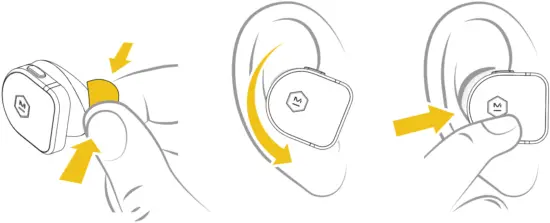
INSERTING YOUR EARPHONES
STEP 1: If you are using foam ear tips, pinch sides to compress foam
STEP 2: Tilt the earphone forward with the ear tip resting lightly in your ear canal
STEP 3: Rotate the earphone down until the ear tip forms a seal with your ear canal
STEP 3: If you are using foam ear tips, hold device in place until foam fully expands to create a seal
For more information visit masterdynamic.com/support
Download the M&D Connect App for the complete Master & Dynamic experience.
 Product Support | Master & Dynamic