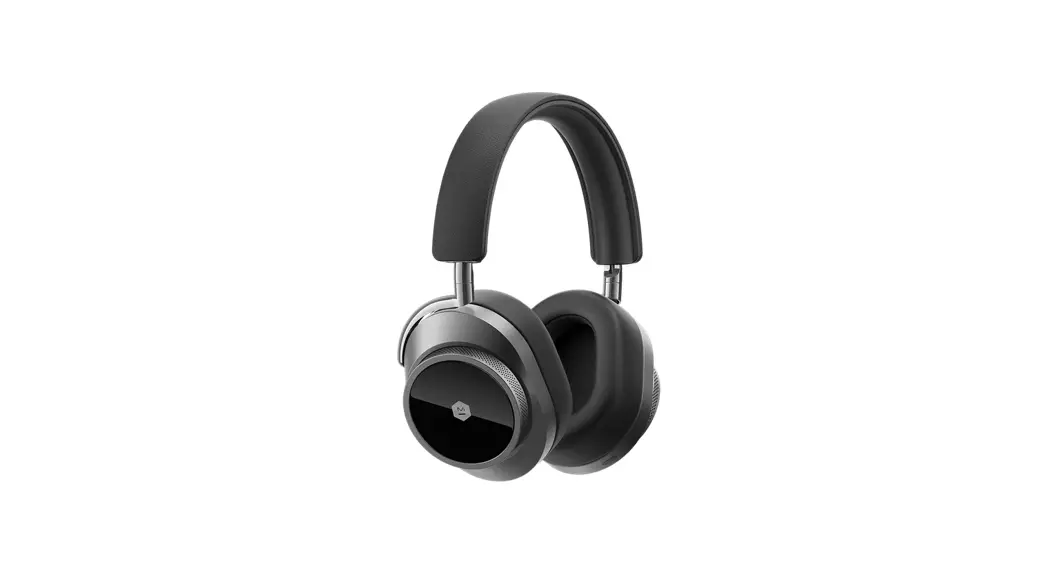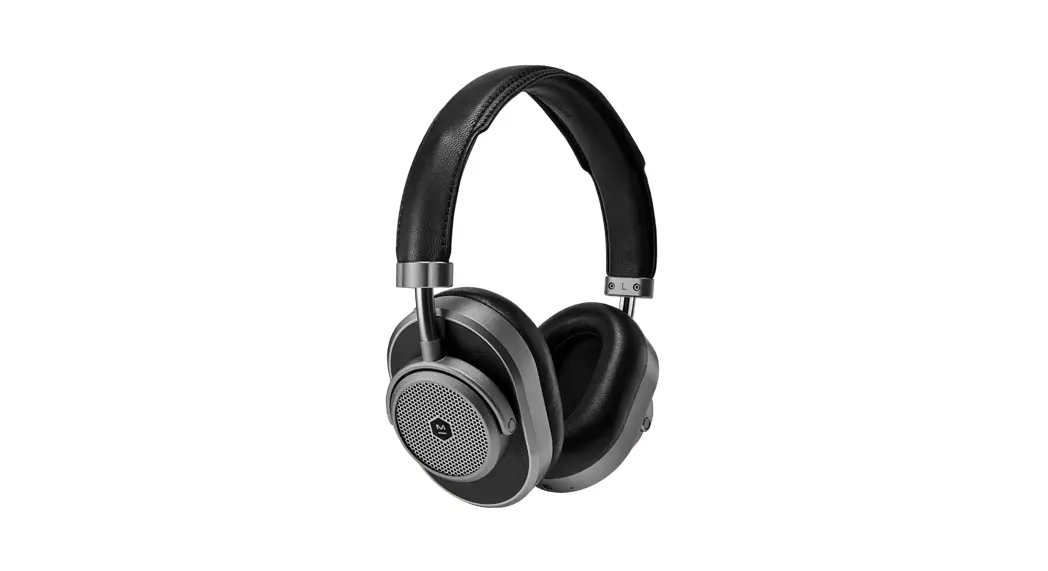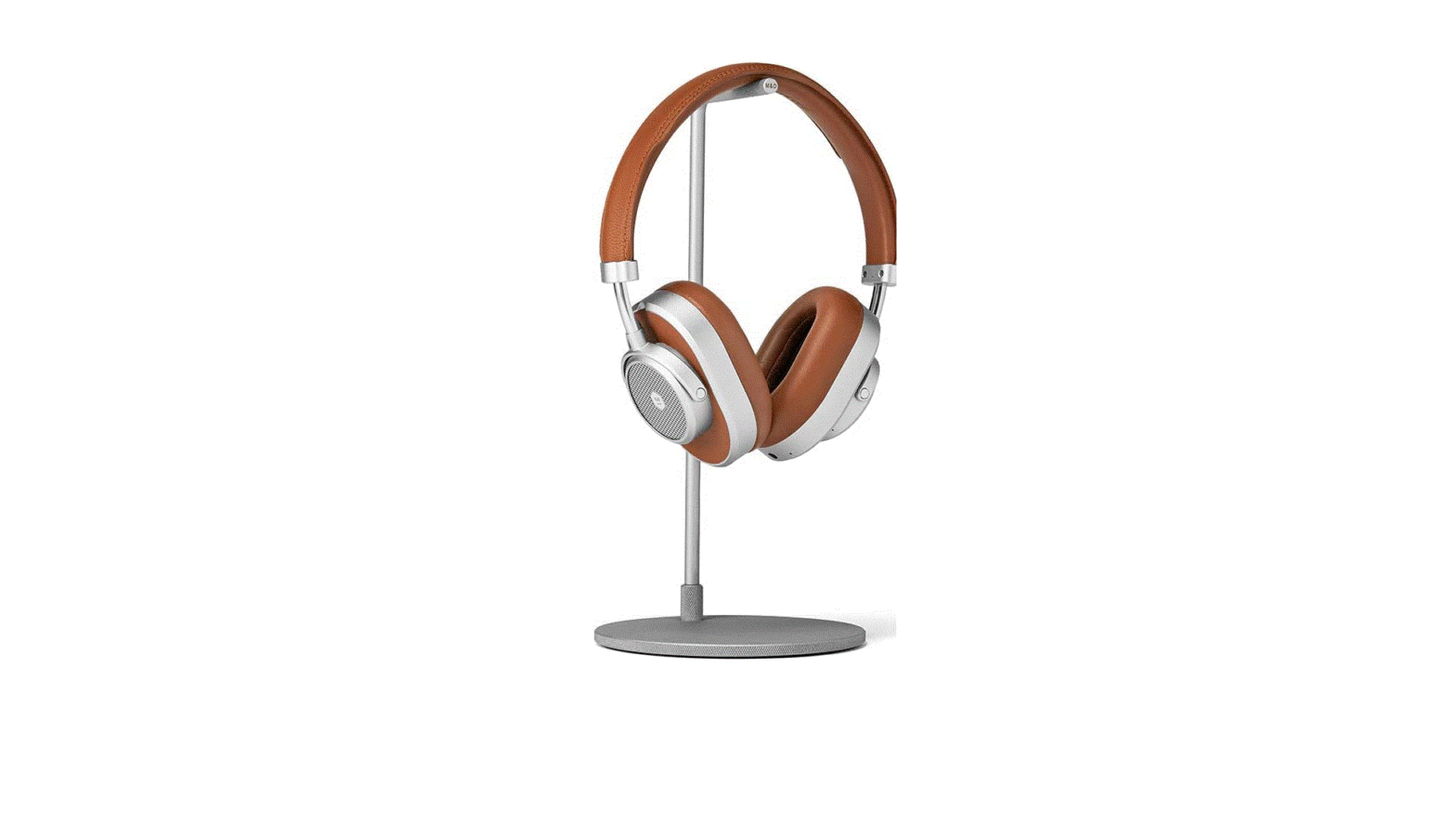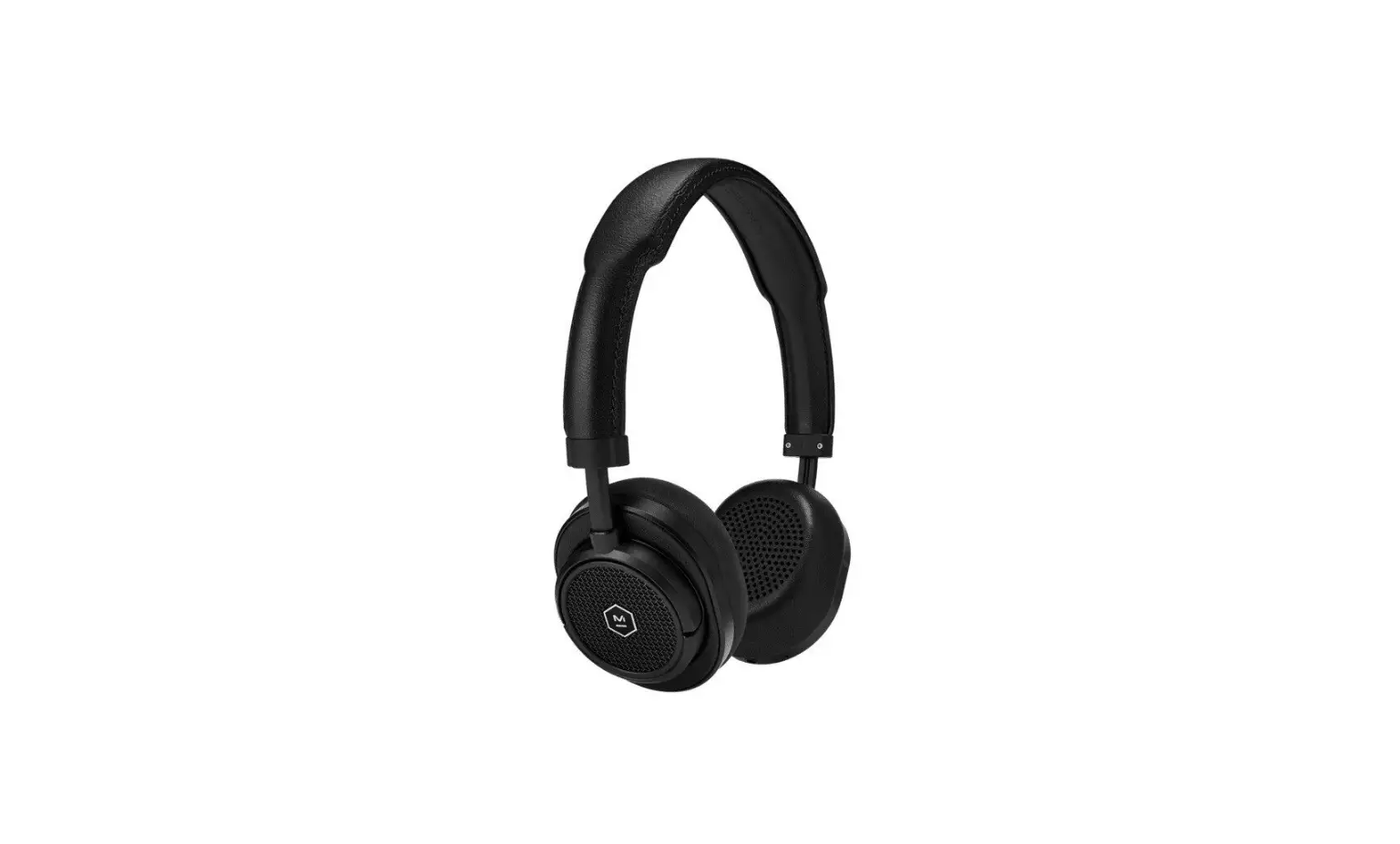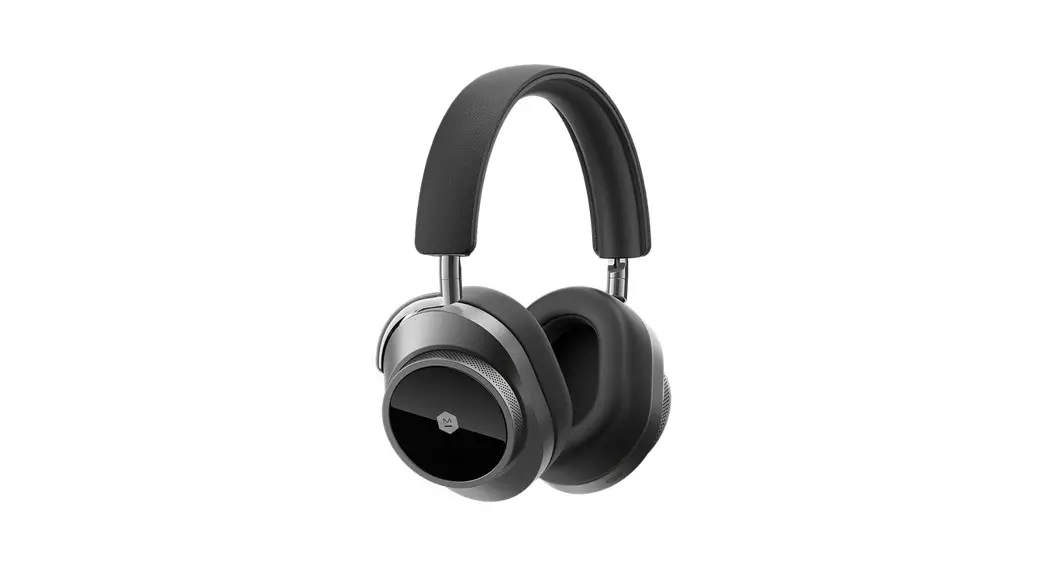

MW75
ACTIVE NOISE – CANCELLING
WIRELESS HEADPHONES
QUICKSTART GUIDE
MW75 QUICKSTART
POWERING ON AND PAIRING
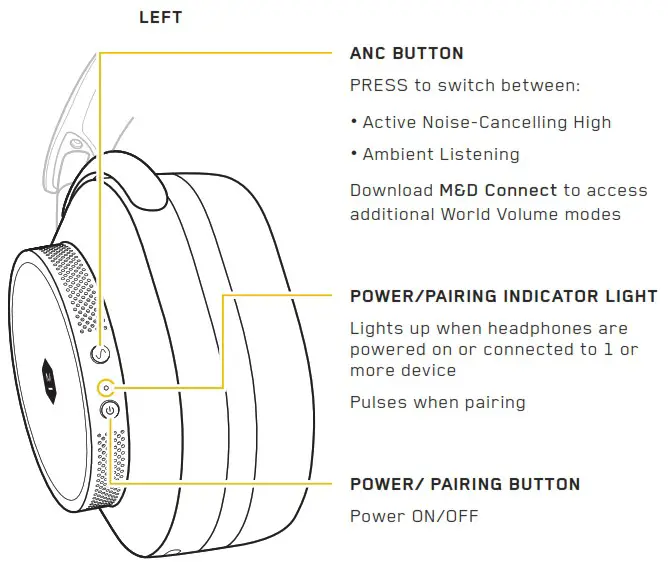
Press Power/Pairing button once to power ON/OFF.
Battery level will be displayed at startup.
The first time you power your headphones ON they will enter pairing mode.
STEP 1: Open the Bluetooth® menu on your device
STEP 2: Select M&D MW75
To manually activate pairing mode, hold Power/Pairing button for 3 or more seconds. This can be done when the headphones are ON or OFF. Hold again to cancel pairing mode.

Use the M&D Connect App to access:
- Firmware updates
- Additional ANC and World Volume settings
- And More

For additional support, visit masterdynamic.com/support
Follow Us – @masterdynamic
www.masterdynamic.com
Copyright 2021 New Audio LLC. All rights reserved. Master & Dynamic, the Stylized M Logo and Sound Tools for Creative Minds are trademarks of New Audio LLC. Patents Pending.
The Bluetooth ® word mark and logos are registered trademarks owned by Bluetooth SIG, Inc. and any use of such marks by Master & Dynamic is under license. Other trademarks and trade names are those of their respective owners.
 Product Support | Master & Dynamic
 Professional Headphones & Luxury Earphones| Master & Dynamic Official | Master & Dynamic