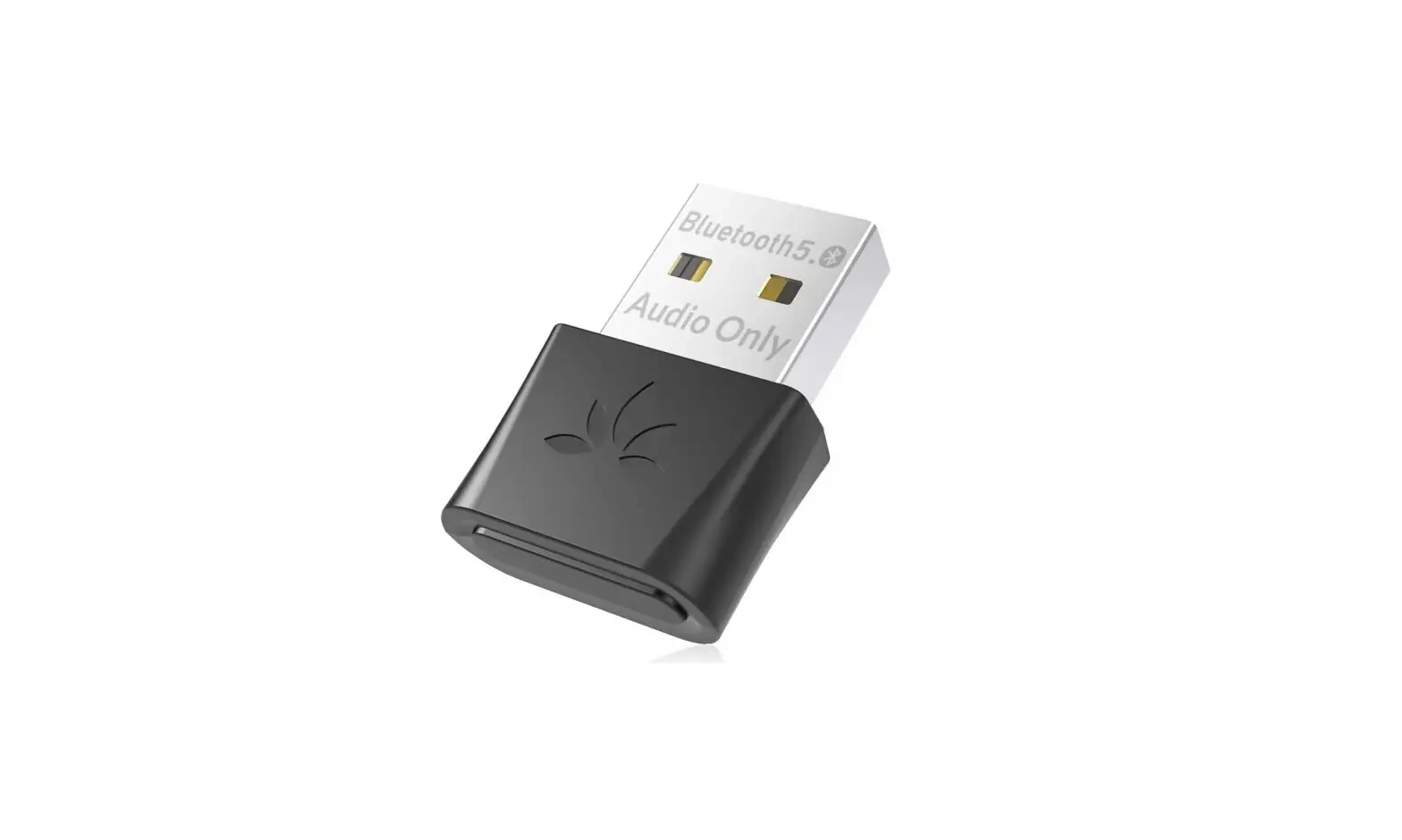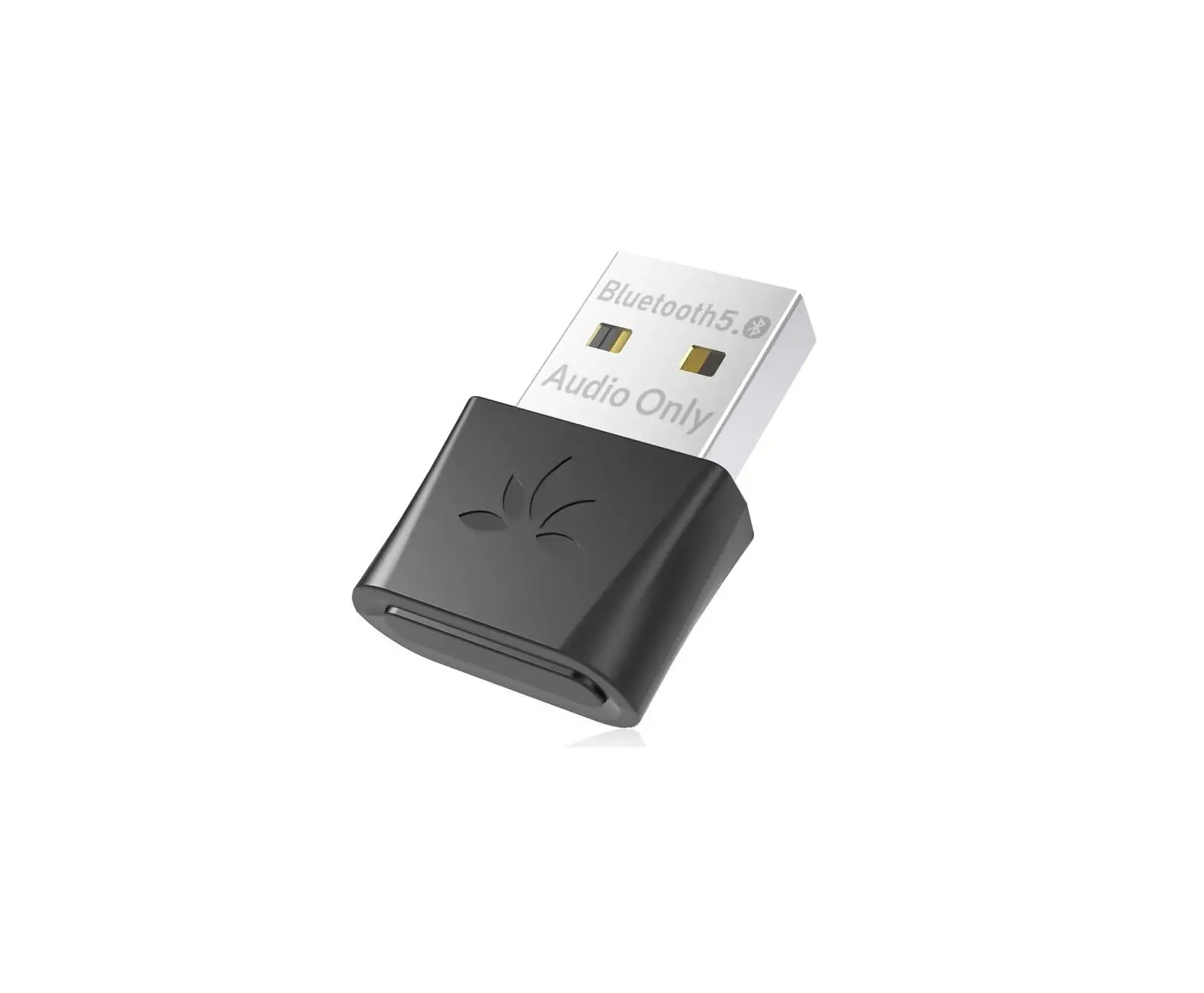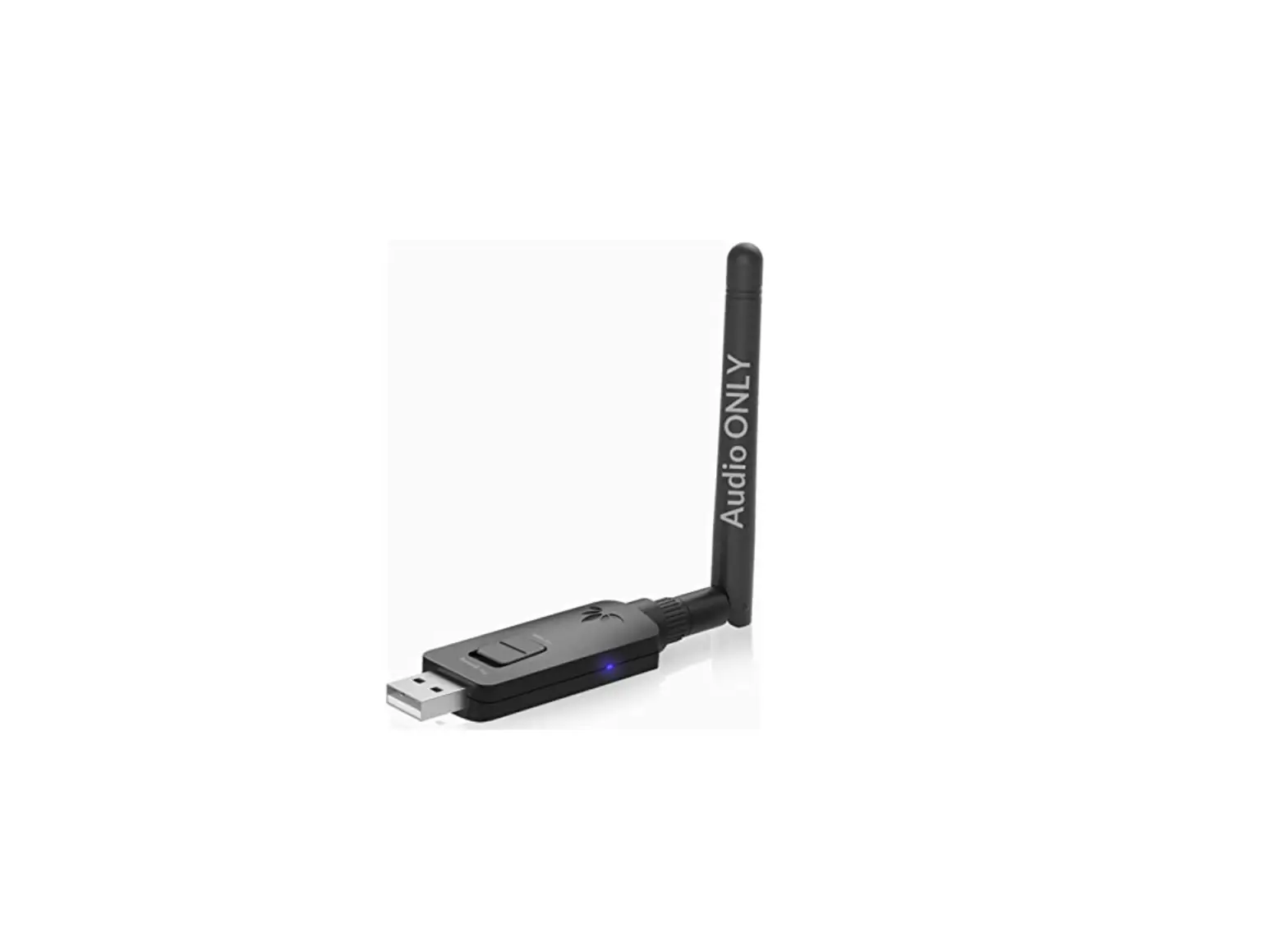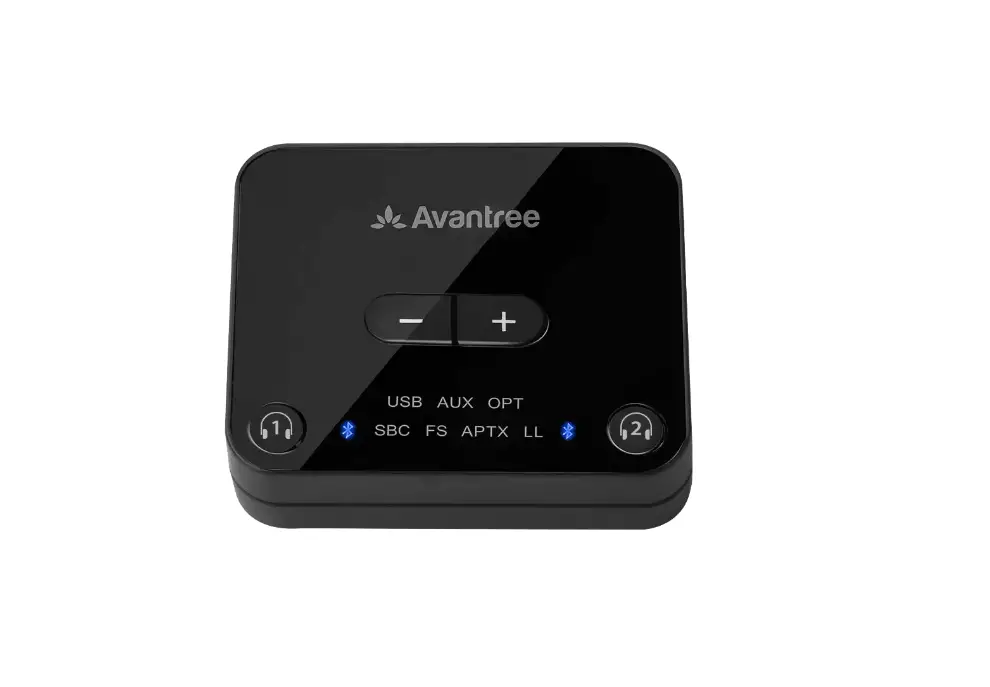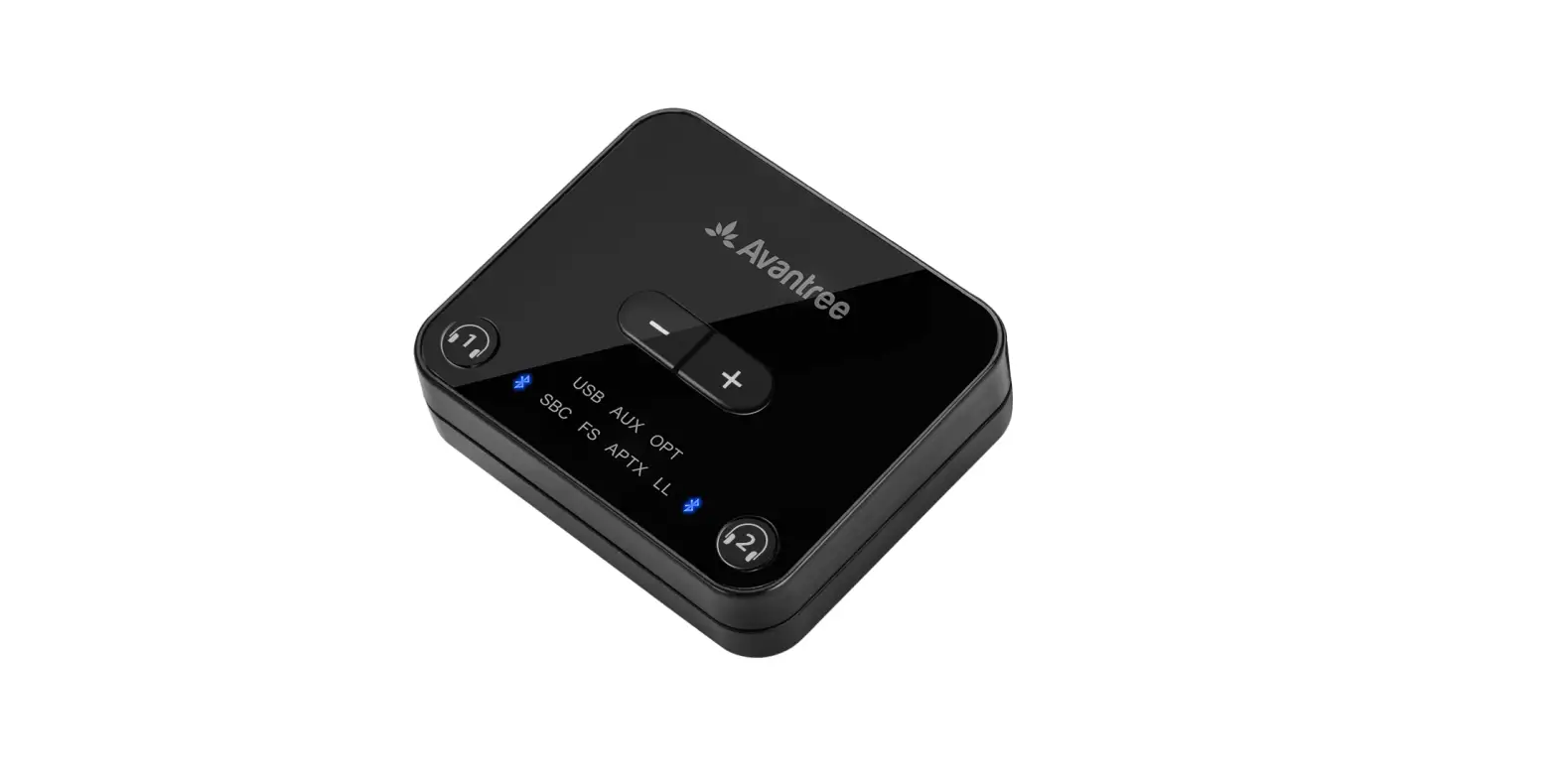
Avantree C81 Bluetooth USB External Audio Transmitter User Guide
Box Contents
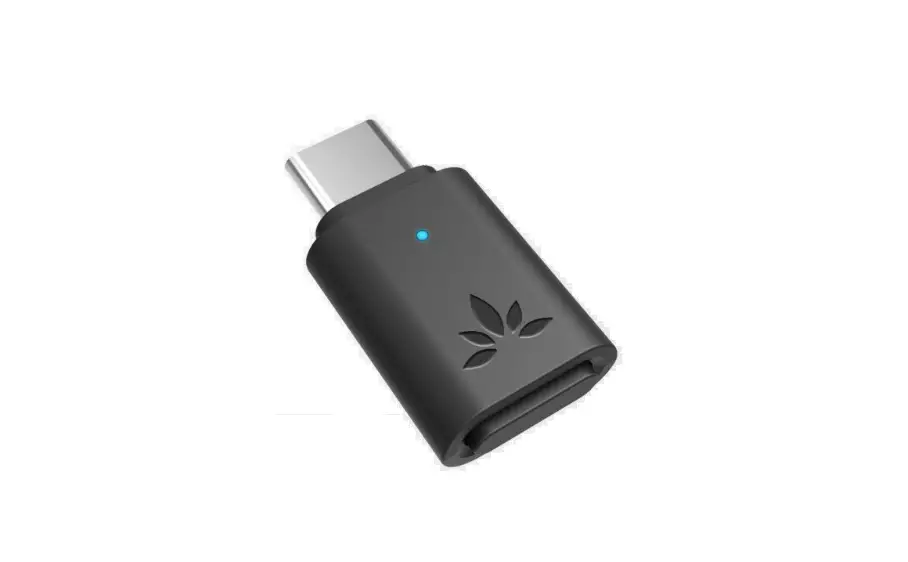
- C81

- QUICK GUIDE

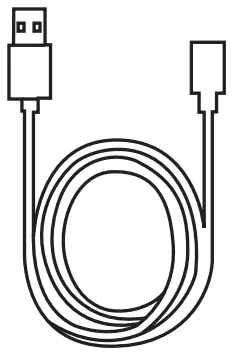
- USB A TO TYPE CABLE

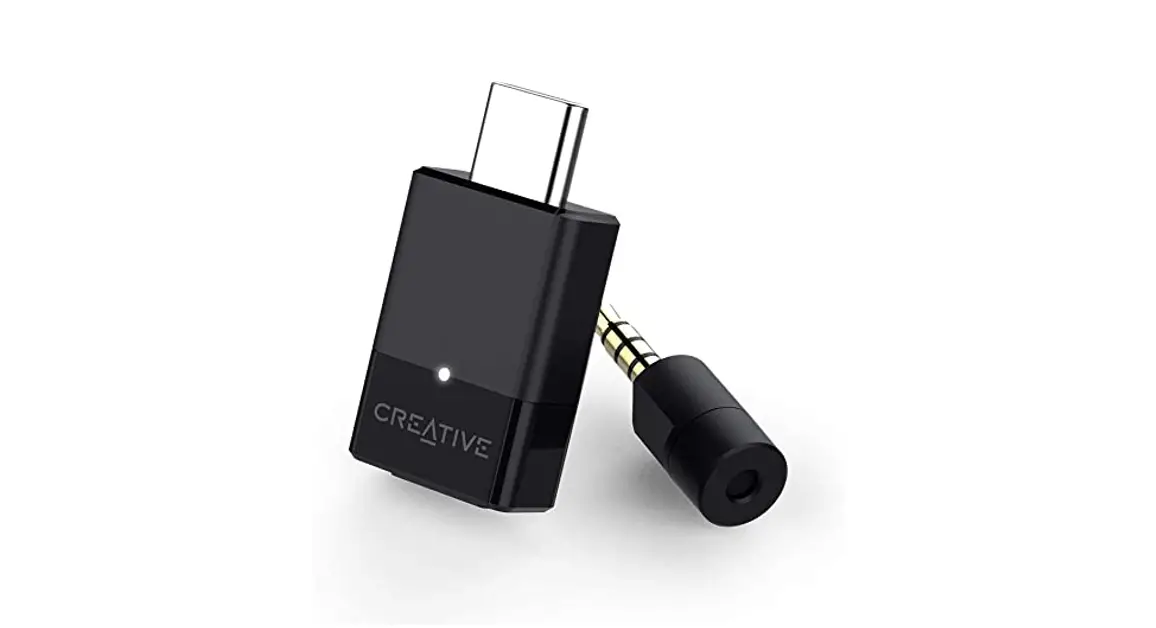
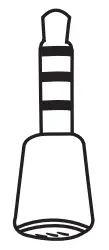
- 3.5 SMM MICROPHONE ADAPTER(For PS4/PSS Controller)



Compatible


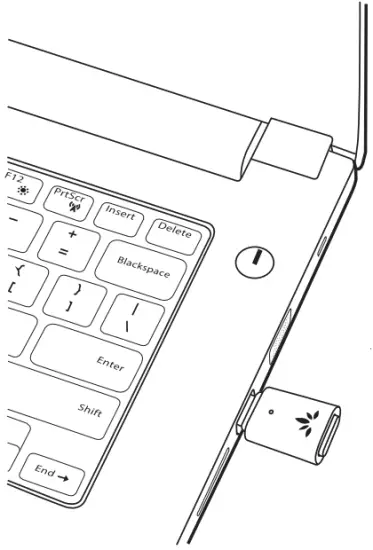
- Plug the C81 into USB C port

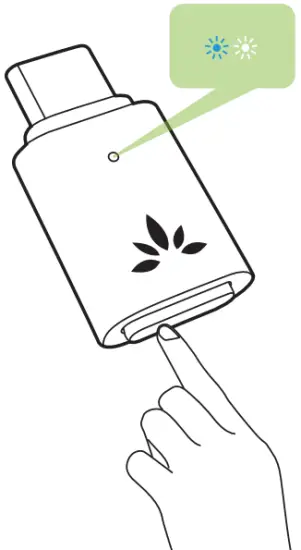
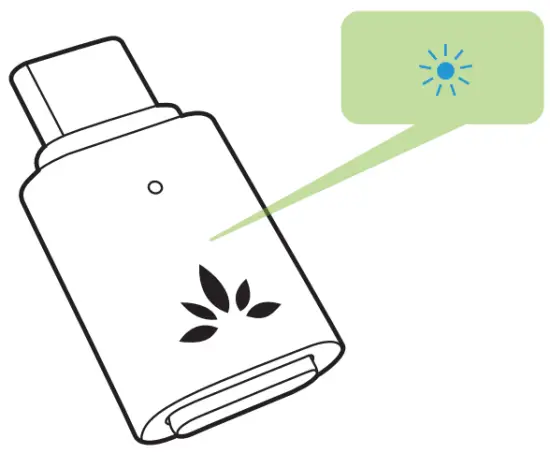
- 1st-time use the C81 will enter pairing mode automatically, the LED will flash BLUE & WHITE”

- Non-1″ time use, manually enter C81 into pairing mode: Press & Hold MFB until LED flashes BLUE & WHITE

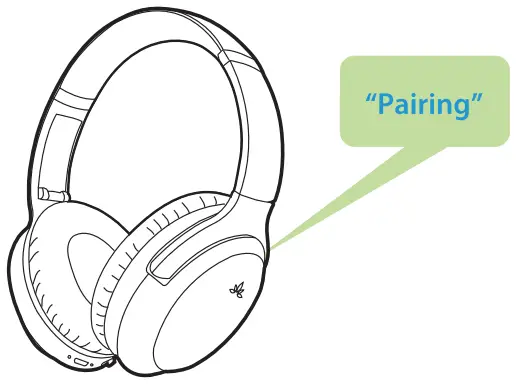
- Put your Headphone/Speaker into “Bluetooth Pairing Mode”. Please refer to your device’s user manual.

- Once connected, LED on C81 will turn SOLID BLUE

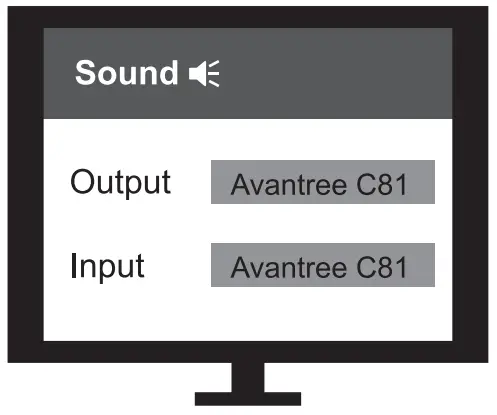
- Set C81 as your default Input/ Output device in your Computer/ Gaming Console’s audio settings menu.


Microphone
Once in talk mode, LED on C81 will turn SOLID WHITE.
- Work with Windows PC/ Macbook – Auto switch between talk mode & music mode.
- Work with P55 – Microphone function only available when used with Avantree FastStream Bluetooth headphones.
- Work with Linux and Chromebook – Double-click MFB to turn on Microphones
Online Support
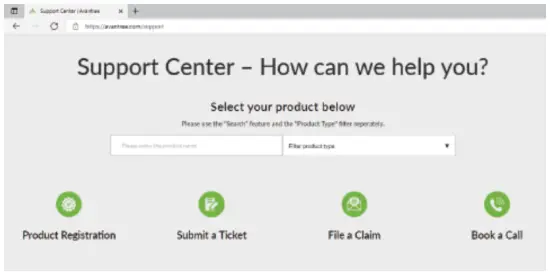
Troubleshooting & FAQ
- Cannot Pair?
- Microphone not Working?
- NO Sound /Not Working?
More FAQ and User tips are available online.
Contact Us
 | avantree.com/submit-a-ticket |
 | [email protected] |
 | USA / Canada: +1800 232 2078 (US Toll Free, 9am-6pm PST, Mon-Fri ) UK: +44 20 8068 2023 (9am-6pm, GMT, Mon-Sat) DE: +49 32221097297 (11am-9pm, CET, Mon-Sat ) FR: + 33 176340312 (11am-9pm, CET, Mon-Sat ) IT: +39 06 9480 3330 (9am-6pm, CET, Mon-Sat ) ES: + 34 931786261 (9am-6pm, CET, Mon-Sat ) AU: + 61 2 8310 9897 (11 am-7pm, Sydney Time, Mon-Fri) |
 Register for your extended 24 Months warranty at avantree.com/product-registration