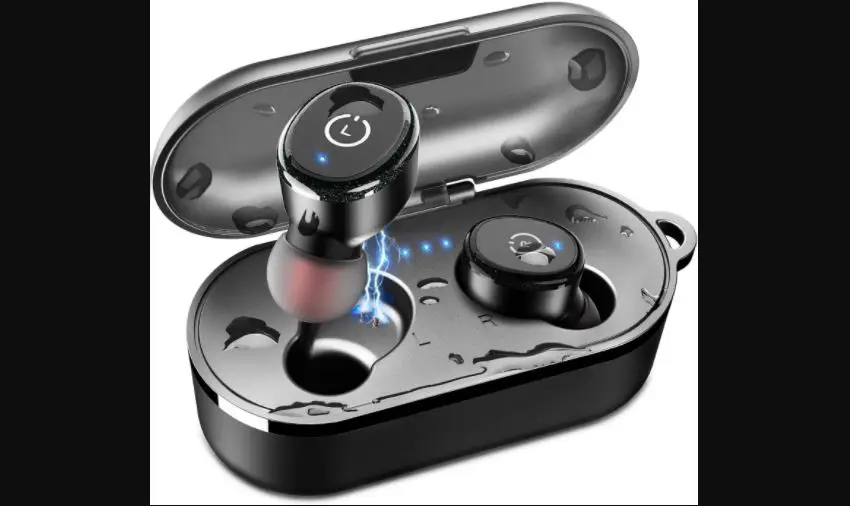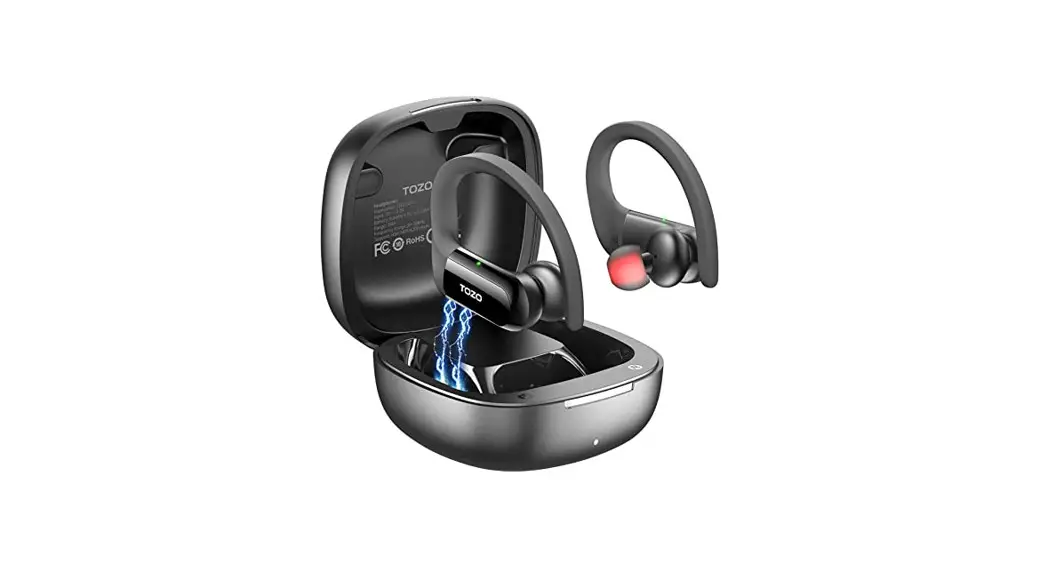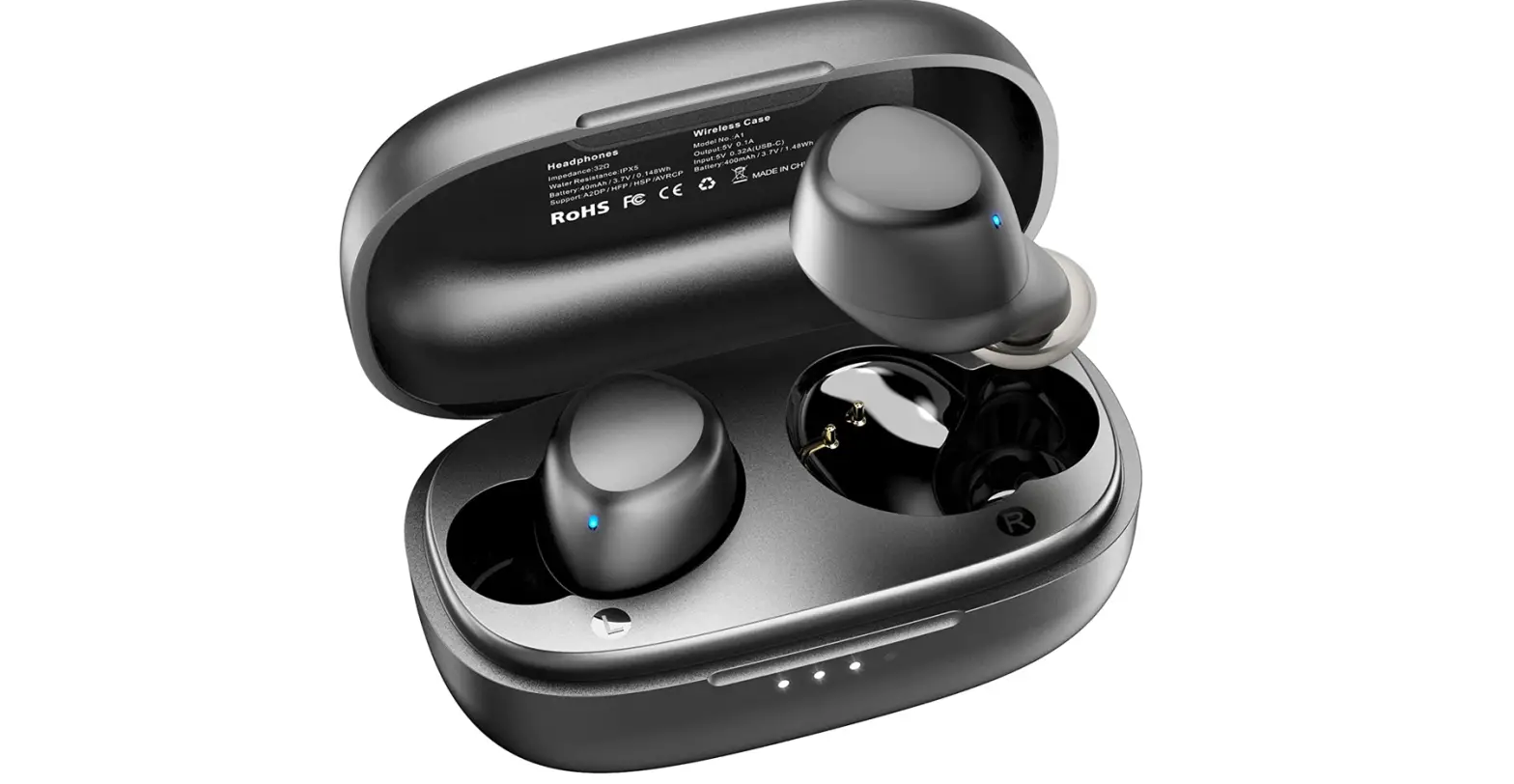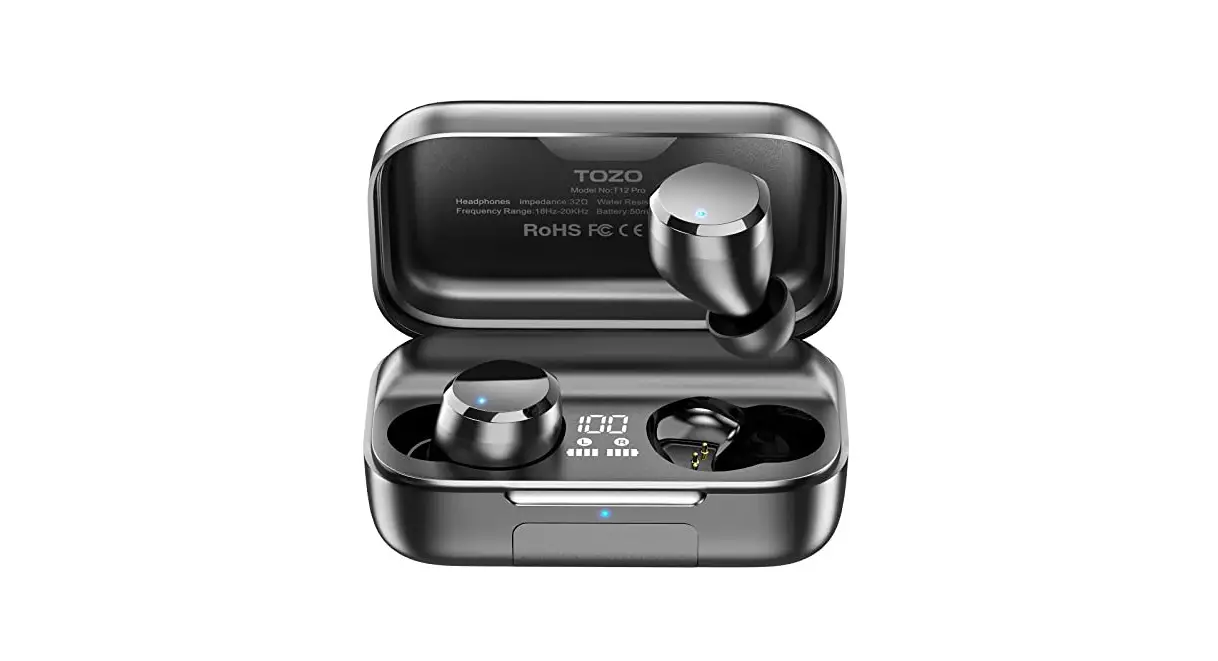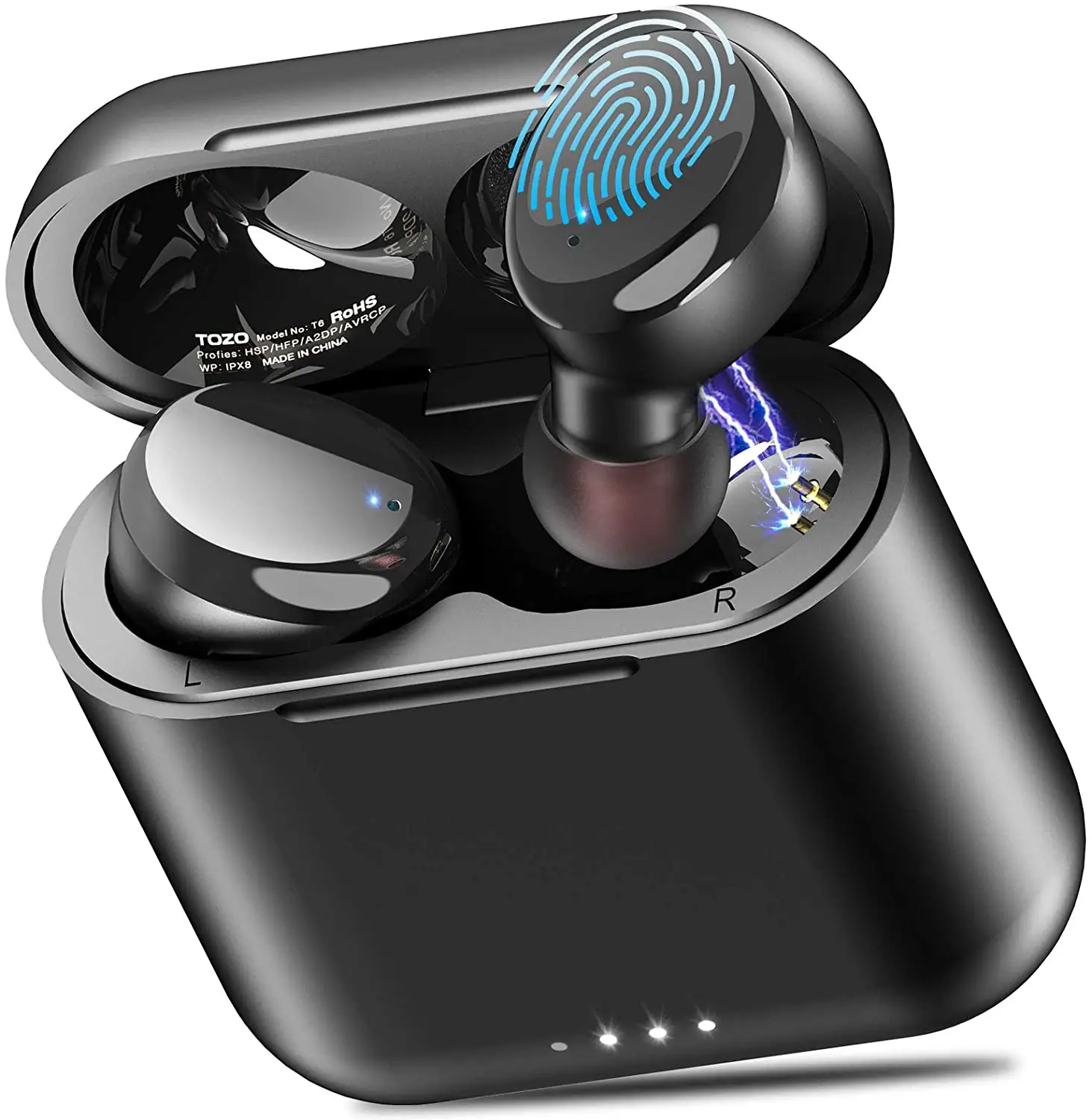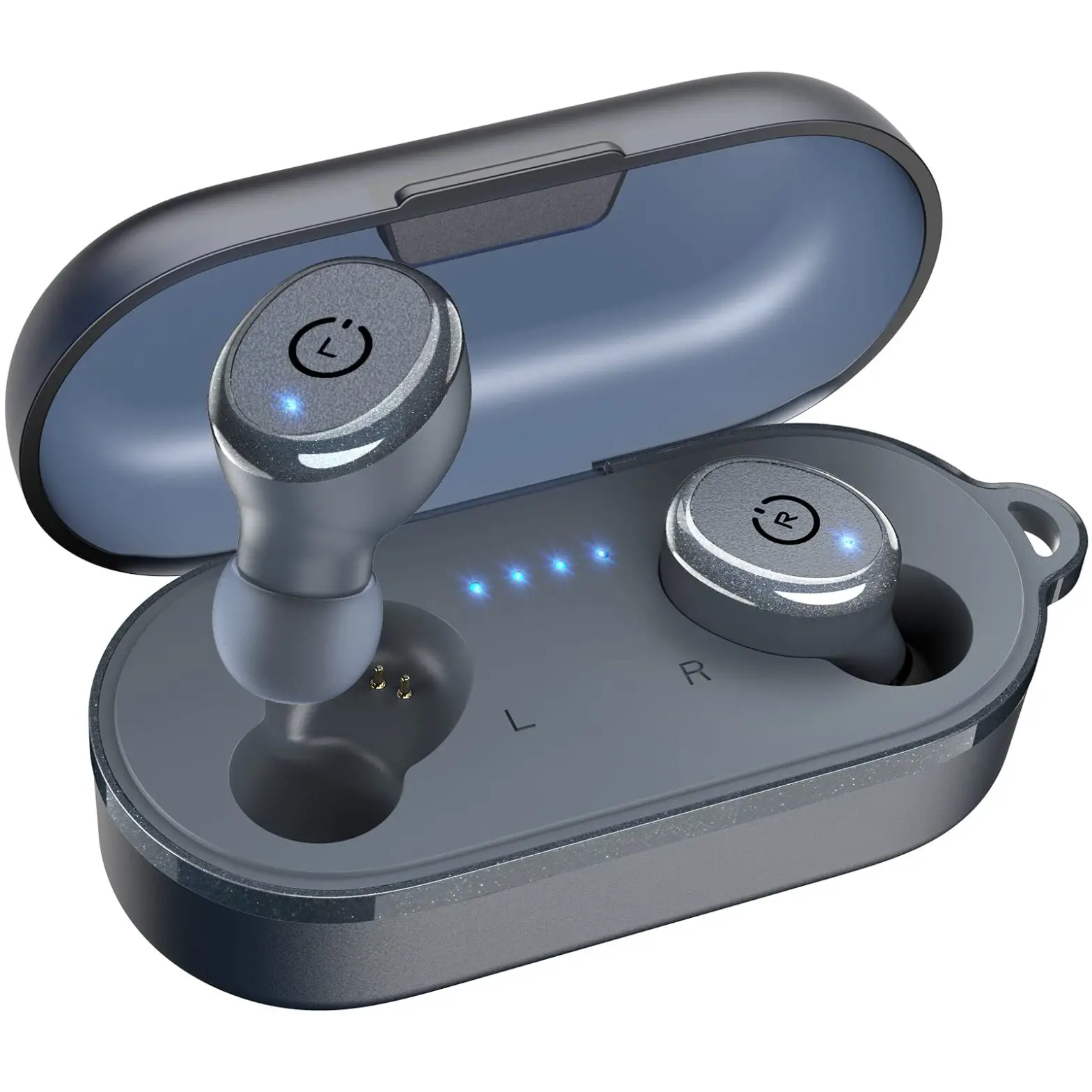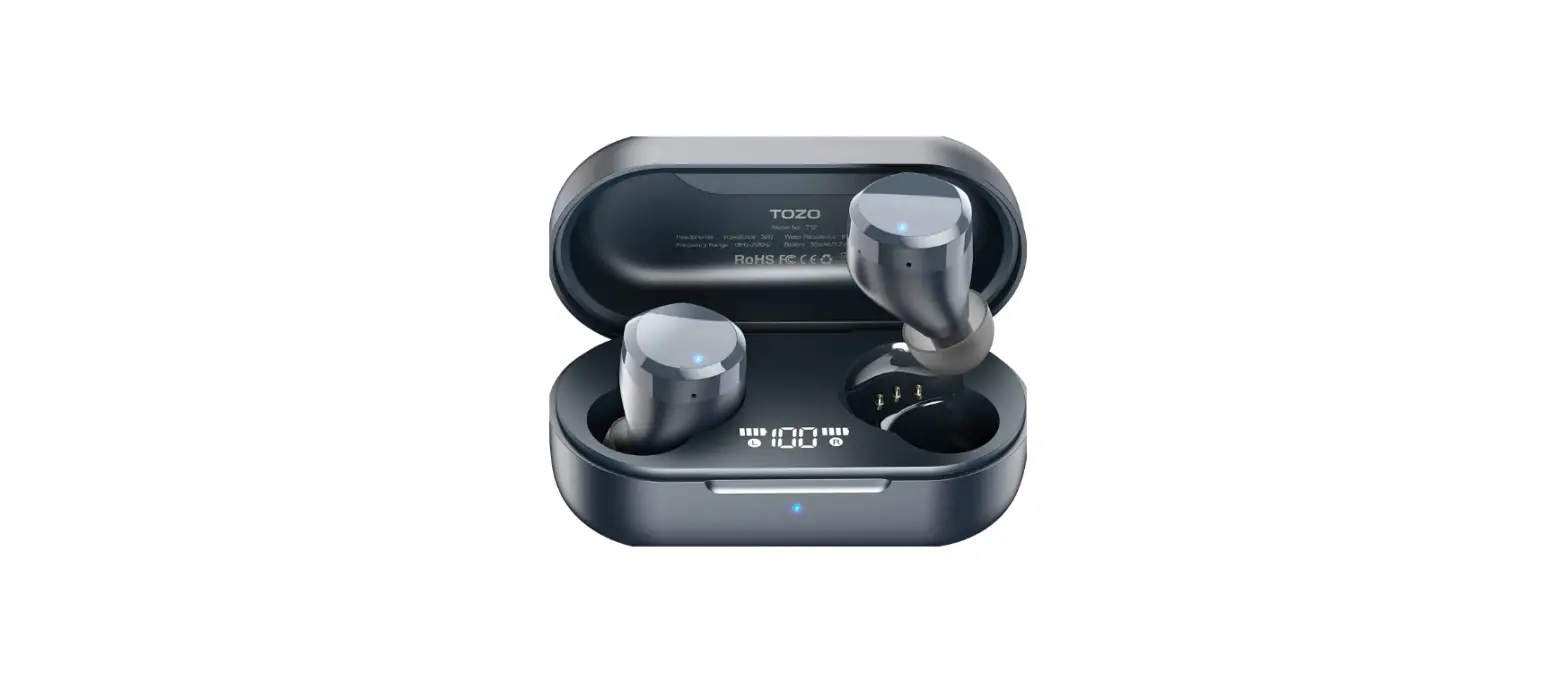

TOZO T12 Wireless Earbuds Bluetooth Headphones
Specifications
- Type
In-ear - Enclosure
Closed-Back - Wireless
Truly Wireless - Noise Cancelling
No - Mic
Yes - Transducer
Dynamic - Brand
TOZO - Connectivity
Bluetooth - Battery
6 Hrs. On single Charge
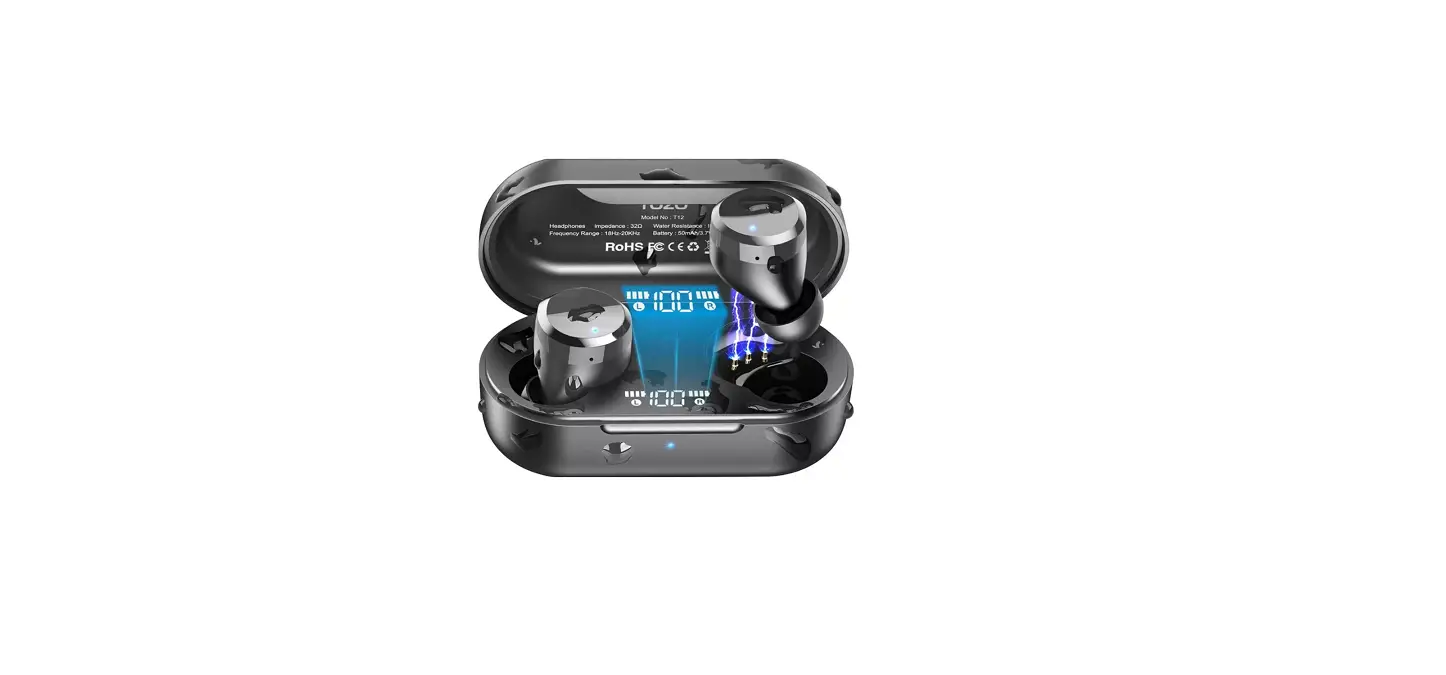
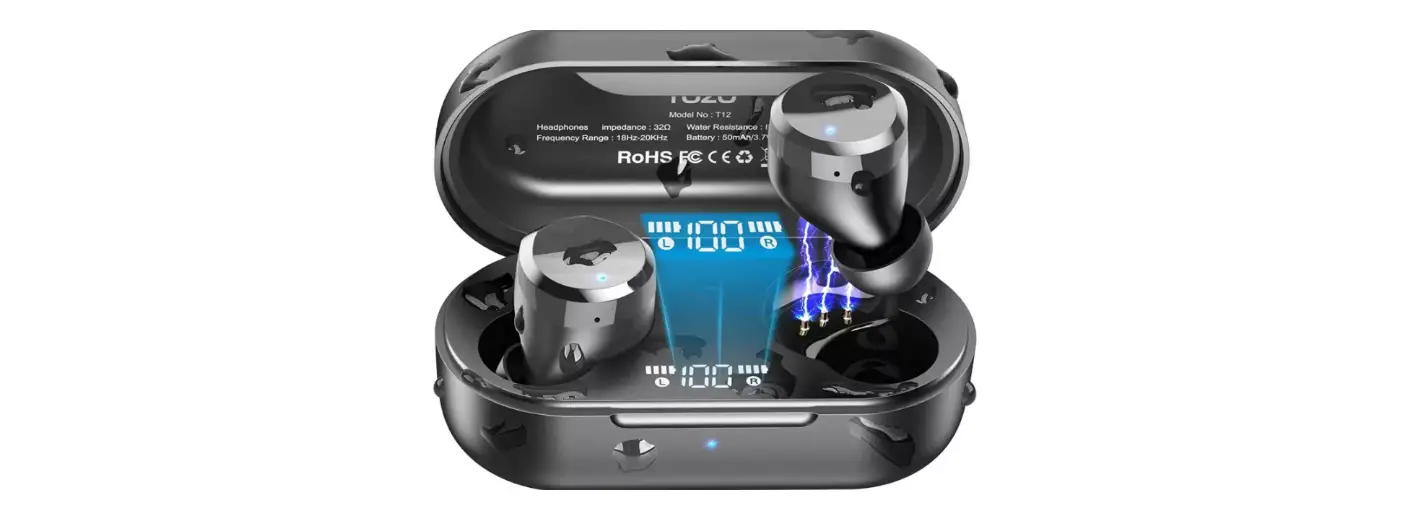
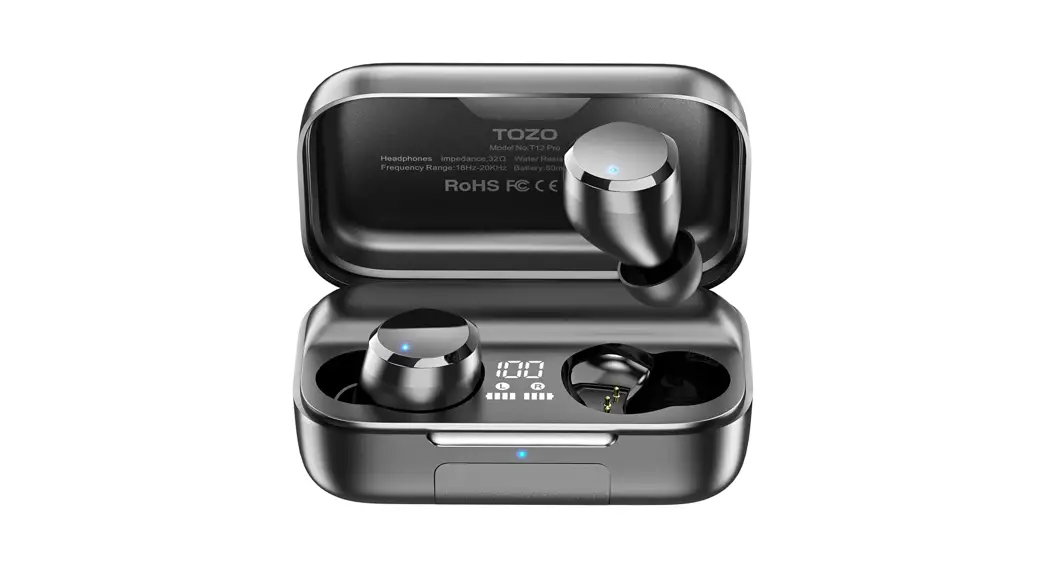
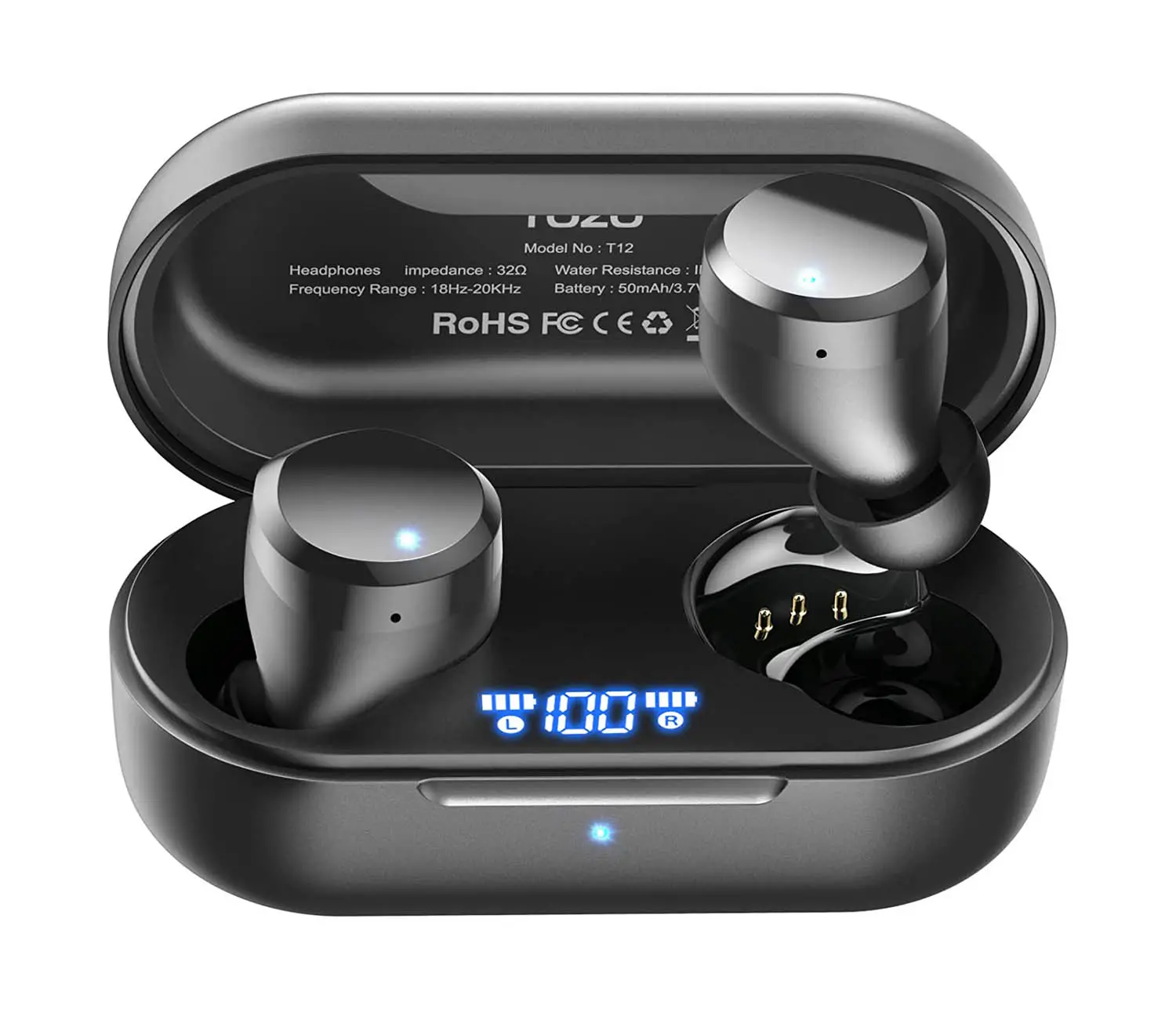
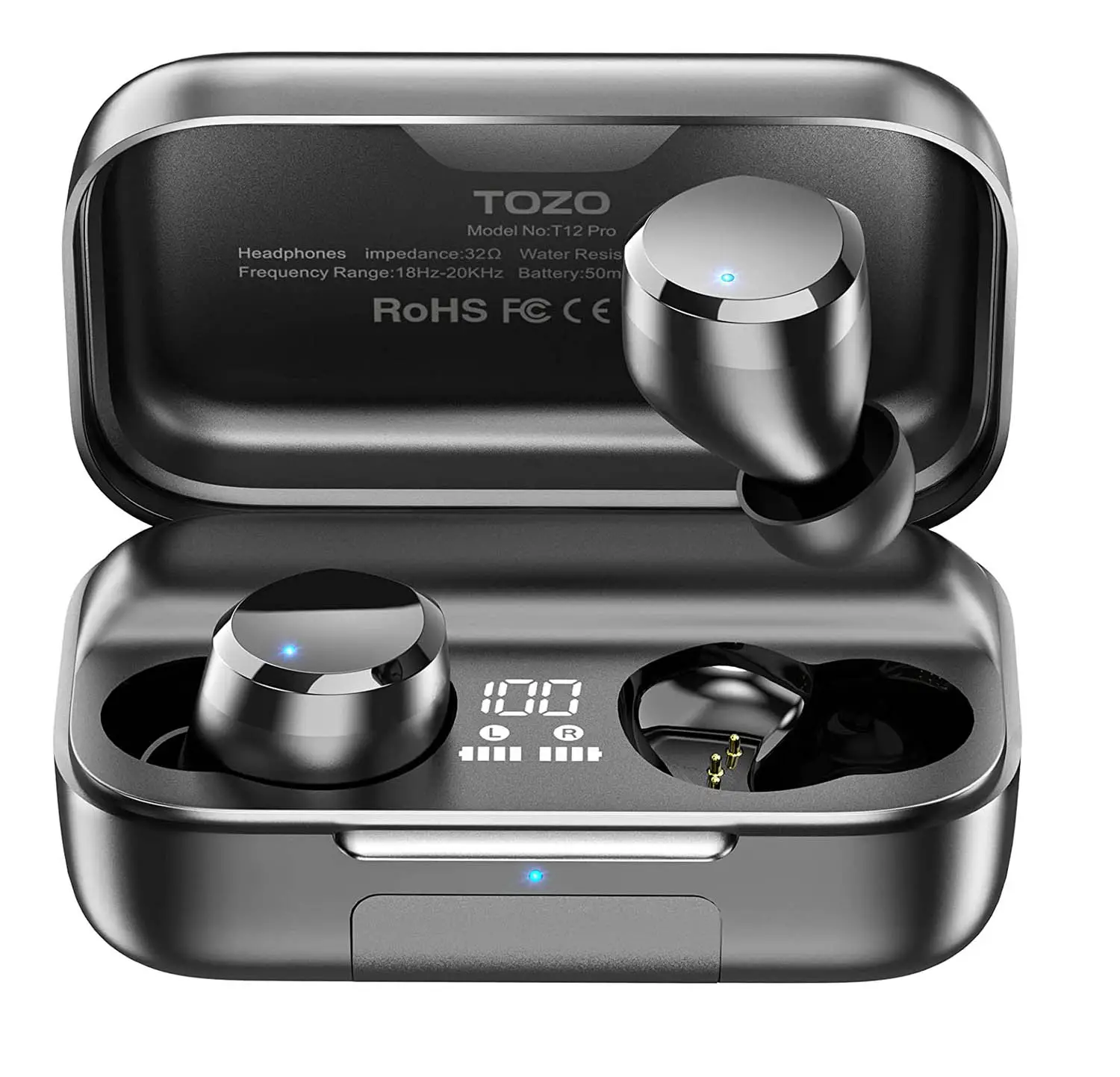
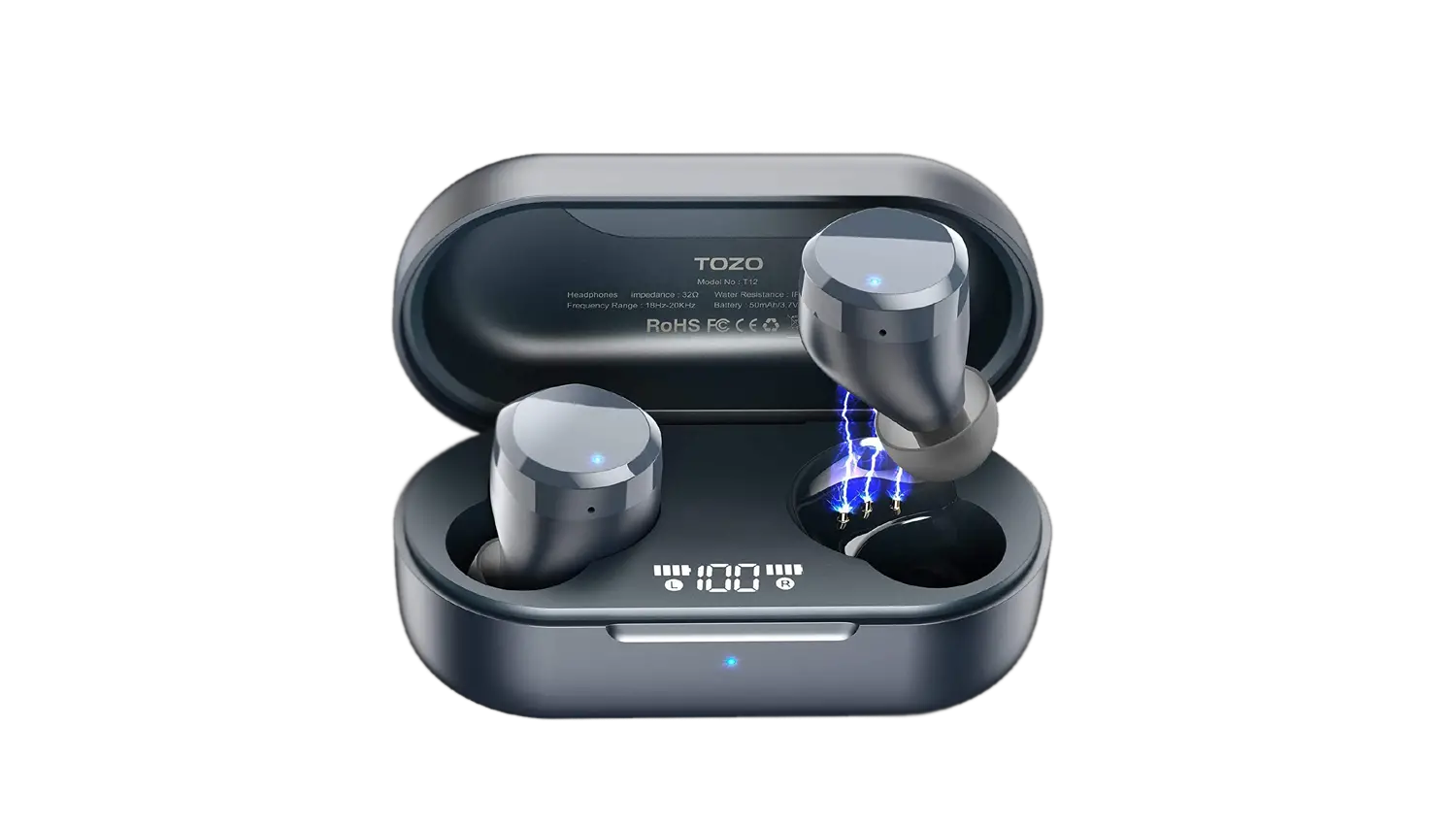
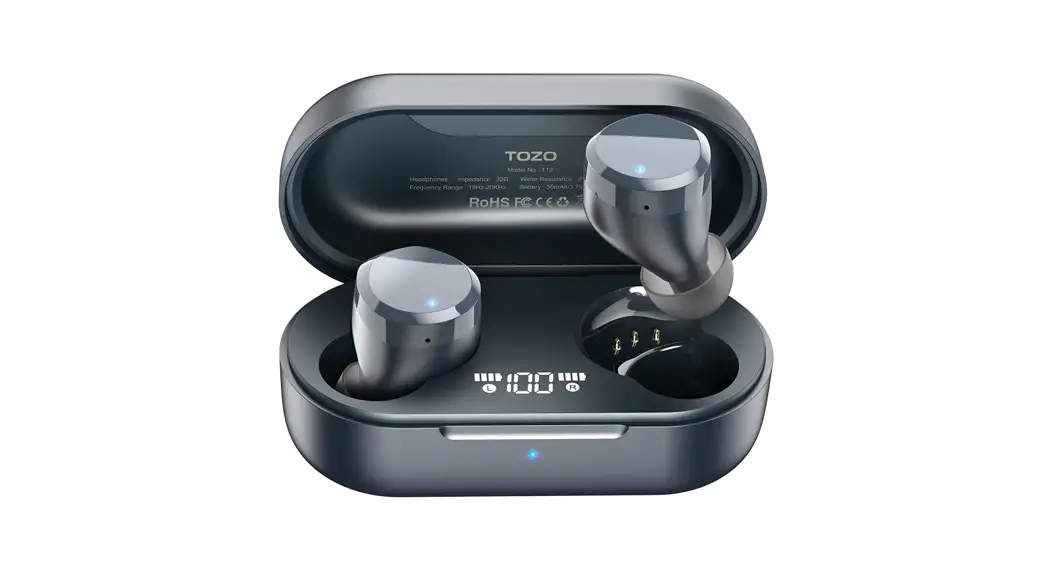
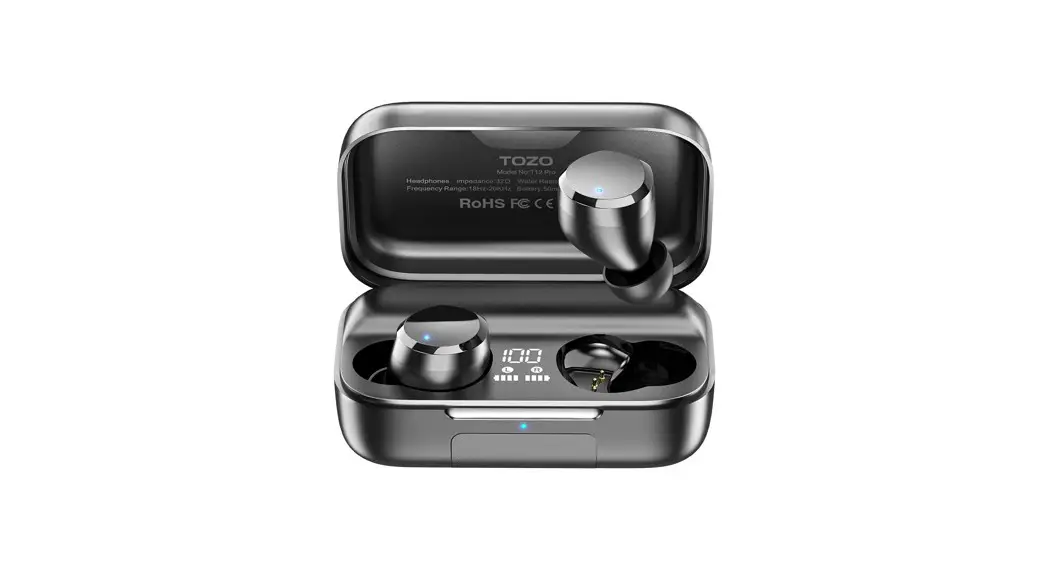
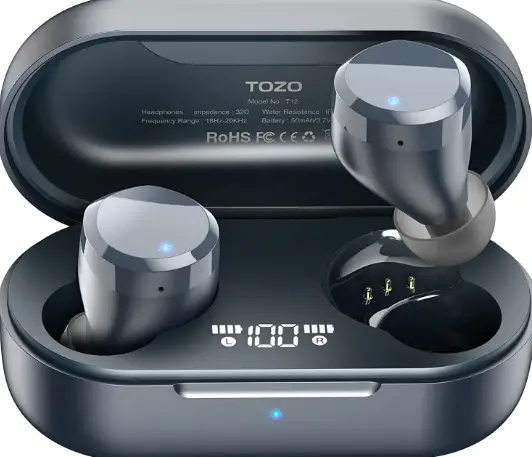
The TOZO T12 Truly Wireless is a good pair of budget-friendly wireless earbuds. They’re lacking in frills and features but have a sturdy, somewhat comfortable design. Their sound profile is Amazing, which delivers extra thump, rumble, and boom while vocals and lead instruments are bright. Unfortunately, their battery performance isn’t particularly impressive, their integrated mic is sub-par, and their deep in-ear fit may not suit everyone. Still, if you’re looking for a fairly versatile set of earbuds and don’t want the hassle of a wired connection, they aren’t a bad choice. And the TOZO T12 earbuds have 2 part design they contain a set of earbuds, along with a charging box. TOZO T12 is made from matte black plastic. At first look, the matter feel is less attractive than a glossy finish.
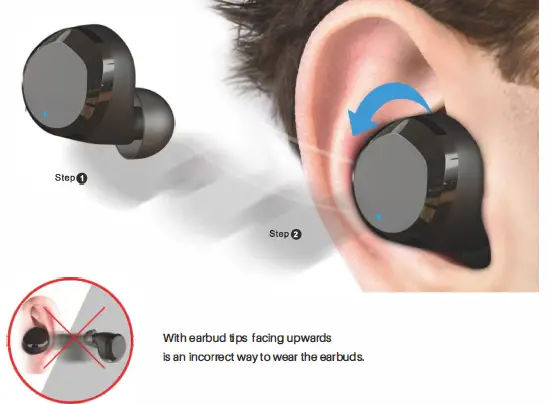
How to wear your TOZO earbuds
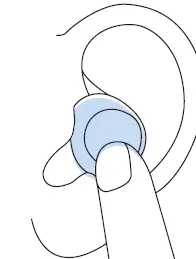
- Step 1: Ensure the earbud tip facing downwards, then place the earbuds into the ear.
- Step 2: Rotate earbuds back to the auricle side to fit snugly.
How To Pair
Auto Pairing
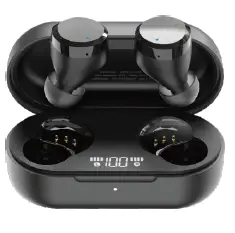
- Take out the two earbuds from the charging case, they will turn on automatically and link to each other within 1 0 seconds.

- The left earbud flashes red and blue alternately (pairing model.
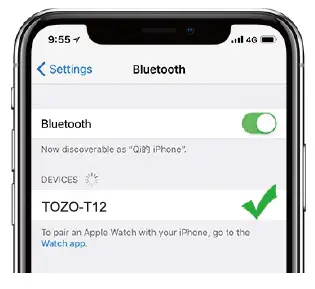
- Search for the name of the earbuds [TOZO-T12 ] and select it on your phone.
Clear the pairing list
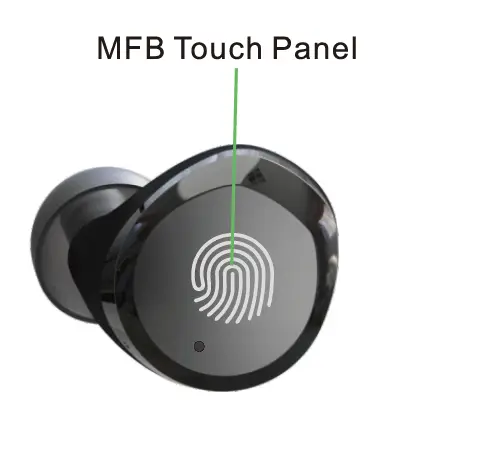
- Pick up two earbuds, then hold both MFB button for 5 seconds till turn off earbuds.
- Holding both MFB buttons for another 5 seconds till red and blue light blinking simultaneously, then clicking both MFB buttons twice quickly, it will be done when the purple light blinks.
Reset
When charging, the pairing will be automatically reset.
Note: If one of the earbuds does not play, please put both earbuds back to the charging case, and try again.
Left Earbud
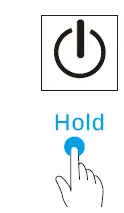
- Power On: Pick up earbuds from the charging case.
- Power Off: Put both earbuds back into the charging case to power off and recharge automatically.
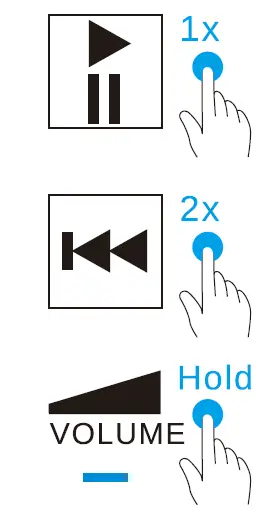
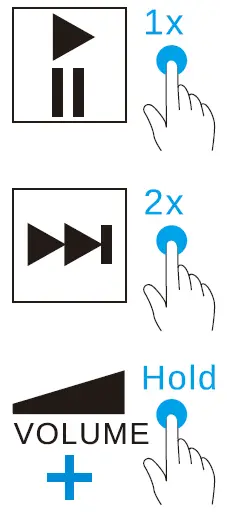
- Play/Pause
- Previous
- Adjusting the volume
- Activating the voice assistant.
- Accept
- End
- Reject
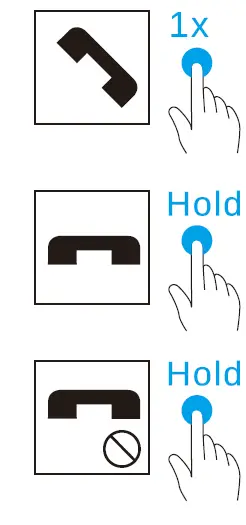
- Activating the voice assistant.
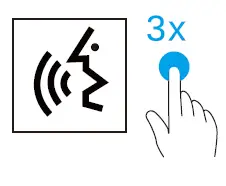
The voice assistance will be automatically activated depends on different OS in mobile system.
Right Earbud
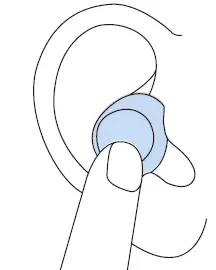
- Power On: Pick up earbuds from the charging case, both earbuds will be on automatically.
- Power Off: Put both earbuds back into the charging case to power off and recharge automatically.
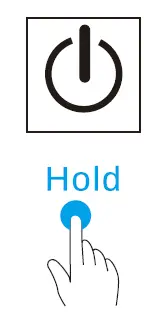
- Play/Pause
- Next
- Adjusting the volume
- Activating the voice assistant.
- Accept
- End
- Reject
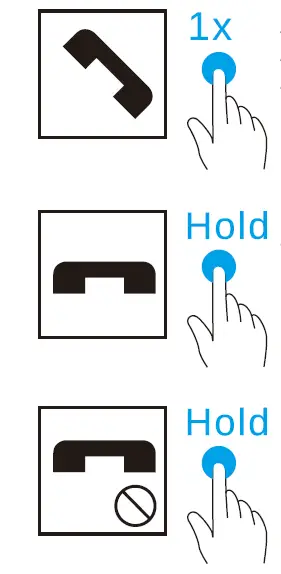
- Activating the voice assistant.
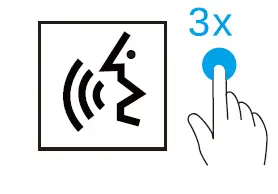
The voice assistance will be automatically activated depends on different OS in mobile system.
Thank you for purchasing the TOZO authentic product. For more latest products, parts and accessories,
please visit: www.tozostore.com
For any assistance please contact Email: [email protected]
Frequently Asked Question
- Q: Has anyone experienced the sound going up or down on it’s own?
A: Yes. I just got mine yesterday and put them on. About 10 min later, the volume starts going up and down, and they’re in my ears, so I’m not touching them. They also skip music forward and backward. Then this morning, after only wearing them for a couple of hours last night, same thing happens. I disconnected from the bluetooth, and when I reconnected, only one would reconnect. The other bud is not working at all…. I HAVE NOT EVEN HAD THEM 24 HOURS. I don’t have time for this crap. If I can’t get a quick fix in the next hour, I’ll return them. Fifty bucks is a lot of money to pay for junk. - Q: Anybody else having the Bluetooth keep getting loose and volume going up and down on its own?
A: If you’re referring to the headphones getting loose from your ear, yes, it’s the same reason for the volume change, and the fix is simple, change the rubber rear pieces to actually fit your ears. Your ear creates a vacuum, when you put the earbuds in at a certain point, they vacuum into your ear, which holds them in place, causing them to be “tighter” as air works it’s way into your ear, that vacuum dissipates and your ear drum settles back to where it belongs, which causes you to perceive a volume change. This also is the reason why your ear won’t hold the earbud. Again, change the rubber earpiece to one suited for your ear - Q:Do these have a mic for phone calls?
A: Yes they do, and they work very well, too. First time people are actually telling me they hear me loud and clear and love that there’s no distortion. In fact, they are better than the car’s internal system, so I now use them instead of the car for phone calls - Q: What is the max connectivity distance? How far away can I be from my phone and still be connected?
A: I get about 200 ft of range less if there are walls between me and the phone. - Q: Whats the difference between this and the nc9? tozo
A: NC9 have ANC as for the t12 do not - Q: Does it support what’s up call
A:These headphones are sensitive. It had good quality when you answer buh u have to try hard not to touch the ear plug or it’s gonna hang up on ur call. - Q: Best quality earbuds?
A: I really like the quality and sound of these earbuds. They’re slightly a little bigger than the T10 but I still like them. - Q: How do u turn up or down volume
A: With your index finger press and hold on the earbud while it’s in your ear, or can turn the volume up/down with your phone - Q: Is the sound quality good for phone calls?
A: Yes - Q:Are TOZO earbuds a good brand?
The Tozo T10 Bluetooth 5.0 Wireless Earbuds may be Amazon’s third best-selling earbuds, but they’re the overall best-reviewed