 www.tozostore.com
T5
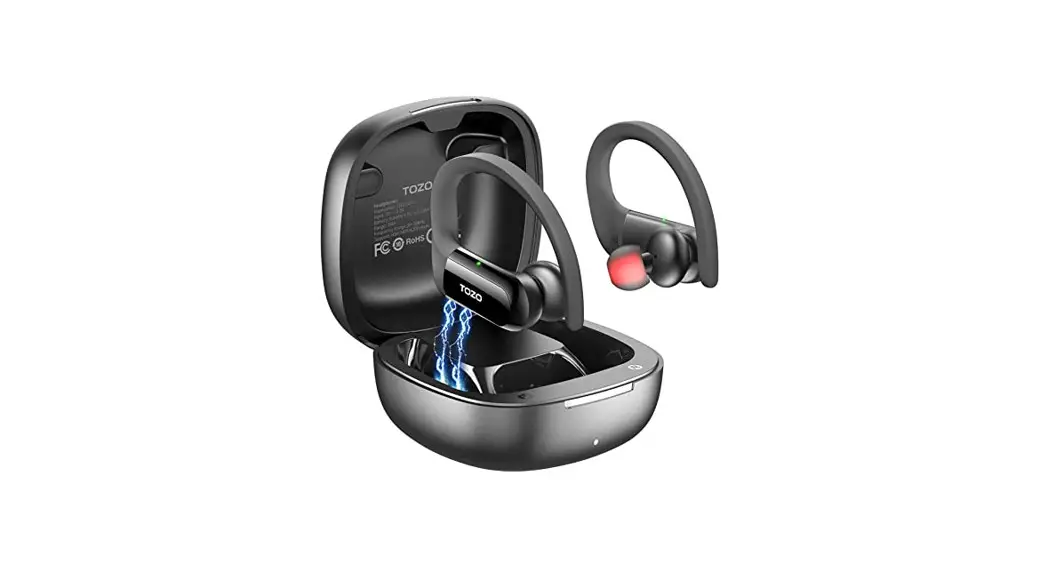
TWS Bluetooth Earbuds
User Manual
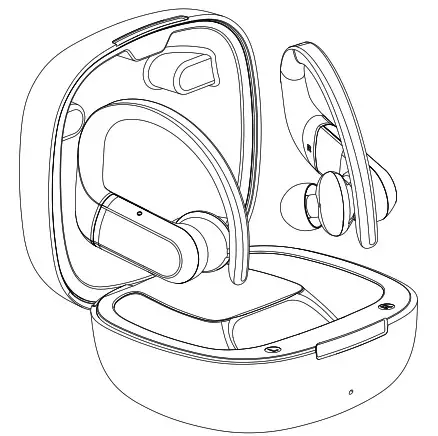
How to wear your TOZO earbuds
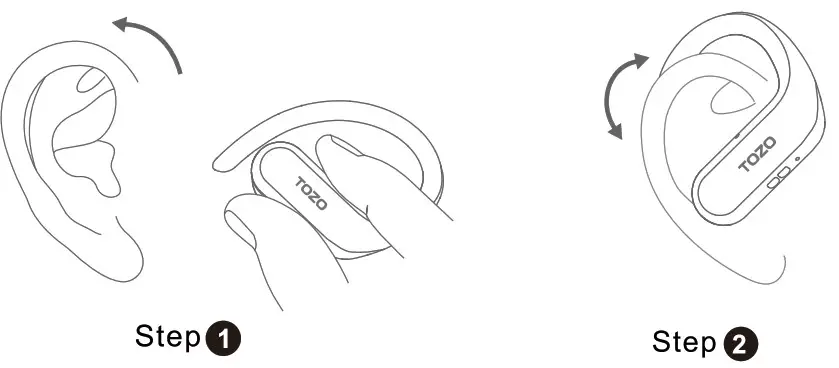
Step 1: Adjust sound holes downwards and push earbuds into your ears.
Step 2: Slightly move earbuds to fit you best.
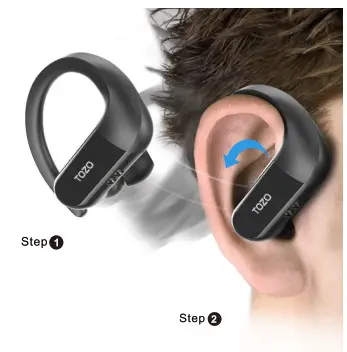
Do not keep sound hole upwards
How To Pair
TWS Auto Pairing Steps
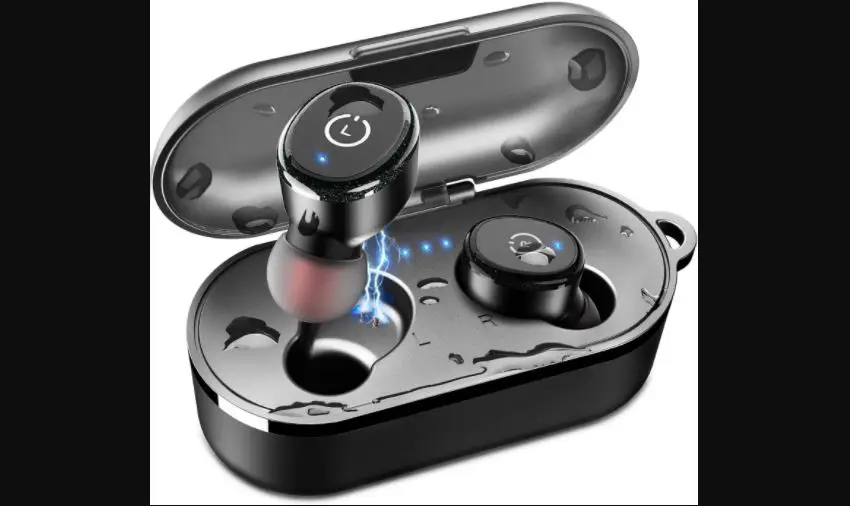
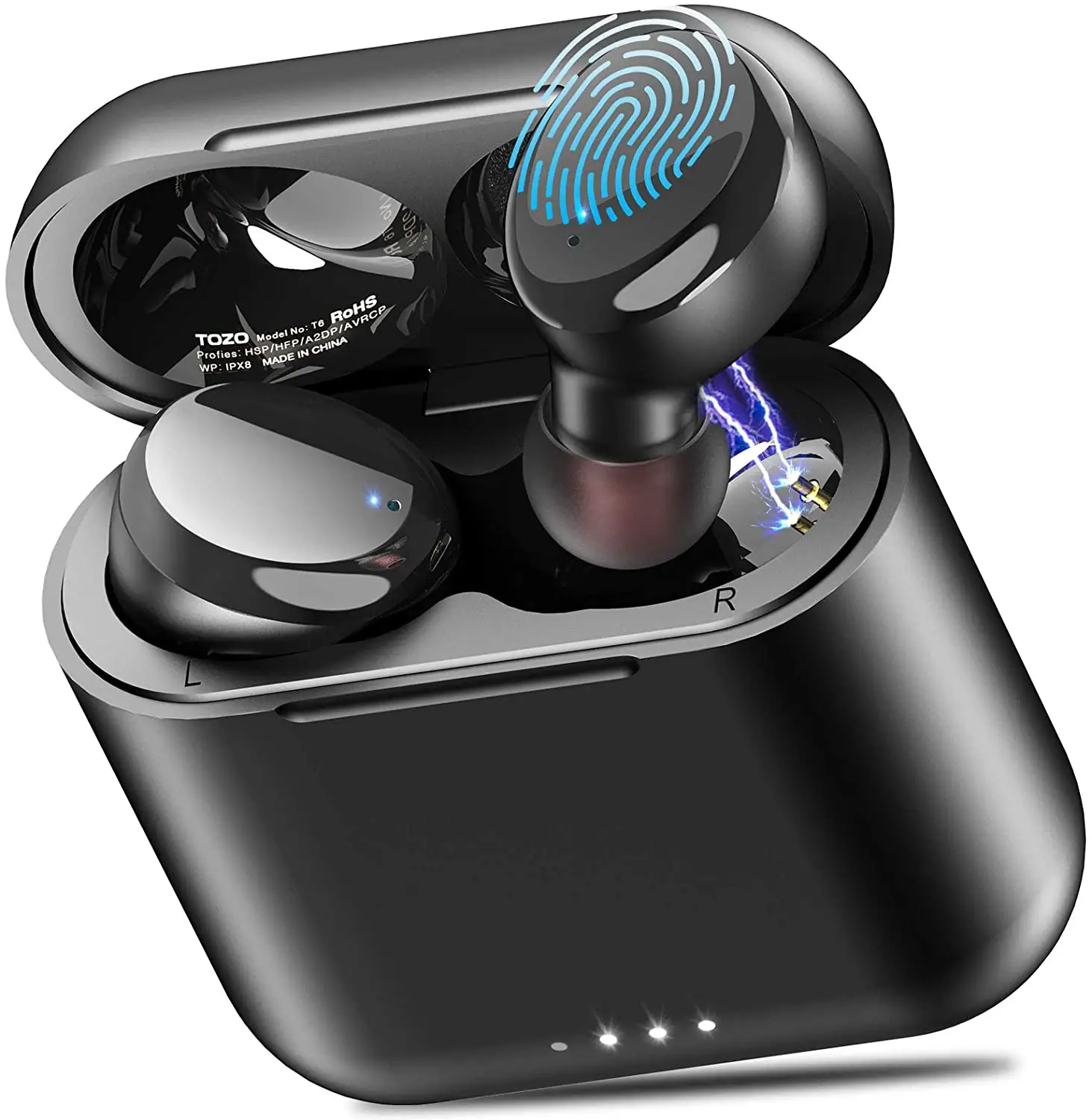
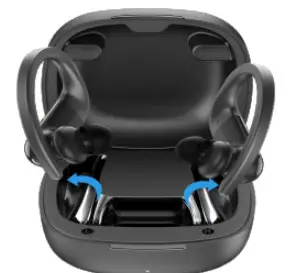
- Pick up two earbuds from the charging case, and they will auto power on and pair with each other in 10s.

- LED blinks red and blue when earbuds are pairing.

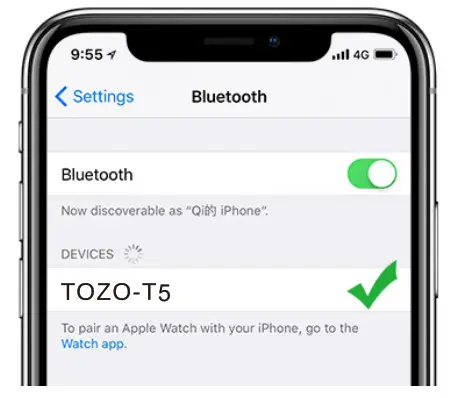
- On the phone, search for TOZO-T5 and tap to connect.
Factory Setting
For any connectivity problem, please refer the following steps to reset earbuds to the factory:
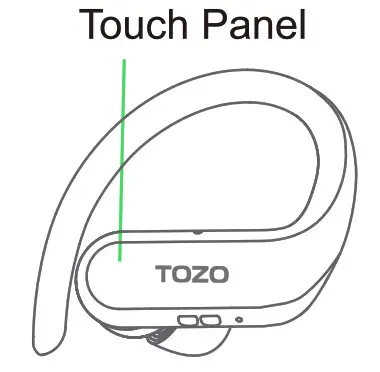
- Pick up two earbuds from the charging case then keep touching both panels for 5s or until LEDs glow solid red to power off them.
- Once again, keep touching both panels for 5s or until LEDs blink red and blue. Then triple touch either panel to reset earbuds to factory(LED will turn on red for 1s).
Note: If earbuds fail to connect with the phone, please remove the connectivity record and re-try the above steps.
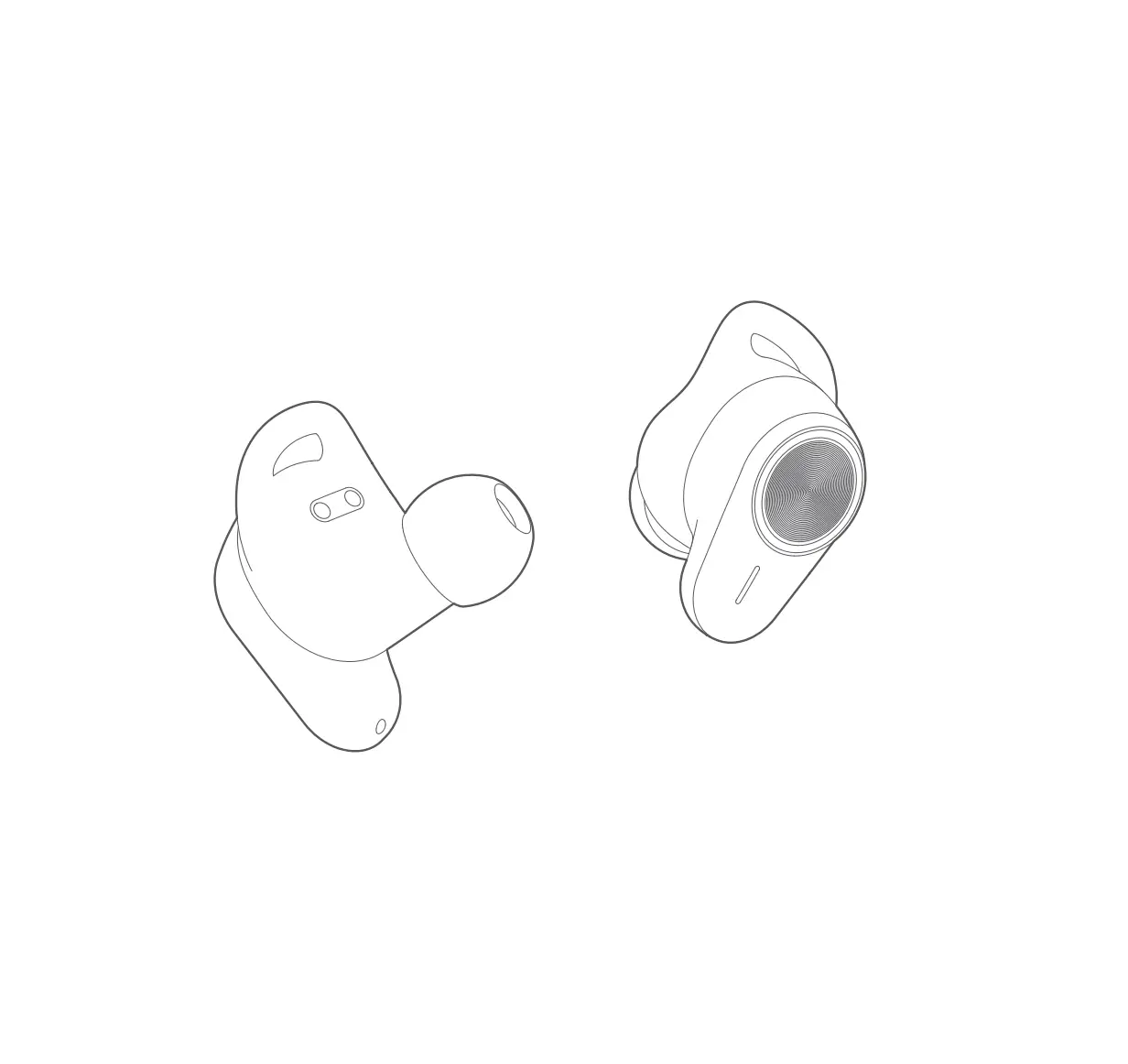
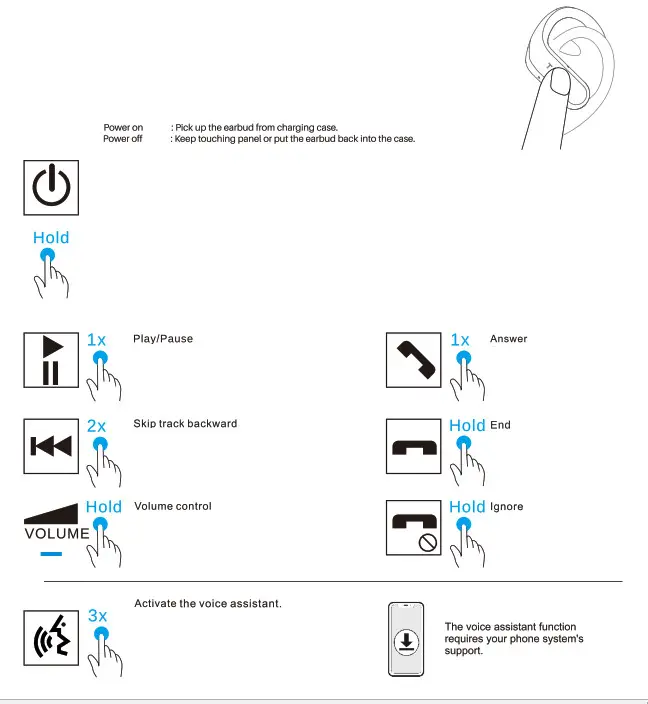
Left Earbud
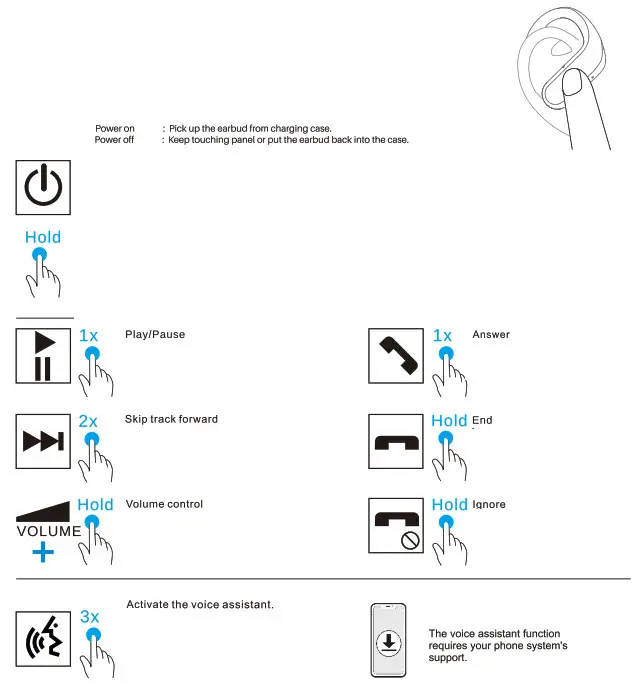
Right Earbud

[email protected]
http://www.51tozo.com/
Thank you for purchasing the TOZO authentic product.
For more latest products, parts, and accessories, please visit: www.tozostore.com
For any assistance please contact Email: [email protected]