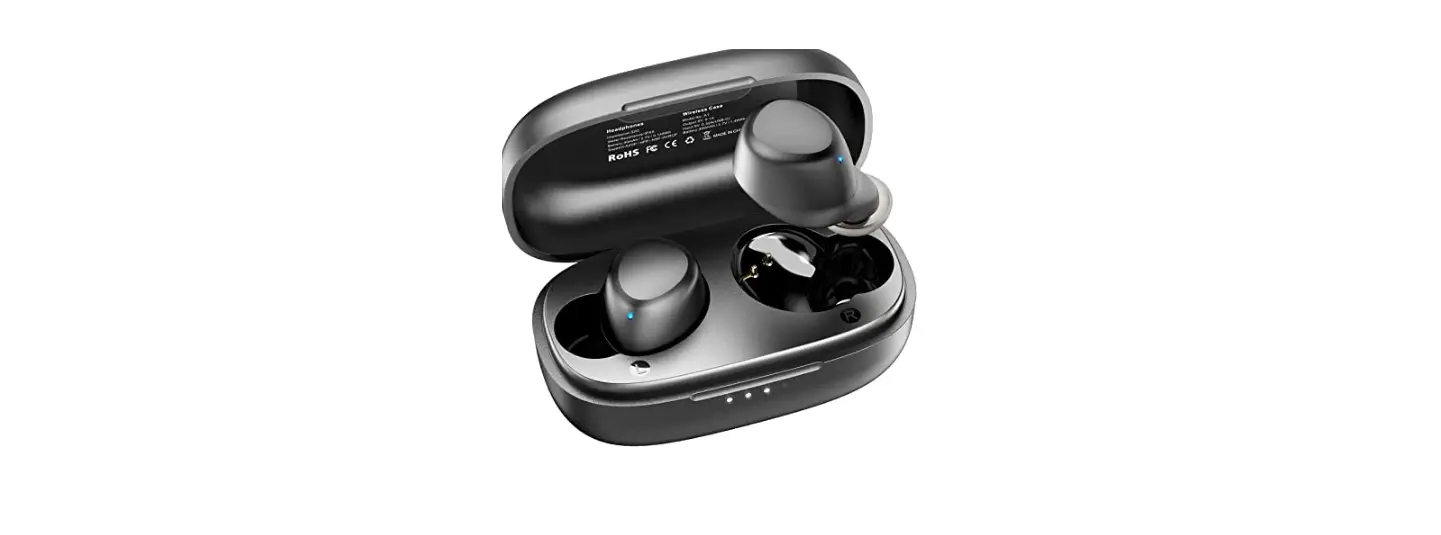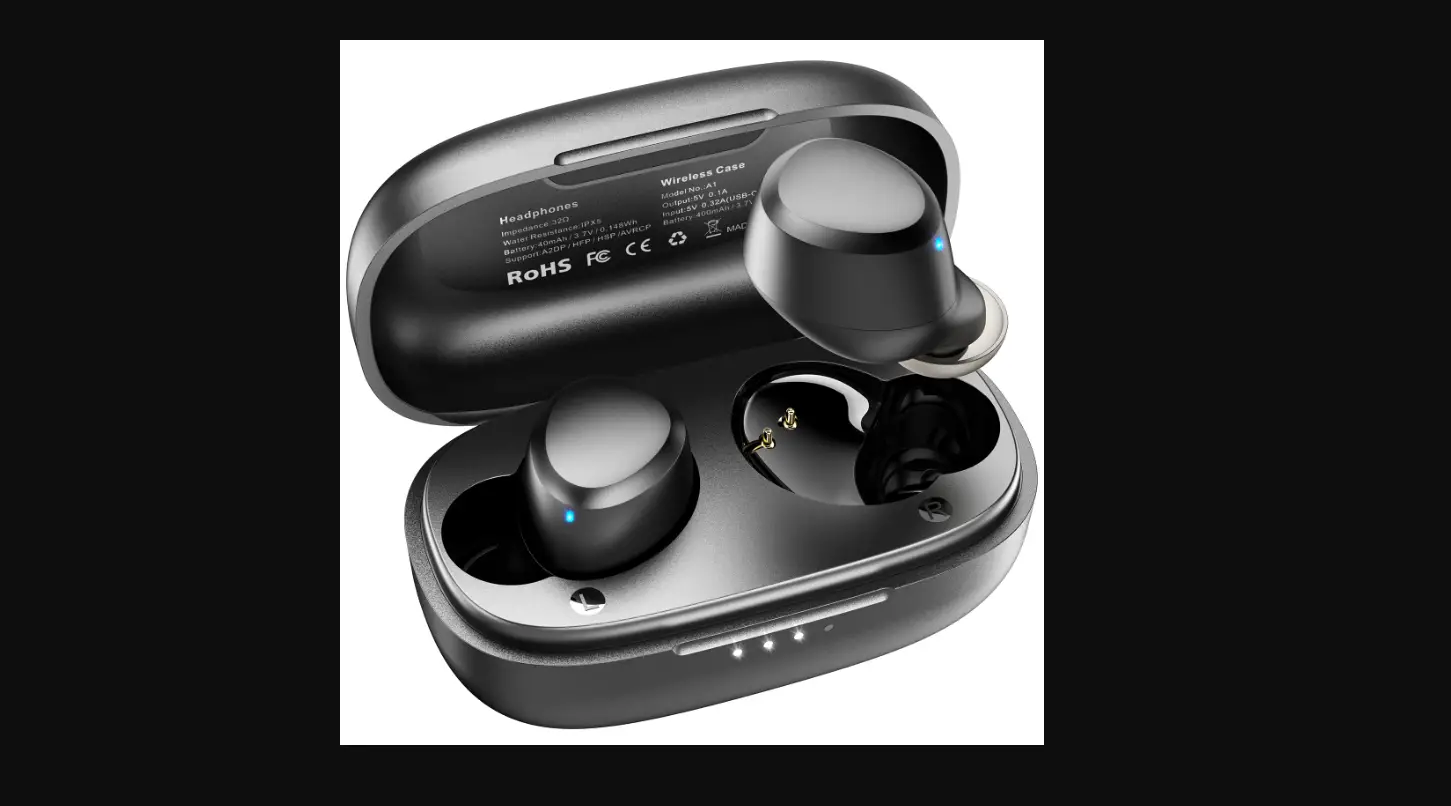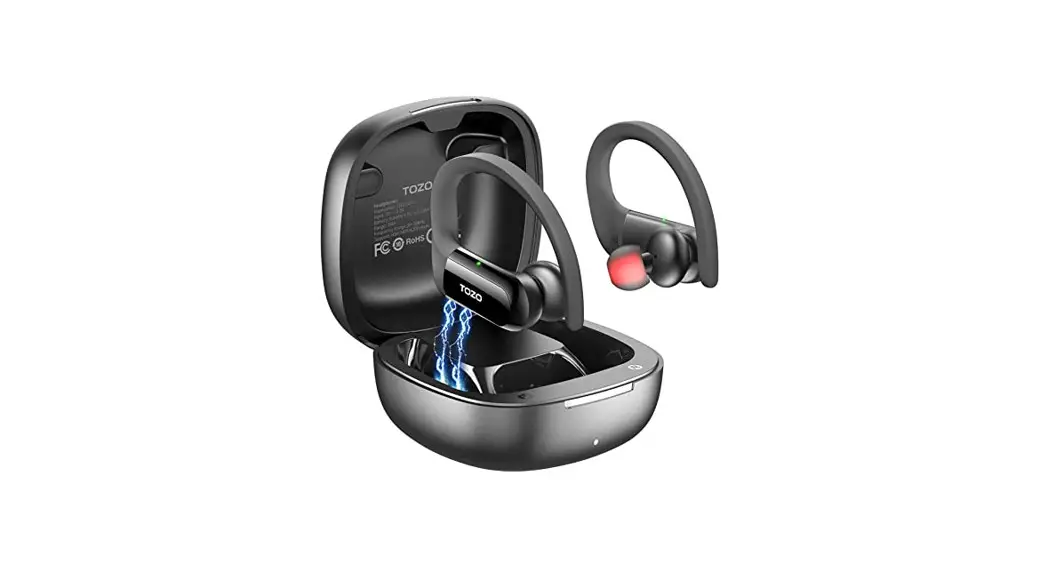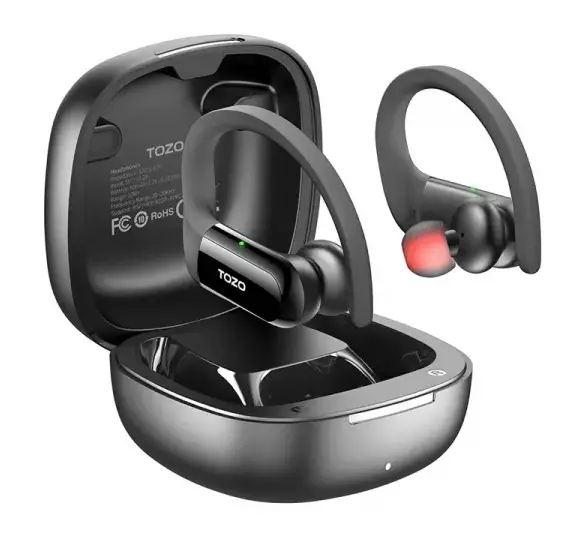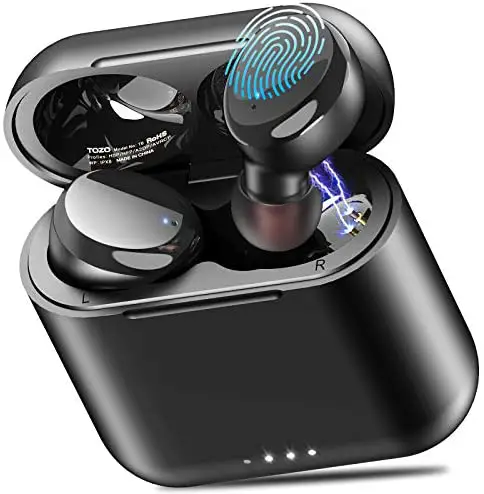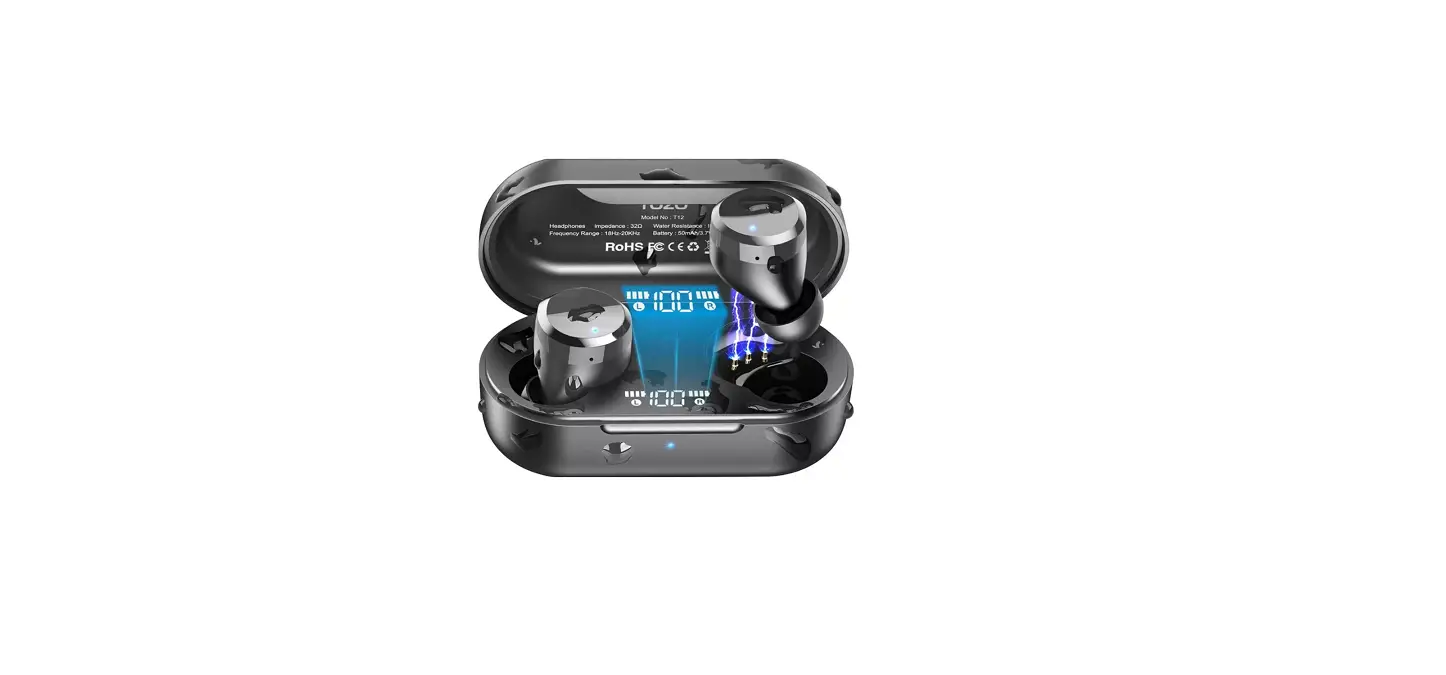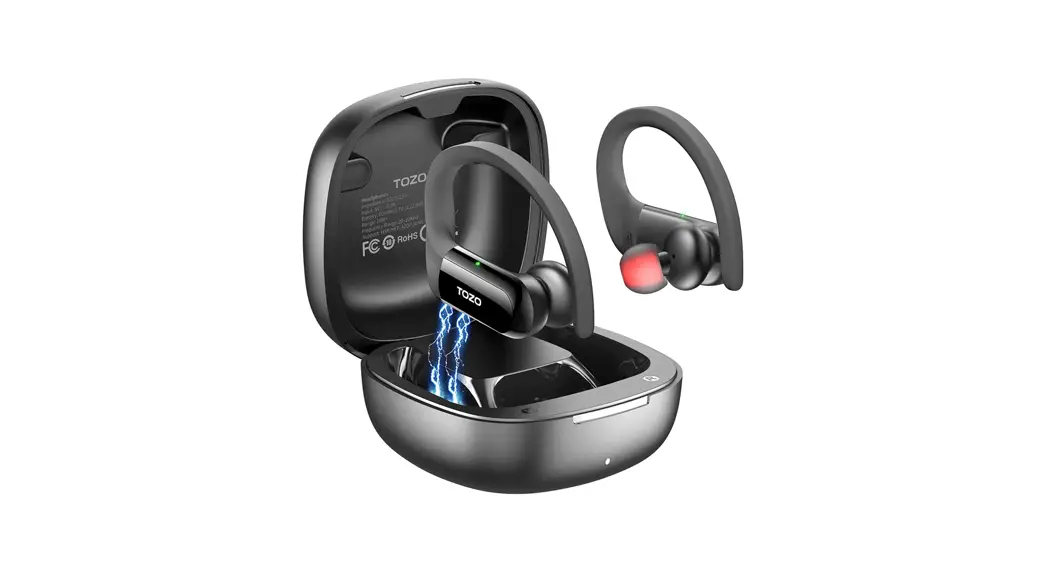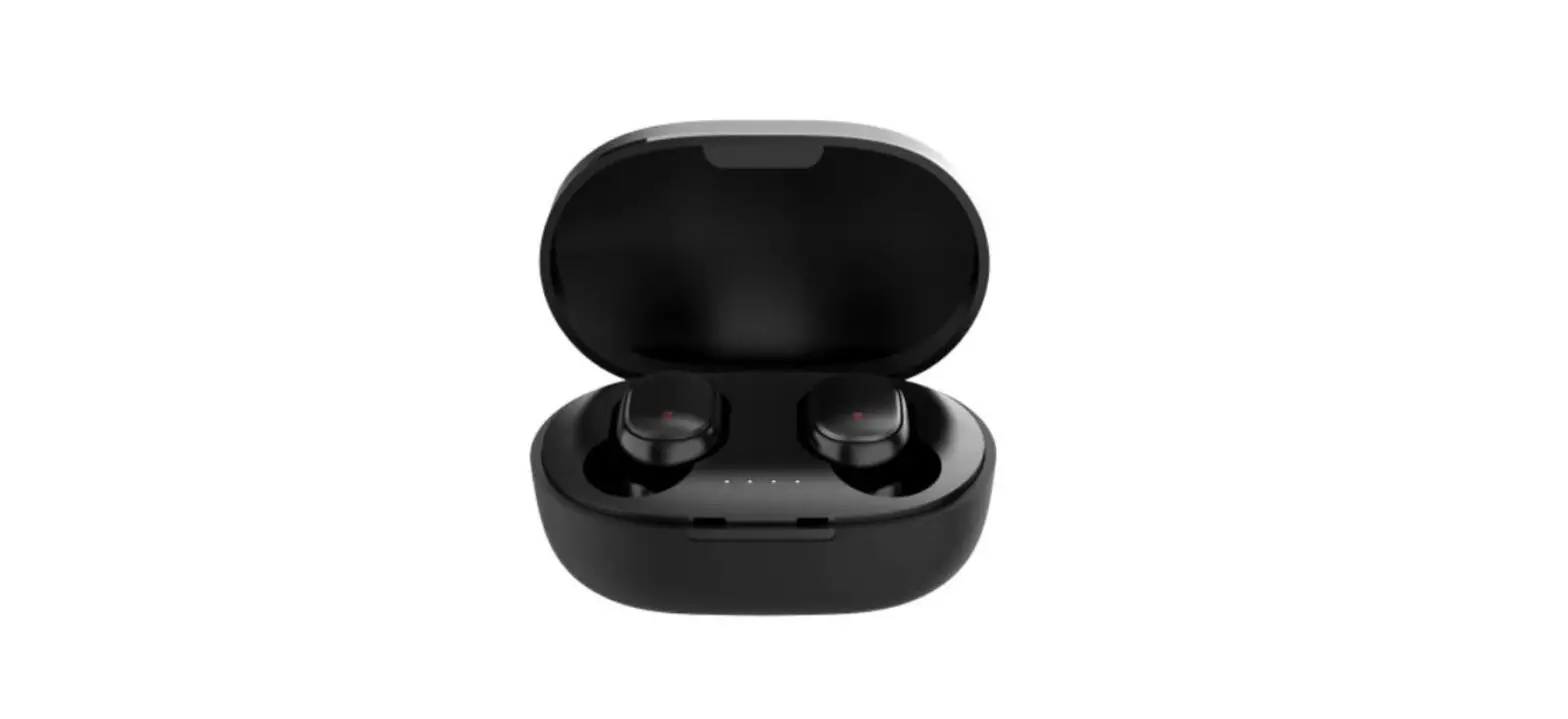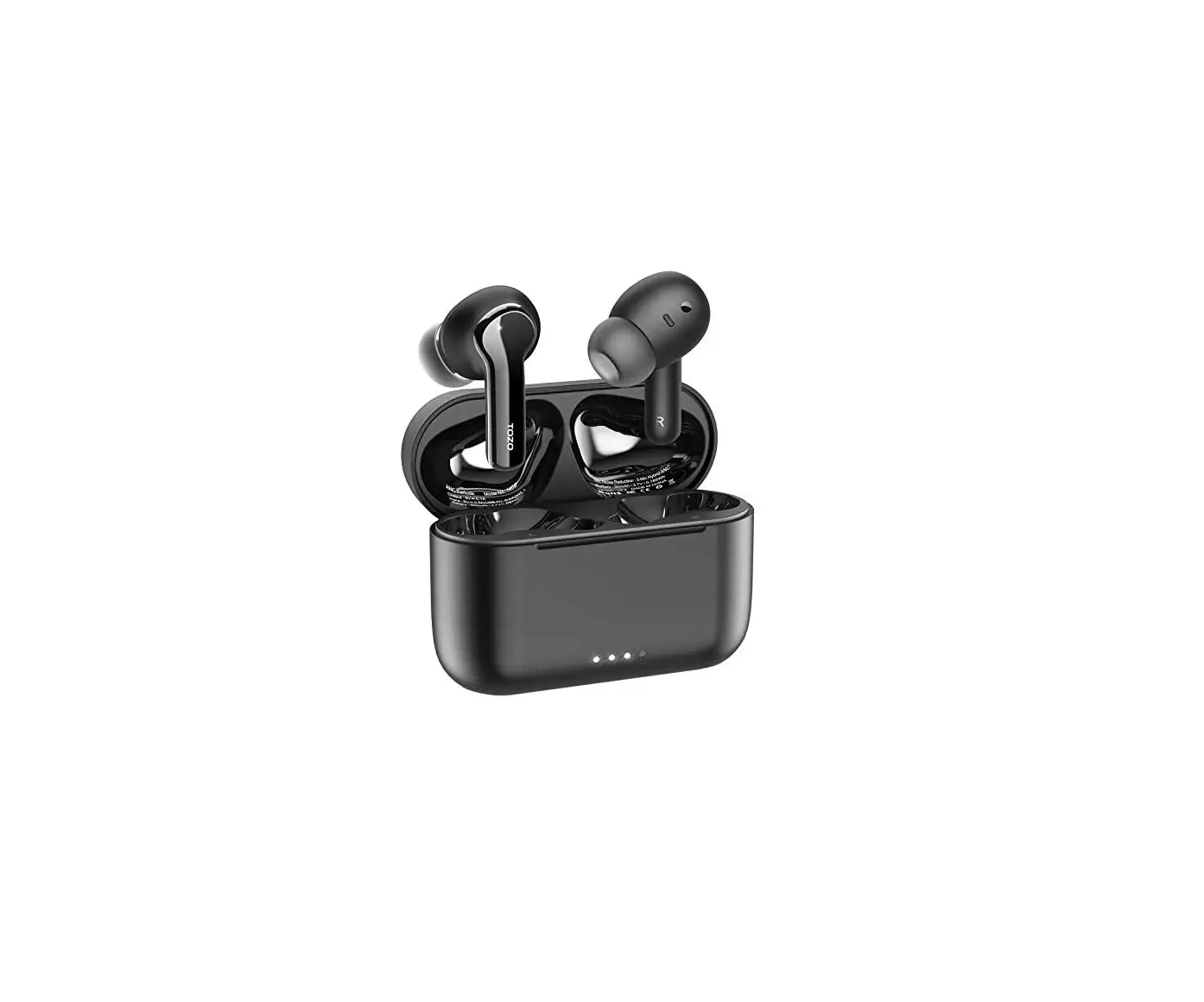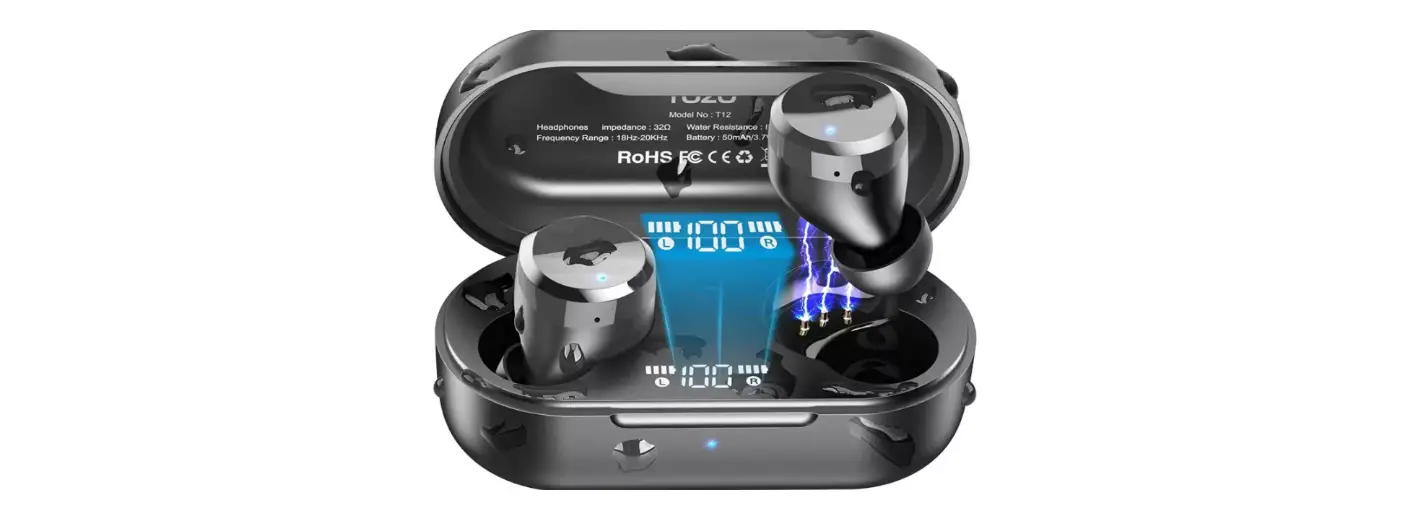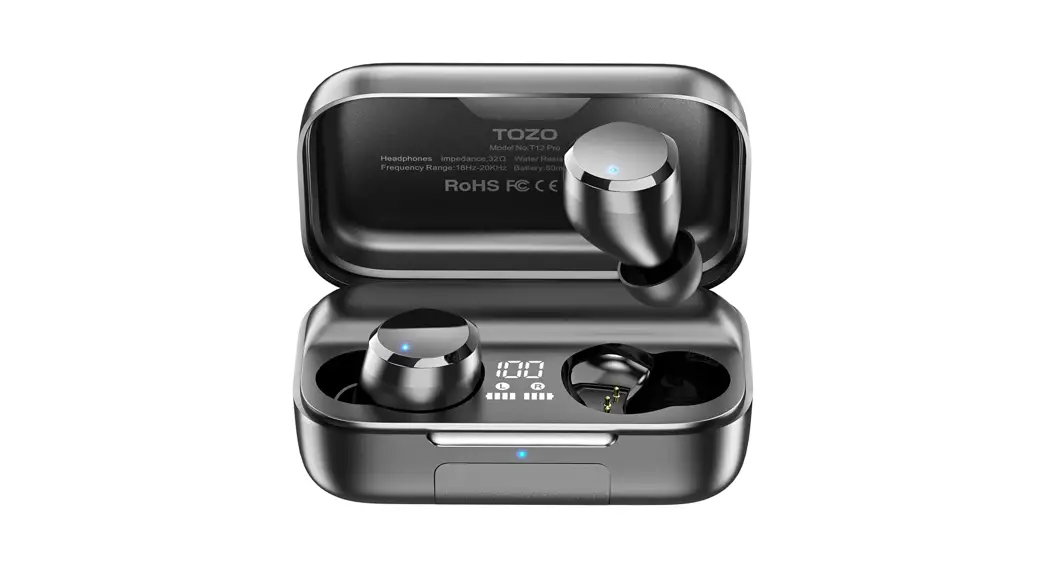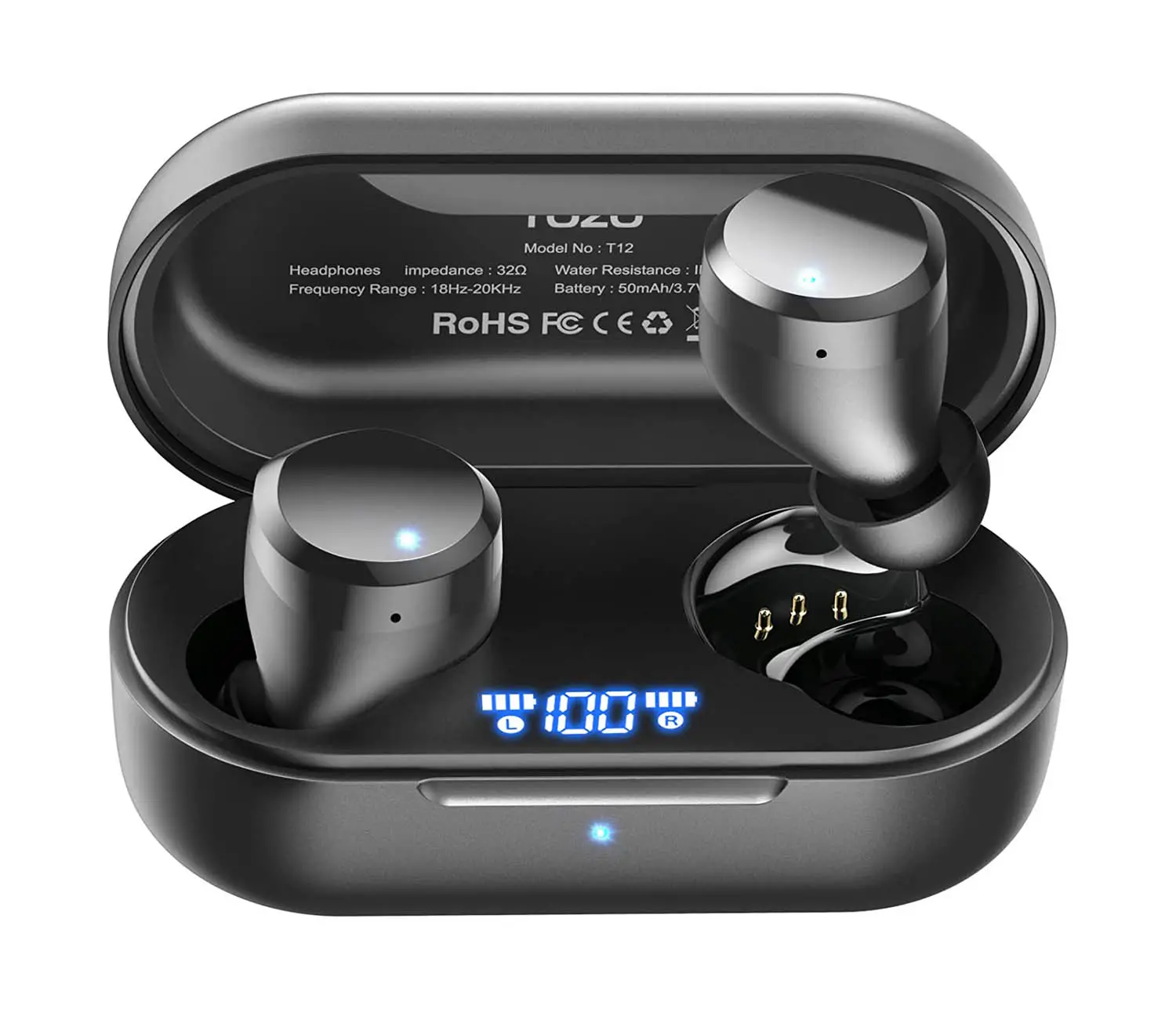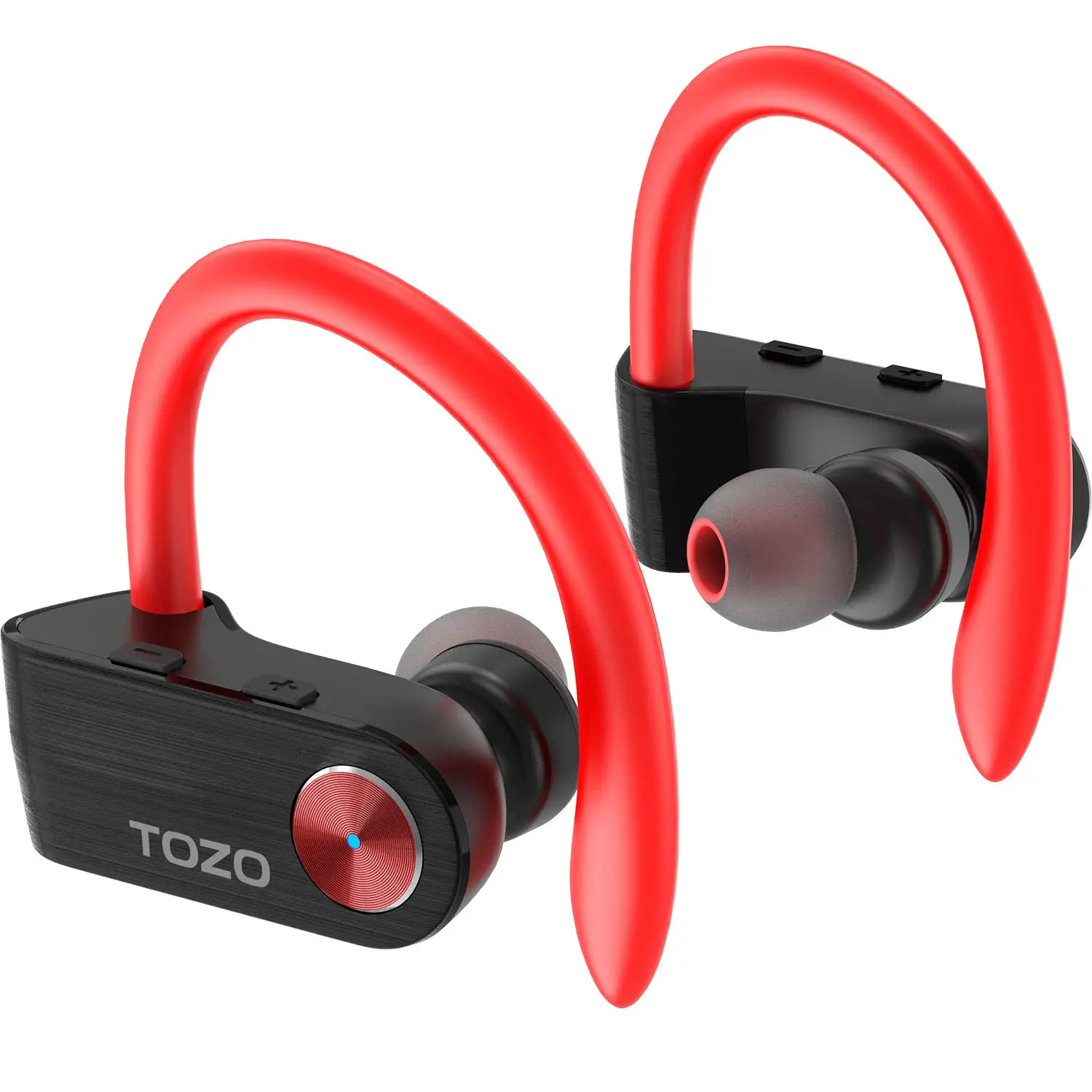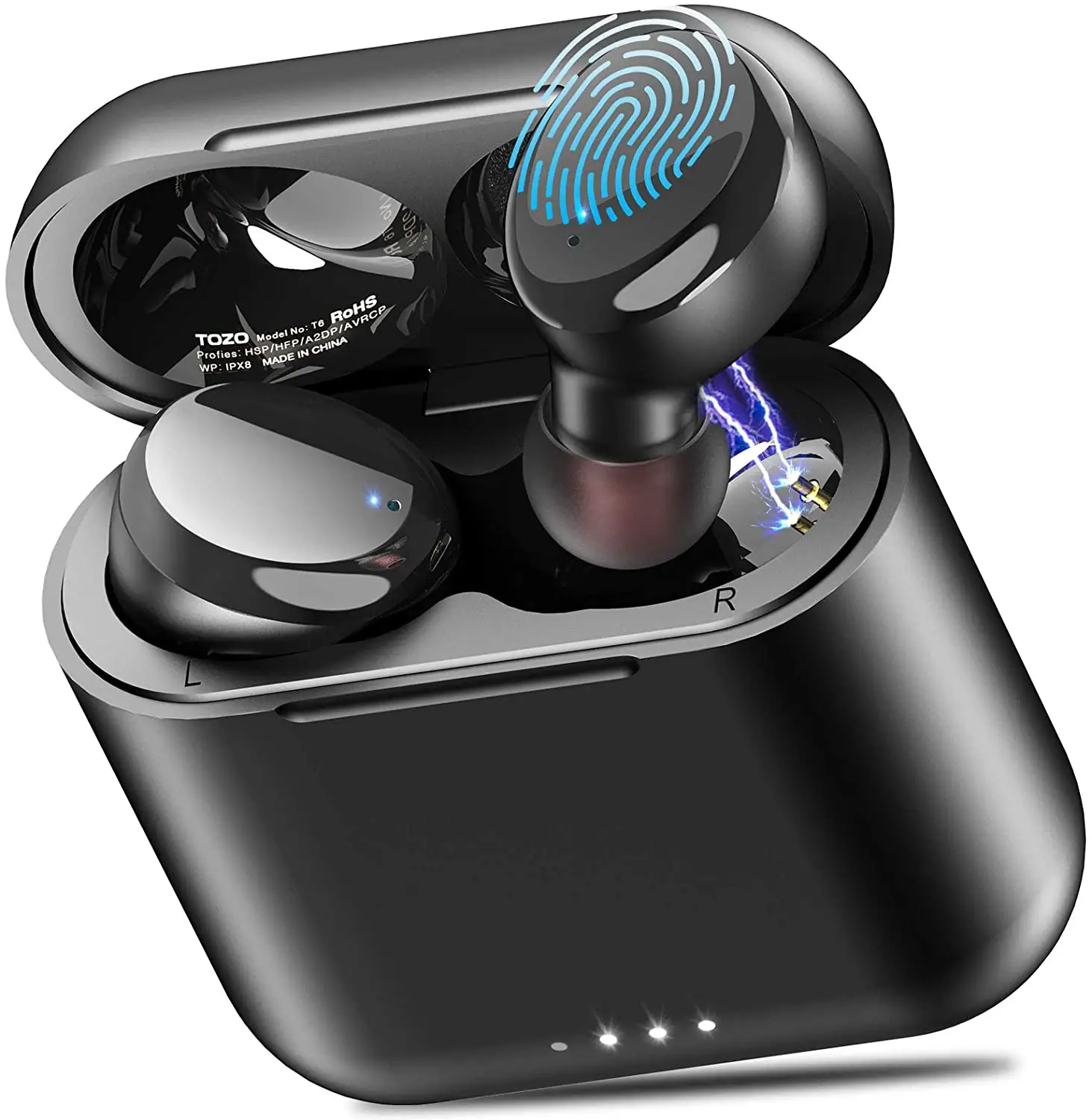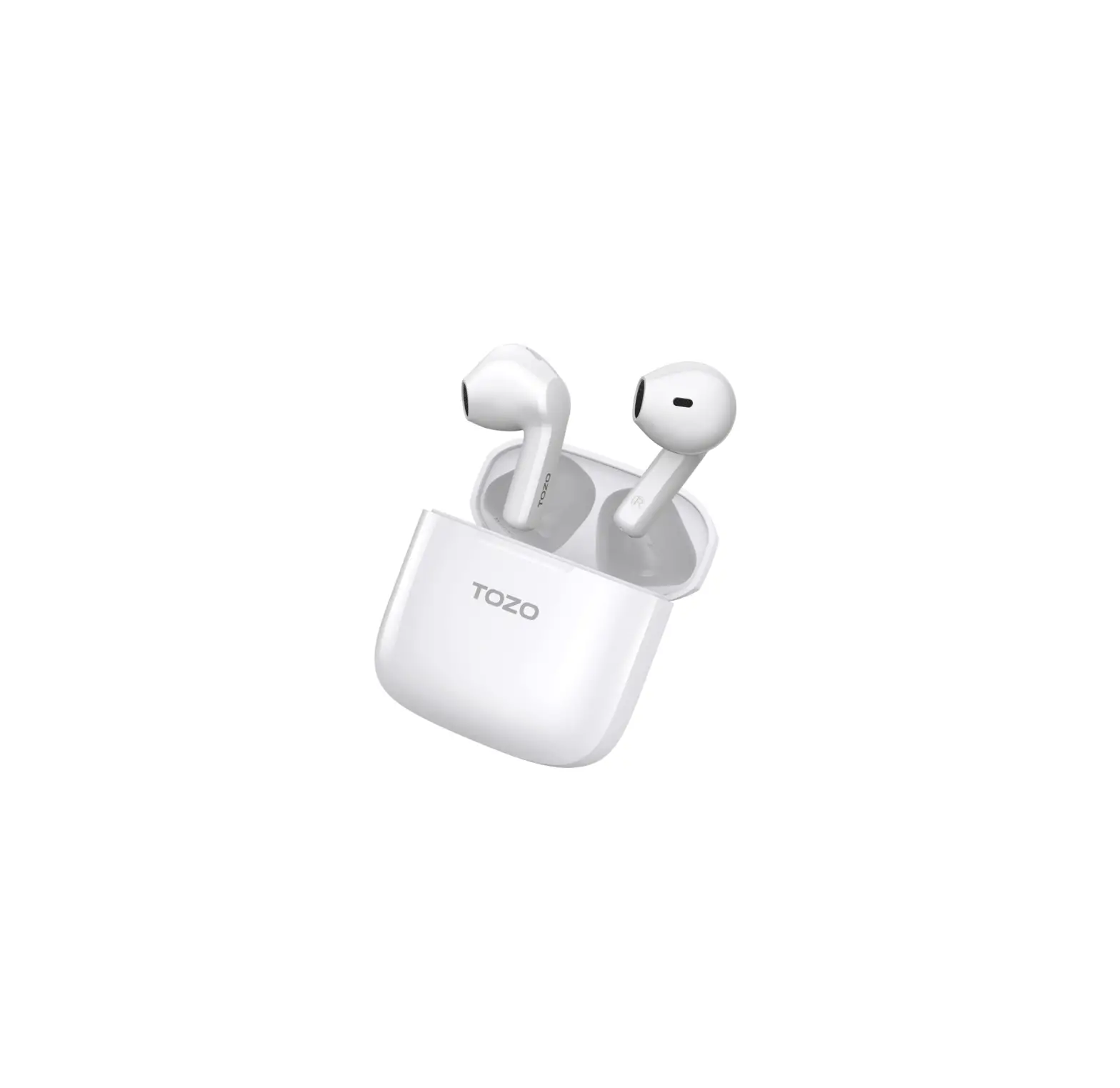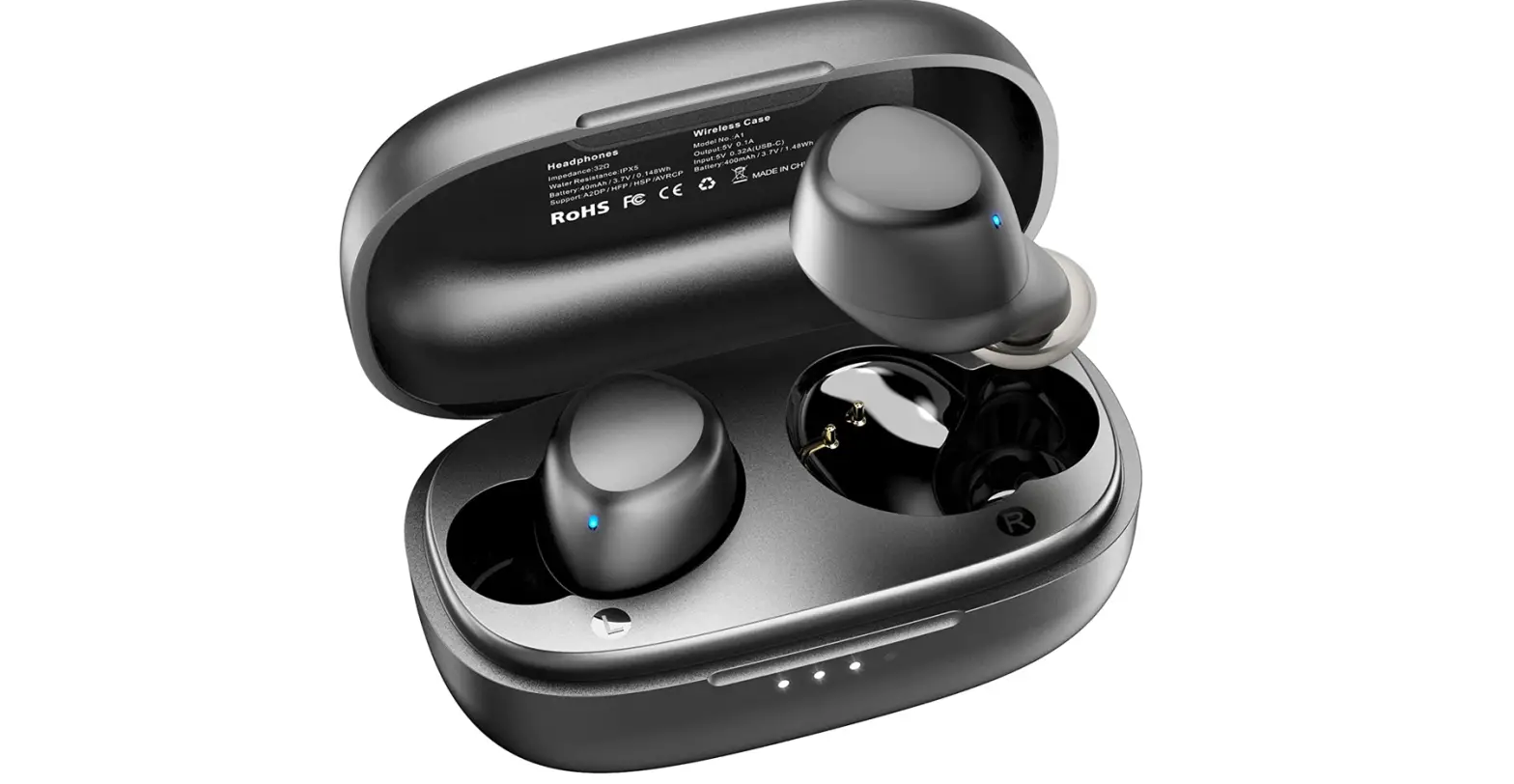

TOZO A1 Mini Wireless Earbuds Bluetooth 5.0 in-Ear Light Weight Headphones
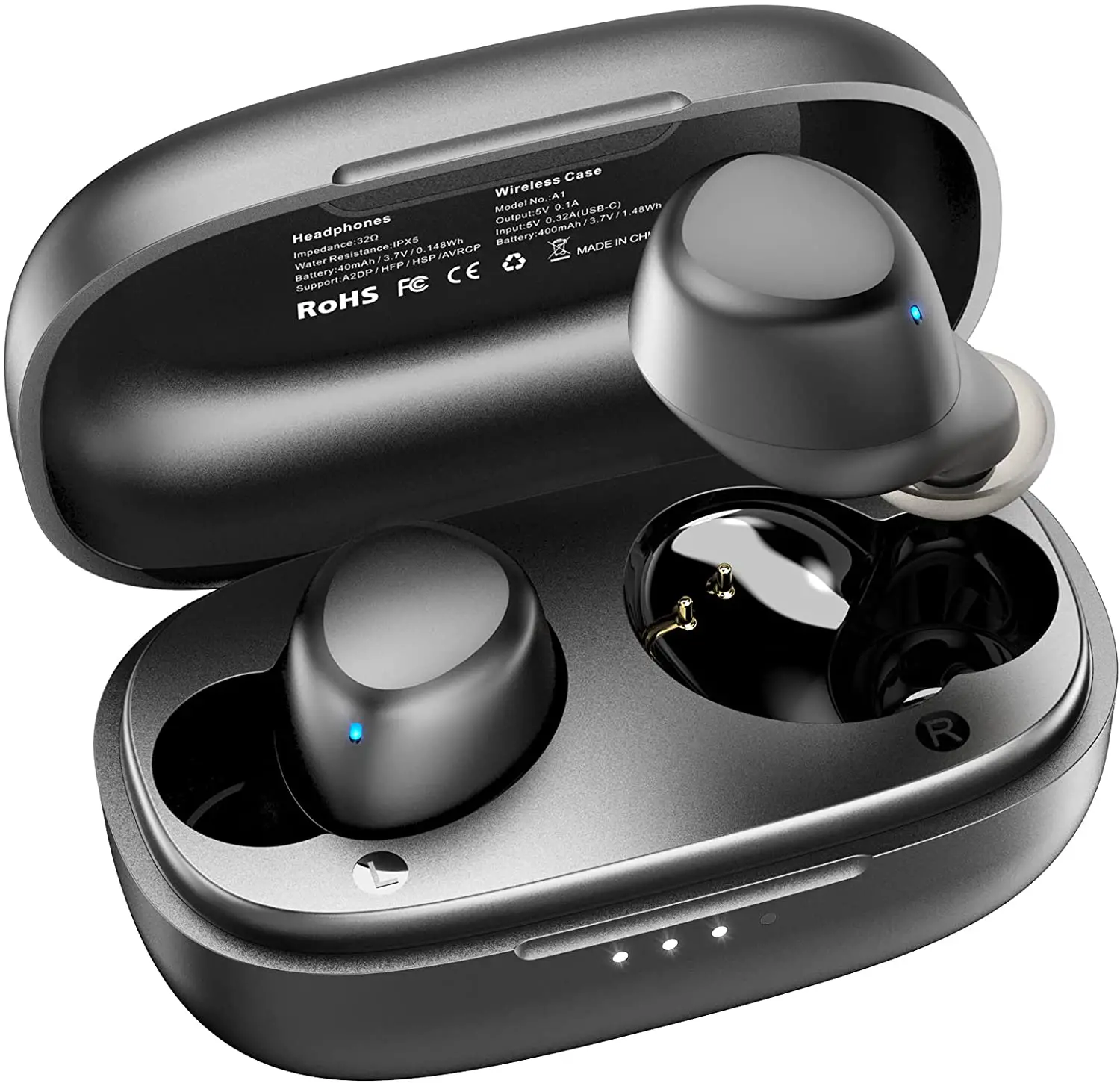
Specifications
- DIMENSIONS: 3.39 x 3.31 x 1.73 inches,
- WEIGHT: 0.131 ounces,
- CONNECTIVITY: Wireless,
- FORM FACTOR: In-Ear,
- BLUETOOTH VERSION: 5.0,
- MANUFACTURER: Tozo
Tozo is the producer of a number of wireless earbuds. The A1 mini wireless earbuds are comfortable to wear with great sound quality, feature smart touch control, strong connectivity and good battery life. The design of these earbuds is super light and they are available in two colors namely black and white. The sound produced by these headphones is of stereo quality. Their speaker has a 6mm diameter which provides decent sound quality. The high and mid-tones are really excellent but the low ends need some improvement. The headphones feature Bluetooth of version 5.0 which provides strong and smooth connectivity and are compatible with all devices that have Bluetooth 5.0 or later. They also feature smart touch control that can be used to carry out a number of operations. The battery life of these headphones is also moderately good. The earbuds have a battery capacity of 40mAh and the charging case has a capacity of 400mAh. The earbuds last 6 hours on a single charge and the charging case lasts up to 24 hours on a single charge.
How to charge the Tozo A1 Earphones?
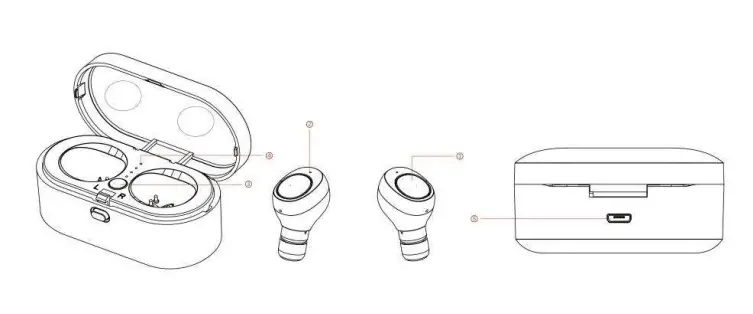
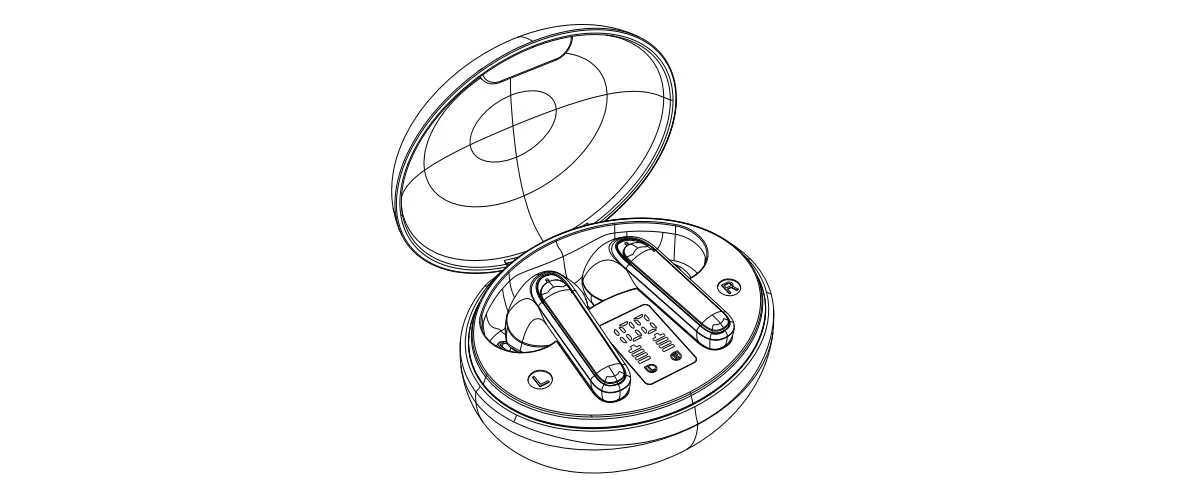
- Put both earphones into the charging box, close the box, then the LED indicator (2) will be light in red;
- When the earphone is fully charged, LED indicator (2) will turn off.
How to charge the Tozo A1 Charging Case?
- Connect the Bluetooth charging box with the USB port through USB cable.
- The charging LED indicator on box (4) will turn ON in white light;
- The 4 pcs of charging LED indicator (4) will turn on all in white when the rechargeable battery is fully charged.
- Press button (3) to check the battery capacity remaining.
How to turn on the Tozo A1 Earbuds?
Power on: Press and hold the button (1) of both left and right earbuds for 3 seconds, LED indicator (2) of one side will be blinking in blue and red alternately (this side defaults to the main earphone), another one will be blinking in blue (this side default to the sub earphone).
How to enter into Pairing Mode and Connect the Tozo A1 Wireless Headphones to your Device?
- Power on: Press and hold the button (1) of both left and right earbuds for 3 seconds, LED indicator (2) of one side will be blinking in blue and red alternately (this side defaults to the main earphone), another one will be blinking in blue (this side default to the sub earphone).
- Turn ON the Bluetooth function on your mobile phone.
- Pair: Search for “A1” and select it to pair, there will be a short beep that means Bluetooth headphone is connected with a mobile phone.
The Bluetooth headphone will be reconnecting automatically if your mobile phone has been paired. (Depending on the of mobile phone’s type and configuration, manual reconnecting may require on some devices). If pairing is successful, the LED light (2) will switch to a slow blink in blue.
- Power off: Press and hold the button (1) of either left or right earbuds, the LED light will in red and turn off.
- If Bluetooth headphone is not connected to a mobile phone in 10minutes, it will turn off automatically.
How to Control the Tracks?
In playing music, press the button (1) to pause music, and press it once again to play. Press the button (1) for 3 times quickly to play the next music file. Press the button (1) for 4 times quickly to play the previous music file.
How to Control the Call?
- Press button (1) of the main earphone to pick up the call.
- Press button again to hand up the call when finished.
- Press and hold 2 seconds button to reject the call.
- Double press the button quickly to dial the last call no.
What do the different LED indications mean?
For Earphones
- Flashing red: lower battery
- Solid red: Charging
- Flash blue every 3 seconds: paired with a Bluetooth device
- Flash blue and red alternately: in pairing mode
For Charging Box
Solid white of 4 indicators: full charge
VERDICT
The Tozo A1 headphones are a decent pair of earbuds as they are simple to use and are quite durable. They deliver a good experience at their value. They are comfortable to wear and provide decent sound quality. However, they don’t perform like most other costly earbuds but that is expected at this price.
FREQUENTLY ASKED QUESTIONS
- How is the sound quality as far as talking?
The sound quality is decent and has a good volume and isn’t muffled. - What is the type of charging cable?
USB Type C - Can I use one earbud at a time/or can they pair individually?
Yes, you can use one earbud at a time by keeping the other earbud inside the case. - One side keeps falling out of my ear, but always the same side…any ideas on why/what to do differently?
Try changing the size of the ear hooks to find the most perfect fit for your ears - Are they noise canceling?
No, they don’t have any built-in noise-canceling features. - Will these work with an iPod classic?
Yes, they are compatible with all Bluetooth-enabled devices. - How do you charge the case? Does it come with a charging cord?
Yes, the earbuds come with a charging case and a Type C USB charging cord - What are the dimensions of the charging case?
1’1/2” length, 1’3/8” width, and 1’1/4” diameter. - Can I use these while in airplane mode?
Yes, you can use them in airplane mode with the Bluetooth of your device turned on. - Can you disable touch controls?
No, you can’t disable touch controls. - Can this connect to more than one phone?
No, they can’t connect to more than one device.