oe electrics QIKDOC Connect Screw Fix Instructions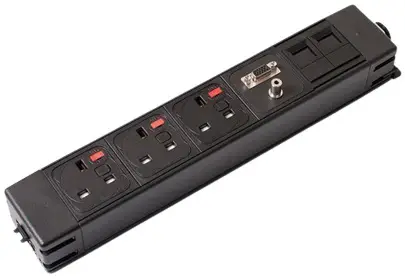
Horizontal Fitting
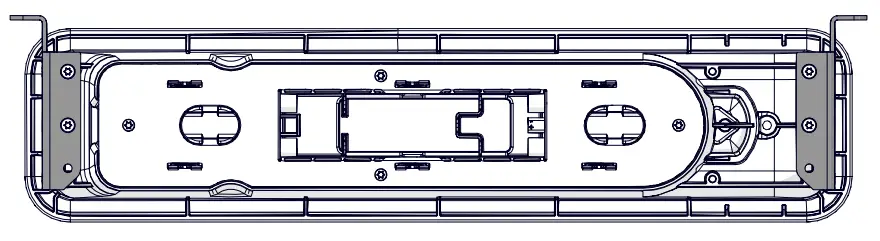
Screw locations
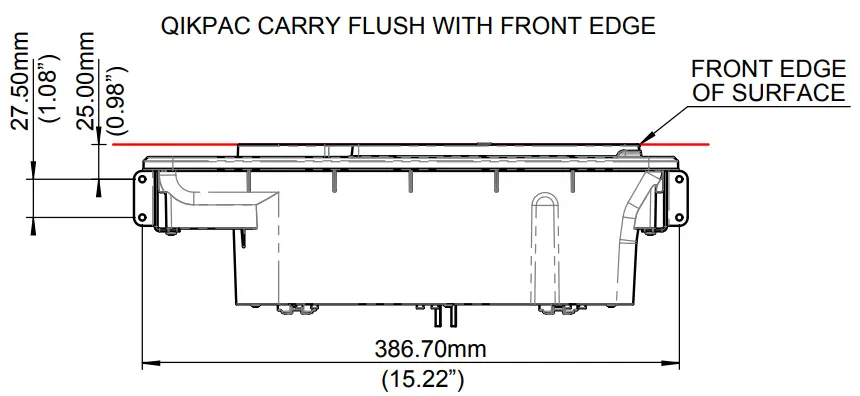
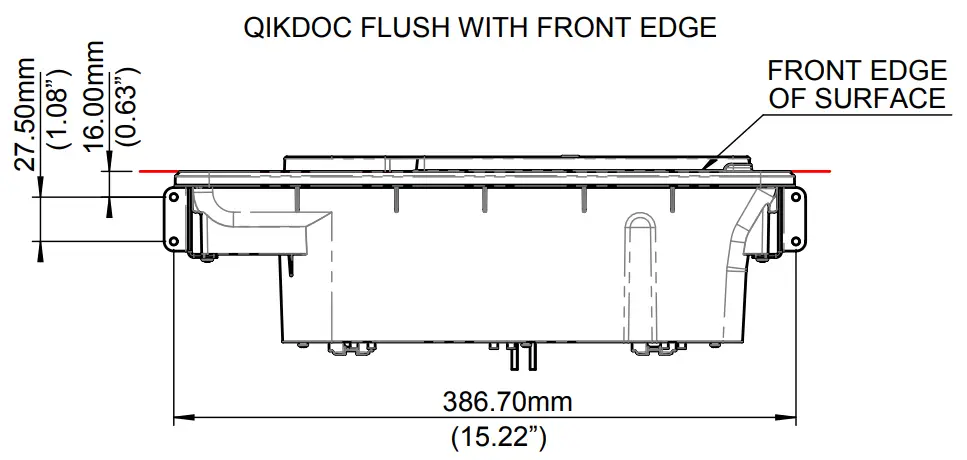
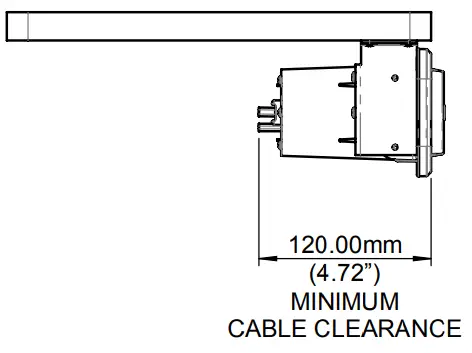
Required clearance 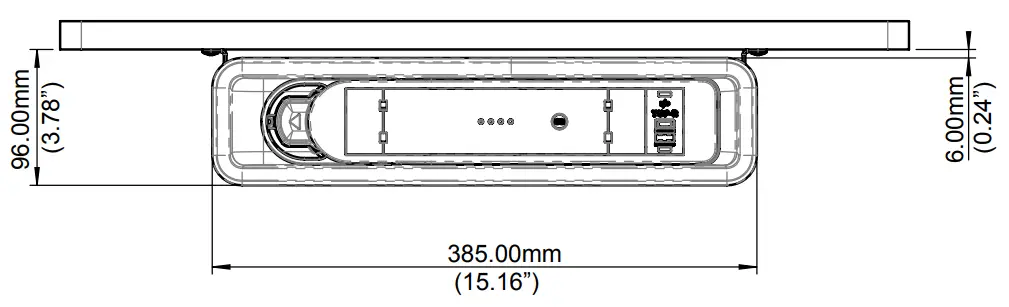
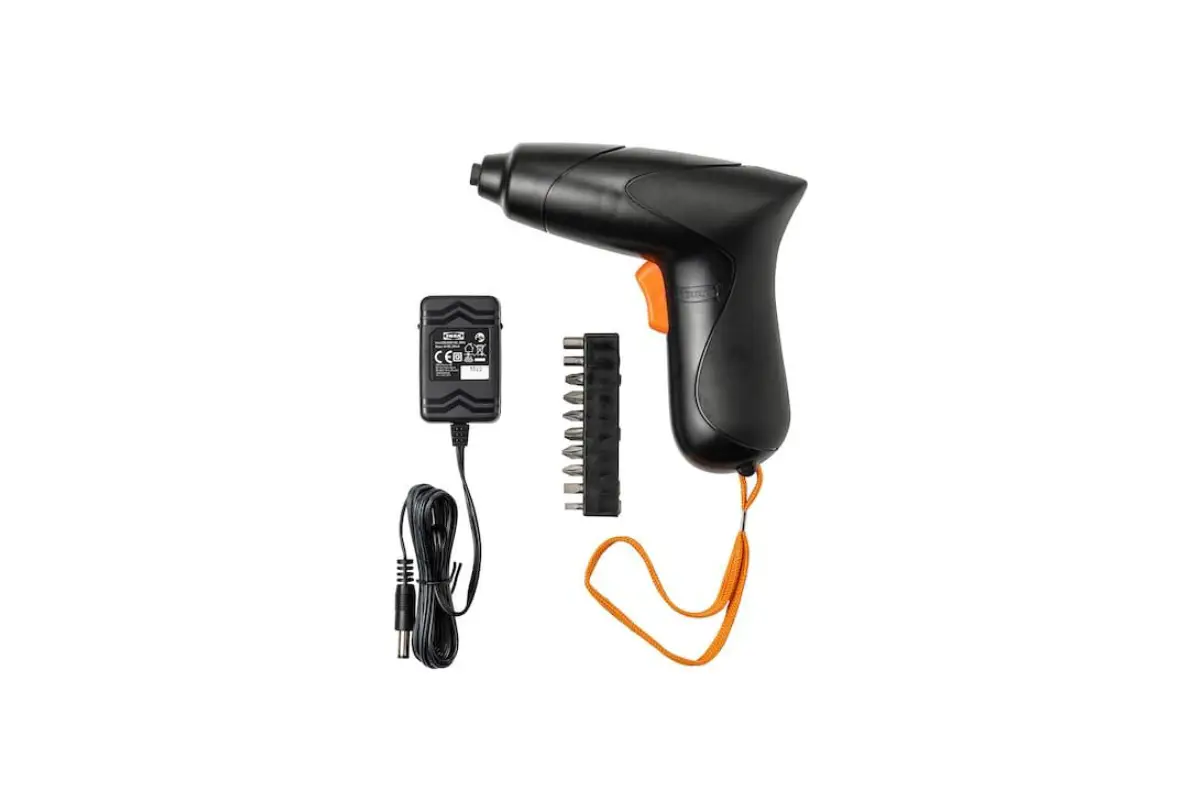
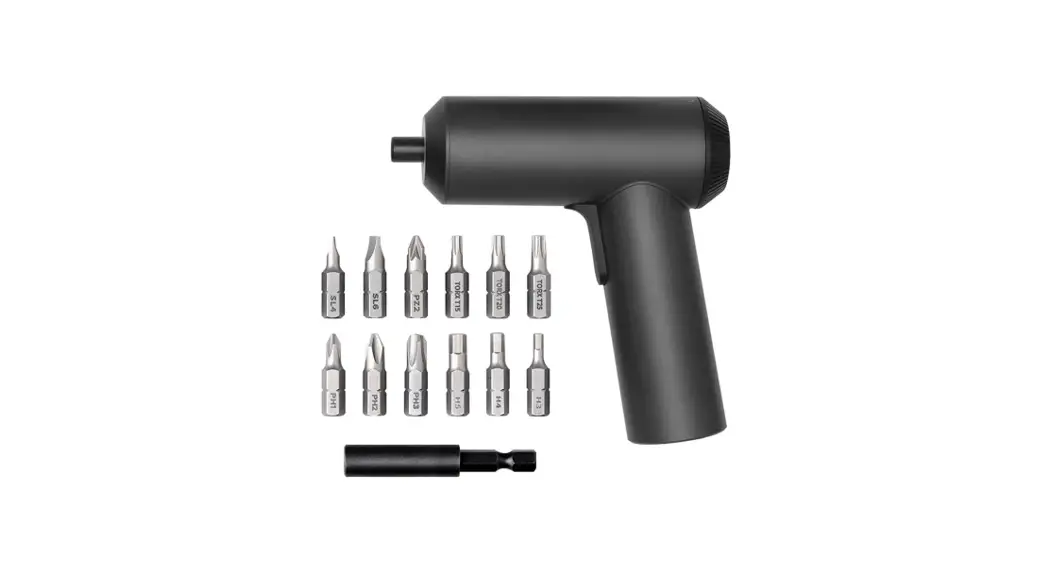
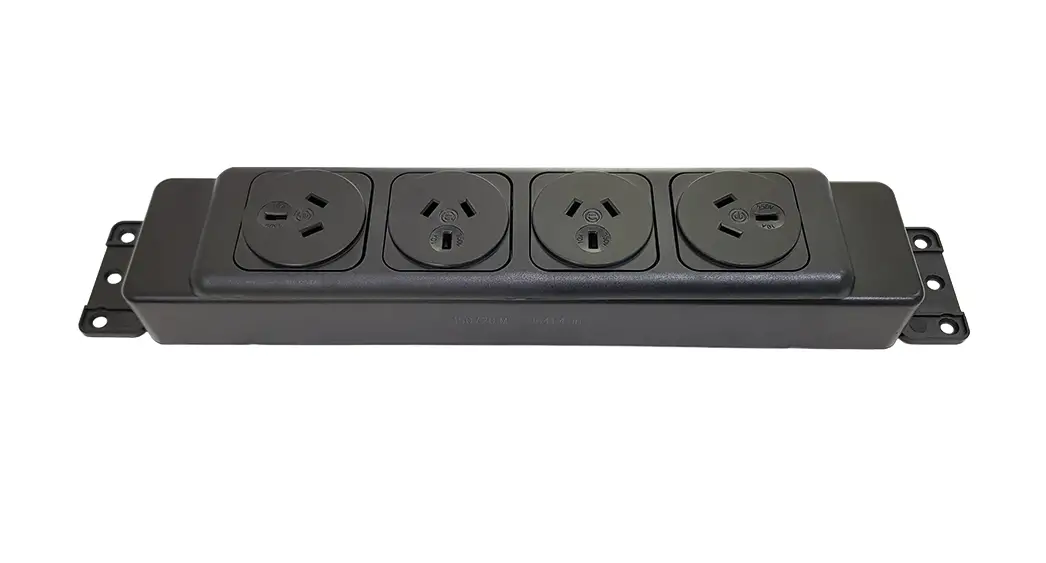
Fit brackets to QIKDOC using screws provided (a T10 Torx bit is required)
Rear View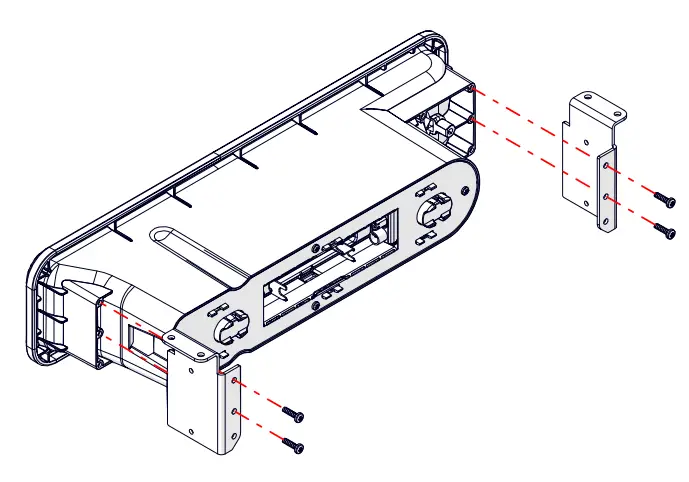
Screw QIKDOC into place
Horizontal Fitting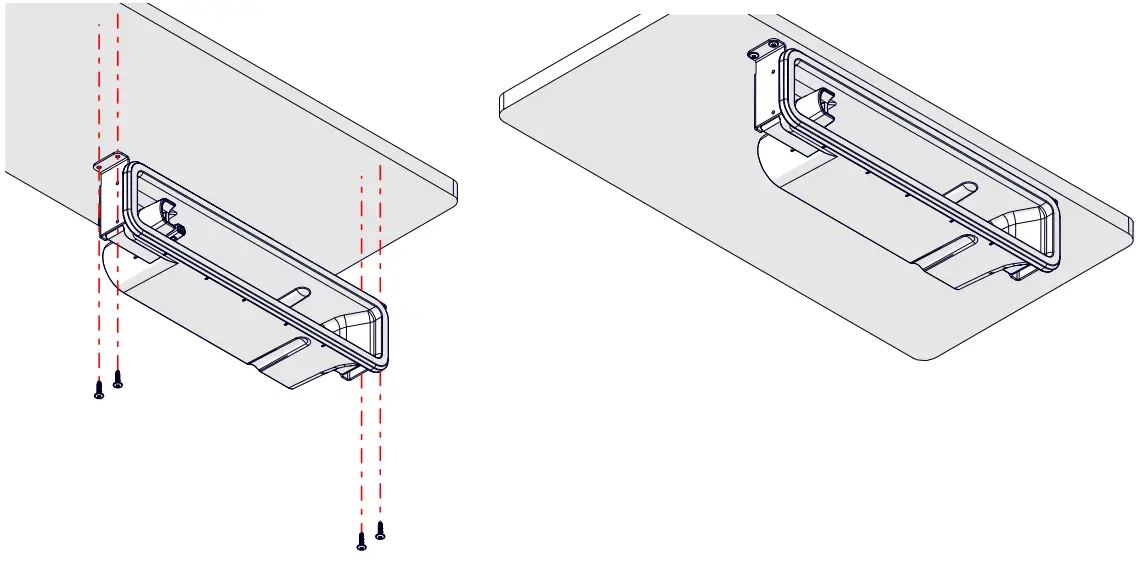
Optional Vertical Fitting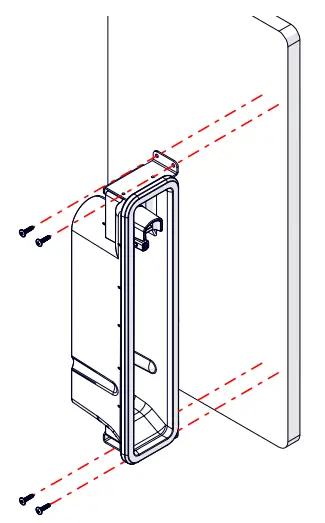
Align QIKPAC CARRY with QIKDOC, slide the heel side of the QIKPAC CARRY into QIKDOC first and rotate round until click is heard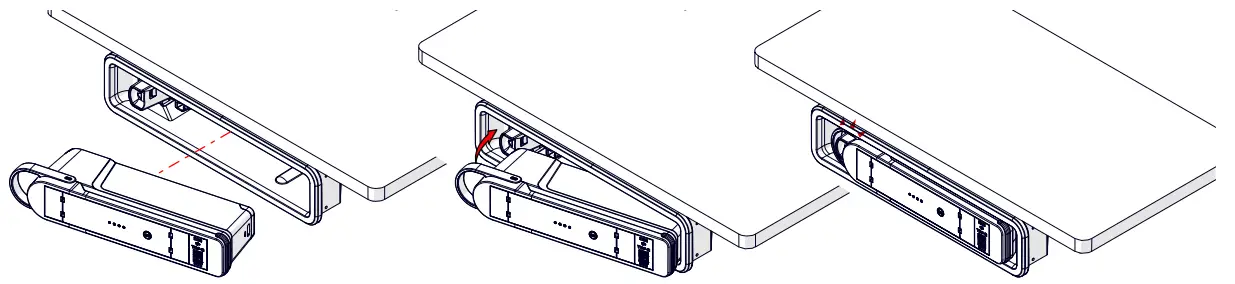
Removing QIKPAC CARRY from QIKDOC (Horizontal)
Pull thumb release (highlighted orange) to release QIKPAC CARRY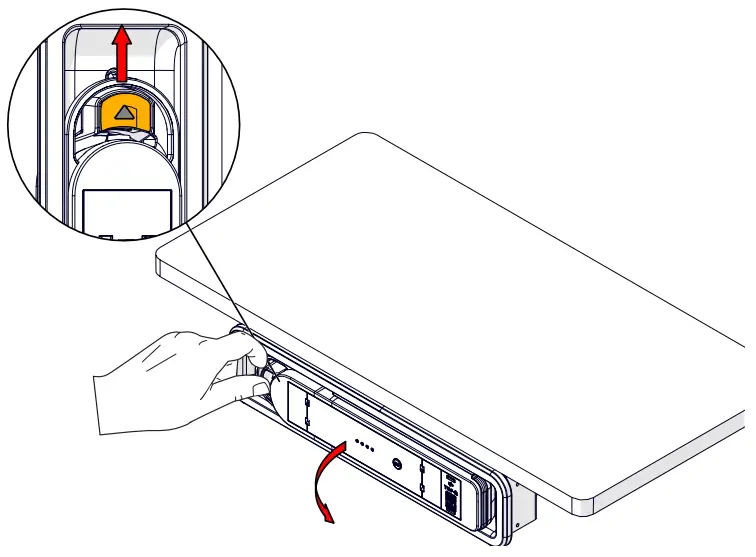
Lift QIKPAC CARRY from QIKDOC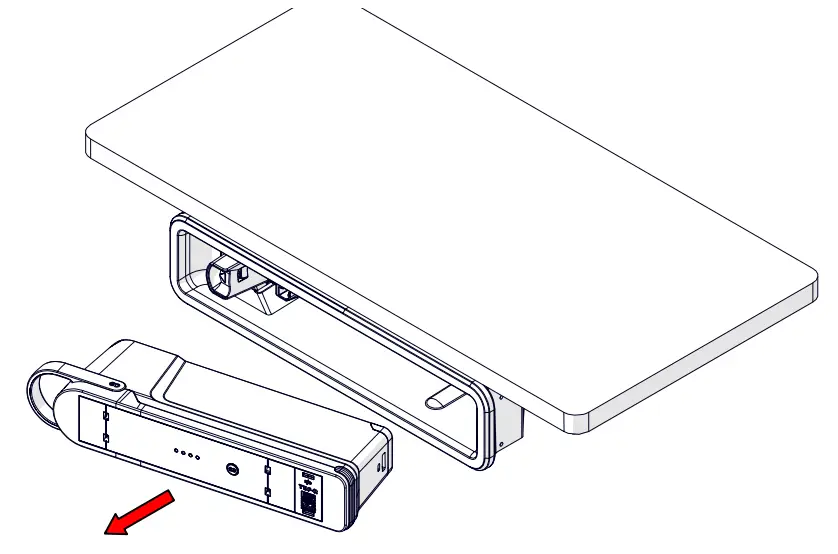
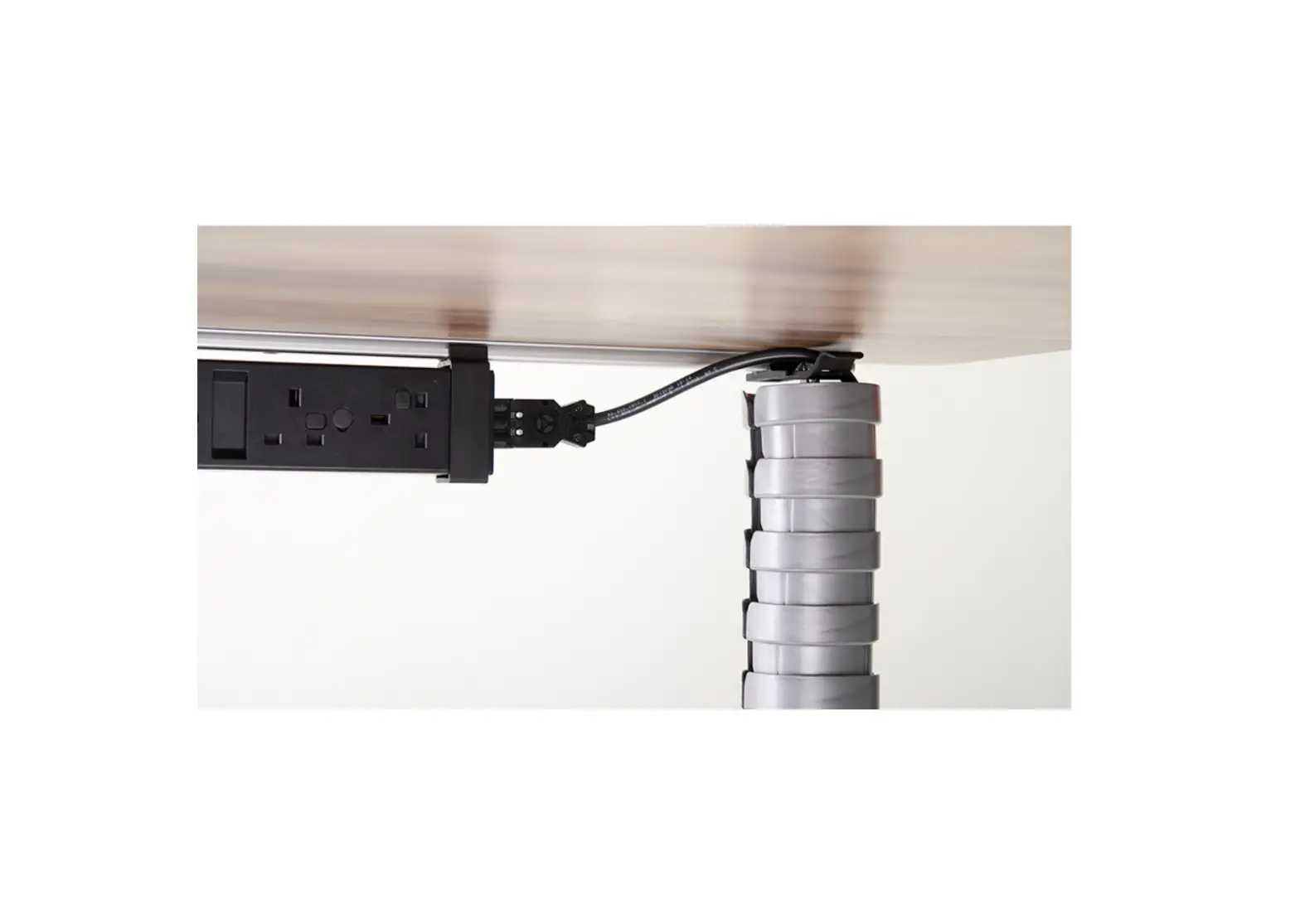
Connect GST08 cable(s) to underside of QIKDOC (where applicable*)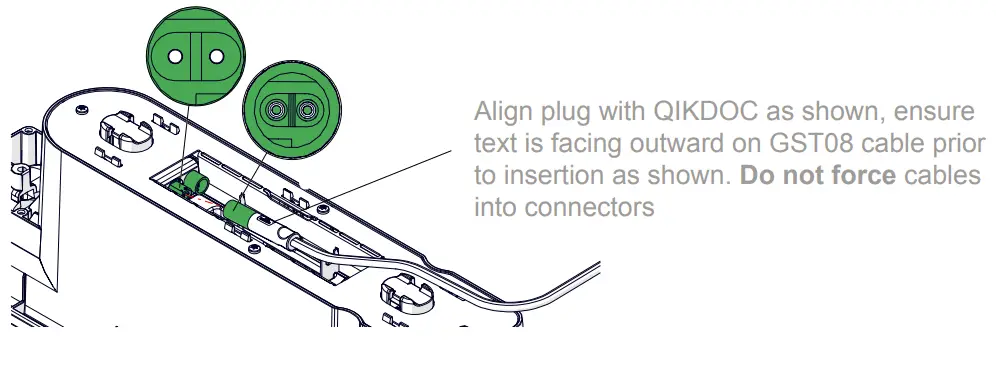
Rear View
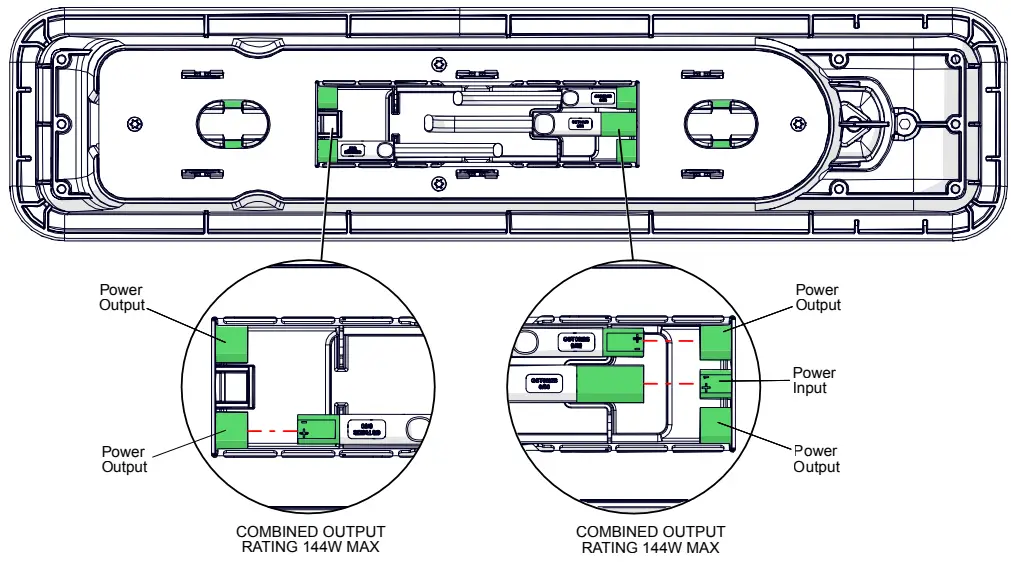
*SIT STAND MECHANISM CAN BE CONNECTED TO EITHER END OF THE QIKDOC, BUT THE SECOND OUTPUT AT THE SAME END OF THE QIKDOC SHOULD NOT THEN BE USED (OTHERWISE BATTERY OVERLOAD AND SHUTDOWN MAY OCCUR)
Cable tie GST08 cable(s) into place
Slide cable tie through slot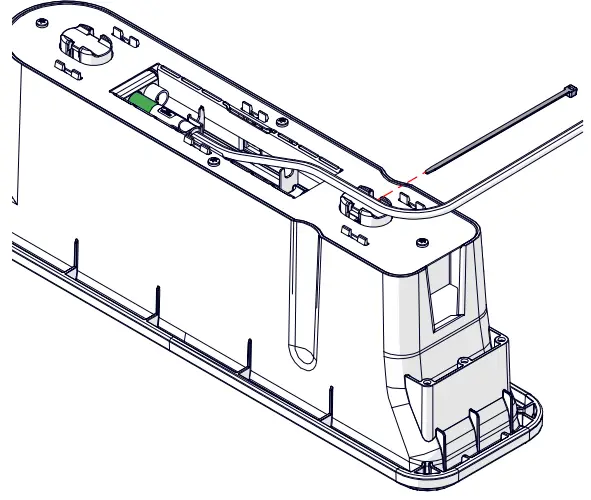
Fold cable tie over cable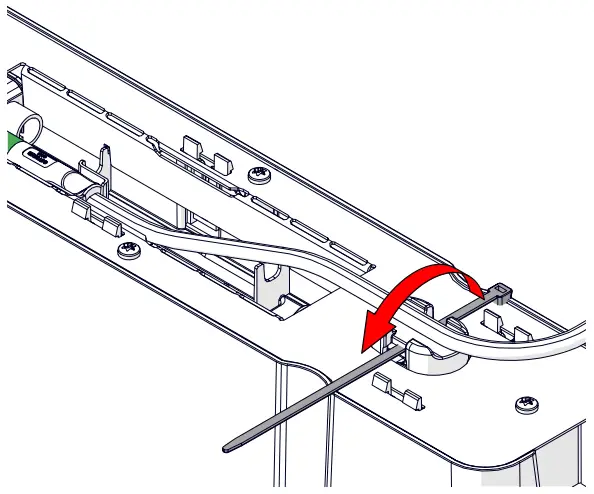
Tighten cable tie & remove excess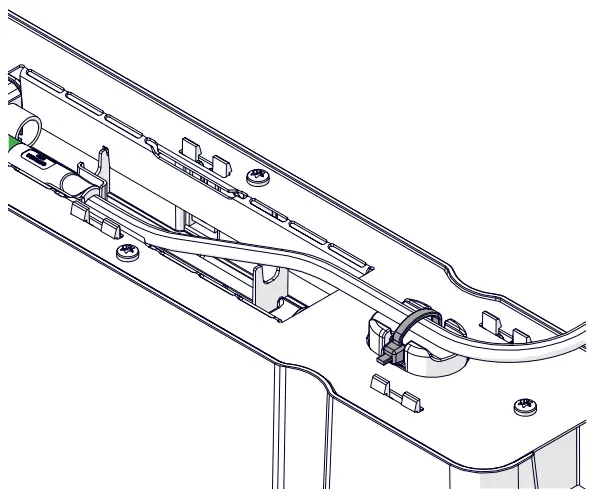
UK – [email protected] / +44 (0) 1924 367 255
DE – [email protected] / +49 (0)2261 958 3001
AUS – [email protected] / 1300 ELSAFE (357 233)
U.S.A – [email protected] / +1 (844)-927-0600