
Quick Start Guide
AM-1280800Q7TZQW-T07H
+44 (0)1635 294600 | [email protected] | www.i-lcd.com
Intelligent Display Solutions, Unit 2, Berkshire Business Centre,
Berkshire Drive, Thatcham, Berkshire, RG19 4EW
A division of Intelligent Group Solutions Ltd
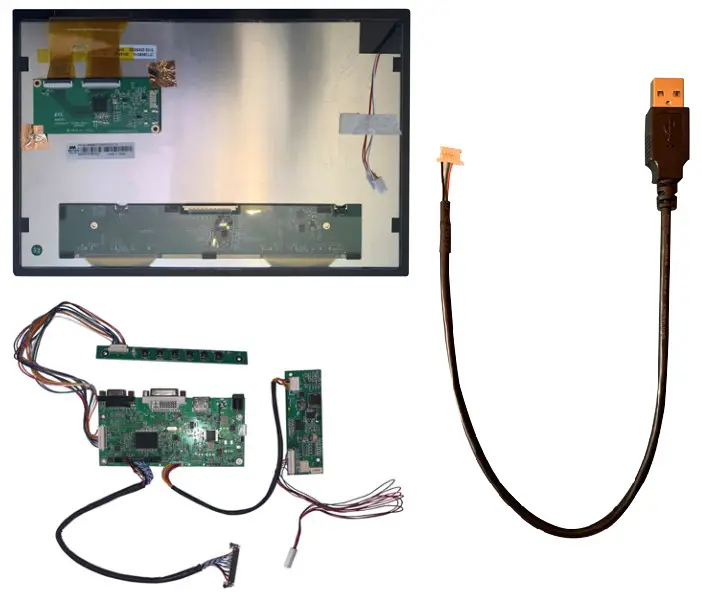
KIT CONTENTS
| Item | Description | Qty |
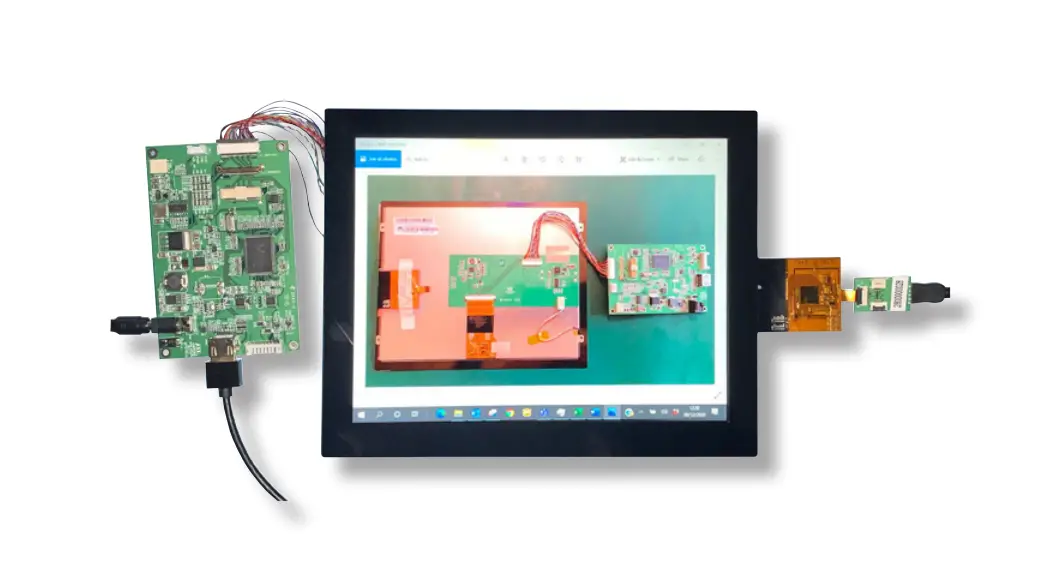
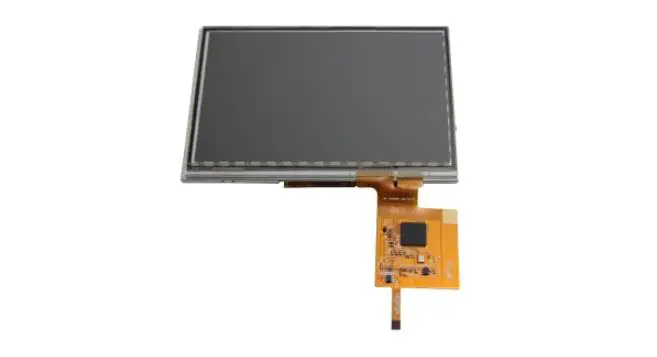
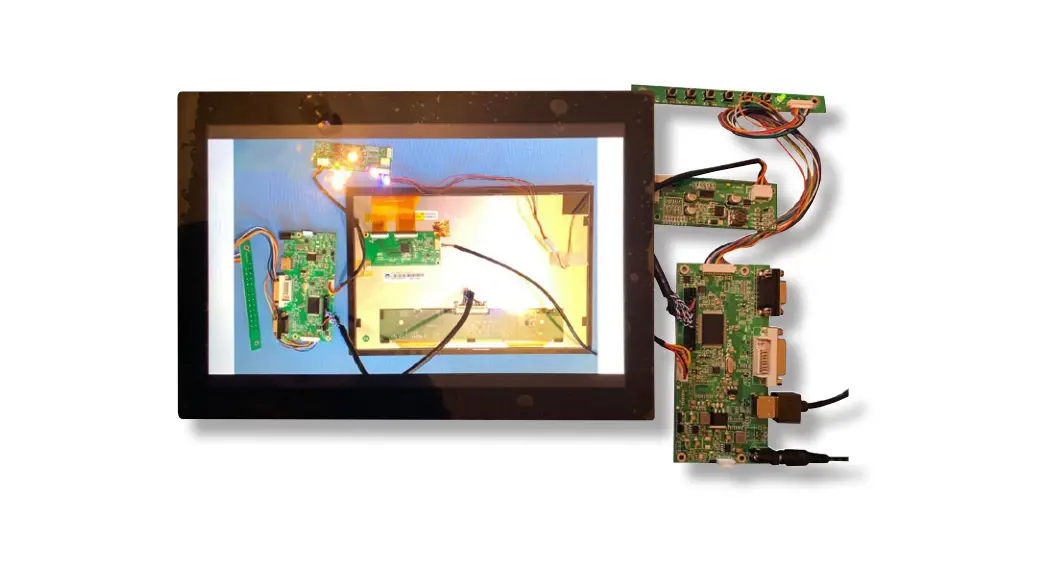
| 1 | Display with touch panel | 1 |
| 2 | Driver card with Backlight PCB and control pad | 1 |
| 3 | USB adapter cable from IDS Ltd |
REQUIRED PARTS NOT SUPPLIED IN THE KIT
| Item | Description | RS Part Number |
| 1 | 12V 2A Power supply with 2.1mm x 5.5mm DC Jack | 144-0971 |
| 2 | HDMI cable | 182-8473 |
PART 1: CONNECTING THE DRIVER CARD TO THE DISPLAY
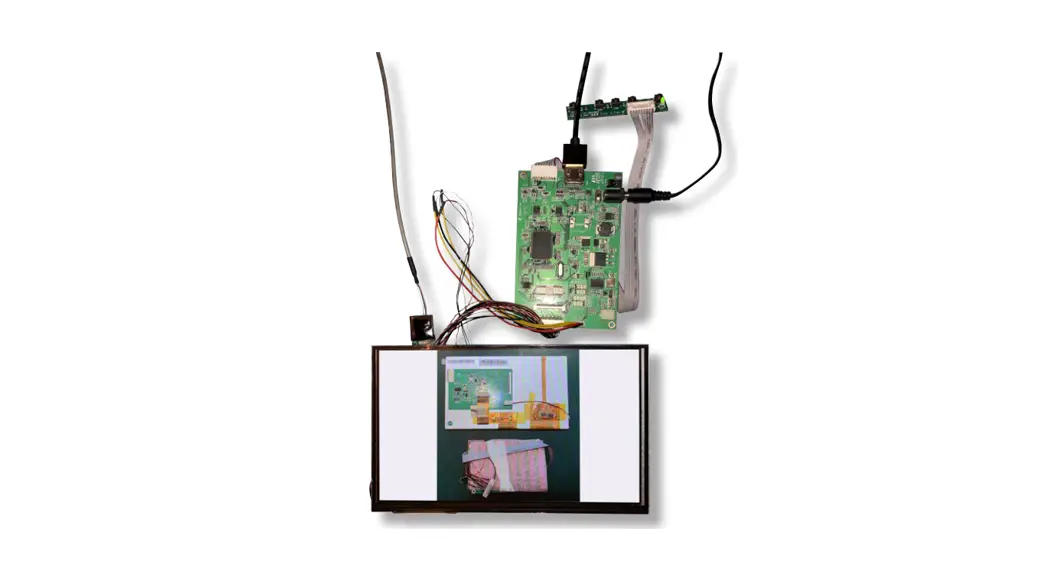
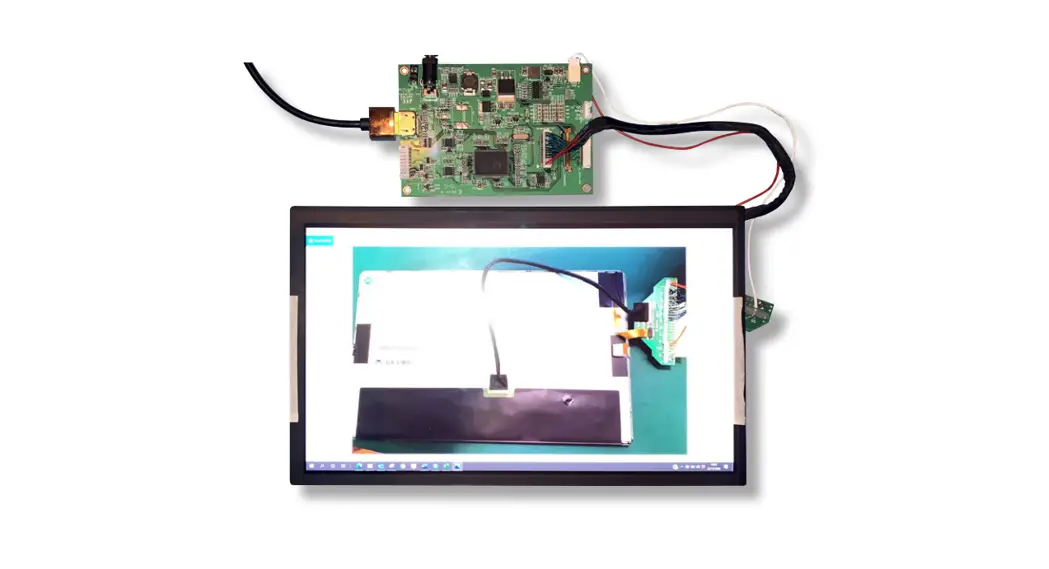
Connect the LVDS connector from the driver card to the back of the LCD.
Take care to line up the pins and use the correct orientation as per the picture below
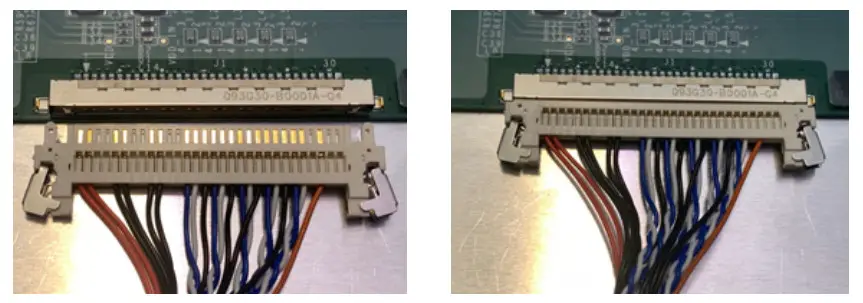
The connection should look like this when the connector is fitted correctly
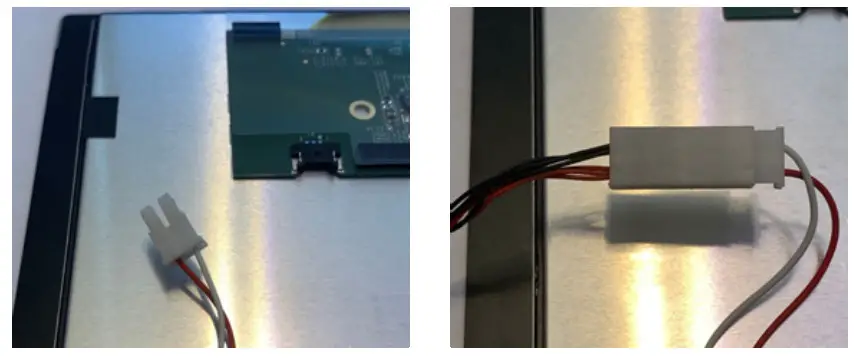
Connect the backlight connector.
This is the red and white connector on the display and the red and black connector on the driver board.
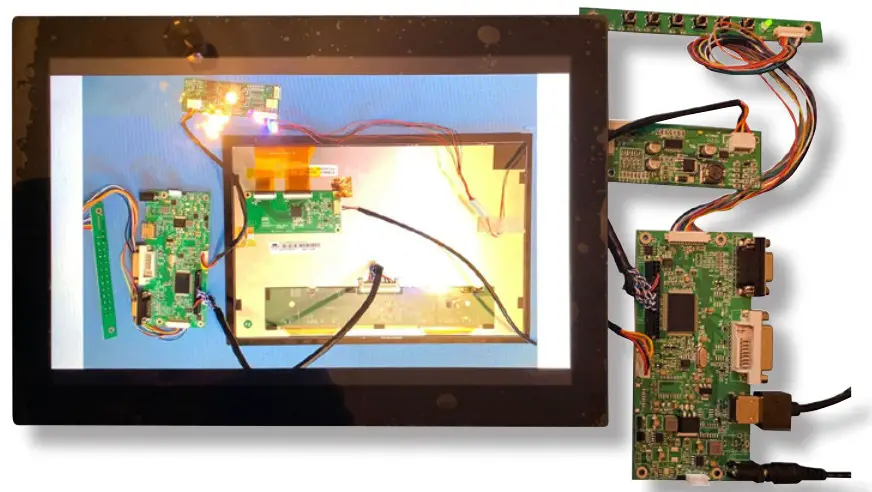
CONNECT THE DRIVER CARD TO A POWER SUPPLY AND HDMI SOURCE
The display has a connector with the USB Connections
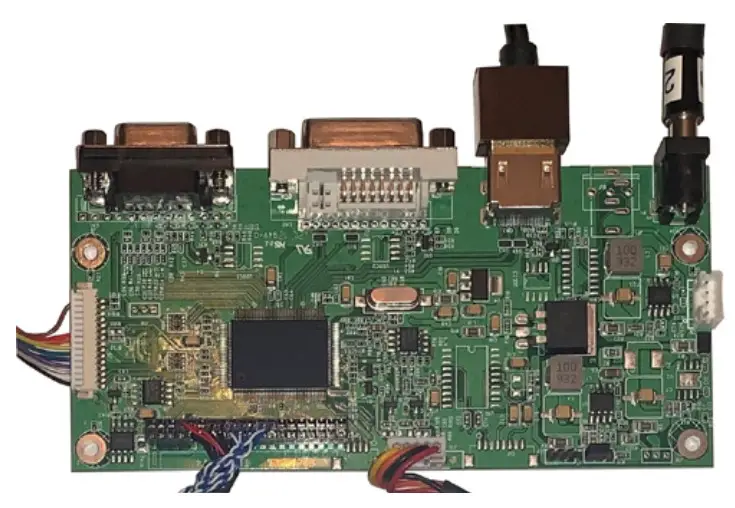
Turn the power switch to the ON position
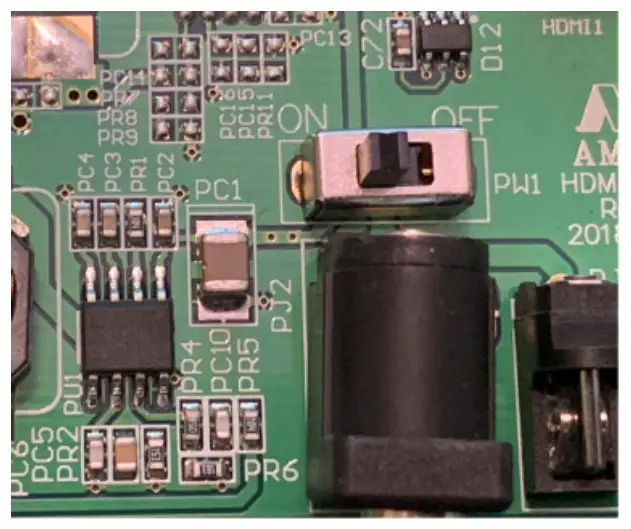
CONNECT THE DRIVER CARD TO A POWER SUPPLY AND HDMI SOURCE
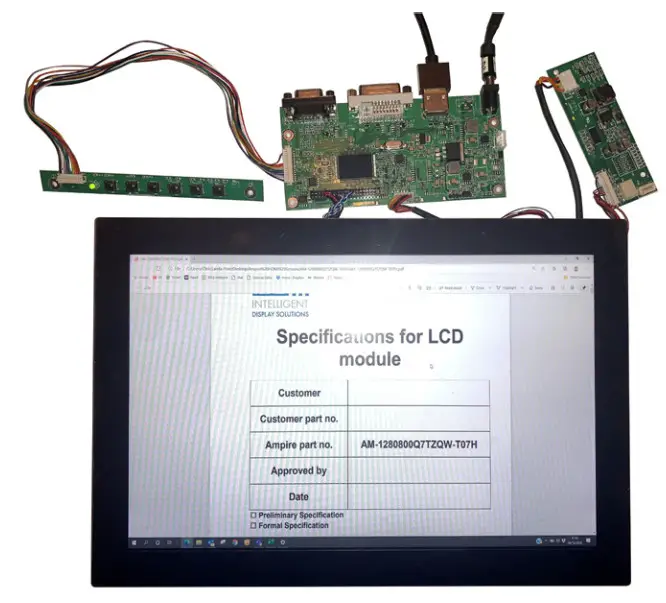
PART 2: CONNECTING THE TOUCH PANEL
The display has a PCB connector with the USB Connections
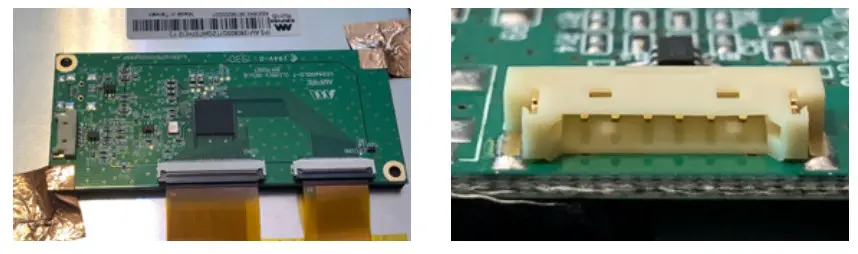
Note the correct orientation and then push the USB adapter cable connector into the display touch connector
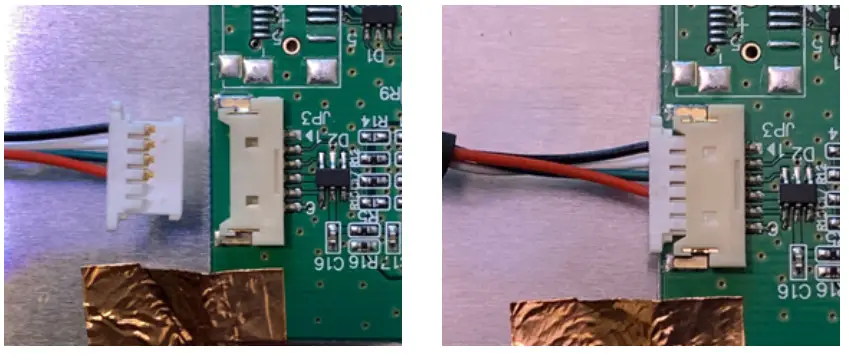
Insert the USB connector into your PC
The touch screen will be automatically recognized and installed by Windows 10.
FURTHER INFORMATION
The values contained in this data sheet can change due to technical innovation. Any such changes will be made without separate notification.
If you require further assistance or have a specific or custom inquiry, please contact the IDS team via email or phone. Alternatively please visit our website for more product info and to see our full range.
Unit 2, Berkshire Business Centre,
Berkshire Drive, Thatcham,
Berkshire, RG19 4EW
+44 (0)1635 294600
[email protected]
www.i-lcd.com
ABOUT IDS
Intelligent Display Solutions was established in 2001 by display industry experts. We have extensive knowledge of both the technical and user interface approaches to designing displays for various applications, using LCD, TFT, and OLED technologies. We work with our customers to develop new and innovative displays – some award-winning – to enhance their products.
IDS is a division of Intelligent Group Solutions Ltd (IGS) – a well-established, respected, industry-leading Optoelectronics solutions provider. Much of IGS’ business comes from providing semi-custom or custom products, both in component and sub-assembly form. We offer design support and prototyping within the European marketplace, with the capability to deliver production displays to wherever in the world the customer’s manufacturing or assembly is being undertaken.
INTELLIGENT GROUP SOLUTIONS DIVISIONS

+44 (0)1635 294600 | [email protected] | www.i-lcd.com
Intelligent Display Solutions, Unit 2, Berkshire Business Centre,
Berkshire Drive, Thatcham, Berkshire, RG19 4EW
A division of Intelligent Group Solutions Ltd