MI-395 Fireplace TV Mount
Mount-It MI-395 Fireplace TV Mount
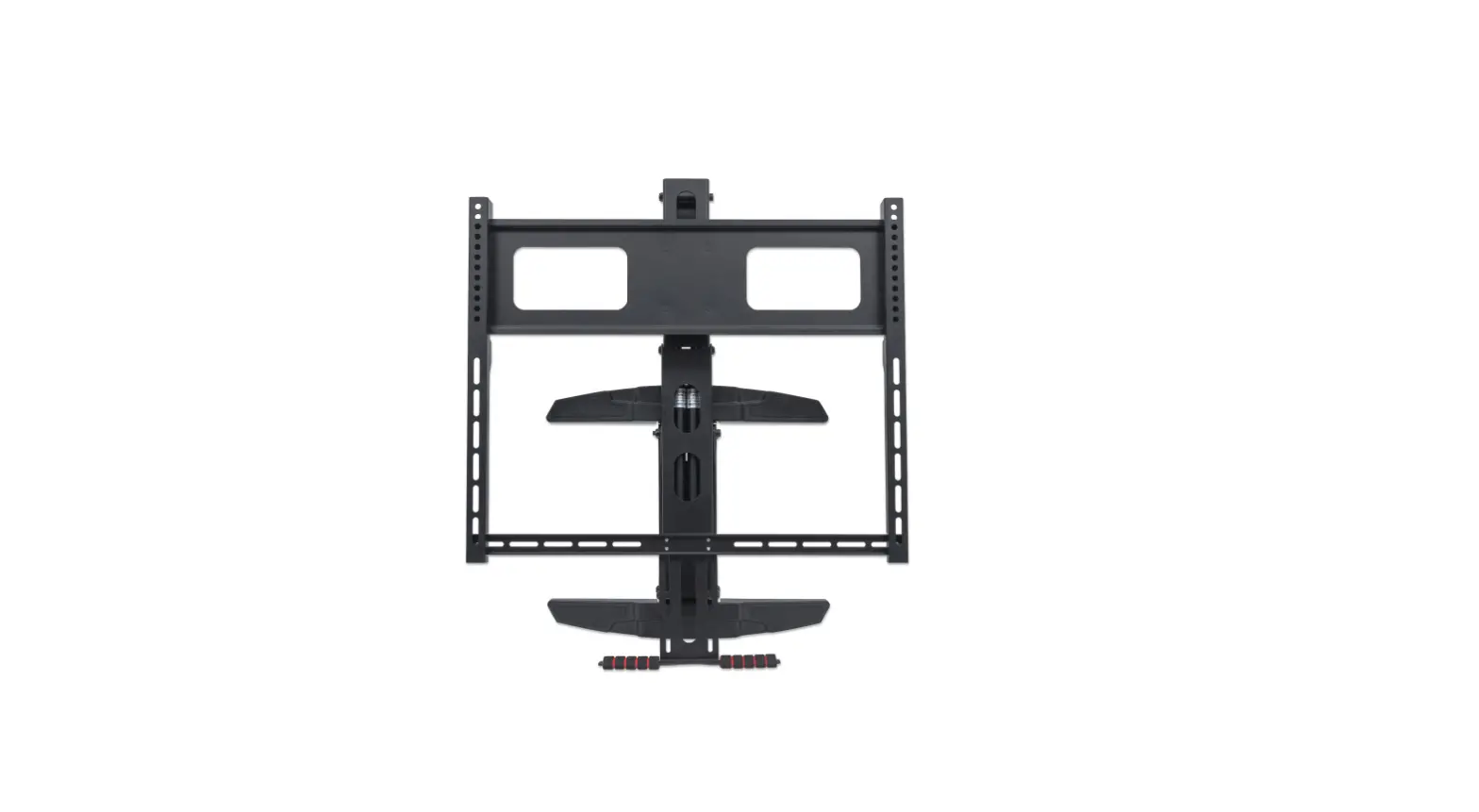
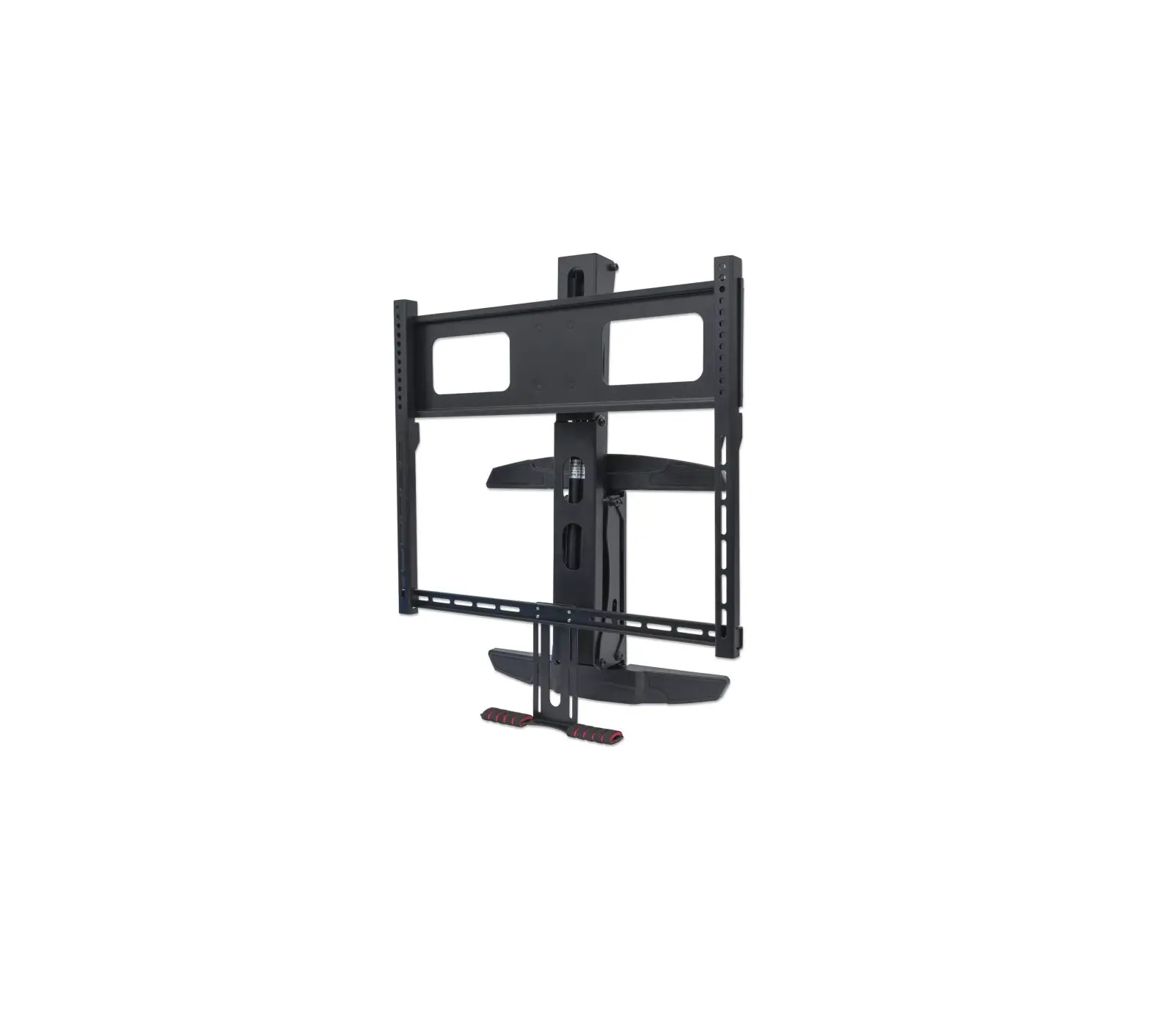
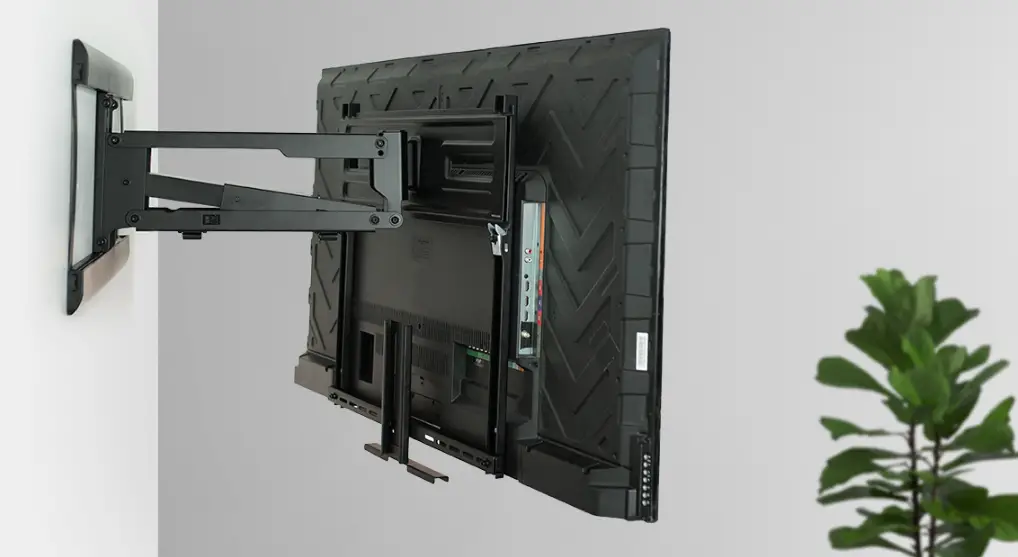
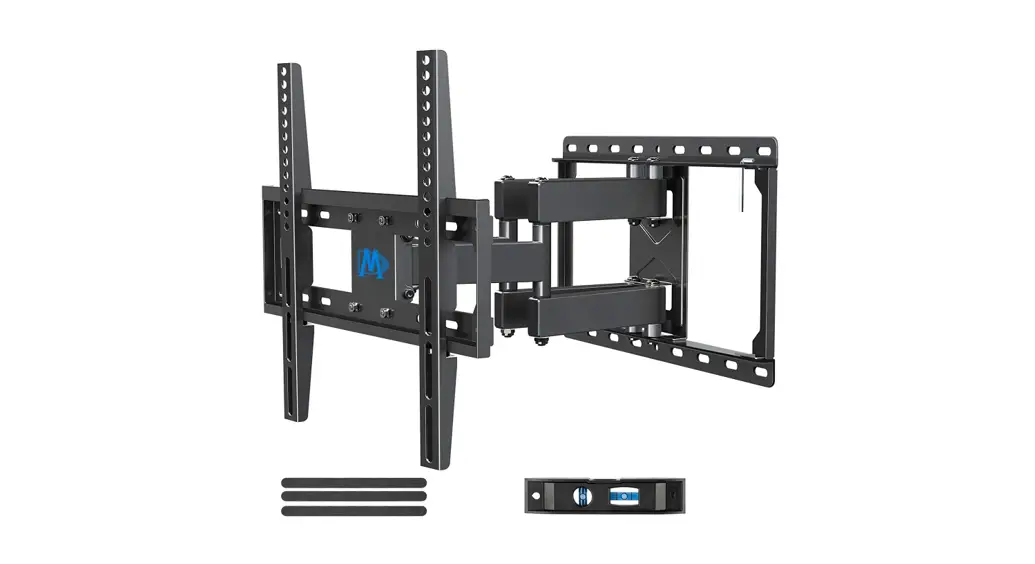
The Mount-It MI-395 Fireplace TV Mount is a wall mount designed
to hold TVs weighing between 13kg and 33kg. It is compatible with
VESA sizes and can hold TVs up to the largest VESA size listed. The
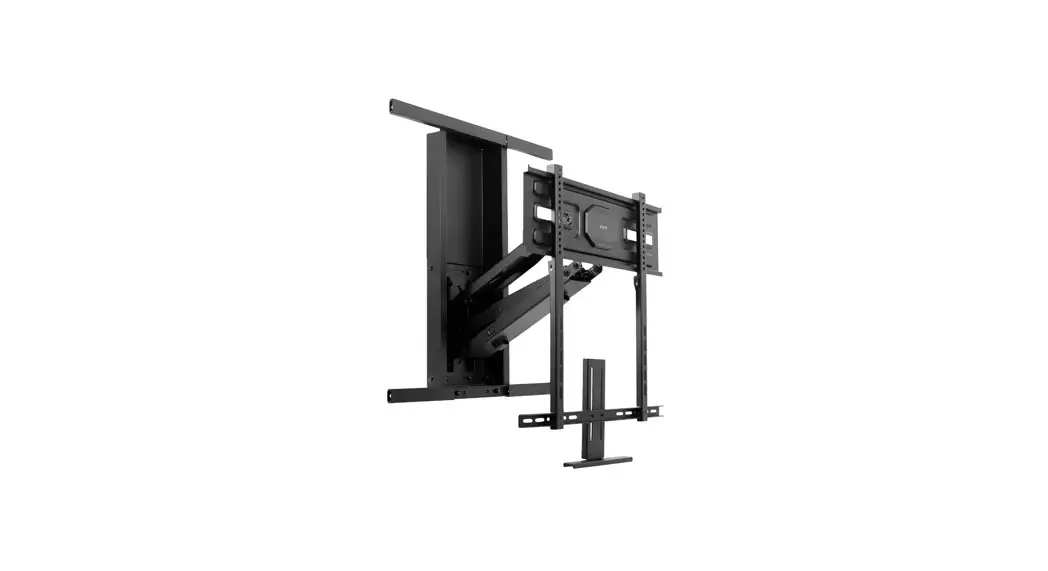
package includes various hardware for installation, including a
wall plate, spring arm, TV bracket, VESA brackets, crossbar, pull
handle, decorative cover, plastic plate, Allen wrench, VESA
hardware, ratchet wrench, ratchet bit wrench, wall template, bubble
level, and wall mounting hardware.
Product Usage Instructions
Step 1: Installing the Spring Arm to the Wallplate
Attach the Spring Arm (B) and Wall Plate (A) with bolts (4 x I)
using the Allen Wrench (Q) to tighten securely.
Step 2: Installing the TV Bracket to the Spring Arm
Place Washer (J) on the three exposed bolts on the Spring Arm
(B). Attach TV Bracket (C) as shown, then secure with Washer (K)
and Nut (L). Use Wrench (T) to tighten securely.
Step 3: Positioning the Mount over the Fireplace
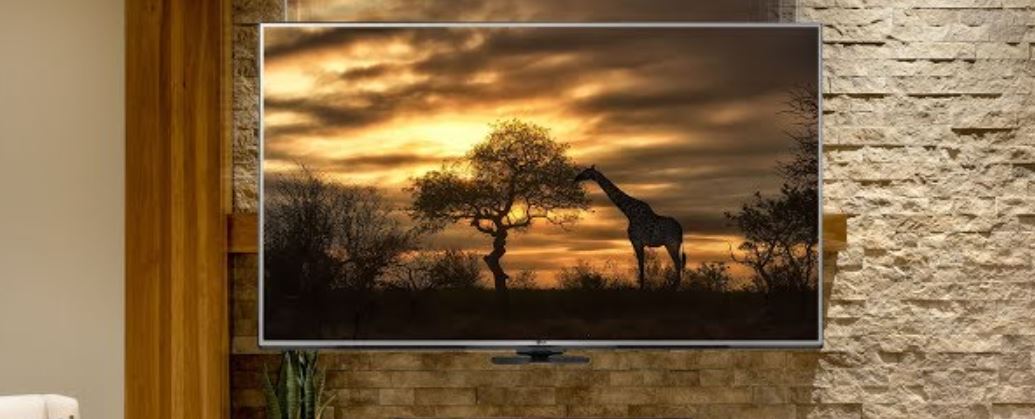
Position the mount over the fireplace.
Step 4: Option 1. Wood Studs Installation
a. Measure the mantel depth. b. Determine the mounting height.
c. Drill pilot holes into the wood studs at the desired height and
depth. d. Carefully clear any dust or debris from inside the
drilled holes and insert all 4 Plastic Wall Anchors (W-B). Holding
the mount to the wall aligned with the pilot holes install Washer
(W-C) and Lag Bolts (W-A) and tighten securely. Do not overtighten.
Overtightening can damage the lag bolts or the wall, greatly
reducing their holding power.
Step 5: Option 2. Concrete/brick Installation
a. Measure the mantel depth. b. Determine the mounting height.
c. Drill pilot holes into the concrete/brick at the desired height
and depth. d. Carefully clear any dust or debris from inside the
drilled holes and insert all 4 Plastic Wall Anchors (W-B). Holding
the mount to the wall aligned with the pilot holes install Washer
(W-C) and Lag Bolts (W-A) and tighten securely. Do not overtighten.
Overtightening can damage the lag bolts or the wall, greatly
reducing their holding power.
Step 6: Attaching the VESA Brackets to the TV
Using the VESA hardware, attach the VESA brackets to the TV. Use
caution to ensure that you do not use bolts that are too long or
too short, as this can damage the TV and cause serious injury due
to improper TV to TV mount connection. Do not overtighten
screws.
Step 7: Attaching the Pull Handle
a. Attach the Cross Bar (E) to the VESA Brackets (D) using
Washer (P) and Bolt (O). Tighten securely using Allen Wrench (Q).
b. Attach Pull Handle (F) to the Cross Bar (E) using Washer (P) and
Bolt (N). Tighten securely using Allen Wrench (Q).
Step 8: Attaching the Decorative Plates
Install Decorative Cover (G) as shown over the top and bottom of
the wall bracket, covering the now installed lag bolts.
Step 9: Adjusting the Spring Arm Tension
The tension of the spring arm must match the weight of the TV
for easy height adjustment of the TV. The spring arm tension is set
at the lowest level as factory default. Depending on the weight of
the TV, the spring arm tension may need to be increased. Note:
Omitting spring arm tension adjustment may result in your TV not
staying in the desired position.
MI-395
FIREPLACE TV MOUNT
Thank you for choosing Mount-It
Mount-It!
Mount-It!
COMPATIBLE VESA SIZES
COMPATIBLE WITH TVs UP TO
Minimum weight: 13kg Maximum weight: 33kg
2
PACKAGE CONTENTS
WALL PLATE
SPRING ARM
TV BRACKET
VESA BRACKETS
CROSS BAR
PULL HANDLE
DECORATIVE COVER
PLASTIC PLATE
ALLEN WRENCH
VESA HARDWARE
RATCHET WRENCH
RATCHET
BIT
WRENCH
WALL TEMPLATE
BUBBLE LEVEL
WALL MOUNTING HARDWARE
Check carefully to make sure there are no missing or defective parts. Some hardware provided may not be used. Use the correct wall mounting and TV mounting hardware suitable for your installation. CHOKING HAZARD. Package includes small parts. Not for children under 3 years. Adult supervision is required. Missing Parts? Call us at (855) 925-5668 and we will ship replacement parts free of charge.
3
Step 1 Installing The Spring Arm To The Wallplate
Attach the Spring Arm (B) and Wall Plate (A) with bolts (4 x I) as shown, using the Allen Wrench (Q) to tighten securely.
Step 2 Installing The TV Bracket To The Spring Arm
Placing Washer (J) on the 3 exposed bolts on the Spring Arm (B) attach TV BRACKET (C) as shown then secure with Washer (K) and Nut (L). Use Wrench (T) to tighten securely.
Attaching The Plastic Plate To The TV Bracket
Install Plastic Plate (H) to cover the nuts from the previous step inserting Bolt (M) from the opposite side as shown using a screwdriver to tighten.
Step 3
Positioning The Mount Over The Fireplace
The height of the mount is dependent on the depth of the mantel to ensure the spring arm clears the mantel when fully lowered. Determine the proper wall placement using the chart below. Measure the depth of your mantel and locate the closest measurement in column A that your mantel depth is Greater Than Or Equal To. The corresponding measurement in column B will show the minimum required mounting height from the mantel to the bottom of the wall plate. Note: Installing below the required mounting height for your mantel depth will prevent the mount from fully clearing the mantel.
Step 4 Option 1. Wood Studs Installation
b. Mounting Height
a. Mantel Depth
Use a stud finder to locate 2 drywall studs and mark the location with a pencil. Using a bubble level to ensure straightness, hold the Wall Template (U) to the wall at required mounting height determined by step 3. Mark the center of the template holes which align with the center of each stud. Use a 3/16″ (4.5mm) drill bit to drill pilot holes on the wall with a depth of 2.2″ (55mm). Please note, failure to drill pilot holes may result in the lag bolt heads snapping during installation. Holding the mount to the wall aligned with the pilot holes install Washer (W-C) and Lag Bolt (W-A) and tighten securely. Do not overtighten. Overtightening can damage the lag bolts, greatly reducing their holding power. NOTE: This step may require assistance of 1 or more persons to hold heavy parts in place. CAUTION: DO NOT INSTALL ON DRY WALL ALONE. INSTALL MOUNT ON WOOD STUDS. USER MUST VERIFY THE WALL CAN HOLD THE WEIGHT OF THE TV AND THE TV MOUNT. WARNING:Tighten screws so that the wall plate is firmly attached, but do not overtighten. Overtightening can damage screws, greatly reducing their holding power.
HEAVY! You may need assistance with this step.
4
5
Option 2. Concrete/brick Installation
Using the bubble level (V) to ensure straightness, hold the Wall Template (U) to the wall at the required mounting height determined by step 3. Identify the 4 outermost holes (located at each corner) and mark the center of the holes with a pencil. Use a 3/8″ (10mm) drill bit to drill pilot holes on the wall with a depth of 2.4″ (60mm). Please note, failure to drill pilot holes may result in the lag bolt heads snapping during installation, or stone cracking/crumbling. Never drill into the mortar in between the blocks, make sure that the anchors are seated flush with the concrete surface.
Step 5 Attaching The Decorative Plates
Install Decorative Cover (G) as shown over the top and bottom of the wall bracket, covering the now installed lag bolts.
Carefully clear any dust or debris from inside the drilled holes and insert all 4 Plastic Wall Anchors (W-B). Holding the mount to the wall aligned with the pilot holes install Washer (W-C) and Lag Bolts (W-A) and tighten securely. Do not overtighten. Overtightening can damage the lag bolts or the wall, greatly reducing their holding power.
Step 6
Attaching The Vesa Brackets To The TV
Lay your display face down on a soft, flat, or even surface to prevent damage, and place the VESA Bracket (D) over the bolt holes on the rear of the TV so that the VESA Brackets (D) are aligned with one another and not hanging over the top or bottom of the screen. Select the appropriate size mounting bolt for your display’s mounting holes and verify the length of the VESA bolt is not too long. If you are unsure of the correct bolt size for your display refer to your TV user manual or contact the TV manufacturer for sizing information. If necessary use the included spacers (M-G or M-H) between the mount and the TV as shown above to adjust the length of the mounting bolt. Multiple spacers can be used in combination to achieve the desired bolt depth. Square Washer (M-F) must be used in all configurations.
! CAUTION:
Using a bolt that is too long or too short will damage the TV and can cause serious injury due to improper TV to TV mount connection. Do not overtighten screws.
!
Correct
HEAVY! You may need
assistance with this step.
!
WARNING:Tighten screws so that wall plate is firmly attached, but do not overtighten. Overtightening can damage screws, greatly reducing their holding power.
6
7
Step 7
Attaching the pull handle
a. Attach the Cross Bar (E) to the VESA Brackets (D) using Washer (P) and Bolt (O). Tighten securely using Allen Wrench (Q). b. Attach Pull Handle (F) to the Cross Bar (E) using Washer (P) and Bolt (N). Tighten securely using Allen Wrench (Q).
Step 9 Adjusting the spring arm tension
The tension of the spring arm must match the weight of the TV for easy height adjustment of the TV. The spring arm tension is set at the lowest level as factory default. Depending on the weight of the TV, the spring arm tension may need to be increased. Note: Omitting spring arm tension adjustment may result in your TV not staying in the desired position.
Step 8
Adjust the height of the pull handle to an accessible height. The pull handle is used to raise and lower the TV.
Attaching TV To The Spring Arm
a.Insert the Allen Key into the hole as shown to prevent the end of the mount from moving when you are hanging the TV. CAUTION: FAILURE TO FIX THE SPRING ARM POSITION BY INSERTING ALLEN KEY (Q) MAY RESULT IN INJURY ”
b. To attach the TV to the mount, remove the Nut (D1) pictured, lower the latch as shown. Once lowered, attach the VESA bracket to the TV Plate. Raise the latch up and reinstall nut (D1) to secure the TV in place.
33lbs 44lbs 55lbs 66lbs
Note: The spring tension indicator will show the current weight setting of the spring arm.
Note: Use the included ratchet wrench(R) and ratchet bit(S) to adjust the tension adjustment. To increase the tension (heavier TV) rotate the Ratchet wrench clockwise(multiple rotations might be required to reach the adequate spring tension level.) To decrease the tension (lighter TV) rotate the Ratchet wrench (R) counter-clockwise (multiple rotations might be required to reach the adequate spring tension level.)
Please scan this QR code for a video guide to adjust the spring arm tension
HEAVY! You may need assistance with this step.
8
9
Step 10 Cable Management
Route the cables through the cable management clips located on the bottom of the mount arm. 10
Step 11 Positioning The TV
a. Remove the Allen key(previously inserted to lock the spring arm in step 8) to adjust the height of the TV to the desired position ”
+3°~-3°
To prevent injury NEVER put your hands or any object into the mount’s structure.
+30°~-30°
b. Adjust screen angle to desired viewing position. If required the TV can be leveled post installation.
11