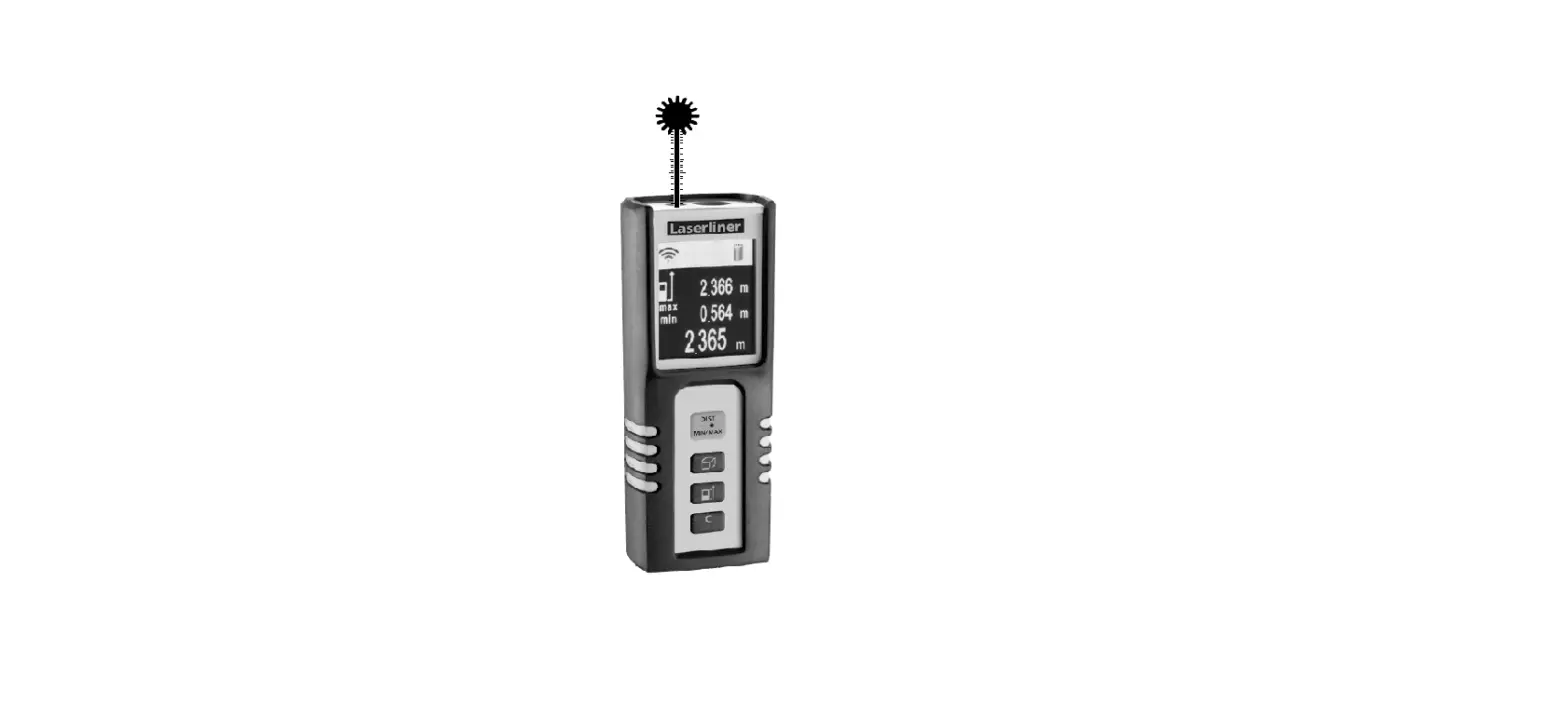
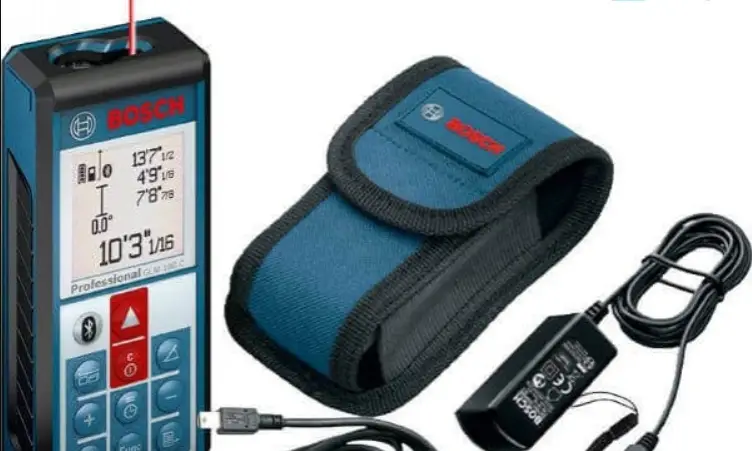
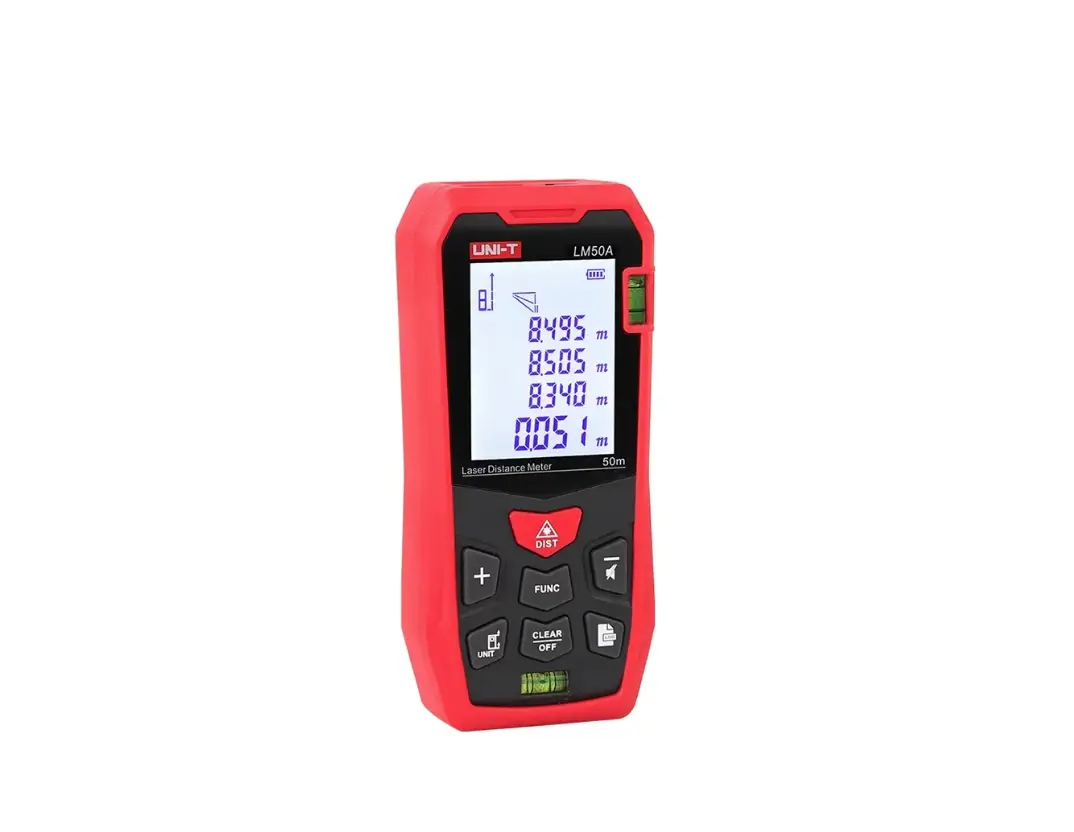
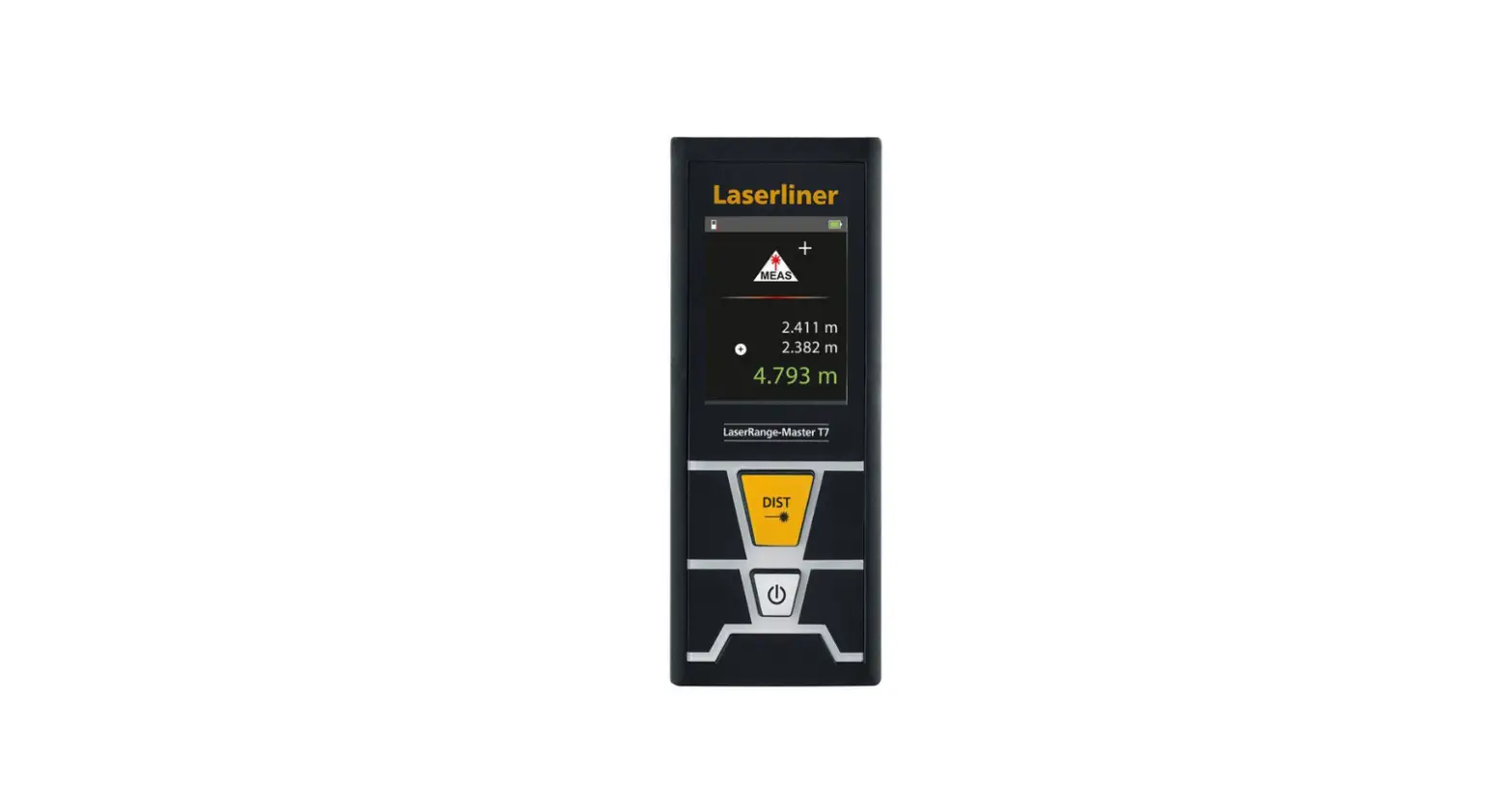
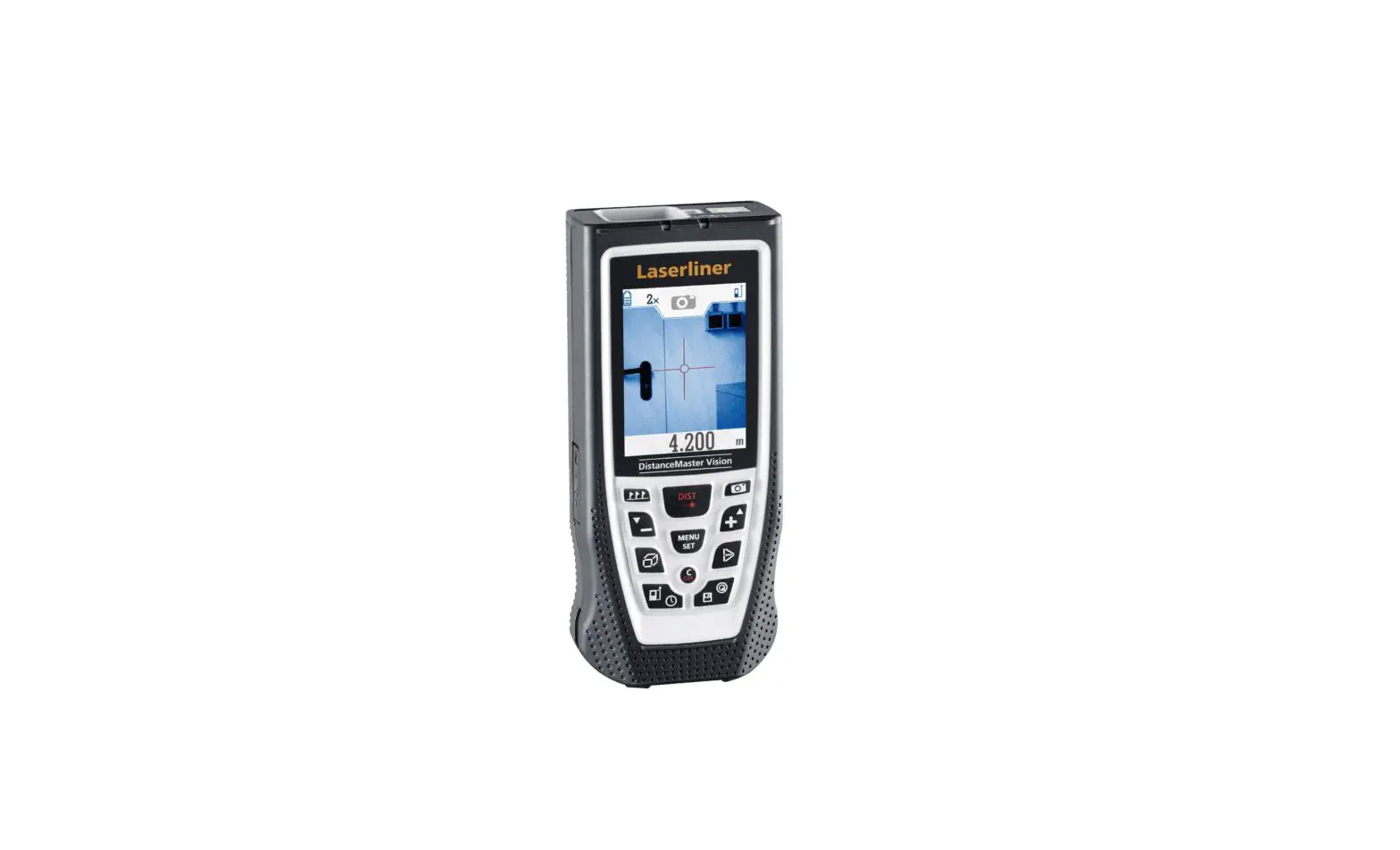
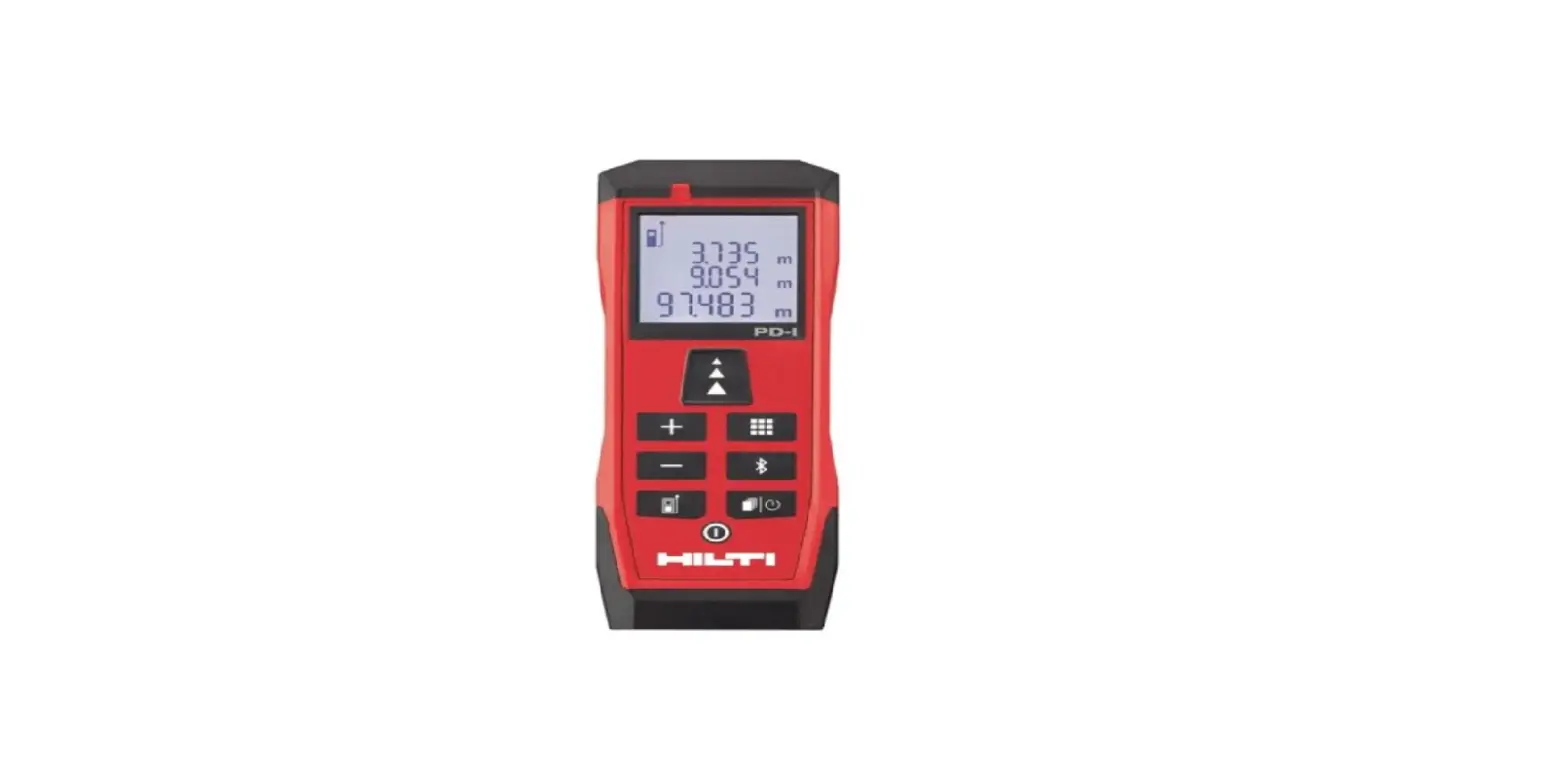
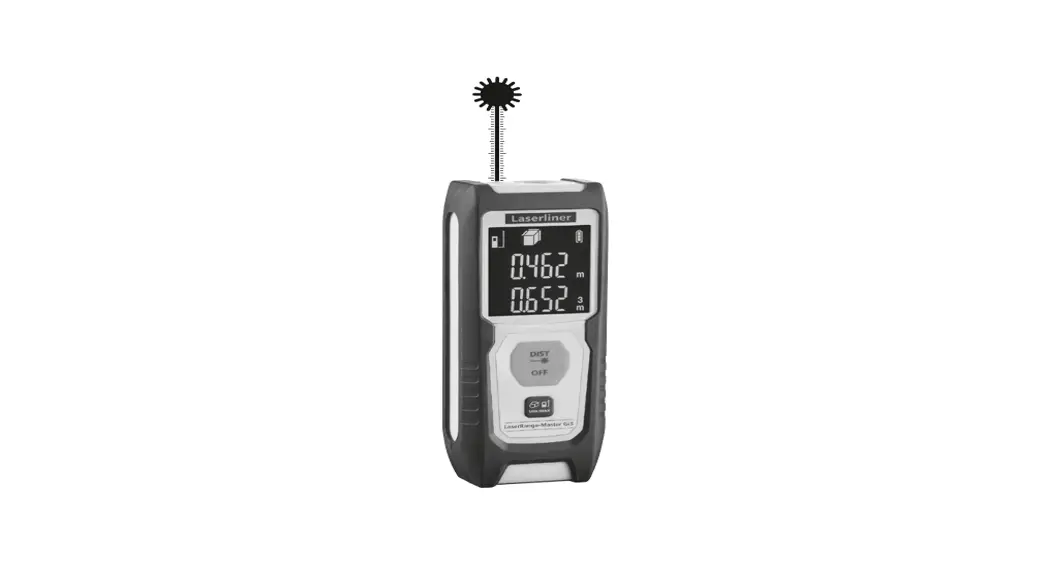
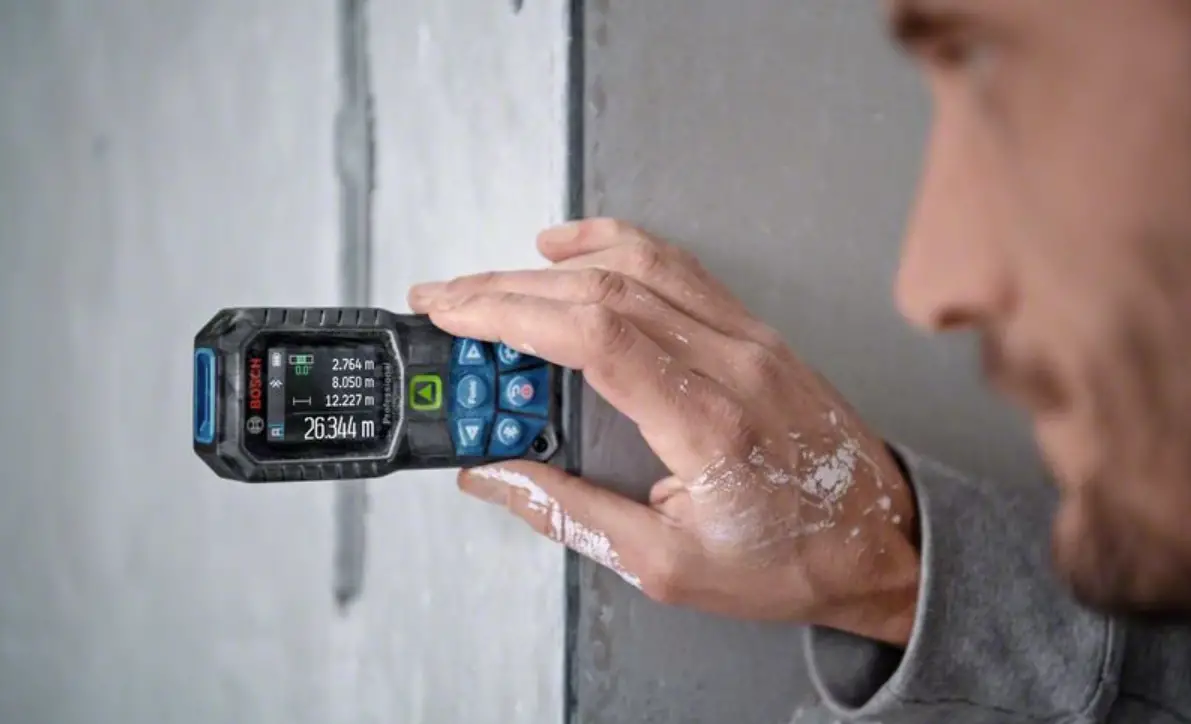
LD050P Laser Distance Measure Rangefinder
Product Information: Makita LD050P
The Makita LD050P is a laser distance meter that can accurately
measure distances, areas, volumes, and Pythagoras measurements. It
has a clear and easy-to-read display that shows measurements in
real-time and has symbols for different functions. The device
requires batteries to operate, and it is important to use the
correct type of batteries for reliable use.
Product Usage Instructions
Instrument Set-up
Before using the Makita LD050P for the first time, it is
important to read the safety instructions and user manual
carefully. The person responsible for the product must ensure that
all users understand these directions and adhere to them.
Display
The Makita LD050P has a display with symbols that have specific
meanings. The “WARNING” symbol indicates a potentially hazardous
situation or unintended use that could result in death or serious
injury. The “CAUTION” symbol indicates a potentially hazardous
situation or unintended use that could result in minor injury
and/or material, financial, or environmental damage. The “i” symbol
indicates important paragraphs that must be adhered to in practice
as they enable the product to be used in a technically correct and
efficient manner.
Insert batteries
To ensure reliable use, do not use zinc-carbon batteries. Change
batteries when the battery symbol is flashing. To insert
batteries:
- Slide the battery cover open on the back of the device.
- Insert two AAA alkaline batteries into the battery compartment,
ensuring correct polarity is observed. - Slide the battery cover back into place until it clicks into
position.
Operations
The Makita LD050P has several functions that can be used:
- Switching ON/OFF: Press and hold the
“On/Measure” button to turn on the device. Press and hold the
“Clear/Off” button to turn off the device. - Clear: Press the “Clear/Off” button to clear
the last measurement or to turn off the device. - Message Codes: The device has several message
codes that indicate specific situations. Refer to the user manual
for more information. - Adjusting measuring reference: Press the
“Measuring reference/Unit” button to adjust the measuring
reference. - Distance unit setting: Press and hold the
“Measuring reference/Unit” button to select the desired distance
unit.
Measuring Functions
The Makita LD050P can perform several types of measurements:
- Distance: Point the device at the target and
press the “On/Measure” button to take a distance measurement. - Area: Take two distance measurements and press
the “Area/Volume” button to calculate the area. - Volume: Take three distance measurements and
press the “Area/Volume” button to calculate the volume. - Pythagoras: Take two distance measurements and
press the “Pythagoras” button to calculate the Pythagoras
measurement.
Care
To ensure the Makita LD050P operates correctly and safely, it is
important to take care of it. Keep it clean and dry, and do not use
it in extreme temperatures or environments. Store it in a safe and
dry place when not in use.
Safety Instructions
When using the Makita LD050P, it is important to adhere to the
safety instructions provided in the user manual. This includes
understanding areas of responsibility, permitted and prohibited
uses, hazards in use, limits of use, disposal, electromagnetic
compatibility, FCC statement (applicable in the US), laser
classification, and labelling. Refer to the user manual for more
information.
Table of Contents
Instrument Set-up – – – – – – – – – – – – – – – – – – – – – – – 2
Introduction- – – – – – – – – – – – – – – – – – – – – – – – – – – – – – – 2 Overview – – – – – – – – – – – – – – – – – – – – – – – – – – – – – – – – 2 Display – – – – – – – – – – – – – – – – – – – – – – – – – – – – – – – – – – 3 Insert batteries – – – – – – – – – – – – – – – – – – – – – – – – – – – – 3
Operations – – – – – – – – – – – – – – – – – – – – – – – – – – – – – – 4
Switching ON/OFF – – – – – – – – – – – – – – – – – – – – – – – – – 4 Clear – – – – – – – – – – – – – – – – – – – – – – – – – – – – – – – – – – – 4 Message Codes – – – – – – – – – – – – – – – – – – – – – – – – – – – 4 Adjusting measuring reference – – – – – – – – – – – – – – – – – 4 Distance unit setting – – – – – – – – – – – – – – – – – – – – – – – – 4
Measuring Functions – – – – – – – – – – – – – – – – – – -5
Measuring single distance – – – – – – – – – – – – – – – – – – – – 5 Permament measuring- – – – – – – – – – – – – – – – – – – – – – – 5 Add / Subtract – – – – – – – – – – – – – – – – – – – – – – – – – – – – – 5 Area- – – – – – – – – – – – – – – – – – – – – – – – – – – – – – – – – – – – 6 Volume- – – – – – – – – – – – – – – – – – – – – – – – – – – – – – – – – – 6 Pythagoras (2-point) – – – – – – – – – – – – – – – – – – – – – – – – 7 Pythagoras (3-point) – – – – – – – – – – – – – – – – – – – – – – – – 7 Memory (5 last results) – – – – – – – – – – – – – – – – – – – – – – 8
Technical Data – – – – – – – – – – – – – – – – – – – – – – – – – – 9
Message Codes – – – – – – – – – – – – – – – – – – – – – – – – 10
Care- – – – – – – – – – – – – – – – – – – – – – – – – – – – – – – – – – – – 10
Safety Instructions – – – – – – – – – – – – – – – – – – – – – 10
Areas of responsibility – – – – – – – – – – – – – – – – – – – – – – 10 Permitted use – – – – – – – – – – – – – – – – – – – – – – – – – – – – 11 Prohibited use- – – – – – – – – – – – – – – – – – – – – – – – – – – – 11 Hazards in use – – – – – – – – – – – – – – – – – – – – – – – – – – – 11
en
Limits of use – – – – – – – – – – – – – – – – – – – – – – – – – – – – -11 Disposal – – – – – – – – – – – – – – – – – – – – – – – – – – – – – – – -11 Electromagnetic Compatibility (EMC) – – – – – – – – – – – -11 FCC statement (applicable in U.S.) – – – – – – – – – – – – -12 Laser classification- – – – – – – – – – – – – – – – – – – – – – – – -12 Labelling – – – – – – – – – – – – – – – – – – – – – – – – – – – – – – – -12
Makita LD050P
1
Downloaded from www.Manualslib.com manuals search engine
en Instrument Set-up
Introduction
The safety instructions and the user manual should be read through carefully before the product is used for the first time. The person responsible for the product must ensure that all users understand these directions and adhere to them.
Overview
Display
The symbols used have the following meanings:
WARNING
Indicates a potentially hazardous situation or an unintended use which, if not avoided, will result in death or serious injury.
CAUTION
Indicates a potentially hazardous situation or an unintended use which, if not avoided, may result in minor injury and/or appreciable material, financial and environmental damage.
i Important paragraphs which must be adhered to in practice as they enable the product to be used in a technically correct and efficient manner.
On / Measure
Area / Volume / Pythagoras/ Memory
Clear / Off
2
Makita LD050P
Add / Subtract
Measuring reference / Unit
Downloaded from www.Manualslib.com manuals search engine
Instrument Set-up Display
Battery
Area / Volume
Measuring reference
Info Min/Max Measuring
Addition / Subtraction
Pythagoras Memory
Insert batteries
-+ +-
en
To ensure a reliable use, do not
i use zinc-carbon batteries. Change batteries when battery symbol is flashing.
Units Main line
Makita LD050P
3
Downloaded from www.Manualslib.com manuals search engine
en Operations Switching ON/OFF
2 sec Device is turned OFF.
Adjusting measuring reference
1
Clear
1x Undo last action.
2
Message Codes
If the info icon appears with a number, observe the instructions in section “Message Codes”. Example:
Distance is measured from the front of the device.
Distance unit setting
2 sec
Switch between the following units:
0.000m 0.00m 0.00ft
0`00“ 1/16 0.00in 0 1/16in
4
Distance is measured from the rear of the device (standard setting).
Makita LD050P
Downloaded from www.Manualslib.com manuals search engine
Measuring Functions Measuring single distance
1
2
3
Aim active laser at target.
8.532 m
Permament measuring
1
2
2 sec
Aim active laser at target.
The last value measured is displayed.
8.532 m
Add / Subtract
1x
1
2
2x 3
7.332 m
The next measurement is added to the previous one.
The next measurement is subtracted from the previous one.
5.515 m
12.847 m
Makita LD050P
en
Target surfaces: Measuring errors can occur when meas-
i uring to colourless liquids, glass, styrofoam or semi-permeable surfaces or when aiming at high gloss surfaces. Against dark surfaces the measuring time increases.
3 Stops permanent measuring.
The result is shown in the main line and the measured
i value above. This process can be repeated as required. The same process can be used for adding or subtracting areas or volumes.
5
Downloaded from www.Manualslib.com manuals search engine
en Measuring Functions Area
1x
1
2
3
Aim laser at first target point.
Volume
2x
1
2
3
Aim laser at first target point.
The result is
7
i shown in the main line and
the measured
value above.
78.694 m3
6
The result is shown in the
main line and the measured
4
5
i value above.
Aim laser at second target point.
24.352 m2
4
5
Aim laser at second target point.
6
Aim laser at third target point.
Makita LD050P
Downloaded from www.Manualslib.com manuals search engine
Measuring Functions Pythagoras (2-point)
3x
1
2
3
Aim laser at upper point.
Pythagoras (3-point)
4x
1
2
3
4
5
Aim laser rectangular at lower point.
8.294 m
en
The result is shown in the main line and
i the measured distance above. Pressing the measuring key for 2 sec in the function activates automatically Minimum or Maximum measurement.
4
5
6
Aim laser at upper point.
Aim laser at rectangular point.
Aim laser at lower point.
7
8.294 m
The result is shown in the main line and the measured distance
i above. Pressing the measuring key for 2 sec in the function activates automatically Minimum or Maximum measurement.
Makita LD050P
7
Downloaded from www.Manualslib.com manuals search engine
en Measuring Functions Memory (5 last results)
5x
1
2
5 5 last results are
displayed.
8.294 m
5 Navigates trough
8.294 m 5 last results.
8
Makita LD050P
Downloaded from www.Manualslib.com manuals search engine
Technical Data
Distance measurement Accuracy with favourable conditions * Accuracy with unfavourable conditions ** Range with favourable conditions * Range with unfavourable conditions ** Smallest unit displayed Ø laser point at distances General Laser class Laser type Protection class
Autom. laser switch off Autom. power switch-off Battery durability (2 x AAA)
Dimension (H x D x W)
Weight (with batteries) Temperature range: – Storage
– Operation
(ISO 16331-1) ± 2.0 mm / 0.08 in ***
± 3.0 mm / 0.12 in ***
50 m / 164 ft
35 m / 115 ft
1 mm / 1/16 in 6 / 30 mm (10 / 50 m)
2 635 nm, < 1 mW IP54 (dust- and splash water protected) after 90 s after 180 s up to 5000 measurements 116 x 45 x 29 mm 4.57 x 1.77 x 1.14 in 0.10 kg / 3.527 oz
-25 to 70 °C -13 to 158 °F 0 to 40 °C 32 to 104 °F
* favourable conditions are: white and diffuse reflecting target (white painted wall), low background illumination and moderate temperatures.
** unfavourable conditions are: targets with lower or higher reflectivity or high background illumination or temperatures at the upper or lower end of the specified temperature range.
*** Tolerances apply from 0.05 m to 10 m with a confidence level of 95%.
With favourable conditions the tolerance may deteriorate by 0.10 mm/m for distances between 10 m to 30 m and by 0.15 mm/m for distances above 30 m.
With unfavourable conditions the tolerance may deteriorate by 0.15 mm/m for distances between 10 m to 30 m and by 0.20 mm/m for distances above 30 m.
Functions Distance measuring Min/Max measuring Permanent measuring Addition/Subtraction Area Volume Pythagoras Memory
en
yes yes yes yes yes yes 2-point, 3-point 5 results
Makita LD050P
9
Downloaded from www.Manualslib.com manuals search engine
en Message Codes
If the message Error does not disappear after switching on the device repeatedly, contact the dealer.
If the message InFo appears with a number, press the Clear button and observe the following instructions:
No. Cause
Correction
204 Calculation error
Perform measurement again.
252 Temperature too high
Let device cool down.
253 Temperature too low
Warm device up.
255 Received signal too Change target surface weak, measuring (e.g. white paper). time too long
256 Received signal too Change target surface
high
(e.g. white paper).
257 Too much background light
Shadow target area.
258 Measurement outside of measuring range
Correct range.
260 Laser beam inter- Repeat measurement. rupted
Care
Safety Instructions
· Clean the device with a damp, soft cloth. The person responsible for the instrument
· Never immerse the device in water.
must ensure that all users understand
· Never use aggressive cleaning agents these directions and adhere to them.
or solvents.
Areas of responsibility
Responsibilities of the manufacturer of the original equipment:
Makita Corporation Anjo,
Aichi 446-8502 Japan / Makita, Jan-Baptist Vinkstraat 2, 3070, Belgium
Internet: www.makita.com
The company above is responsible for supplying the product, including the User Manual in a completely safe condition.
The company above is not responsible for third party accessories.
Responsibilities of the person in charge of the instrument:
· To understand the safety instructions on the product and the instructions in the User Manual.
· To be familiar with local safety regulations relating to accident prevention.
· Always prevent access to the product by unauthorised personnel.
10
Makita LD050P
Downloaded from www.Manualslib.com manuals search engine
Safety Instructions
en
Permitted use
Hazards in use
Disposal
· Measuring distances · Tilt measurement
WARNING
CAUTION
Prohibited use
Watch out for erroneous measurements if Flat batteries must not be disposed of with
· · ·
·
·
·
·
·
Using the product without instruction
Using outside the stated limits
Deactivation of safety systems and removal of explanatory and hazard labels
Opening of the equipment by using tools (screwdrivers, etc.)
Carrying out modification or conversion of the product
Use of accessories from other manufacturers without express approval
Deliberate dazzling of third parties; also in the dark
Inadequate safeguards at the surveying site (e.g. when measuring on roads,
the instrument is defective or if it has been dropped or has been misused or modified. Carry out periodic test measurements. Particularly after the instrument has been subject to abnormal use, and before, during and after important measurements.
CAUTION
Never attempt to repair the product yourself. In case of damage, contact a local dealer.
WARNING
Changes or modifications not expressly approved could void the user’s authority to
household waste. Care for the environment and take them to the collection points provided in accordance with national or local regulations.
The product must not be disposed with household waste.
Dispose of the product appropriately in accordance with the national regulations in force in your country.
Adhere to the national and country specific regulations.
Product specific treatment and waste management can be downloaded from our homepage.
construction sites, etc.)
operate the equipment.
· Deliberate or irresponsible behaviour on Limits of use
Electromagnetic Compatibility
scaffolding, when using ladders, when measuring near machines which are running or near parts of machines or installations which are unprotected
· Aiming directly in the sun
i Refer to section “Technical data”. The device is designed for use in areas permanently habitable by humans. Do not use the product in explosion hazardous areas or in aggressive environments.
(EMC)
WARNING
The device conforms to the most stringent requirements of the relevant standards and regulations.
Yet, the possibility of causing interference in other devices cannot be totally excluded.
Makita LD050P
11
Downloaded from www.Manualslib.com manuals search engine
en Safety Instructions
FCC statement (applicable in U.S.)
This equipment has been tested and found to comply with the limits for a Class B digital device, pursuant to part 15 of the FCC Rules. These limits are designed to provide reasonable protection against harmful interference in a residential installation.This equipment generates, uses and can radiate radio frequency energy and, if not installed and used in accordance with the instructions, may cause harmful interference to radio communications.
However, there is no guarantee that interference will not occur in a particular installation. If this equipment does cause harmful interference to radio or television reception, which can be determined by turning the equipment off and on, the user is encouraged to try to correct the interference by one or more of the following measures:
· Reorient or relocate the receiving antenna.
· Increase the separation between the equipment and receiver.
· Connect the equipment into an outlet on a circuit different from that to which the receiver is connected.
· Consult the dealer or an experienced radio/TV technician for help.
Laser classification
The device produces visible laser beams, which are emitted from the instrument: It is a Class 2 laser product in accordance with: · IEC60825-1 : 2014 ,,Radiation safety of
laser products”
Laser Class 2 products:
Do not stare into the laser beam or direct it towards other people unnecessarily. Eye protection is normally afforded by aversion responses including the blink reflex.
WARNING
Looking directly into the beam with optical aids (e.g. binoculars, telescopes) can be hazardous.
CAUTION
Looking into the laser beam may be hazardous to the eyes.
Description Maximum peak radiant output power Wavelength Pulse duration Pulse repetition frequency Beam divergence
Value 0.95 mW 635 nm > 400 ps 320 MHz 0.16 x 0.6 mrad
Labelling
®
LD050P
Makita xxxxxxx xxxxxxx xxxxxxx
Made in Hungary
Batteries: 2 x AAA
Complies with 21CFR 1040.10 and 1040.11 except for deviations pursuant to Laser Notice No. 50, dated June 24, 2007
Subject to change (drawings, descriptions and technical data) without prior notice.
12
Makita LD050P
Downloaded from www.Manualslib.com manuals search engine
 personnel.no