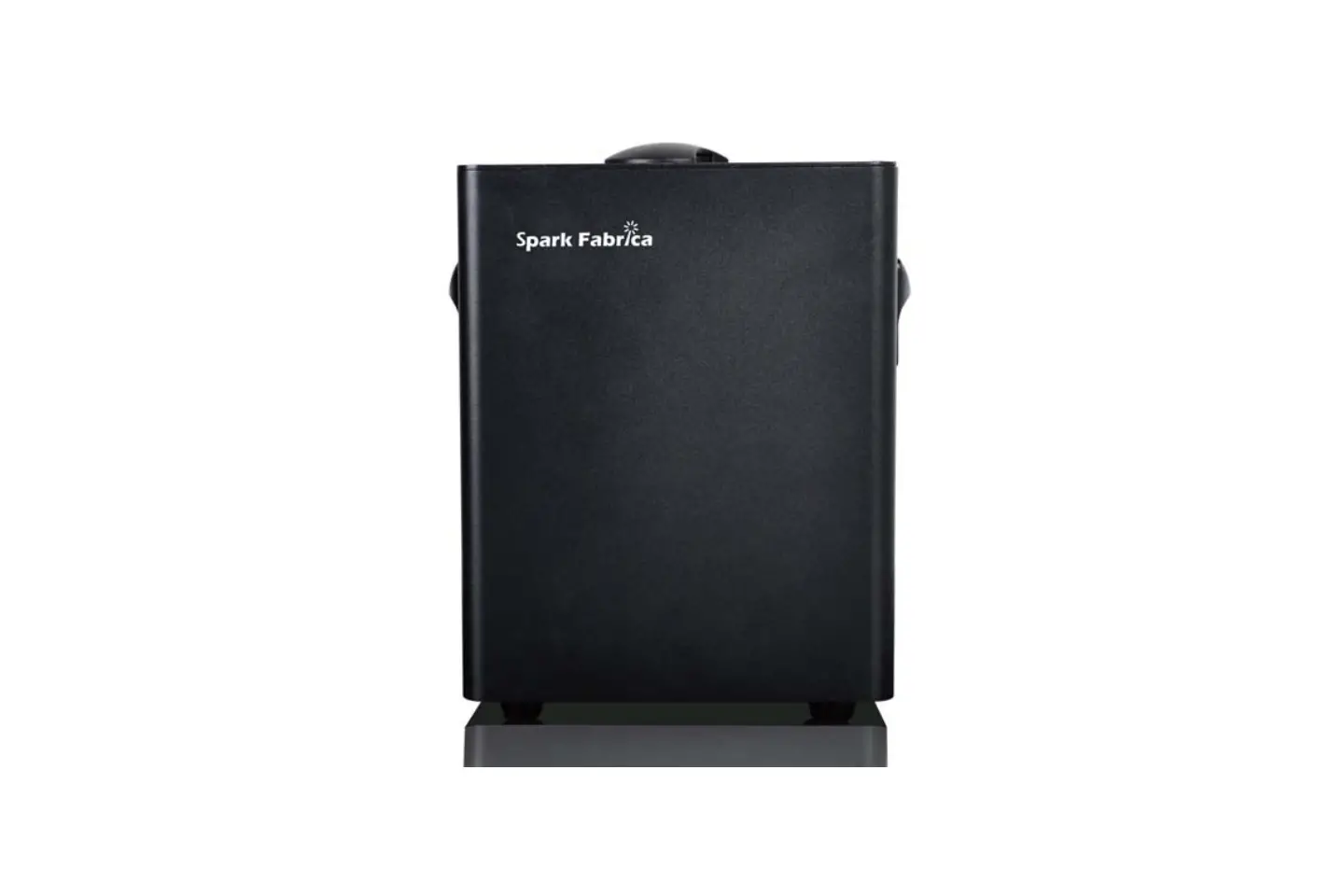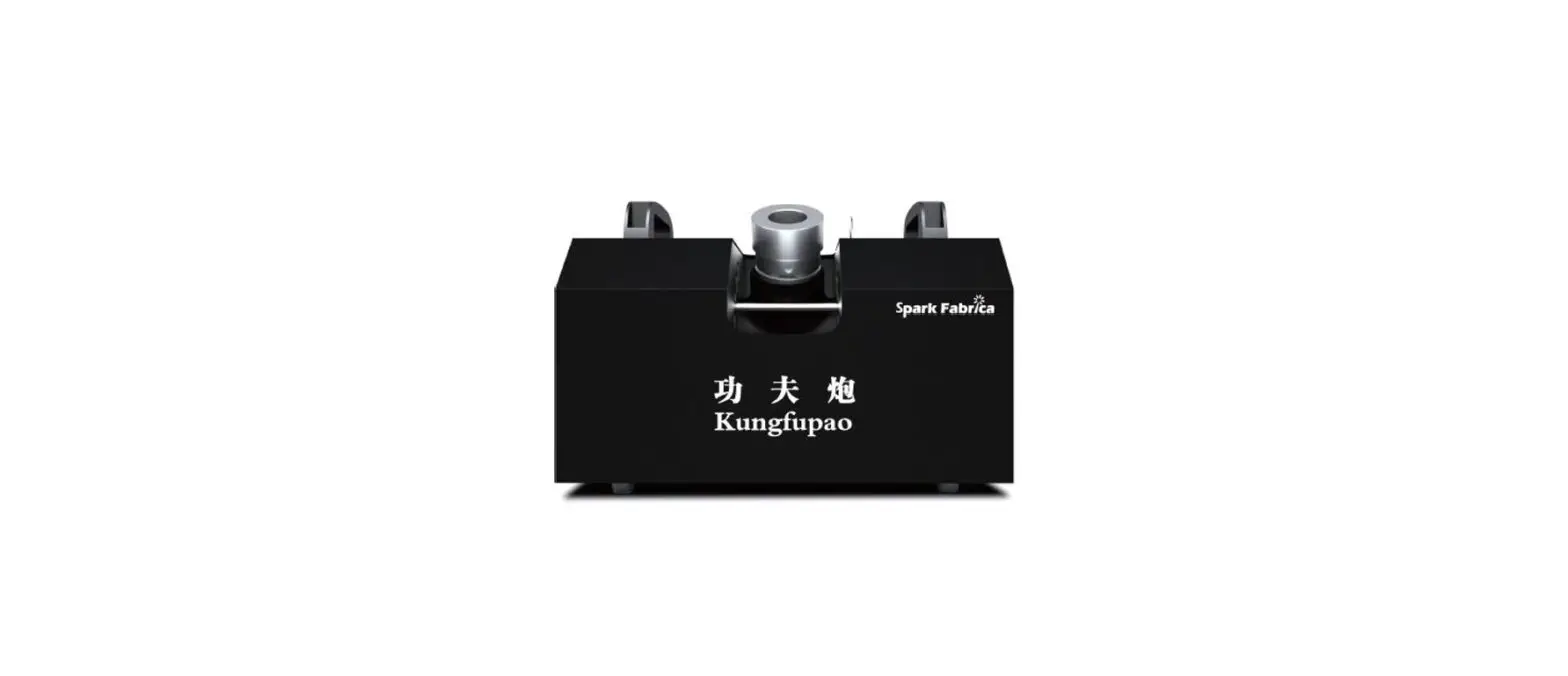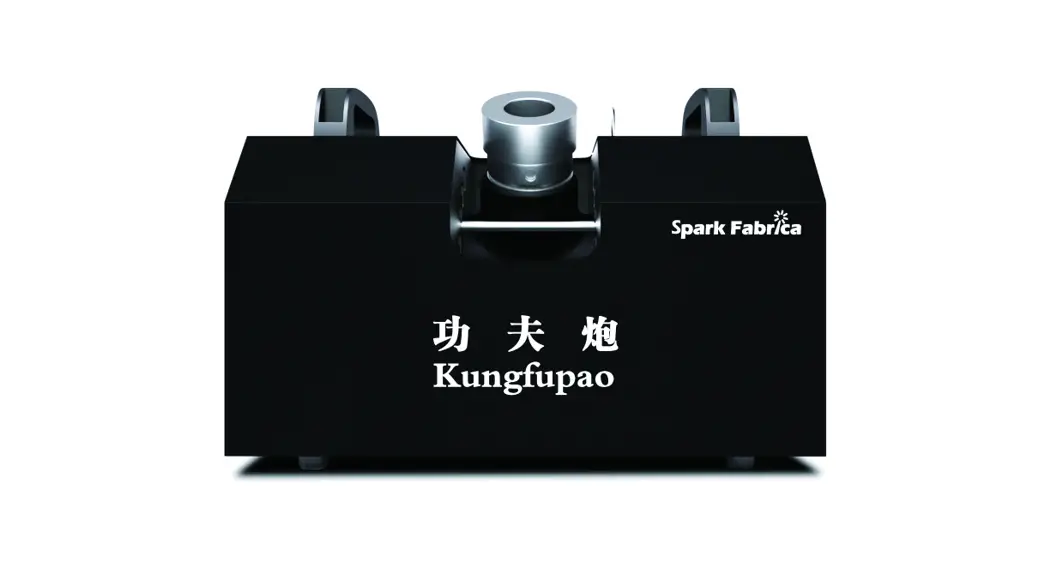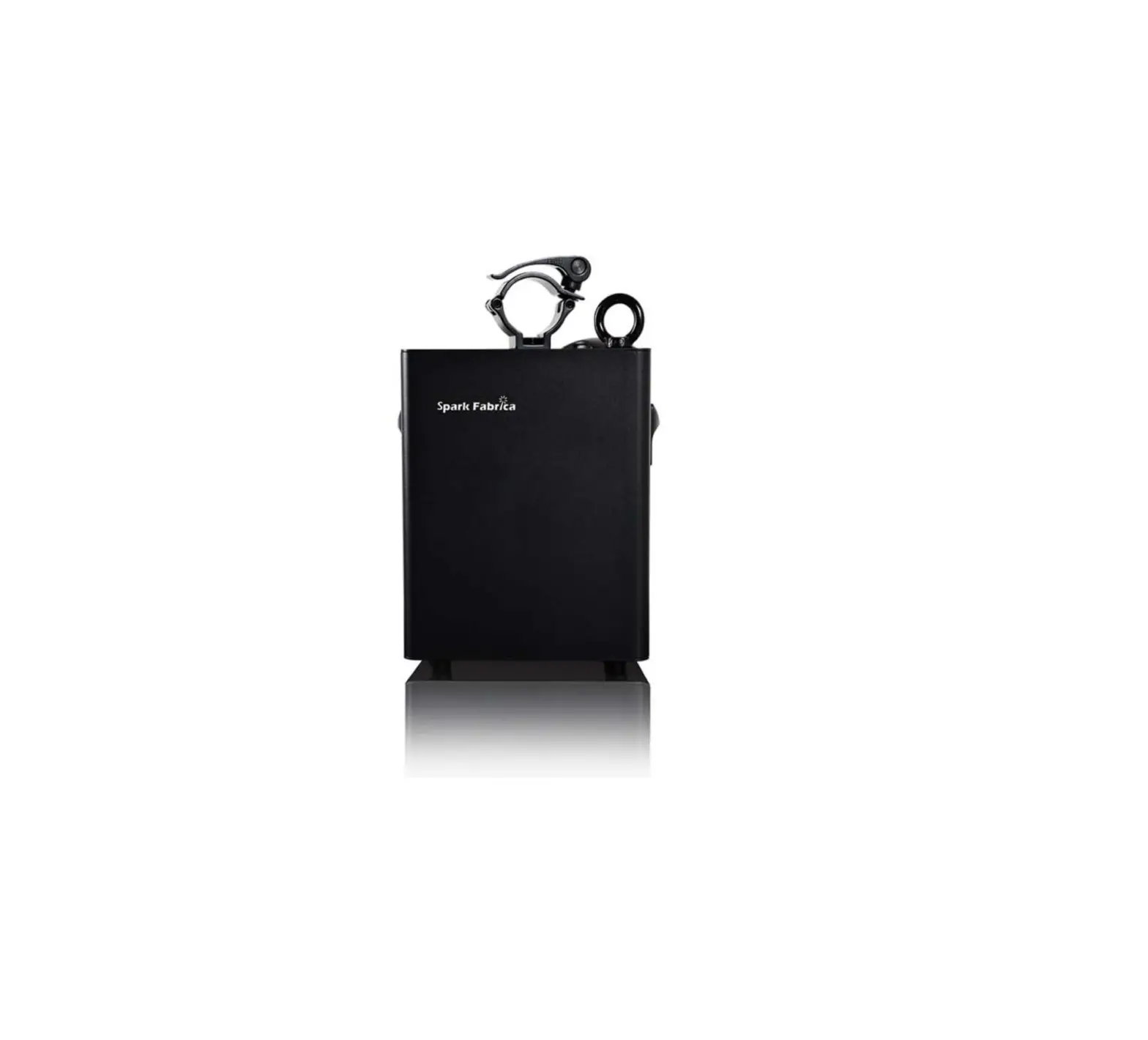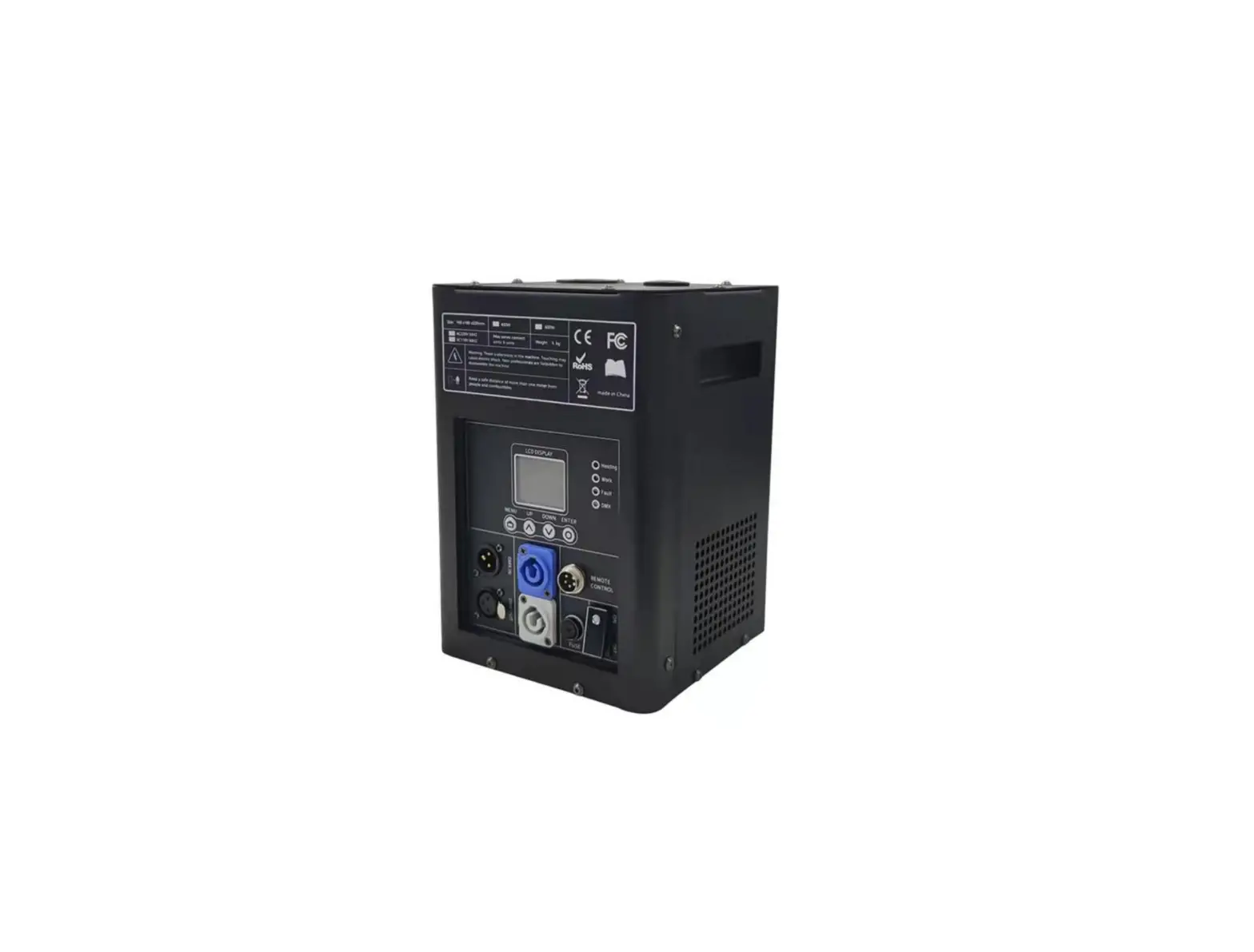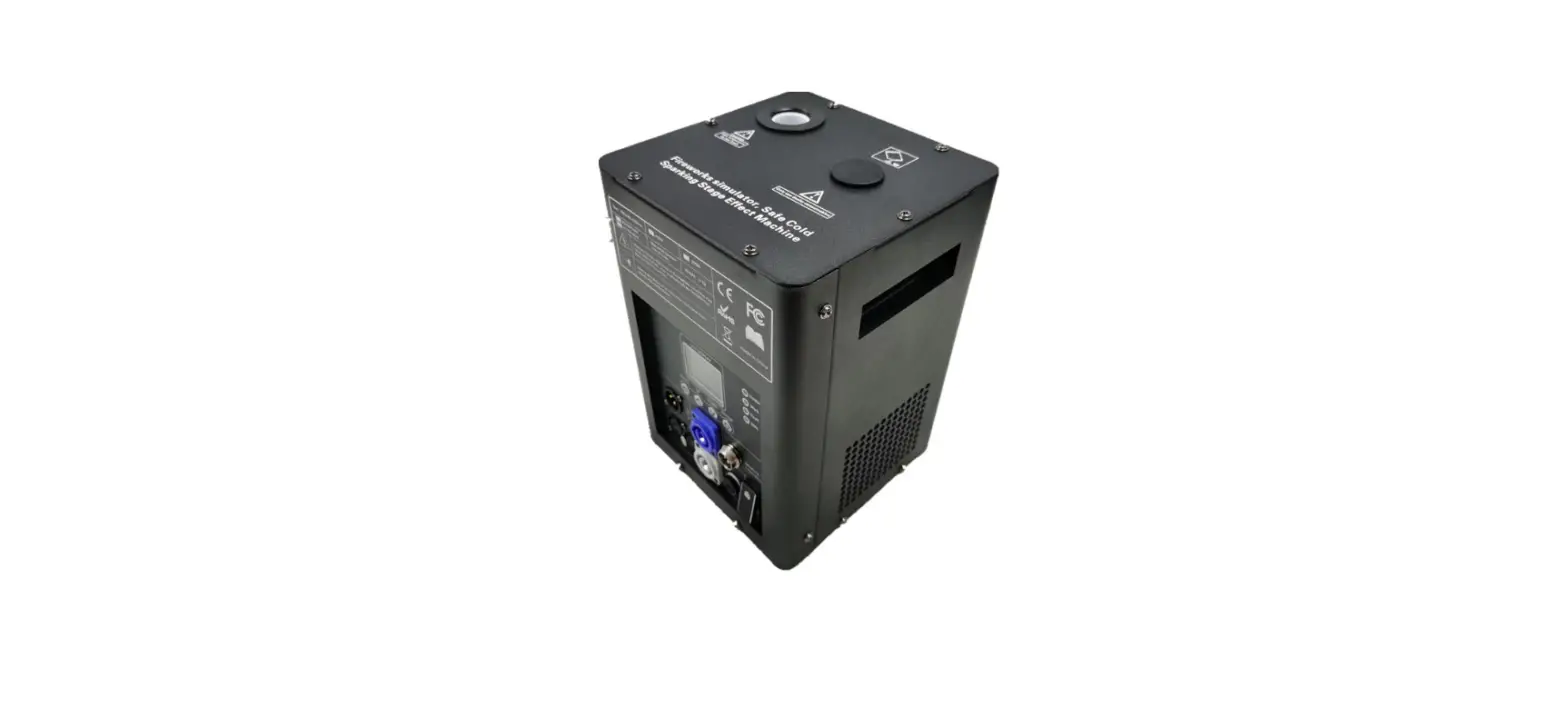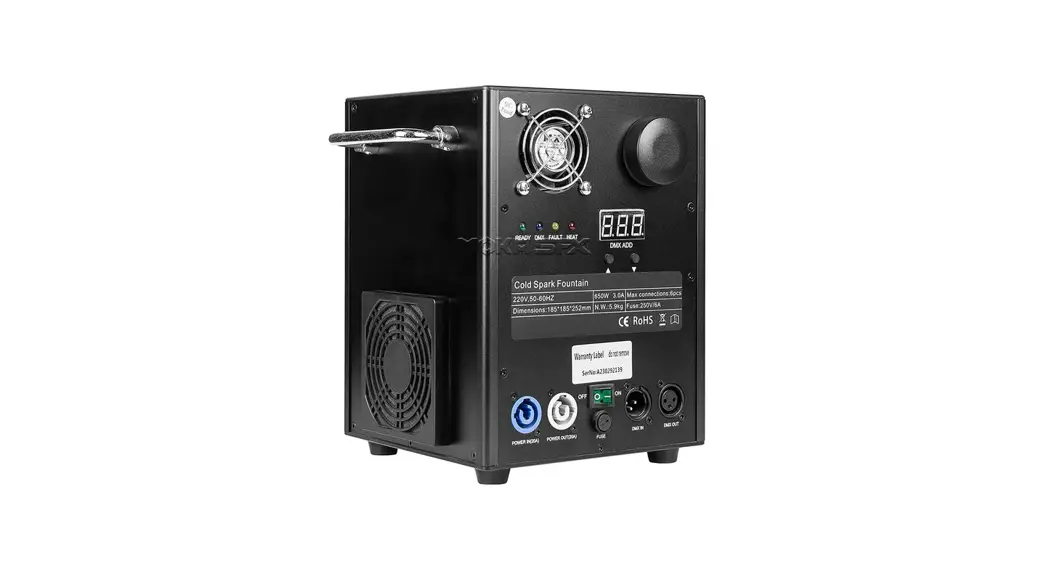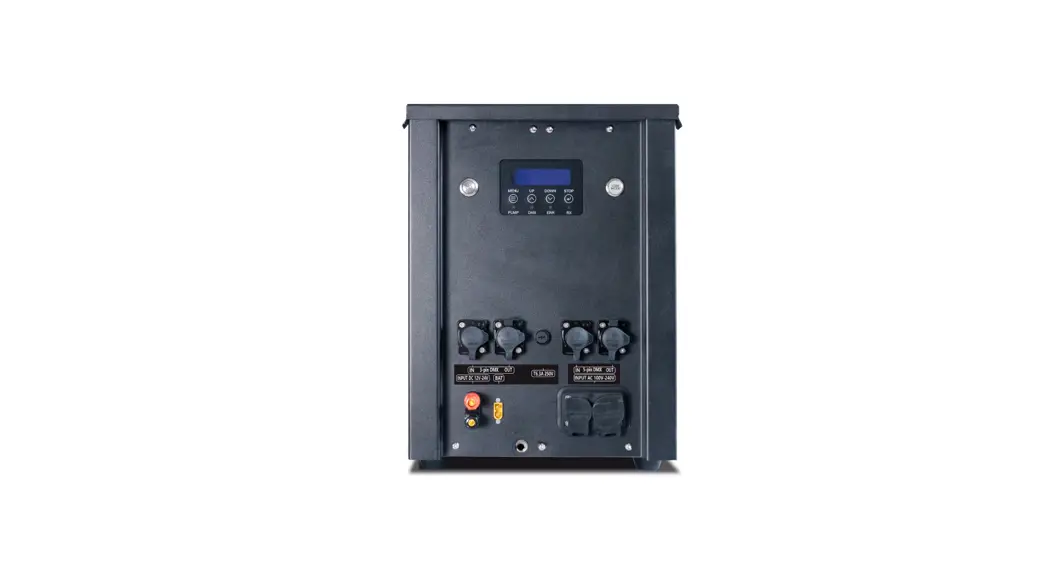
 SF-90 I Flamer Compact Machine
User Manual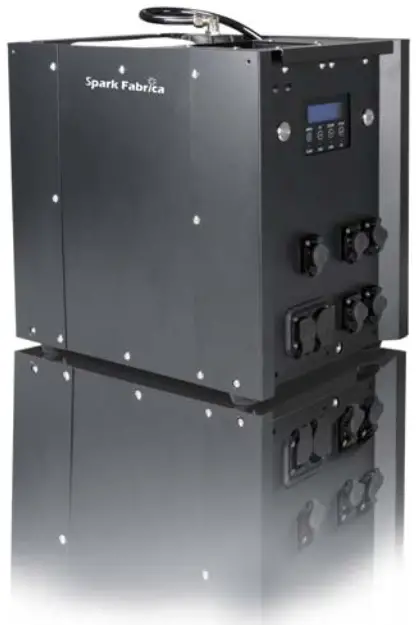
* Please read this manual carefully before operating this product.
* Warranty card attached in the manual, please keep it well. WARNING: Unauthorized repairs are prohibited, they may cause a serious incident.WARNING: Make sure the power supply is inconsistent with the rated voltage of the equipment, and the socket must be well-grounded. Unplug and turn off the machine when not used. WARNING: Before connecting the power cable, the communication DMX cable should be well connected and ensure the command keeps firing OFF status. And safety lock stays in test mode.WARNING: Please note that the safe distance between people and inflammable has been marked on the equipment. The equipment can only be placed horizontally.WARNING: After turning on the device, no person allows to stay in the danger area. Ensure all persons that are part of the show be informed about the safety distance, risks, and functions of the device.WARNING: Always have a CO2 fire extinguisher and an extinguishing blanket in case of need.WARNING: If there is any abnormal working condition, please immediately stop operating, cut off the power, and check the fuel, fuse, cable, and power plug. If unable to solve this problem, please contact the manufacturer. WARNING: Be sure to use high-quality flame fluid, otherwise, it is easily lead to failure or danger. Be careful when refilling the flame fluid tank. Please keep flame fluid away from the heat source, sparks, fire, or another possibility of ignition. WARNING: The operator responsible for the control of the MOVING HEAD FLAMER must always have a clear view of the device so that he/she can stop the show immediately when there is danger. The main AC power switch should be near the operator. So that operator can turn off the power of all devices in case of abnormal. WARNING: The device shall not be altered and applied to another useful purpose.
FOREWORD
Thanks for choosing SPARK FABRICA I FLAMER SF-90. Please read the following manual carefully and completely before operating this product. Operating according to instructions is very important for safety, and can elongate the service life of the machine. Strictly follow the instruction in the manual when operating I FLAMER SF-90. If you have any doubts, please contact SPARK FABRICA at [email protected]. We assume the person who uses or comes in contact with the device is familiar with how the device should be handled. This includes proper use, maintenance, and repair of the machine as defined in this user manual.
DISCLAIMERS
SPARK FABRICA excludes liability for unsafe situations, accidents, and damages resulting from
- Ignoring warnings or regulations as shown on I FLAMER or this manual.
- Use for other applications or circumstances other than those indicated herein.
- Changes to the I FLAMER, including the use of non-original spare parts.
- Removed safety cover without authorization from SPARK FABRICA.
- Use this machine by unqualified or untrained personnel. 6.Improper use of the machine.
If the information contained in the manual or the product specifications are changed, Spark Fabrica will not inform you further and is responsible for any errors or omissions. Our company reserves the right to modify the user manual at any time.
PRODUCT INTRODUCTION
This product belongs to special effects equipment, only for professional use.
This product belongs to a fire simulator.
This product is widely used in concerts, sports events, theme activities, and so on. Stimulate your interest and light up your activity.
PRODUCT OVERVIEW
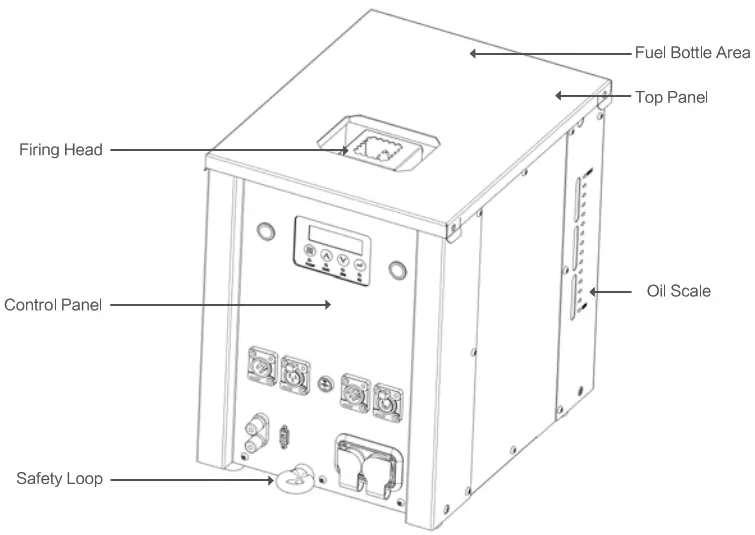
PRODUCT ACCESSORIES
1.6 Meter Power Plug
3 Meters Power Pair Cable
3 Meters DMX Pair Cable
Built-in Tank
User Manual
NOTICE: Open the package carefully and check to make sure the goods are in good condition.
FULE ALLOWED
Isopropanol, Lsoparaffin, Bioethanol
Functional Characteristics
* Direct shooting of liquid fuel, the maximum height is 8-10 m.
* Compact pumping system ensures the compact size of the machine.
* Strengthened and rustproof metal panel, water-proof design.
* SL Built-in fuel tank without the external pipeline.
* Double electromagnetic valves design for additional safety.
* Unique safety lock design which makes test easily and avoids spurious triggering.
* Tilt protection, the tilt sensor will be activated when the machine slant Over 45°.
* Safe and reliable intelligent electronic control system with alarm function, etc.
* Standard DMX signal control which can work with any DMX console.
* Fitted with fireworks ignition signal port, can be triggered by fireworks ignition.
* Support Chinese & English menu switch for operation easier.
TECHNICAL PARAMETERS
| Identification | Manufacturer | SPARK FABRICA |
| Name | I FLAMER | |
| Model | SF-90 | |
| AC Power | Input Voltage & Frequency | 100-120V, 50 / 60HZ |
| 200-240V, 50 / 60HZ | ||
| Work Power | 300W | |
| Power Input Connector | SEETRONIC | |
| Power Output Connector | SEETRONIC | |
| DMX Signal Interface | SPIN | |
| Interface Type | Signal Interface | Double DMX Interface |
| Signal Interface | 9V-60V Fireworks Ignition Signal Interface | |
| Waterproof | IP Rate | IP55(Waterproof Design) |
| Hopper | Fuel Bottle Capacity | 5L |
| Removable Hopper | N/A | |
| Control | Control Protocol | DMX-512 |
| Control Mode | Standard DMX Signal Control | |
| Effect Angles | vertical | |
| SMPTE | Touch Screen Console Support | |
| Accessory | Power Plug | SEETRONIC (1.6Meter) |
| Remote Controller | Optional | |
| DMX Cable | V 3Meter | |
| Power Cable | V 3Meter | |
| Safety Loop | V | |
| Update Box | Optional | |
| Oil Consumption | Firing Head L (Standard Configuration) | 30m1/s |
| Firing Head M (Standard Configuration) | 60m1/s | |
| Ignition | Ignition Mode | High Voltage Electronic Ignition |
| Weight | Net Weight (No Fuel) | 14kg |
| Gross Weight | 22kg | |
| Dimensions | Machine Dimensions – L*W*H | 330mm*260mm*345mm |
| Packing Dimensions – L*W*H | 730mm*587mm*725mm | |
| Fuel Oil | Kind | ISOPROPANOL, ISOBAR G,H,L,M |
BACK PANEL GUIDE
BACK PANEL INTRODUCTION
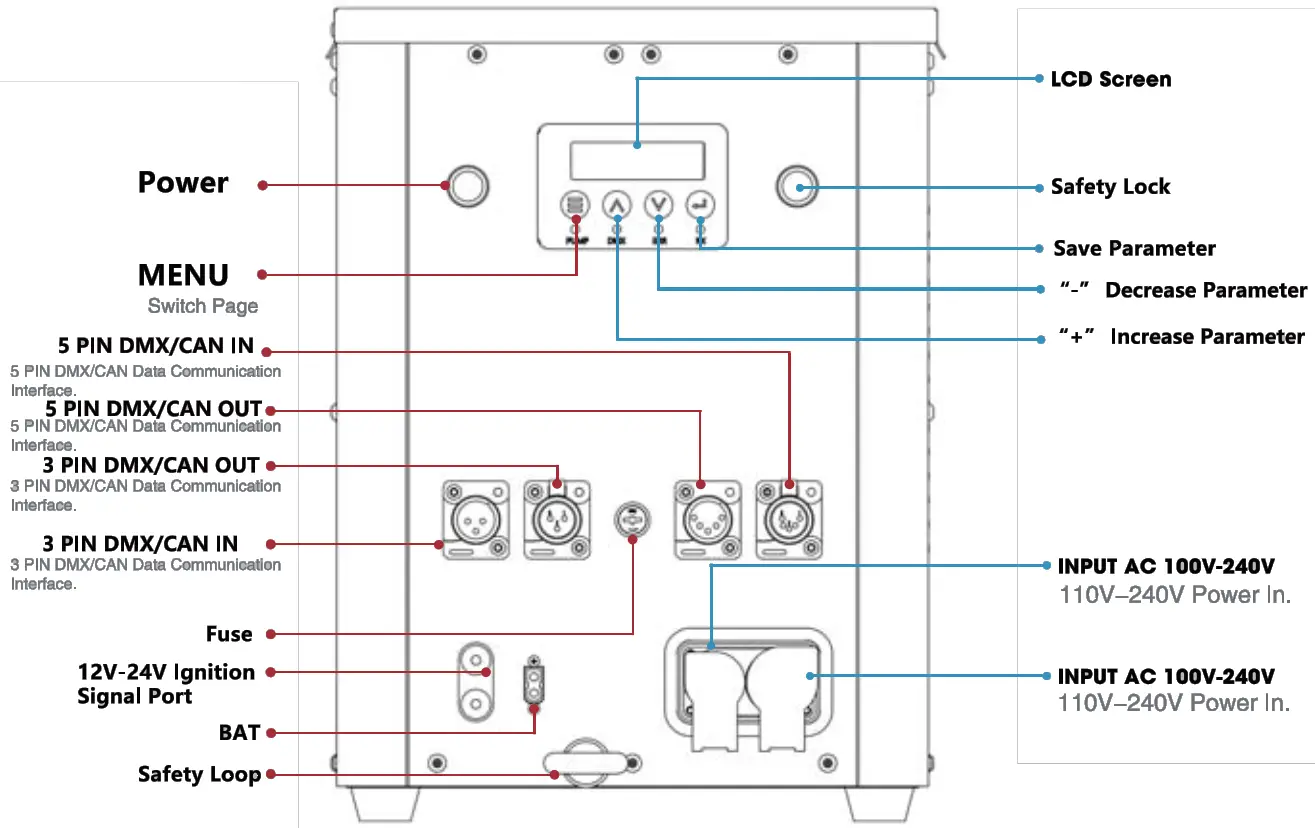
INTERFACE
LED DISPLAY AREA
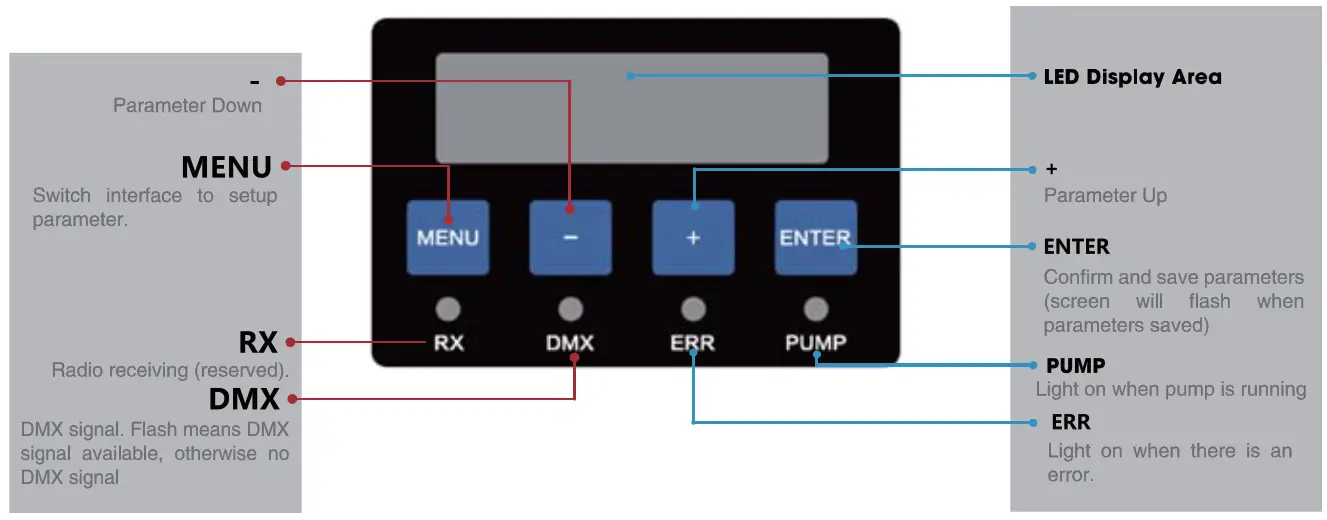
NOTICE: screen display will switch to the main interface if don’t press the button for a long time.
WELCOME INTERFACE

MAIN INTERFACE

ALERT MESSAGE
| Alert Message | Explanation | |
| E0 | Test Mode | Safety lock located at TEST MODE. |
| Factory Mode | DMX signal blocked in factory mode. | |
| Invert ON | When turned on, all angles will be mirrored. | |
| El Pressure Err | Pressurize for about 13s, pressure value failed to reach 100%, the system will report El. Possible fault: No fuel, pump failure, pipeline problem, etc. | |
| E2 P Relief Err | Pipeline can’t release pressure leads to pressure relief error. Possible fault: pressure release valve failure, pipeline problem or control system problem, etc. | |
| E3 Motor Err | Possible fault: swiveling nozzle stuck, motor failure, etc. | |
| E4 Extlgnition ON | When Ext Ignite is ON, the device will pressurize automatically when switching the safety lock to USER MODE; decompression when switching to TEST MODE. 9V-60V fireworks ignition signal will trigger related firing sequences. | |
| ES Voltage Err | Battery voltage>15V or <10V for continuous 5s, the machine stops running Possible fault: the battery is low. | |
| E6 Tip Err | if the machine slant over 45°, it stops running, the system will report E6. |
INTERFACE SETUP
Press the MENU key to enter the setting interface, and press MENU to enter different options until return to the main interface.
| Menu | Range | Explanation |
| Set DMX Address | 1-512 | DMX address setup. |
| Set Wireless Switch | ON / OFF | Turn on/off Wireless Function. |
| Switch Transmit Receive | Mainframe/Slave | Switch mainframe/slave, default is a slave. |
| Set The Wireless Address A | 1-255 | Wireless ID1, Anti-Interference. |
| Set The Wireless Address B | 2-255 | Wireless ID2, Anti-Interference. |
| Set Up Wireless Channel | 1-16 | Emit 1-16 packets of data, each packet is 32 bytes. |
ADVANCED INTERFACE
Press “MENU” 3s to enter the advanced interface, press “MENU” to switch interfaces, and press “MENU” 3s can back to the main interface.
| Items | Contents | Description |
| Drive Test | OFF / Motor/ Pump / Igniter / Relief Valve / Jet Valve | |
| 1. Pump | Swiveling and stopping at the target angle. | |
| 2. Ignite | Swiveling and stopping at the target angle. | |
| 3. Relief Valve | The relief valve works 3 times. | |
| 4..let Valve 1 | The safety lock must be in user mode, release pressure for 5s, and the jet valve will work 3 times. | |
| 5. Jet Valve 1 | ||
| Ext Ignite | OFF / ON | Trigger through 9-60V fireworks ignite signal. |
| Set Ext Ignite Time | 0.8-8s | Shooting time after triggered by fireworks ignite. |
| Language | English/Chinese | Language switch. |
| Mode Select | Normal Mode / Factory Mode | Factory mode is for testing in the factory only. |
| Tilt Switch | OFF / ON | Turn on the tilt switch(Tilt over 45 degrees will stop shooting.) |
| Select DMX Channel | 2 Channel/ 6 Channel | Can work with Spark Fabrica and other flame machines. |
| Restore Default Settings | OFF / ON | Restore device default parameter settings. |
OPERATION GUIDE
FAST OPERATION GUIDE
After receiving the product, remove the package and confirm whether anything is in good condition.-Considering that the use of the flame machine has certain dangers, please refer to the following operation procedure to operate one by one to ensure safety.
| Operation Steps | Contents | Schematic Diagram And Explanation | Remark |
| Installation | The device can only be placed horizontally, if placed on a truss, please locked with extra safety ropes. | ||
| H | Locate safety lock at TEST MODE. | Locate safety lock at TEST MODE. TEST MODE: operator can test the rotation of the nozzle, but the fuel ejection function is disabled, so there is no fuel ejection and flames. USER MODE: the device can generate flames normally. | |
| 3 | Fueling | Please fuel with high-quality fuel according to requirement of this manual. | |
| 4 | Power and DMX cable connection. |  | Two kinds of power supply are optional: 1)110V/220V main power supply 12V battery power supply |
| 5 | Turn on the power. | Please confirm the safety lock located at TEST MODE before switching on the POWER ON/OFF. | |
| 6 | Set DMX address. | 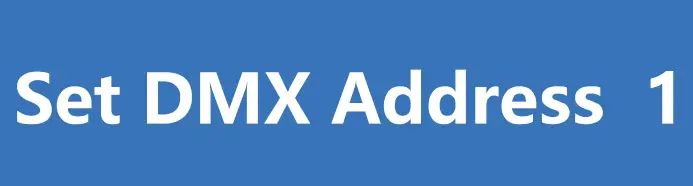 | I FLAMER occupies 6 channels. Detail information please refer to the table on page20-22. |
| 7 | Pressure. | Host controller: Press” HEAT” (lights on) DMX console: Switch DMX value of channel 6 to 50-200. | |
| 8 | Check device status in TEST MODE. | Reconfirm the safety lock located at the TEST MODE before the test. In this status, the nozzle will rotate, and the igniter will be activated, but there is no flame. When using the DMX console to test the sequence. suggest setting the channel at 128, so that nozzle stays at straight-up position after each sequence. | |
| 9 | Pressure Relief. | Host controller: Press the “HEAT” key. DMX console: switch DMX value of channel 6 to 0-49/201-255. | |
| 10 | Switch safety lock to USER MODE. | Before switching to USER MODE, Please strictly follow the safety distance requirement, and remove all human, animal, or flammable objects in the danger area. | |
| 11 | Pressure. | Host controller: Press” HEAT”. DMX console: switch DMX value of channel 6 to 50-200. | |
| 12 | Firing. | Set firing sequence Host controller: Press the “FIRING” key DMX console: switch DMX value of channel 3 to 254-255 | |
| 13 | Pressure Relief. | Relief pressure when the show is finished or MOVING HEAD FLAMER not used for a long period. Host controller: Press the “HEAT” key. DMX console: switch DMX value of channel 6 to 0-49/201-255. | |
| 14 | Switch safety lock to TEST MODE. | Guarantee safety use for next time. | |
| 15 | Power off. | Power off I FLAMER, tear down the power cable and DMX cable and pack up the device when it is cooled down. |
DMX CONTROL(6 CHANNEL,DEFAULT))
| Channel | Function |
| Channel 1 (CH1) | N/A |
| Channel 2 (CH2) | N/A |
| Channel 3 (CH3) | Ignite Switch: ( 0 —253) no shooting (254-255) start shooting. |
| Channel 4 (CH4) | Set Ignite Time: (0 and 255)shooting timelessly, Los is the longest. (1 — 254) 10-2540ms,manual ignition time=DMX valuer’ Oms. |
| Channel 5 (CH5) | N/A |
| Channel 6 (CH6) | Mode setting: (0-49)Pressure Relief Mode (Emergency stop sequence) (50-200)Normal Shooting Mode (201 —255)Pressure Relief Mode (Emergency stop sequence) |
DMX CONTROL(2 CHANNEL)
| Channel | Function |
| Channel 1 (CH1) | Ignite Switch:( 0 -15) no shooting (16-255) start shooting. |
| Channel 2 (CH2) | Mode setting: (0-239)Pressure Relief Mode (Emergency stop sequence) (240-255)Normal Shooting Mode. |
Set I Flamer’s address as follows (6channel mode)
| I FLAMER Sequence | DMX Channel | |
| 1 | 1 | |
| 2 | 7 | |
| 3 | 13 | |
| 4 | 19 | |
| 5 | 25 | |
| 6 | 31 | |
| 7 | 37 | |
| 8 | 43 | |
| 9 | 49 | |
| 10 | 55 | |
| 11 | 61 | |
| 12 | 67 | |
| 13 | 73 | |
| 14 | 79 | |
| 15 | 85 | |
| 16 | 91 | |
| 17 | 97 | |
| 18 | 103 | |
CAUTION: Setting the wrong DMX address may cause the machine to lose control.
MACHINE MAINTENANCE
Some steps are needed in order to clean and maintain the product for maximum usage. The recommended procedure is as follows:
- It is recommended to operate equipment at least once a month to keep its best performance and status.
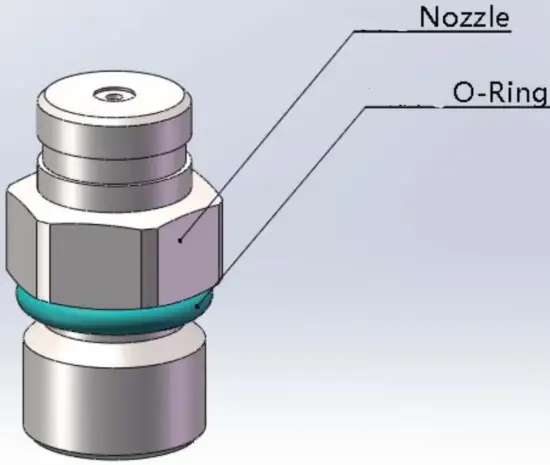
- Maintenance and insurance for firing head: The nozzle should be removed for cleaning up internal impurities. It is recommended to do so once every six months (depending on the use environment and frequency), If it is found that the machine is seriously deformed or the oil shooting line is significantly deformed or thickened, the firing head should be removed immediately for cleaning.

- Maintenance of the 0-ring: If it is found that the 0-ring of the nozzle is damaged or aging when cleaning the nozzle, the 0-ring should be replaced in time (material and size of 0-ring: Fluoridated rubber 0-ring, the outermost diameter is 14 mm, and the line diameter is 2 mm).
- In order to lubricate the pipeline and pump it is highly recommended to add 10-20m1 castor oil per 10L canister.
- The software can be upgraded with a download cable from SPARK FABRICA.
WARRANTY INSTRUCTIONS
Sincere thanks for your choosing I FLAMER SF-180, you will receive quality service from us. The product warranty period is one year. If there are any quality problems within 7 days after shipping out from our factory, we can exchange a brand new same model machine for you.
We will offer free-of-charge maintenance service for machines with hardware malfunction (except for the instrument damage caused by human factors) during the warranty period. Please don’t repair the machine without factory permission.
Below are situations NOT included in warranty service:CAUTION: Damage caused by improper transportation, usage, management, and maintenance, or damage caused by human factors.CAUTION: Disassemble, modify or repair products without SPARK FABRICA permission.CAUTION: Damage caused by external reasons (lightning strike, power supply, etc);CAUTION: Damage caused by improper installation or use.CAUTION: For product damage not included in the warranty range, we can provide paid service.
* Invoice and warranty card are necessary when applying for maintenance service from SPARK FABRICA.
WARRANTY CARD
| Product Name: | Serial No: | ||
| Purchase Date: | |||
| Tel: | |||
| Address: | |||
| Info.Feedback About The Problem: | |||
| Actual Problem: | |||
| Maintenance Detail: | |||
| Service Engineer: | Service Date: | ||
www.sparkfabrica.com

 [email protected]
+86 138 7585 1139
CHANGSHA SPARK TECHNOLOGY ELECTRONICS CO., LTD