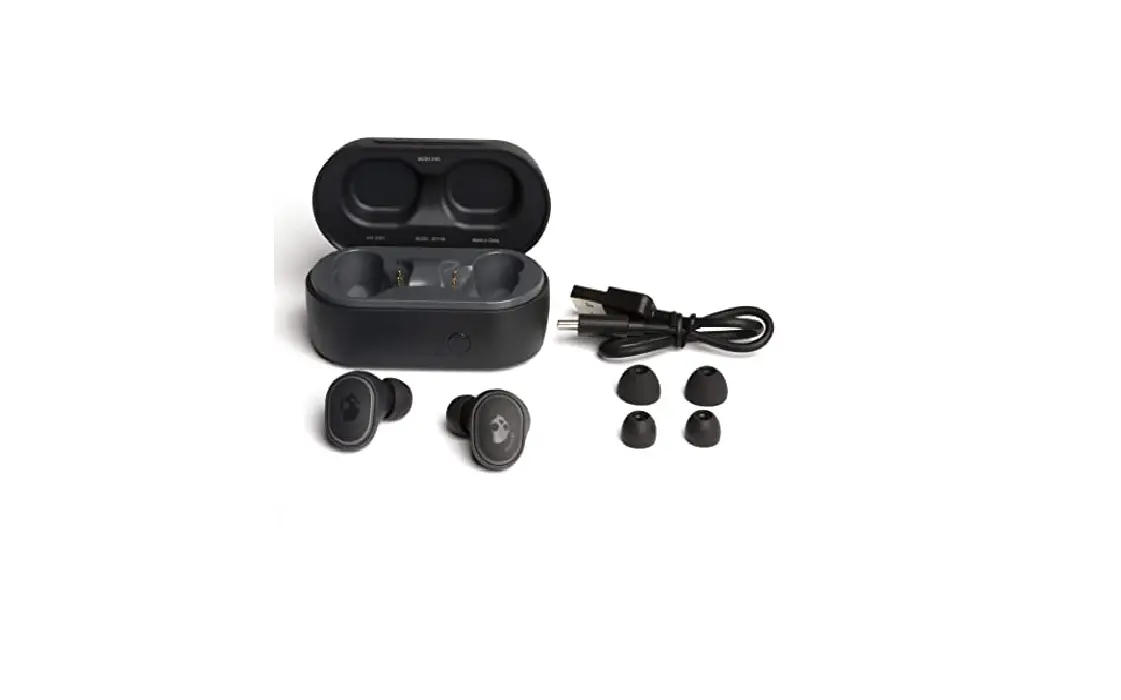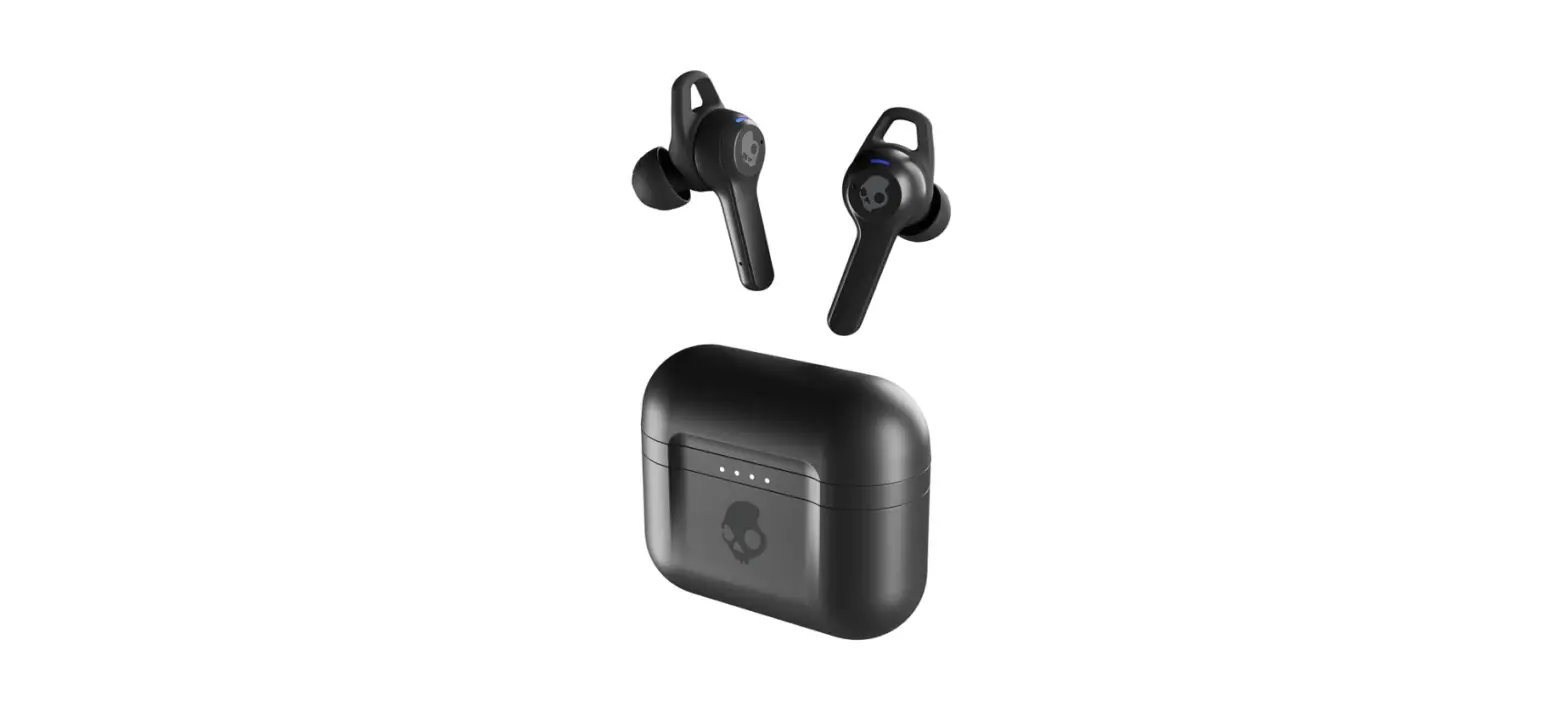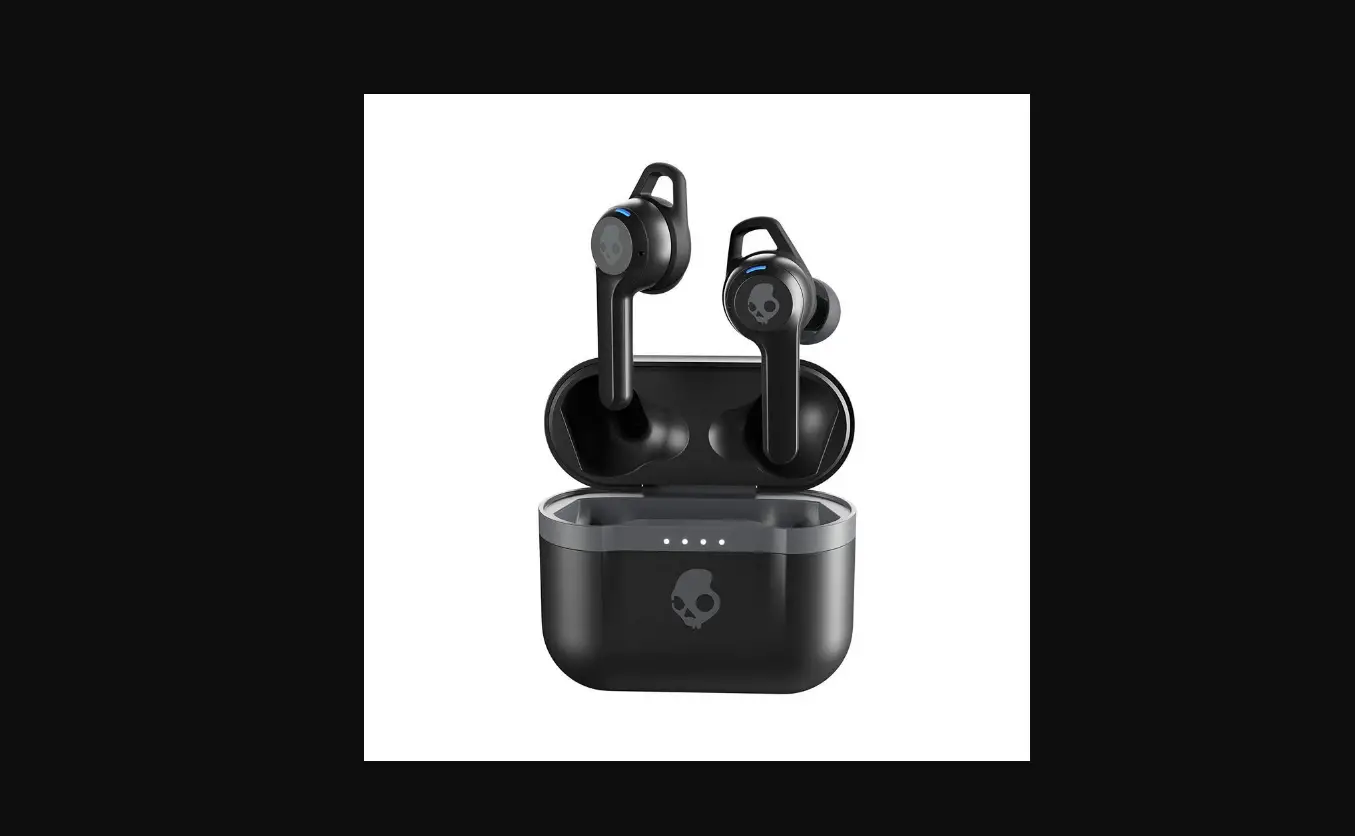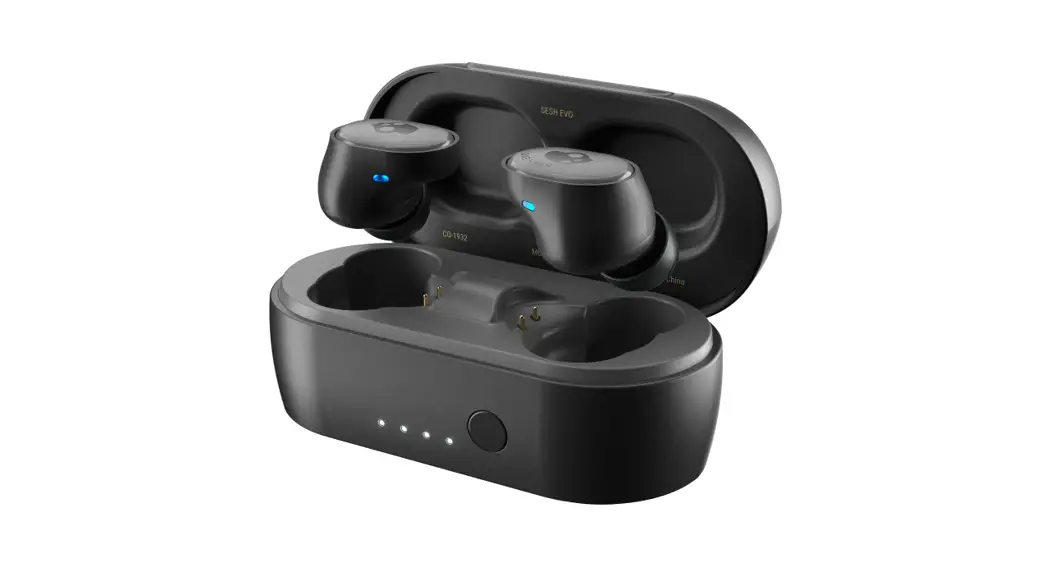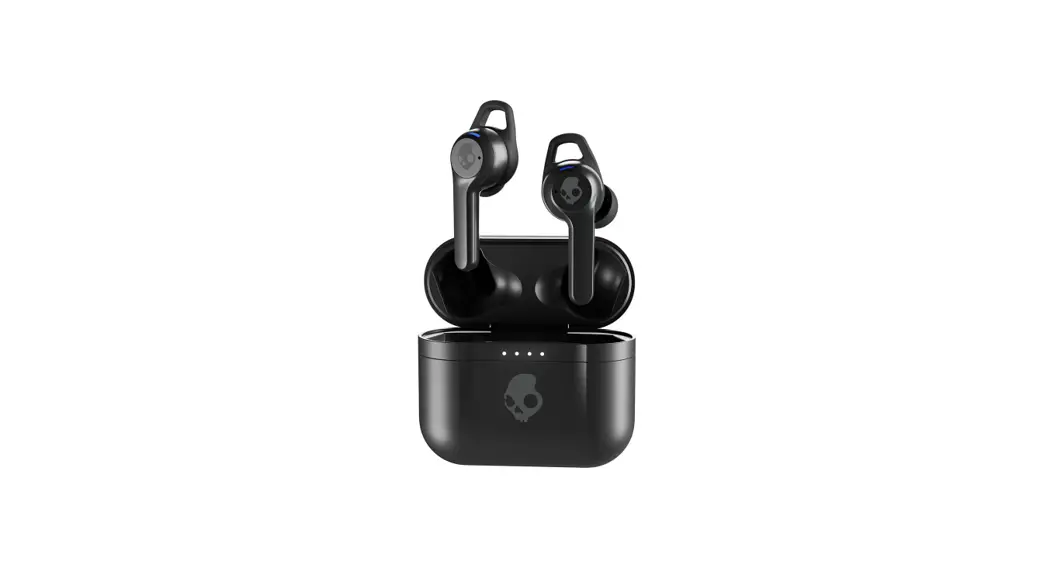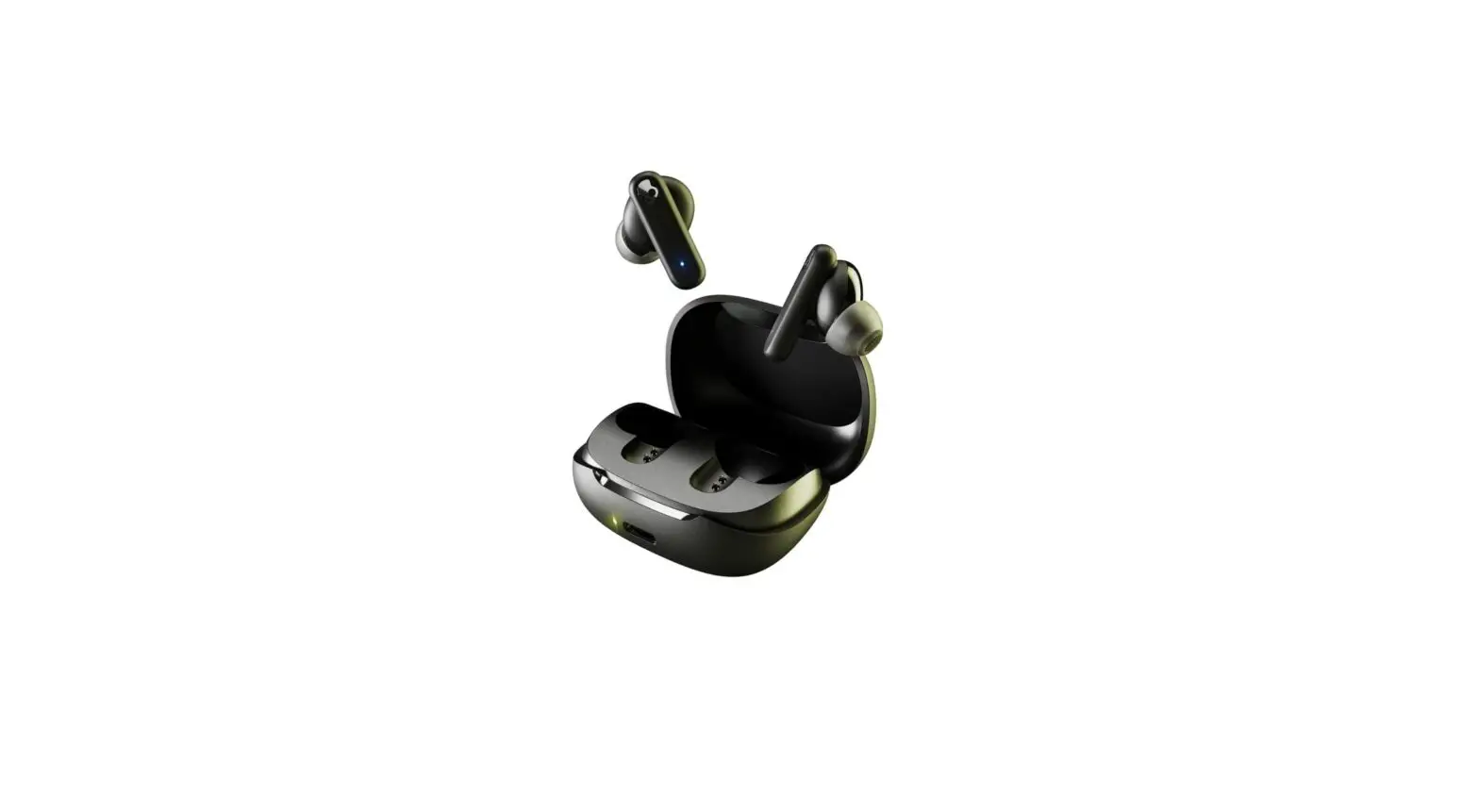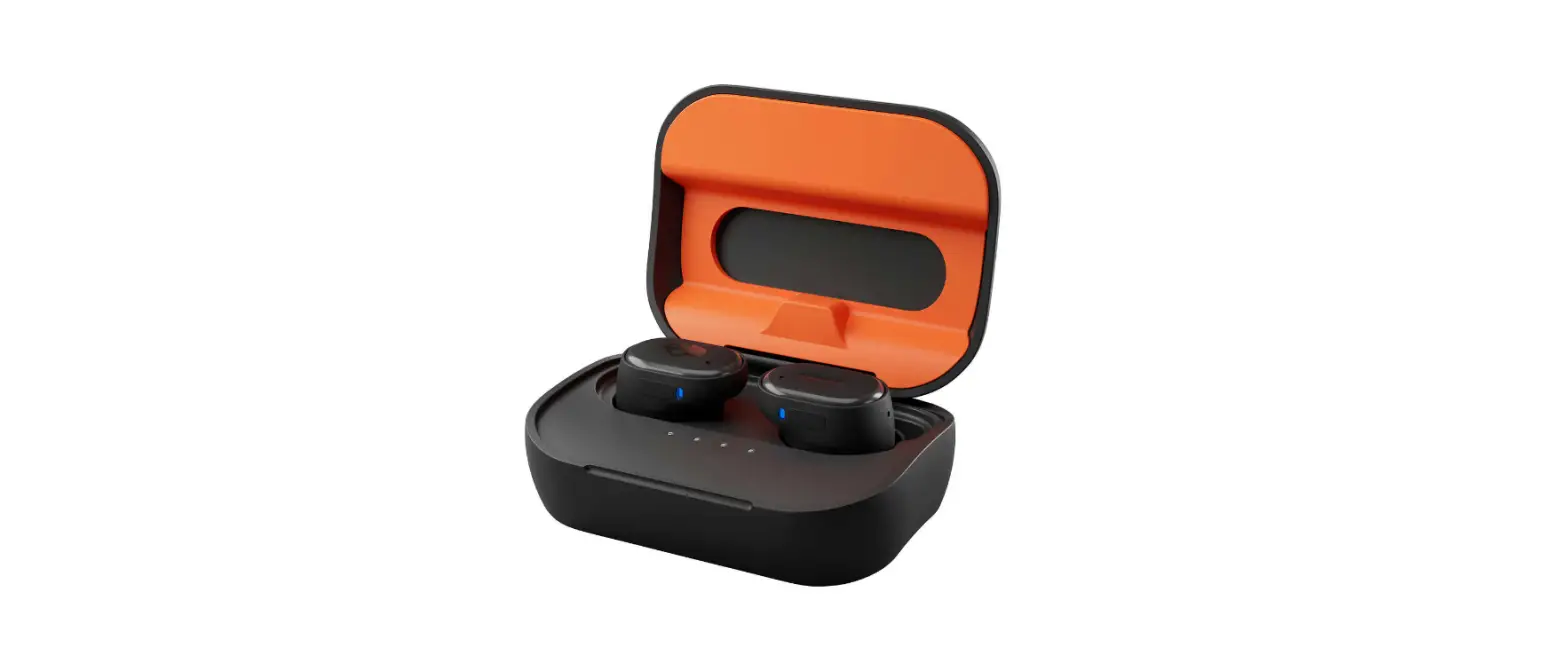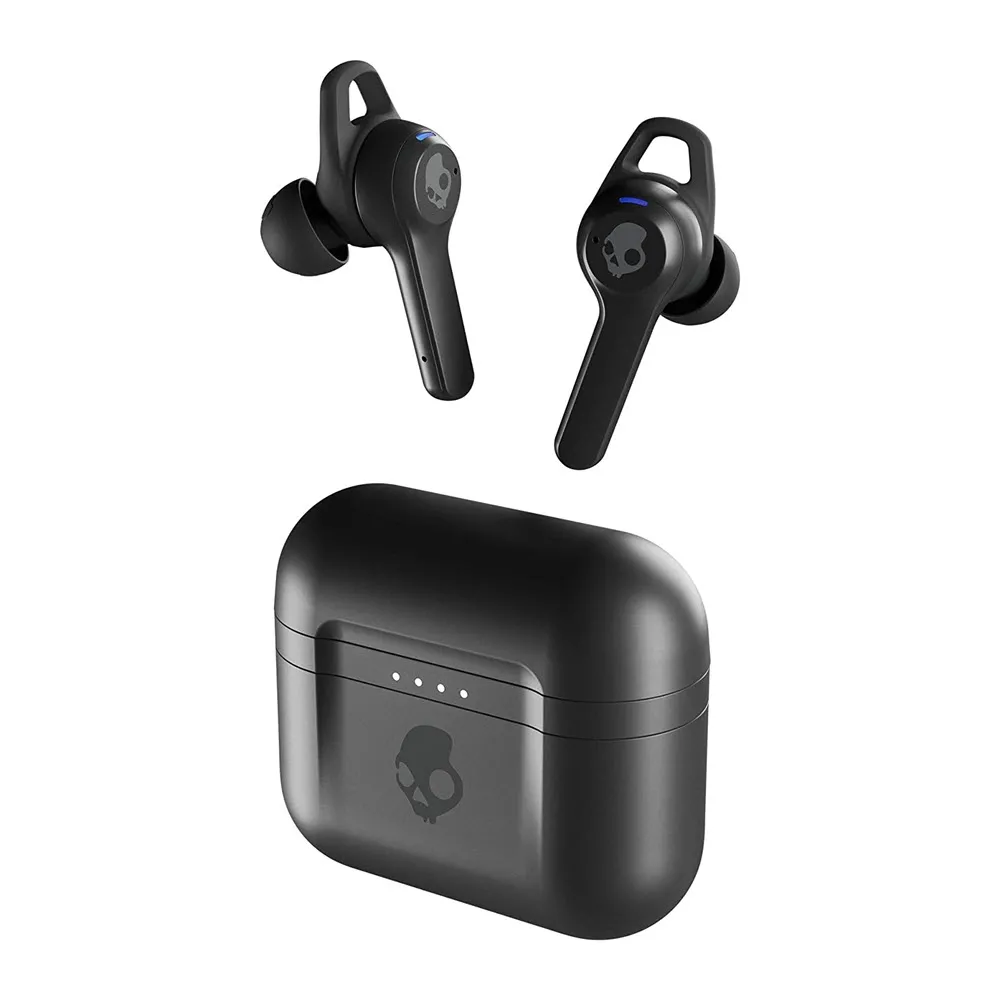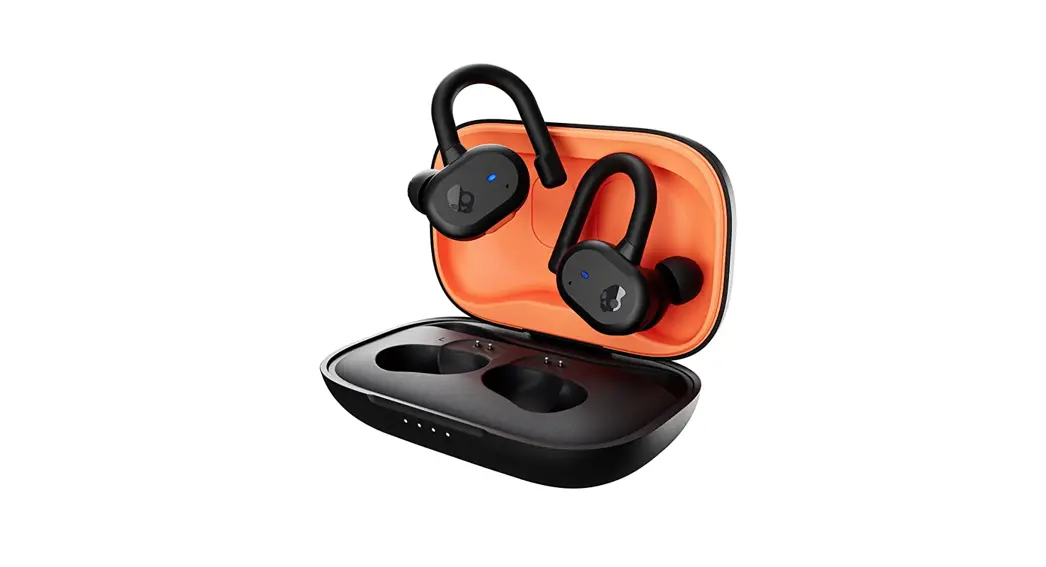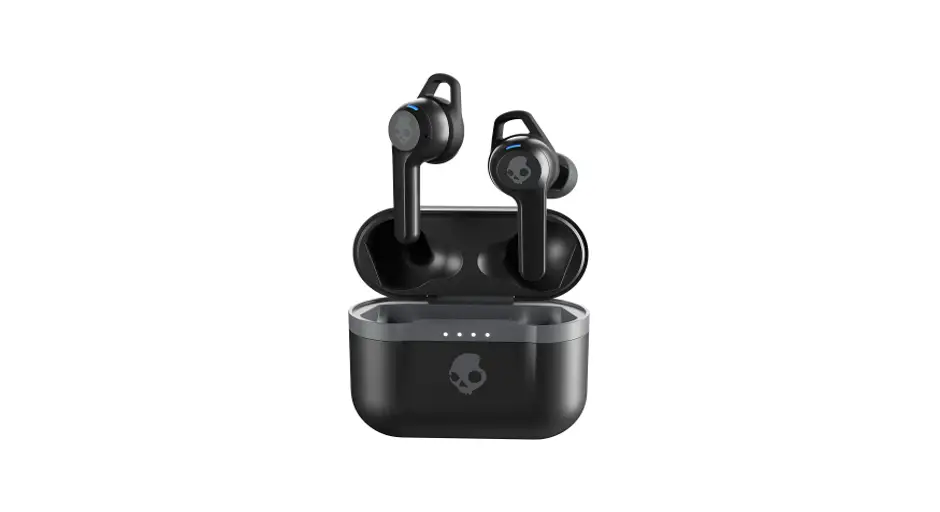

Skullcandy S2ivw-n912 Indy Evo True Wireless In Ear Earbuds Instructions

Skullcandy S2ivw-n912 Indy Evo True Wireless In Ear Earbuds Instructions

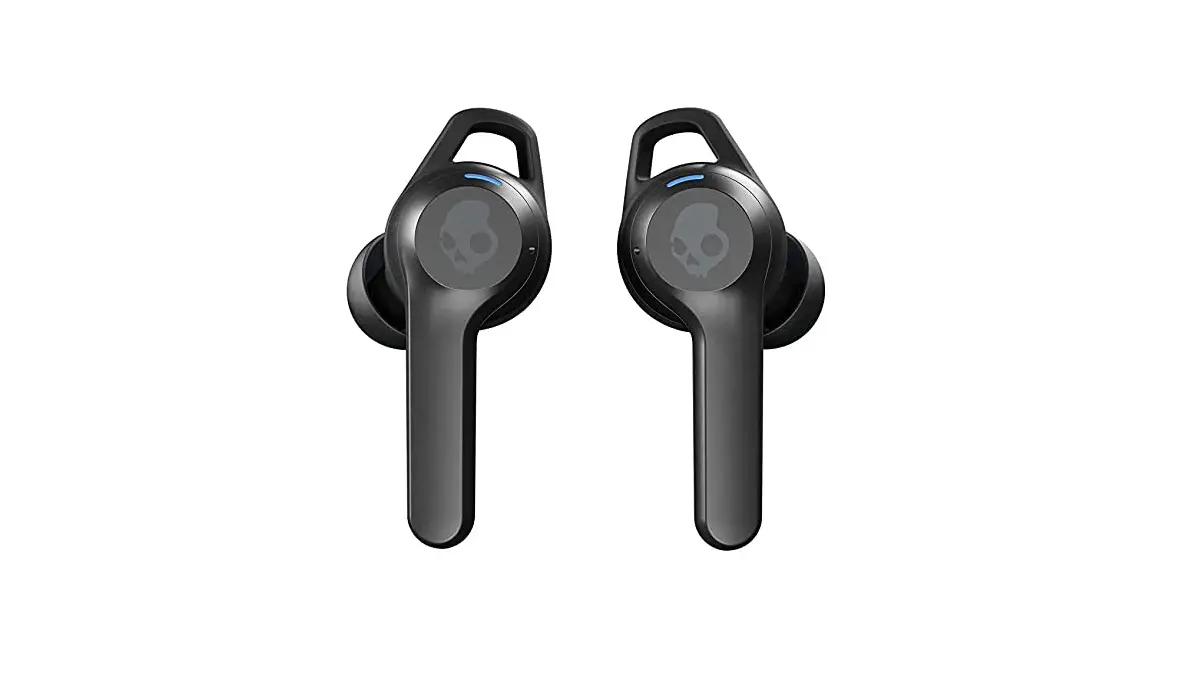
Skullcandy LogoS2IVW-N912 Indy Evo True Wireless In-Ear Earbuds
Instructions

DO THIS FIRST TO PAIR:

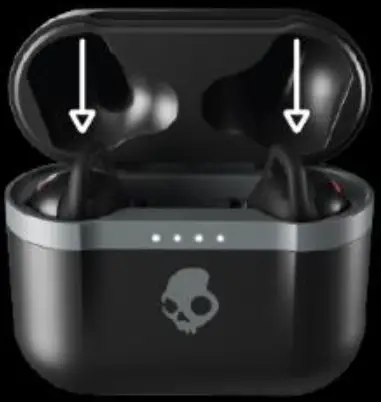
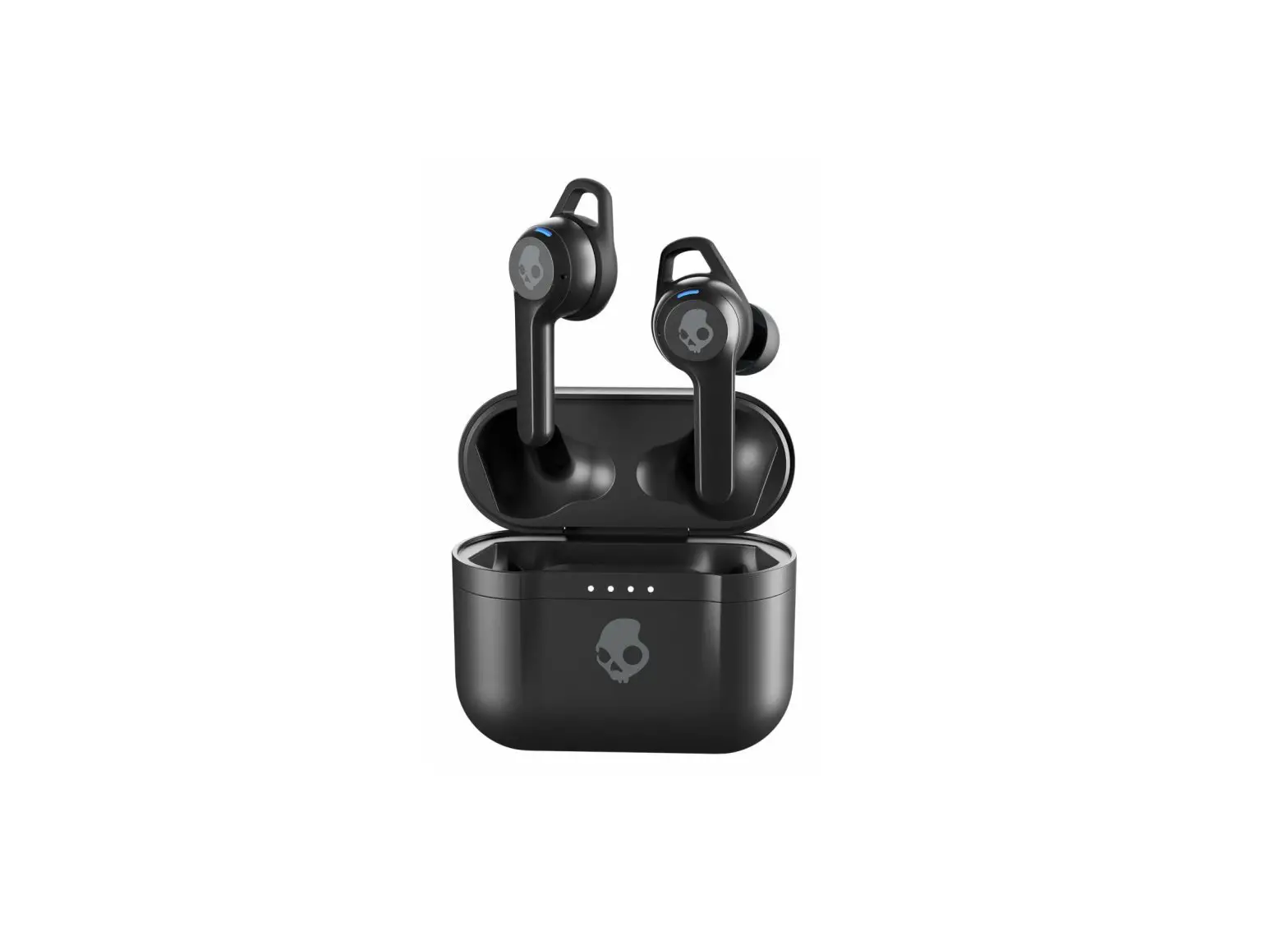
  1. Remove earbuds from the package, place them in the charging case, and make sure both earbud LEDs turn red. Skullcandy S2IVW N912 Indy Evo True Wireless In Ear Earbuds - Frust Pair
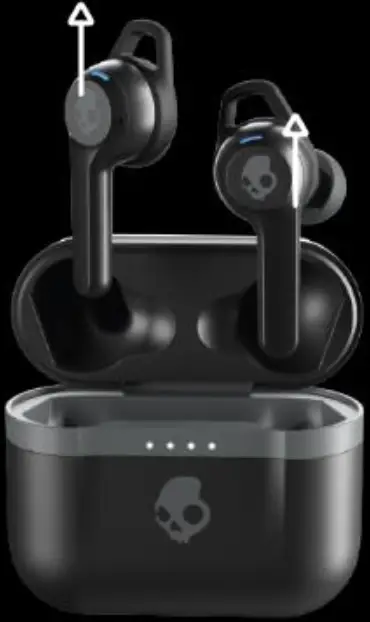
  2. Remove earbuds from the charging case. This will automatically put them in pairing mode.
    (Note: only the left bud will flash red and blue.) Skullcandy S2IVW N912 Indy Evo True Wireless In Ear Earbuds - Frust Pair 1
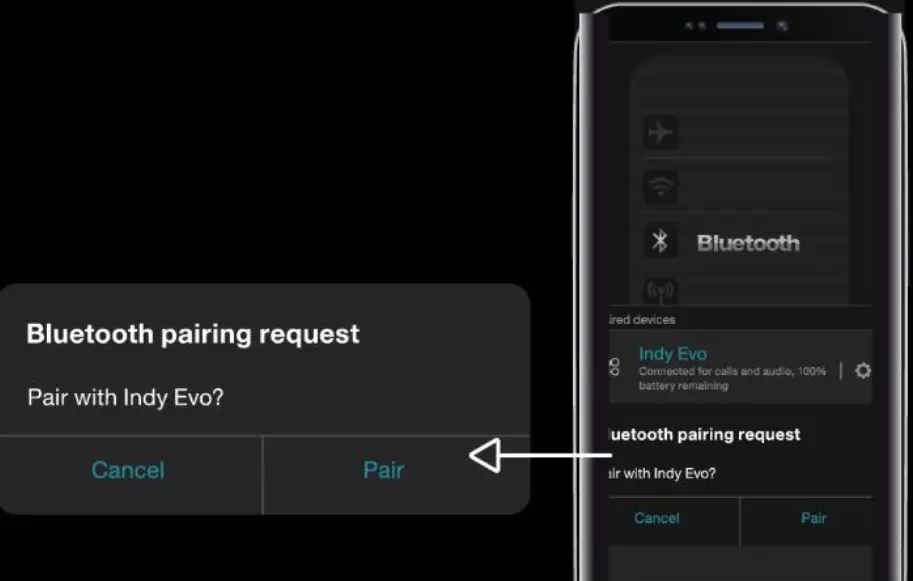
  3. Open your list of available Bluetooth devices and select “Indy Evo.” Earbud LEDs will turn blue when connected. Be sure to select “Pair” or “OK” when you see the Bluetooth pairing request. Skullcandy S2IVW N912 Indy Evo True Wireless In Ear Earbuds - Frust Pair 2

EASY CONTROLS

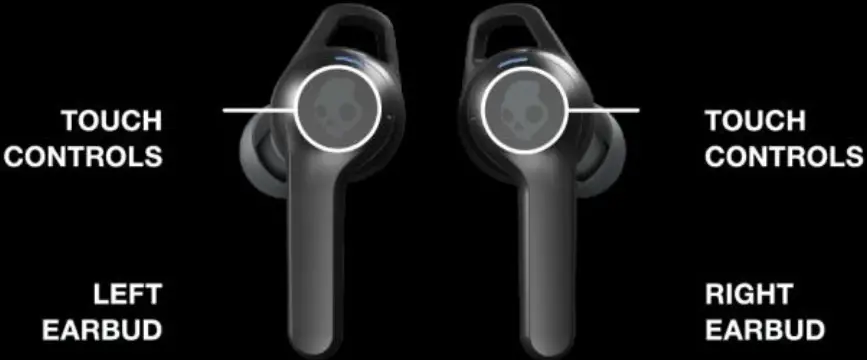
Skullcandy S2IVW N912 Indy Evo True Wireless In Ear Earbuds - Control
Auto On – Remove buds from the case
Power On – Touch and hold 4 seconds Skullcandy S2IVW N912 Indy Evo True Wireless In Ear Earbuds - Icon
Auto On – Remove buds from the case
Power On – Touch and hold 4 seconds Skullcandy S2IVW N912 Indy Evo True Wireless In Ear Earbuds - Icon
Auto-Off – Put buds in case
Power Off – Touch and hold 6 seconds Skullcandy S2IVW N912 Indy Evo True Wireless In Ear Earbuds - Icon
Auto-Off – Put buds in case
Power Off – Touch and hold 6 seconds Skullcandy S2IVW N912 Indy Evo True Wireless In Ear Earbuds - Icon
TrackBack – Touch and hold 2 seconds Skullcandy S2IVW N912 Indy Evo True Wireless In Ear Earbuds - IconTrack Forward – Touch and hold 2 seconds Skullcandy S2IVW N912 Indy Evo True Wireless In Ear Earbuds - Icon
Volume Down – Tap once Skullcandy S2IVW N912 Indy Evo True Wireless In Ear Earbuds - Icon 1Volume Up – Tap once Skullcandy S2IVW N912 Indy Evo True Wireless In Ear Earbuds - Icon 1
Play/Pause – Tap twiceSkullcandy S2IVW N912 Indy Evo True Wireless In Ear Earbuds - Icon 1Skullcandy S2IVW N912 Indy Evo True Wireless In Ear Earbuds - Icon 1Play/Pause – Tap twiceSkullcandy S2IVW N912 Indy Evo True Wireless In Ear Earbuds - Icon 1Skullcandy S2IVW N912 Indy Evo True Wireless In Ear Earbuds - Icon 1
Answer/End Calls – Tap twice Skullcandy S2IVW N912 Indy Evo True Wireless In Ear Earbuds - Icon 1Skullcandy S2IVW N912 Indy Evo True Wireless In Ear Earbuds - Icon 1Answer/End Calls – Tap twice Skullcandy S2IVW N912 Indy Evo True Wireless In Ear Earbuds - Icon 1Skullcandy S2IVW N912 Indy Evo True Wireless In Ear Earbuds - Icon 1
Activate Assistant – Tap 3 times Skullcandy S2IVW N912 Indy Evo True Wireless In Ear Earbuds - Icon 1Skullcandy S2IVW N912 Indy Evo True Wireless In Ear Earbuds - Icon 1Skullcandy S2IVW N912 Indy Evo True Wireless In Ear Earbuds - Icon 1Activate Assistant – Tap 3 times Skullcandy S2IVW N912 Indy Evo True Wireless In Ear Earbuds - Icon 1Skullcandy S2IVW N912 Indy Evo True Wireless In Ear Earbuds - Icon 1Skullcandy S2IVW N912 Indy Evo True Wireless In Ear Earbuds - Icon 1
EQ Mode – Tap twice and hold 2 seconds Skullcandy S2IVW N912 Indy Evo True Wireless In Ear Earbuds - Icon 1Skullcandy S2IVW N912 Indy Evo True Wireless In Ear Earbuds - Icon 1Skullcandy S2IVW N912 Indy Evo True Wireless In Ear Earbuds - IconEQ Mode – Tap twice and hold 2 seconds Skullcandy S2IVW N912 Indy Evo True Wireless In Ear Earbuds - Icon 1Skullcandy S2IVW N912 Indy Evo True Wireless In Ear Earbuds - Icon 1Skullcandy S2IVW N912 Indy Evo True Wireless In Ear Earbuds - Icon
Ambient Mode – Tap once and hold 2 seconds Skullcandy S2IVW N912 Indy Evo True Wireless In Ear Earbuds - Icon 1Skullcandy S2IVW N912 Indy Evo True Wireless In Ear Earbuds - IconAmbient Mode – Tap once and hold 2 seconds Skullcandy S2IVW N912 Indy Evo True Wireless In Ear Earbuds - Icon 1Skullcandy S2IVW N912 Indy Evo True Wireless In Ear Earbuds - Icon
Clear/Reset – From off, touch and hold both buds for 10 seconds Skullcandy S2IVW N912 Indy Evo True Wireless In Ear Earbuds - Icon

For additional features, download the Skullcandy app.

Skullcandy S2IVW N912 Indy Evo True Wireless In Ear Earbuds - Qr Code

PAIRING HELP:

If you ever have an issue pairing your earbuds, follow these steps:

  1. Unpair the buds from your phone or device.
  2. Touch and hold the main button on each bud for 6 seconds to manually turn them both off.
  3. Touch and hold the main button on each bud for 10 seconds to completely reset them (this will power them on and off again).
  4. Place buds back in the case until both LEDs show red, and then remove them from the case. Both buds will automatically power on and the LEDs will flash blue while they sync to each other.
  5. A tone will indicate when the buds have synced. The LED on the left bud will flash blue and red and a voice will say “pairing” when the buds start connecting to your phone or device.
  6. Look for Indy Evo in your list of available Bluetooth devices. Make sure it only appears once and select it.
  7. Select all “Pair” or “OK” prompts that will pop up on your screen.
  8. Once successfully paired, a voice will say “connected” and you’ll see Indy Evo twice on your available or paired devices list.
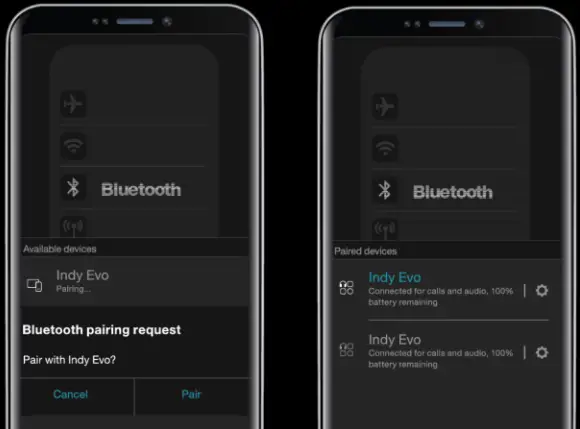
Skullcandy S2IVW N912 Indy Evo True Wireless In Ear Earbuds - Frust Pair 3

Questions?
Skullcandy.com/support/IndyEvo

Skullcandy Logo

Documents / Resouces

Download manual
Here you can download full pdf version of manual, it may contain additional safety instructions, warranty information, FCC rules, etc.


Related Manuals