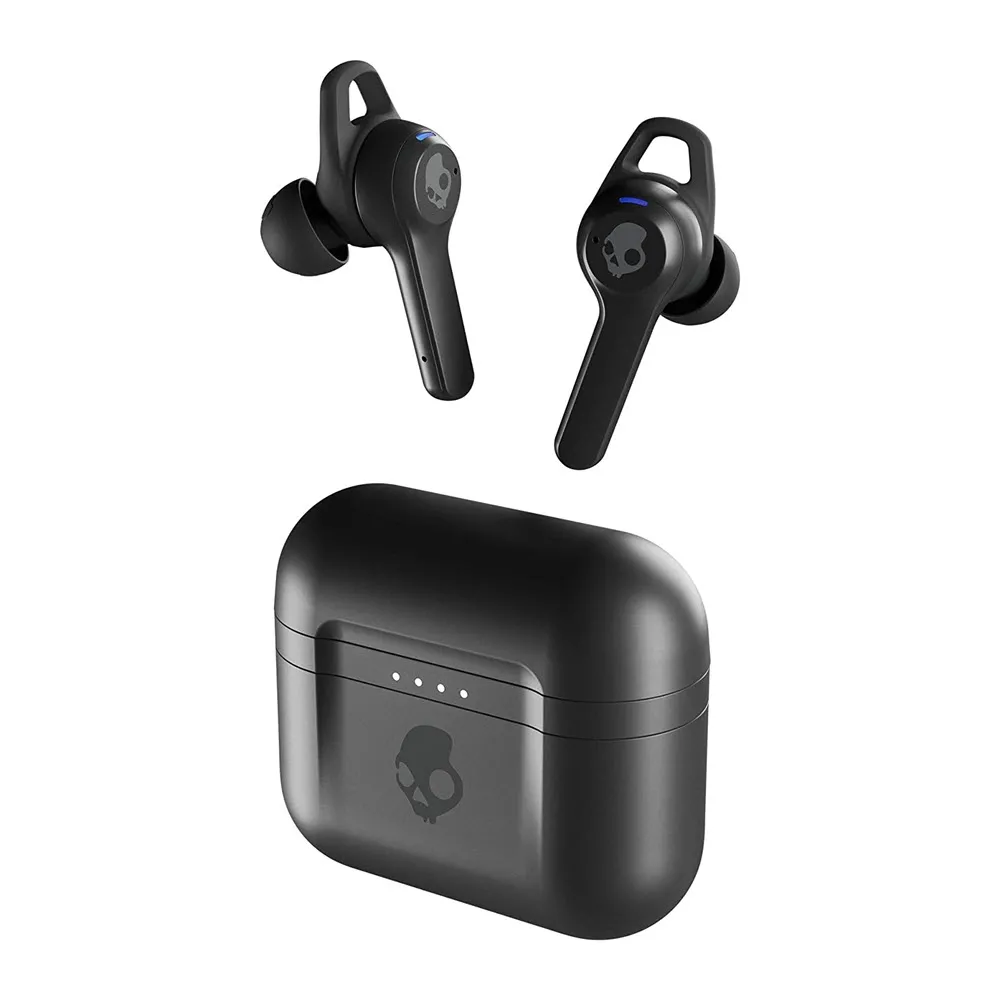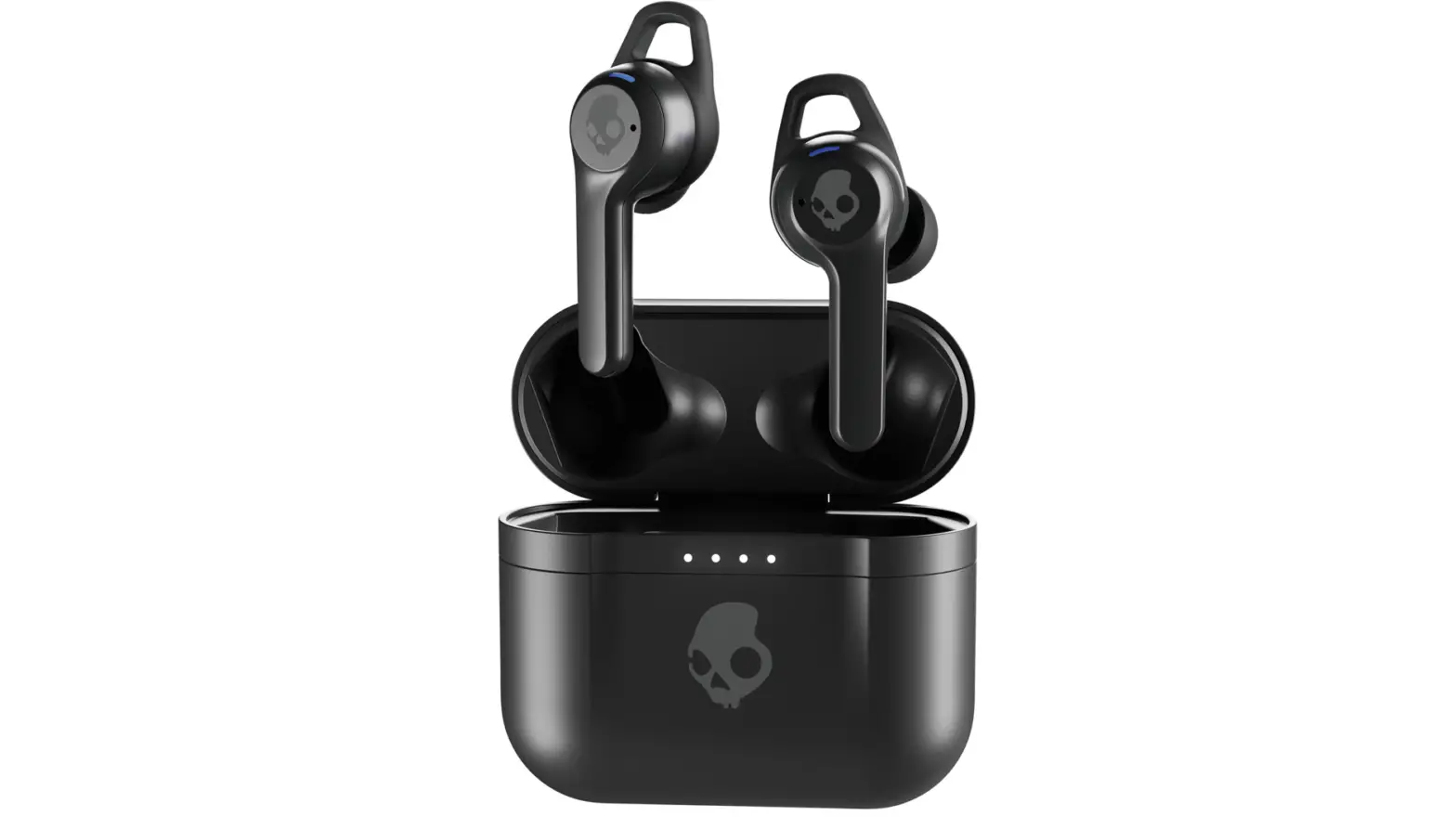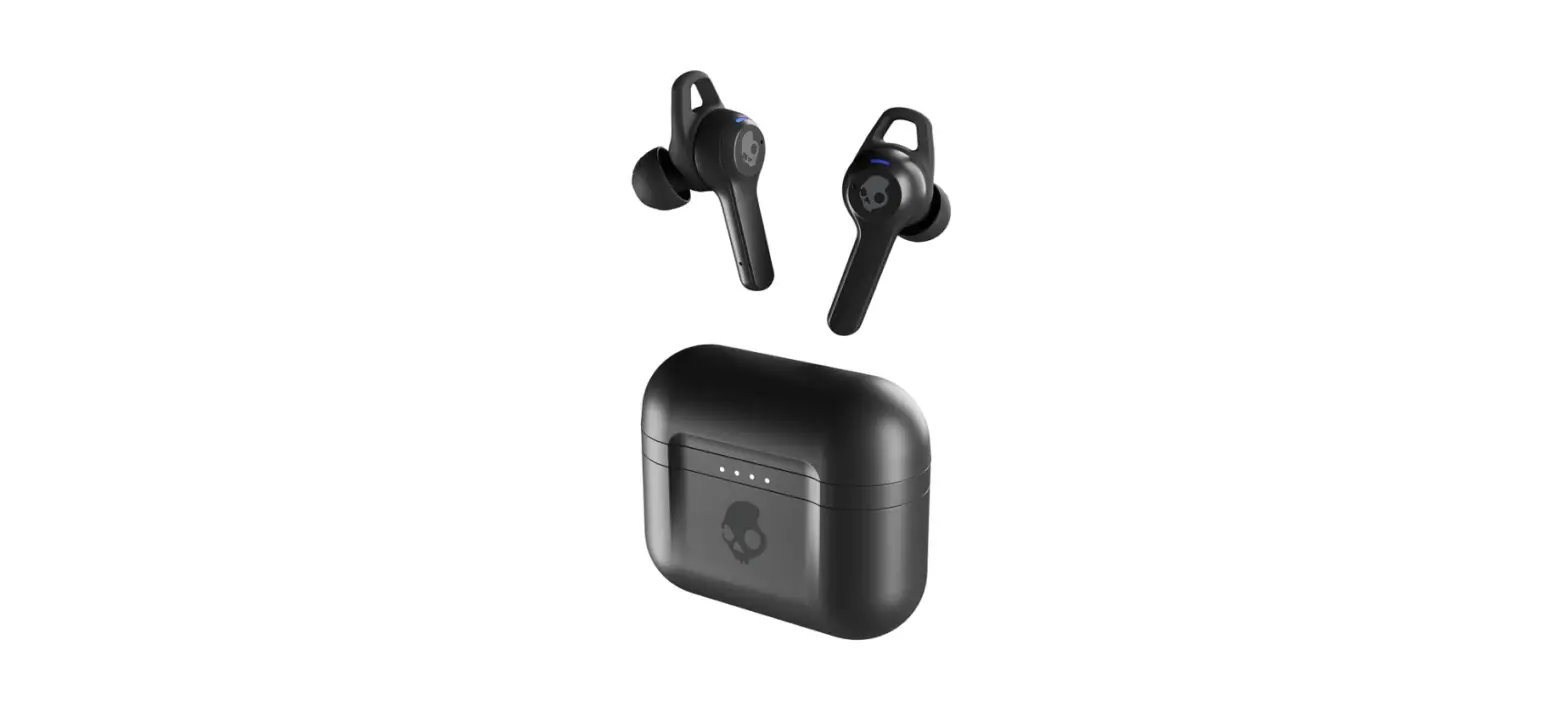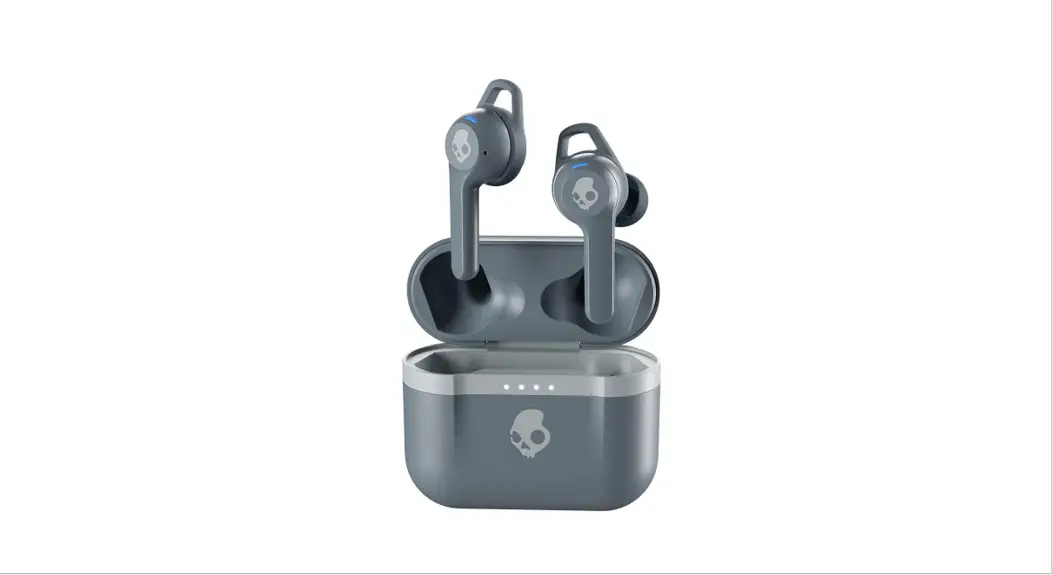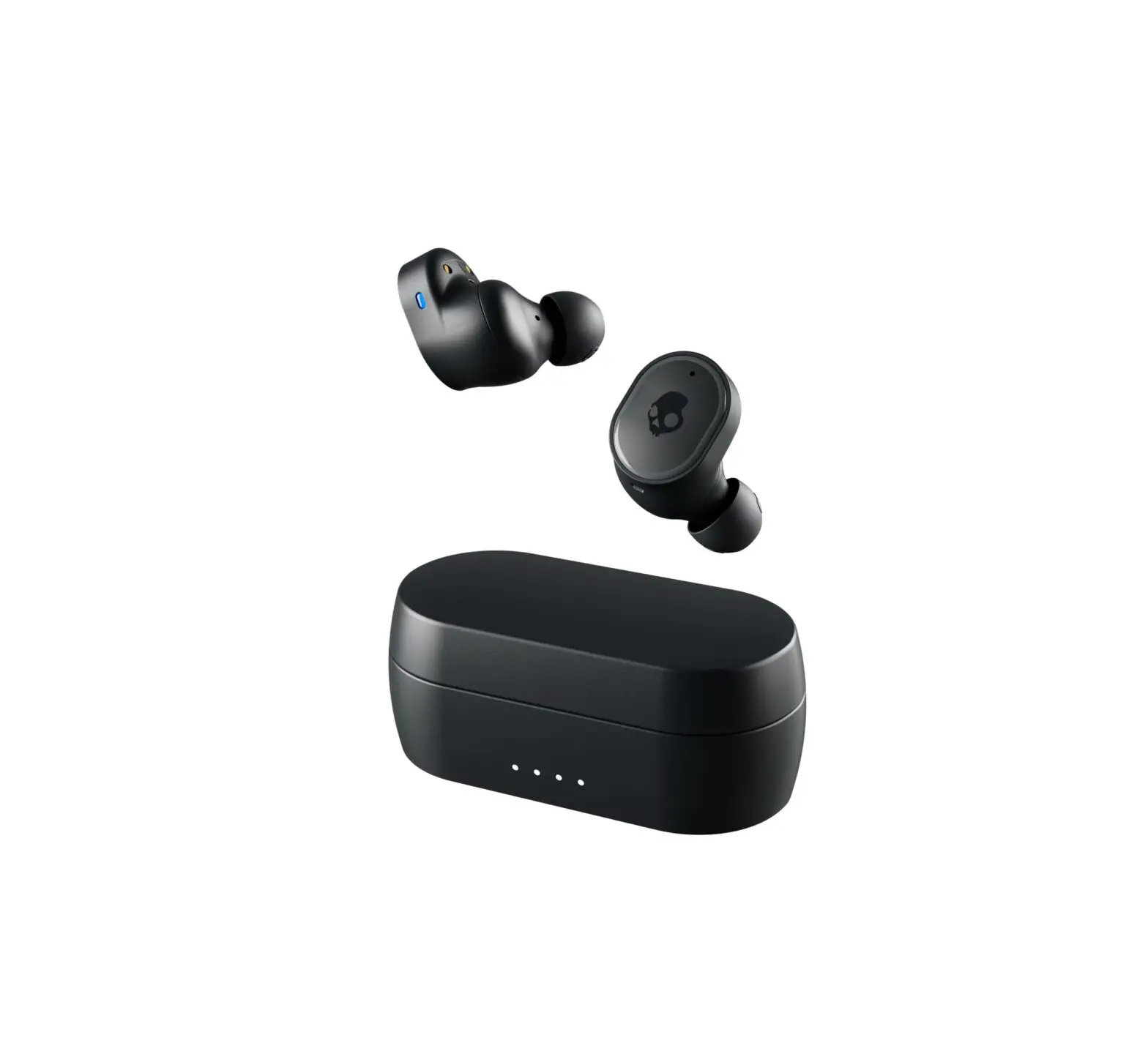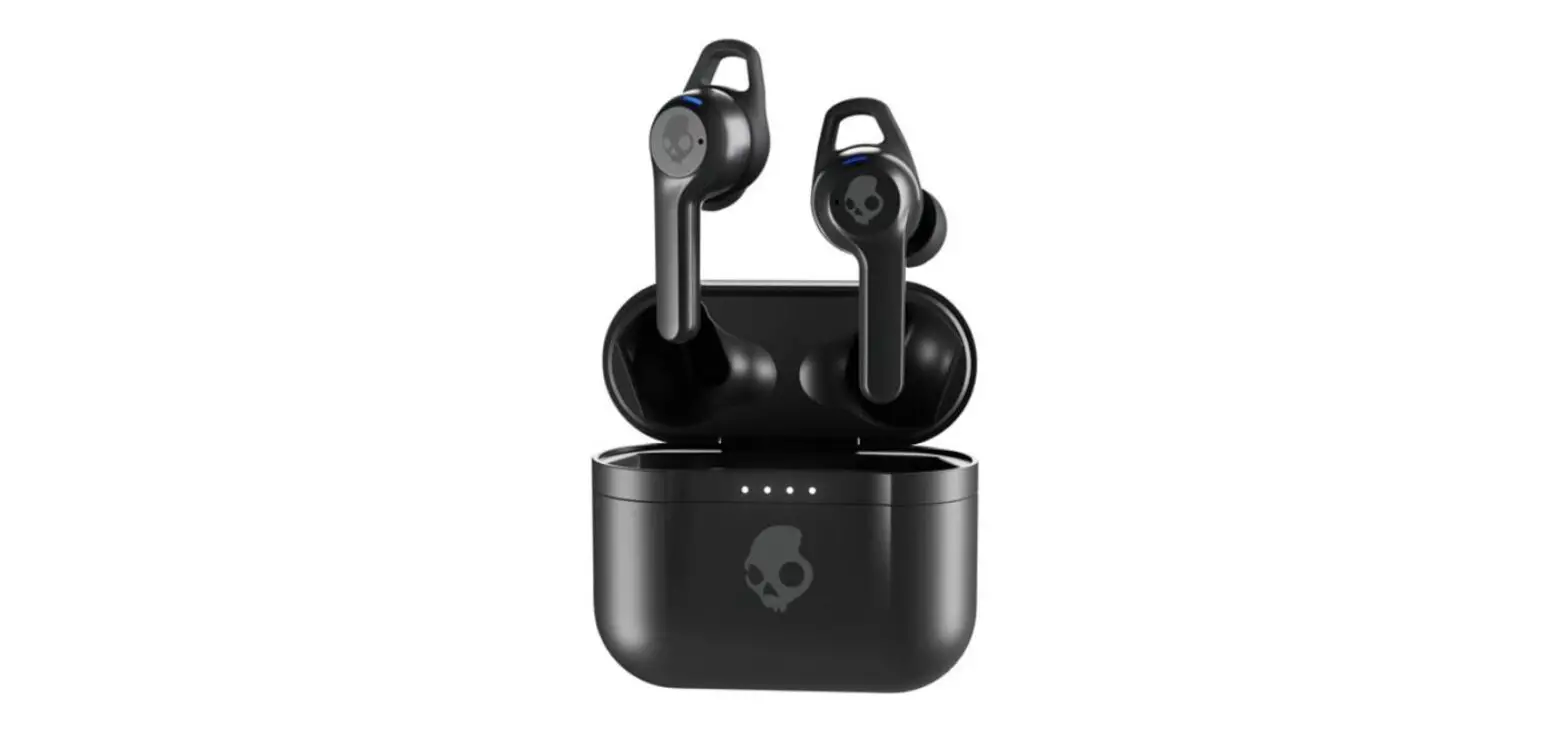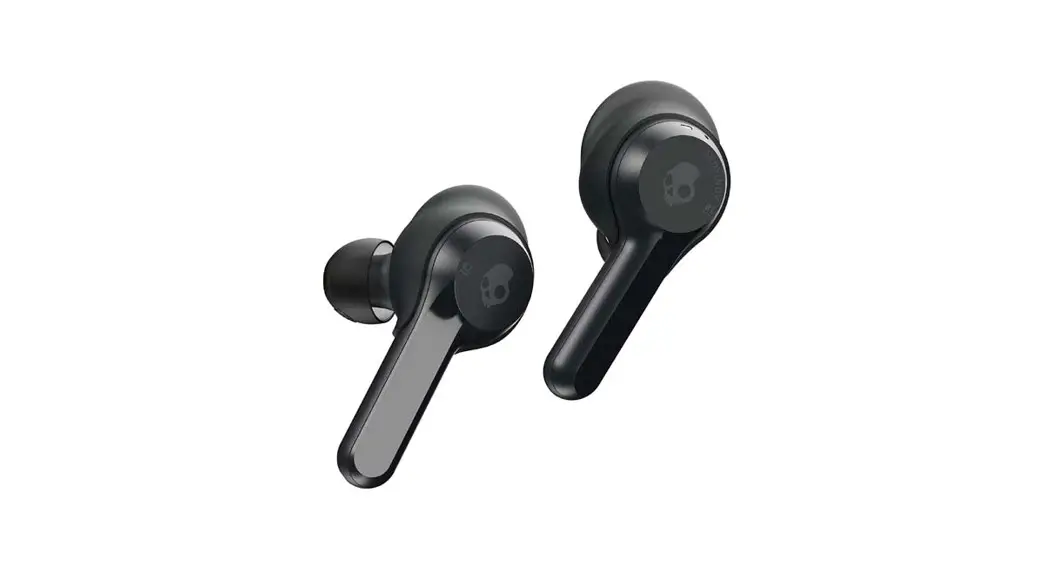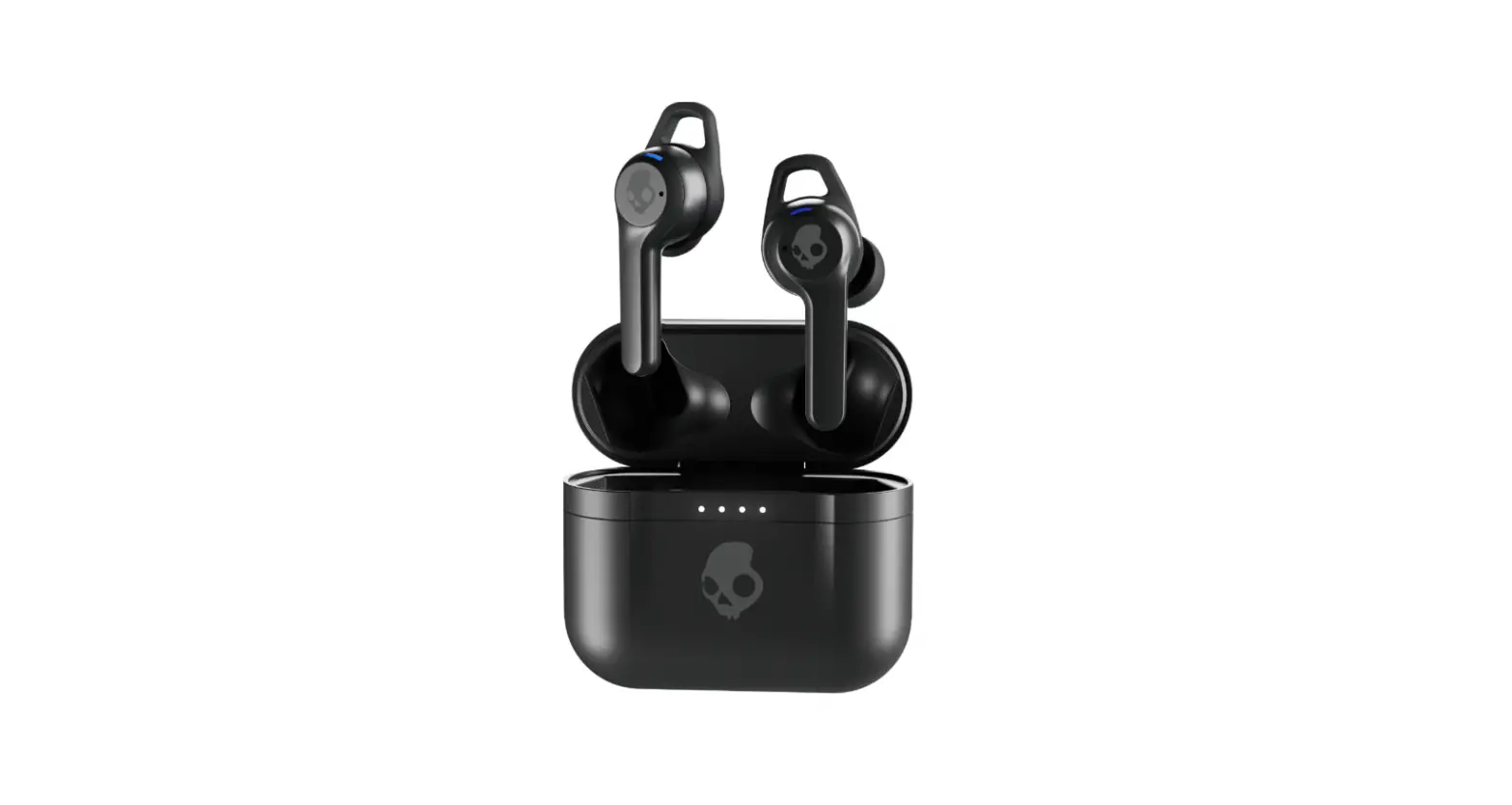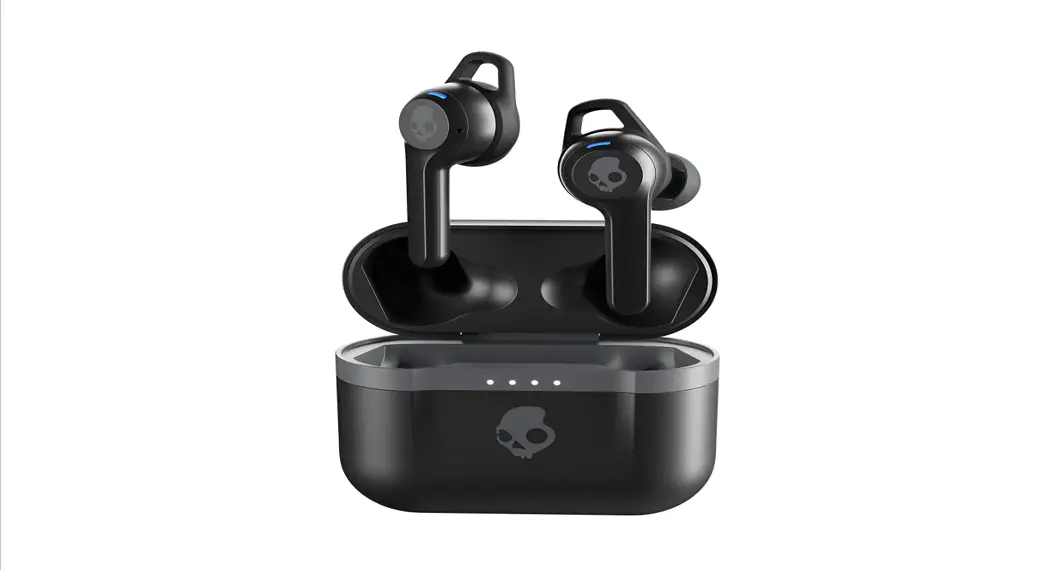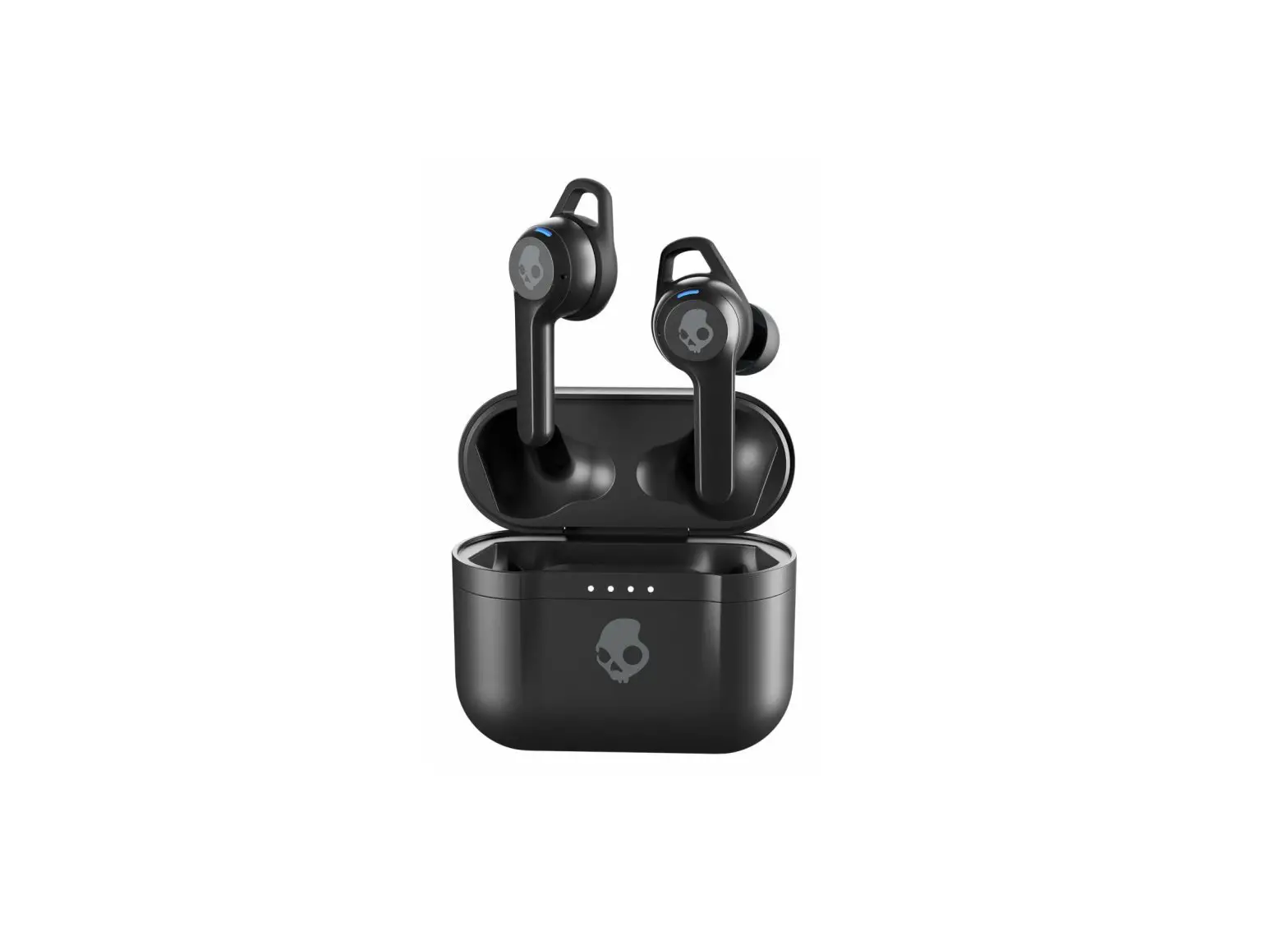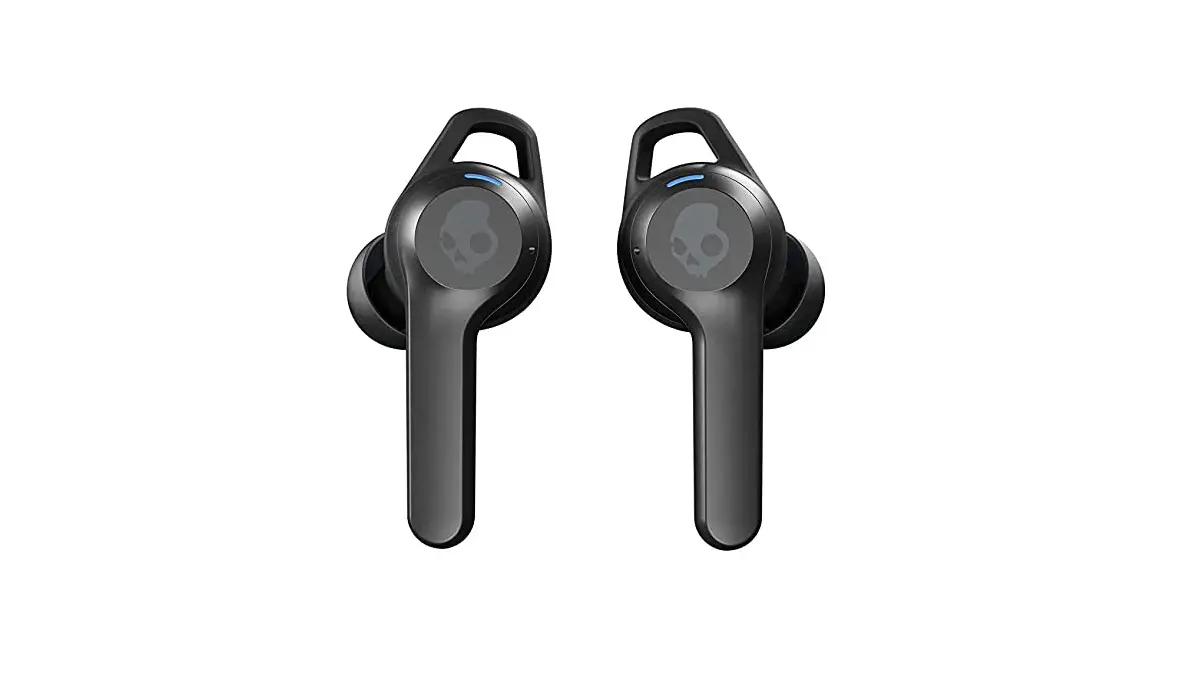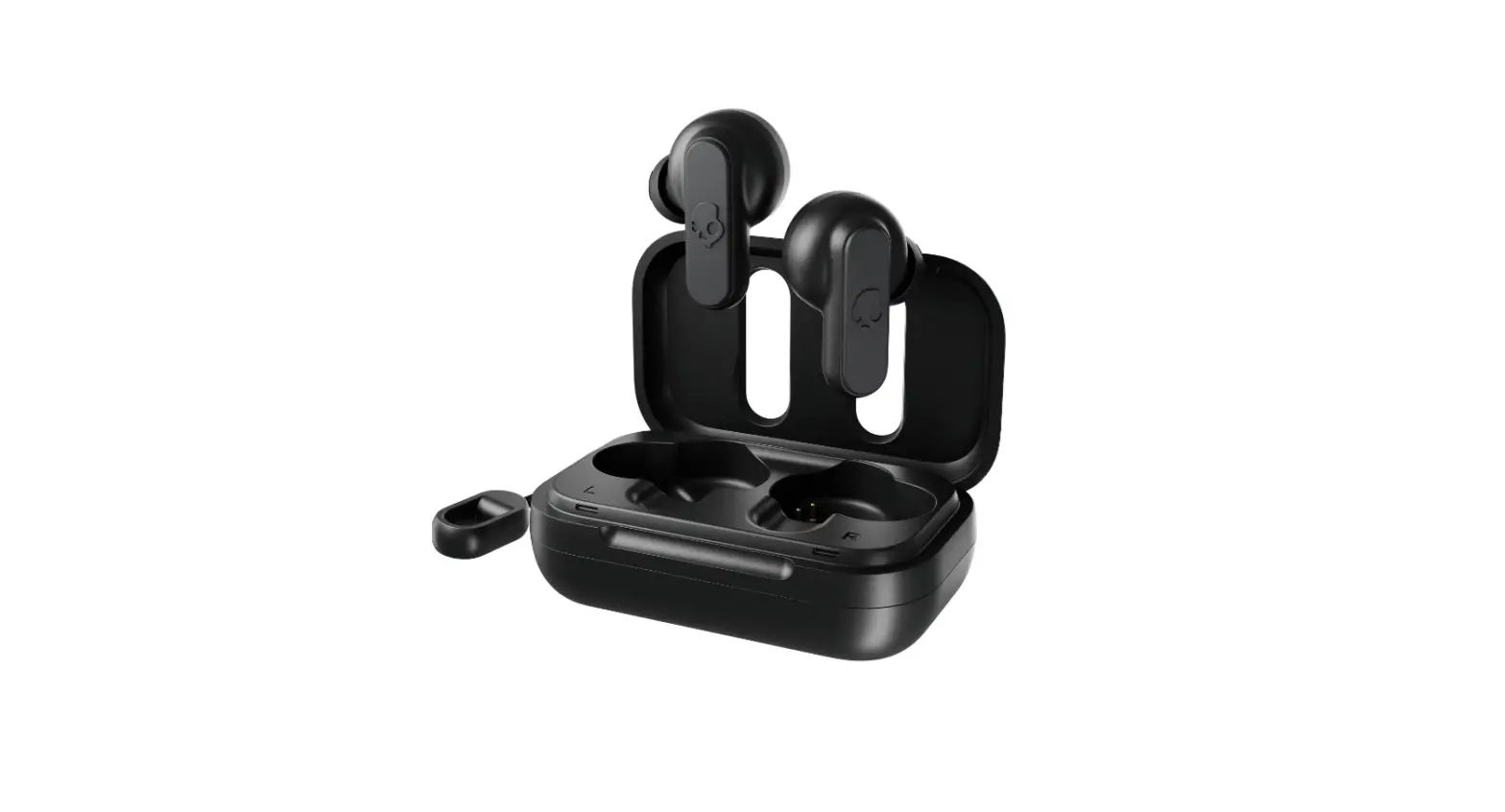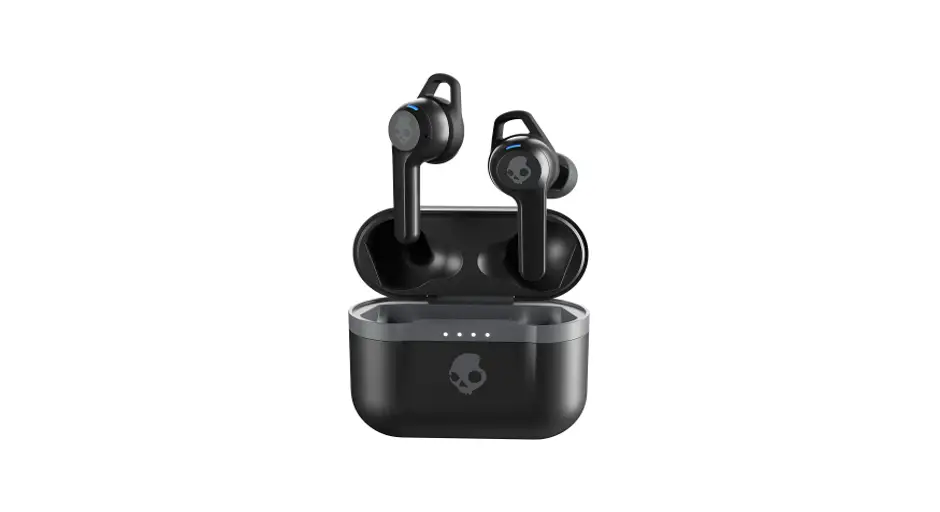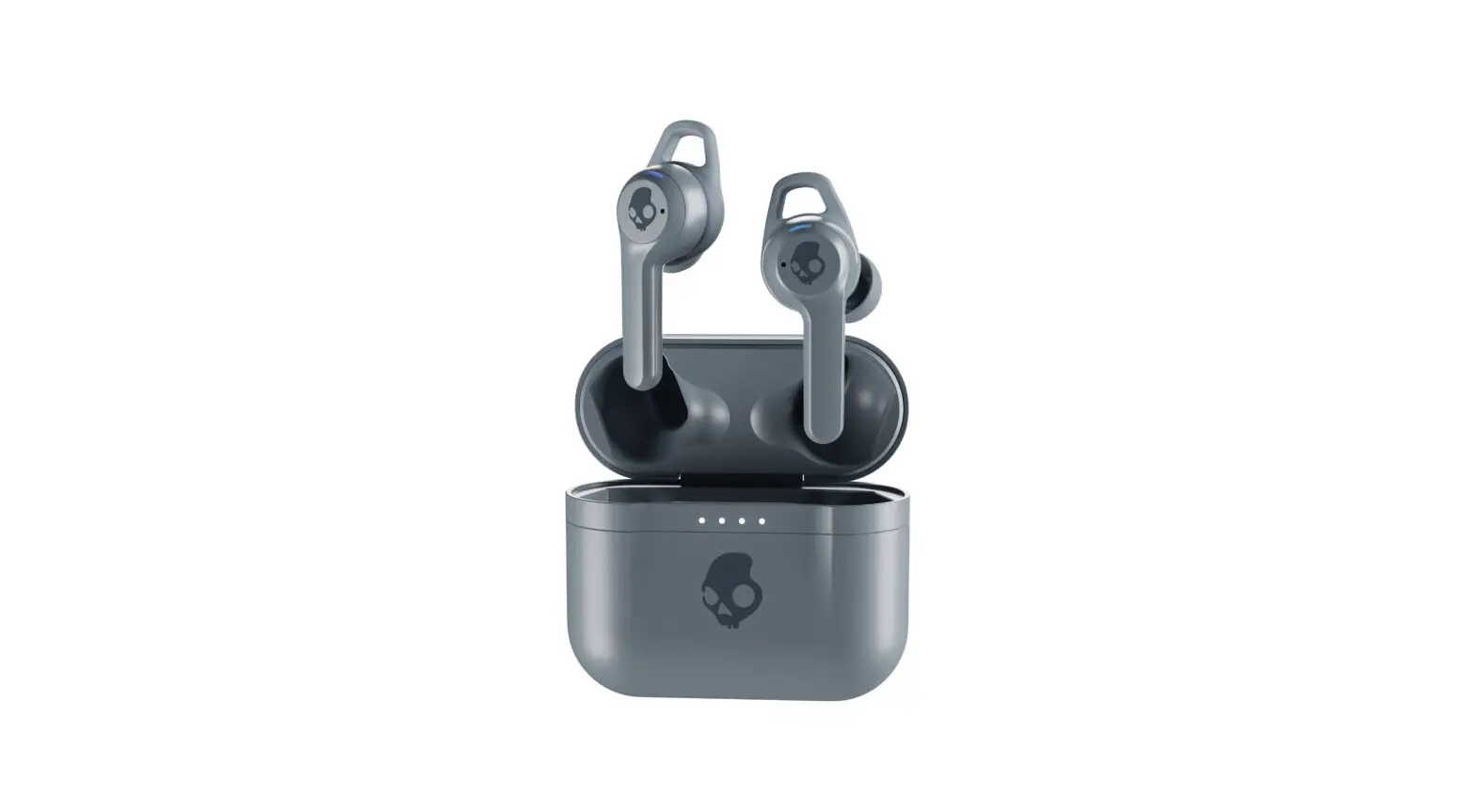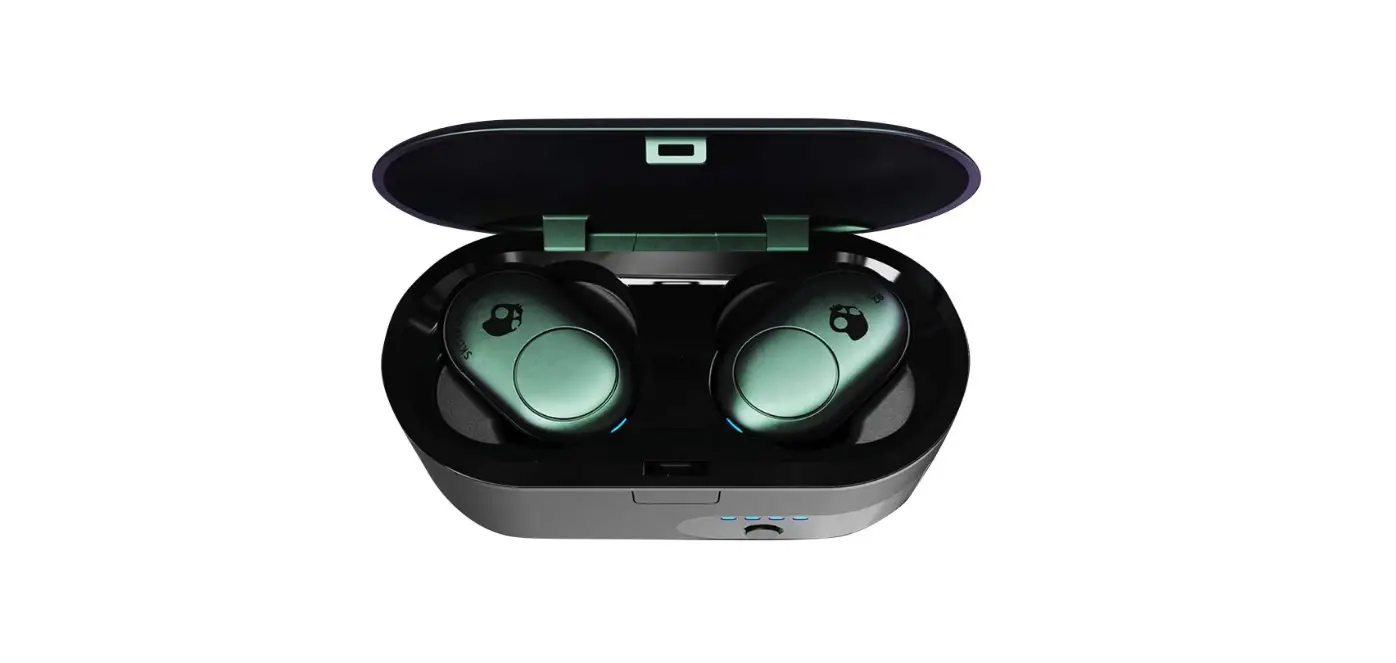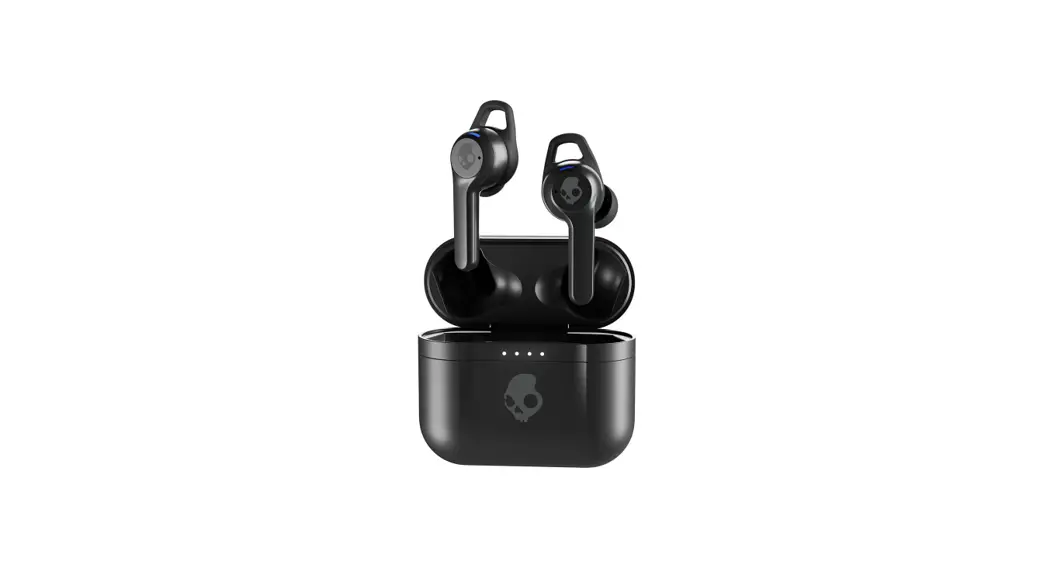
 Indy ANC True Wireless In-Ear Earbuds
User Manual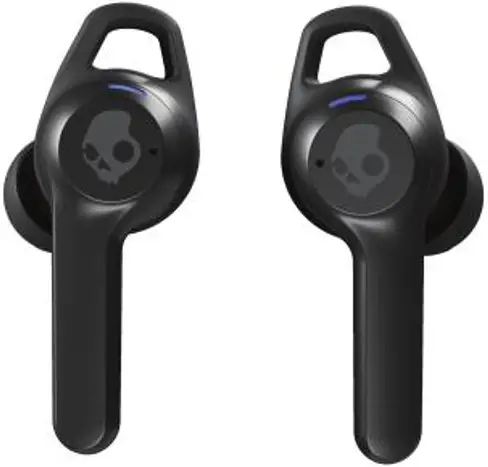
Noise Cancelling True Wireless Suppression du Bruit Sans Fil Veritable Active Noise Cancellation Blocks Out Background Noise
 Personal Sound by AudiodoTM
 Up to 32 Hours Total Battery
 Wireless Charging Case
 Compatible with Skullcandy App
FEATURES
4-Mic Digital Active Noise Cancellation
Personal Sound via Skullcandy App
12mm Drivers
Built-In Tile
Customizable EQ Modes via Skullcandy App
Ambient Listening Mode
Lag-Free Connection
Call, Track, and Volume Control via Touch
2-Mic Noise Reduction for Calls
Activate Assistant
CONTENTS
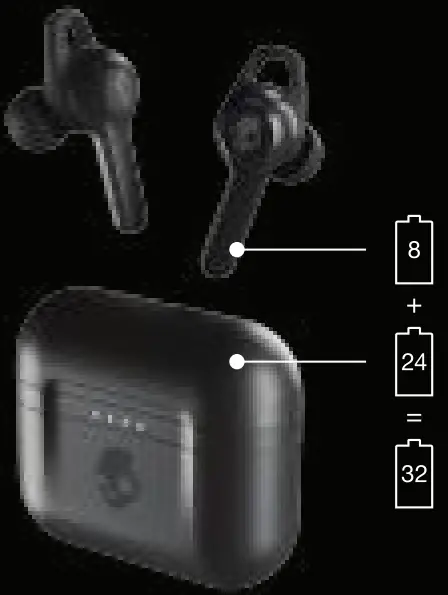
- True Wireless Earbuds
- Wireless Charging Case
- Stability Ear Gels (S, L)
- Ear Gels (S. M. L)
- USB-C Charging Cable
- 2-Year Warranty and User Guide
FEEL YOUR AUDIO. TUNED JUST FOR YOU.
Everyone’s hearing is different. But most headphones are all the same — they don’t adjust to your unique hearing. That’s why Skullcandy has partnered with Audiodo- to fully personalize your audio experience.
Audio technology analyzes the hearing in your left and right ear, then automatically adjusts the audio to optimal levels for your specific hearing. By taking a quick, 3-minute test on the Skullcandy App, you can start hearing what you’ve been missing. 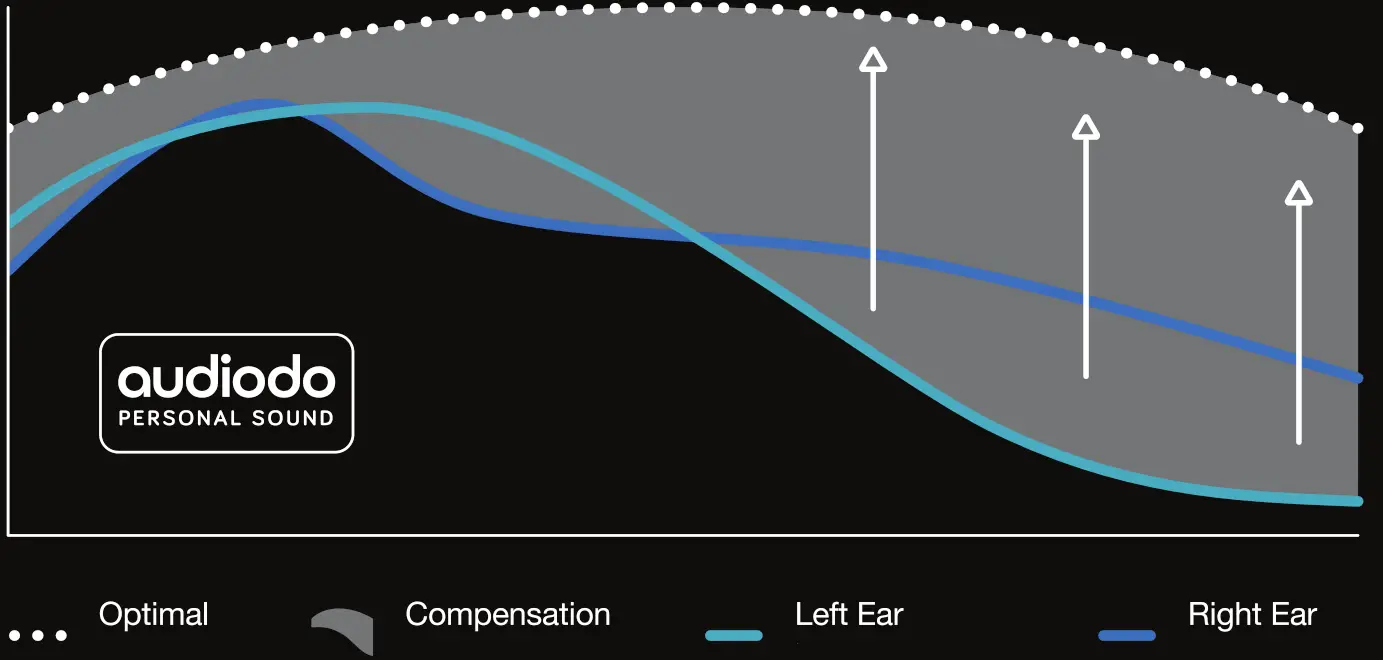
DO THIS FIRST TO PAIR:
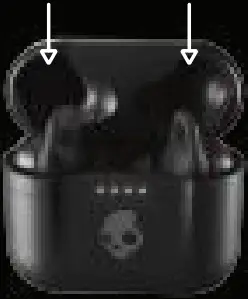
- Remove earbuds from the package, place them in the charging case, and make sure both earbud LEDs turn red.

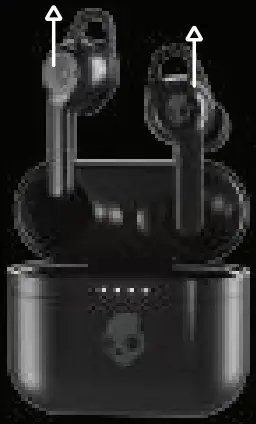
- Remove earbuds from the charging case.
This will automatically put them in pairing mode.
(Note: only the left bud will flash red and blue.)
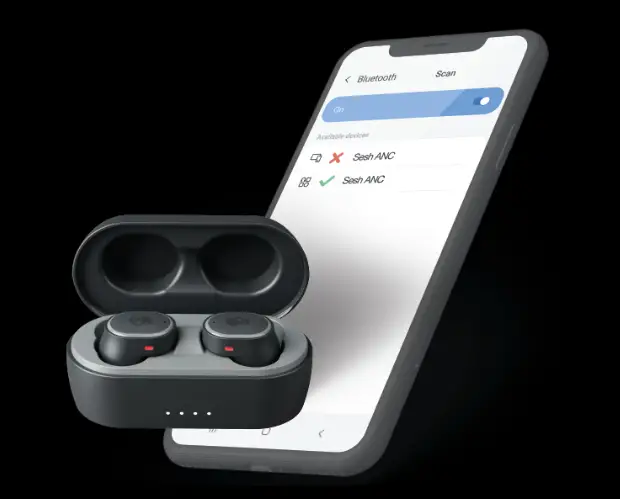
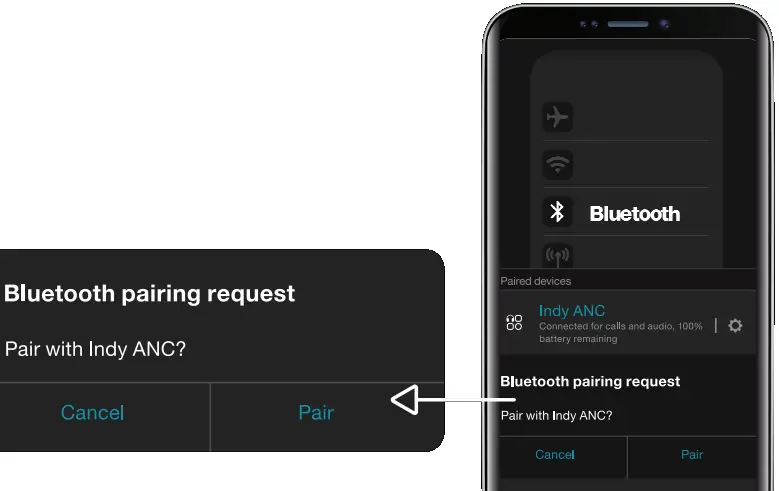
- Open your list of available Bluetooth devices and select ‘Indy ANC.” Earbud LEDs will turn blue when connected. Be sure to select “Pair” or ”08″ when you see the Bluetooth pairing request.

EASY CONTROLS:
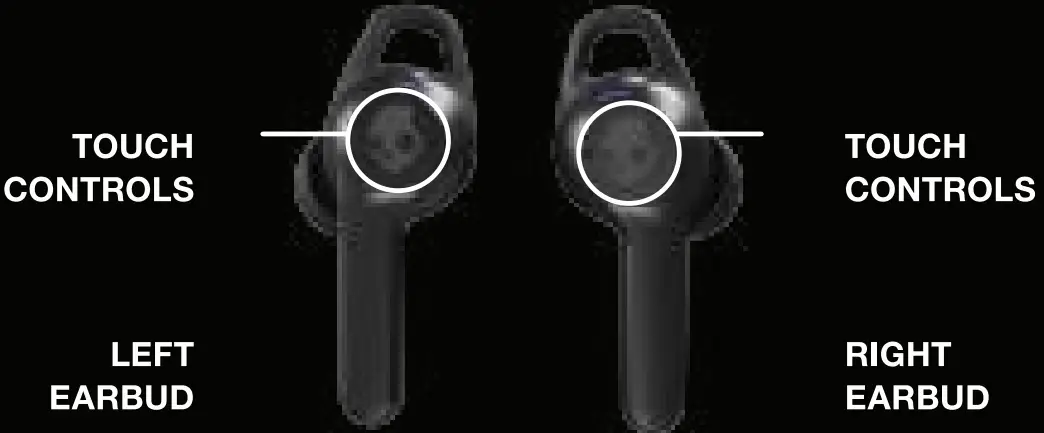 | |
| Auto On – Remove buds from the case Power On – Touch and hold 4 seconds  | Auto On – Remove buds from the case Power On –Touch and hold 4 seconds  |
| Auto-Off – Put buds in case Power Off – Touch and hold 6 seconds | Auto-Off – Put buds in case Power Off – Touch and hold 6 seconds |
TrackBack – Touch and hold 2 seconds  | TrackBack – Touch and hold 2 seconds |
Volume Down – Tap once  | Volume Down – Tap once |
| Play/Pause – Tap twice | Play/Pause – Tap twice |
| Answer/End Calls – Tap twice | Answer/End Calls – Tap twice |
| Activate Assistant – Tap 3 limas | Activate Assistant – Tap 3 limas |
| E0 Mode – Tap twice and hold 2 seconds | EQ Mode – Tap twice and hold 2 seconds |
| Ambient Mode –Tap once and hold 2 seconds | Ambient Mode –Tap once and hold 2 seconds |
| Clear/Reset – From off, touch and hold both buds for 10 seconds | |
For additional features, download the Skullcandy app.
 |  |
PAIRING HELP:
If you ever have an issue pairing your earbuds, follow these steps:
- Unpair the buds from your phone or device.
- Touch and hold the main button on each bud for 6 seconds to manually turn them both off.
- Touch and hold the main button on each bud for 10 seconds to completely reset them (this will power them on and off again).
- Place buds back in the case until both LEDs show red, and then remove them from the case. Both buds will automatically power on and the LEDs will flash blue while they sync to each other.
- A tone will indicate when the buds have synced. The LED on the left bud will flash blue and red and a voice will say “pairing” when the buds start connecting to your phone or device.
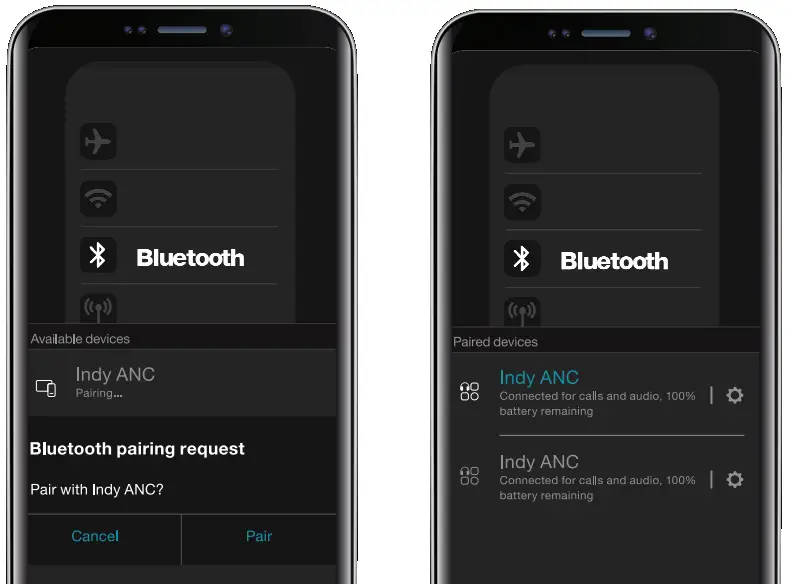
- Look for Indy ANC in your list of available Bluetooth devices. Make sure it only appears once and select It.
- Select all “Pair or “OK’ prompts that will pop up on your screen.
- Once successfully paired, a voice will say “connected” and you’ll see Indy ANC twice on your available or paired devices list.

Questions?
Skullcandy.com/support/IndyANC
Safety information inside.
Made in China.
Skullcandy and other marks are registered trademarks of Skullcandy, Inc.
All rights reserved.
The Bluetooth word mark and logos are registered trademarks owned by Bluetooth SIG, Inc, and any use of such marks by Skullcand, Inc. is under license. Contains a Li-ion battery. The battery must be recycled or disposed of properly.
This device complies with part 15 of the FCC Rules. Operation is subject to the following two conditions:
- This device may not cause harmful interference, and
- This device must accept any interference received, including interference that may cause undesired operation.
“Android” is a trademark of Google inc. “Apple” is a trademark of Apple inc.
MODEL: S2IYW S2IYWL
FCC ID: Y22-S2IYW
IC: 10486A-S2IYW
 © 2020 Skullcandy, Inc.
Skullcandy.com/patent-information