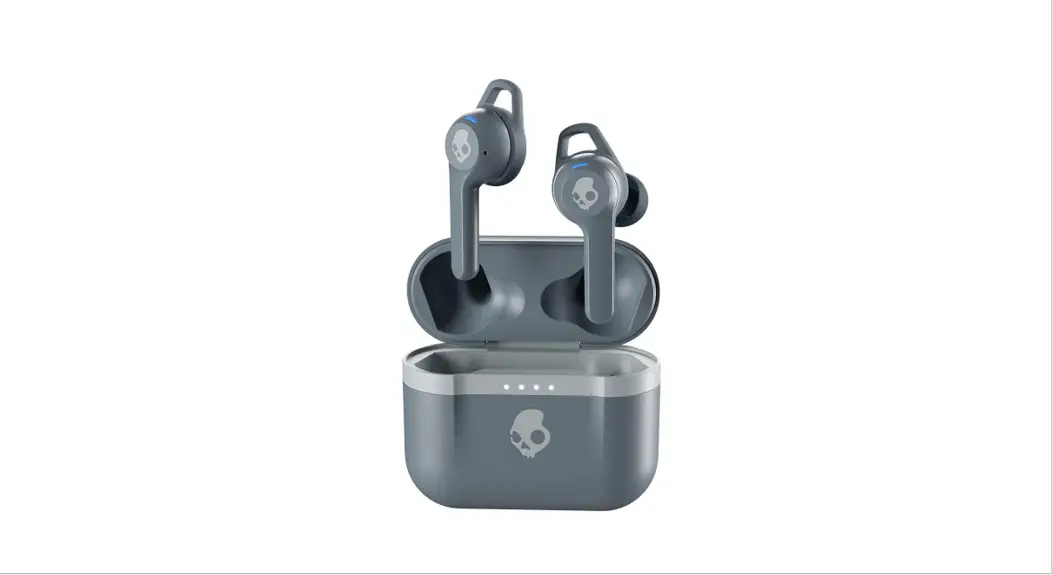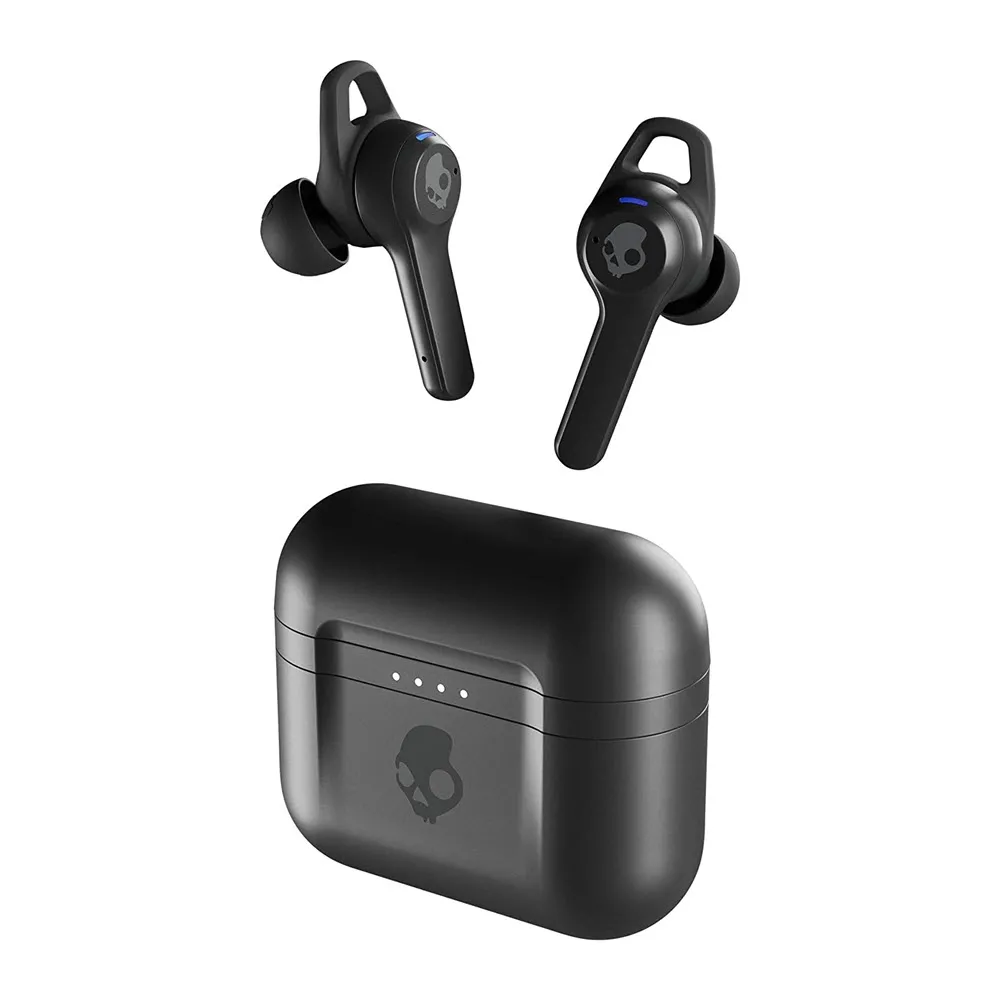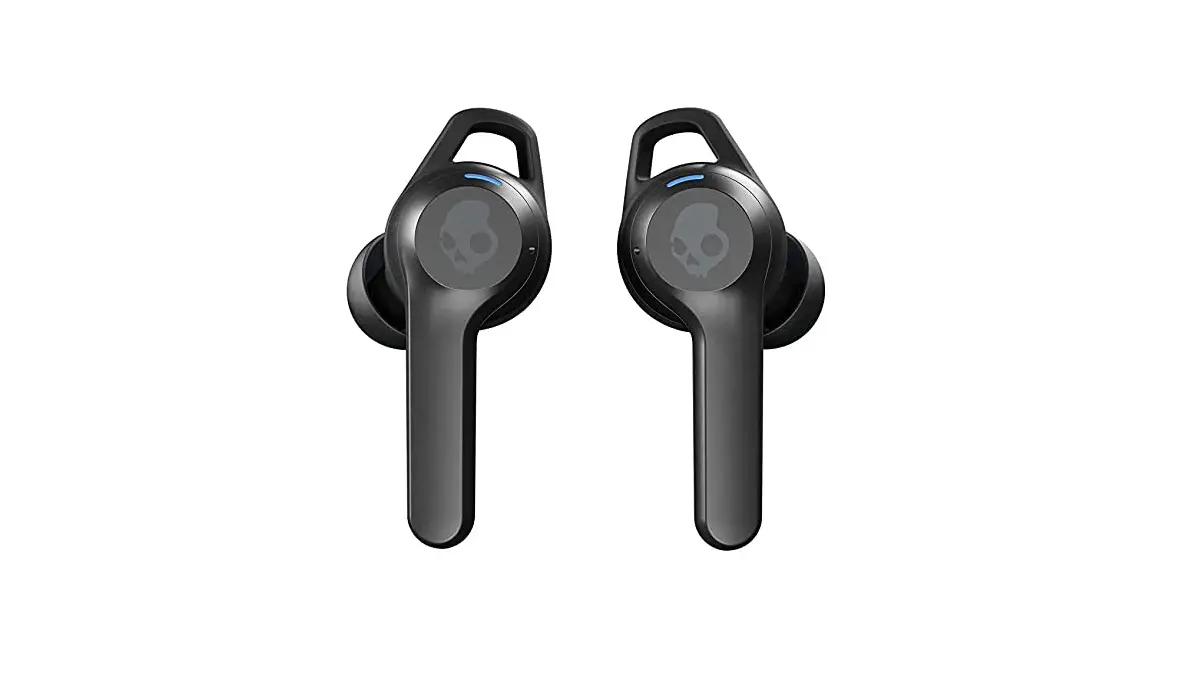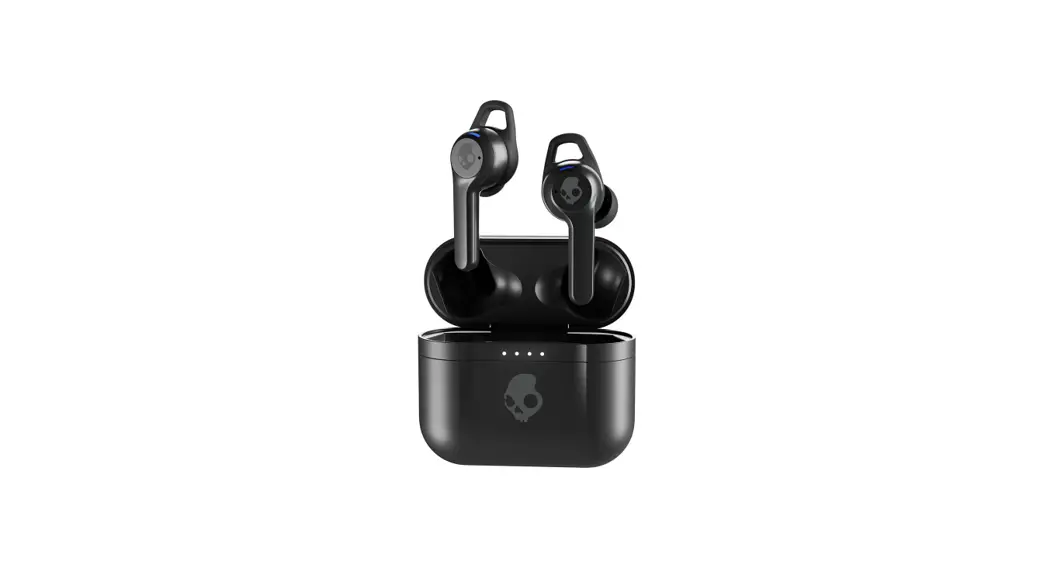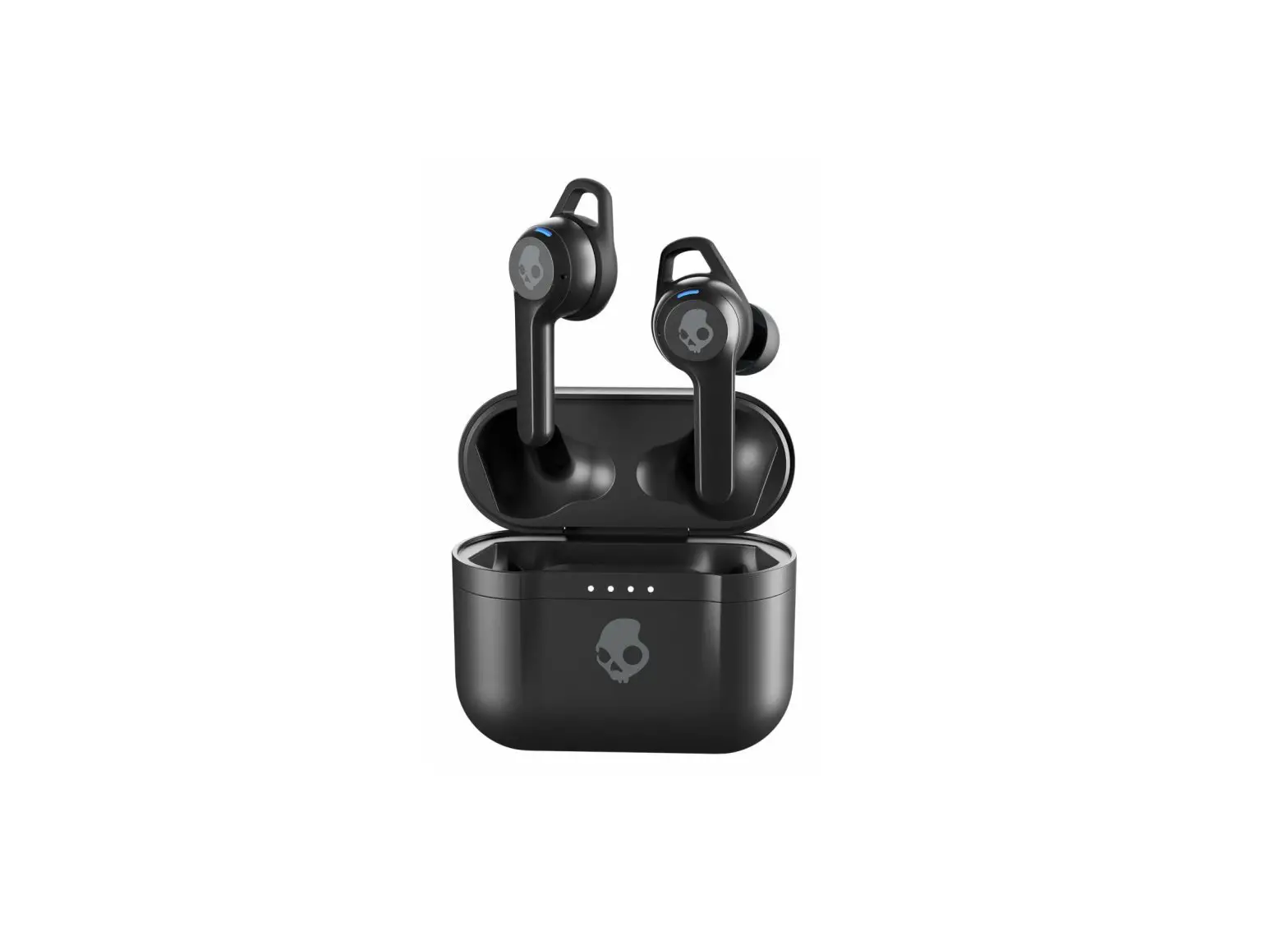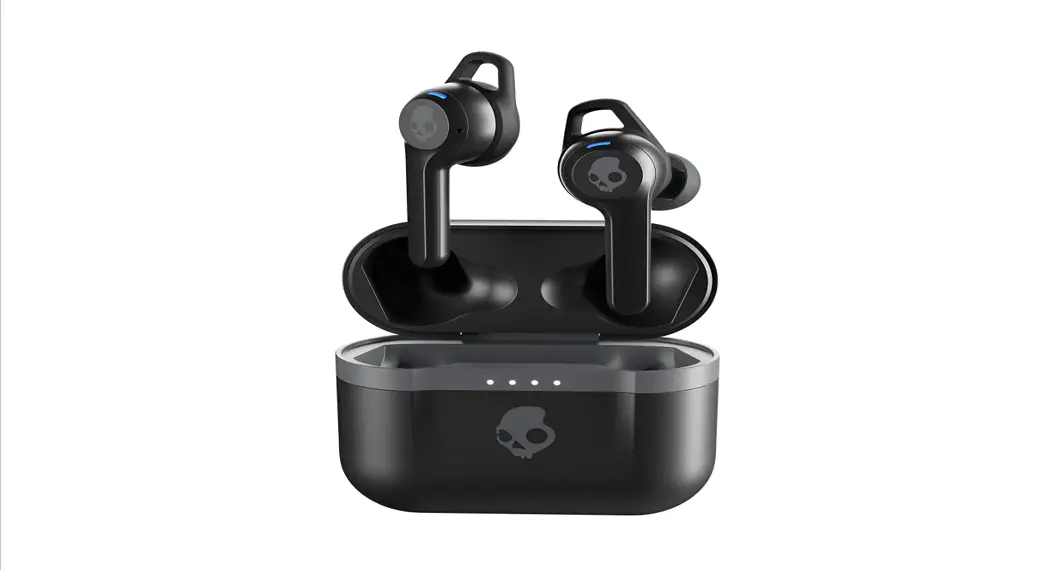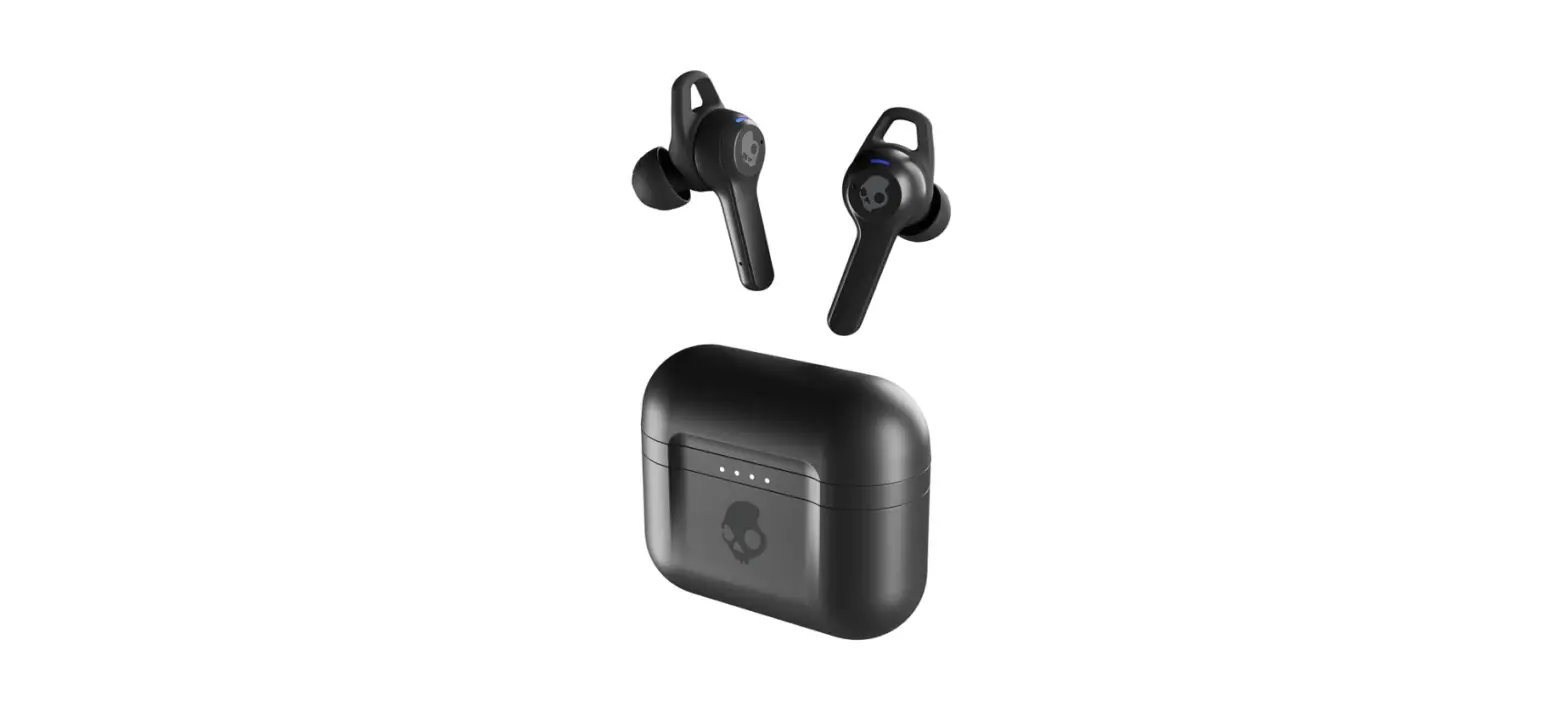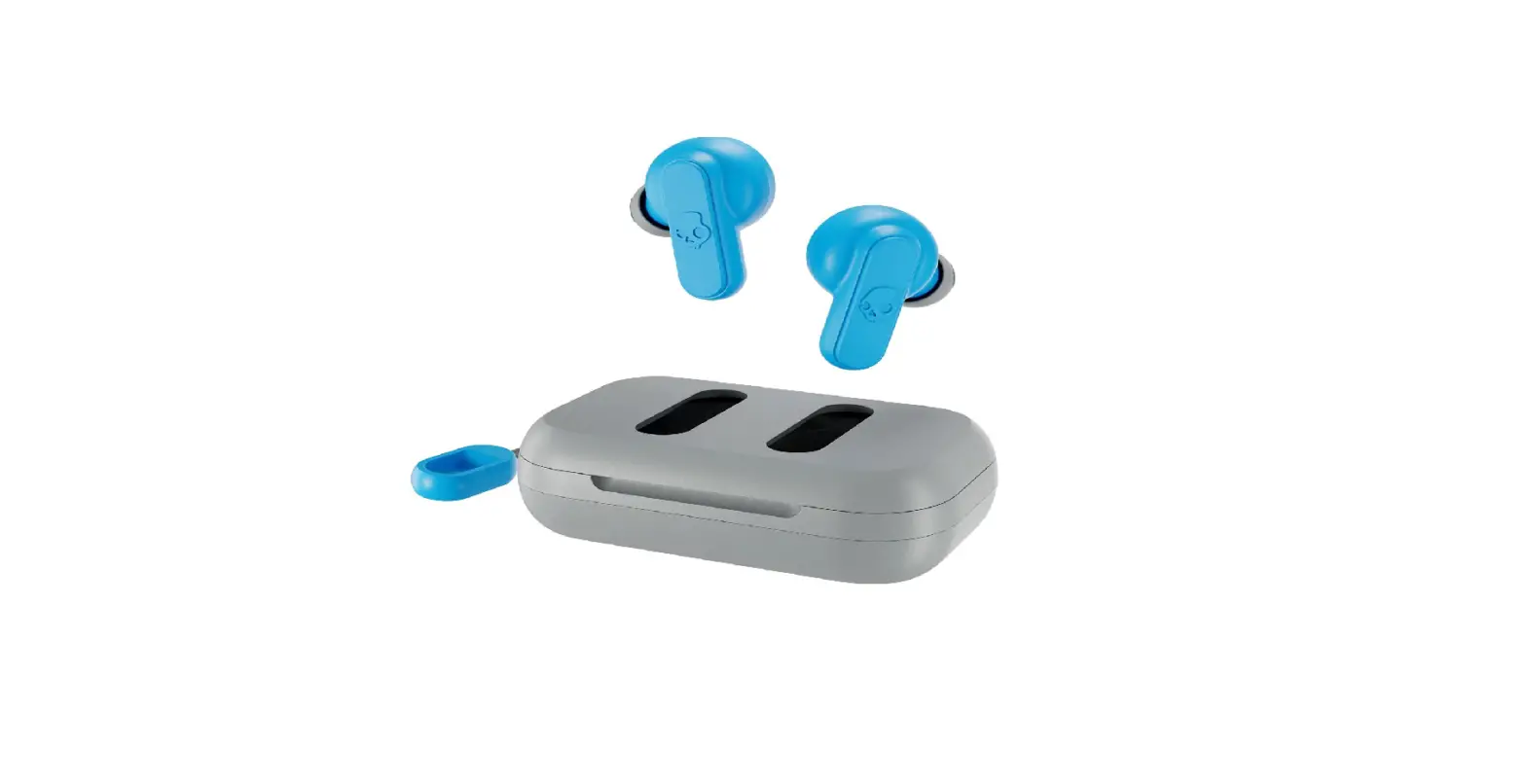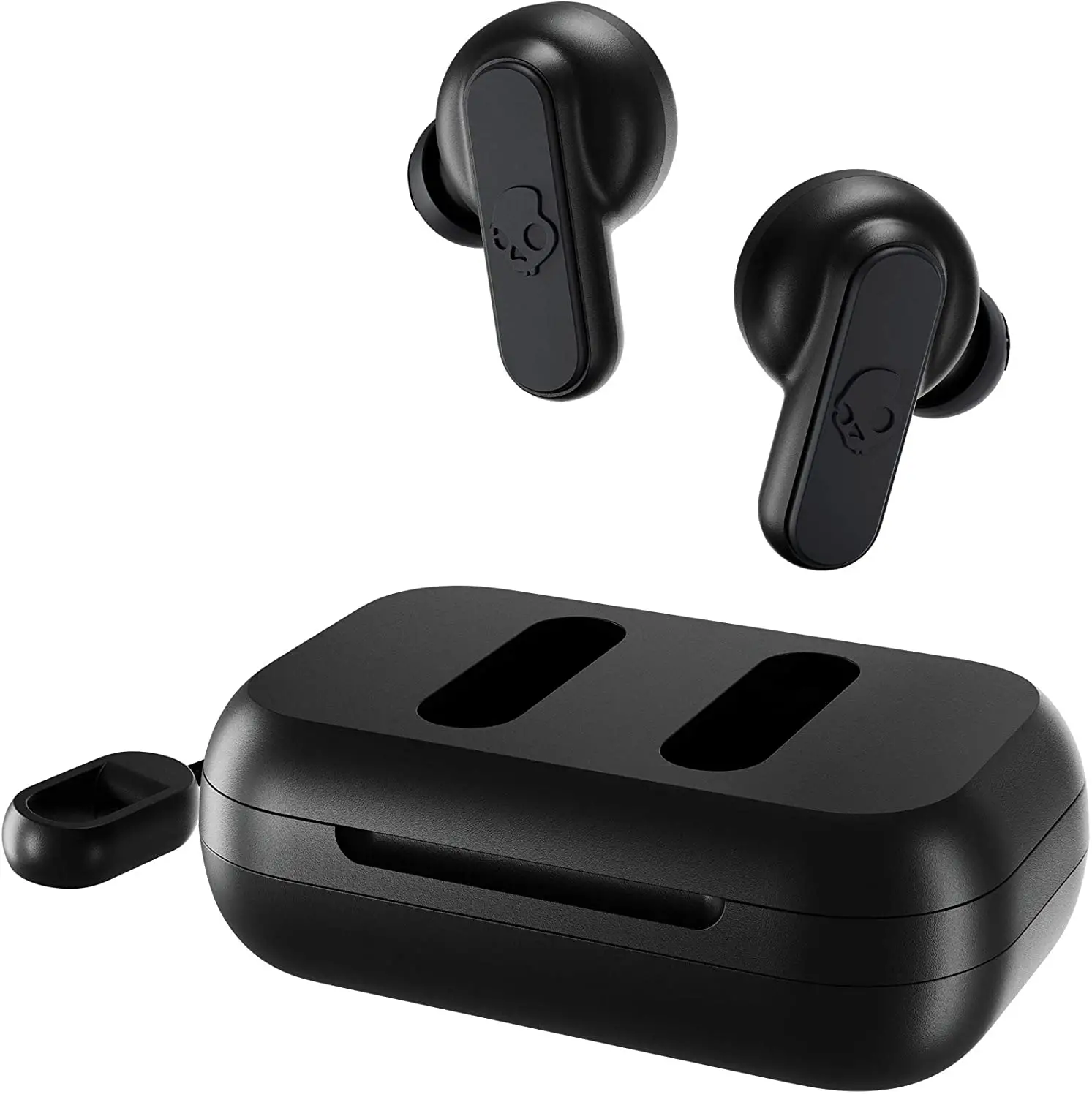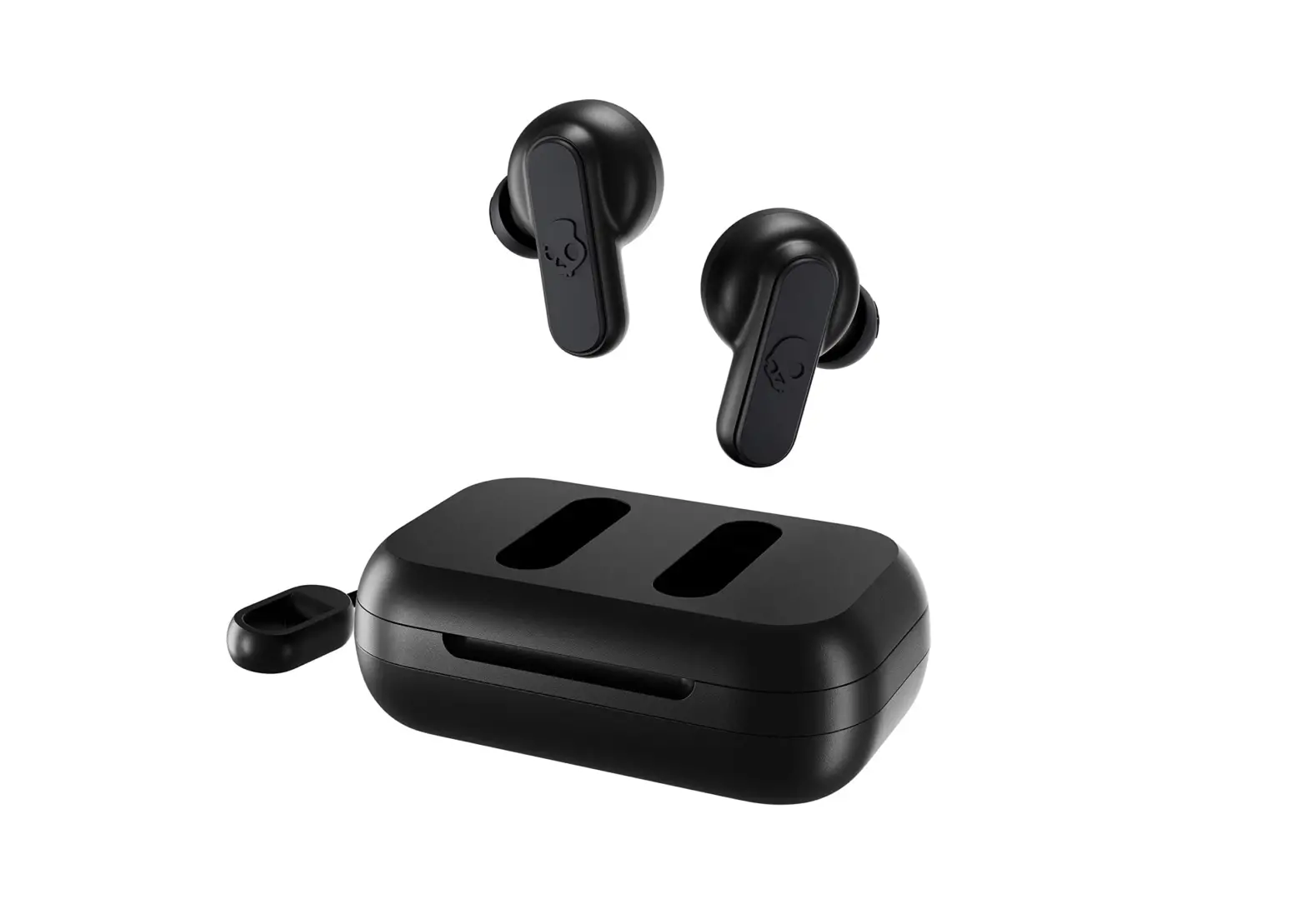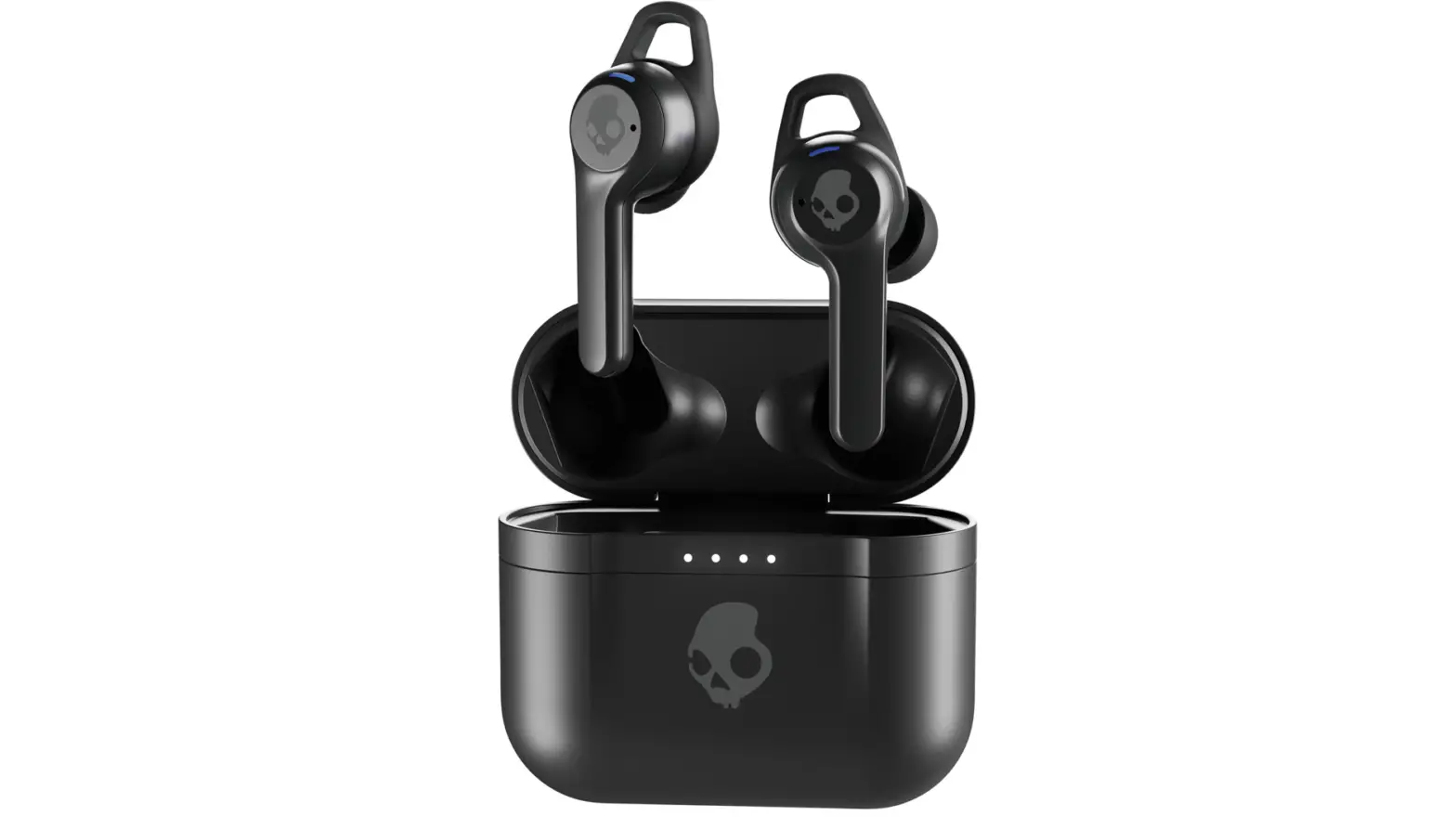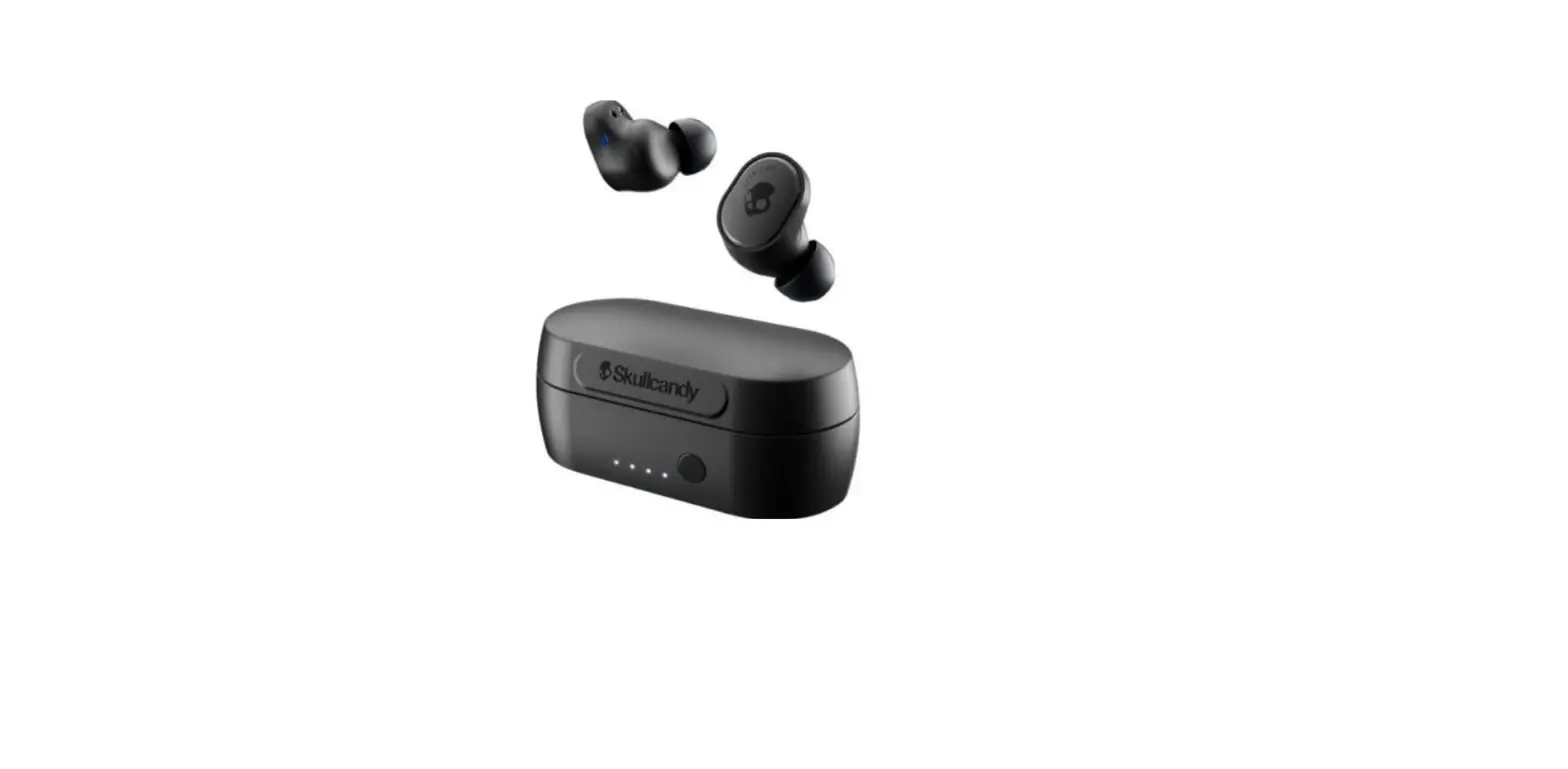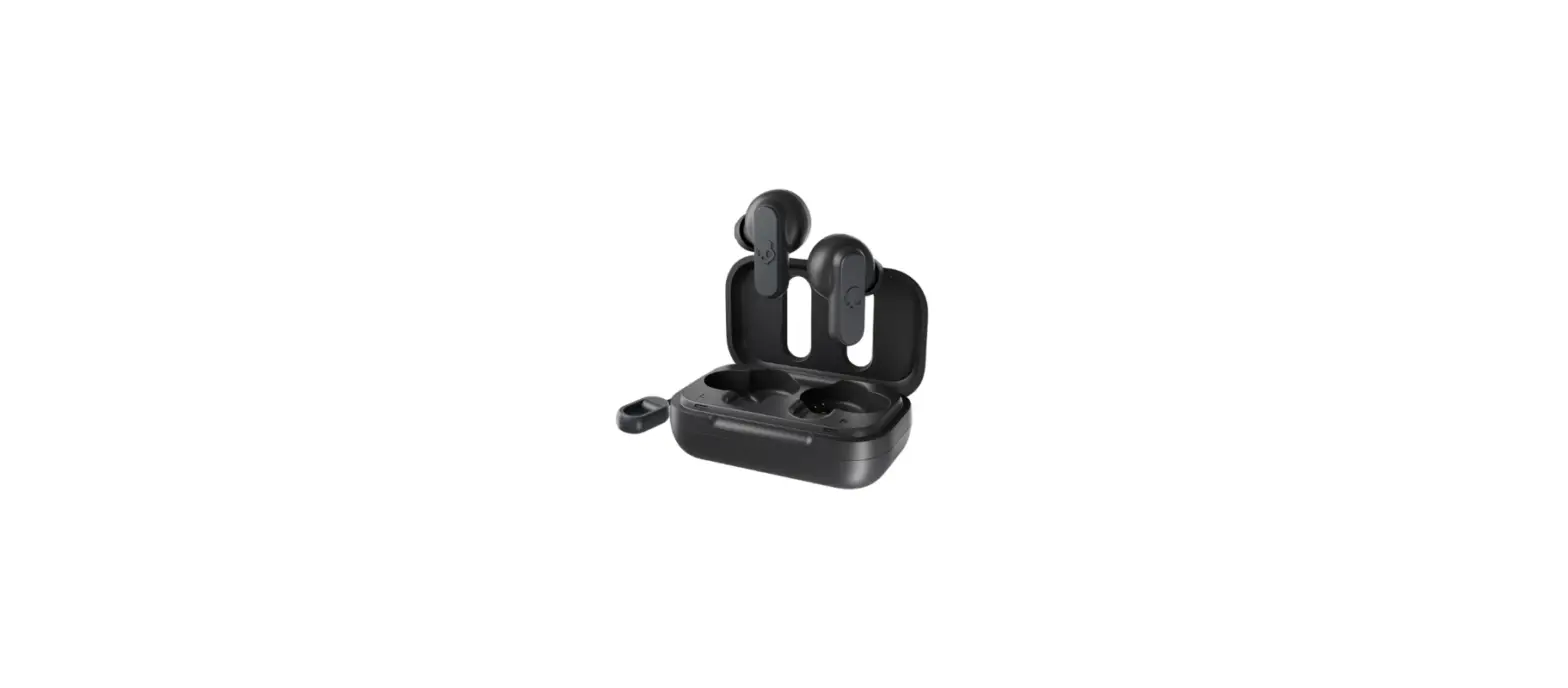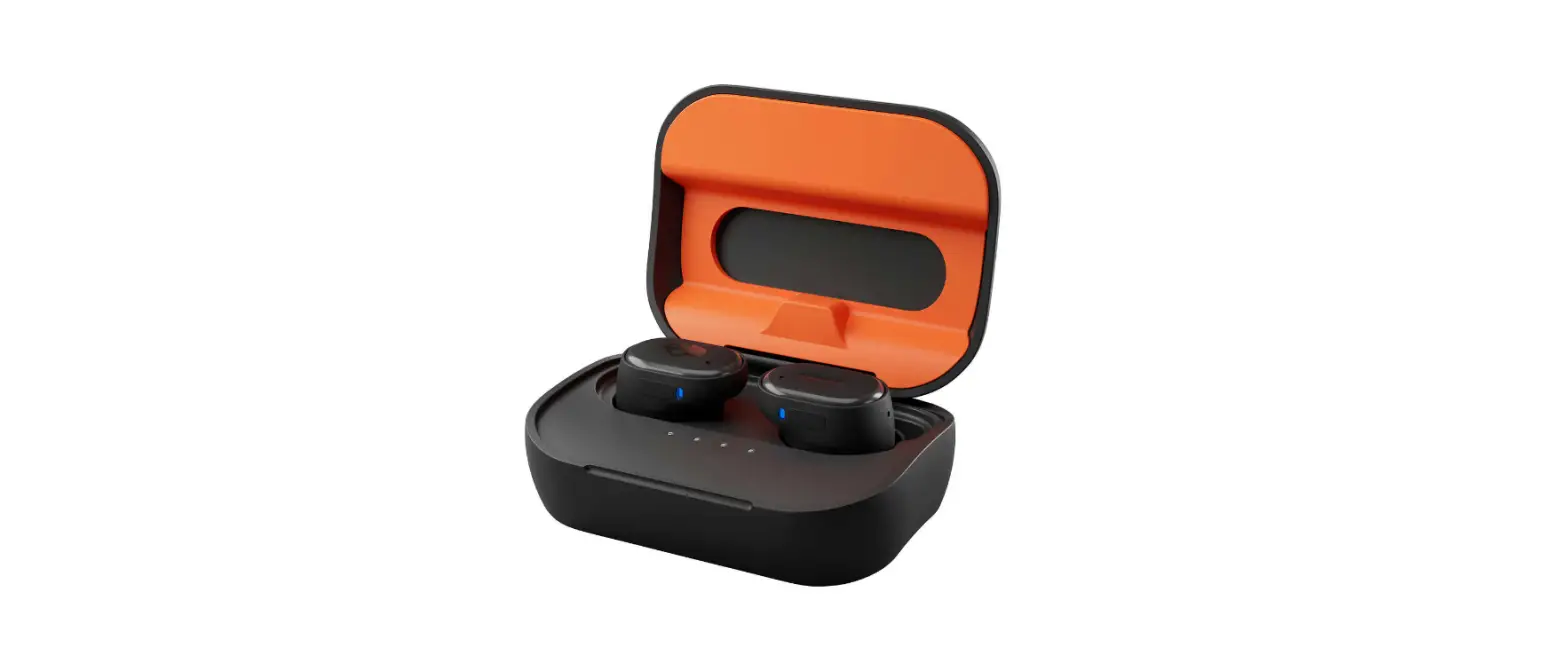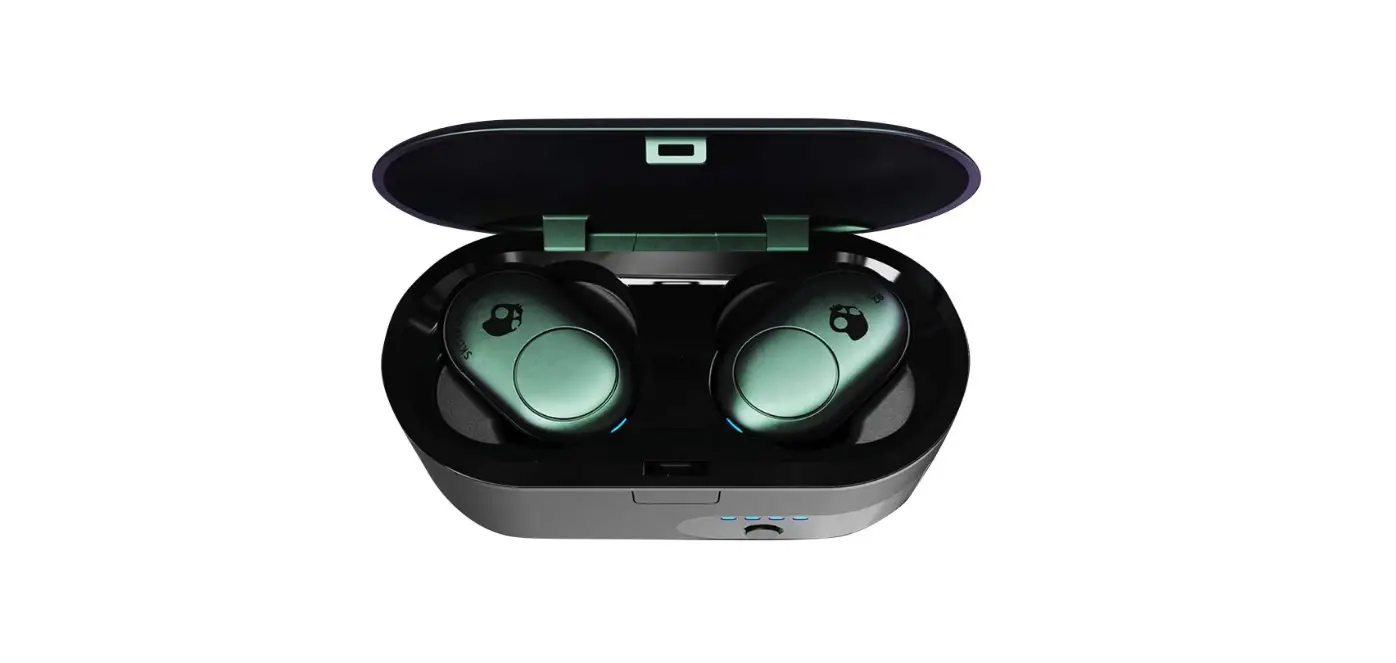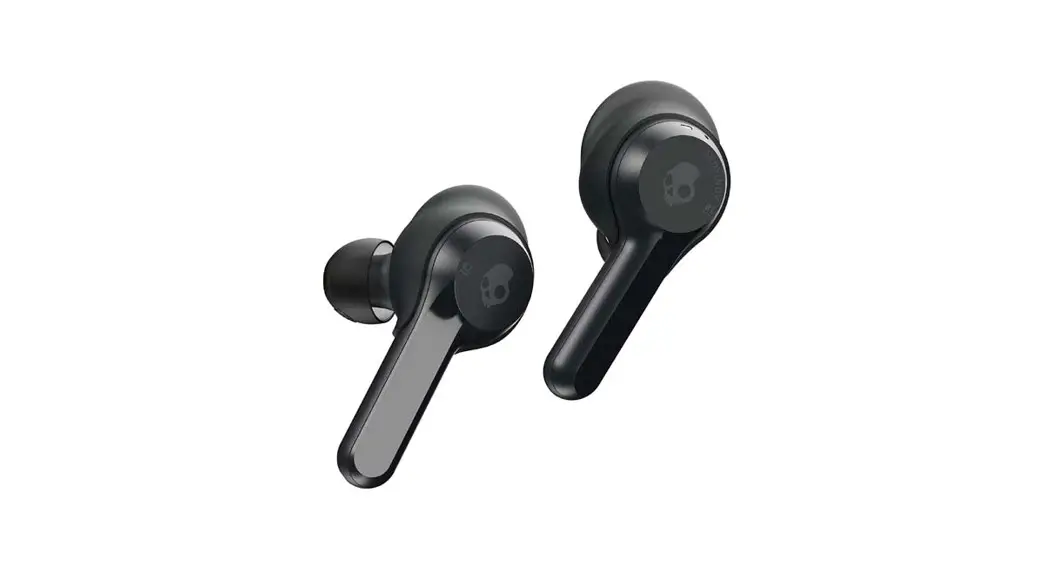
 Indy True Wireless Bluetooth Earbuds
User Guide
Auto Pair Mode
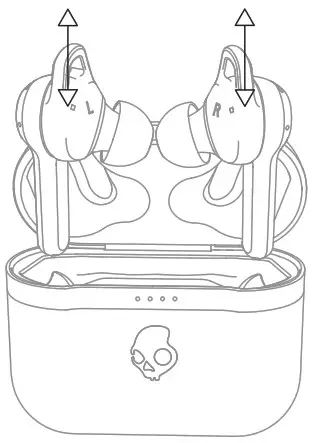
 Pairing Mode
Auto Power- On
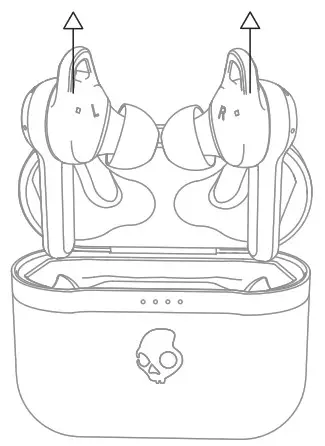
 Power – On
Auto Power- Off
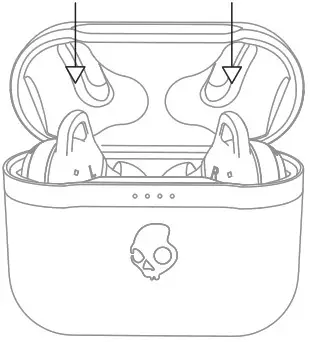
Power-Off
Charge Earbuds
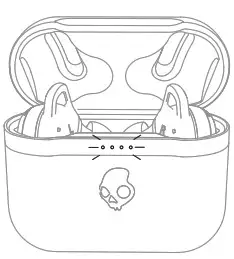
 Charge Earbuds
Charge Case
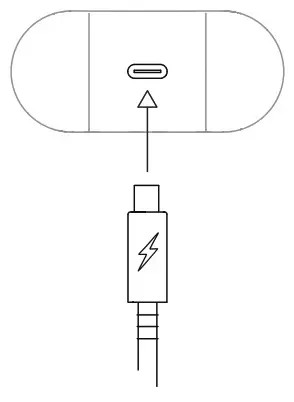 Charge Case
Pairing Mode
*Off Mode
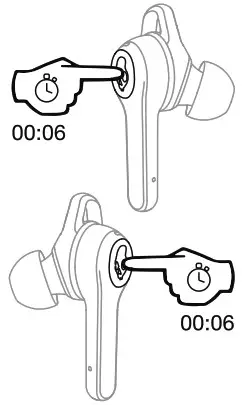
Pairing Mode
Pair New Device
“Indy Evo ”
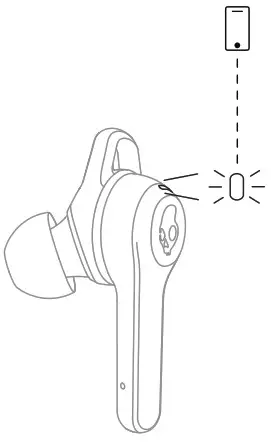
Pair New Device Power-On
Left Side 01 and Right Side 02
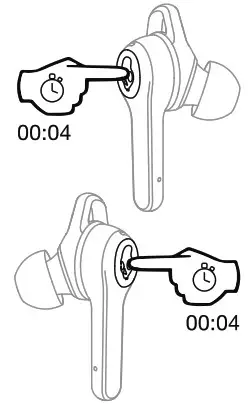
Power-On Power – Off
Left Side 01 and Right Side 02
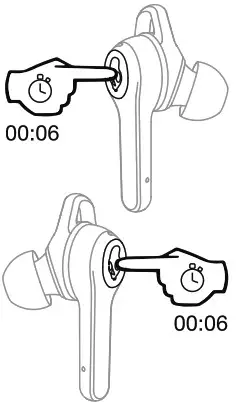
Power – Off
Play/Pause
Left Side 0 1 or Right Side 02
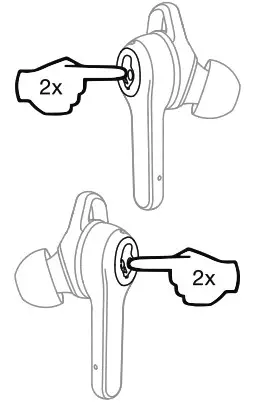
 Play/pause
Track Forward
Right Side 02 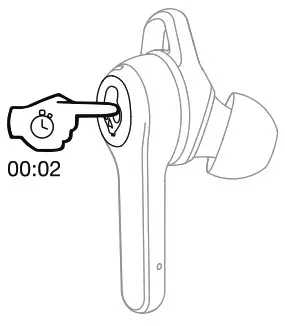
 Track Forward
  Track Back
Left Side 01
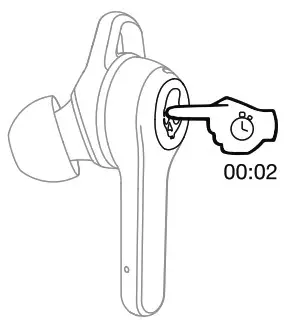
Track Back VolumeUp
Right Side 02
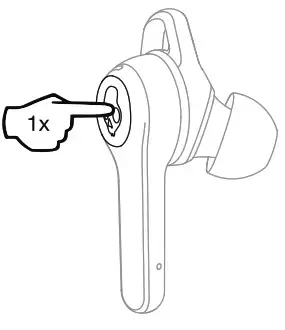
Volume Up
Volume Down
Left Side 01
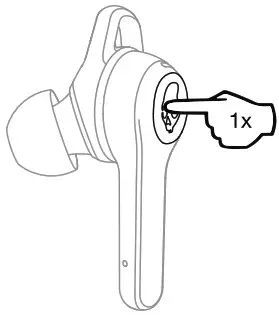
Volume Down Answer/End
Left Side 01 or Right Side 02
Answer/End
Activate Voice Assistant
Left Side 01 or Right Side 02
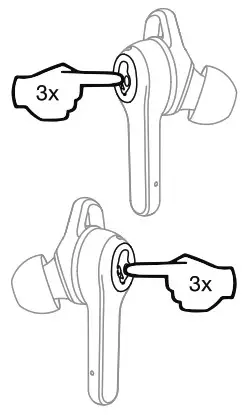
Actvate Voice Assistant
Clear Paired Device
Left Side 0 1 and Right Side 02
* Off Mode
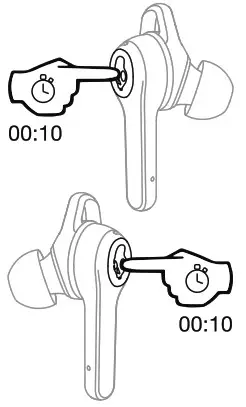
 Reset Device
Tile” Enabled:
Download the App

Download the Tile™ App
Pair Tile™
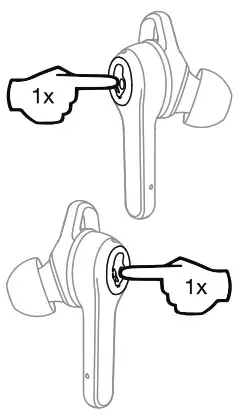
Pair Tile™
3EQModes
Music, Movies, and Podcast
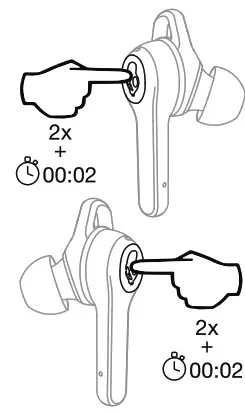
 Change equalizer modes
Ambient Mode
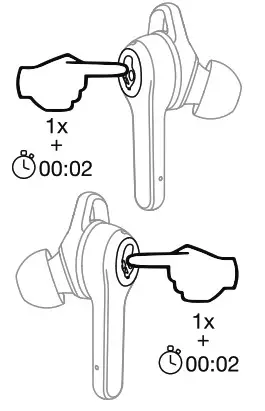
 Ambient mode
Questions Visit : www.skullcandy.com
Speaker Driver: 6mm, Impedance: 32 Ohms, THD <8%@1 KHz, Voltage Regulation:
5V, 500mA, Bluetooth® 5.0, Frequency Band: 2402MHz – 2480MHz, Maximurn Power:
10mw, Weight 63.5g.
FCC Compliance Statement
This device complies with Part 15 of the FCC Rules. Operation is subject to the following two conditions:
- this device may not cause harmful interference, and
- this device must accept any interference received, including interference that may cause undesired operation.
Changes or modifications not expressly approved by the party responsible for compliance could void the user’s authority to operate the equipment.
This equipment has been tested and found to comply with the limits for a Class B digital device, pursuant to Part 15 of the FCC Rules. These limits are designed to provide reasonable protection against harmtul interference i n a residential installation. This equipment generates, uses and can radiate radio frequency energy and, if not installed and used i n accordance with the instructions, may cause harmful interference to radio communications. However, there is no guarantee that interference will not occur ina articular installation.
If this equipment does cause harmful interference to radio or television reception, which can be determined by turning the equipment off and on, the user is encouraged to try to correct the interference by one or more of the following measures:
- Reorient or relocate the receiving antenna.
- Increase the separation between the equipment and receiver.
- Gonnect the equipment into an outlet on a circuit different from that to which the receiver is connected.
- Consult the dealer or an experienced radio/TV technician for help.
ISED Compliance Statement
This device contains licence-exempt transmitter(s)/receiver(s) that comply with Innovation, Science and Economic Development Canada’s licence-exempt RSS(s). Operation is subject to the following two conditions:
- This device may not cause interference
- This device must accept any interference, including interference that may cause undesired operation of the device.
ISED SAR Compliance Statement
This equipment complies with ISED radiation exposure limits set forth for an uncontrolled environment. End user must follow the specific operating instructions for satisfying RF exposure compliance. This transmitter must not be co-located or operating i n conjunction with any other antenna or transmitter.
The portable device i s designed to meet the requirements for exposure to radio waves established by the ISED. These requirements set a SAR limit of 1.6 W/kg averaged over one gram of tissue. The highest SAR value reported under this standard during product certification for use when properly worn on the body.
2 YEAR GLOBAL WARRANTY
United States of America and Canada Product Purchases Only Skullcandy products are backed by a 2-year wiity. If it doesn’t work
the way we promised, we’ll make it right. For GuBrantee Claims, Questions and Terms & Conditions visit Skullcandy.com
Tanty or call us at
1-888-MYSKULL.
Product Purchases Outside The United Stats of America and Canada
Skullcandy products are backed by a 2-year anty. If it doasn’t work the way we promised, we’ll make it right. For Guarantee Claims, Questions, and Terms & Conditions visit Stullcarcy.com/warranty or email us at [email protected] Warning: To avoid hearing damage, do not isteh at high volume levels.
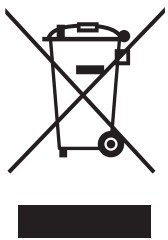 many electrical itemos. can barepairaclor and the environment. If you do not recycle, elecjrical equipment will end up in landfill where hazardous substances will leak out and cause soil and S88 water contamination — harming wildlife and ‘alo hurnan health. To remind you that old electrical equipment can be recycled, it is now marked witha crossed out wheeled bin symbol. Please do not throw any electrical equipment (including those marked with the orogsed out wheeled bin symbol) in your bin.
 Many Local Authorities will have containers that ect batteries for recycling. Public buildings and your workplace may also have containers. If you do not recycle, batteries will end up in landfill where hazardous substances will leak out and cause soil and water contamination — harming wildlife and also human health. Batteries containing hazardous materials such as mercury (Hg), cadmium (Cd) or lead (Pb) are marked with their chemical symbols as well. This symbol means that according to local laws and regulations the battery shall be disposed of Separately from household waste. When this product reaches its end of life,|take it to a collection point designated by local authorities or return to’purchase location for recycling or disposal.
Americas
Skullcandy, Inc.
6301 N Landmark Dr.
Park City, UT 84098 U.S.A.
Skullcandy.com
Canada
Skullcandy Canada ULC
329 Railway St. Unit 205
Vancouver, BC. V6A 1A4 Canada
Skulleandy.ca
Contains Li-ion battery. Battery must be recycled or disposed o f properly.
Made in China. R-C-Sku-S2IVw
 ® 018-190429