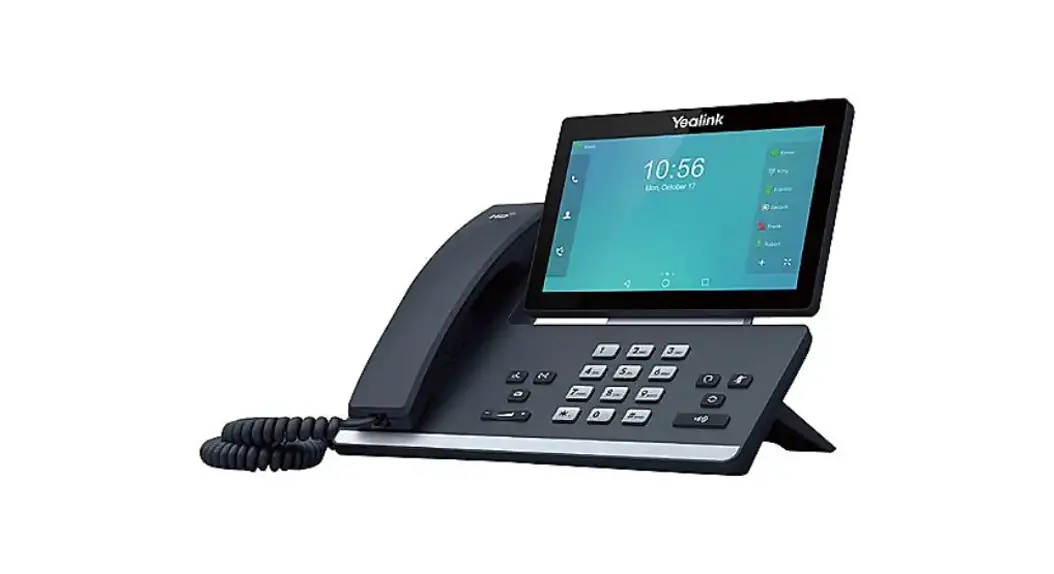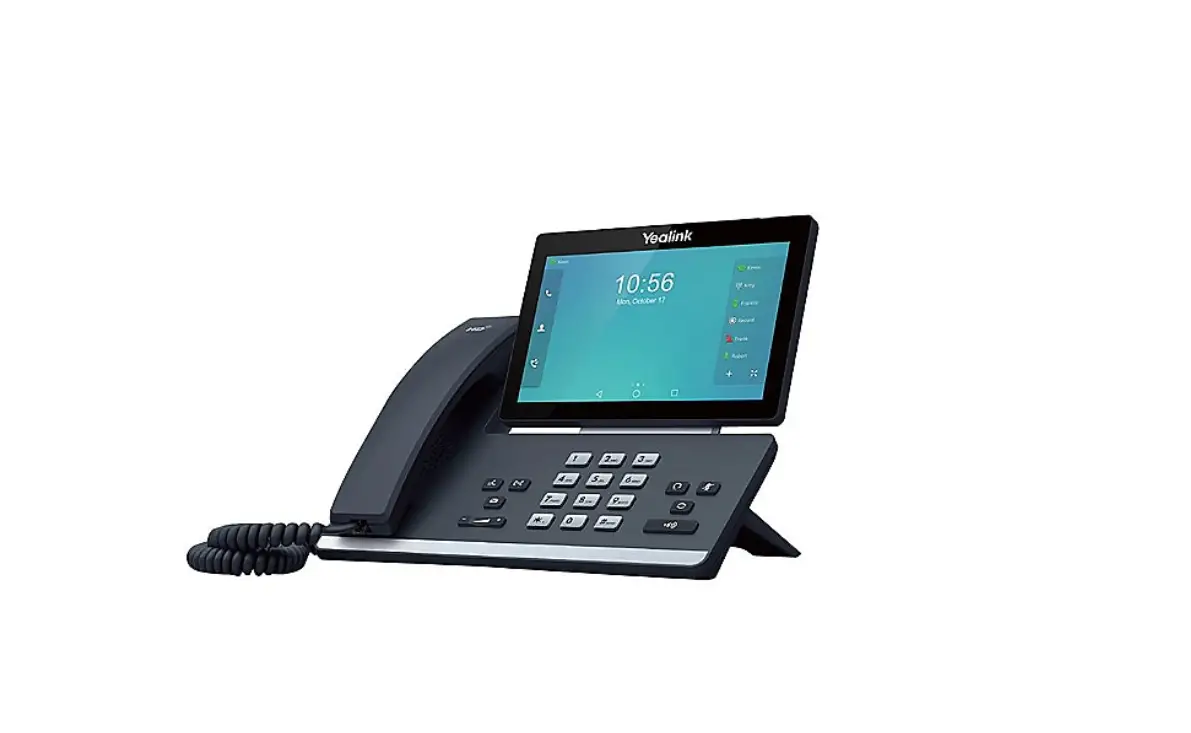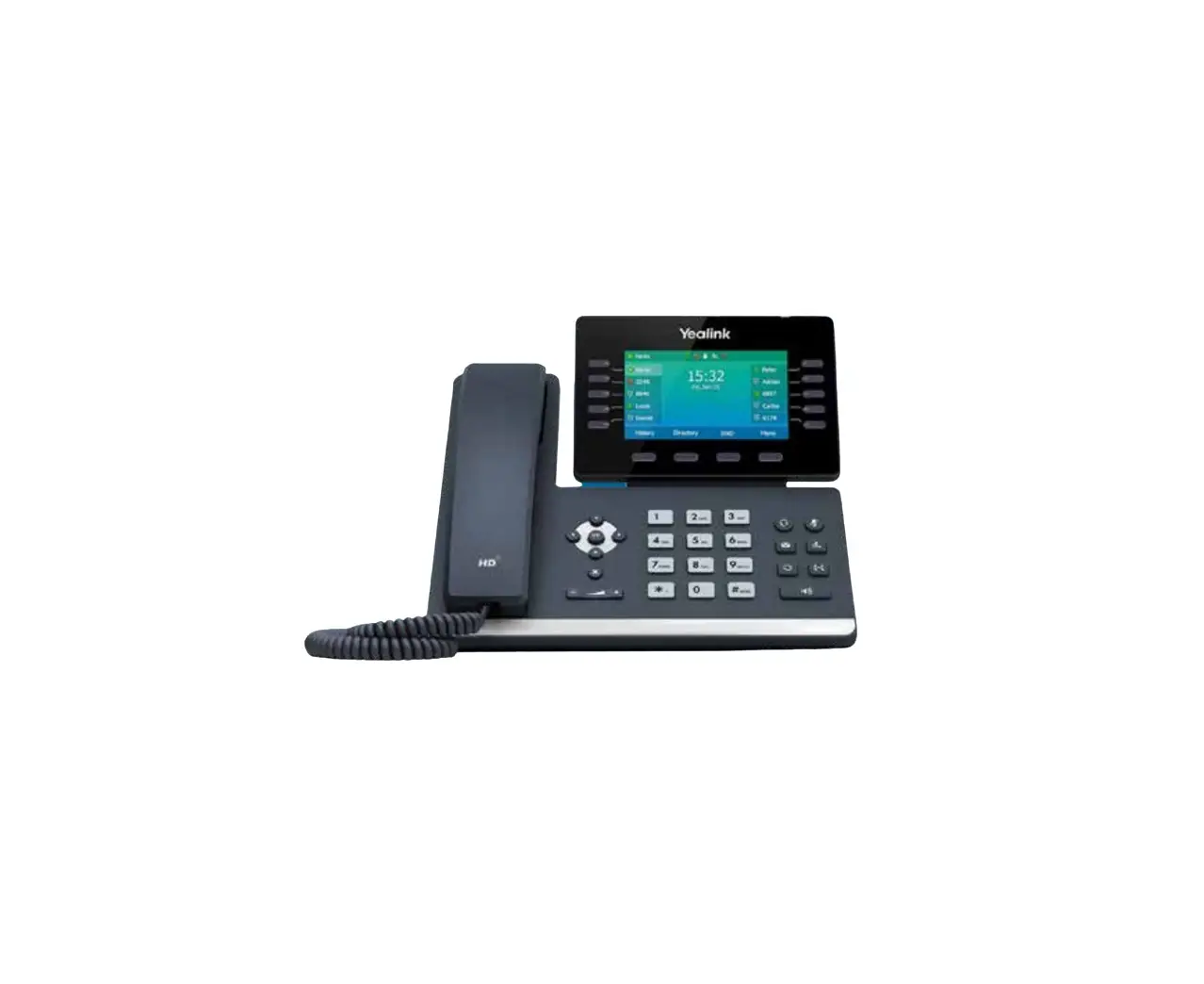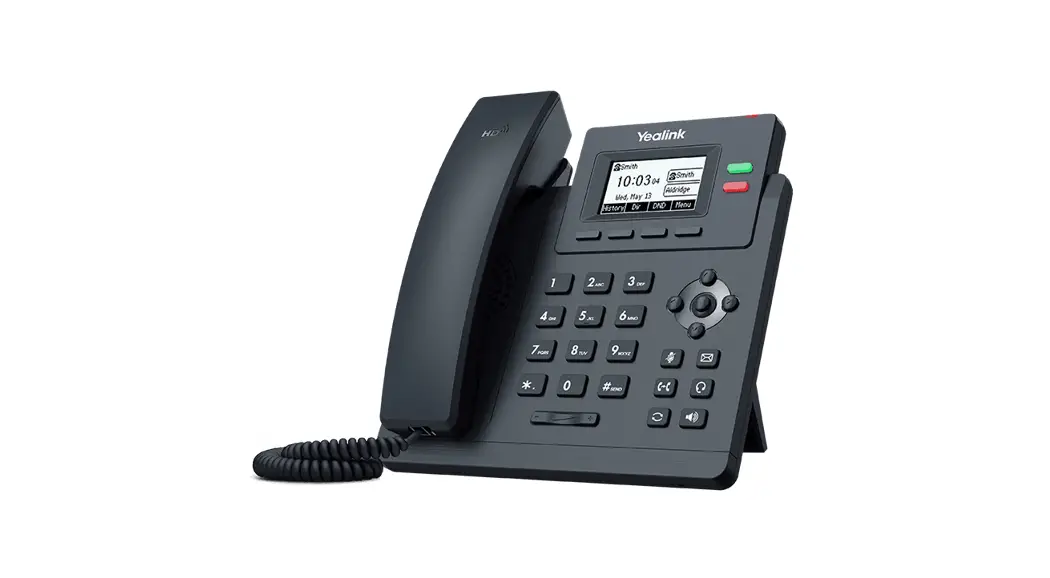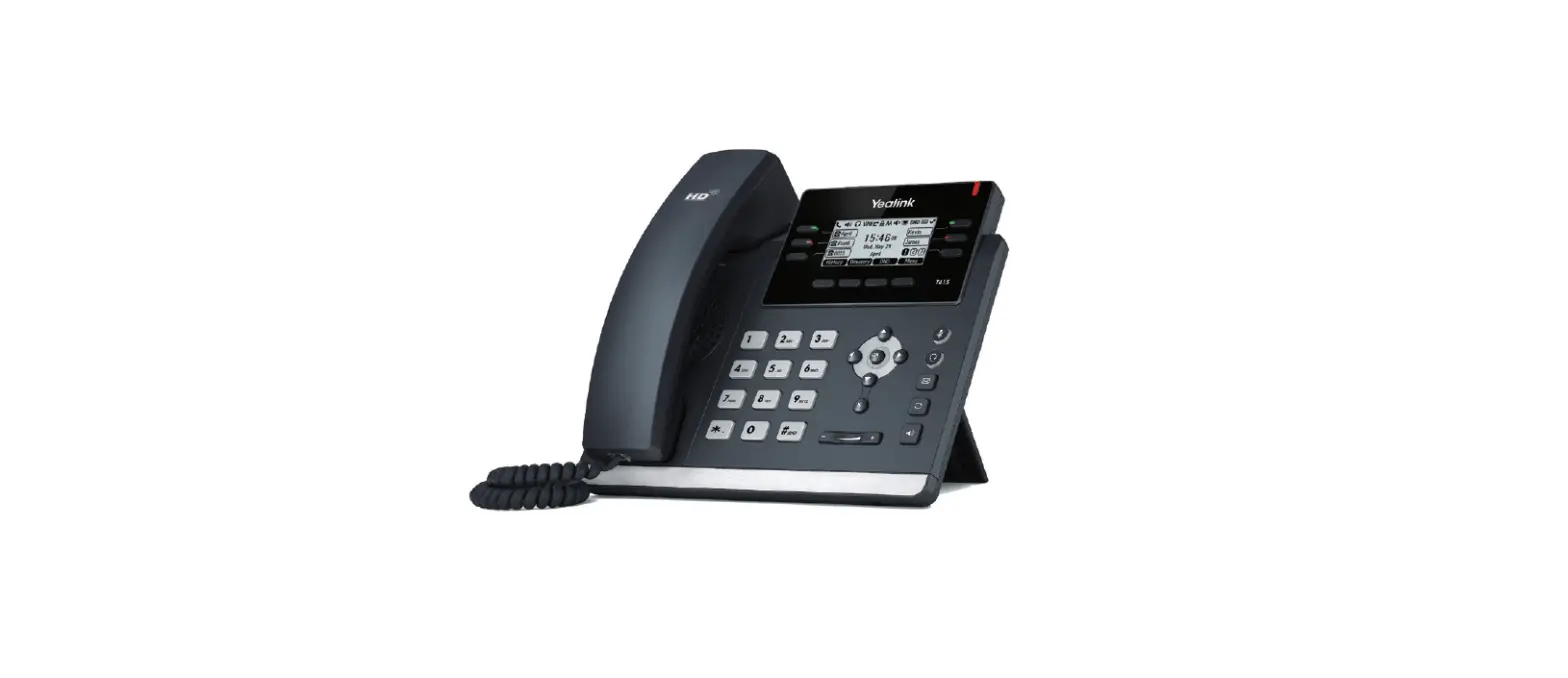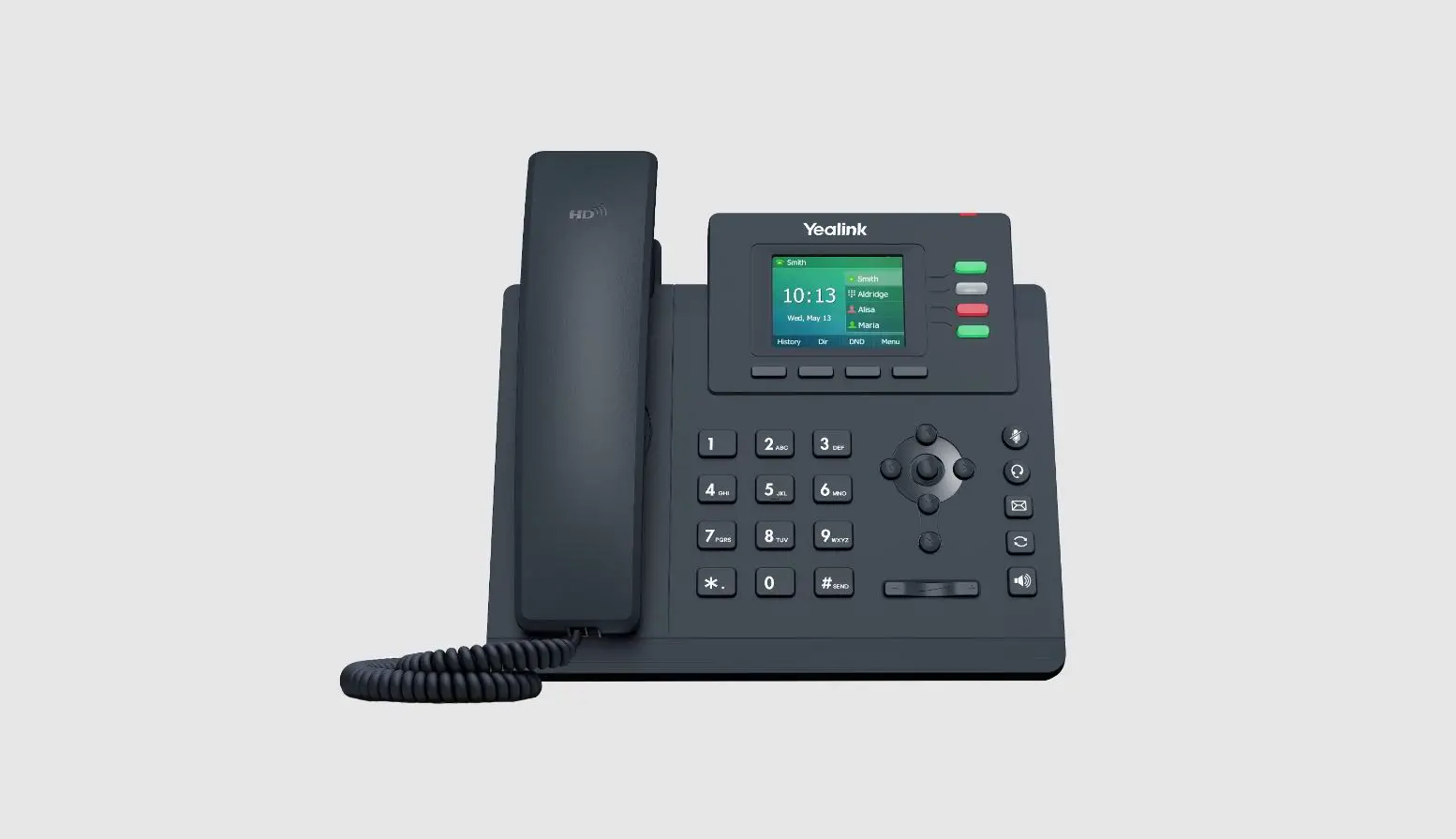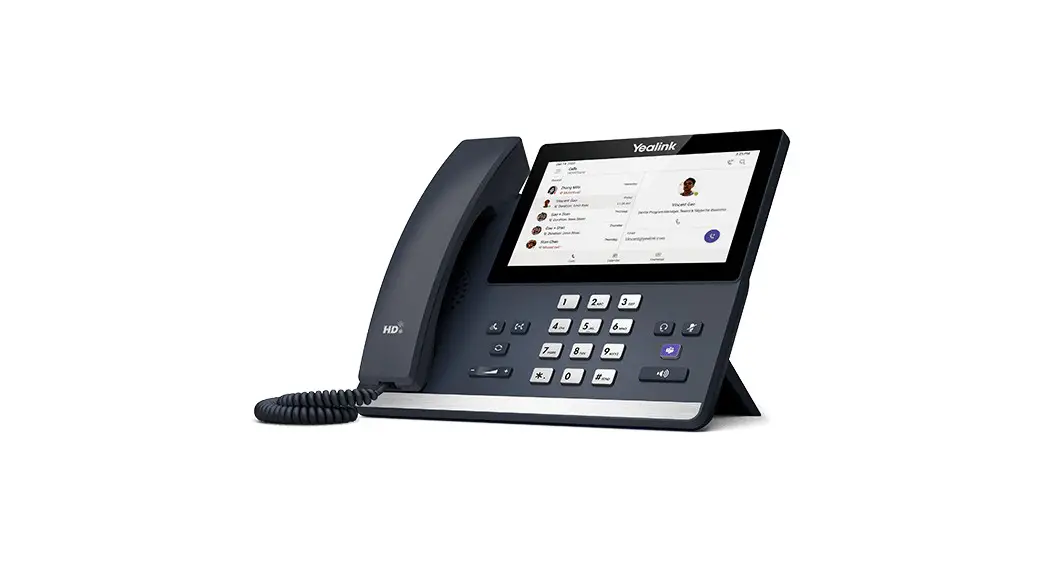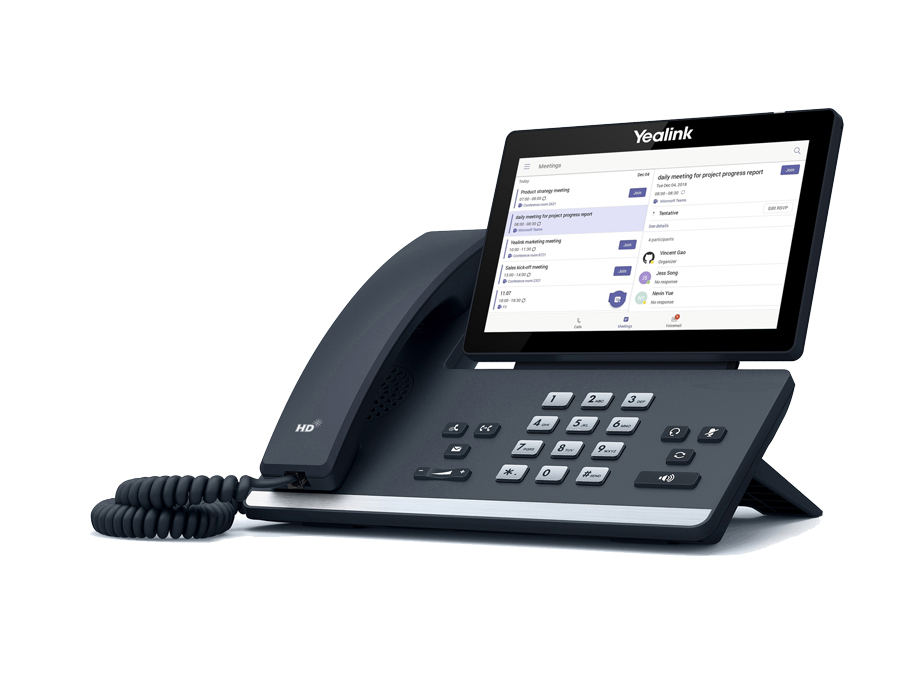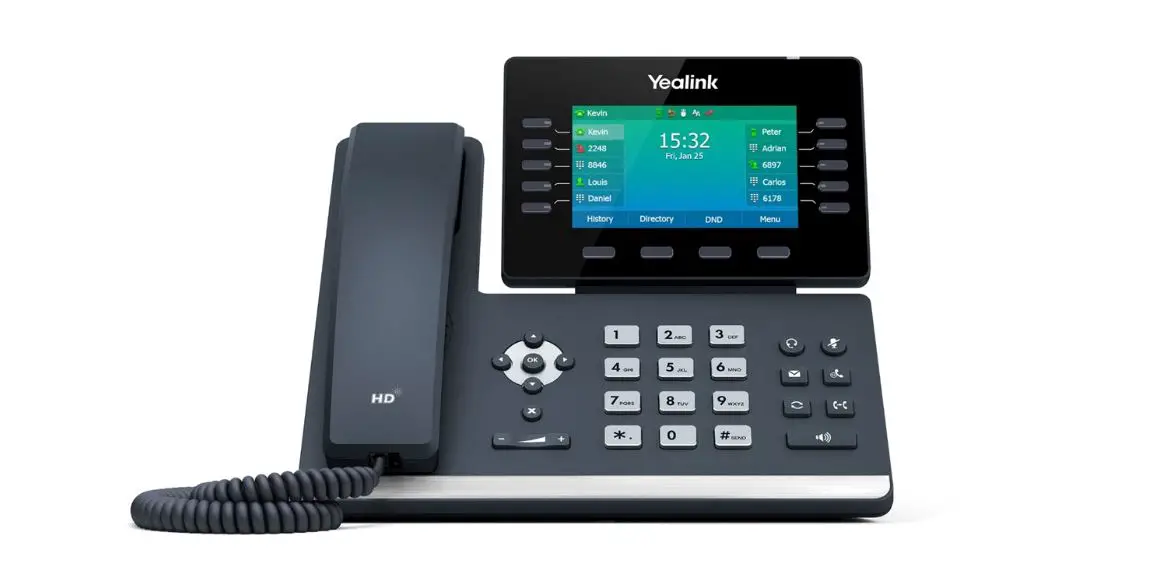
 YOUR YEALINK T58A DESK PHONE
Solutions Made Easy.
Key Descriptions
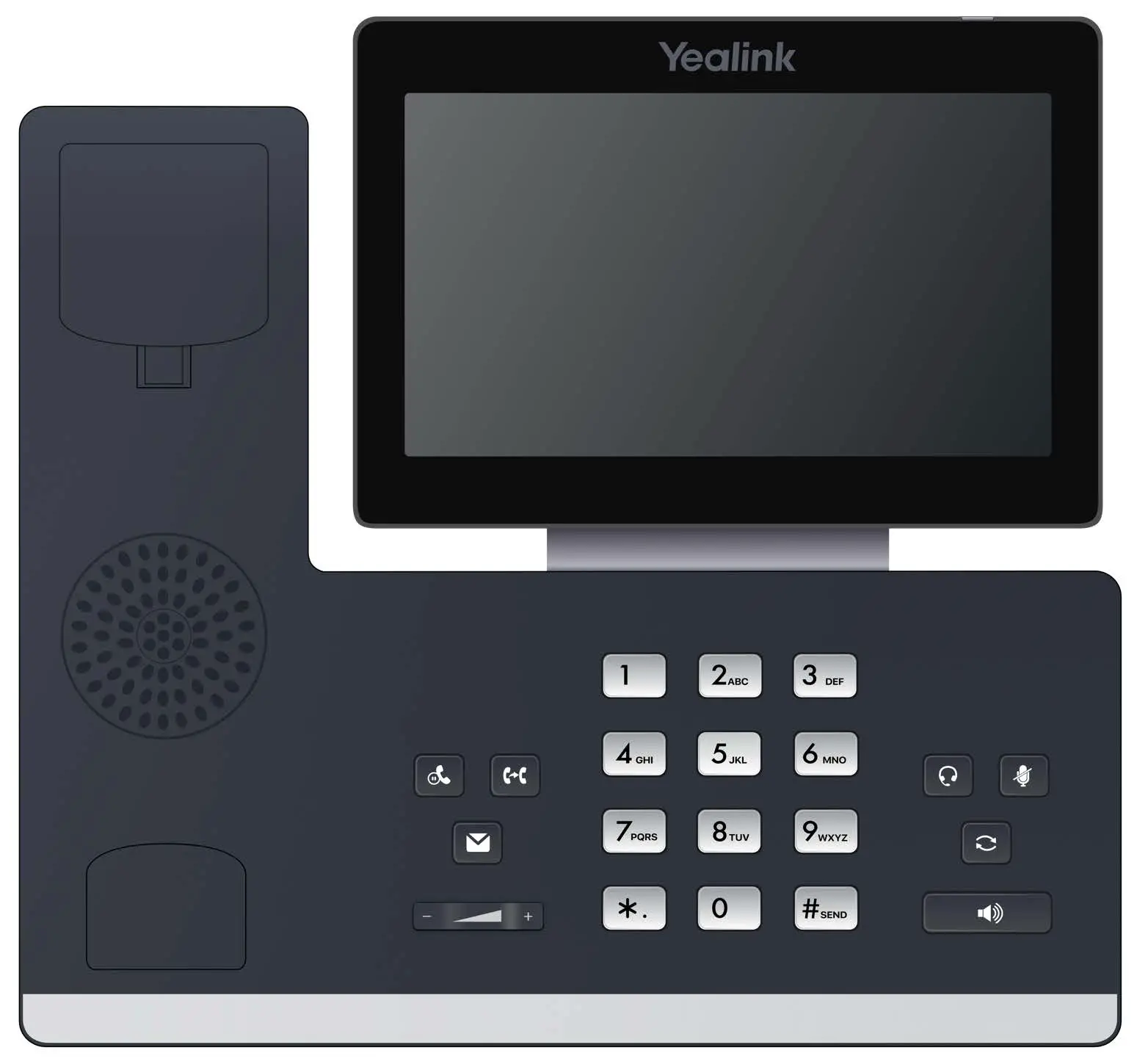
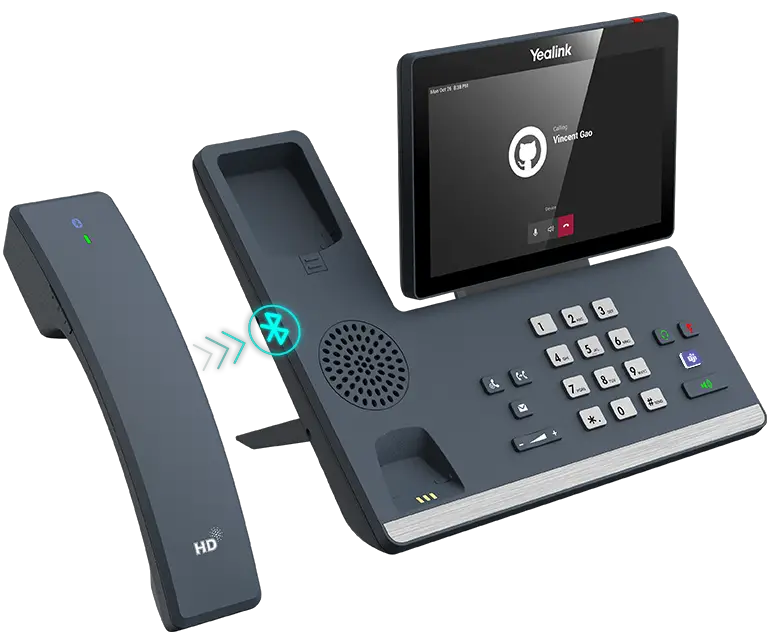
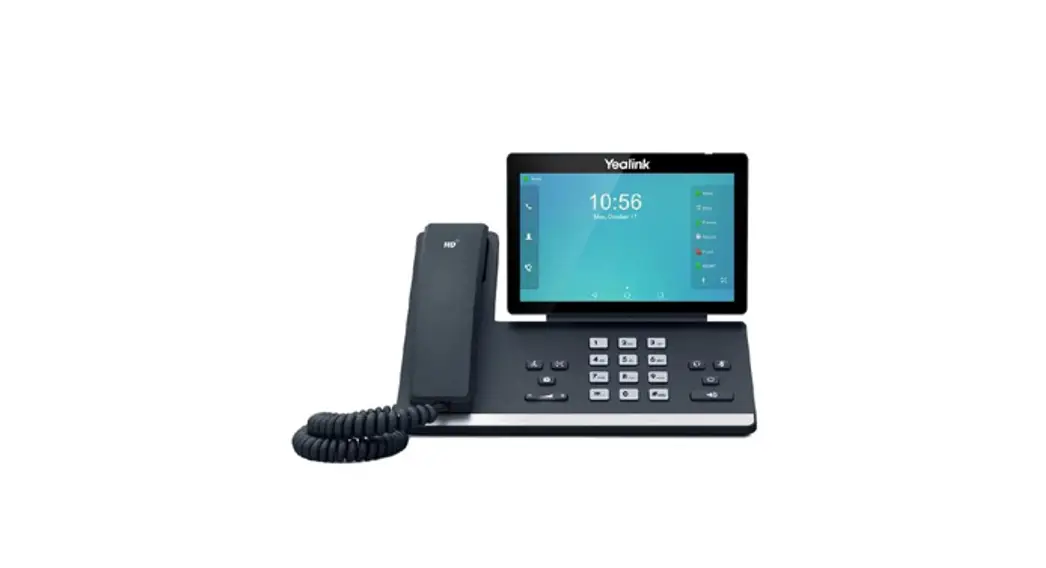
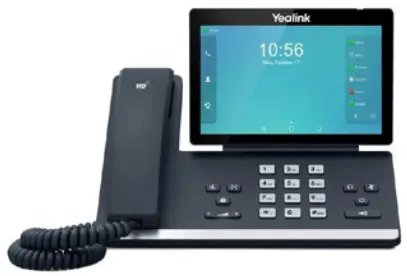
The T58A is a touch screen device using an Android Operating System. Features and commands are often shown on the display and activated by “tapping” or long-tapping an icon. Below are the hard keys that appear on the phone. There may also be an Icon on the display that performs the same function.
 | Hold Key – Press once to place a call on hold. Press again to retrieve the call. |
 | Transfer Key – Transfers a call to another number (internal or external). |
 | Message Key – Use to access your voicemail. |
 | Volume Key – Tap to adjust the ringer, speaker, handset, or headset volume. |
 | Headset Key – Toggles the headset on/ off. LED glows green when the headset is in use. |
 | Mute Key – Tap to mute or unmute the speaker, handset or headset. |
 | Redial Key – Displays a list of recently called numbers and allows you to redial from the list. |
 | Speaker Key – Toggles the speaker on/off. LED glows green when the speaker is active. |
 | |
Call Handling
Blind Transfer
|
Announced Transfer
|
Transfer to Voicemail
|
Conference Call
|
Parka Call
|
Do Not Disturb (DND)
|
Dial 4357 (HELP) or 315-671-6262 to speak to a Northland Training Representative
YOUR VOICEMAIL
Solutions Made Easy.
LOG IN TO VOICEMAIL
From any internal extension:
+ Dial *99 (Pressing the MESSAGE Key, logs you into VISUAL VOICE for that account).
+ Enter your 10-digit telephone number and press the # key.
+ Enter your password (temporary password provided by your System Administrator) and press the # key.
+ Follow the voice prompts.
NOTES: If Fast Login has been enabled, you will not be asked to enter your telephone number. From your own phone, enter your password, and press # when prompted. If logging in from another account phone that has Fast Login enabled, press * and enter your 10-digit telephone number, press #, enter your password, and press #. Pressing the MESSAGE Key on any phone, logs you into VISUAL VOICE for that account.
From any external telephone:
+ Dial: 315-671-0031 (Syracuse) or 315-624-9994 (Utica).
+ Enter your 10 digit telephone number and press the # key.
+ Enter your password (temporary password provided by your System Administrator) and press the # key.
+ Follow the voice prompts.
COMMON VOICEMAIL COMMANDS
| From the Main Menu | |
| Listen to messages | 1 |
| Leave a message for another user | 2 |
| Work with personal greetings | 3 |
| Mailbox settings | 4 |
| Get Deleted Messages | 6 |
| Switch Account (log into another account) | 7 |
| Help menu | 0 |
| While Listening to Messages | |
| Repeat | 1 |
| Save | 2 |
| Erase | 3 |
| Reply | 4 |
| Increase Message Volume | 6 |
| Next Message | # |
| Back-Up 5 seconds | 77 |
| Forward 5 seconds | 99 |
NOTES: Star (*) will always back you up to the previous menu.
When listening to a greeting, pound (#) will bypass the user’s personal greeting.
CommPortal for Web
CommPortal is an interactive web page that allows you to access and manage your call service, settings, and voicemail for your account phone. Your system administrator will provide you with a temporary password.
To log into CommPortal, go to: https://bucommportal.northland.net
Dial 4357 (HELP) or 315-671-6262 to speak to a Northland Training Representative