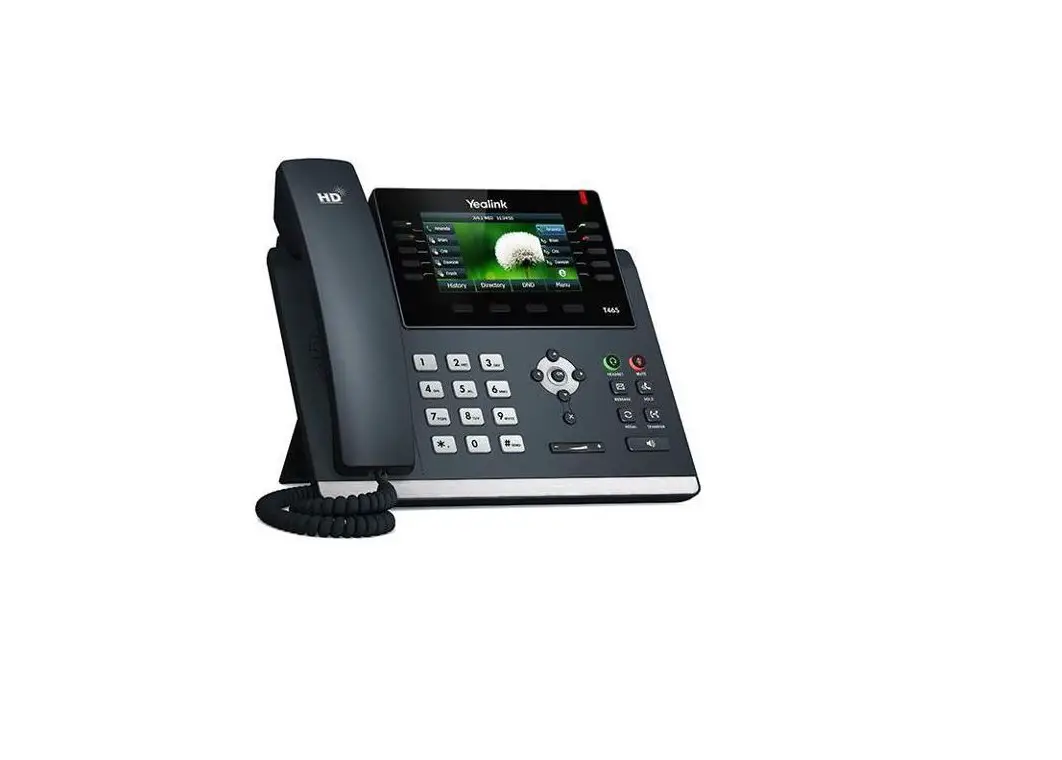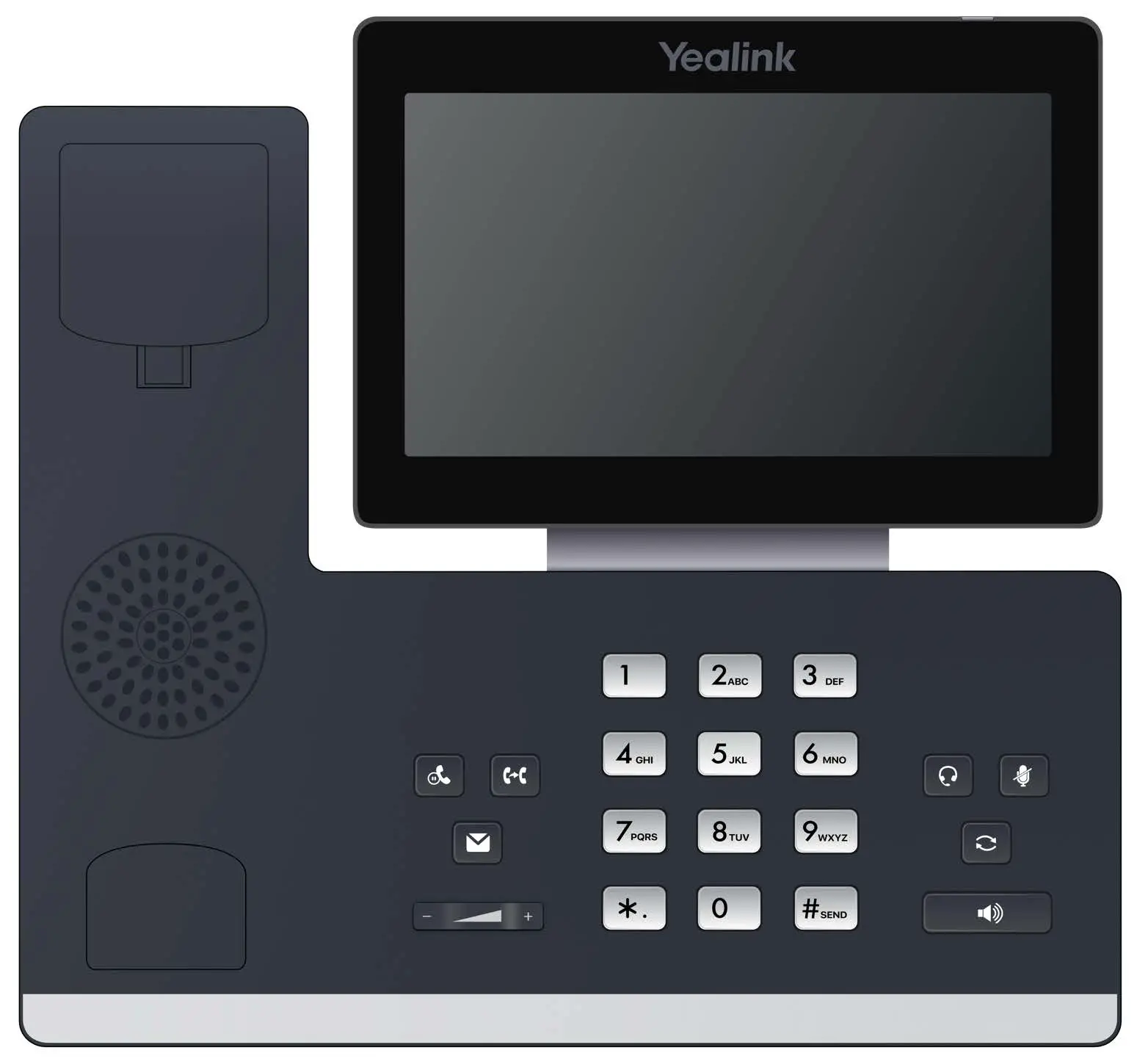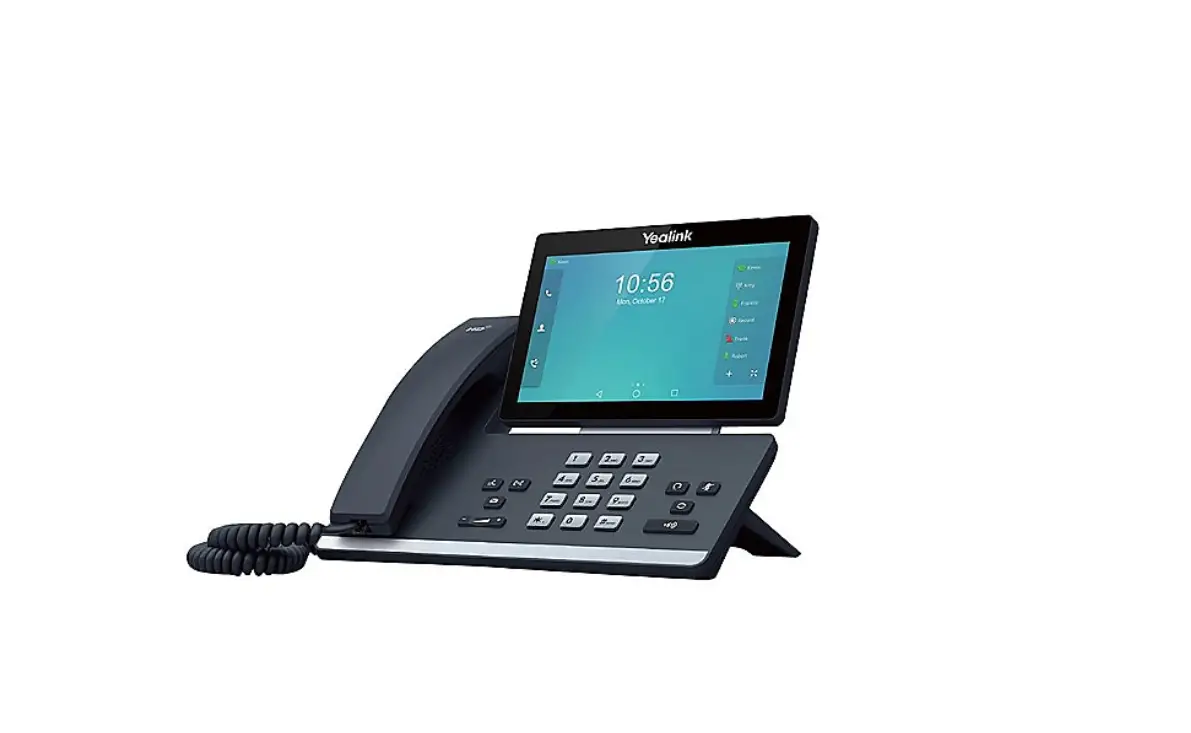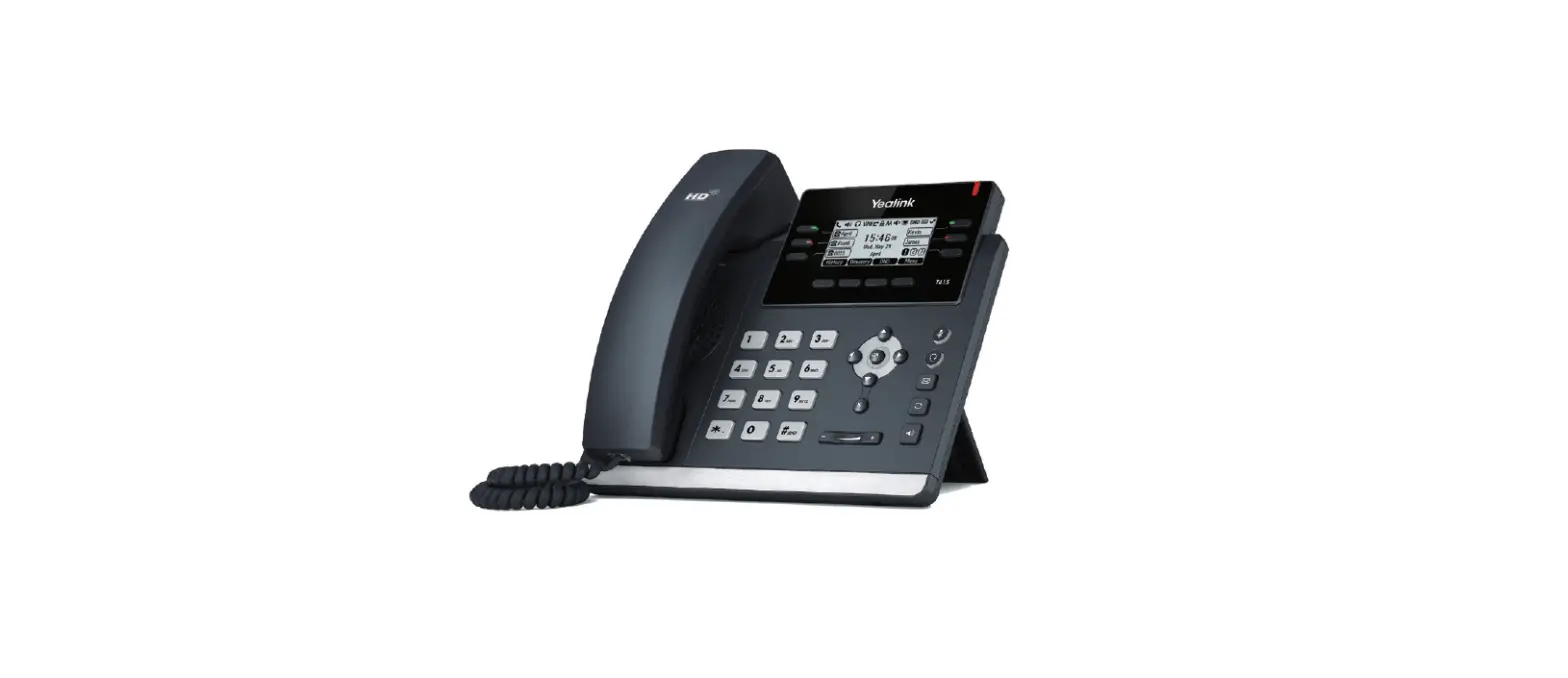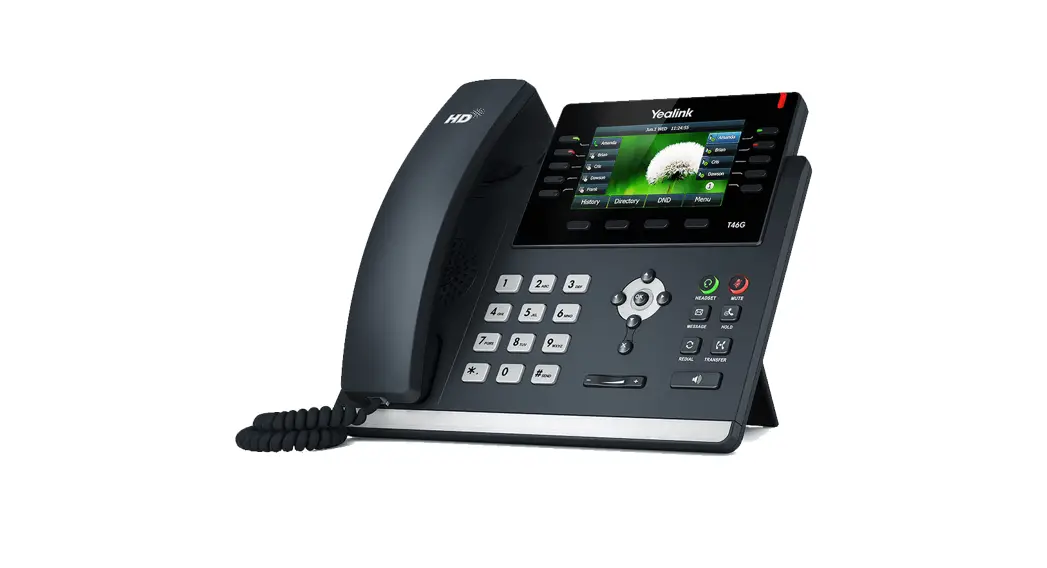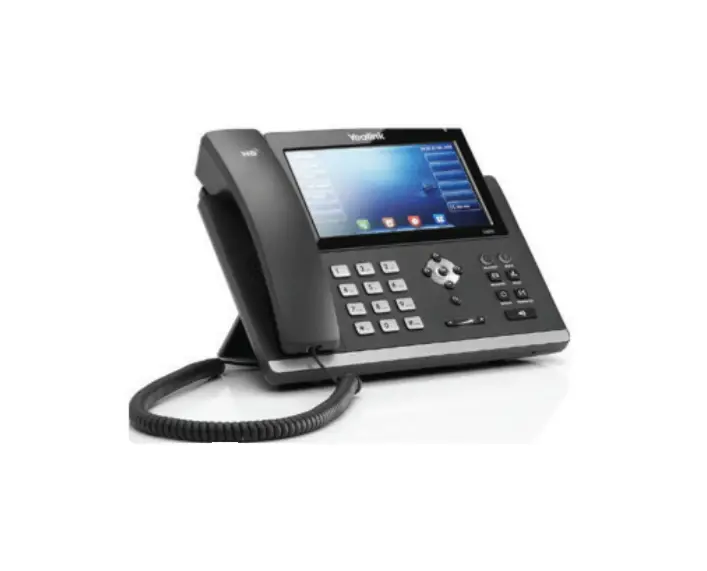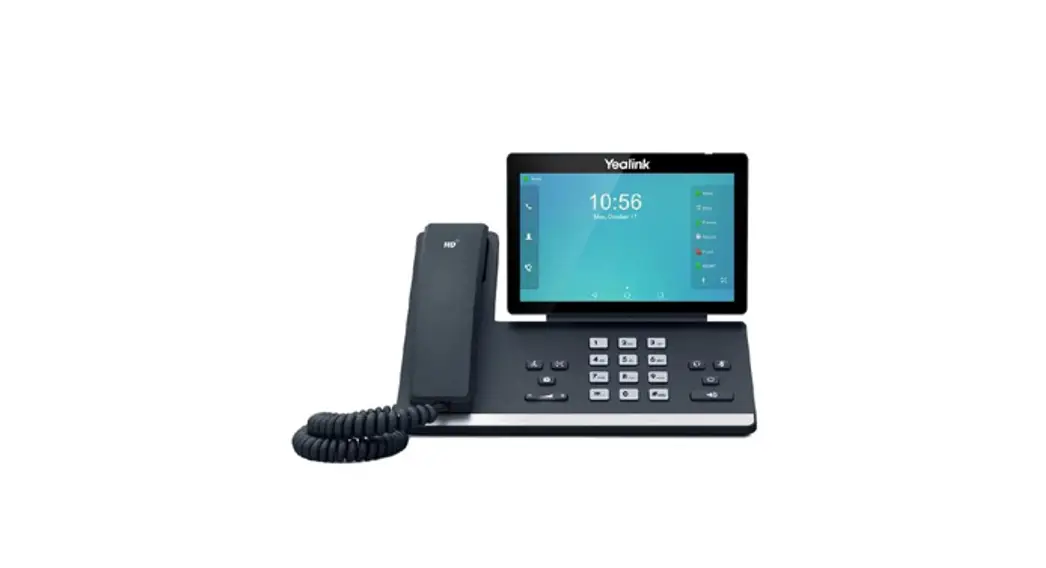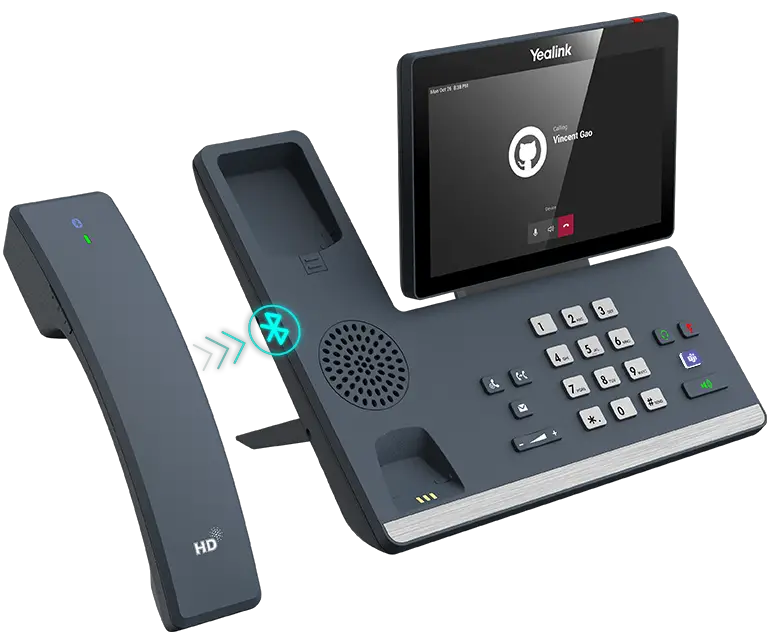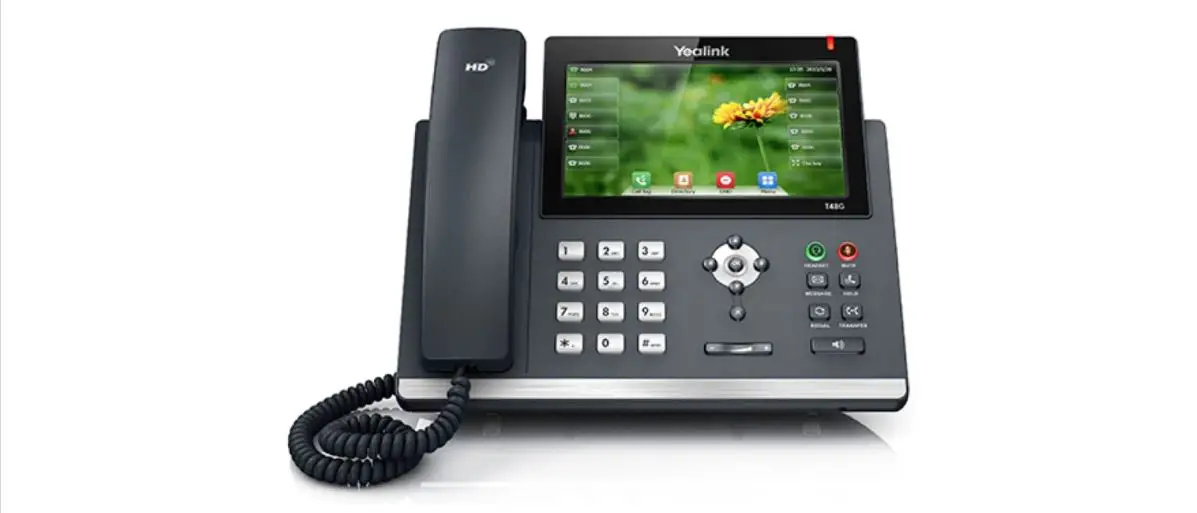
Yealink T48S Desk Phone Features
User Guide
Contents hide
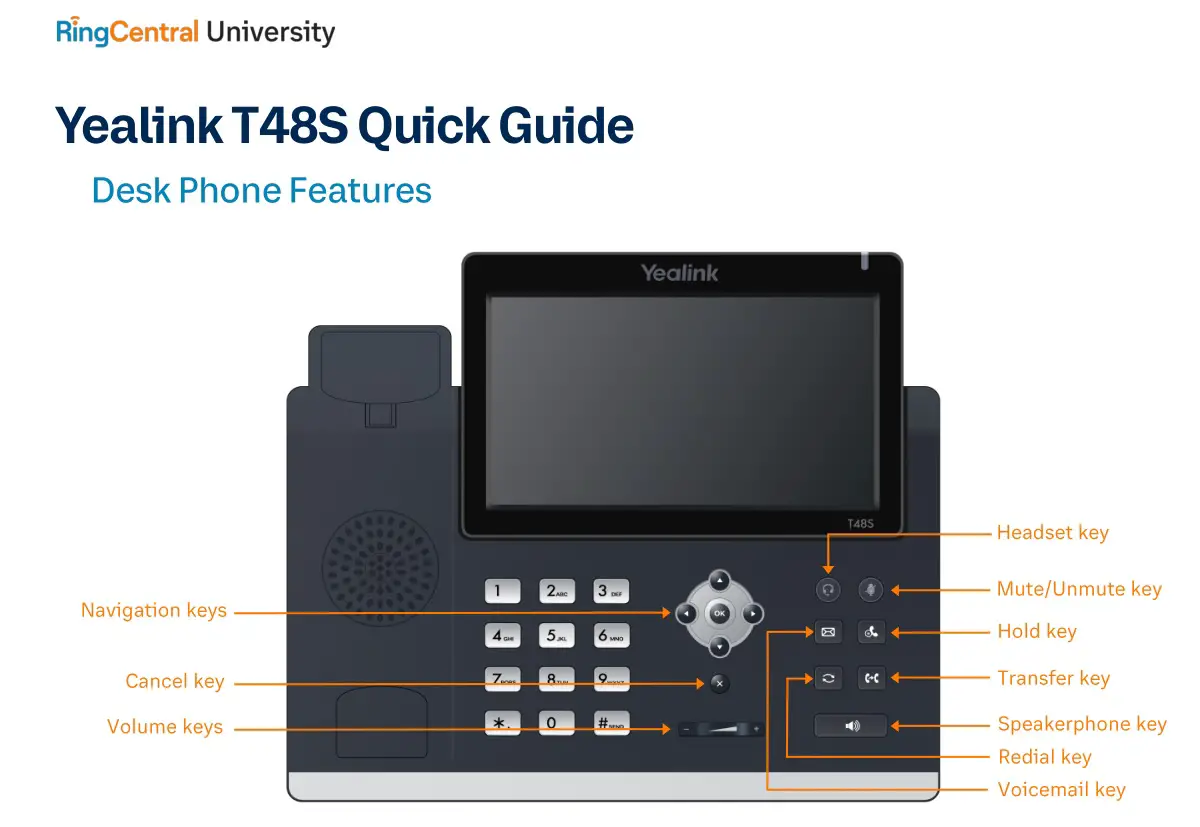
Feature Description
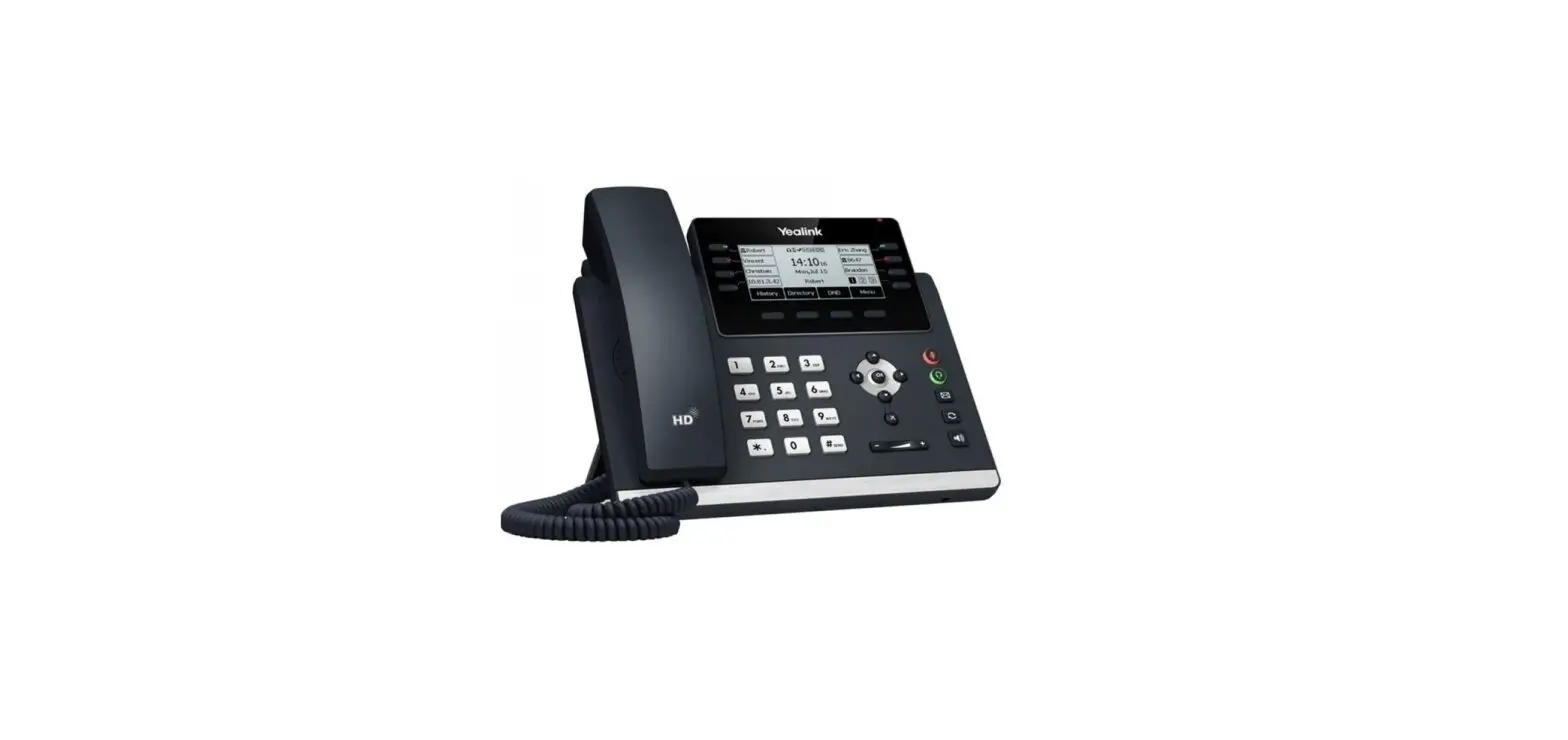
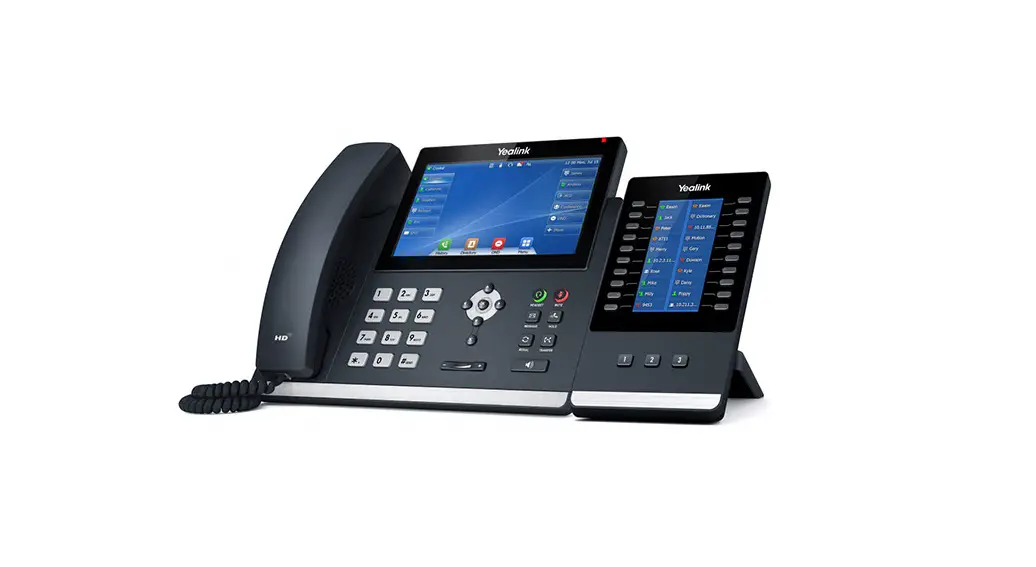
- Line keys—enables you to select a phone line, view calls on a line, or quickly call a favorite contact.
- Soft keys— enables you to select context-sensitive keys that display along the bottom of the screen.
- Navigation keys—scrolls through information and options displayed on the phone screen.
- Cancel key—cancels action or rejects incoming calls.
- Volume keys—adjusts the volume of the handset, headset, and speaker.
- Headset key—enables you to place and receive calls through a headset.
- Mute/Unmute key—mutes audio during calls and conferences.
- Hold key—holds an active call or resumes a held call.
- Voicemail key—enables you to access voicemail messages.
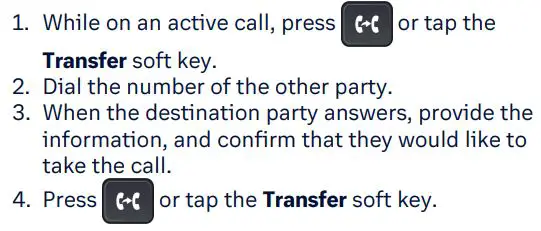
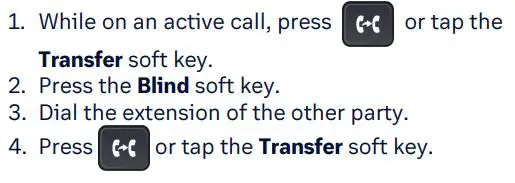
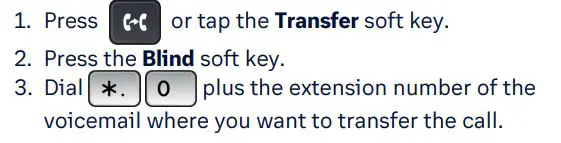
- Transfer key—transfer an active call to a contact.
- Redial key— enables you to dial the last called number or extension.
- Speakerphone key—enables you to place and receive calls using the speakerphone.
Placing a call
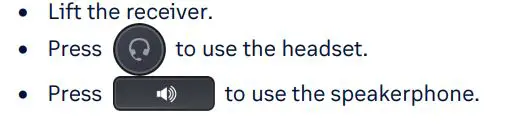
Dial the number and do one of the following:
Answering a call
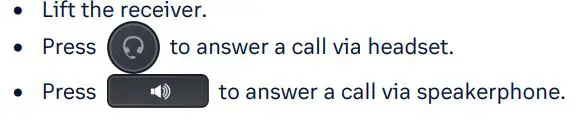
Options:
Placing a call on hold

Retrieving a held call

Starting a Conference call
- While on an active call, tap the Conference soft key.
- Dial the extension of the other party that you would like to add to the call.
- Once the other party answers, press the Conference soft key to merge the two calls.
Transferring a call
Warm Transfer:
Blind Transfer:
Voicemail Transfer:
Parking a call
Option 1:
- While on an active call, tap the More soft key until the Park soft key is displayed.
- Tap the Park soft key.
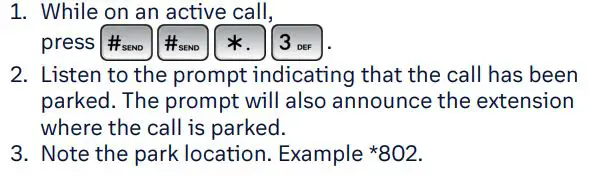
- Listen to the prompt indicating that the call has been parked. The prompt will also announce the extension where the call is parked.
- Note the park location. Example *802.
Option 2:
Retrieving a Parked Call

Paging

Initiating an Intercom call

Hot Desking

Recording a call

© 1999 – 2022 RingCentral, Inc. All rights reserved.