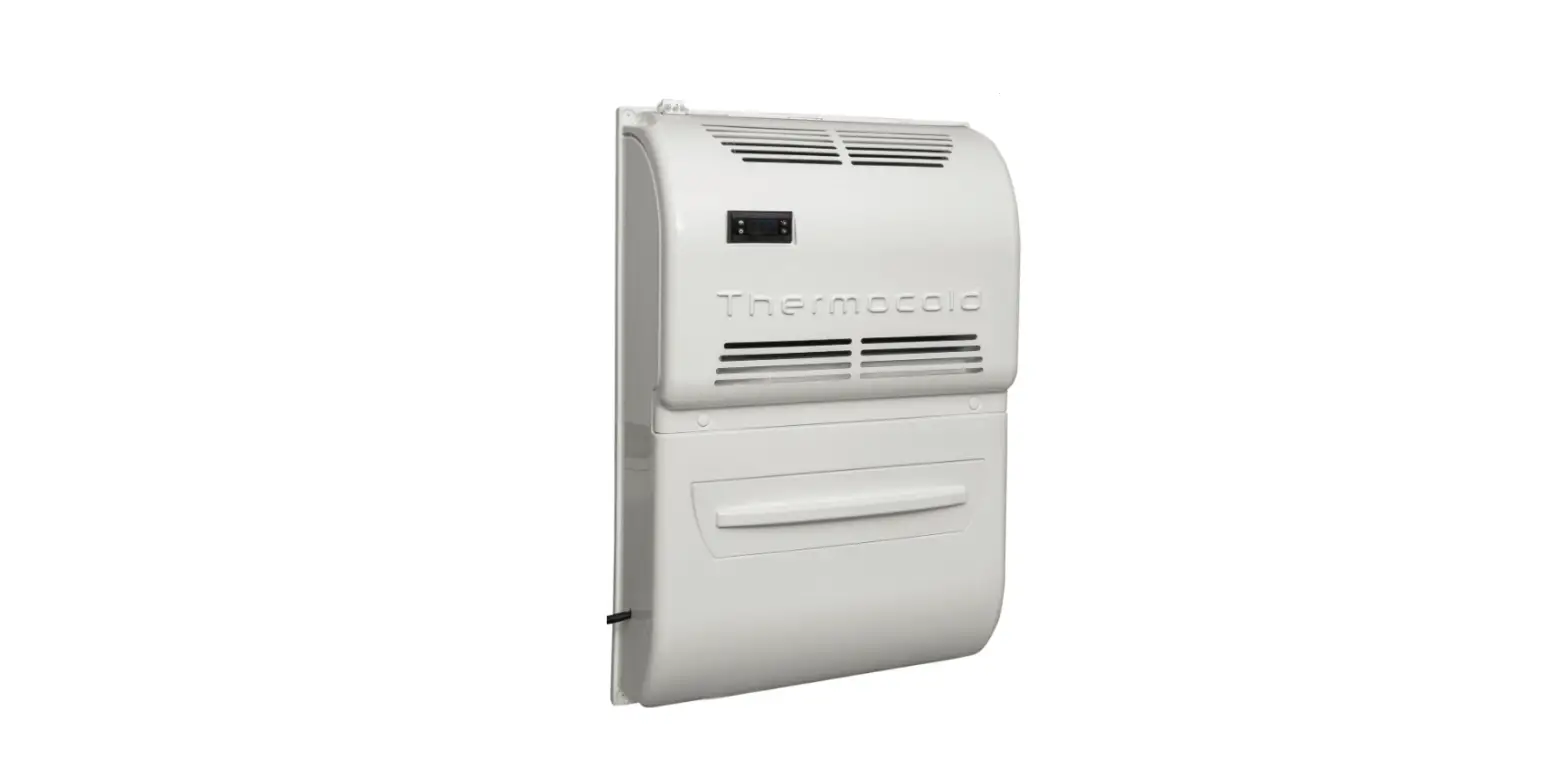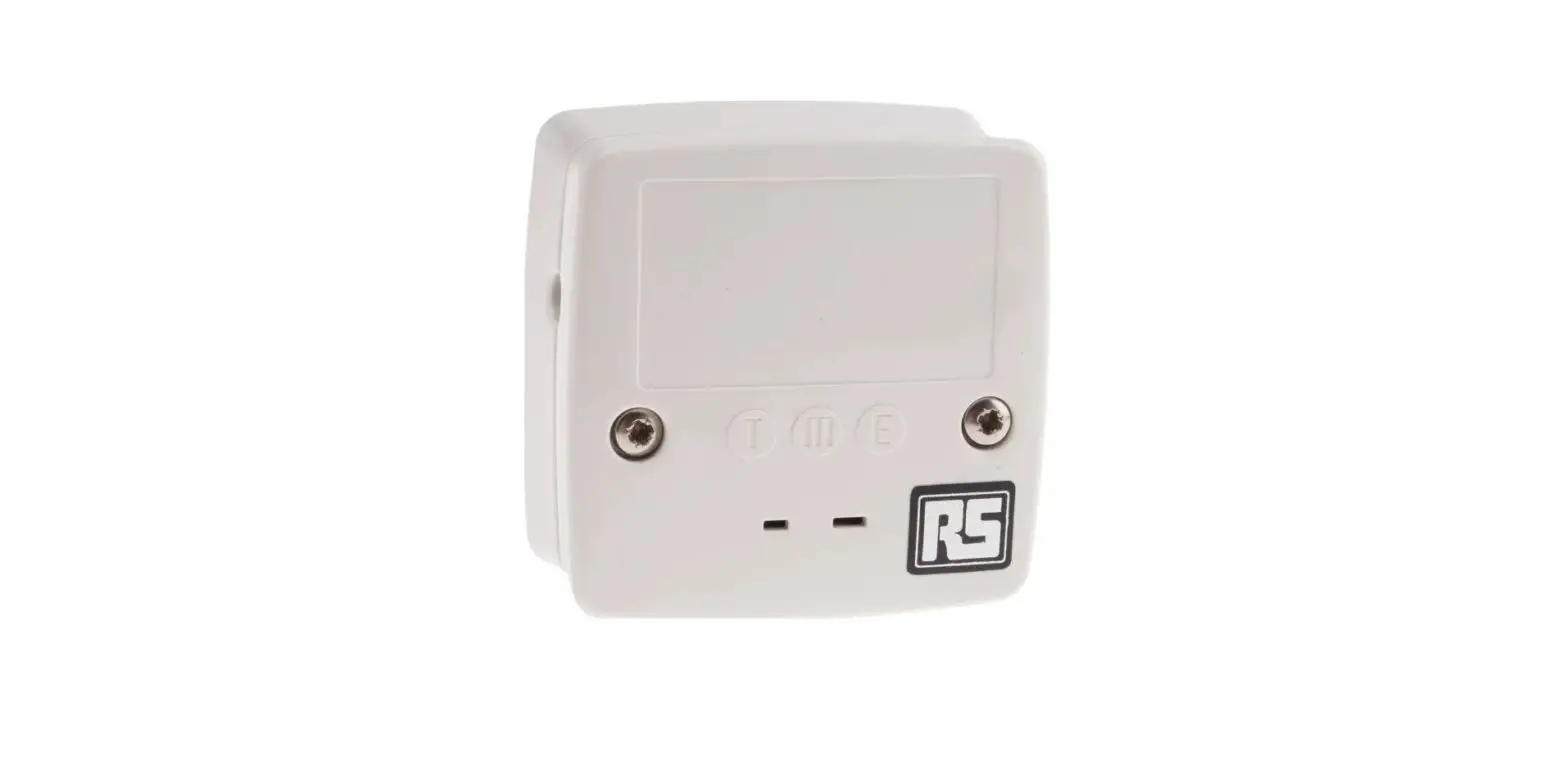

RS PRO KA01 Thermocouple Wall Port with Integral Type K Thermocouple

TC Wall Port Installation Guide
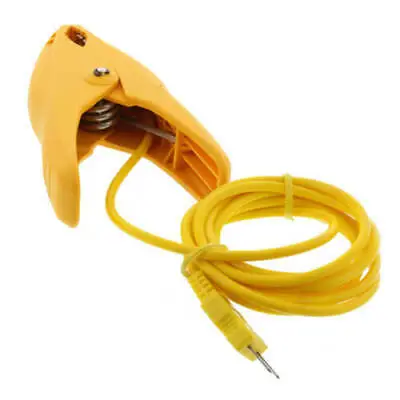
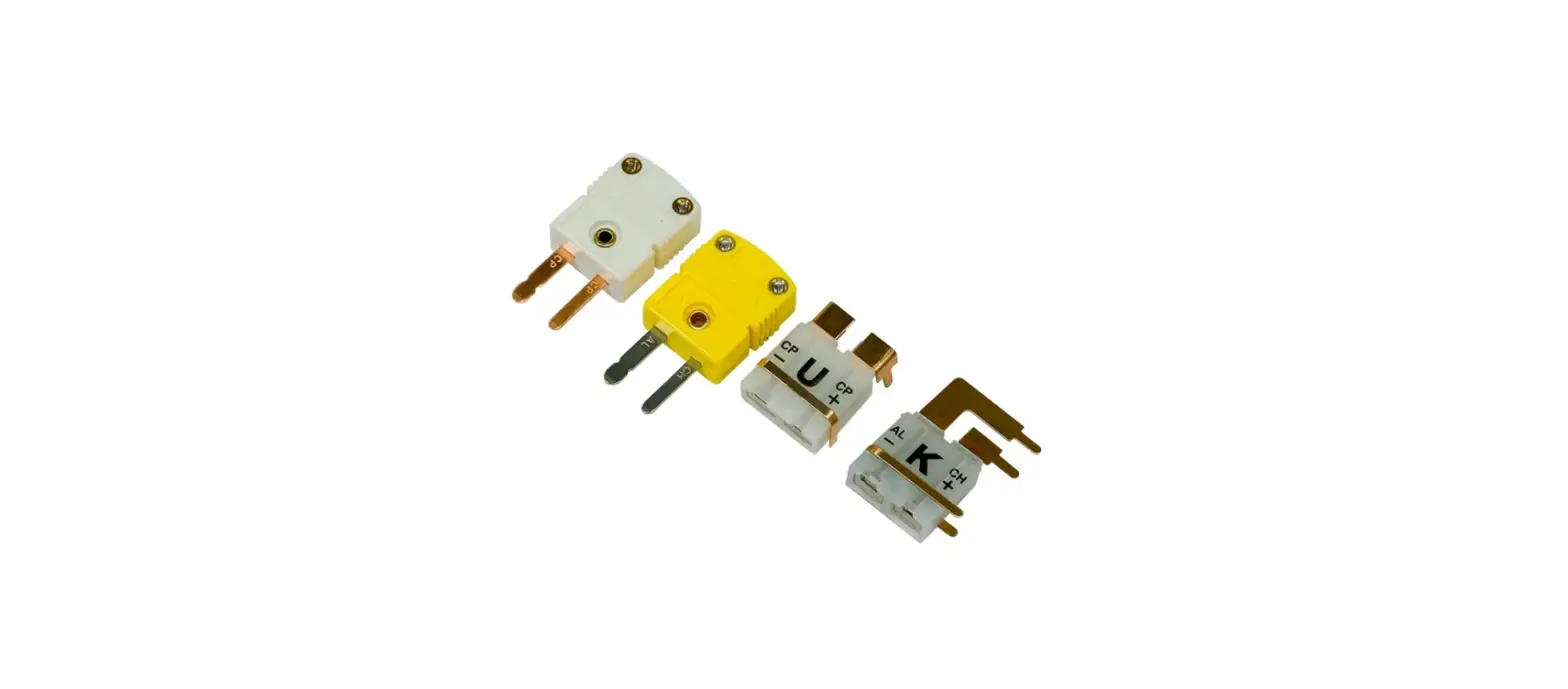
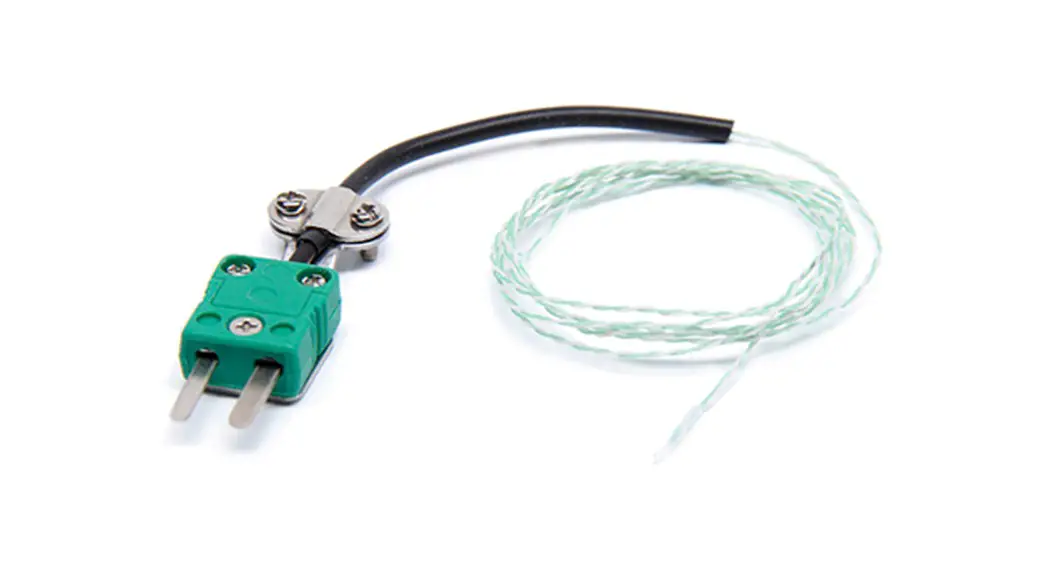
- The TC Wall Port is designed to be used with an external thermocouple temperature probe with a mini-plug.
- To install, firstly attach the probe sensor to the object you wish to monitor using a TAPS adhesive pad or similar tape. Run the probe wire to a convenient position (probes are available from 1 – 20 meters in length). Fix the Wall Port back panel to the wall using the slotted screw holes provided, or suitable adhesive tape.
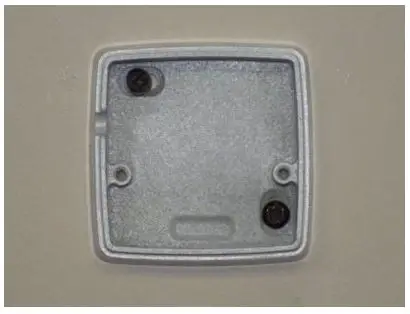
- Next, plug the probe wire into the socket in the BACK of the face plate as shown below ensuring the neck of the plug sits in the aperture in the face plate (see below)
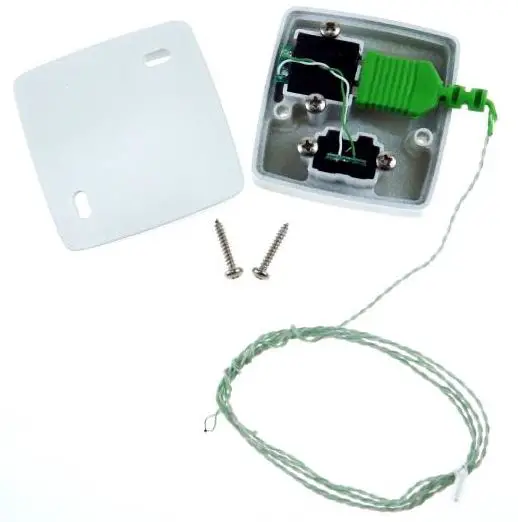
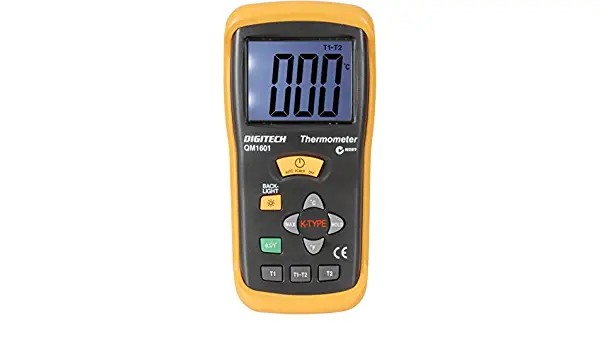
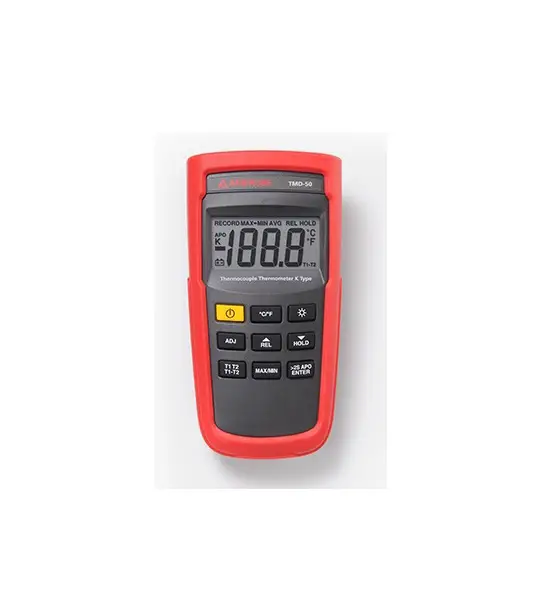
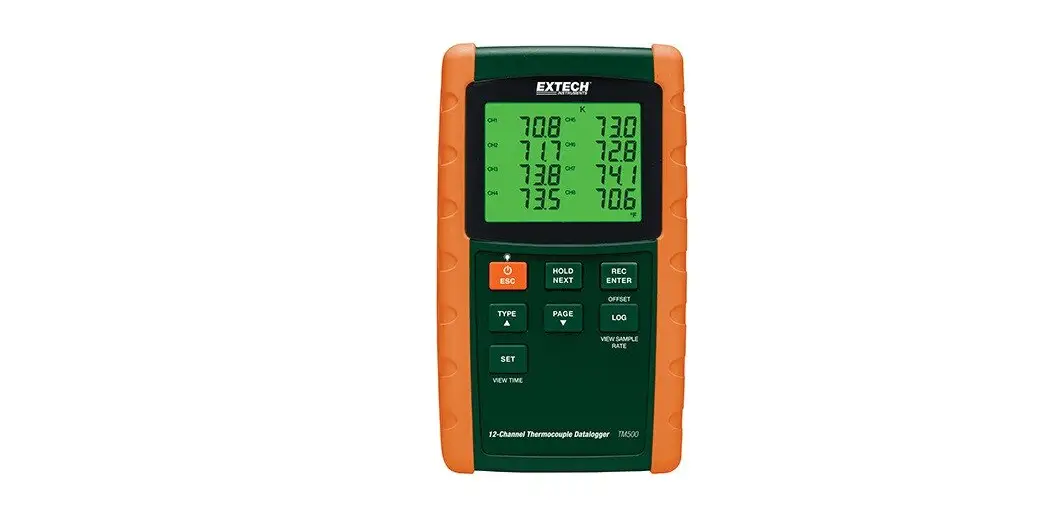
- Now fix the face plate to the back plate using the screws provided. Connect your thermocouple thermometer to the port using a plug-to-pug cable and read the temperature.
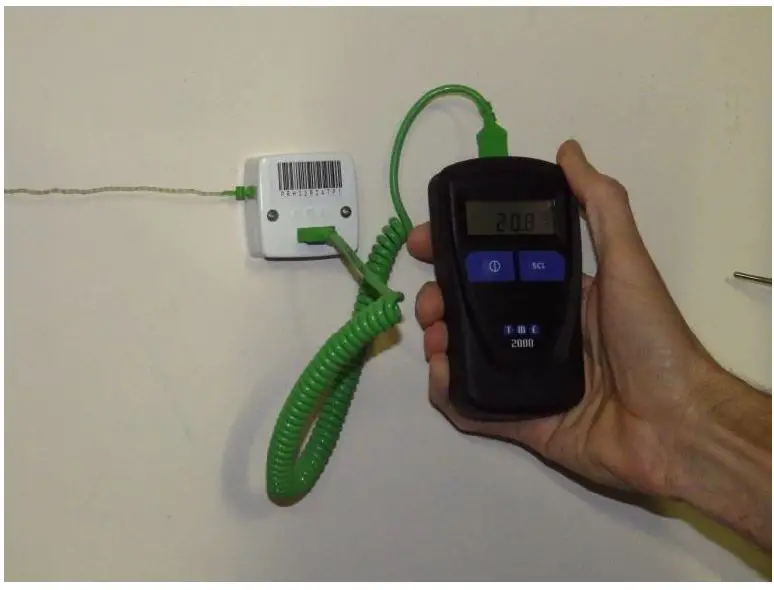
Parts List
| Parts List | ||
| Allied Part Number | RS Part Number | Description |
| KA01 | 409-4908 | K Type Thermocouple Fine Wire Probe (1m) |
| KA01-3 | 479-1788 | K-type Thermocouple Fine Wire Probe (3m) |
| KM07 | 788-7144 | K Type Thermocouple Immersion Probe |
| KMPC1MP | 788-7122 | Coiled Connection Cable 1m Length |
| MM2008 | 204-8413 | Thermocouple Legionella Thermometer |
| MM7010 | 204-8412 | Thermocouple Logging Thermometer |
| MM7000-2D | 204-8411 | Thermocouple Barcode Scanning Logging Thermometer |