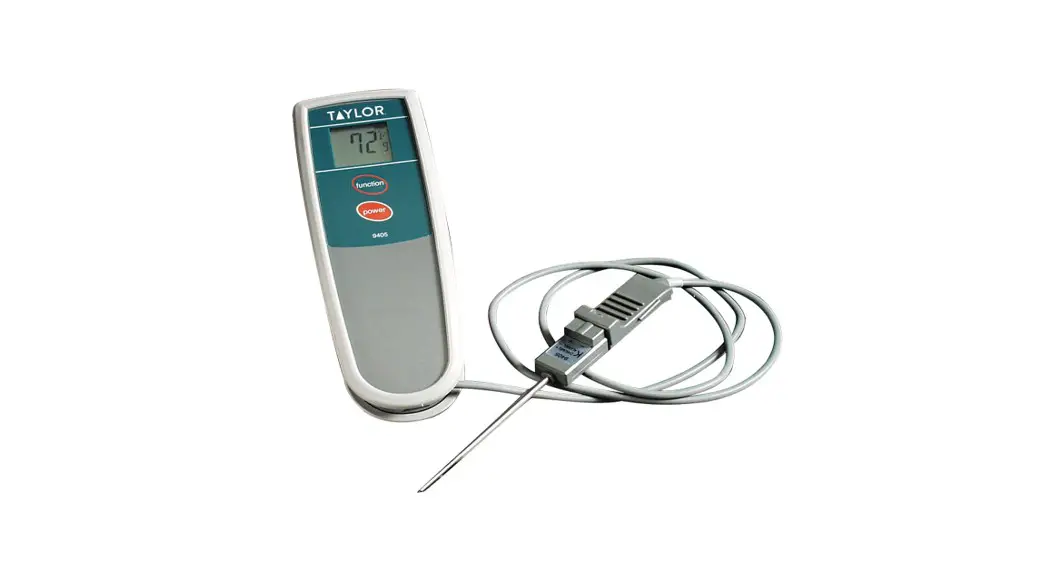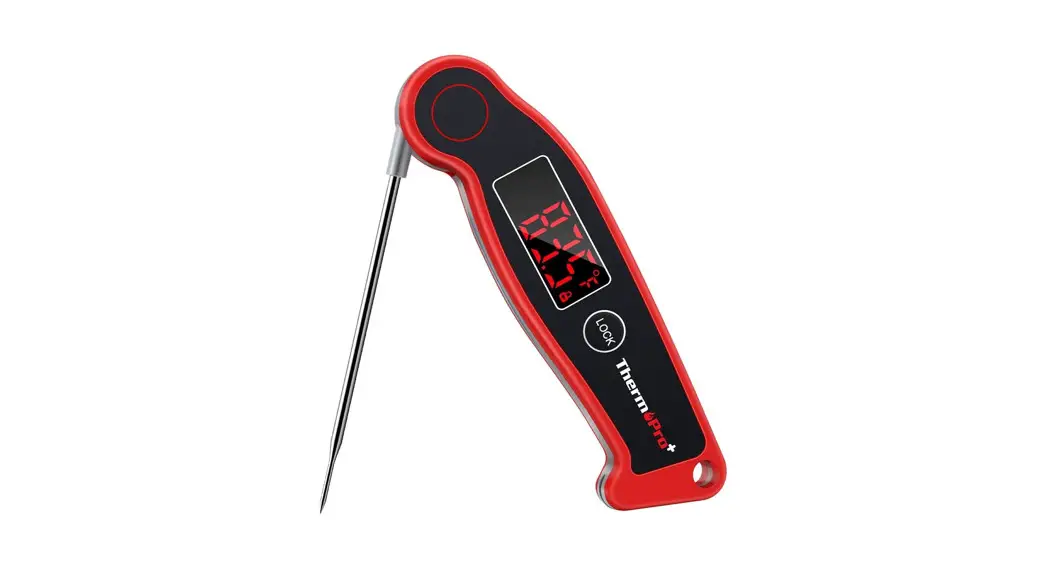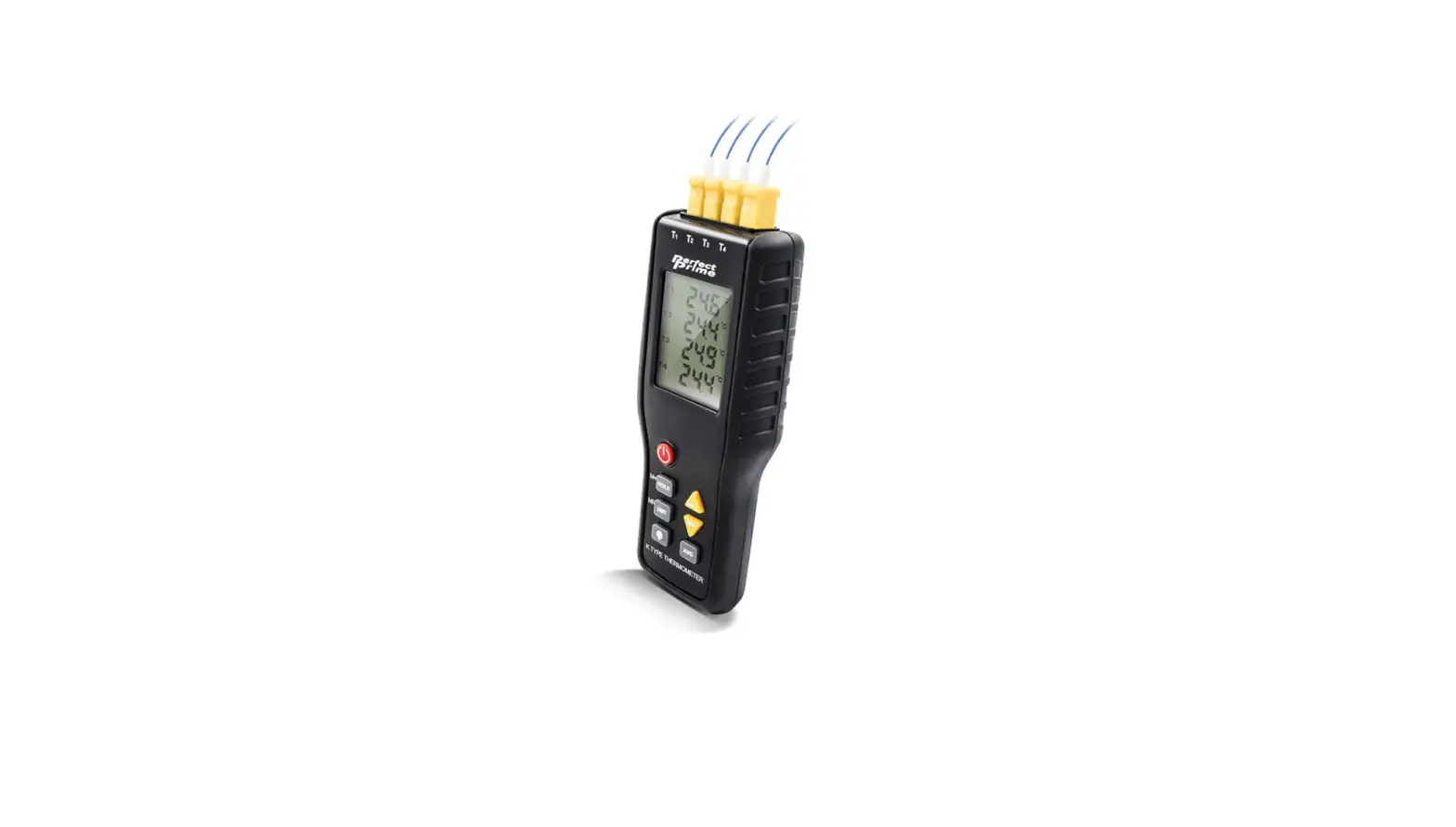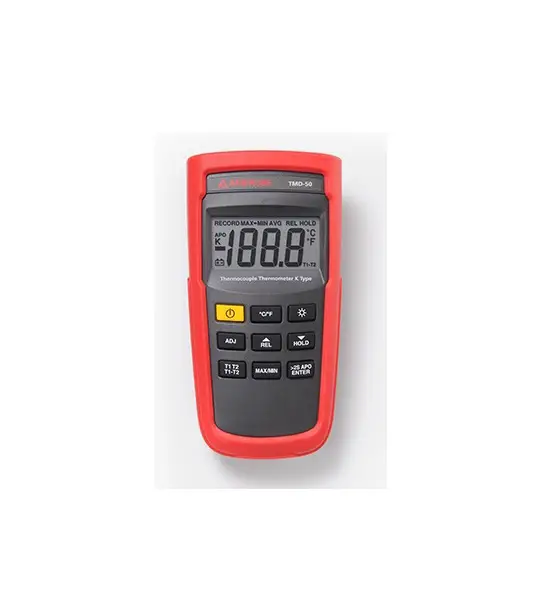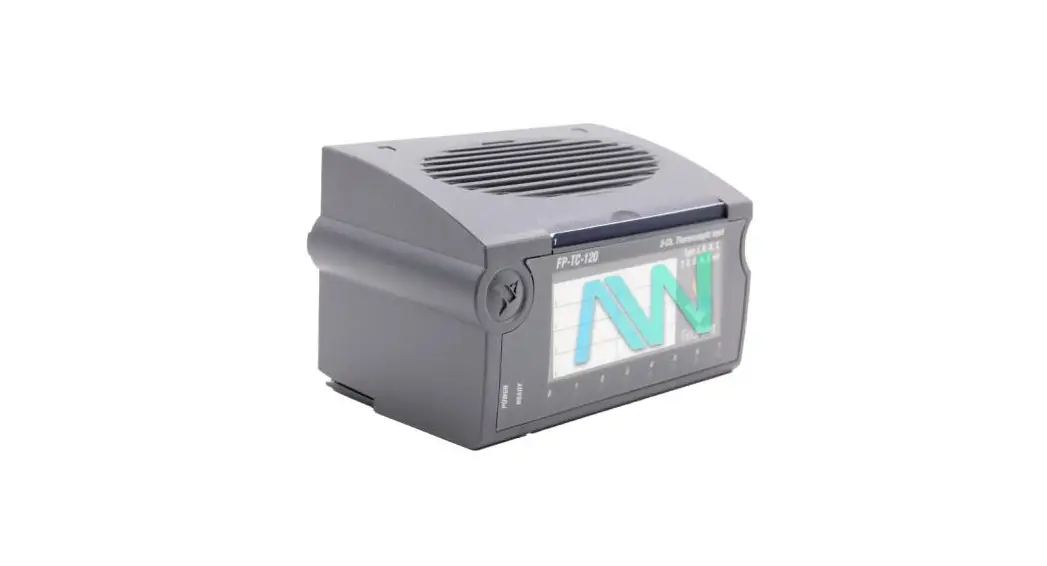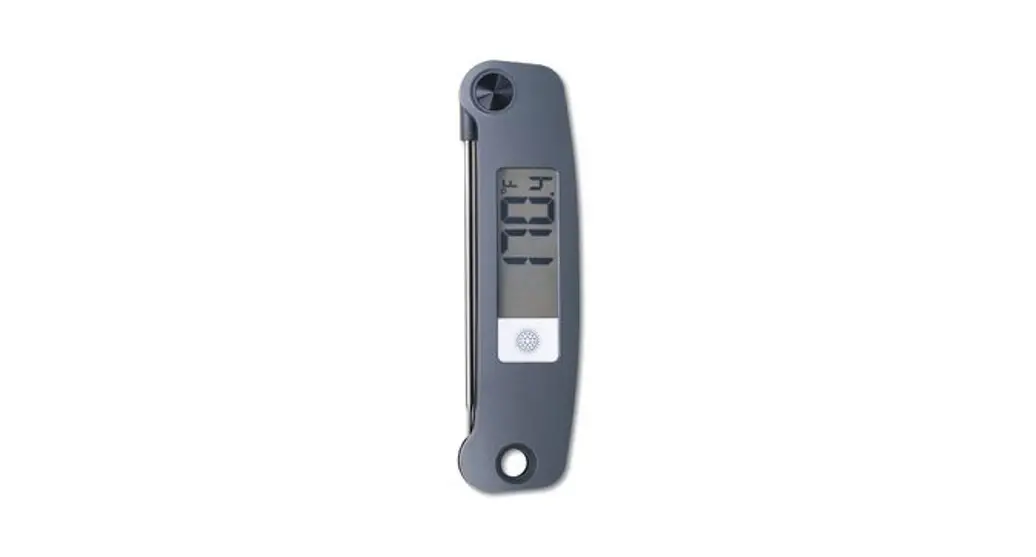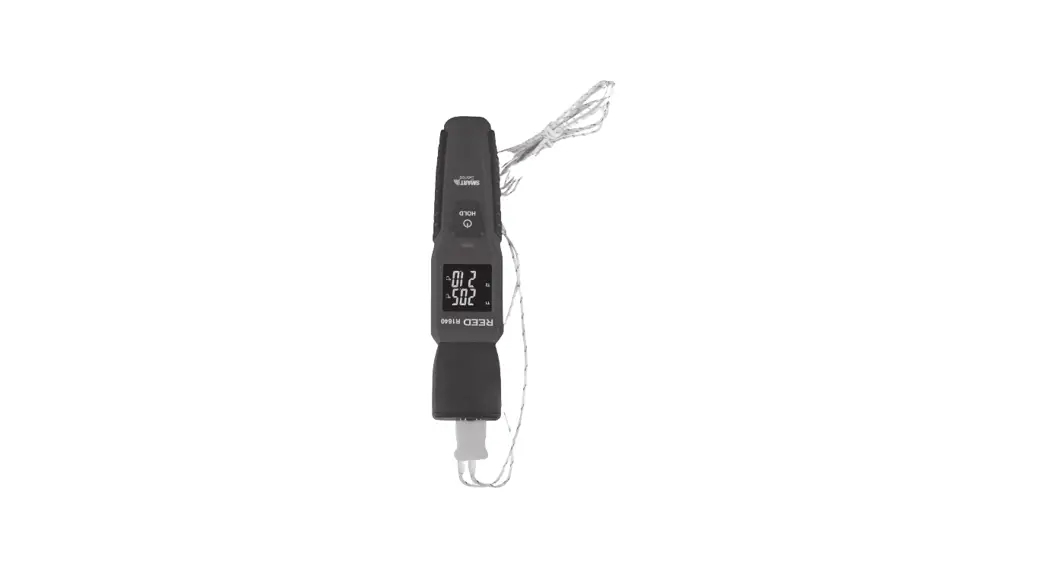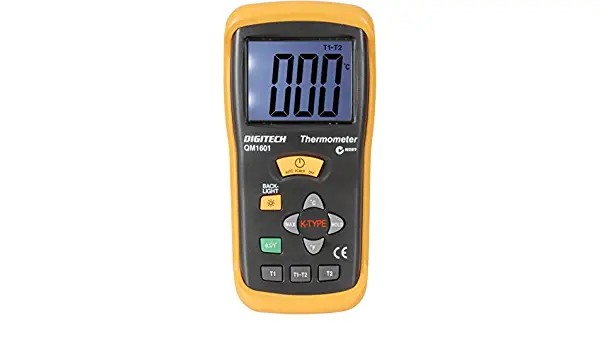

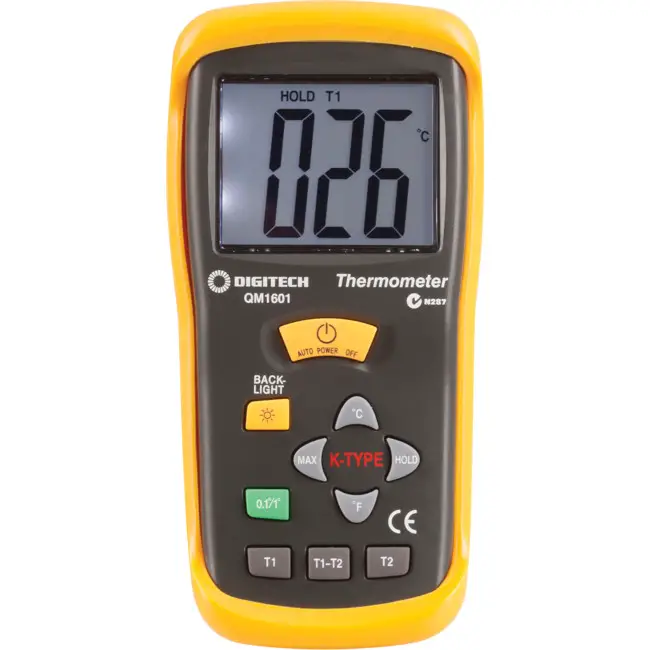
protech QM1601 Compact-Sized Digital Thermocouple Thermometer
INTRODUCTION
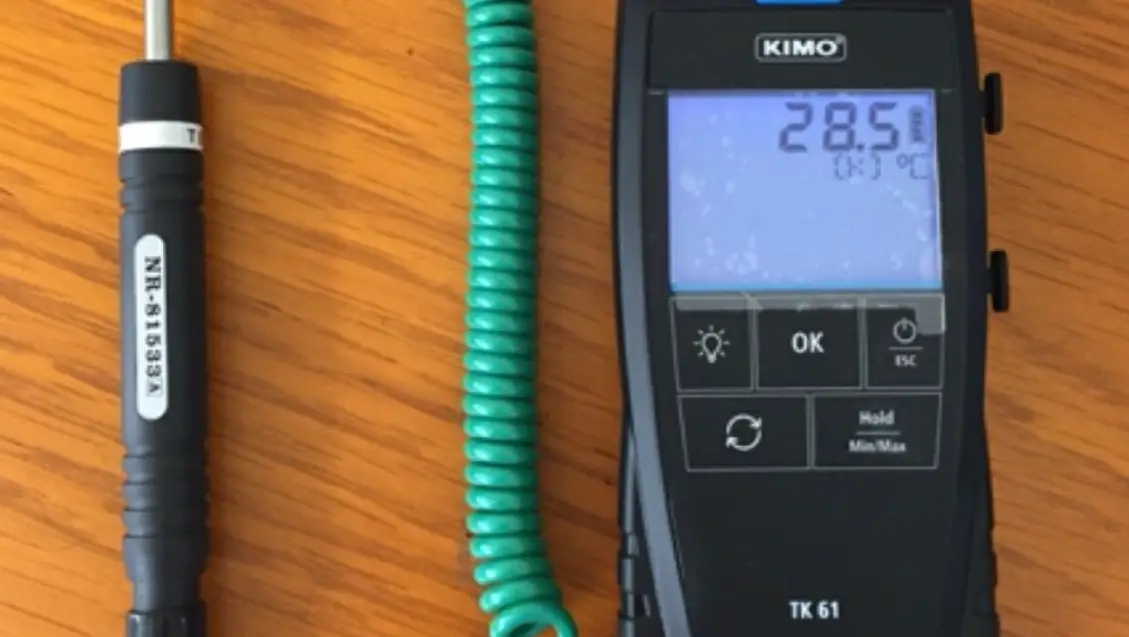
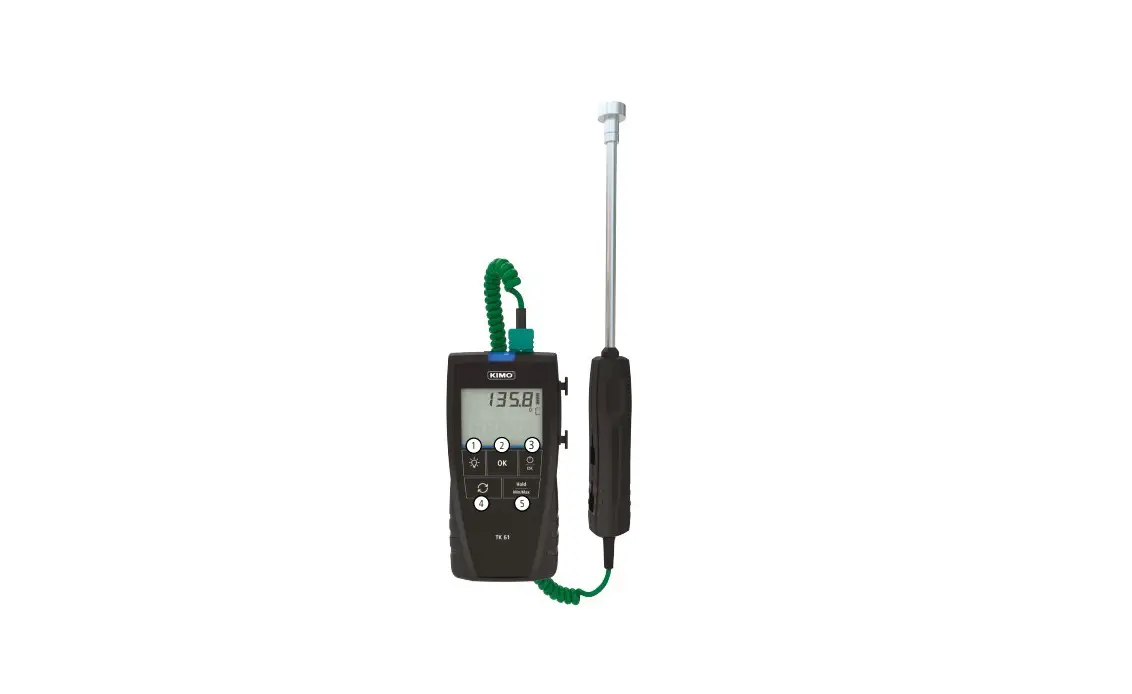
This instrument is a portable 31/2 digit., compact-sized digital thermometer designed to use external K-type thermocouple as temperature sensor. Temperature indication follows National Bureau of Standards and IEC584 temperature/voltage tables for K-type thermocouples. two K-type thermocouples is supplied with the thermometer.
SAFETY INFORMATION
It is recommended that you read the safety and operation instructions before using the thermometer.
WARNING
TO AVOID ELECTRICAL SHOCK. DO NTO USE THIS INSTRUMENT WHEN VOLTAGES AT THE MEASUREMENT SURFACE EXCEED 24V AC OR 60V DC.
WARNING
TO AVOID DAMAGE OR BURNS. DO NOT MAKE TEMPERATURE MEASUREMENTS IN MICROWAVE OVENS.
CAUTION
Repeated sharp flexing can break the thermocouple leads. To prolong lead life, avoid sharp bends in the leads, especially near the connector.
The symbol on the instrument indicates that the operator must refer to an explanation in this manual.
SPECIFICATIONS ELECTRICAL
Temperature Scale: Celsius (℃), Fahrenheit (℉) user-selectable
Measurement Range: -50℃ to 1300℃, -58℉ to 2000℉
Resolution: 1℃ or 1℉, 0.1℃ or 0.1℉
Accuracy: Accuracy is specified for operating temperatures over the range of 18℃ to 28℃ (64℉ to 82℉), for l year, not including thermocouple error.
±2℃———————- -50℃ to 0℃
±4℉———————- -58℉ to 32℉
±(0.5% rdg+1℃)——– 0℃ to 1000℃
±(0.8% rdg+1℃)——– 1000℃ to 1300℃
±(0.5% rdg+2℉)——– 32℉to 2000℉
Temperature Coefficient: 0.1 times the applicable accuracy specification per ℃ from 0℃ to 18℃ and 28℃ to 50℃ (32℉ to 64℉ and 82℉ to 122℉).
Input protection: 60V de or 24V rms ac maximum input voltage on any combination of input pins.
Reading Rate: 2.5 times per second.
Input Connector: Accepts standard miniature thermocouple connectors (flat blades spaced 7.9mm, center to center).
ENVIRONMENTAL
Ambient Operating Range: 0℃ to 50℃ (32℉ to 122℉)
Storage Temperature: -20℃ to 60℃ (-4℉ to 140℉)
Relative Humidity: 0% to 80% (0℃ to 35℃) (32℉ to 95℉)
0% to 70% (35℃ to 50℃) (95℉ to 122℉)
GENERAL
Display: 31/2 digit liquid crystal display (LCD) with maximum reading of 1999
Battery: Standard 9V battery (NEDA 1604, IEC 6F22)
Dimensions: 162mm (H)×76mm(W)×38.5mm(D)
Weight: 210g
Supplied Probe: 4 foot type “K” thermocouple bead probe (Teflon tape insulated).
Maximum insulation temperature 260℃ (500℉) Probe accuracy±2.2℃ or ±0.75% of reading (Whichever is greater) from 0°to 800℃
OPERATING INSTRUCTIONS
Selecting the Temperature Scale
Readings are displayed in either degrees Celsius (℃), degrees Fahrenheit (℉). When the thermometer is turned on, it is set to the temperature scale that was in use when the thermometer was last turned off. To change the temperature scale, press the For ℃ or ℉ key.
Single-Thermocouple Temperature Measurement
The thermometer displays the temperature of the thermocouple that is connected to the selected input. Press the T2 key to display the temperature of the thermocouple connected to the T2 input. Press the T1 key to display the temperature of the thermocouple connected to the T1 input. The input selection cursor indicates which input is selected.
Differential Temperature Measurement
Differential temperature measurement is selected by pressing the T1-T2 key. This causes the thermometer to display the temperature difference between the two thermocouples (the temperature of thermocouple T1 minus the temperature of thermocouple T2). The selection is indicated by the input selection cursor.
Selecting the Display Resolution
The thermometer allows two choices of resolution:
- High resolution: 0.1℃ or 0.1℉
- Low resolution: 1℃ or 1℉
OVERLOAD DISPLAY(1)
The digital display will indicate 1 when the input exceeds the measurement range selected.
If measuring above199.9º, change the resolution to 1 º. Be certain to seat the thermocouple connector properly and that the leads are not broken.
HOLD MODE
Pressing the HOLD key to enter the Data Hold mode, the “HOLD” annunciator is displayed. When HOLD mode is selected, the thermometer held the present readings and stops all further measurements.
Pressing the HOLD key again cancels HOLD mode, causing the thermometer to resume taking measurements.
MAX MODE
Pressing the MAX key to enter the MAX mode. The thermometer then records and updates the maximum values and the MAX annunciator appears on the display.
Pressing the MAX key again to exit the MAX recording mode.
In the MAX mode, press HOLD key to stop the recording, press HOLD again to resume recording
BACKLIGHT MODE
Pressing the Backlight key to turn on the LCD backlighting function. Pressing the Backlight key
again to turn off the LCD backlighting function.
OPERATOR MAINTENANCE
WARNING
TO AVOID POSSIBLE ELECTRICAL SHOCK, DISCONNECT THE THERMOCOUPLE CONNECTORS FROM THE THERMOMETER BEFORE REMOVING THE COVER
BATTERY REPLACEMENT
The battery symbol appears on the lower right of the LCD when the 9V battery needs to be replaced.
Replace the 9V battery as follows:
- Turn the meter off and disconnect the temperature probe.
- Remove the rubber holster that surrounds the entire meter by pulling it over the top of the meter.
- Remove the small Phillips head screw on the rear of the meter.
- Open the battery compartment and replace the 9V battery.
Re-assemble the meter before operating.
Distributed by:
Electus Distribution Pty. Ltd.
320 Victoria Rd, Rydalmere
NSW 2116 Australia
www.electusdistribution.com.au
Made in China