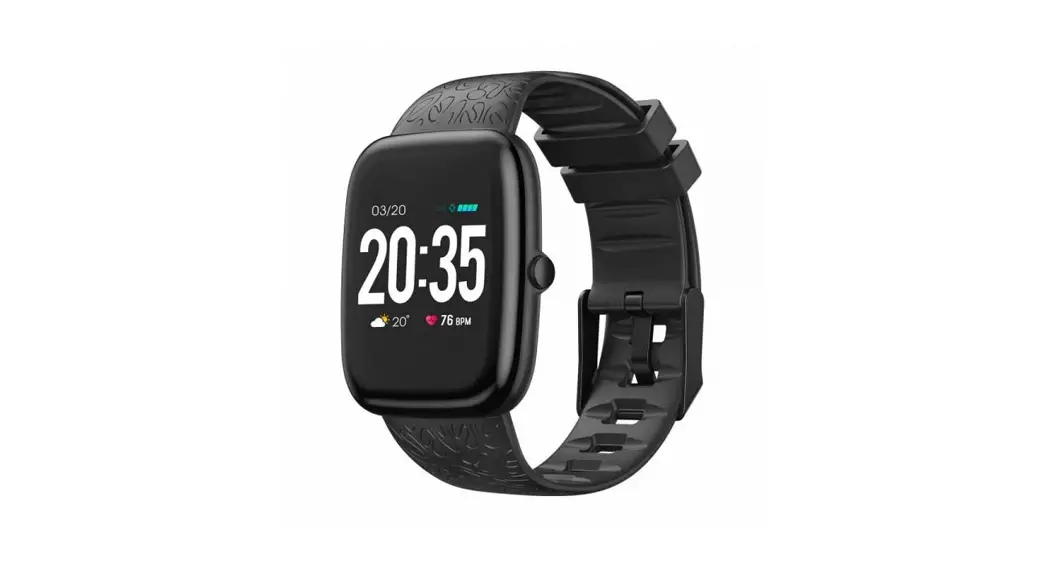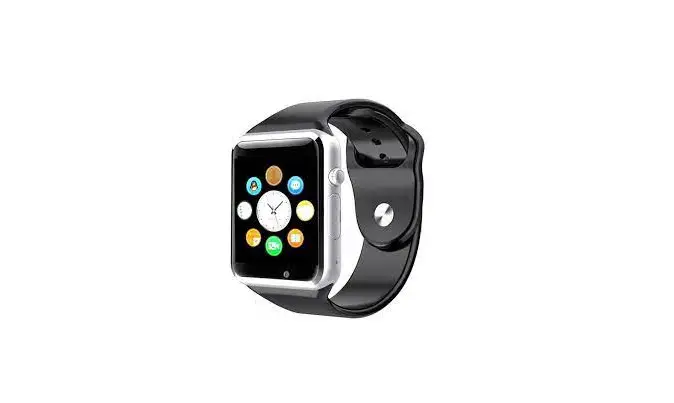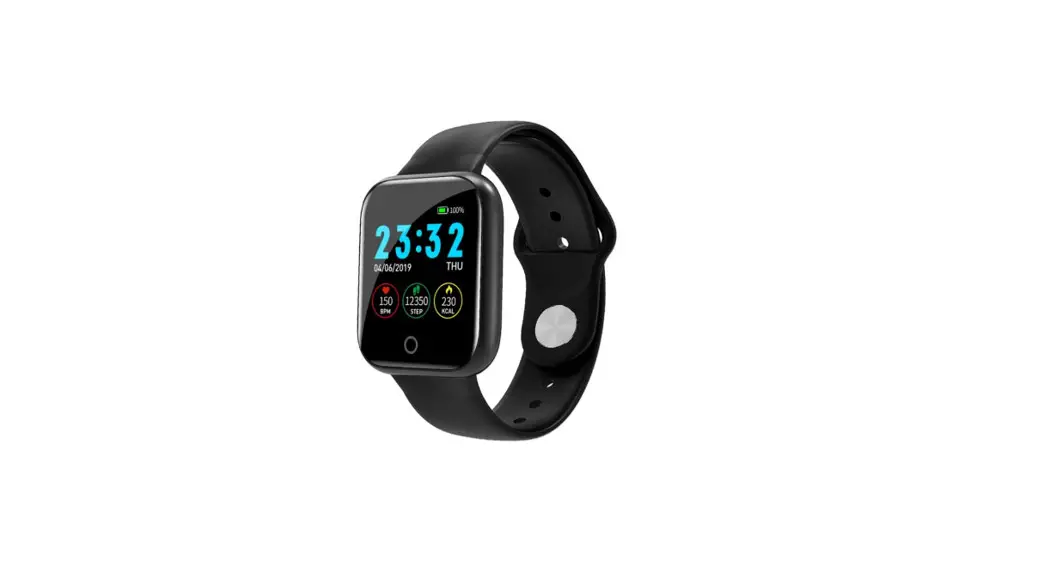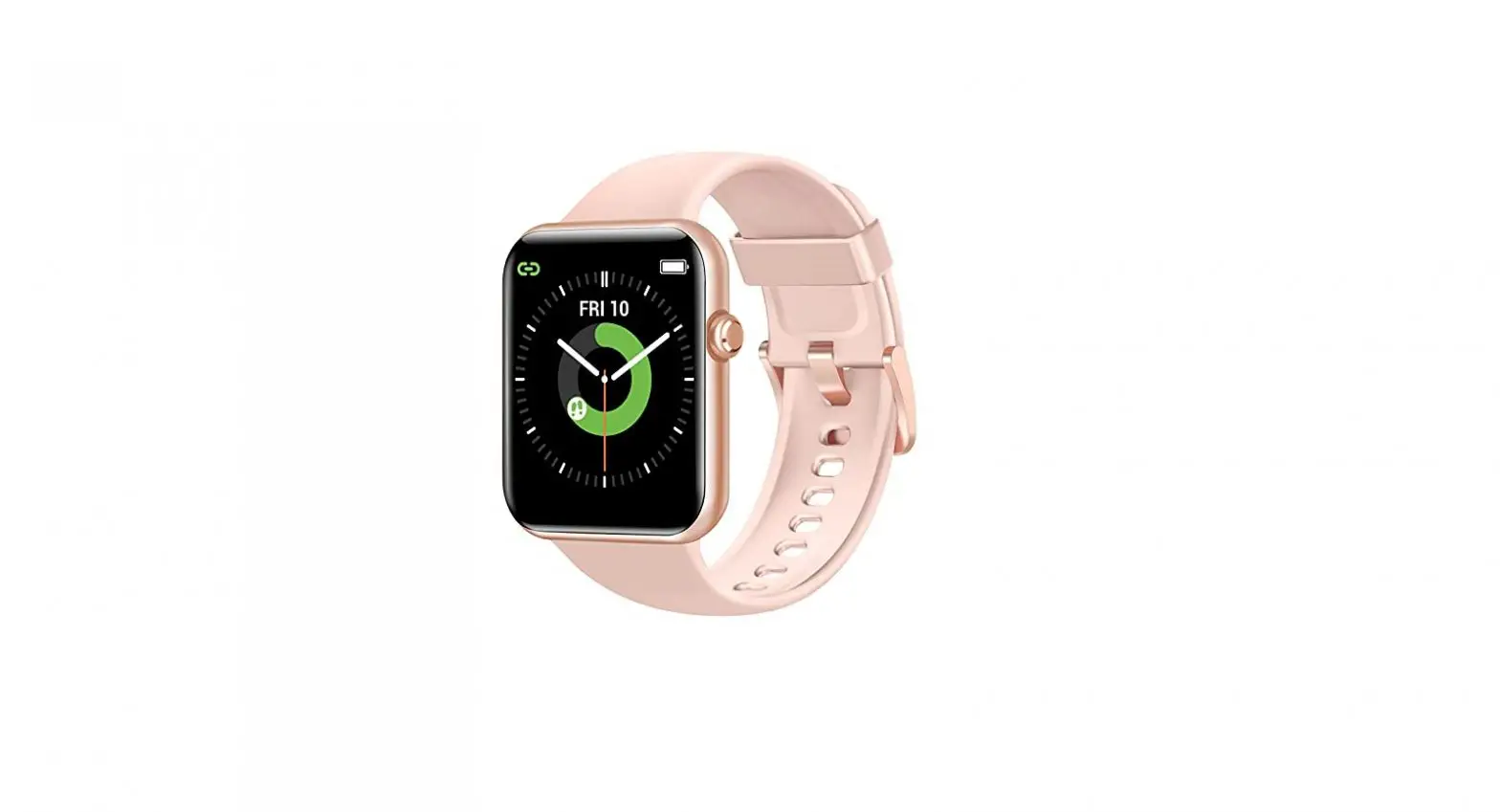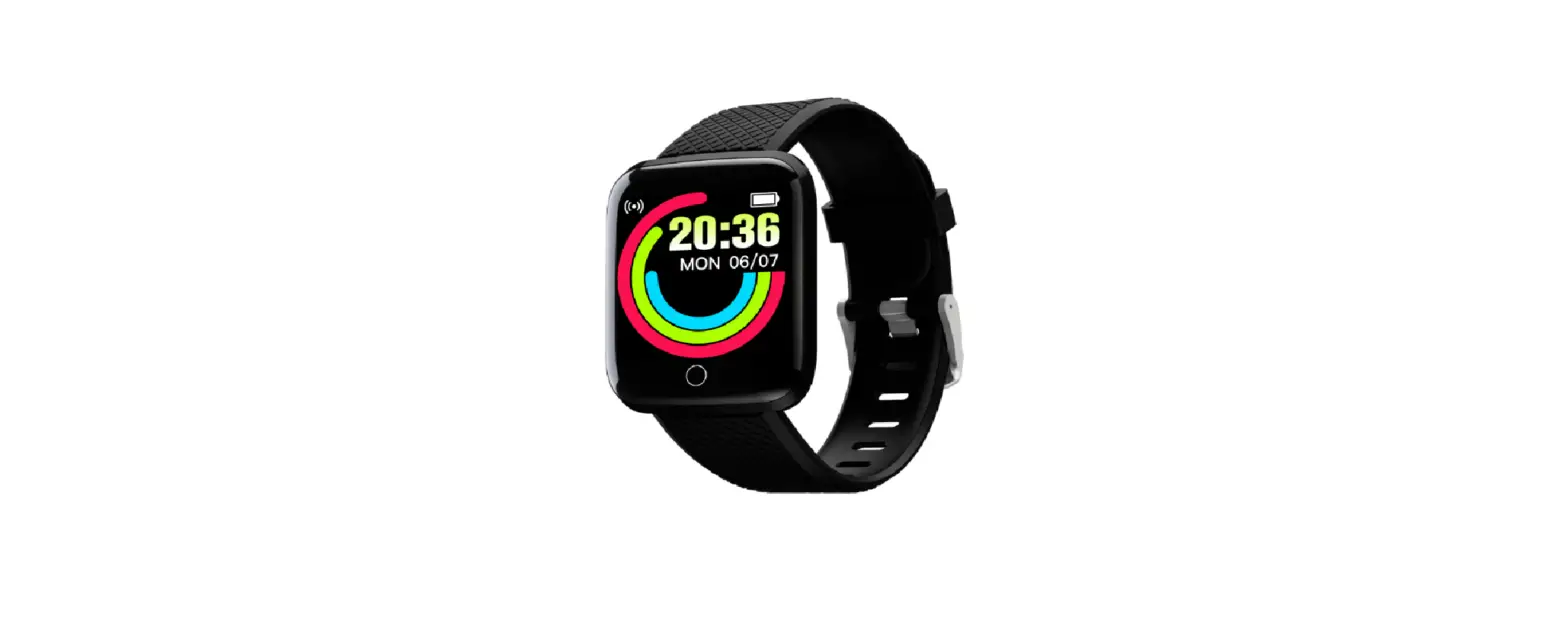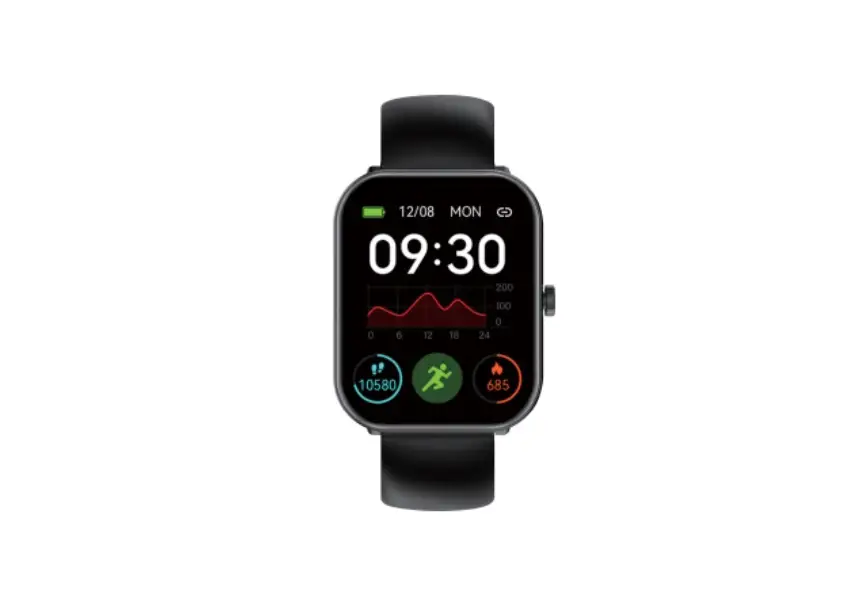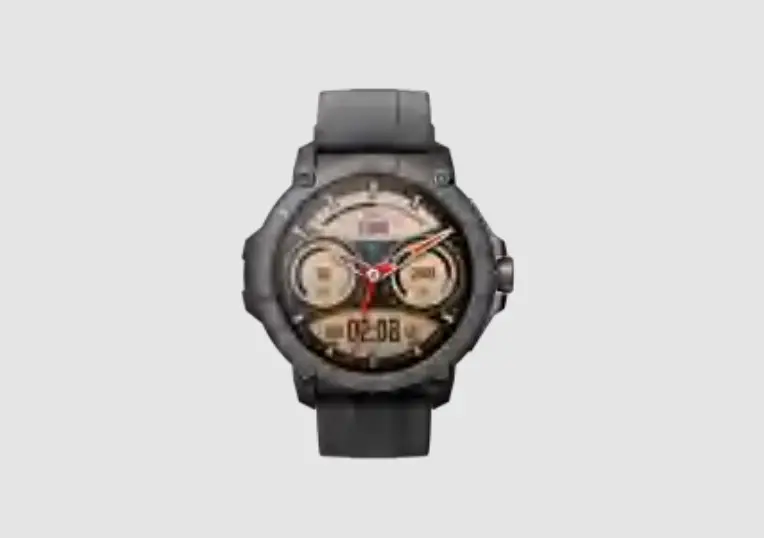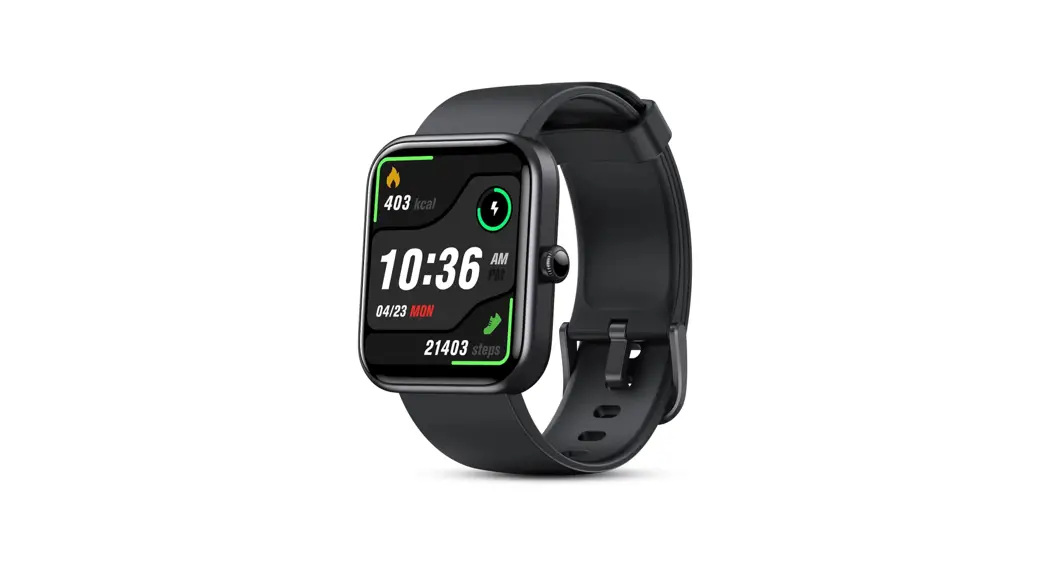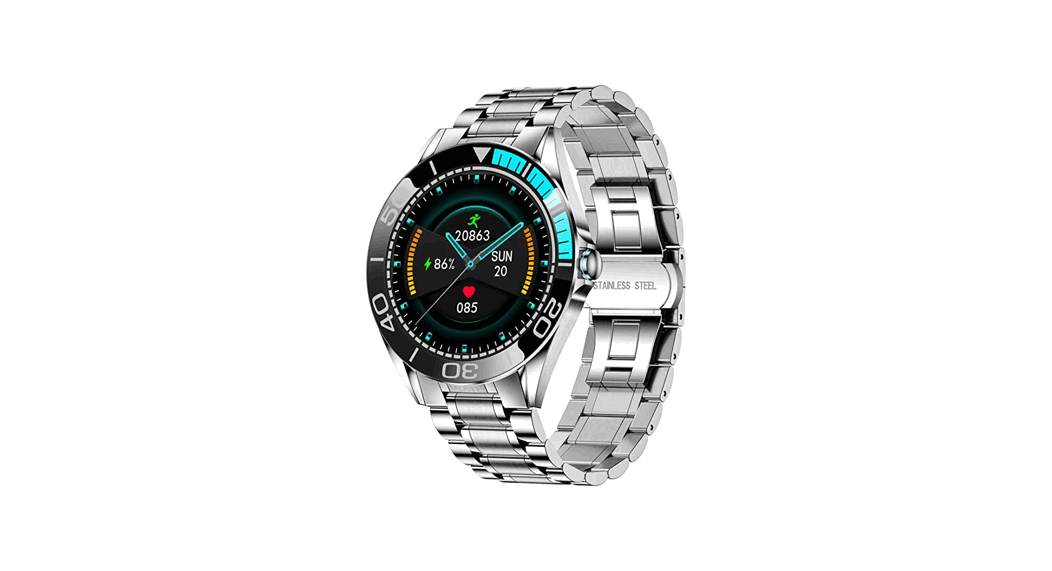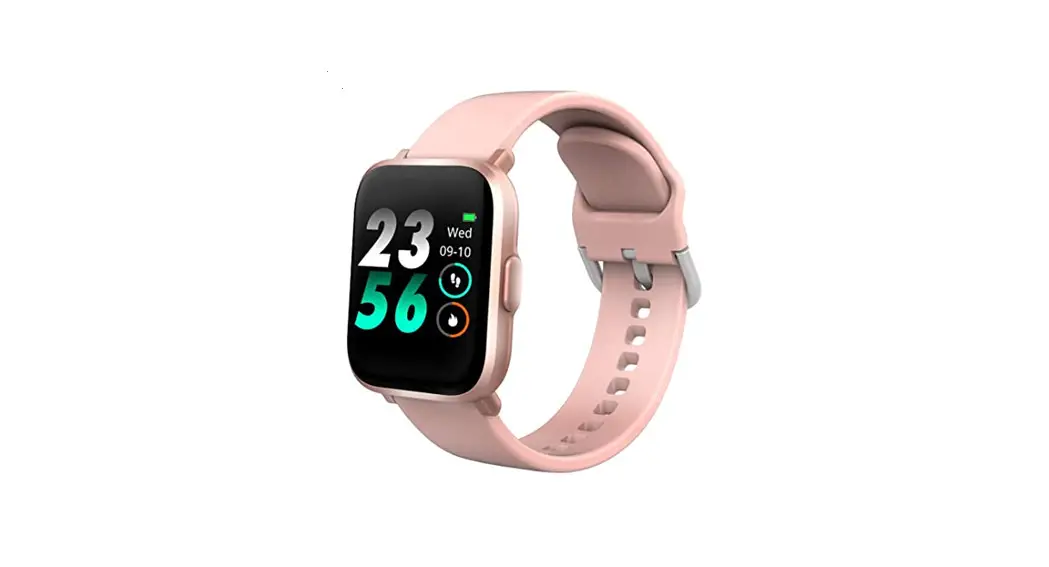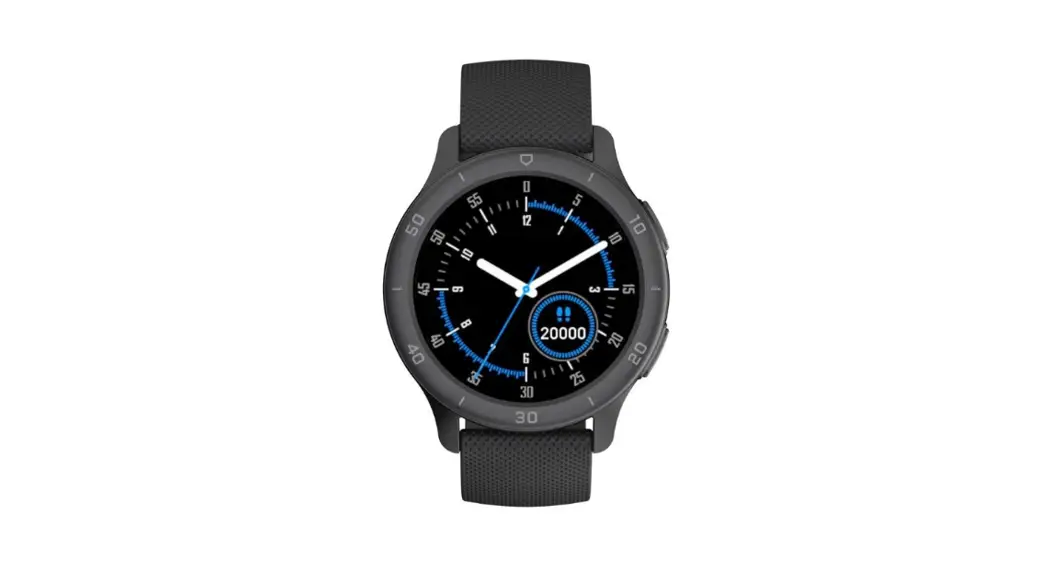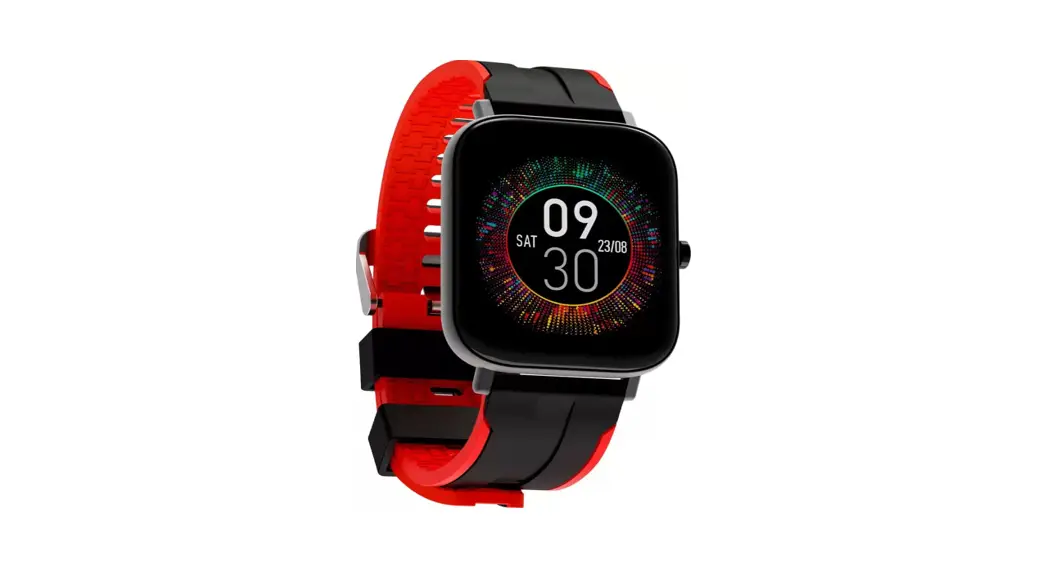
 Strive 200 Smart Watch
User Manual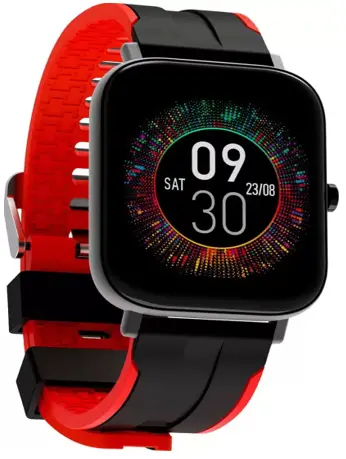
STRIVE 200
 Screen Size 169″ WS Display
 Real Sp02 Monitor
 Multiple Sports Mode
Introduction
Welcome to the Wings Smart Wearable Generation with the all new Wings Strive 200. We hope you are as excited as us to feel and flaunt your latest smortweor.
But before you dive right in, we strongly recommend going through this user manual thoroughly as it contains important technical information to ensure you have o seomless experience with us. Once you are done reading the manual, we ore sure you will be all set to.
WEAR IT! FEEL IT! FLAUNT IT!
Downloading The App
Scan the following OR code, Download and install the App. http://plus.crrepa.com/app-download/Wings
Scan To Download App “Wings Lifestyle Fir
Power ON: Long press main button for 3 sec.
Power OFF: Long press main button for 3 sec and select V” to power OFF the watch.
Wake up Screen: Press once to woke up the Screen.
Previous Menu: Press once to go bock to previous menu.
Charging The Device
Connect the magnetic end of the charging cable with the charging pins of the smart watch.
Note: Before using the device for the first time, make sure to charge the device for at least 2 hours.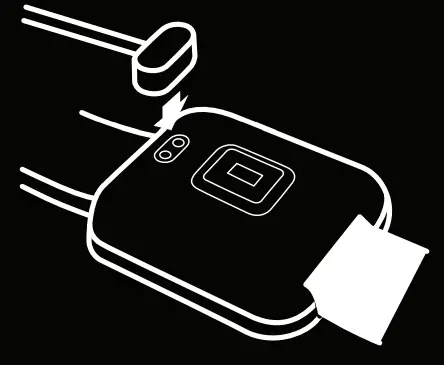
Pairing The Device
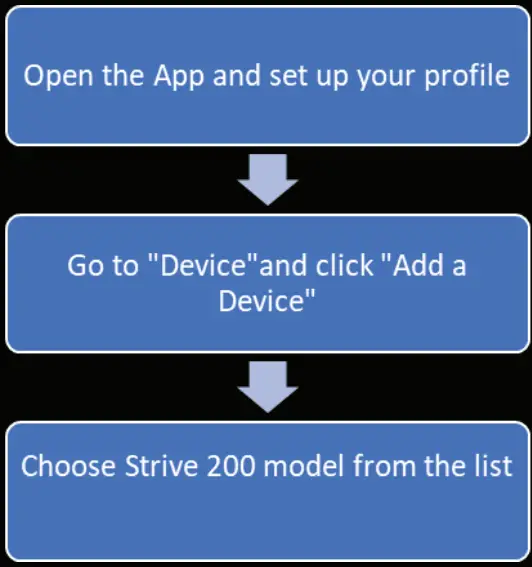 Note-The MAC address on the “setting”- “About” page ould help you identify your device on the scanning fist.
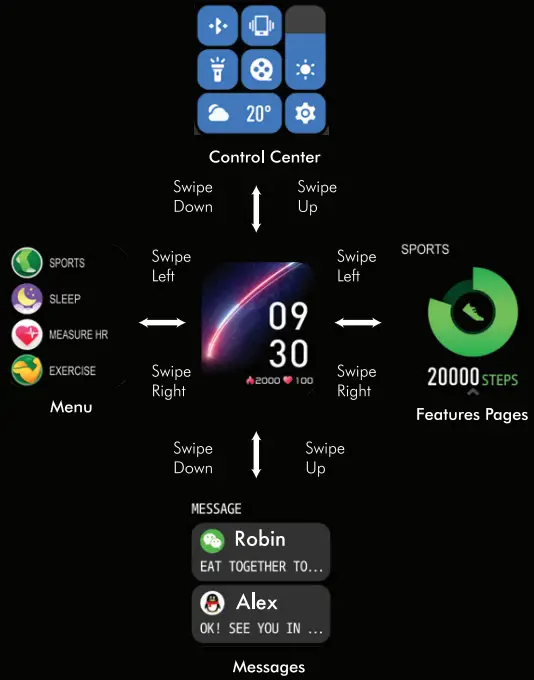
Touch Screen Usage
| Parameters | Description |
| Product Name | Strive 200 |
| Vibration Alert | Yes |
| Water Resistant | IP68 |
| Screen Size | 1.69″ |
| Bluetooth | V5.1 |
| Controls | Single Button, Capacitive full touch screen |
| Health Tracker | Heart Rate, Blood Oxygen, Blood Pressure |
| Training | Running, Cycling, Skipping, Badminton, Basketball, Football,Tennis, Dumbbell, Yoga, GYM, Dancing, Sit-ups |
| Data Storage | 7 Days |
| Battery Runtime | Upto 10 Days |
| Standby time | Upto 30 Days |
| Strap material | Silicon |
| Product Dimension | 290*37*10.5mm |
| Strap dimension | 20 mm |
| Net Weight | 40g |
| Display type | IPS |
| Mensturation Cycle | Yes |
| BP Function | Yes |
| Input Rating | 5V/1 A |
Smart Watch Features
Sleep Tracker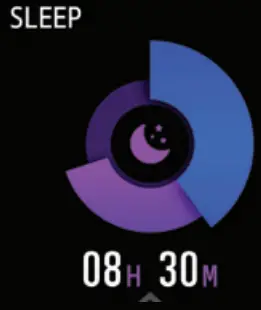 The Device will track your sleep when you are sleeping while wearing it. It will note both the quality and duration of the sleep.
Heart Rate Monitor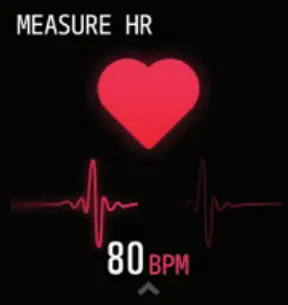 The Device will monitor your heart rote throughout the day. You can also tap on the “Heart Rate” page to start measuring the heart rate.
Steps Counter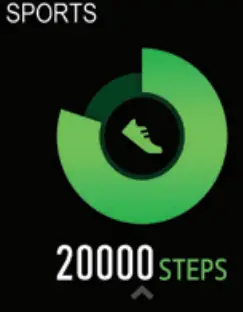 The device will automatically track the steps taken throughout the day and will update it on the screen.
Training Mode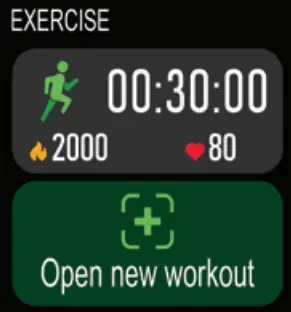 Tap the training Icon on the Menu to start a session. There are 12 sports mode in total. The last training session will be shown on the training page in the device
Blood Pressure Monitor: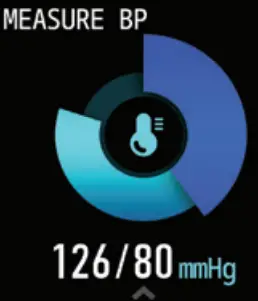 Tap on the blood pressure page to start measuring your blood pressure. The lost measured data will be shown on the blood pressure page in the device as well as in the App. Blood Oxygen Monitor:
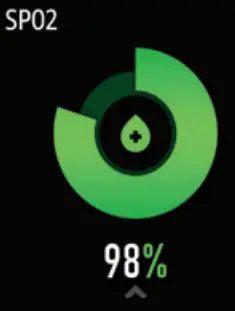 Tap the Sp02 page to start measuring your Sp02. On the Sp02 page. It will show the Sp02 data of the last time.
Weather :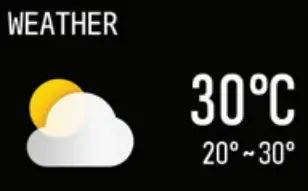 This will show the weather information of today and tomorrow on the page. Weather info is synced after connecting with the App.
Message Notification: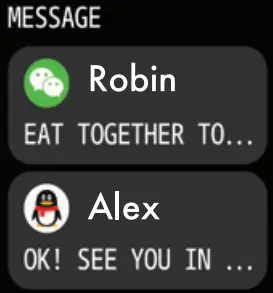 The device can sync incoming notifications from various Platforms and can show 8 recent messages Note: You can switch ON/OFF the incoming notifications in the App.
Camera Control: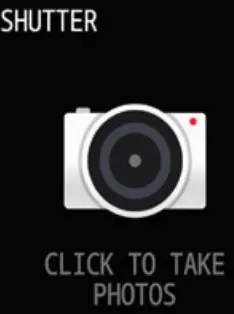 After successful connection with your smorlphone. The device can be used as a camera shutter for your phone.
Relax & Breath : This feature helps to regulate breathing and relax your mood.
Music Control: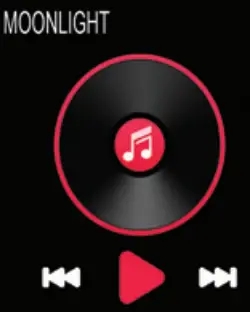 After connecting the device, you can control the music player on your smortphone.
Other Features: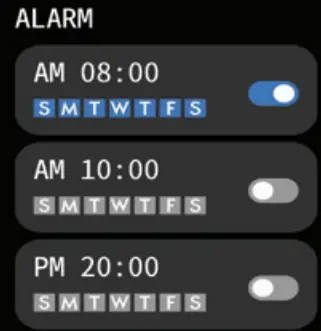 Other features include stopwatch, Alarm, countdown, Brightness, Shake ON/ OFF, Theater mode, Factory Reset.
Stop Watch: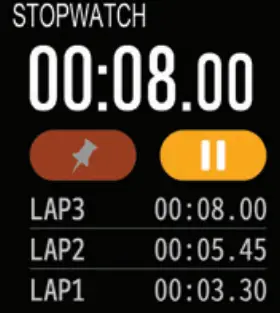 Tap the start button on stopwatch page to start timing and tap the stop button to stop timing.
Theater Mode: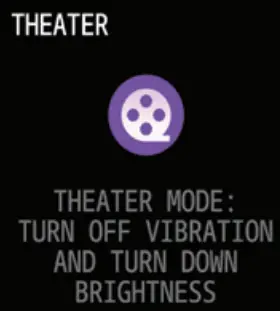 In the theater mode, the device will turn OFF the haptic vibrations and will turn down the brightness. Note: This feature can be turned ON/OFF from the control center
Movement Reminder : The device will vibrate to remind you to move after 1 hour of sitting. Note: This feature can be turned ON/OFF from the mobile APP
Physiological Cycle Reminder: This feature helps to monitor female’s menstrual cycle more easily.
Note: This feature can be used from the mobile APR’
Knowing Your Device
Wet Condition Usage:
The device is water-resistant, which means it is rain-proof and splash-proof and can with stand To the sweatiest workout.
- Do not expose the watch to hot water.
- Do not expose the watch to high temperatures
- Do not swim while wearing your smart watch
- Do not use the watch in contact with seawater, If happened accidentally rinse it with fresh water.
Rise To wake:
With this feature. Just rise your hand to woke up your smart watch.The notifications on your watch can be viewed in the same way.
Safety And Maintenance
Please read below suggestions in order to helping prolong the product lifespan and clearly understand he warranty clauses.
Keep the product dry, do not put it in humid conditions to avoid short circuit.
Do not expose it to the peak sun or high heat for extended period of time as this will short lifespon of electronic components, damage battery and deform some plastic parts. Do not put it in cold circumstances to avoid damage to PCB board.
Do not attempt to dismantle the product, as it maybe unsafe especially non-professionals.
Do not use chemical products, detergent, oily liquids to clean the item.
Do not scratch the surface with sharp items to avoid damaging the case and appearance.
Do not charge the case for more then 5 hours to ovoid loss in battery life.
Avoid hearing music at maximum volume for long periods of time as this can affect your hearing and is not advisable.
Note: Any damage to the product that is not manufa-cturing defect will lead to warranty being rendered null and void.Therefore, please take utmost core for your product
What’s In The Box
lx Strive 200
lx Magnetic Charging Cable
lx User Manual
lx Warranty Card