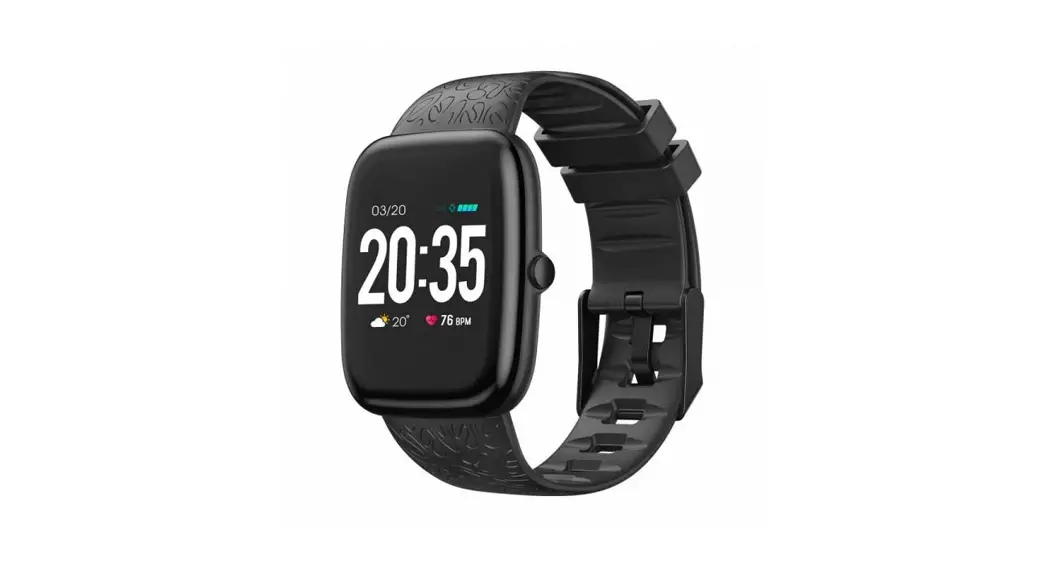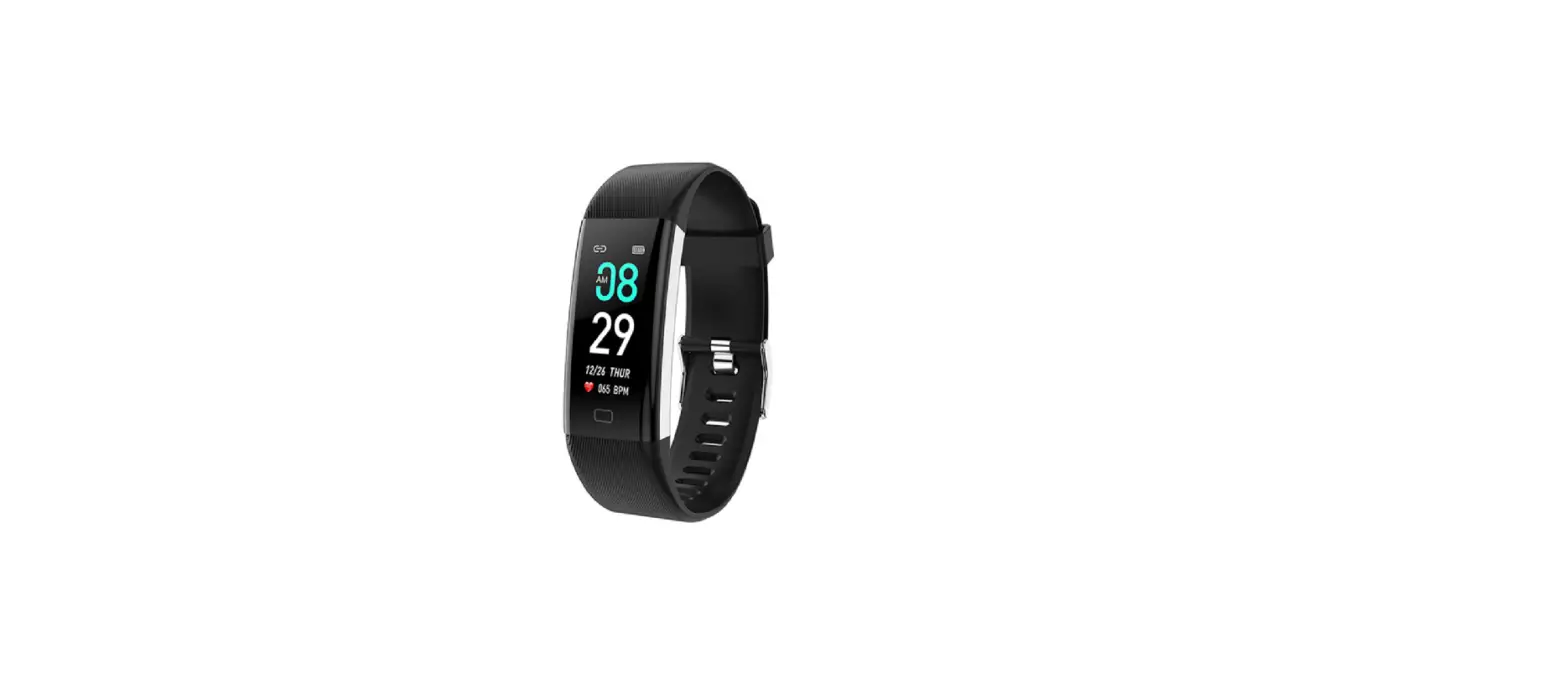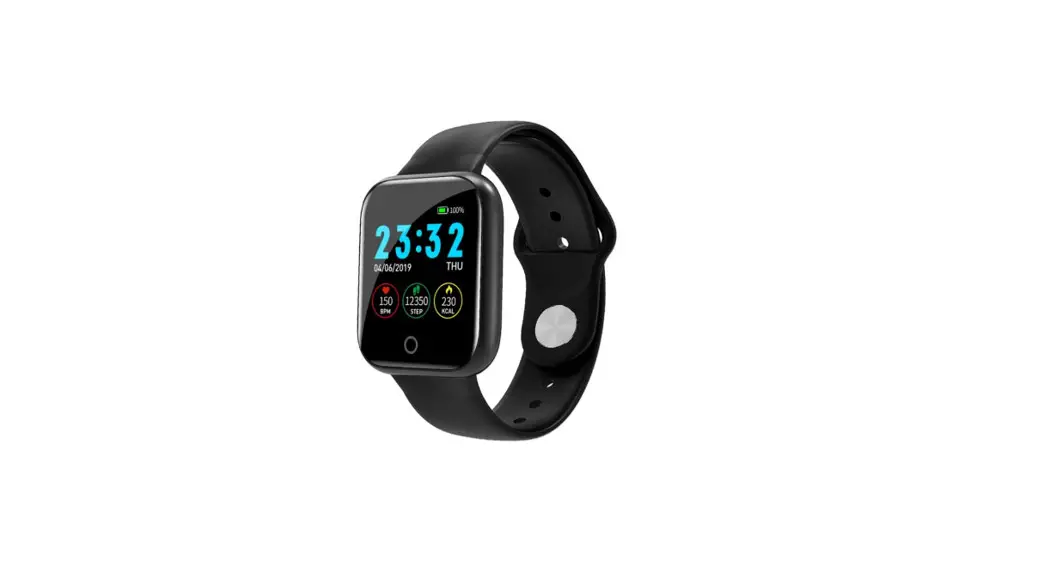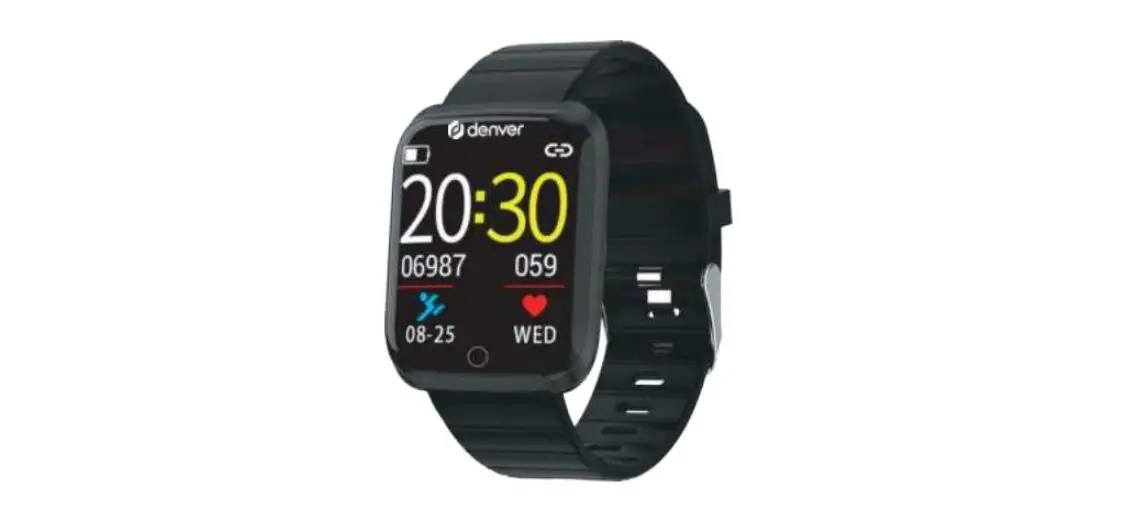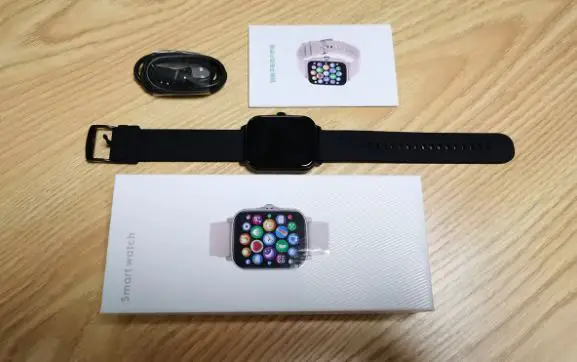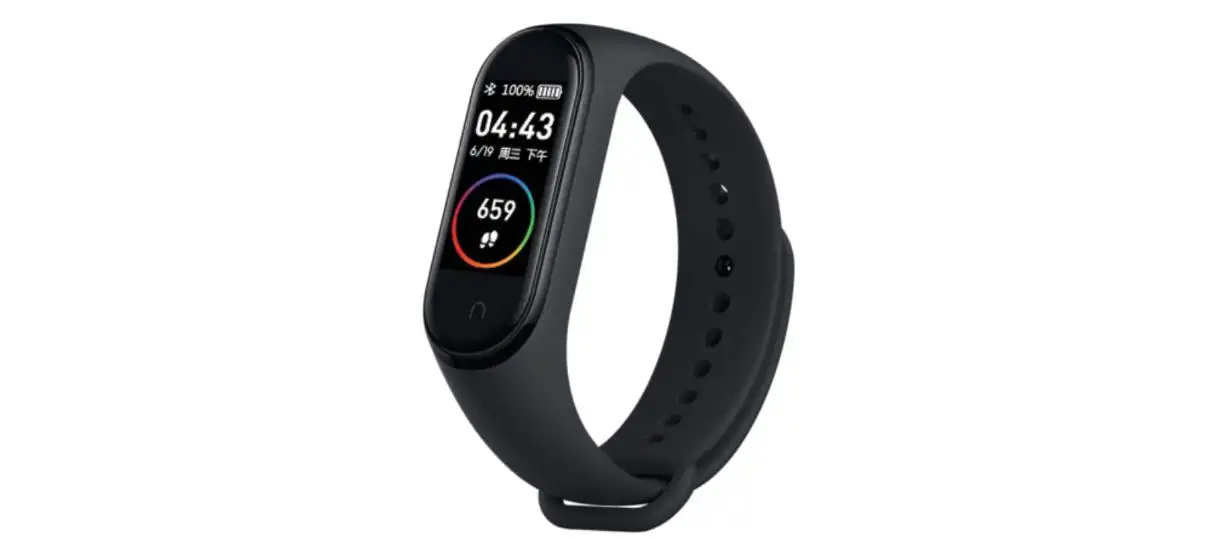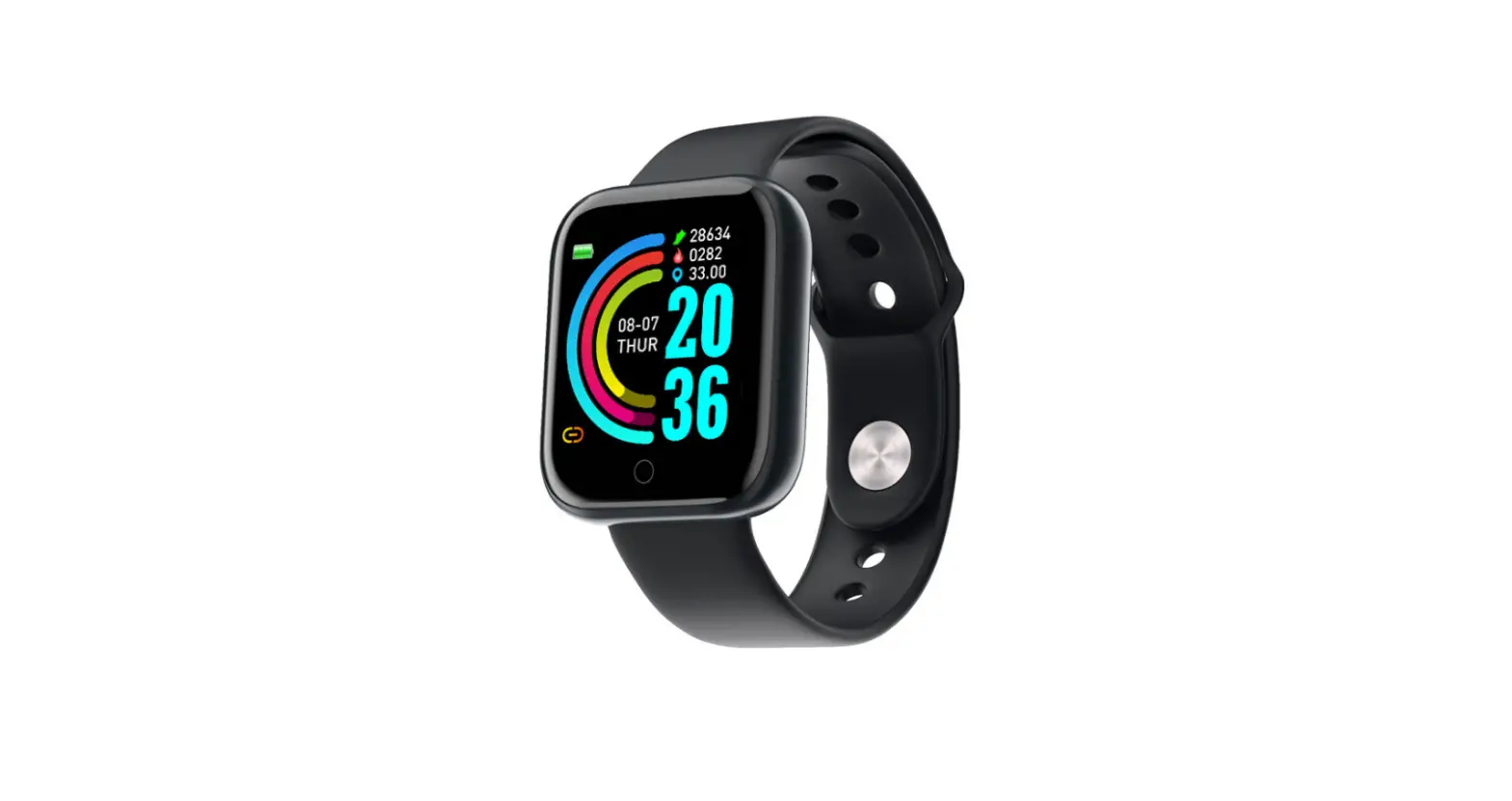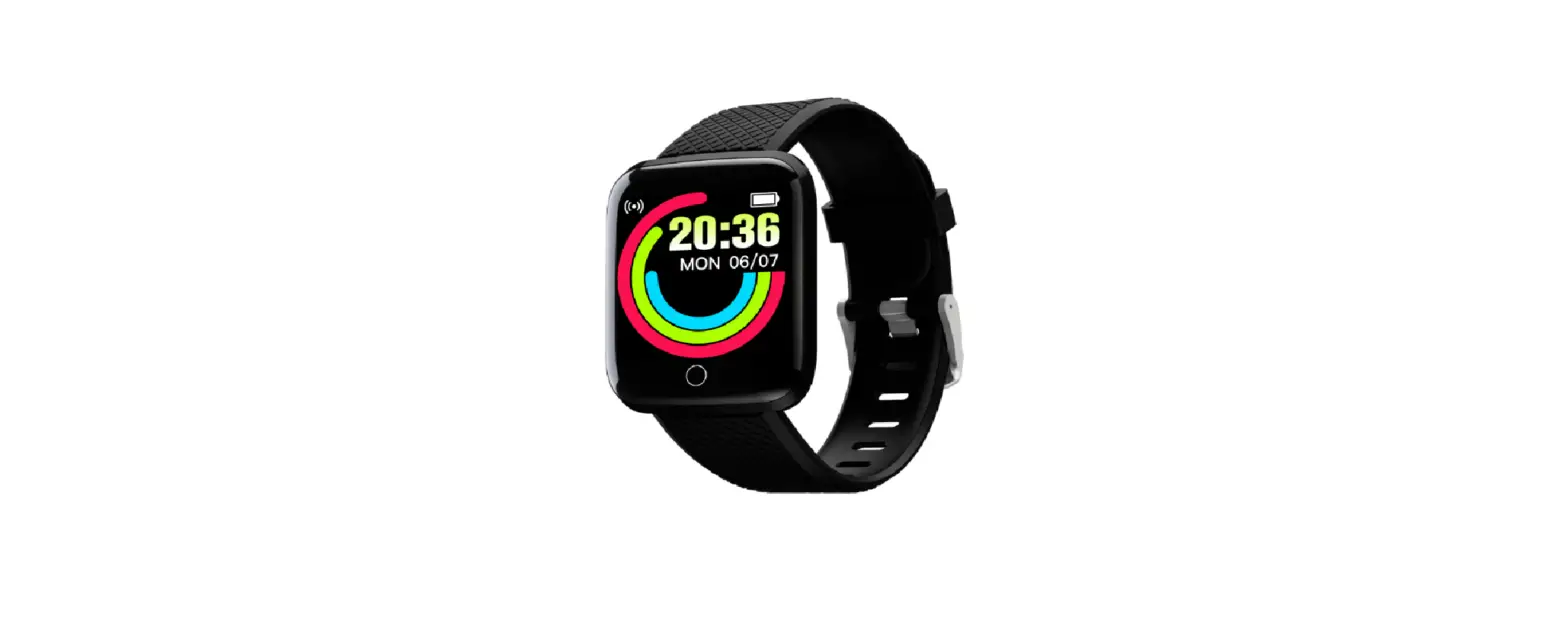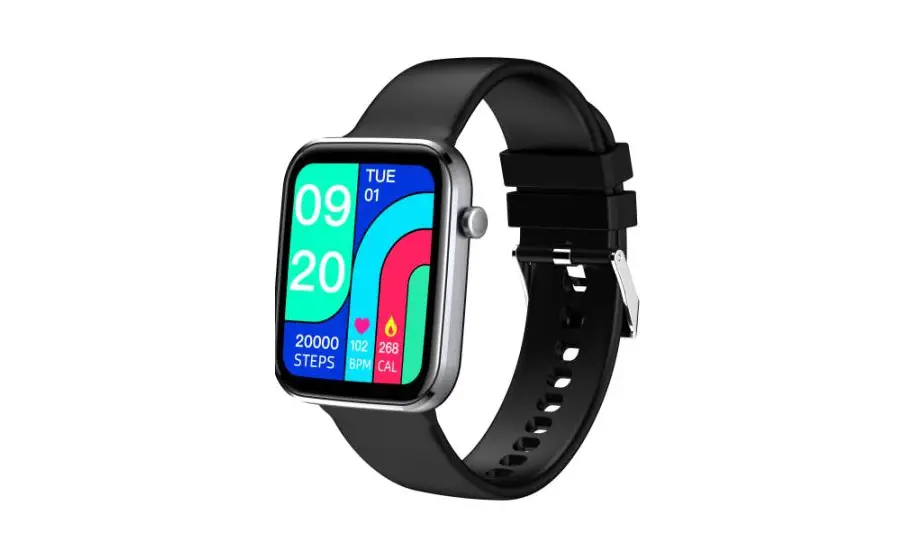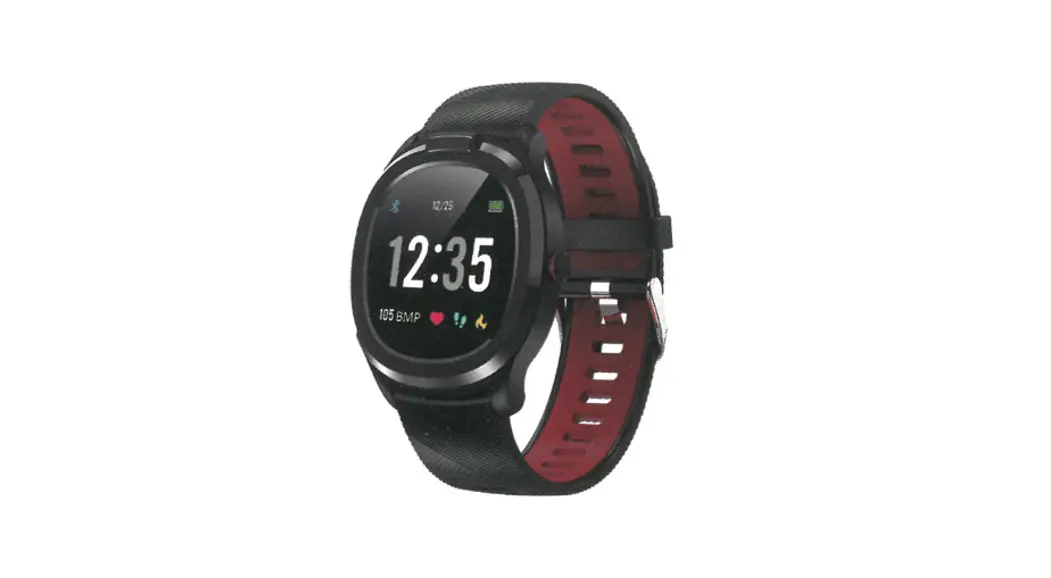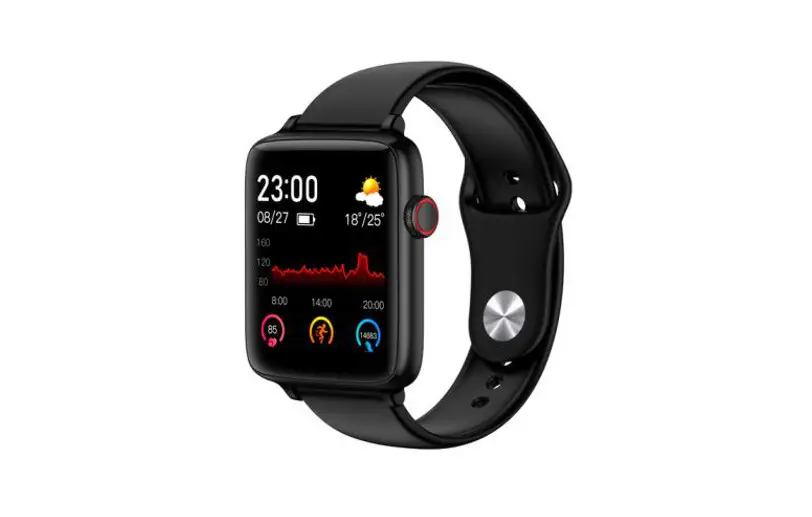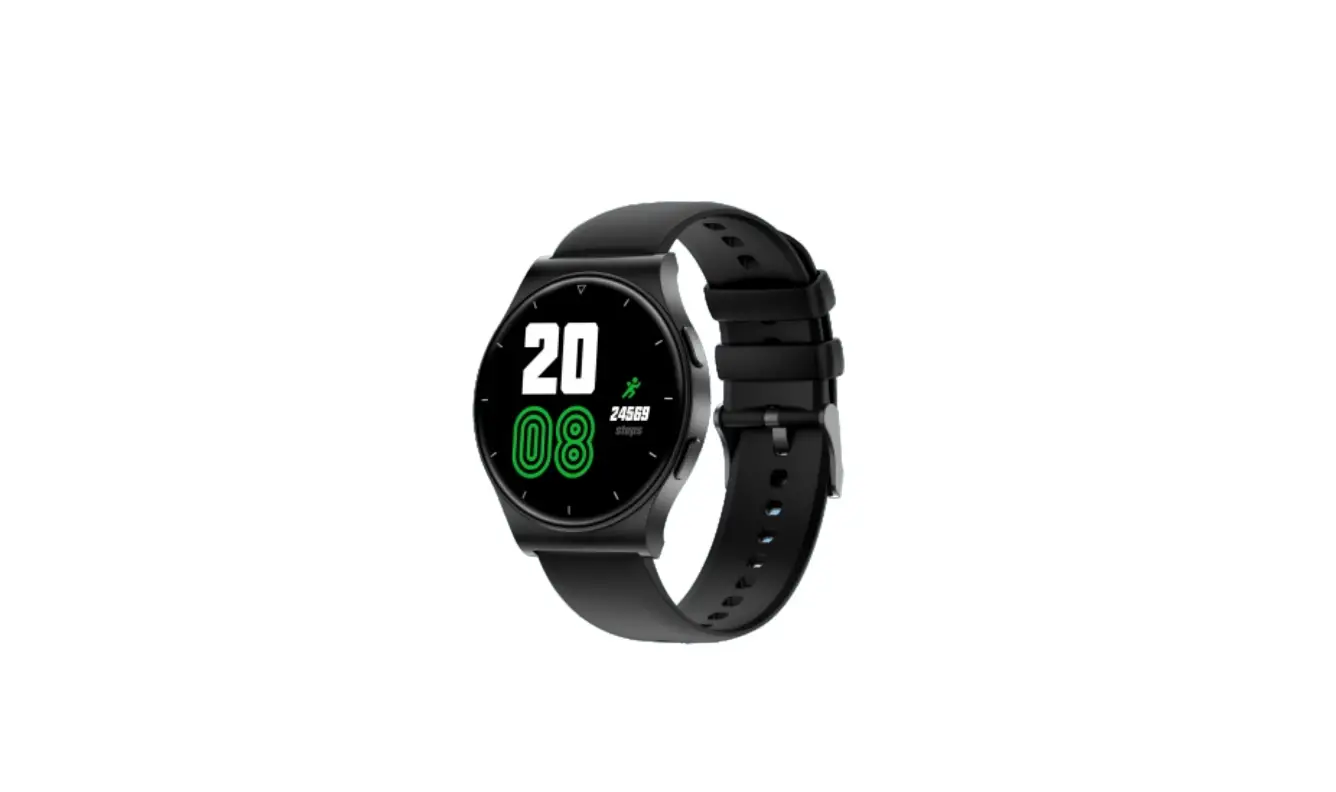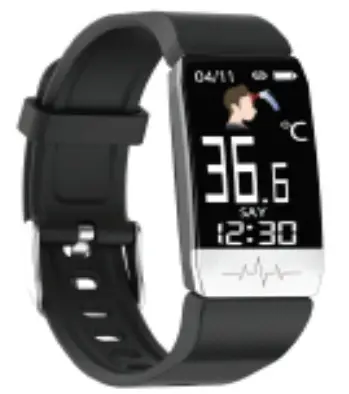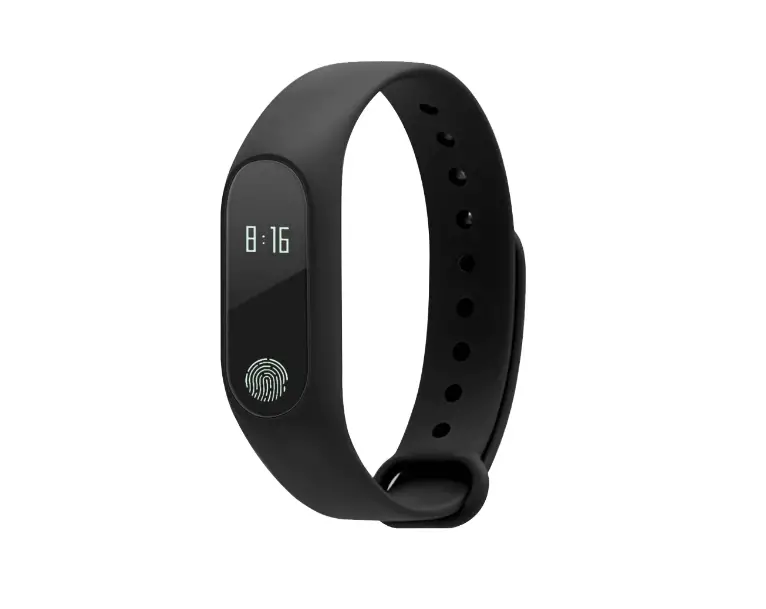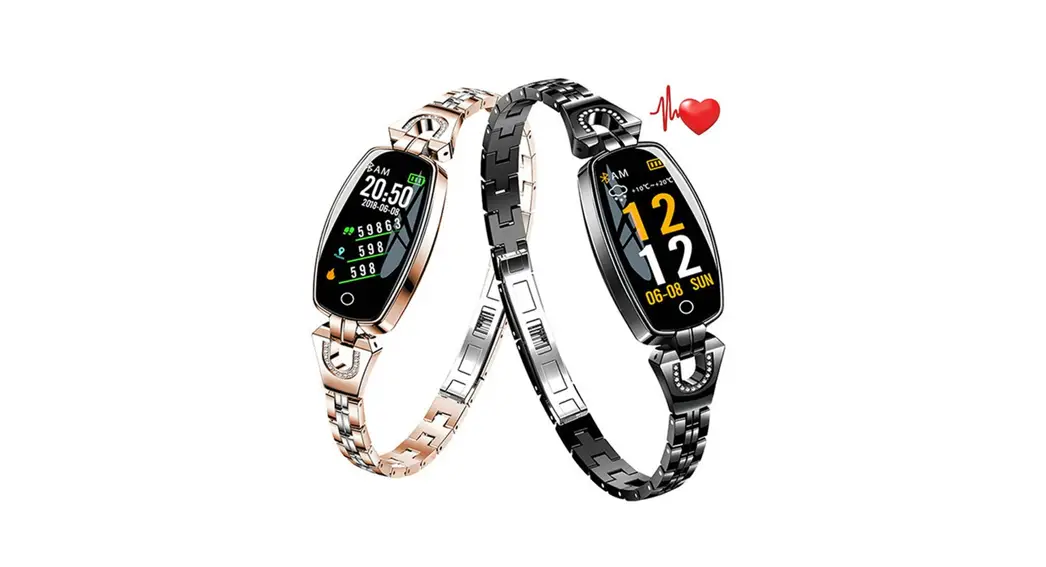

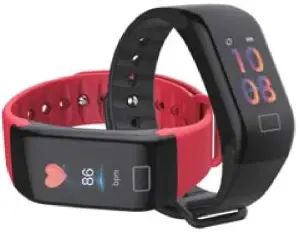
Smart BP HR bracket
User Manual
System & Hardware requirement
 And roid4.4 or above
 ‘058.0 or above
 Bluetooth4.0
2. Use preparation
Please use the charging c lo to charge the device to full power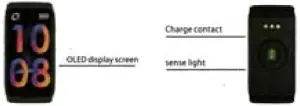 3. Connection
Please determine the phone meets the above requirements. And download the APP for connection.
Download APP: Please search -Wearlit” in the APP store and android market.
Binding
Please ensure the Bluetooth is on, and open ‘Wearier”.Click the selection of the link to the bracelet, find (bedew(‘ name in the list and click it. Then enter the main interface.  4. Start using
Once the device is connected to the tee app successfully will sync the time. It will record and analyze your Activities. heart rate. blood pressure and sleep quality. Bracelet operation. Click the button,in the following order switch interface Time mode –>Pedometer mode ->Calories mode –>Heart rate mode –>Blood oxygen model –>Blood pressure mode –>Sleep mode
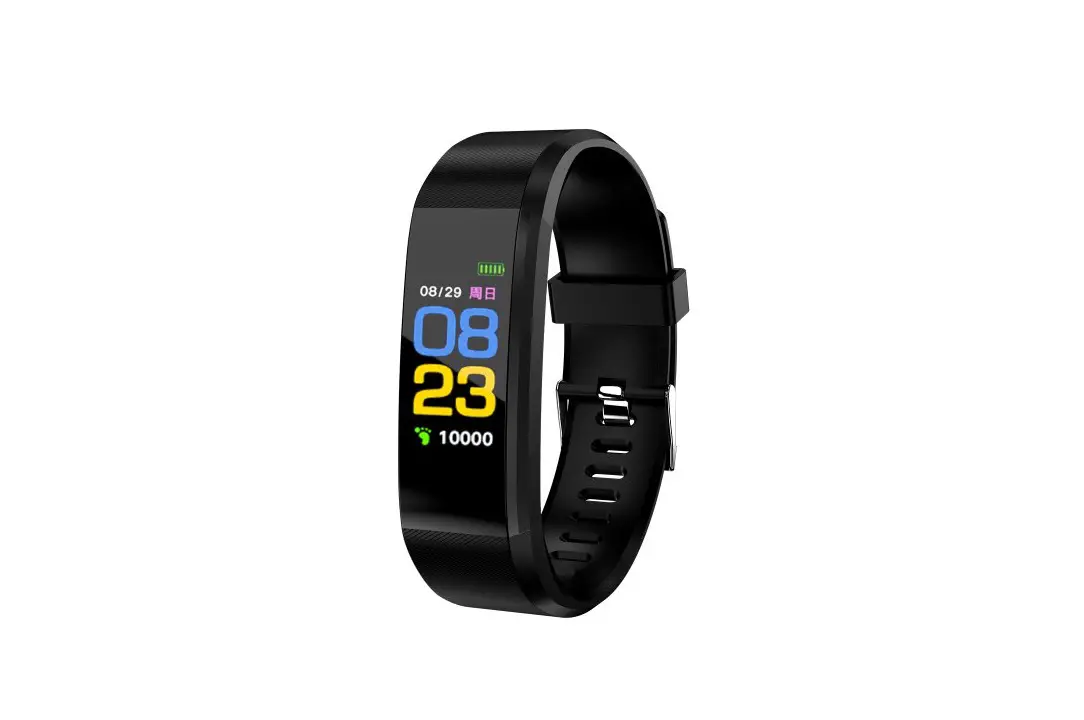
Function Instruction Time mode: display, home, battery, date
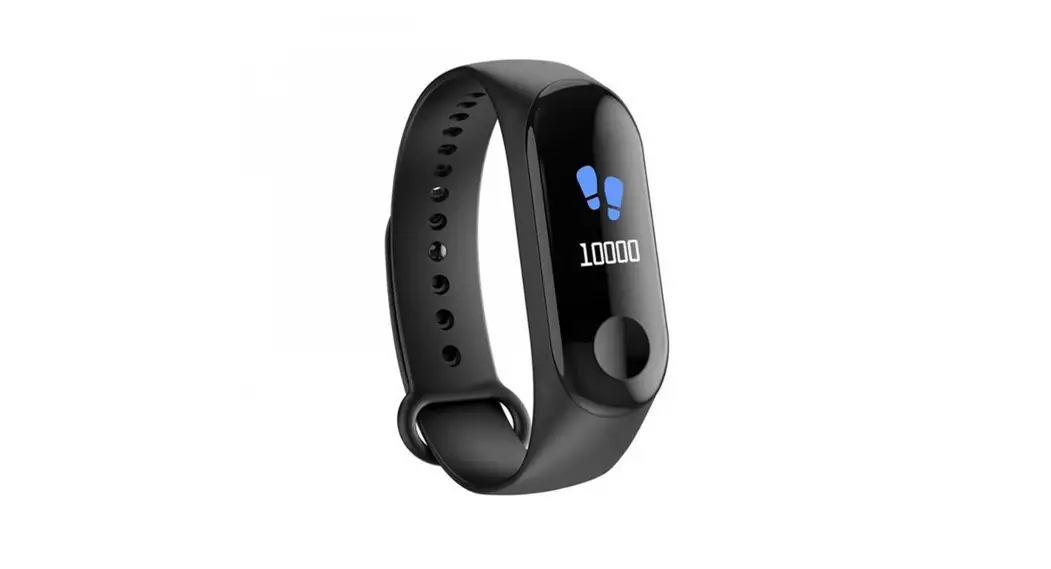
 Sports record: Automatically records the number of steps
 Calories MOdt Displays calories burned )
 Heart rate monitor: The device will auto-magically measure the present heart rate situation In the whole point. You can also manually measure the heart rate by APP. When the bracelet switched to Heart rate mode the device will automatically start measuring.11 you don’t want to measure the heart rate, please continue switching. The page will display the data of the most recent measurement.
 Blood oxygen monitor:Therein: twill auto-magically measures the present Blood oxygen situation in the whole point. You can also manually measure the Blood oxygen by APP. When the bracelet switched to Blood oxygen mode. the device will automatically start measuring. if you don’t want to measure the Blood oxygen, please continue switching,
 Blood pressure monitor: The device will automatically measure the present blood pressure situation in the whole point You can also manually measure the blood pressure by APP. When the bracelet switched to Heart rate mode, the device will automaticity start measuring you don’t want to measure the heart rate. please continue switching. The page will display the data of the most recent measurement. (TN measurement time is about ISO seconds. The distance between bracelet and skin, dirt on device another eee son will influence the measurement data.)
 Sleep monitoring: Automatically recognize your status and monitor the whole sleep progress by analyzing the deep sleep and light sleep hours.
 Caltreminder Open the “Call reminder’ function in APP, the bracelet will vibrate when the phone rang.
 Message reminder (only for Android): Open the ‘Call contender’ function in APP, the bracelet will vibrate when the phone Receives text messages.
5.Q&A
I.Can’ t find a device when pairing a device?
Please ensure the Bluetooth is ON and the mobile phone’s condition is Android 4.4 or above and!OSLO or above
Please ensure the distance between phone and device Is no more than. Smidevlce is among the normal Bluetooth communication distance range with
Please ensure the device is not undertow soot-tit there is still a problem after full charge, please contact us. Lean* connect the device with the app?
Some smartphone Bluetooth Service wi 11W abnormal when reboot Please reboot the Bluetooth or reboot the smart phone for pairing device
3APP 110 d is playing him?
The data depend on timing and manual measurement to transfer.
Please ensure the battery condition is good and Bluetooth Is OW 4Mkong time?
The lithe bracelet is under low power, the time may be wrong.Please charge the bracelet and connect the phone again.
Specification
Screen sizet0.96nich
Bluetooth: or 4.0
Battery type: Polymer lithium battery
Battery capacity: 90raAh
Bracelet size: SOmm`24m mi11.6mm
Strap size; 235ntrre 24mm Smm
Material: silica gel and Plastic
Waterproof: IPS? 1P67.
The carnmaironriva the alaht to meta chorea mat easter as althisamein neitga vdtheuttetict. Some of the abstervilLstheownweedso0 bottom version arritiOnaat, MA* normal Minutiae.
FCC Warning
This device complies with part 5 of the FCC Rules. Operation is subject to the following two conditions:
(1) This device may not cause harmful interference, and (2) this device must accept any interference received, including interference that may cause undesired operation.
Any changes or modifications not expressly approved by the party responsible for compliance could void the user’s authority to operate the equipment.
Note:
This equipment has been tested and found to comply with the limits for a Class B digital device, pursuant to part 15 of the FCC Rules. These limits are designed to provide reasonable protection against harmful interference in a residential installation. This equipment generates uses and can radiate radio frequency energy and, if not installed and used in accordance with the instructions, may cause harmful interference to radio communications. However, there is no guarantee that interference will not occur in a particular installation. If this equipment does cause harmful interference to radio or television reception, which can be determined by turning the equipment off and on, the user is encouraged to try to correct the interference by one or more of the following measures:
- Reorient or relocate the receiving antenna.
- Increase the separation between the equipment and receiver.
- Connect the equipment into an outlet on a circuit different from that to which the receiver is connected.
- Consult the dealer or an experienced radio/TV technician for help.
The device has been evaluated to meet general RF exposure requirements. The device can be used in portable exposure conditions without restriction.