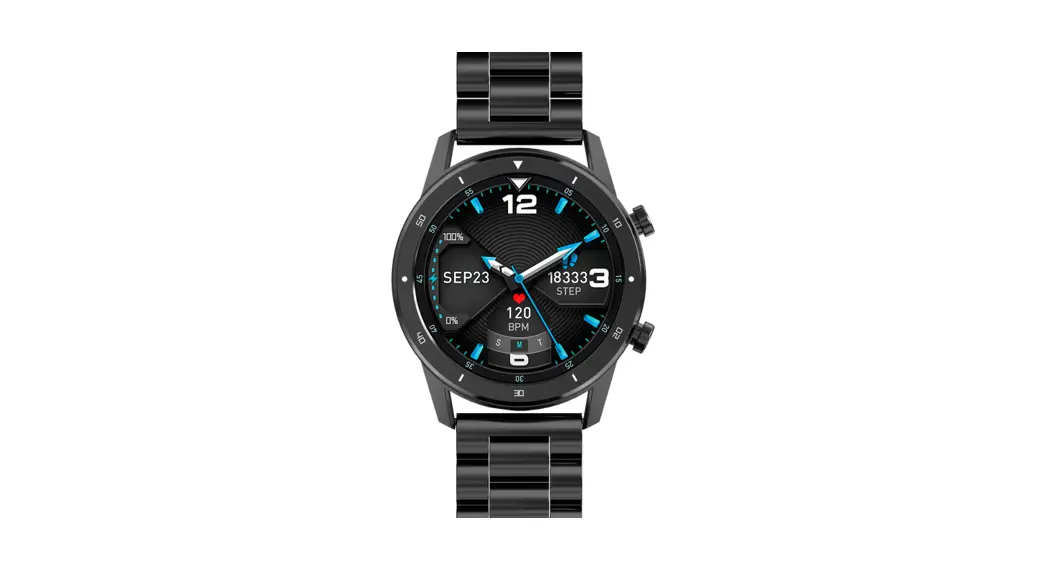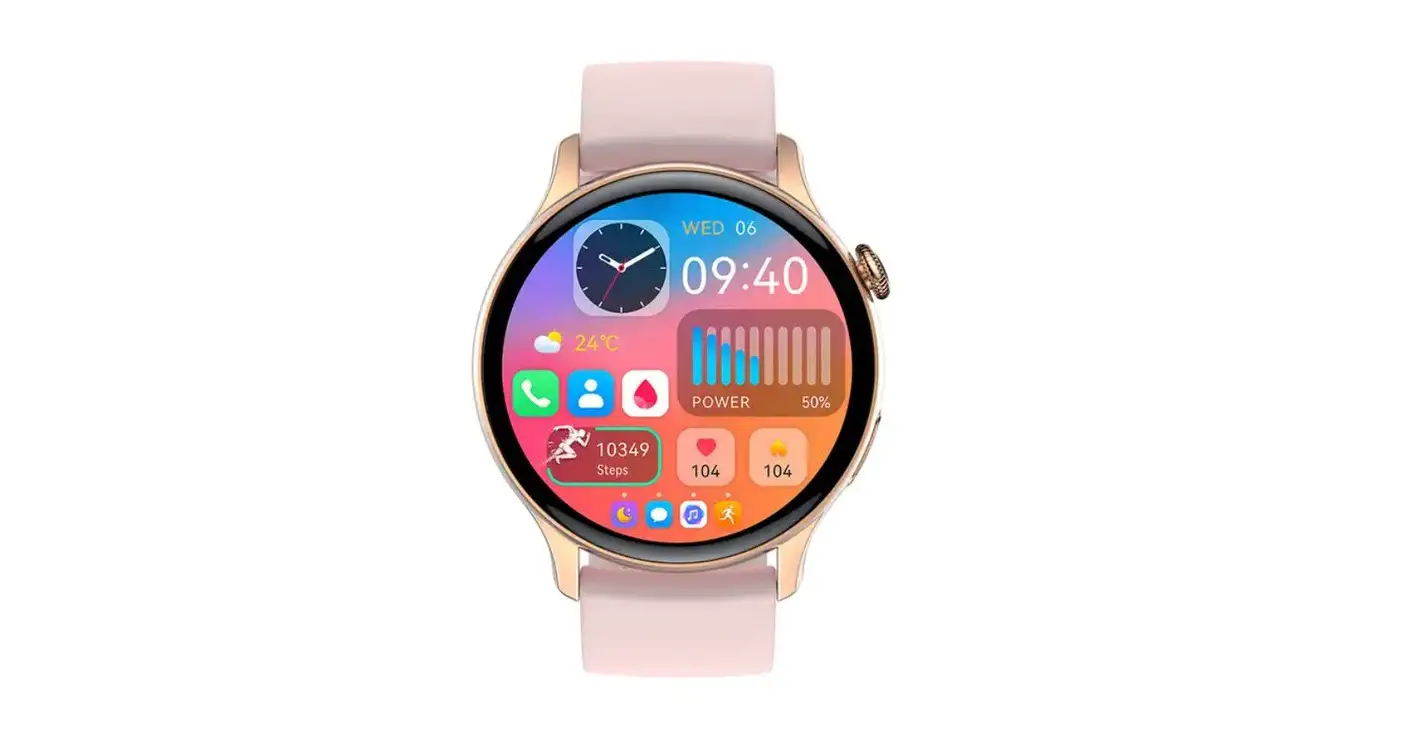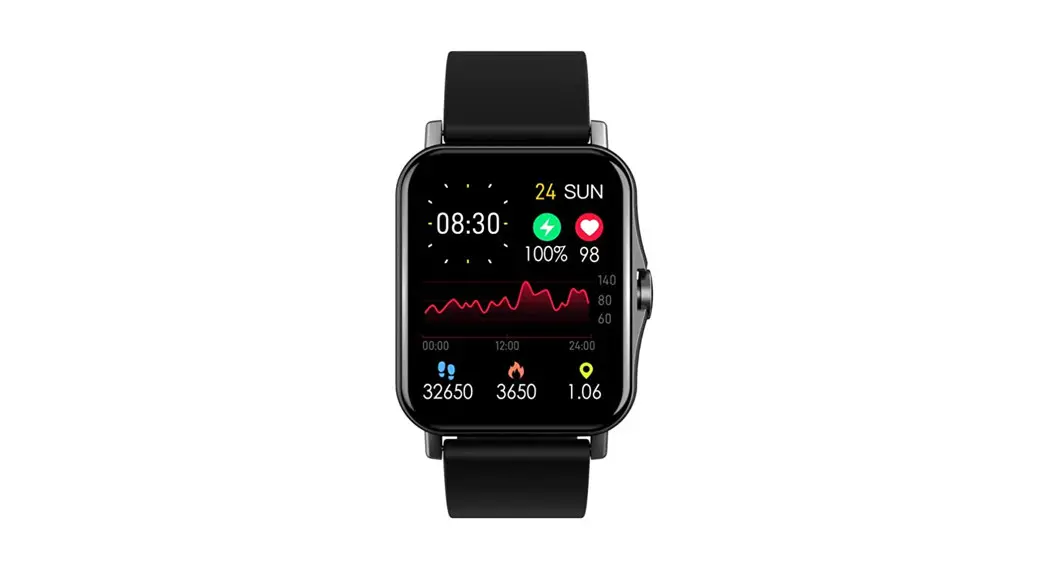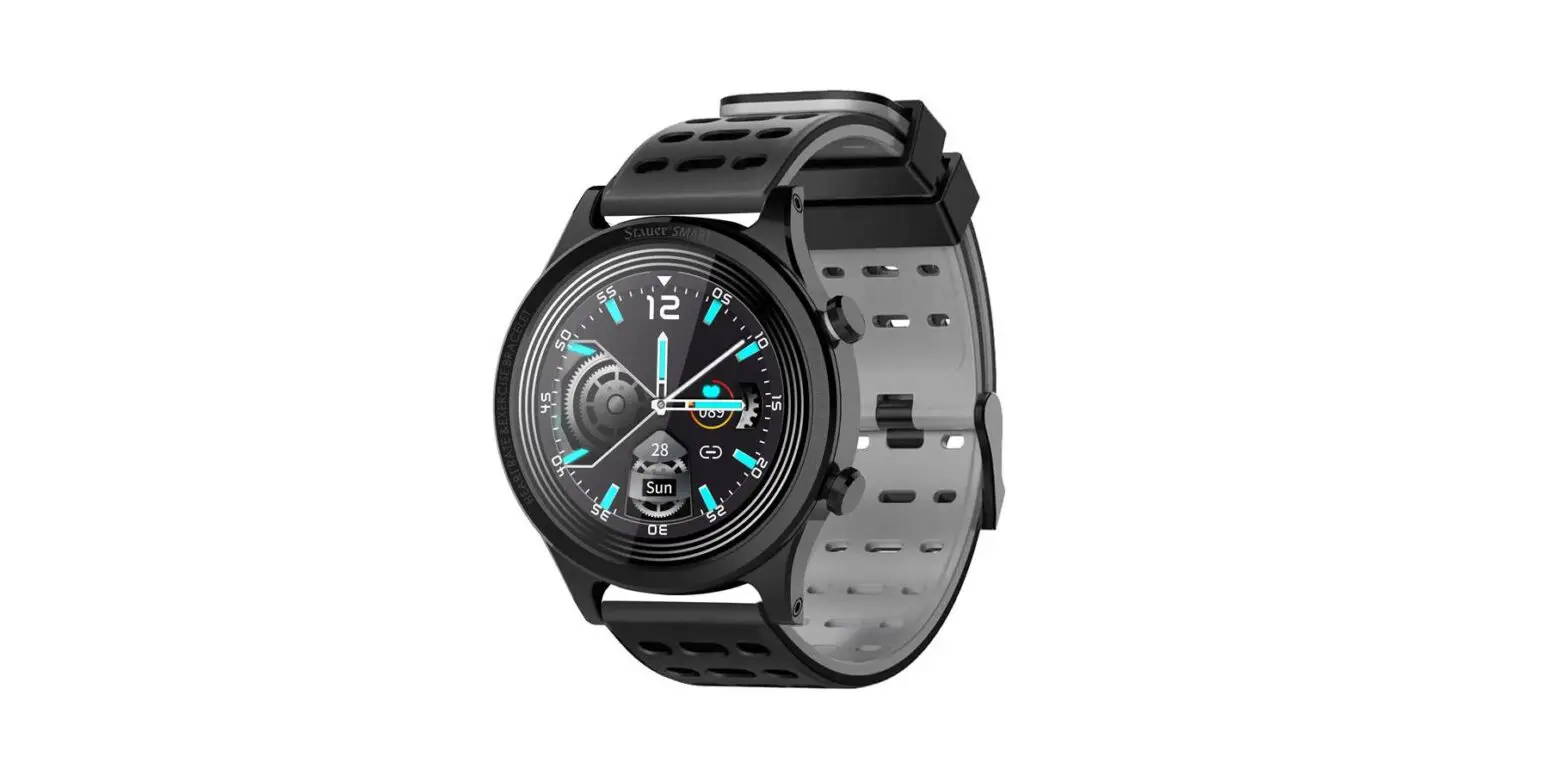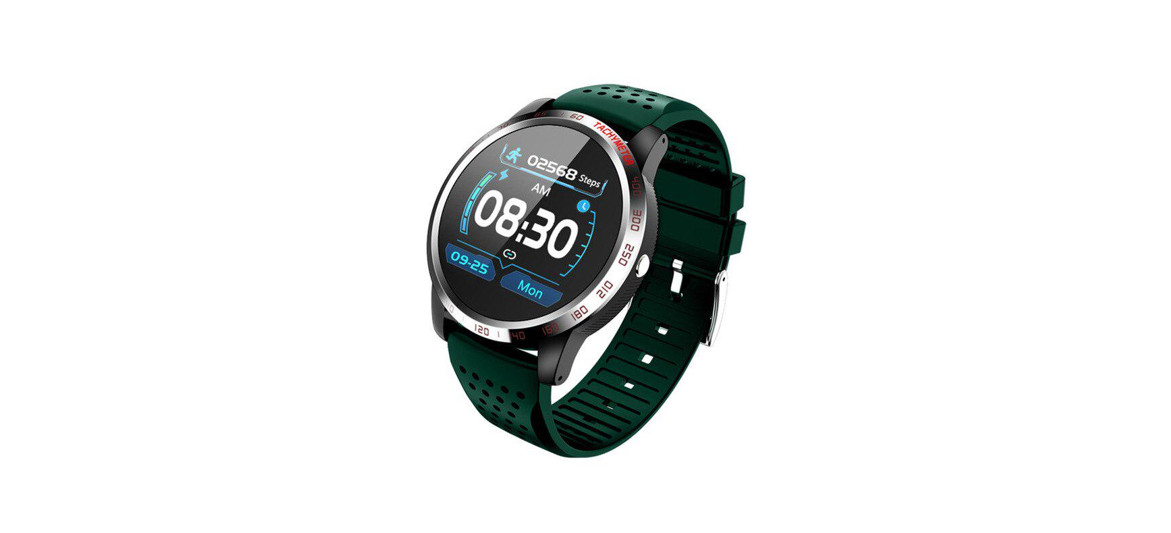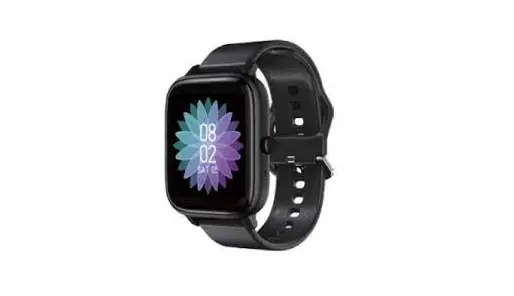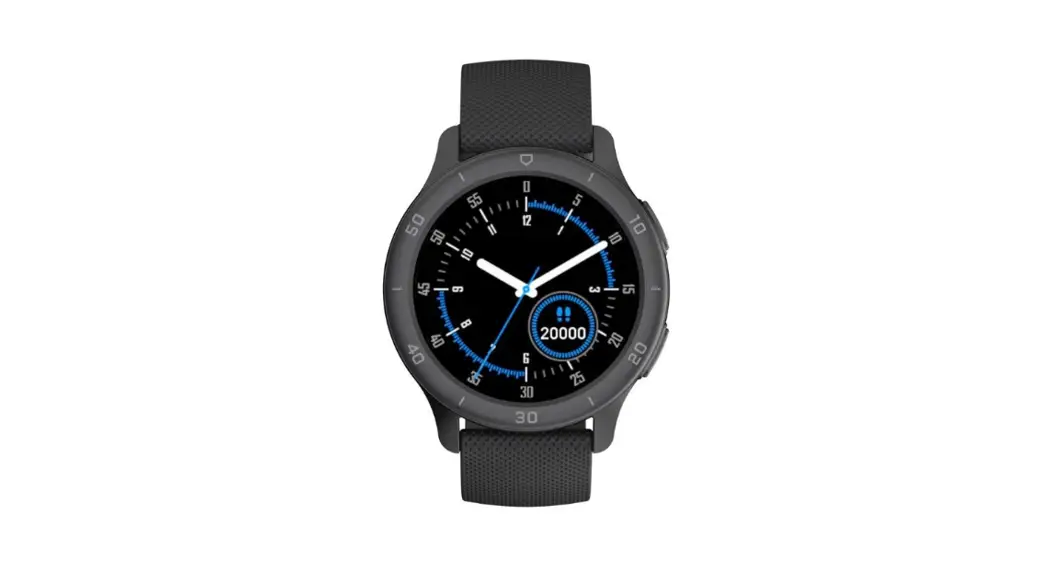
 Life Pro Smart Watch
Instruction Manual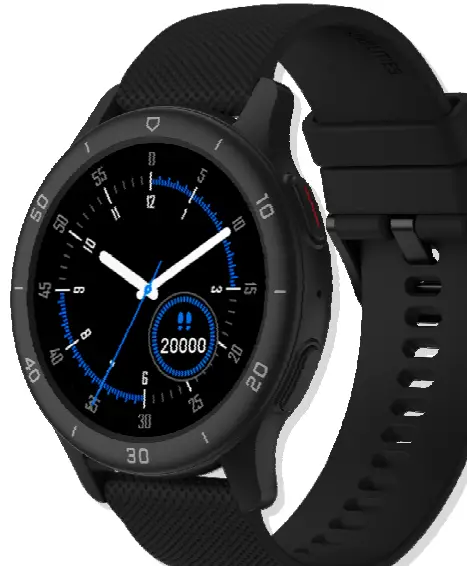
PRECAUTIONS
1.1. In theory, the smart watch supports operating system iOS9.0, Android4.4 or above and Bluetooth 4.0 devices, but not all mobile device models. Please refer to the actual conditions for details.
1.2. The product is charged with 5V 500mA. It is strictly forbidden to use the overvoltage load power supply to avoid hardware damage.
1.3. The smart watch battery is built‐in and cannot be removed. Please do not try to replace the battery.
1.4. The operating environment of the wristband is ‐10℃ to 50℃ Charging temperature: 0℃ to 50℃ .
1.5. Please note when wearing: if you are sensitive skin or wearing the Smart Watch too tightly, you may feel uncomfortable.
1.6. Please wipe the smart watch dry before charging. Otherwise, it will lead to failure or corrosion of charging contact point.
WATERPROOF AND DUSTPROOF CAUTION ‐ PROTECTION IP68
Your device is resistant to water, under IP68 protection class.
What exactly does that mean
The following conditions may effect on the water resistance of your phone and should be avoided:
a.) Dropping or throwing your device or subjecting it to other impacts
b.) Submerging your device into water for long periods of time, swimming or bathing with your device.
c.) Exposing your device to pressurized water or high velocity water
IP68 digits means:
The first digit “6”: No ingress of dust; complete protection against contact (dust tight) following an 8‐hour test
The second digit “8”: Protected against long periods of immersion under pressure
Do not swim or dive with your device in the salt seawater!
If it happens, immediately wash your device in tap water and dry unit fully.
The watch supports waterproof and dustproof. Please follow below guidelines to maintain the waterproof and dustproof function.Otherwise your device might be damaged.
‐ Do not use watch under the strong pressure water.
‐ Do not use watch when diving, snorkeling or other sports in turbulent water.
‐ Please dry your hands or watch fully before operating.
‐ If the watch is exposed to water, please dry it fully with soft cloth. If it is exposed to other liquids (such as salt water, pool water, soapy water, oil, perfume, sunscreen, hand sanitizer) or chemicals (such as cosmetics), please wash it with clean water and dry it fully with soft cloth. Do not follow these instructions may damage its performance and appearance.
‐ If the watch is dropped or hit, the waterproof and dustproof function may be damaged.
‐ Do not disassemble your watch. The waterproof and dustproof function may be damaged.
‐ Do not use watch in extremely high or low temperature environments.
‐ Do not use blowers and other heated equipment to dry the watch.
‐ In sauna room, the waterproof function may be damaged.
CLEANING AND MANAGEMENT
‐ Protect watch from dust, sweat, ink, oil and chemical products (such as cosmetics, antibacterial sprays, hand sanitizers, detergents, and insecticides). Otherwise, the internal and external parts may be damaged or causes performance degradation. If your watch is stained with above substances, please clean it with lint‐free soft cloth.
‐ When cleaning, do not use soap, detergent, abrasive materials, compressed air, ultrasonic waves or external heat sources.
Otherwise, you may damage your watch. Soap, detergent, hand sanitizer, or detergent residue may cause skin irritation.
‐ After exercising or sweating, please clean your wrist and strap. Use water to clean and dip a small amount of alcohol to wipe, then dry it thoroughly.
‐ If your watch is stained or infiltrated with other objects, please use wet soft toothbrush to clean it.
SAFETY NOTICES
Read these safety instructions before using your device and store them for possible future reference. Always follow these basic safety precautions when using your watch. This reduces the risk of fire, electric shock, and injury.
CHARGER
If the charger cord is damaged, have it repaired by the manufacturer, its service or a similarly qualified person in order to avoid any hazard.
The charger is not intended for use by persons (including children) with reduced physical, sensory or mental capacity. Persons who have not read the manual, unless they have received explanations by a person responsible for their safety and supervision should not use this unit. Children should be monitored to ensure that they do not play with the charger.
The charger should always be readily accessible. The device should not be exposed to dripping or splashing water. No objects filled with liquids such as vases shall be placed on the device. Always leave a minimum distance of 10 cm around the unit to ensure sufficient ventilation. Naked flame sources, such as candles, should not be placed on top of the device. Do not touch the charger, electric wire and power socket with wet hand; otherwise, electric shock may occur.
Radio frequency interference: Radio frequency output from electronic devices can interfere with other electronic equipment and cause malfunctions. Although this device has been designed in accordance with EU regulations on radio frequency emission, smart device wireless transmitters and electrical circuits can cause interference with other electronic equipment. We therefore recommend taking the following precautions:
Aircraft: Wireless equipment can cause interference in aircraft. Turn off your device before boarding the aircraft. Do not use on the ground until allowed to do so by the flight crew.
Medical implants: Medical equipment manufacturers recommend a minimum distance of 15 centimeters between a wireless device and an implanted medical device such as a pacemaker or defibrillator to avoid any interference with the medical device. It is recommended that people fitted with such devices:
If you are fitted with a medical implant and have any questions related to the use of your /wireless equipment, you should consult your doctor
Health facilities: Hospitals and health facilities may be using equipment which is particularly sensitive to external radio frequency emissions. Turn off the device when staff or notices tell you to.
Blasting sites and marked areas: Turn off your device in potentially explosive areas. Follow all official instructions.
GENERAL SAFETY PRECAUTIONS AND ADVICES
Read and retain these instructions for future reference.
Warnings: On the product and User Guide instructions should always be adhered to.
Cleaning: Do not use liquid cleaners or aerosol cleaners. Use a damp soft cloth for cleaning.
Adapters: Use certified adapters recommended by producer. Other adapters may be hazardous or void your warranty.
Moisture, Dust & Water: Your device is resistant to, under IP68 protection class.
What exactly does that mean? Do not swim or dive with your device in the salt seawater!
If it happens, immediately wash your device in tap water and dry unit fully.
Power Sources: For products intended to operate from battery power or other sources, refer to the operating instructions.
Servicing: Do not attempt to service this product yourself as opening or removing covers may expose you to dangerous voltage or other hazards and will void your warranty. Refer all servicing to qualified service personnel.
Heat: The product should be kept away from heat sources such as a radiator, heat register, stove, or other products that generate heat.
Replacement Parts: Unauthorized substitutions when service this product may result in fire, electric shock, or other hazards. Make sure your service technician has used parts specified by the manufacturer.
INTERFERENCE: All wireless devices are susceptible to interference which may affect their performance.
Precautions for use: This watch meets guidelines concerning the exposure to radio waves. Your device is a radio transmitter and receiver. It was designed to meet the limits recommended by international guidelines to limit the exposure to radio waves.
These guidelines were developed by and independent scientific organization, The ICNIRP; and include safety margins designed to ensure the protection of all, regardless of age and health.
If you are allergic to material on this watch:
‐ This watch contains nickel. If your skin is very sensitive or you are allergic to the materials on this watch, please take necessary precautions.
‐ All materials used on this watch comply with relevant inspection standards such as RoHS.
Working conditions:
Working Temperature: 0 ~ 50℃
Working humidity: 65+/‐20%RH
Operating Frequency Band (RF):
| BT | Frequency (MHz): 2402~2480 | BT Version V5.1 |
| Maximum radio-frequency power transmitted | <20dbm | |
| Frequency range in which device is operated | 2.400 – 2.4835GHz |
Adapter shall be installed near the equipment and shall be easily accessible.
Accessory information
Battery: 3.7V 250mAh
Charging: Magnetic charging cable
EU Declaration of Conformity  Hereby, M SAN Grupa d.o.o. declares that the radio equipment type SmartWatch is in compliance with Directive 2014/53/EU.
The full text of the EU declaration of conformity is available at the following internet address: www.msan.hr/dokumentacijaartikala
Instructions for using your device you can find on http://hr.vivax.com/
Information on Disposal for Users of Waste Electrical & Electronic Equipment (private households) This symbol on the product(s) and / or accompanying documents means that used electrical and electronic products should not be mixed with general household waste. For proper treatment, recovery and recycling, please take this product(s) to designated collection points where it will be accepted free of charge. Alternatively, in
some countries you may be able to return your products to your local retailer upon purchase of an equivalent new product. Disposing of this product correctly will help save valuable resources and prevent any potential negative effects on human health and the environment, which could otherwise arise from inappropriate waste handling. Please contact your local authority for further details of your nearest designated collection point.
Penalties may be applicable for incorrect disposal of this waste, in accordance with your national legislation.
Disposal of waste batteries  Check local regulations for disposal of waste batteries or call your local customer service in order to get instructions on the disposal of old and used batteries. The batteries in this product should not be disposed of with household waste. Be sure to dispose of old batteries in special places for disposal of used batteries that are found in all retail shops where you can buy batteries.
PRODUCT DETAILS
Box Accessories:
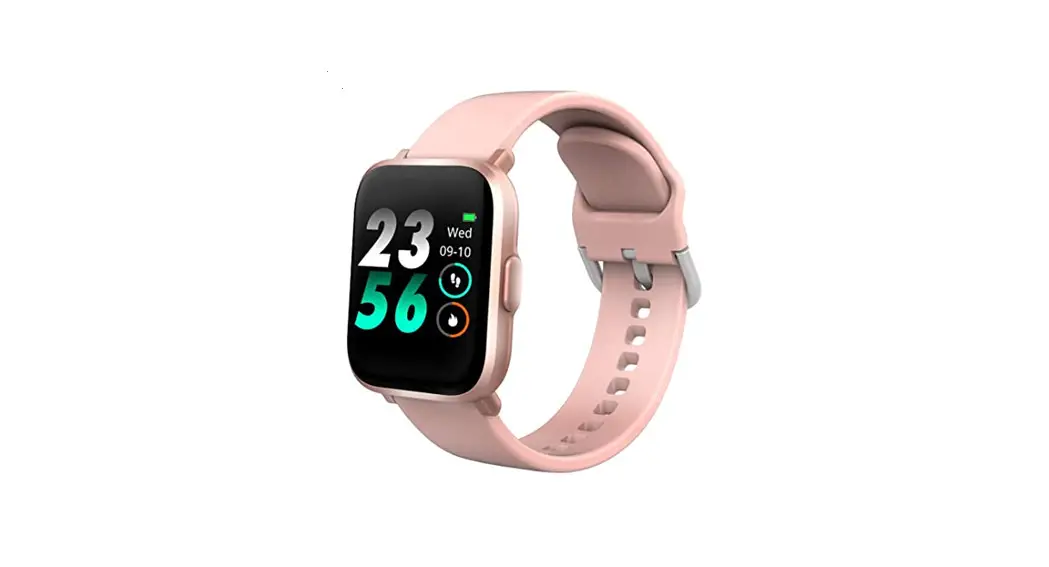
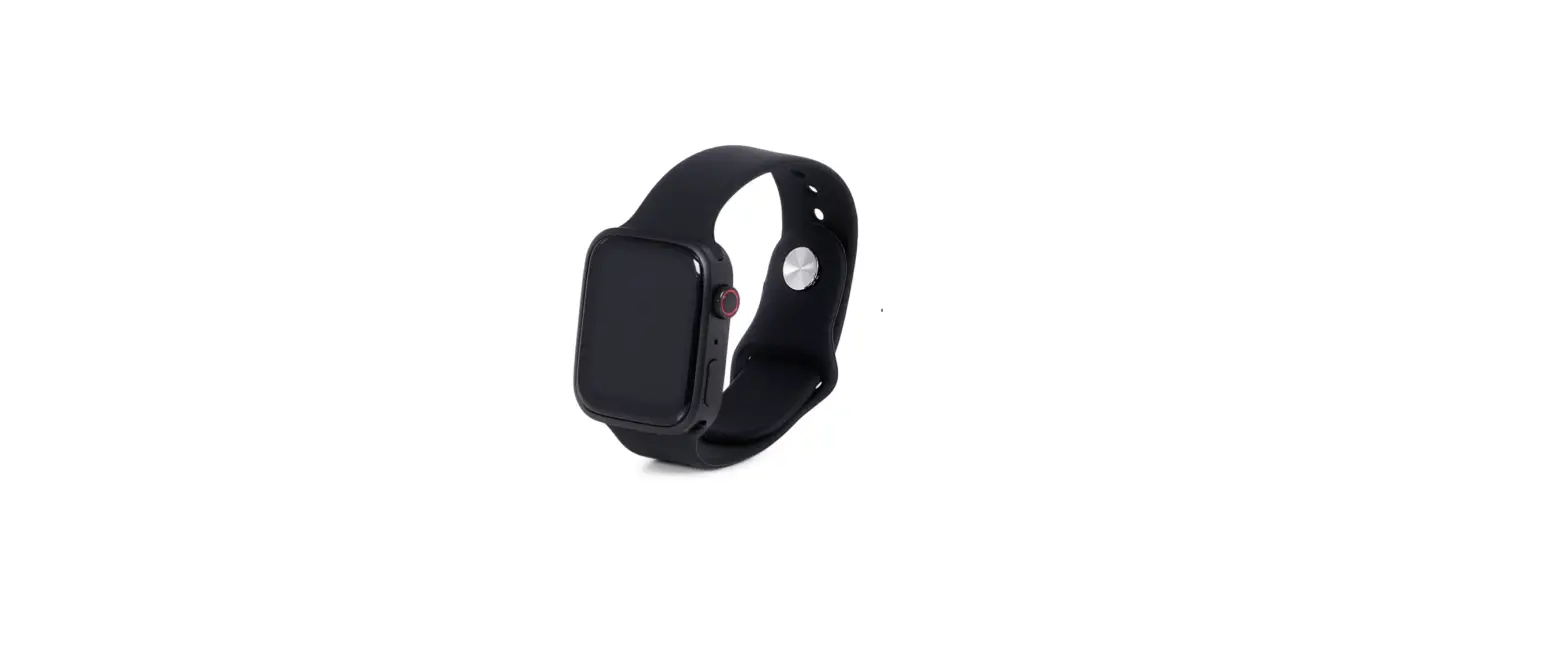
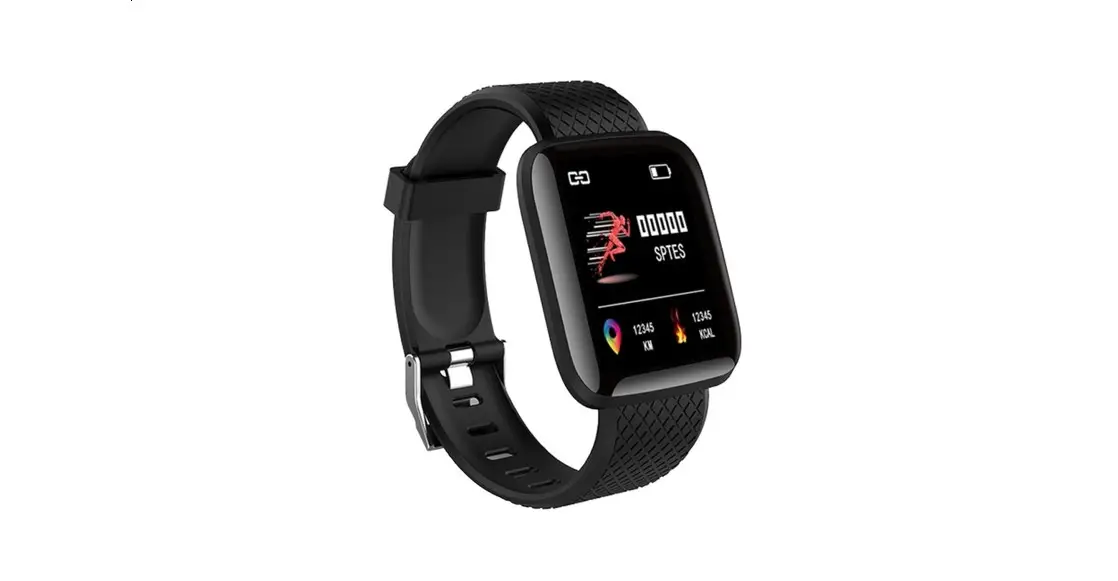
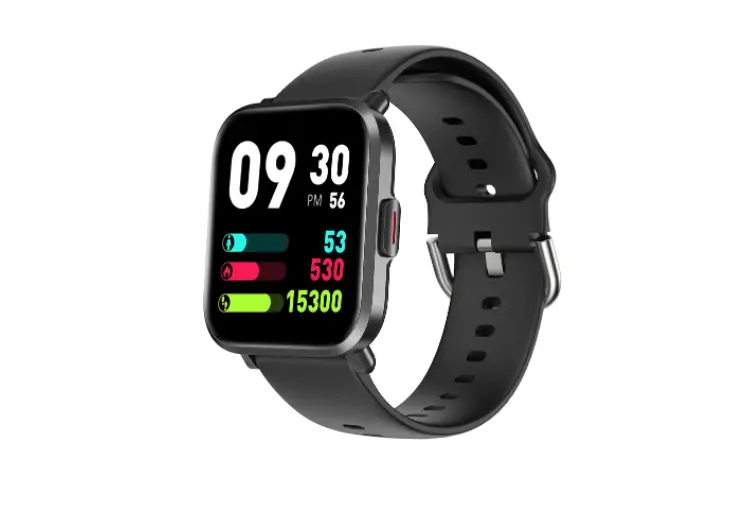
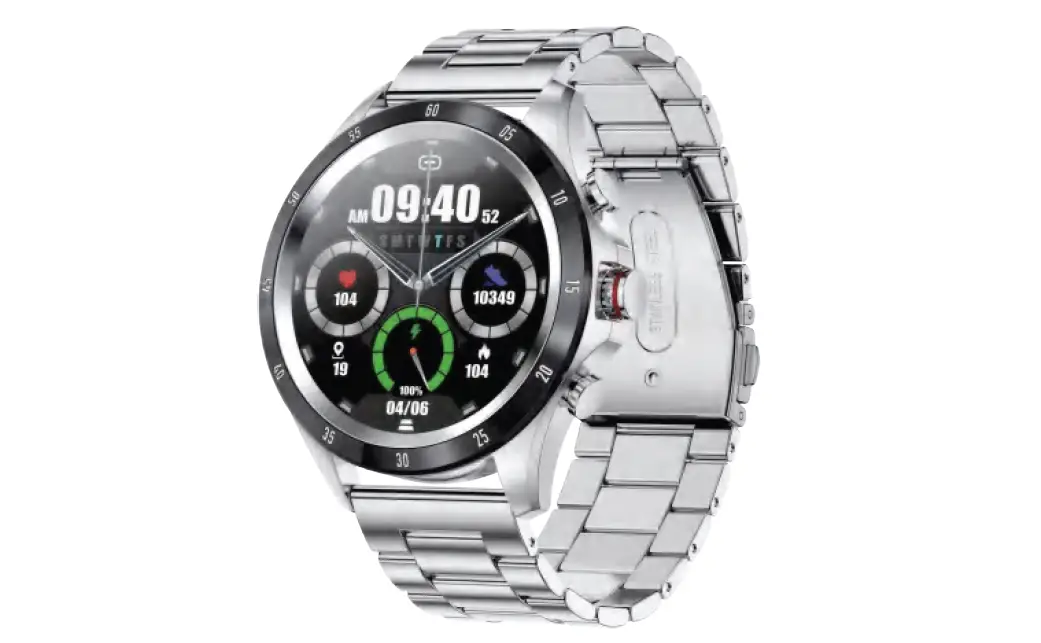
1x Vivax Life PRO Watch
1x USB charging cable with magnetic connector
1x User manual with Warranty
Declaration and EU Declaration of Conformity
MAIN PARTS
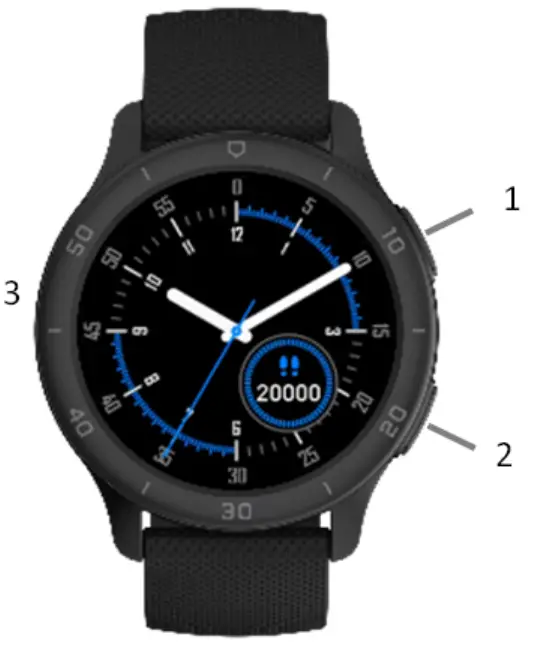
- Interactive button
Action button, on/off button. - Activity button
Button to access activities, workouts. - Speaker
 3. Speaker
 - Charging contacts
- Sensors
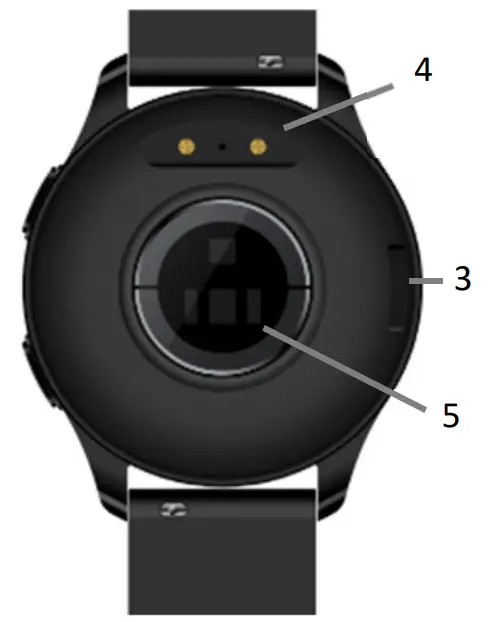 3. Speaker
 DEVICE REQIREMENTS
This product supports devices with iOS 9.0, Android 4.4 and above, and Bluetooth 4.0. Android 6.0 and above devices need to open the GPS permission to use.
CHARGING
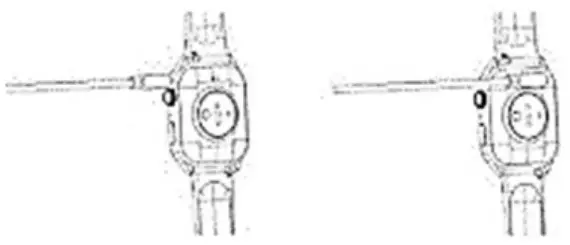
In order to ensure good charging contact, please keep the metal contact free of dirt, oxidation and impurities. If the device is idle for a long time, please remember to recharge at least once a month.
a. Please align the magnetic absorption line with the metal sheet of the bottom shell, and the magnet will automatically charge the positive and negative electrodes.
b. Please ensure that the charging contact is free of dirt and impurities. If there is, please wipe it clean to avoid affecting the charging.
c. Plug the USB into the 5V500MA charging stand, and it can be fully charged in 2‐3 hours.
Using the watch
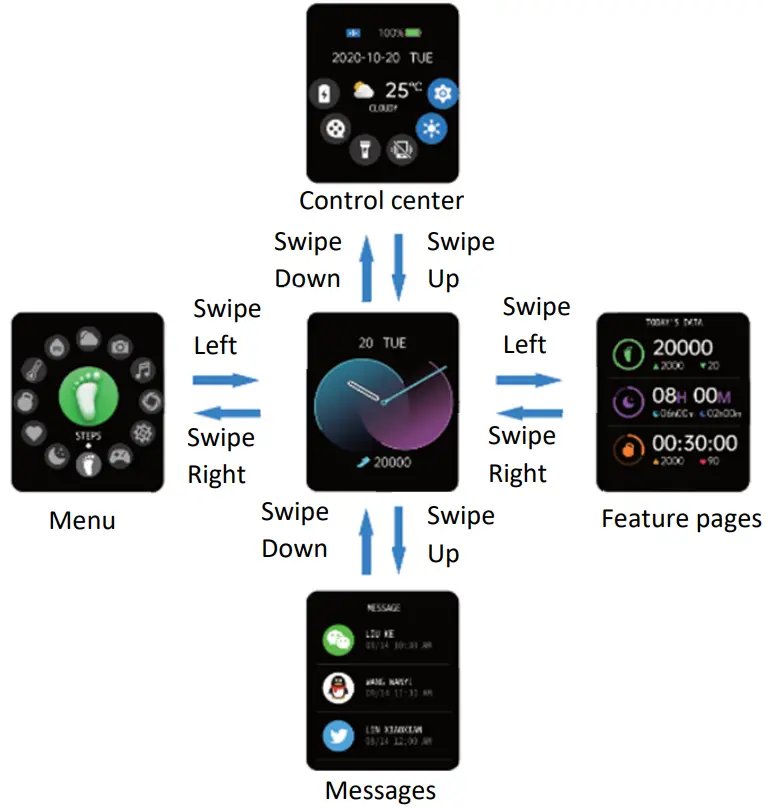
Smart Watch Features
Movement
The smart watch automatically monitors the steps taken on the screen.
NOTE: Your movement stats automatically reset to zero at midnight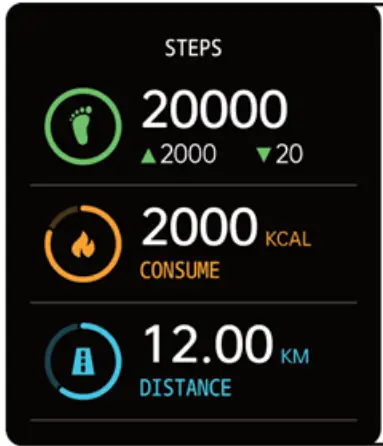 Sleep
Sleep
If you keep wearing Smart Watch in your sleep , it can provide the hours slept and quality of sleep stats on both the screen and the APP.
NOTE: Sleep stats reset to zero at 8:00 pm.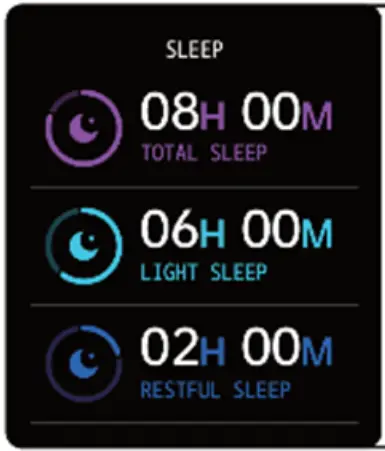 Heart Rate Test
The Smart Watch could record your heart rate all day.
You also could tap on the page to start measuring heart rate. 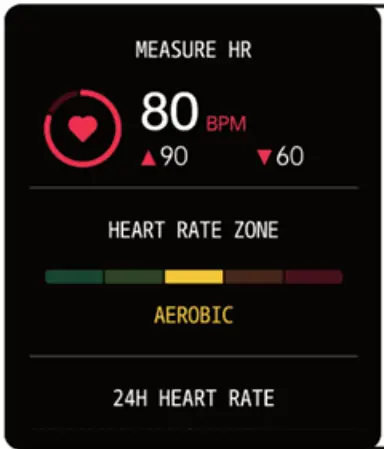 Training
Tap the training icon on the menu to start a new training measure recording, there are 8 sport modes to be chosen.
The last training recording will be shown on the training page. 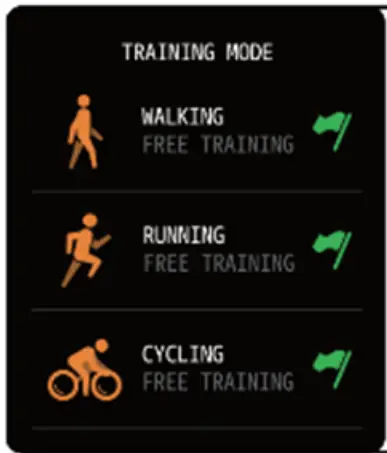 Blood Pressure Test
Tap on the blood pressure page to start measuring your blood pressure.
On the blood pressure page, It can show the blood pressure measured data of the last times.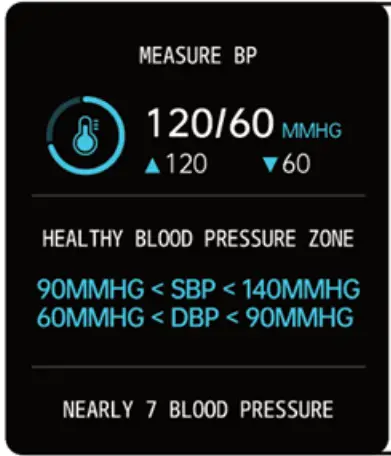 SpO2 Test
Tap the SpO2 page to start measuring your SpO2. On the SpO2 page, It can show the SpO2 measured data of the last times.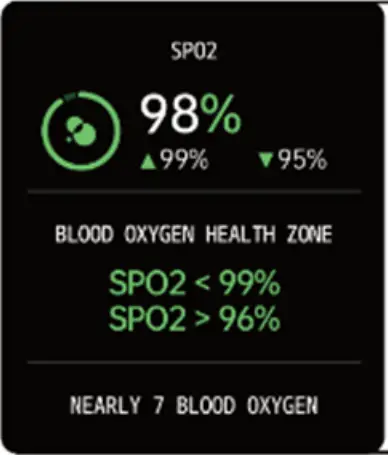 Messages Reminder
The device can sync incoming noti‐fications from Twitter, Facebook, Whatsapp, Instagram etc. Recently 5 messages can be stored.
Note: You can switch of/off the incoming notification in the APP.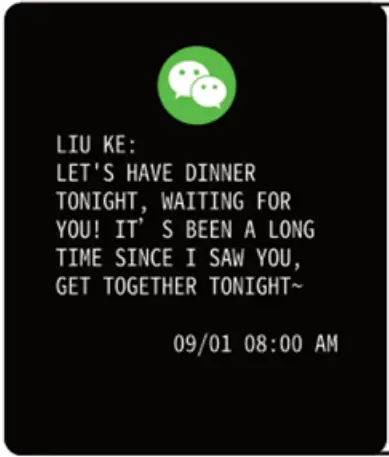 Weather
It could show the weather info of current and tomorrow on the weather page.
Weather info is synced after con‐necting with the APP, it will not be updated after a long disconnected.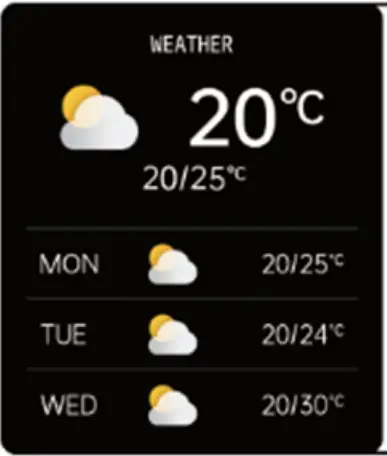 Player Shutter
After connecting the device,you can remote contral the music player on your phone. 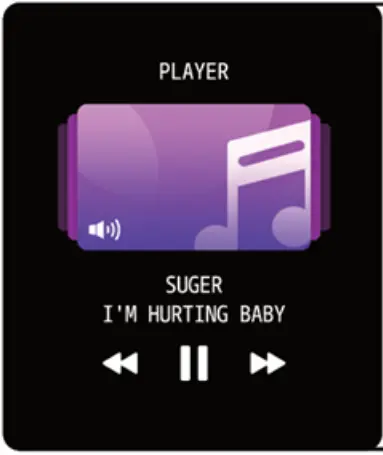 Remote Shutter
After connecting the device,you can remote contral the camera on your phone. 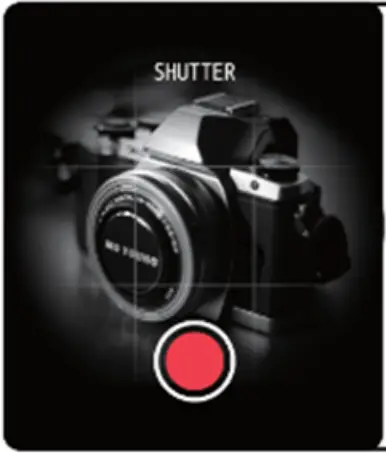 Other Features
Other features include stopwatch, alarm, timer, brightness,mute on/off, theater mode,factory reset, power off and about. 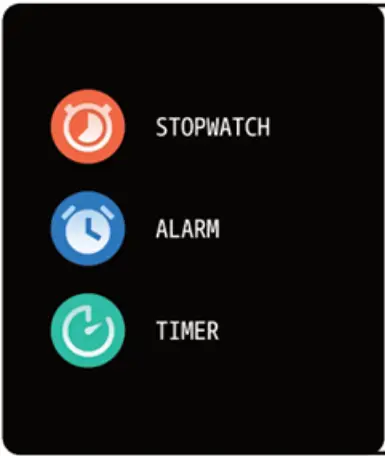 Stop Watch
Tap the start button on stopwatch page to start timing, and tap the stop button to stop timing. 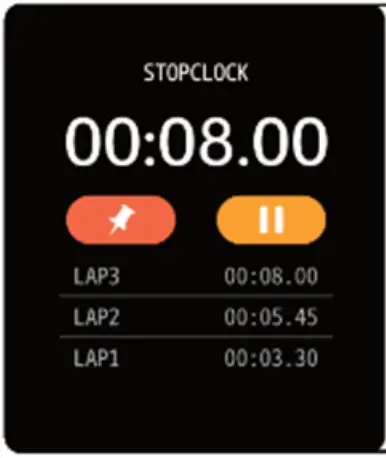 Silent Alarms
Set up the alarm on the APP, the device will vibrate to remind on time. 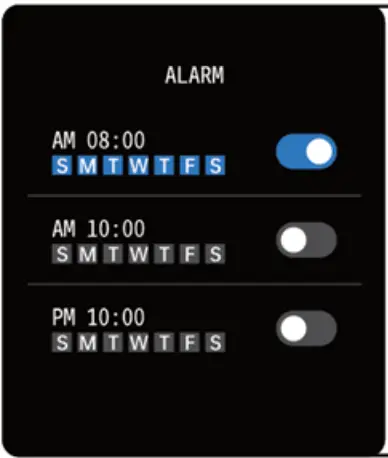 Theater Mode
The device will turn off the vibration and trun down the brightness when the theater mode is truned on.
Note: You can trun on/off the theater mode in the control center.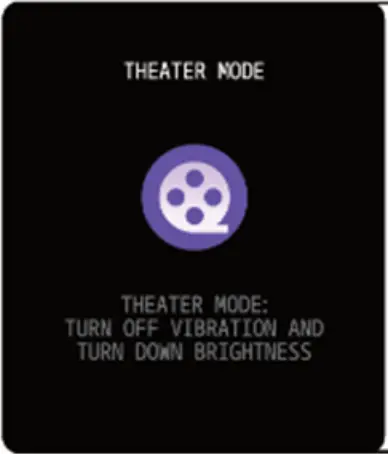 Remind to Move
The device will vibrate to remind you to make a relax after 1 hour sittiing.
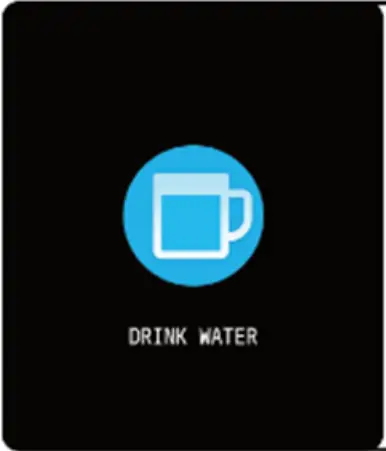
Note: You can switch on/off the feature in the APP. 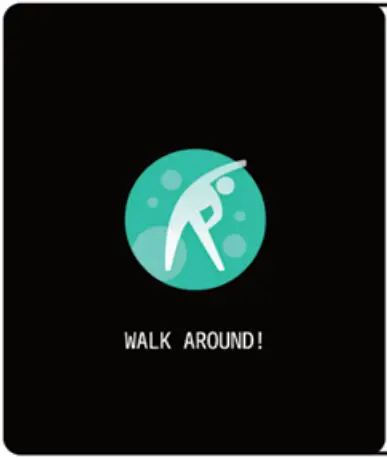 Remind to Drink
The smart watch will remind you “Time to Drink Some Water” at the planned drinking time.
Note: You can set the feature in tht APP.
Downloading the App
Scan the following QR code, download and install the ”Da Fit” App 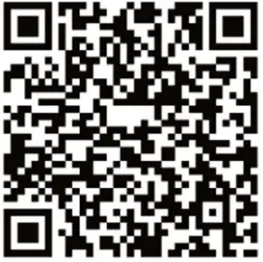 http://plus.crrepa.com/app-download/dafit
Pairing
Open the app and set up your profile. Go to the [Device], Click [Add Device], Choose your device on list Vivax life PRO
 M SAN Grupa - download dokumentacije artikala
 Vivax | Home | Imago | Vox | Cool | Smart | Tablet - Vivax
 Msan Eko - Što je EE otpad?
 MR Servis
 Naslovnica - MSAN.hr
 Universal Service Provider
 Vivax
Vivax