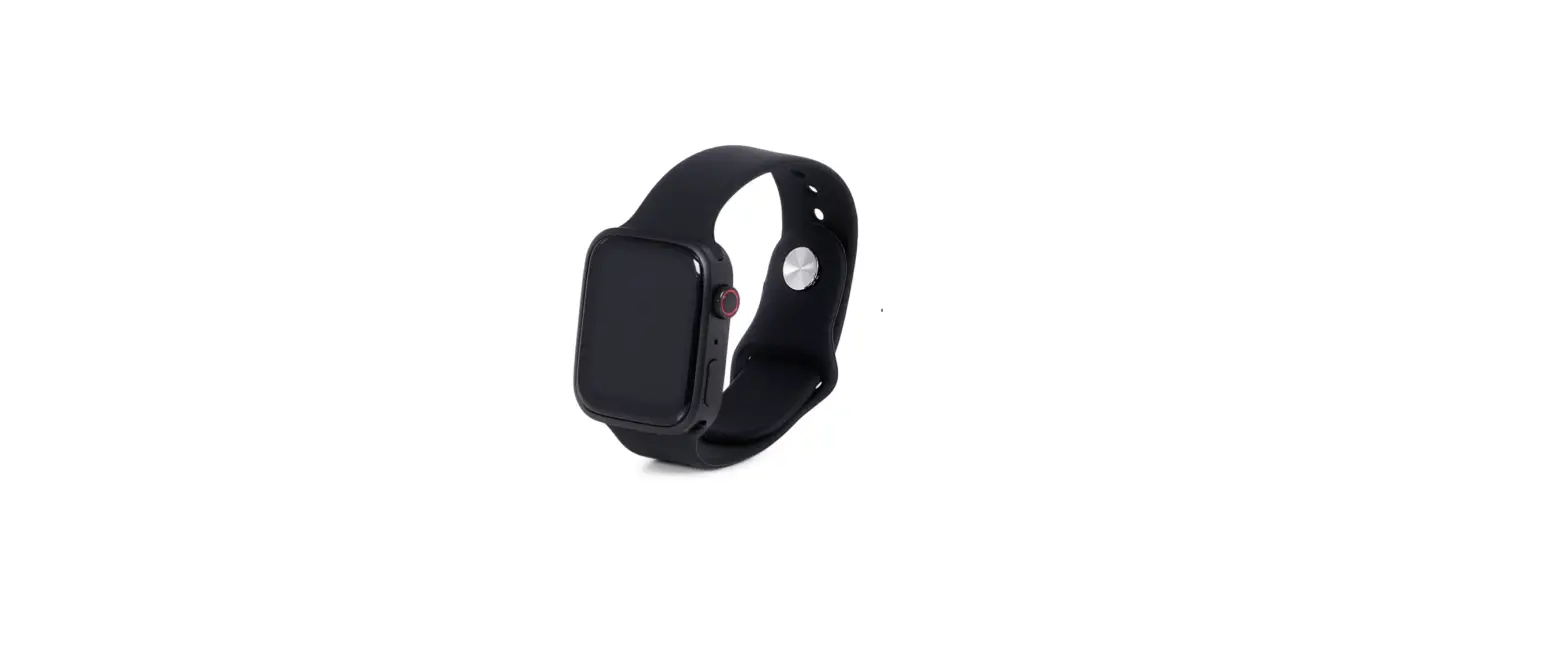
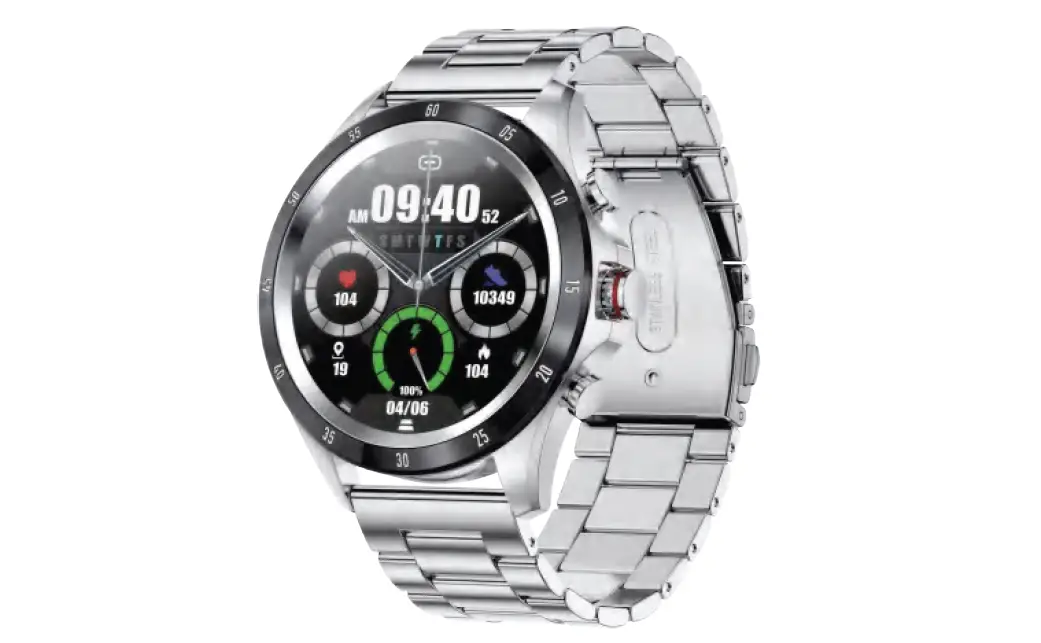
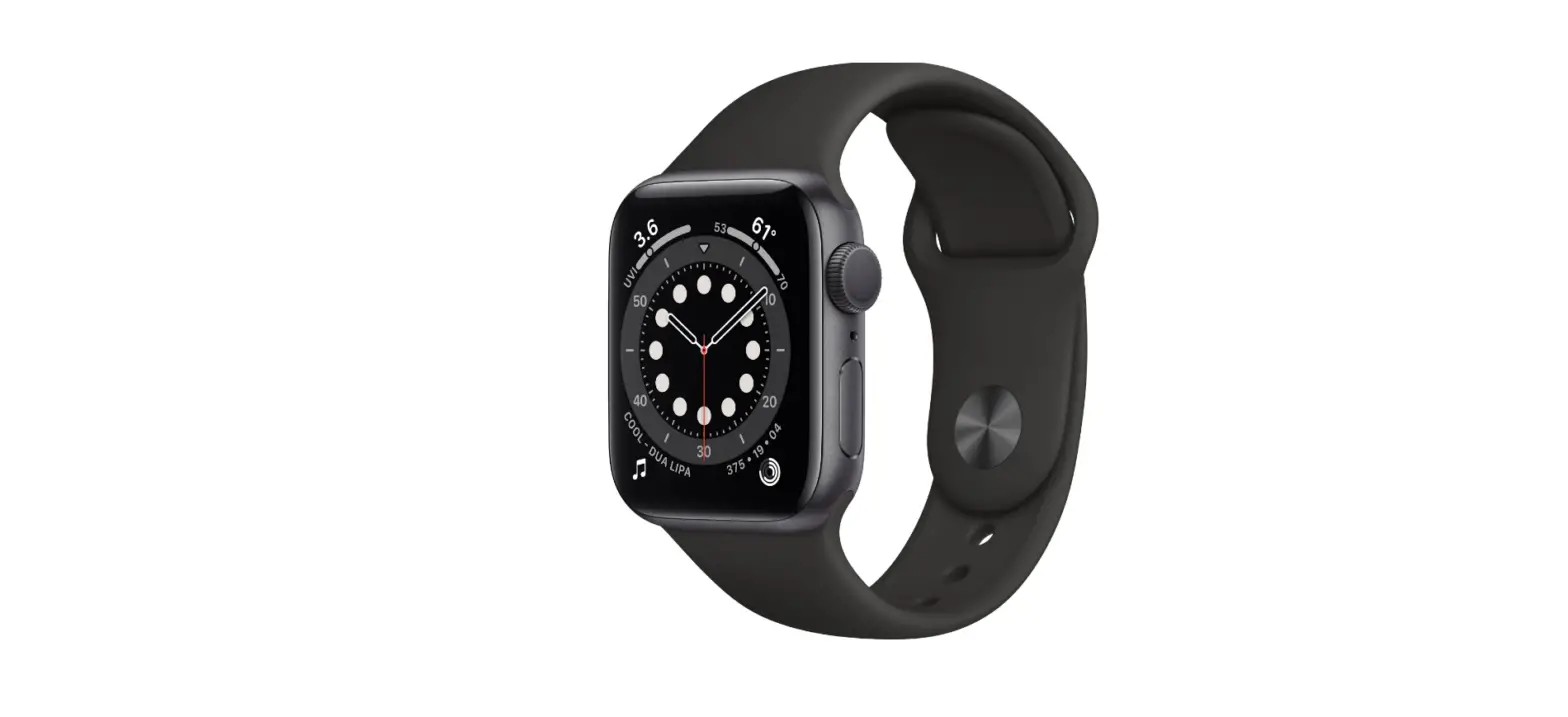
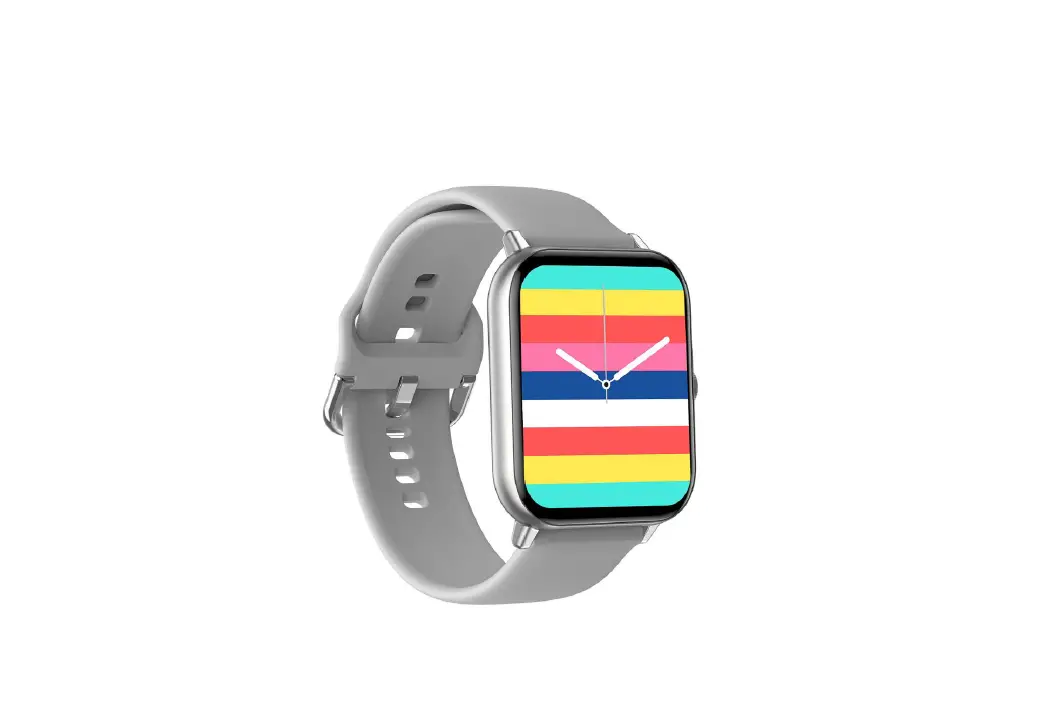
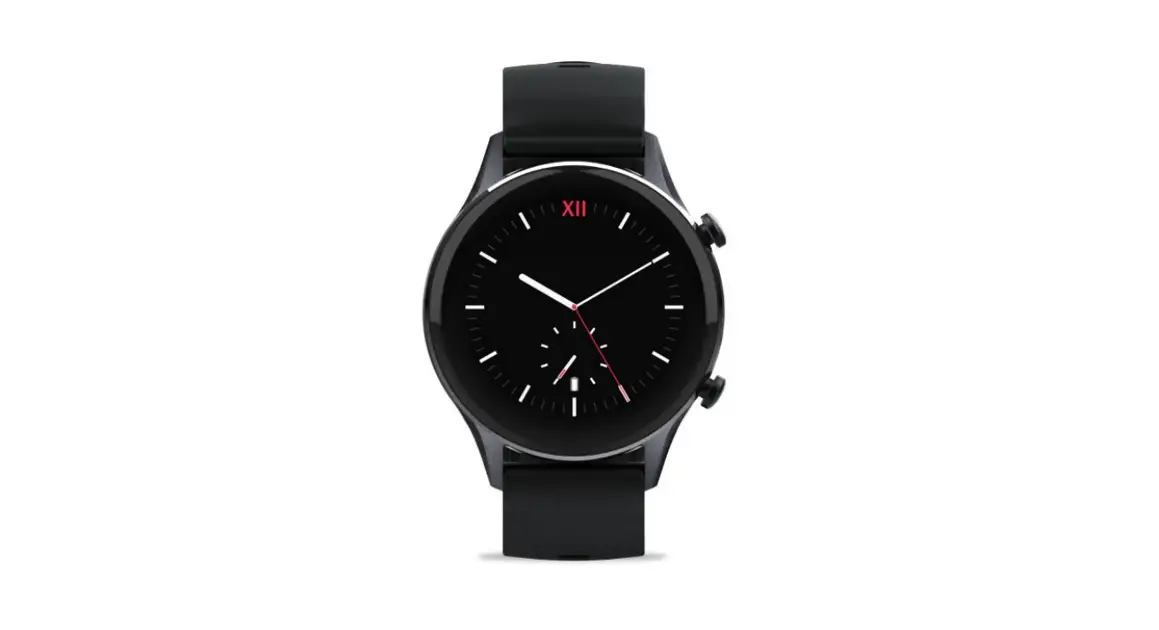
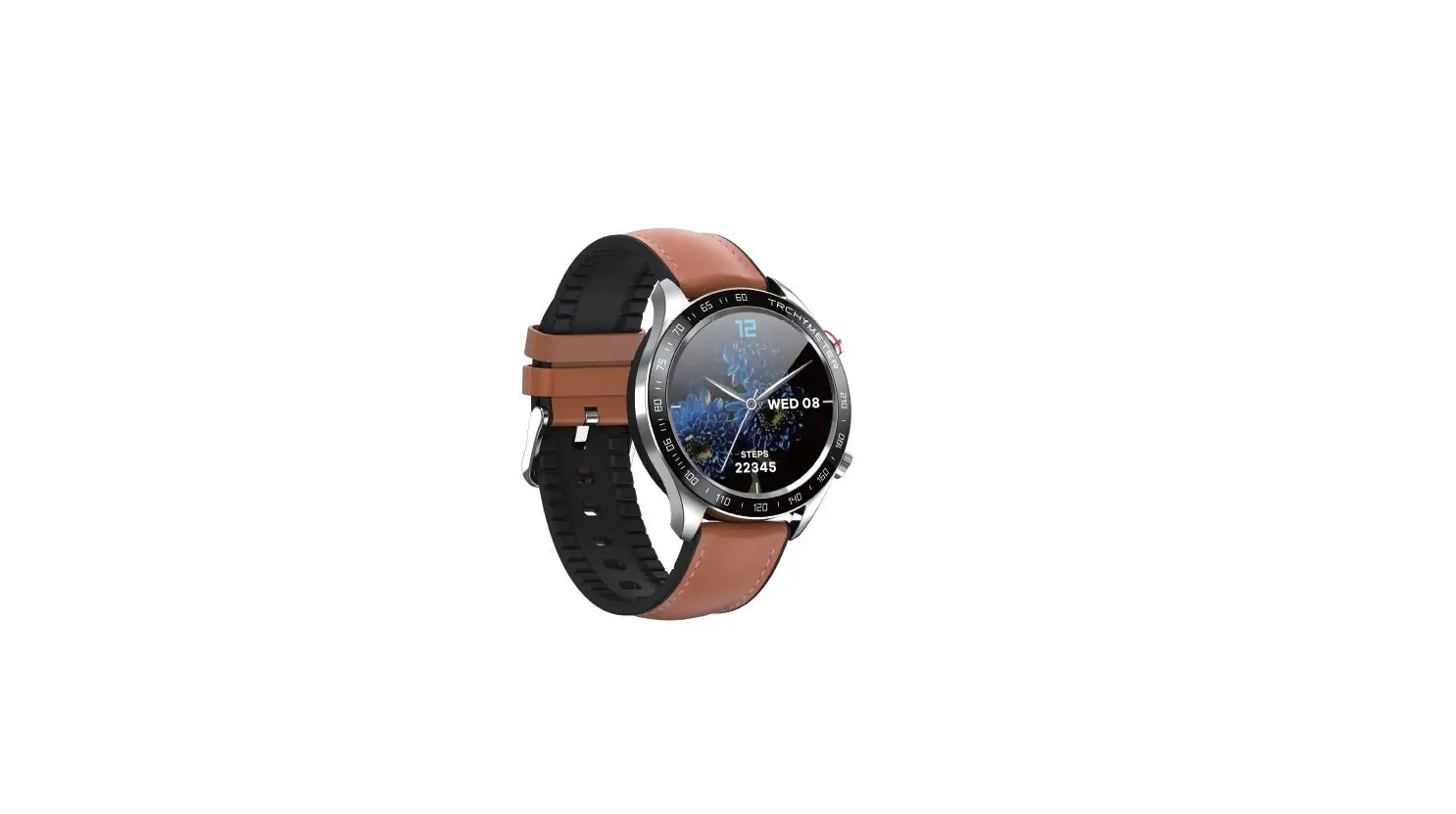
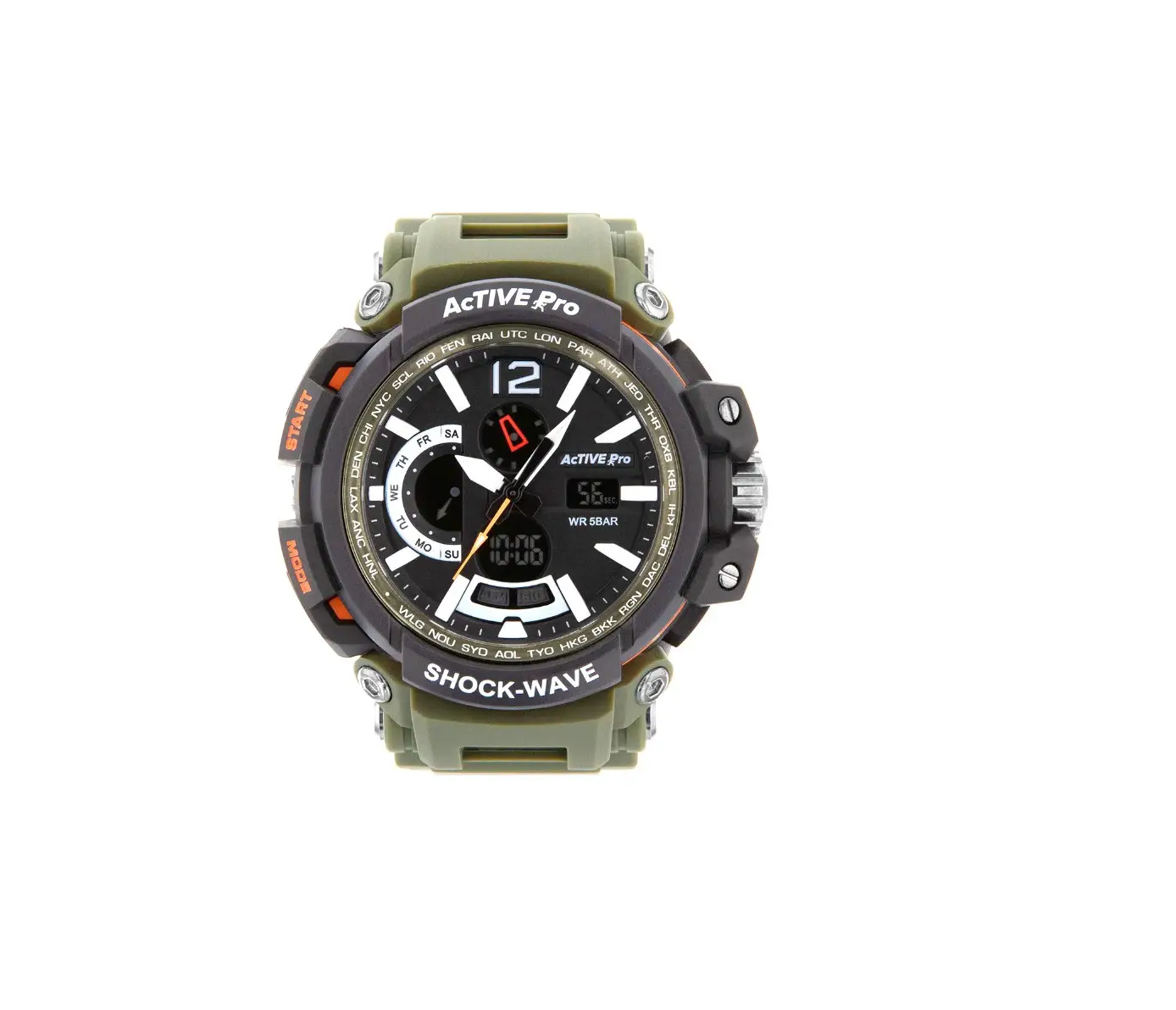
30264107 Smart Watch
Product Information
| Chipset | 8762DK |
|---|---|
| Battery | 230mAh |
| Screen | 1.32″ TFT |
| Working Time | 5-7 days |
| Resolution | 360×360 |
| Bluetooth | BT 5.0 |
| Water Resistant | Splash Resistant |
| Strap Material | Silicon |
| HR Sensor | HRS3300 |
| OS Compatibility | iOS 11.4 & Above, Android 6.0 & Above |
| Package Contents | Watch, Strap, USB Cable, Manual |
Product Usage Instructions
Charging Instruction
1. When using the smart watch for the first time, press any key
for 5 seconds to start up.
2. It is recommended to charge the watch before the first
use.
3. After connecting the magnetic charging cable to the watch,
connect the USB end to a standard power adapter with an input
voltage of 5V, 1A or 5V, 2A.
Download APP
1. Scan the QR code depending on your app store and download the
app to your phone.
2. Alternatively, you can search and download FitCloudPro from
the Apple APP store or Google Play Store.
3. Make sure your phone’s operating system is up to date and
compatible for the watch to pair and work correctly (Compatible
with: iOS 11.4 and above and Android 6.0 and above).
Bluetooth Pairing
1. Turn on the Bluetooth icon on the watch.
2. Go to the mobile Bluetooth settings on your phone and search
for a new device to pair.
3. Look for the “APC005 HT” in the search list and pair it with
your phone.
4. The watch audio should now be connected to your mobile
device.
Watch Dial
1. Long press on the main home screen for 3 seconds to slide
through the available watch dials.
2. You can import more watch dials through the Watchface option
in the app.
Operation Method
Up Key: Short press to enter the sports
mode.
Middle Key: Short press to enter into the
Function interface.
Down Key: Short press to return to the main
interface or go to power saver.
Left Slide: Browse through the next option.
Right Slide: Go back or previous option.
Up Slide: On the main watch dial screen, you
can quickly view the notification by sliding up on the screen.
Down Slide: On the main watch dial screen,
slide down the screen to view the setting menu.
Main Function
- Push notifications
- Music Player
- Make phone calls
- Incoming call reminder
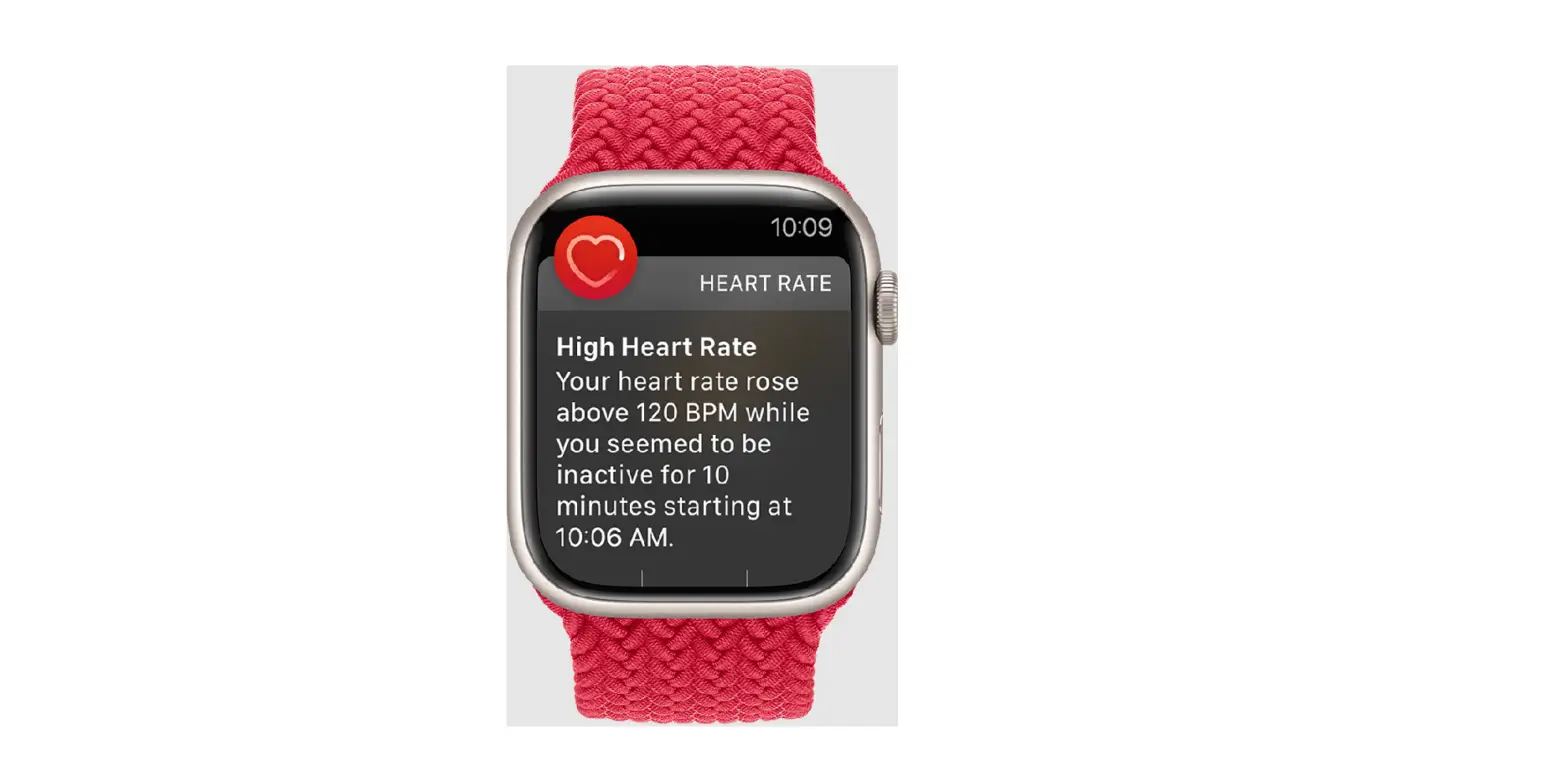
- Heart rate monitoring
- Blood pressure monitoring
- Blood oxygen monitoring
- Find mobile phone
- Alarm clock
- Stopwatch
- Steps
- Distance
- Weather
- Calorie
- Sleep monitoring
- Multiple exercises
- Physiological Cycle
- Timer
Languages
Simplified Chinese, English, German, Spanish, French, Italian,
Japanese, Russian, and more.
Important Notes:
- Do not seriously impact the watch.
- Do not touch benzene, diluent, and other chemicals.
- Keep away from strong magnetic fields and electric shock
stations. - Avoid direct light or heating appliances.
- Do not disassemble or try to repair it yourself.
- Dispose of waste packaging and batteries properly.
- Do not wear the band when showering/bathing (temperature not
exceeding 45 degrees). - No soaking, diving, or bathing with the watch.
- This product is an electronic monitoring product, not for
medical reference. The data is for reference only. - Please use factory reset with caution. Restoring factory
settings will result in the loss of all app content settings and
historical data of the watch.
Thank you for choosing our smart watch. Please read the manual carefully before using.
2. Charging instruction
When using it for the first time, Press any key for 5 seconds to start up. It is recommended to charge the watch before the first use. After connecting the magnetic charging cable to the watch, connect the USB end standard power adapter to charge. The input voltage is required to be 5v, 1a or 5v, 2a.
3. Download APP
Download and Install the app on your phone.
Scan the QR code depending on your app store and download the app to your phone. You can also search and download “FitCloudPro” from the Apple APP store or Google Play Store. Make you’re your phone OS is up to date and compatible for the watch to pair and work correctly (Compatible with: iOS 11.4 and above and android 6.0 and above).
FitCloudPro
Bluetooth Pairing
Step 1 APP Bluetooth Pairing User Signup: On loading the app for the first time, for new users, either sign up for an account and login or skip the sign up process. Pairing: Turn on the Bluetooth on your phone and go to the app downloaded in previous step. Go to the device tab on the app and add a device and connect the watch to the phone. If prompted, allow app to use Bluetooth and location permissions. Once the watch is paired, it will show a status of connected on the device section of the app and the watch will have the icon as the following image.
Audio Bluetooth pairing,
After pairing the Audio Bluetooth, user can use the watch to call. Steps for pairing
(1) Turn on the
Icon on the watch
(2) Go the mobile Bluetooth settings on the phone and search for a new
device to pair. (3) Look for the APC005 HT in the search list and pair. (4) The watch audio should now be connected to the mobile.
Watch dial
Long press on the main home screen for 3 seconds to slide through the dial in the watch. User can import more watch dials through the “Watchface” option in the app.
Operation method
Up key
Middle key Down key Up key Short press to enter the sports mode. Middle KeyShort press to enter into the Function interface. Down key Short press to return to the main interface or go to power
saver.
Left slideBrowse through next option. Right slide: Go back or previous option. Up slideOn the main watch dial screen, you can quickly view the notification by sliding up on the screen.
Down SlideOn the main watch dial screen, slide down the screen to view the setting menu.
Product Specification
Chipset8762DK
Battery230mAh
Screen1.32TFT
Working time5-7day
Resolution: 360*360
BluetoothBT 5.0
Water Resistant:Splash Resistant Strap Material: Silicon
HR SensorHRS3300
Working Temperature-10 +50
OSiOS 11.4 & Above, Android 6.0 & Above
PackageWatch, Strap, USB Cable, Manual
Main Function
Push notifications, Music Player, Make phone calls, Incoming call reminder, Heart rate monitoring, Blood pressure monitoring, Blood oxygen monitoring, Find mobile phone, Alarm clock, Stopwatch, Steps, Distance, Weather, Calorie, Sleep monitoring, multiple exercises, Physiological Cycle, Timer
Languages
Simplified Chinese, English, German, Spanish, French, Italian, Japanese, Russian, and more.
Important Notes:
Do not seriously impact the watch. Do not touch benzene, diluent and other chemicals. Keep away from strong magnetic field and electric shock station. Please avoid direct light or heating appliances. Do not disassemble or try to repair it yourself. Waste packaging and batteries. Old electronic products, please
classify and properly handle them. Do not wear the band when in shower / bathing. (Temperature not
exceeding 45 degrees) No soaking, diving, or bathing. This product is an electronic monitoring product, not for medical
reference, the data is for reference only. Please use factory reset with caution. Restoring factory settings will result in the loss of all APP content settings and historical data of the watch.