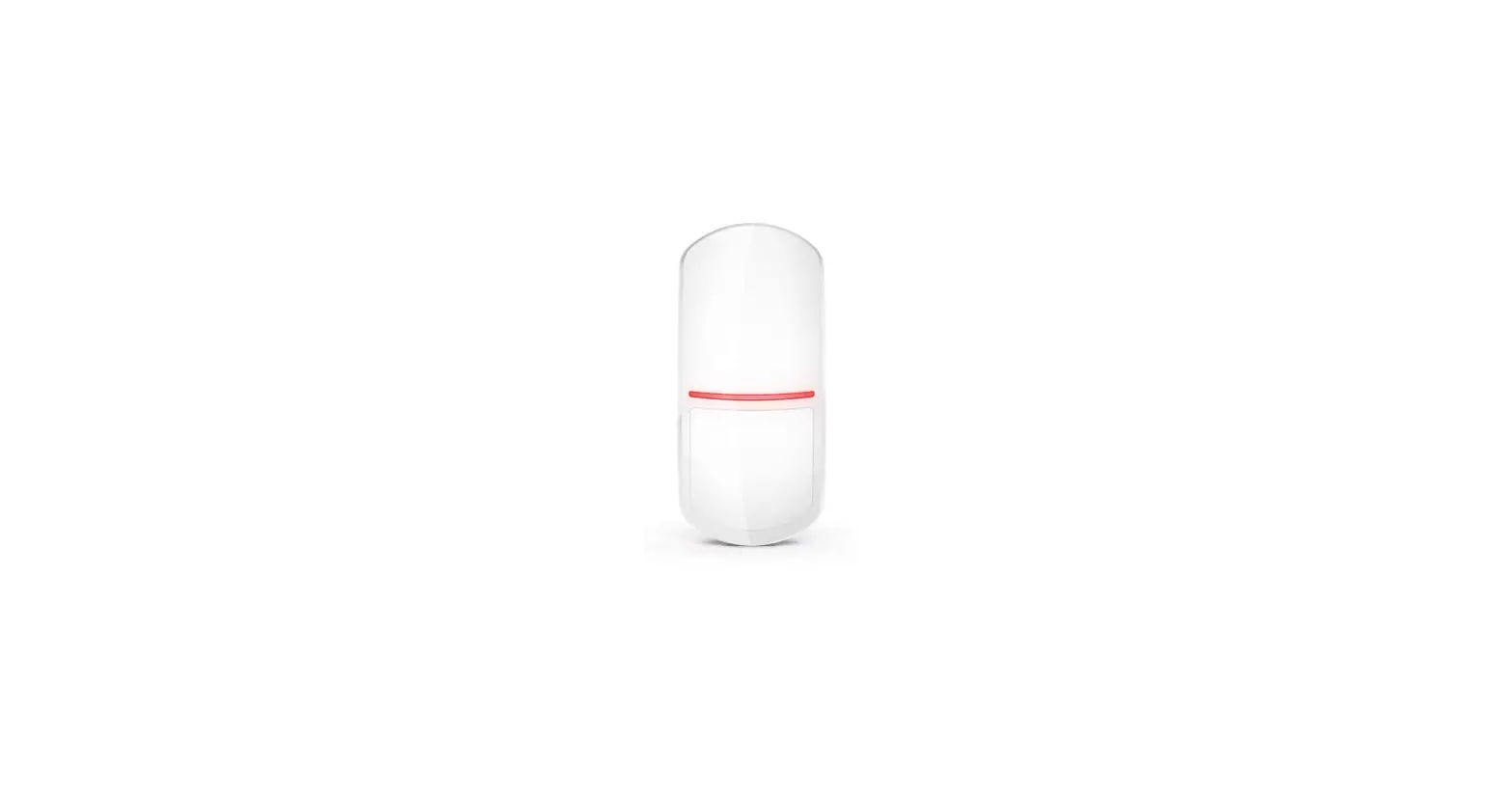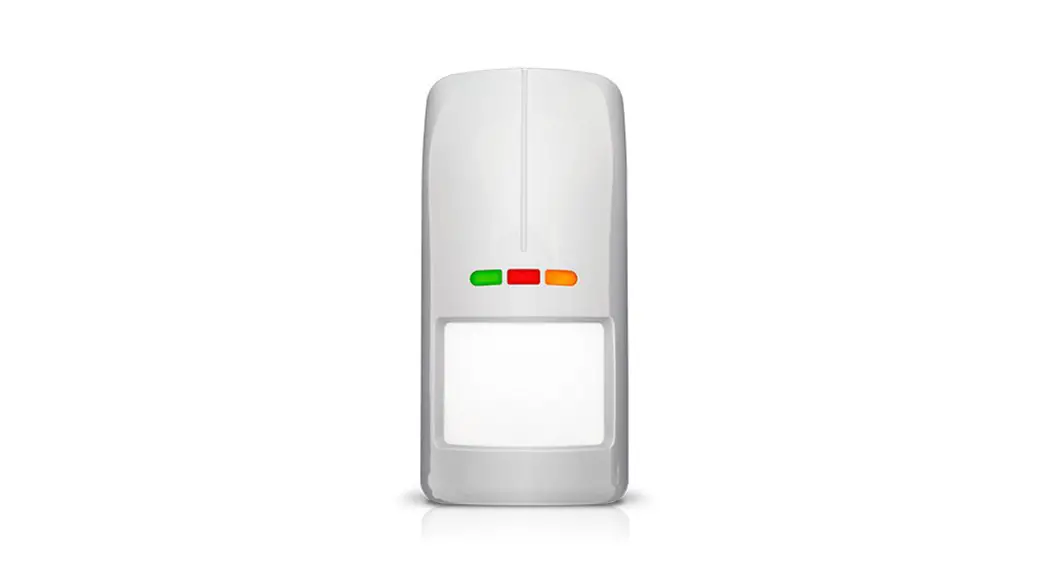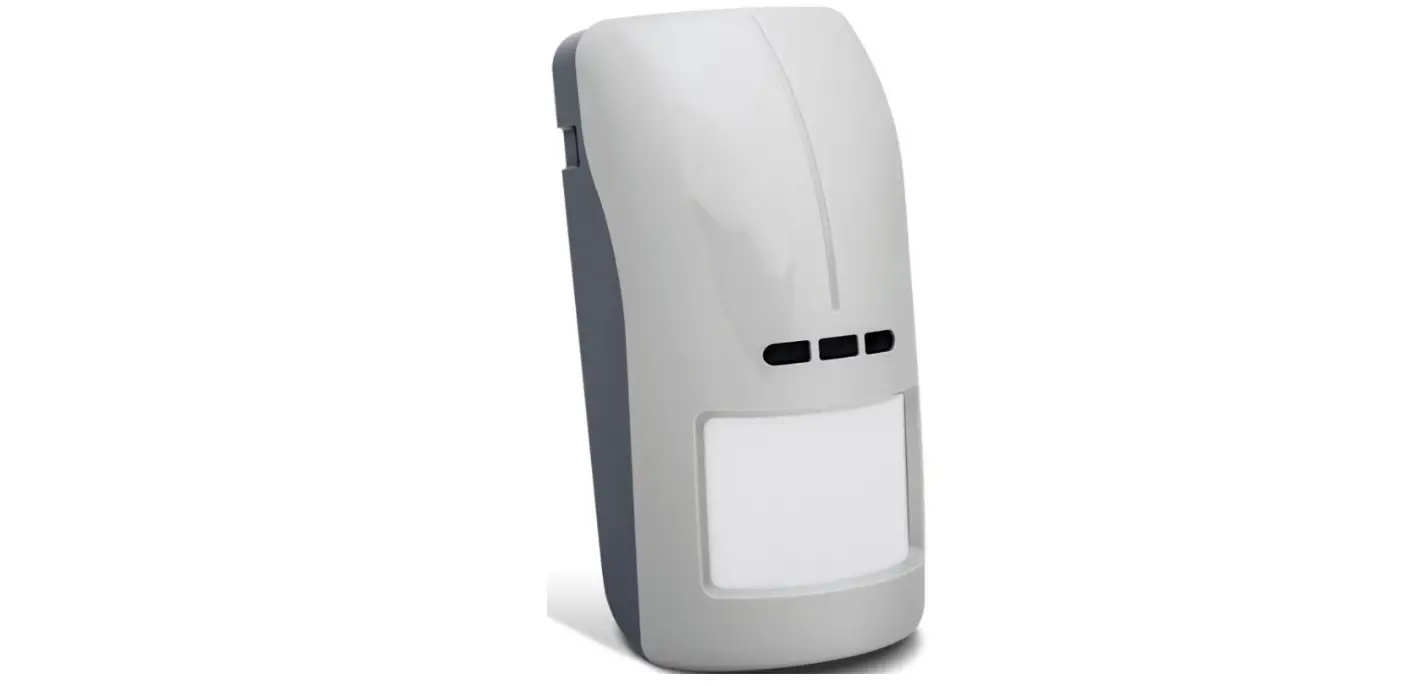
 XD-2L
XD-2L
xd-2L_sii_int 02/23
MULTIPURPOSE DETECTOR
QUICK INSTALLATION GUIDE
 Full manual is available on www.satel.pl.
Scan the QR code to go to our website and download the manual.
 The device should be installed by qualified professionals.
Before installation, please read the full manual thoroughly.
Changes, modifications or repairs not authorized by the manufacturer shall void your rights under the warranty.
Disconnect power before making any electrical connections.
The device is designed for indoor installation.
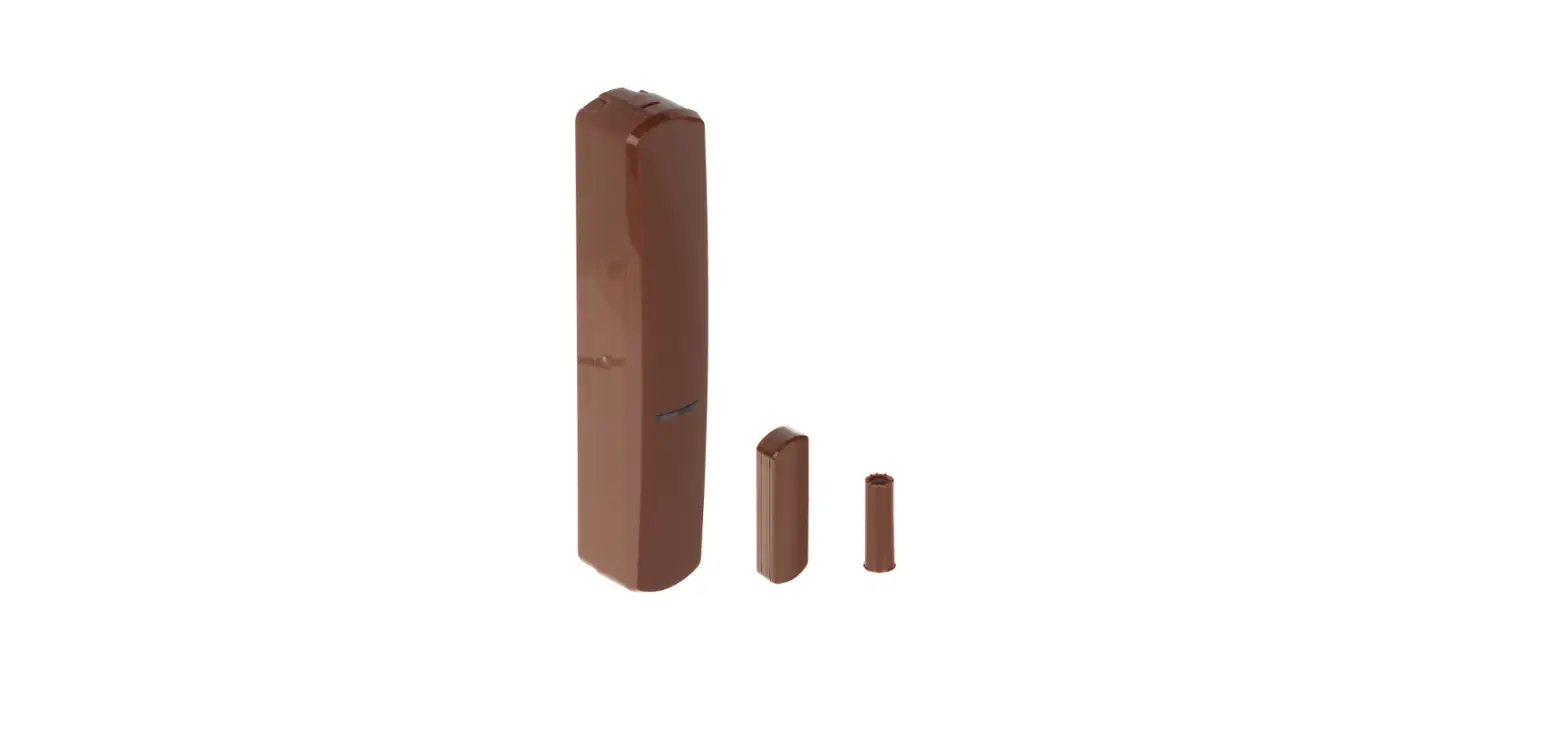
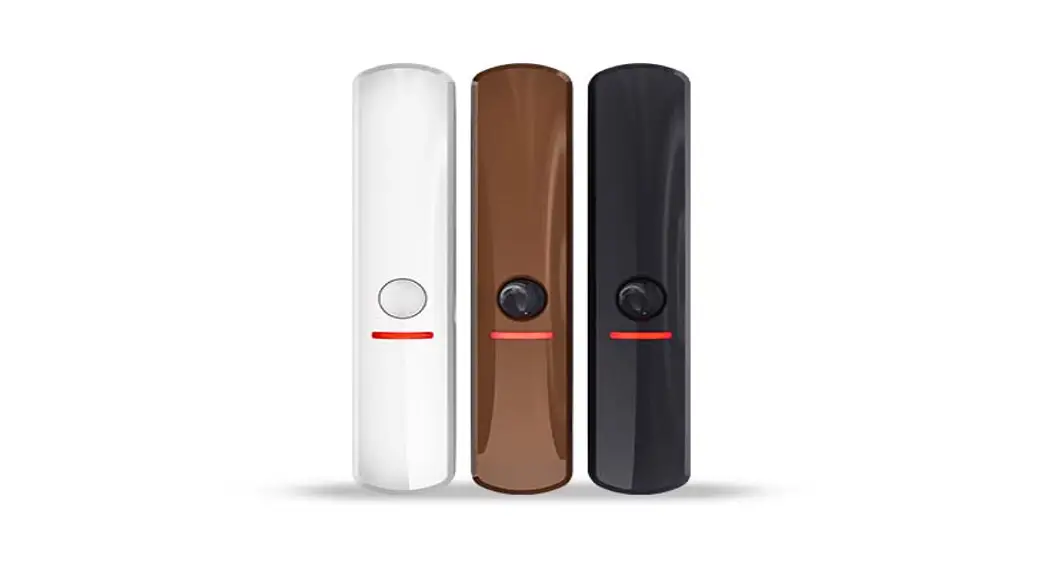
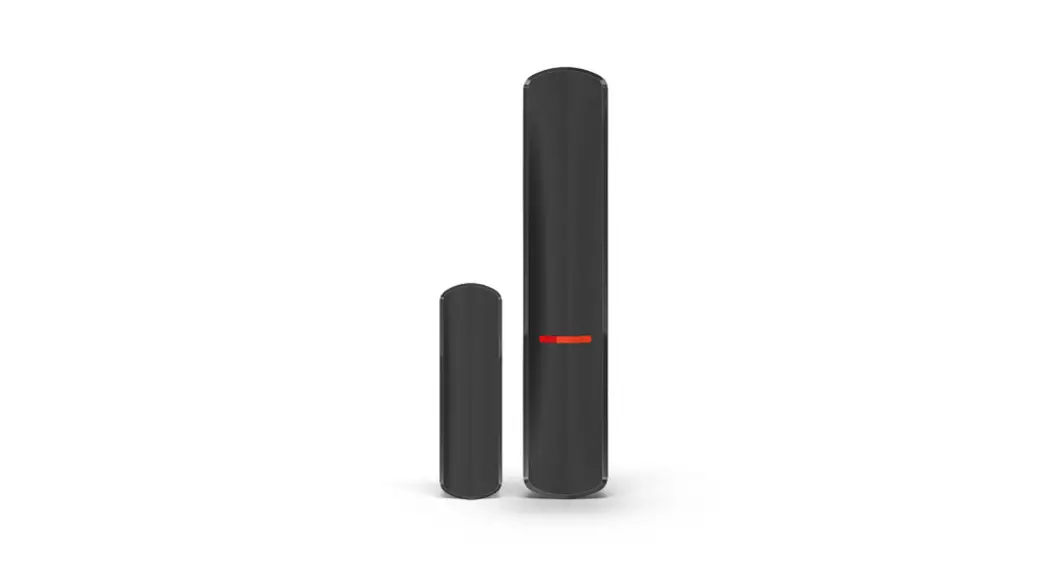
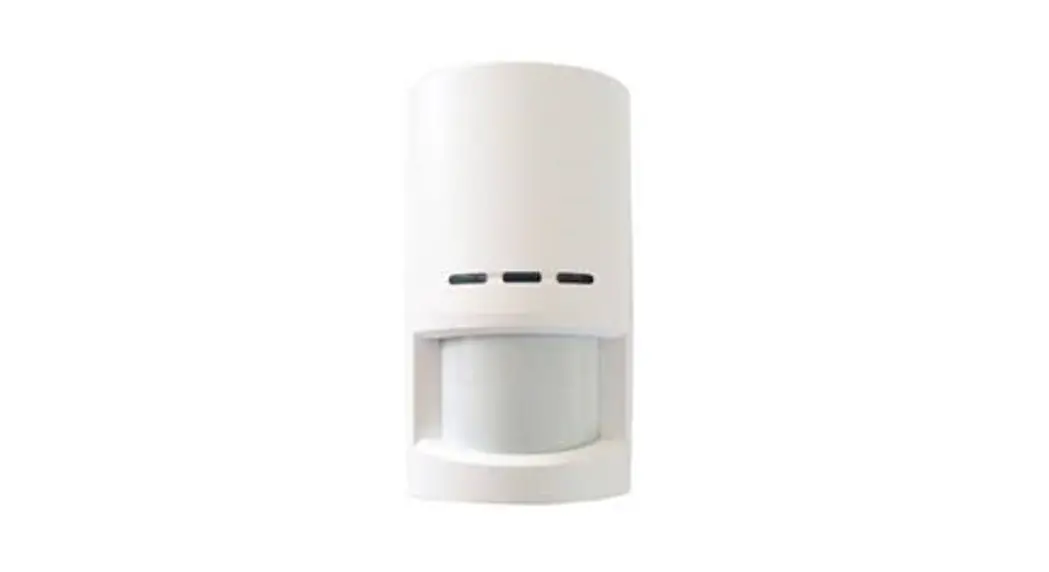
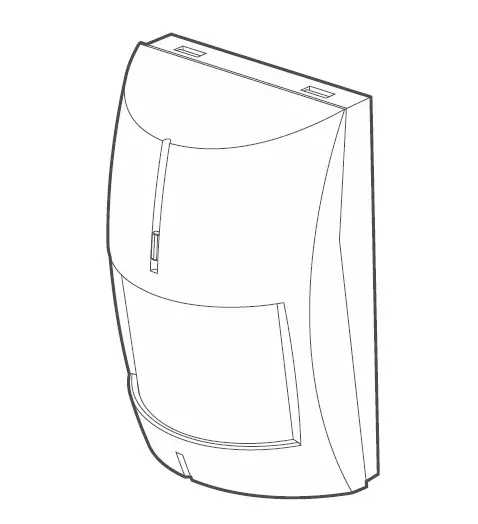
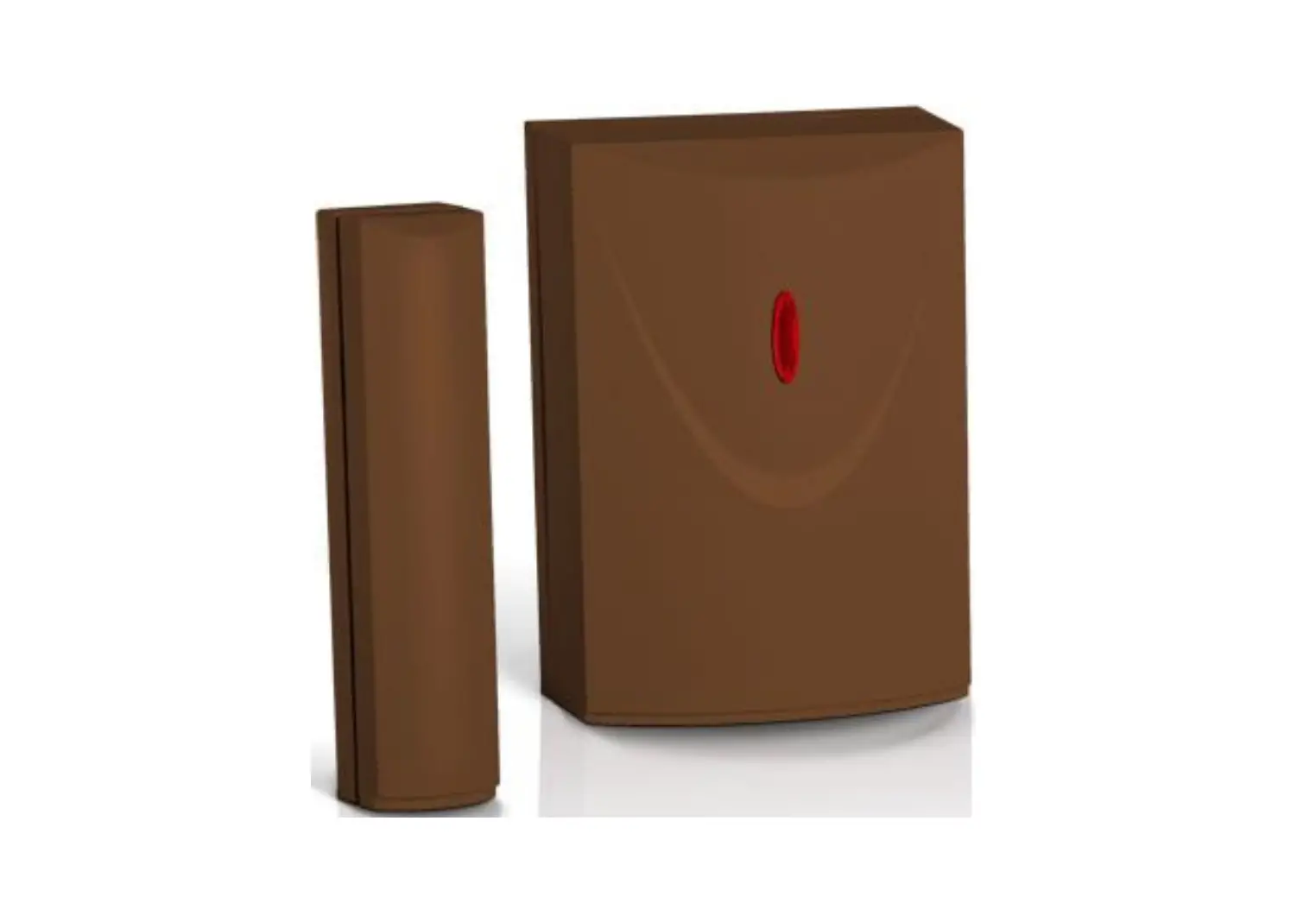
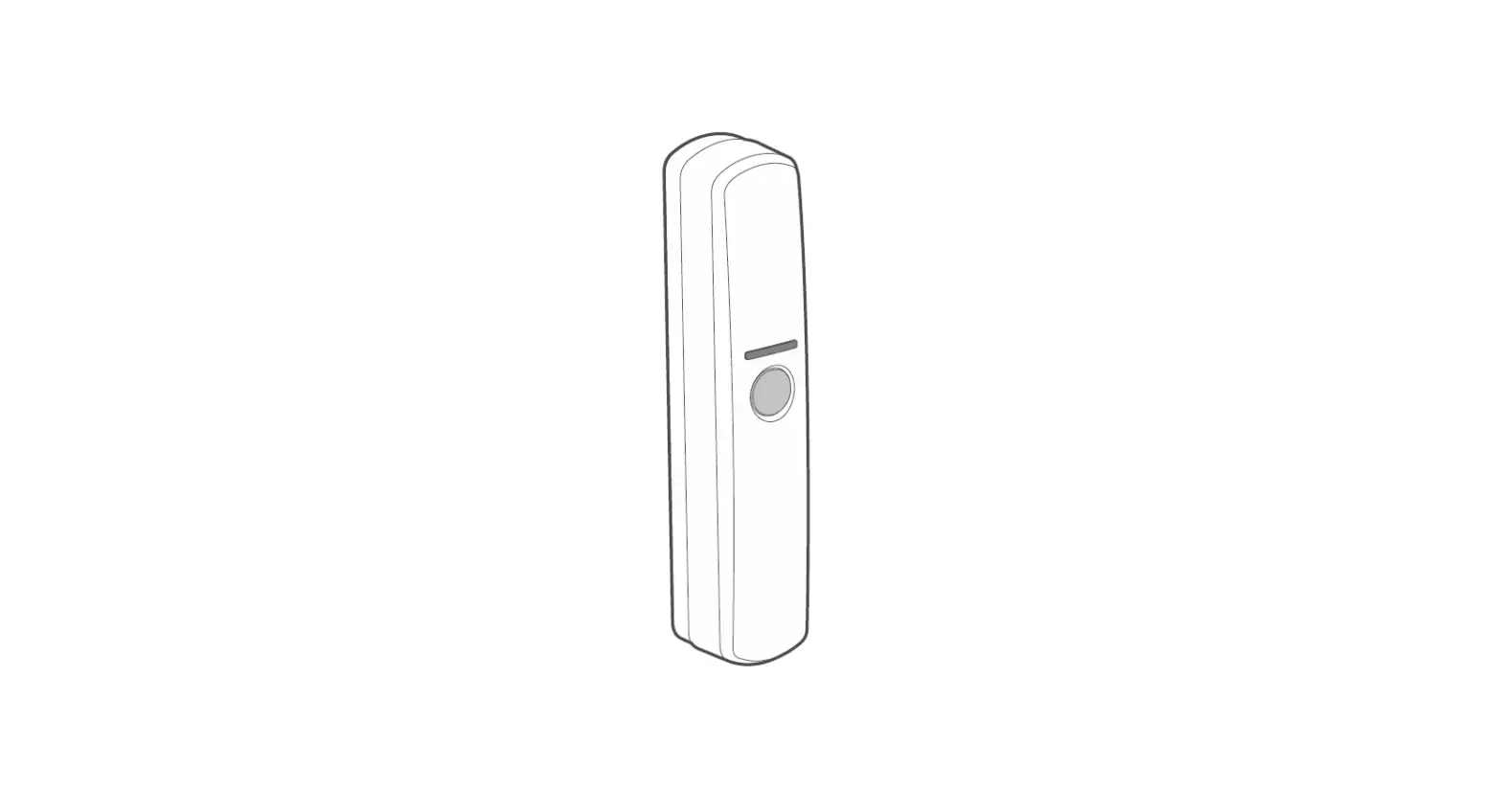
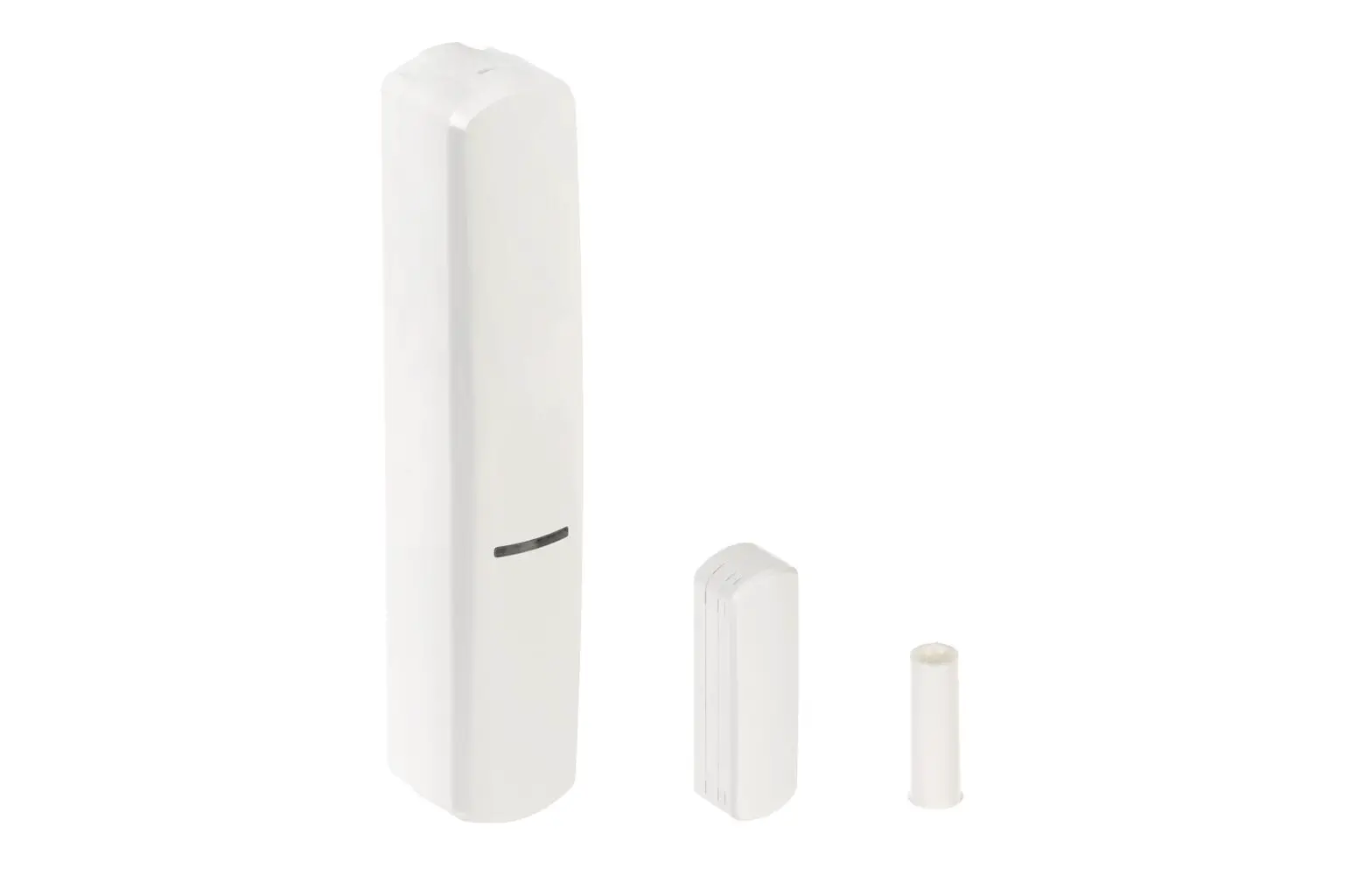
The XD-2L detector can work as:
- magnetic contact,
- shock detector,
- shock detector and magnetic contact,
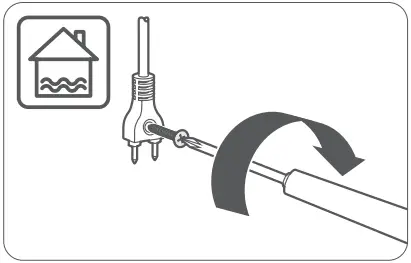
- water flood detector.
For details on how to select the detector type and the place of installation, see the full manual for the device.
Prepare the cables for making connections and run them to the location where the device will be installed. The cabling should not be run in close vicinity of low-voltage electrical system wires, and especially of power cables for high-power equipment (such as electric motors).
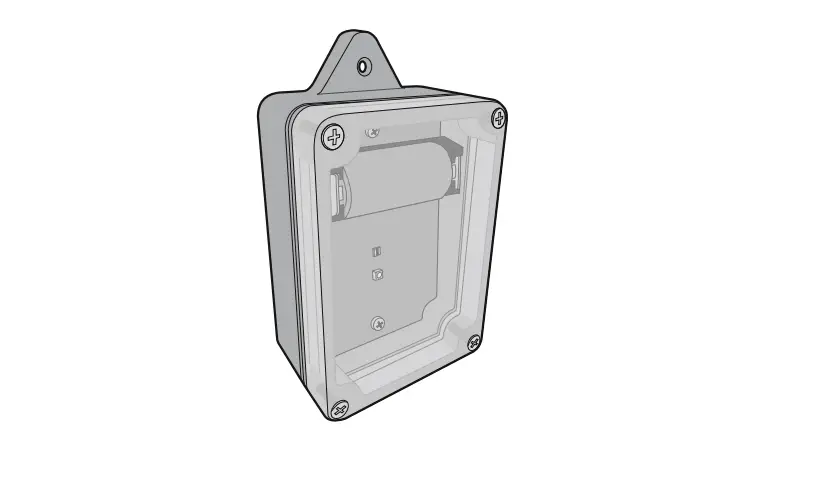
- Open the detector enclosure.
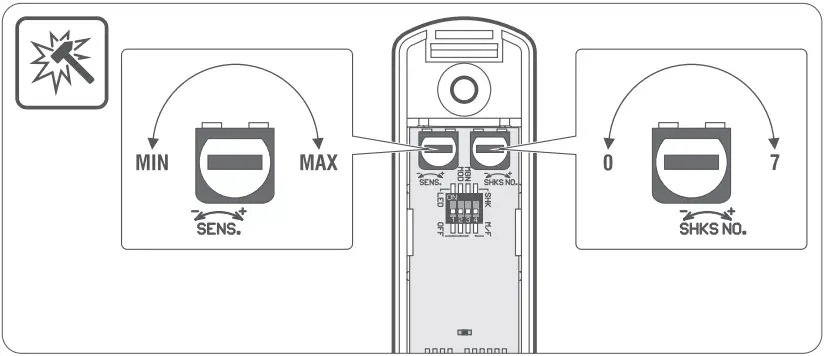
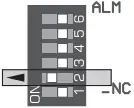
- Configure the detector (see the full manual).
- Make the opening for cable in the enclosure base.
- Run the cable through the opening.
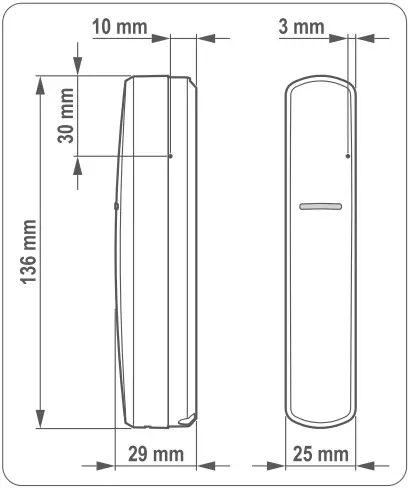
- Using wall plugs (anchors) and screws, secure the enclosure base to the mounting surface. Select wall plugs designed specifically for the mounting surface.
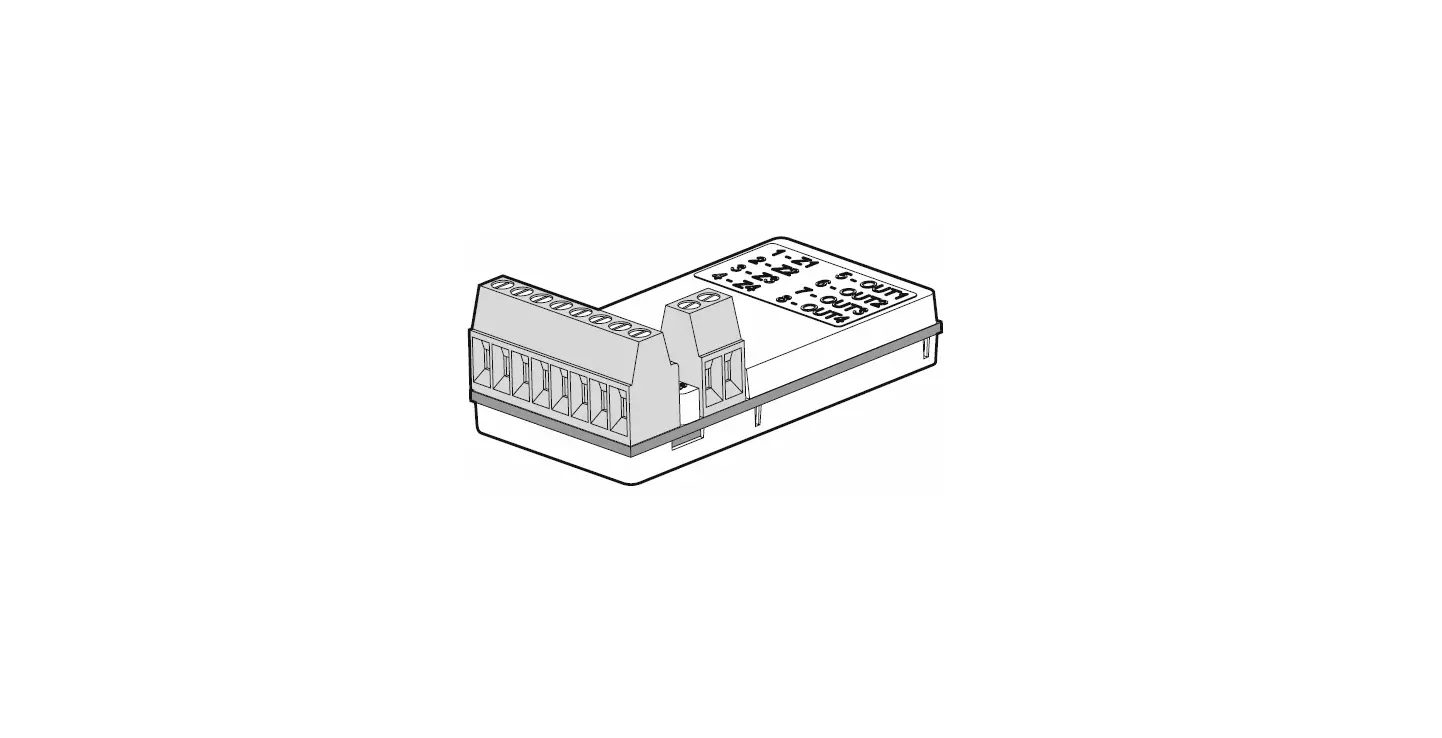
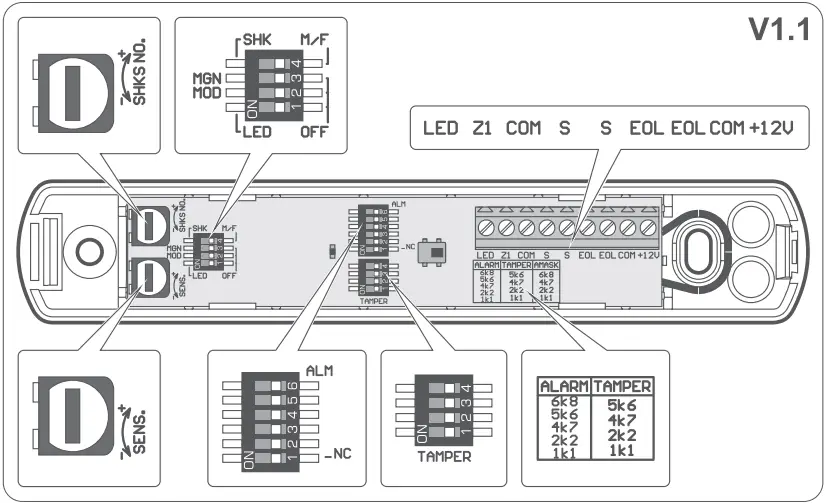
- Connect the wires to the appropriate terminals:
LED – enable/disable the LED indicator.
Z1 – input for connecting an NC type detector (e.g. other magnetic contact) or a flood probe (if the input is unused, the terminal must be connected to common ground).
S – alarm output (NC relay) used when the two output mode is activated (see the full manual).
EOL – alarm output. It can operate as 2EOL/NC or NC (see the full manual).
COM – common ground.
+12V – power input. - Close the detector enclosure.
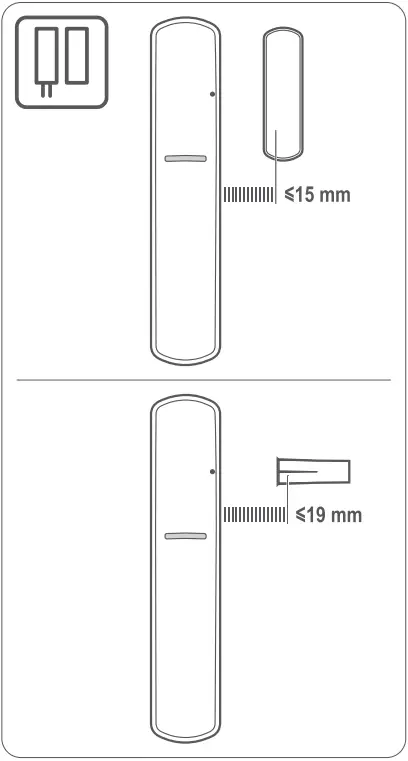
- When the detector is used as a magnetic contact, install the magnet (see the full manual).
- When the detector is used as a water flood detector, install the probe.
- Power up the detector.
- Check the device for proper functioning.
The declaration of conformity may be consulted at www.satel.pl/ce





 |  |
 6.8 kΩ 6.8 kΩ |  5.6 kΩ 5.6 kΩ |
 5.6 kΩ 5.6 kΩ |  4.7 kΩ 4.7 kΩ |
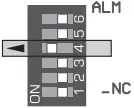 4.7 kΩ 4.7 kΩ | 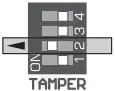 2.2 kΩ 2.2 kΩ |
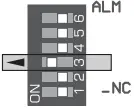 2.2 kΩ 2.2 kΩ | 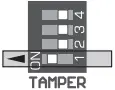 1.1 kΩ 1.1 kΩ |
 1.1 kΩ 1.1 kΩ |
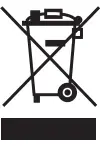 When no longer in use, this device may not be discarded with household waste. Electronic equipment should be delivered to a specialized waste collection center. For information on the nearest waste collection center, please contact your local authorities. Help to protect the environment and natural resources by sustainable recycling of this device. Improper disposal of electronic waste is subject to fines.

 SATEL sp. z o.o.
ul. Budowlanych 66; 80-298 Gdansk, POLAND
tel. +48 58 320 94 00; www.satel.eu
 Osec B.V.
 Intelligent Security Solutions | SATEL
 SATEL – Inteligentne systemy alarmowe