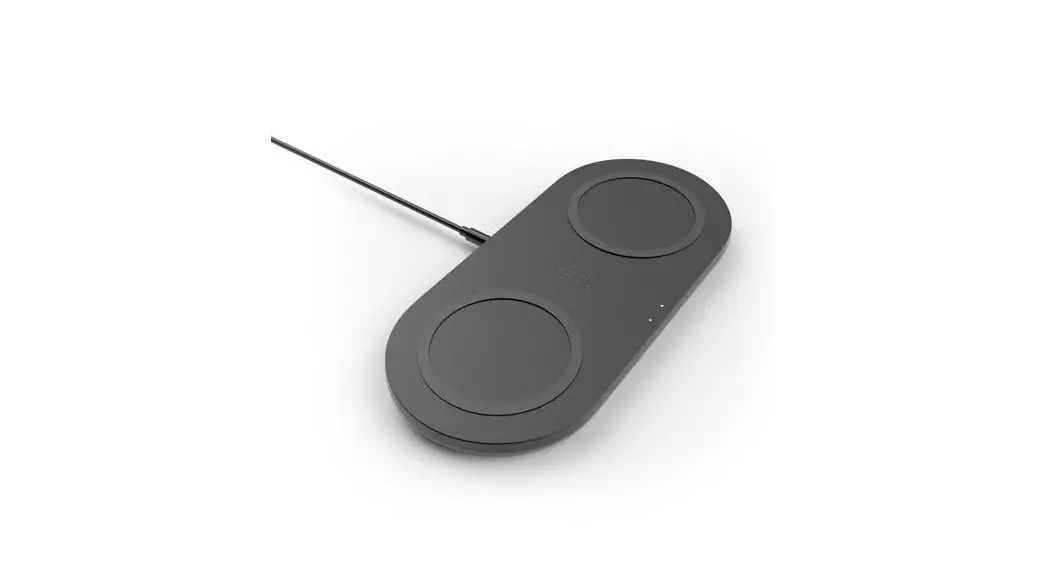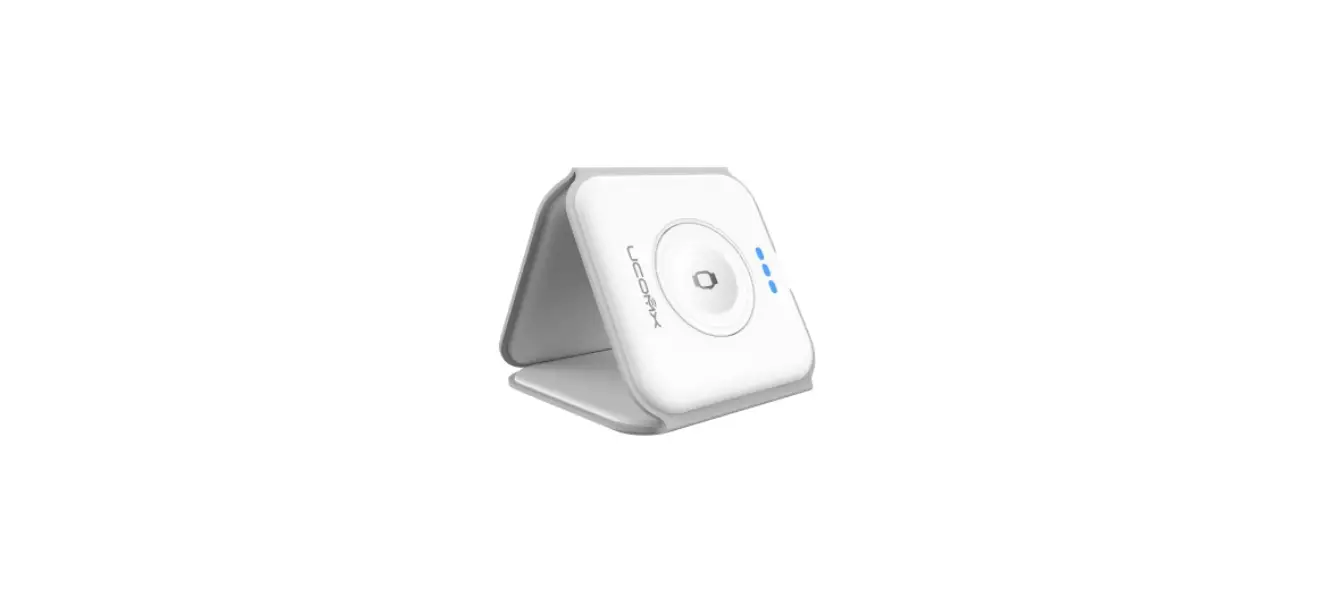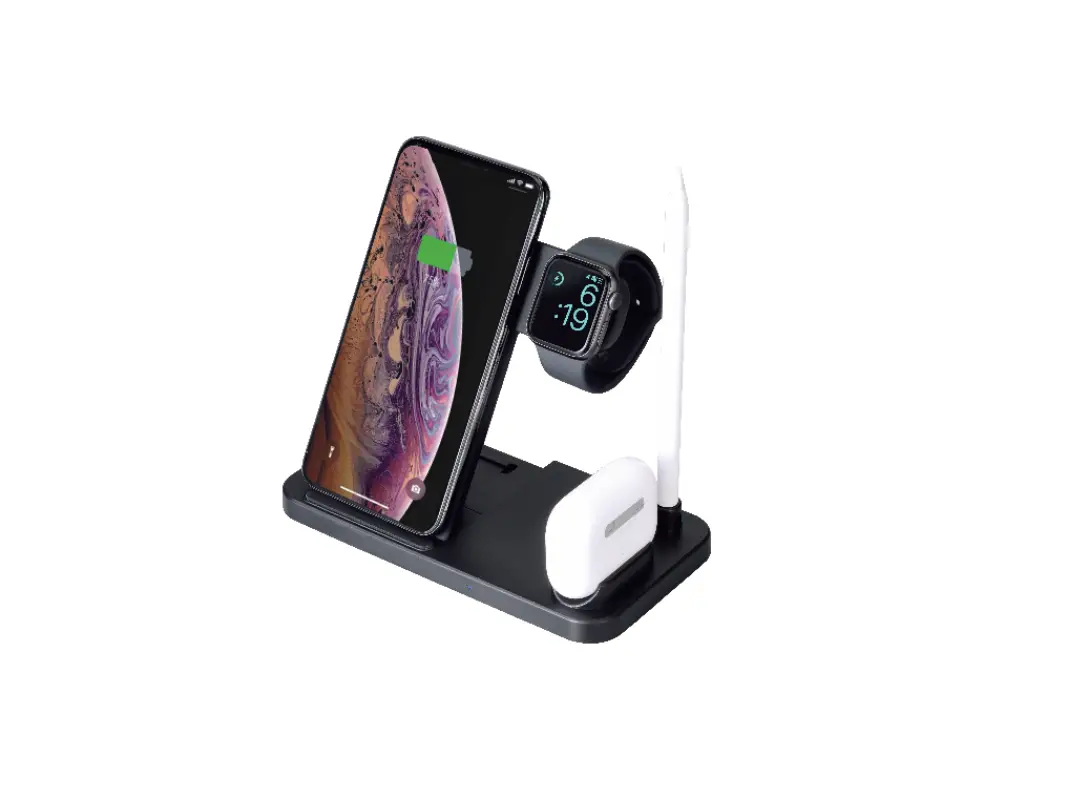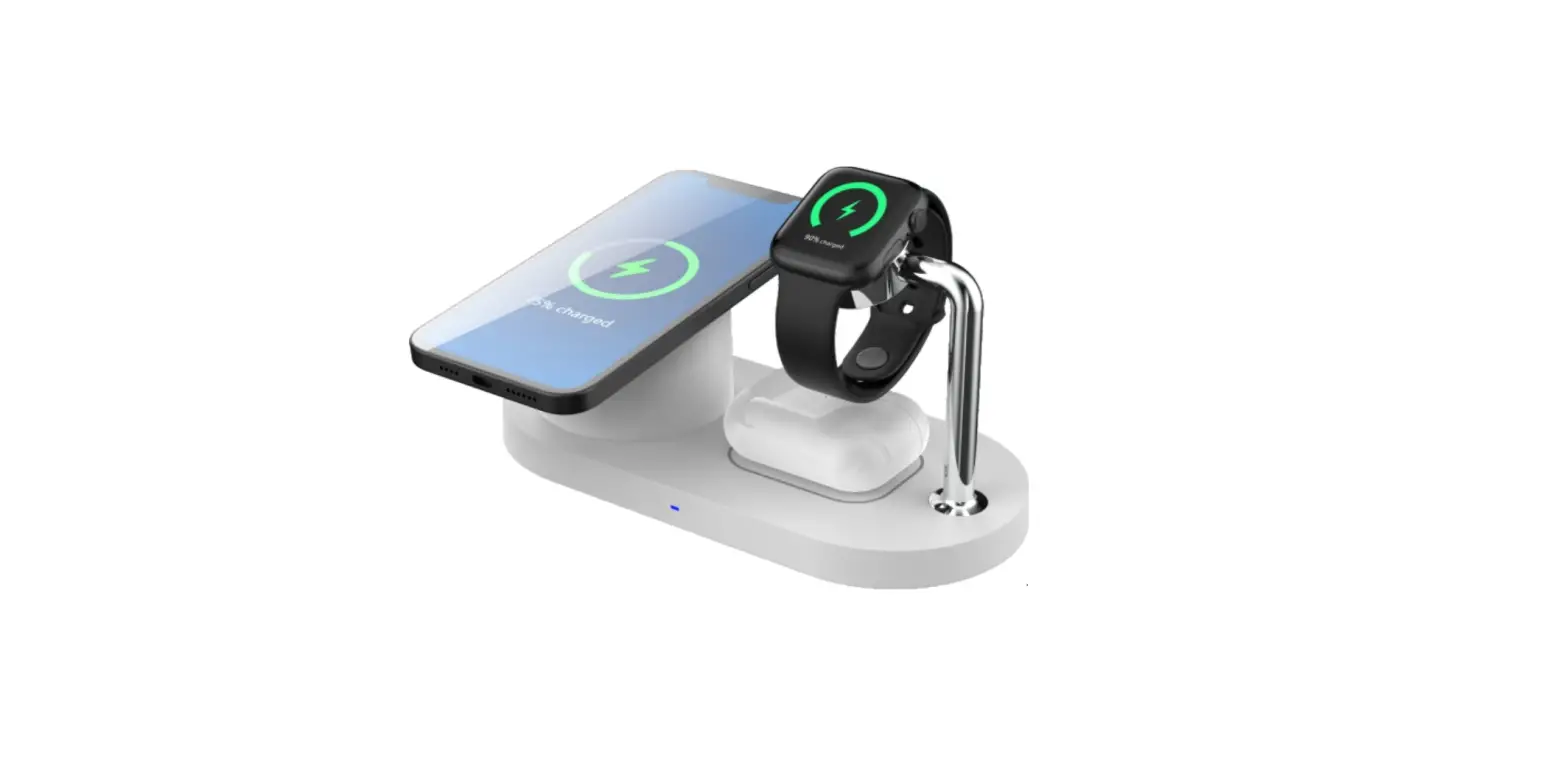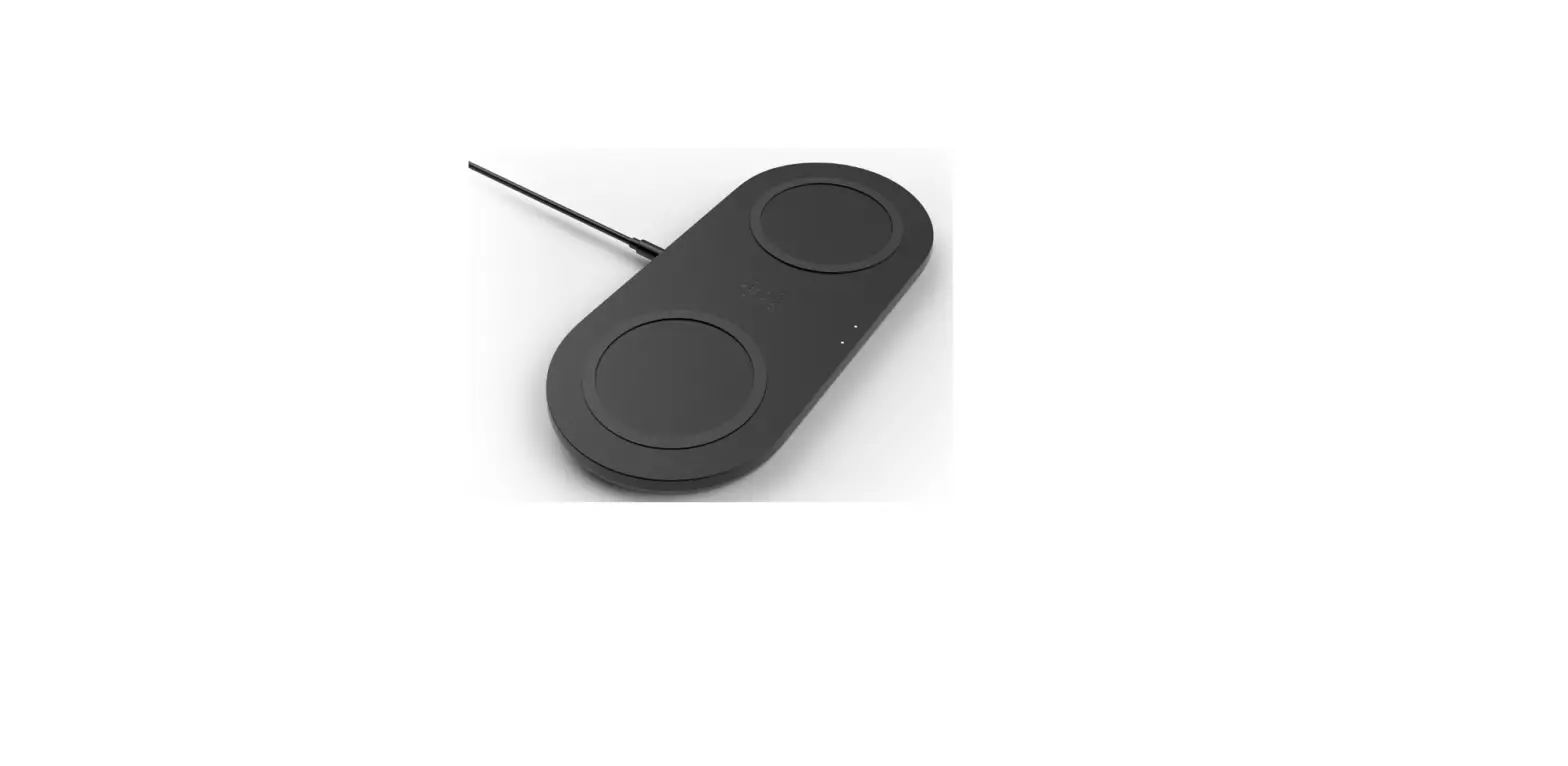

kogan KAWLCSDUALA 2-IN-1 30W Dual Wireless Charger

SAFETY & WARNINGS
- Do not squeeze tightly, drop, or hit this product with other items
- Do not disassemble or throw into fire or water, to avoid causing a short circuit leakage
- Do not use wireless charger in severely hot, humid or corrosive environments, to avoid circuit damage and occur leakage phenomenon
- Do not place too close with magnetic stripe or chip card (ID card, bank card, etc.) to avoid magnetic failure
- Keep wireless charger away from implanted medical equipment (pacemaker, implantable cochlea, etc.) by at least 20cm to avoid potential interference to medical equipment
- To take care of the children, to ensure that they won’t play the wireless charger as a toy, to avoid unnecessary accidents
- Keep the charger away from water or other liquids
- If you need to clean the charger, please make sure it is not connected power supply
- Ensure environmental temperature remains between 0 – 45° while in use
SPEC IFICATIONS
| Input | 5V-2A, 9V-2A, 12V-3A |
| Output | Dual 15W (MAX) |
| Charging Efficiency | ≥75% |
| Charging Distance | ≤8mm |
| Frequency | 110-205KHZ |
| Size | 204 x 104 x 8.5mm |
| Material | ABS |
| Included cable | USB-C (1 meter) |
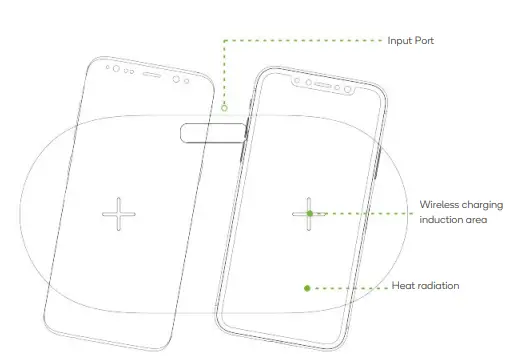
OVERVIEW 
OPERATION
Connect to Power Adapter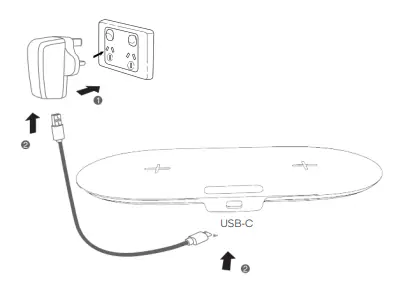
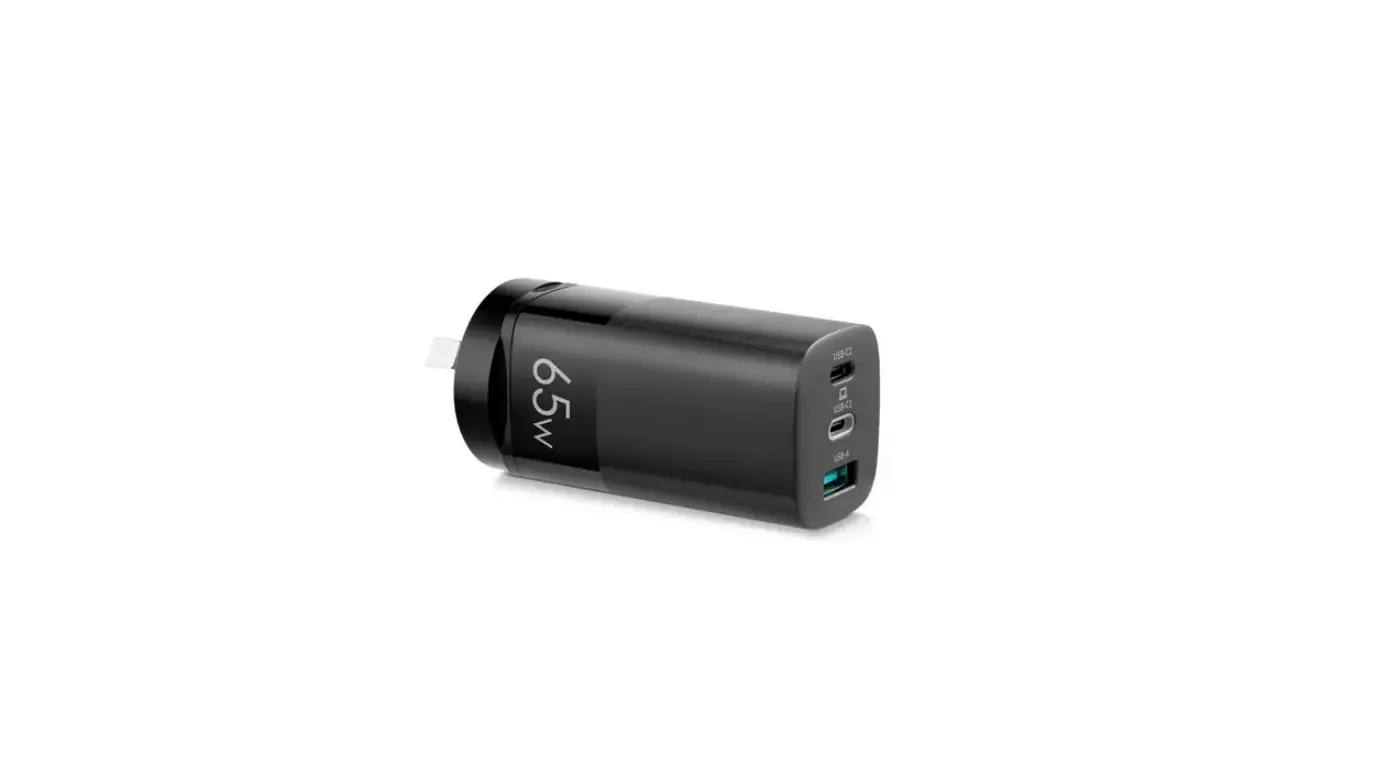
- Connect the power adapter (not supplied) to socket.
- Connect adapter to the USB-C cable, connecting the other end of the cable to the wireless charger.
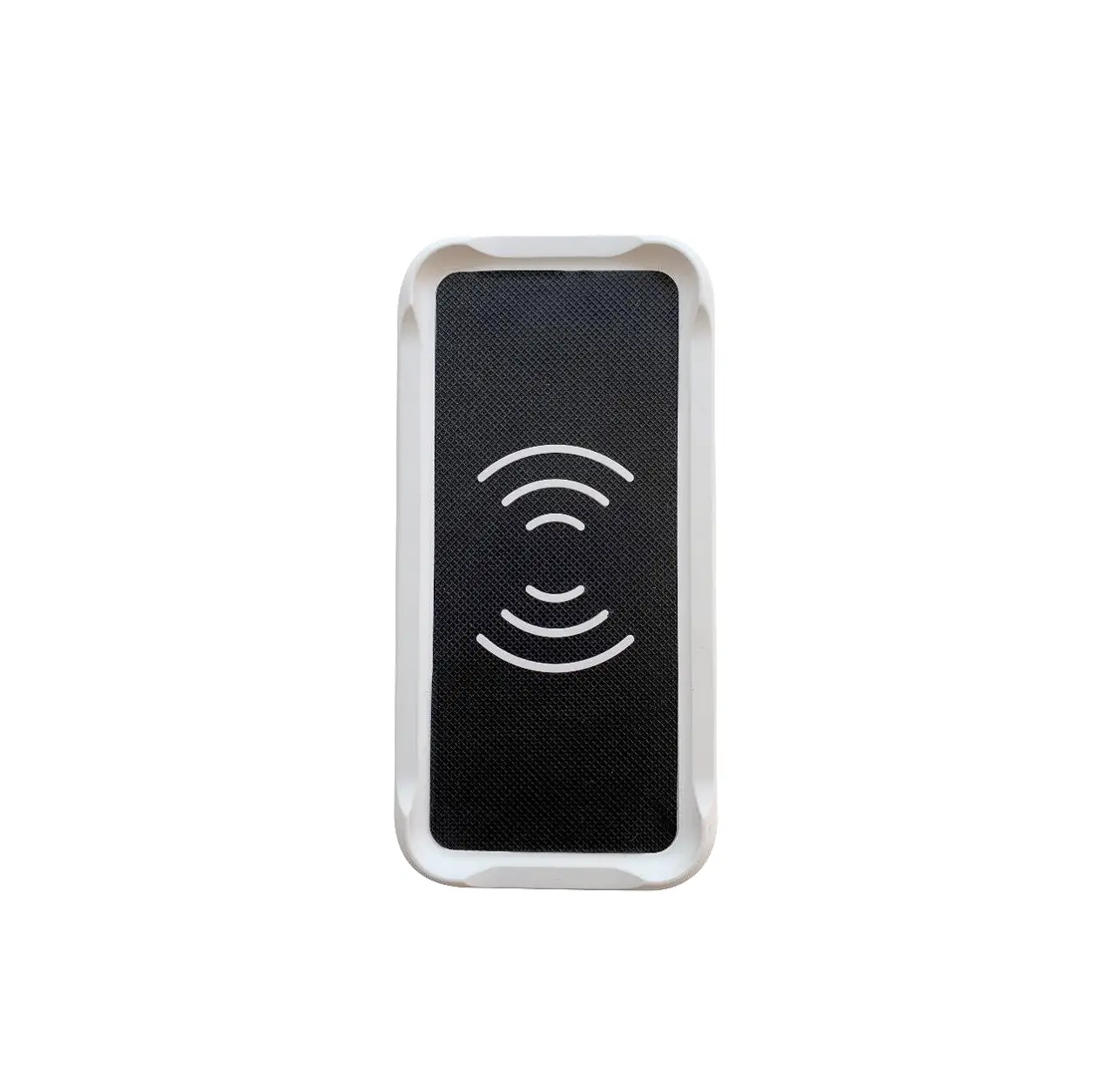
- After placing a mobile phone with wireless charging function on the phone charging position, the phone will begin to charge.
Note: Only Samsung mobile phones conform to the full-charging indication. Other mobiles do not have any indication after fully recharged.
- Need more information?
- We hope that this user guide has given you
- the assistance needed for a simple set-up.
- For the most up-to-date guide for your product,
- as well as any additional assistance you may require, head online to help.kogan.com