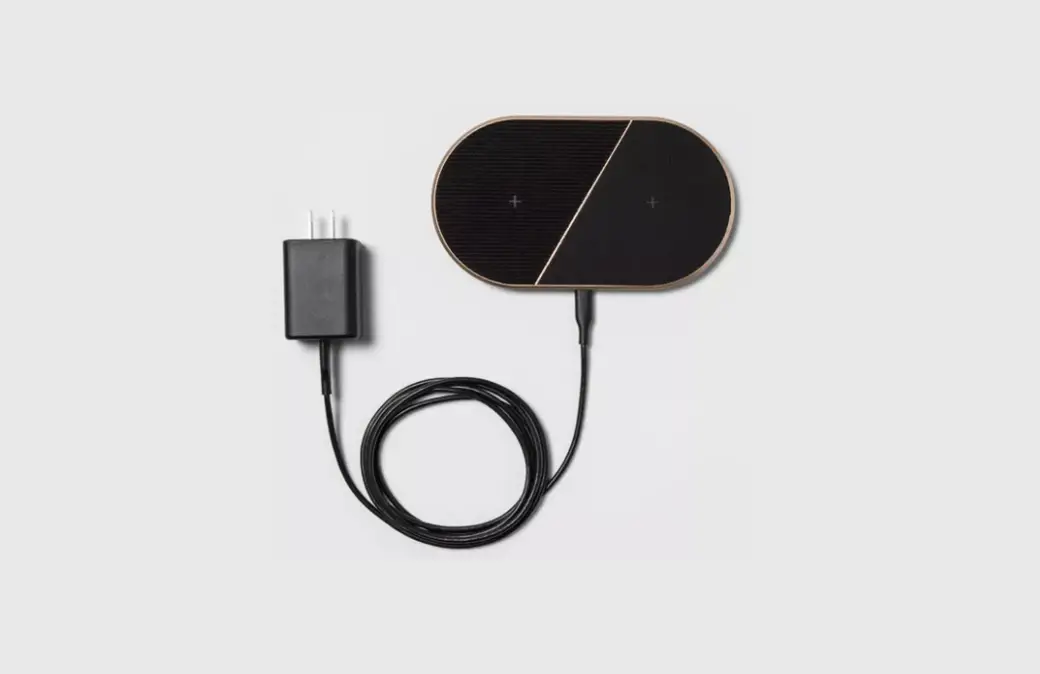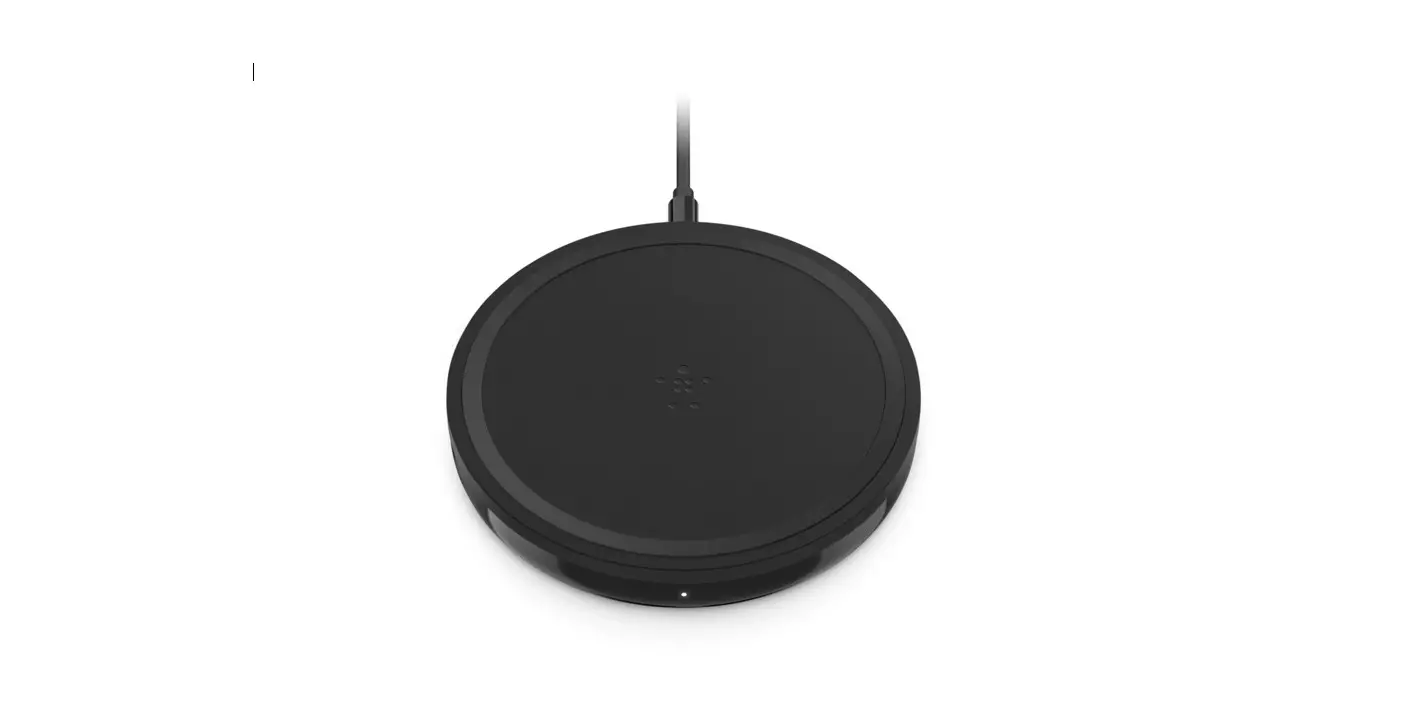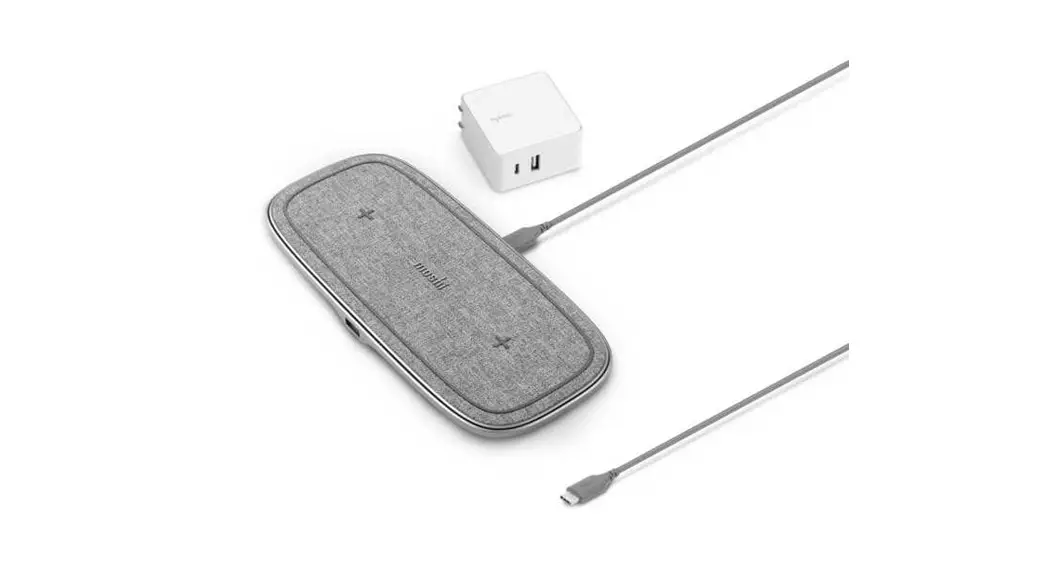

USER GUIDE
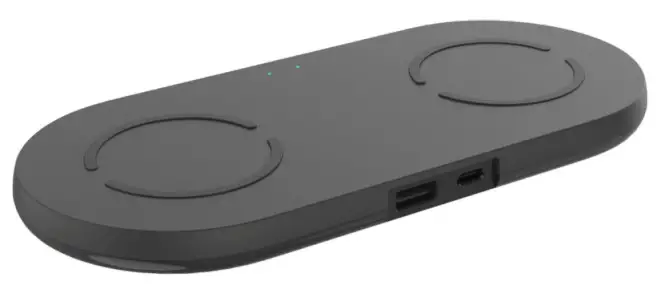
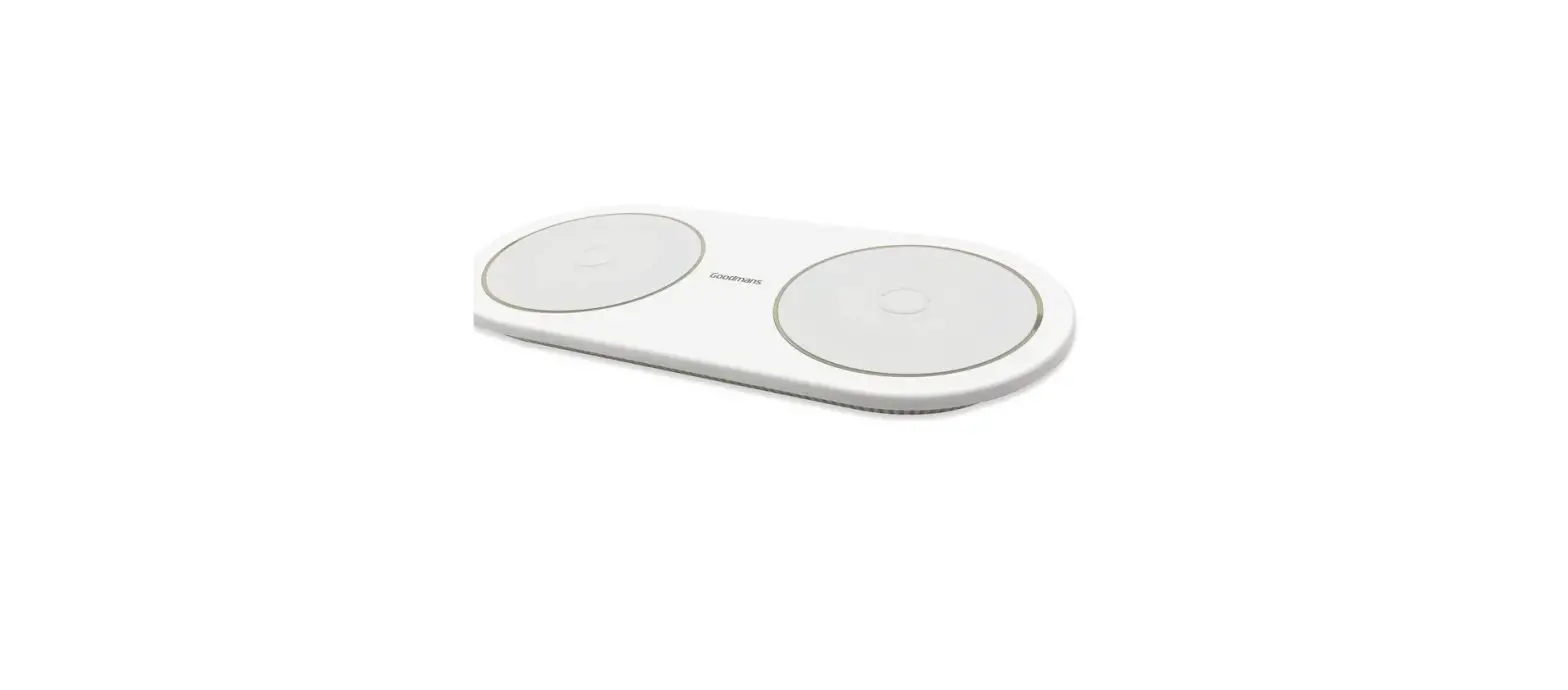
DUAL WIRELESS CHARGING PAD WITH QC + PD PORTS
KADUOWRLPDA
SAFETY & WARNINGS
- For best performance, please use the wireless charger according to this guide.
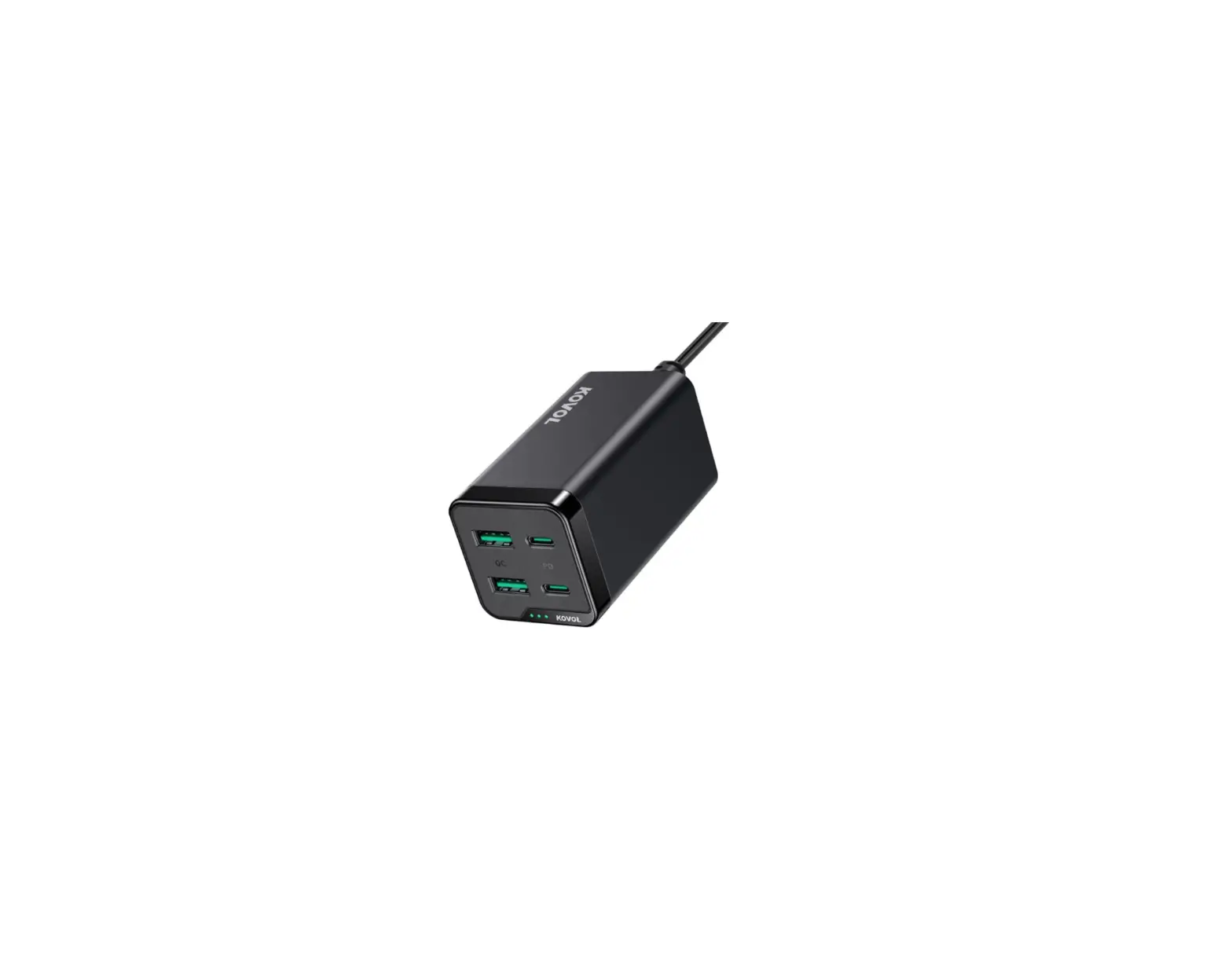
- The output of the power adapter connected to the wireless charger must be 12V/4A.
- Unplug the wireless charger if it will not be used for an extended period.
- Do not use the wireless charger with electronic products that do not meet the specifications outlined in this guide.
- It is normal for the wireless charger to feel warm during use.
- If the wireless charger isn’t working correctly, first check whether the device is compatible with this charger.
- Keep wireless chargers away from fire, such as stoves and lit candles.
- Do not immerse the wireless chargers in liquids such as swimming pools, bathtubs, etc.
- Do not clean the wireless charger with corrosive cleaning products.
- If the wireless charger does not work properly, contact kogon.com.
IN THE BOX
Before using this product, please check the packaging and ensure that the following items are included:
- Wireless charger
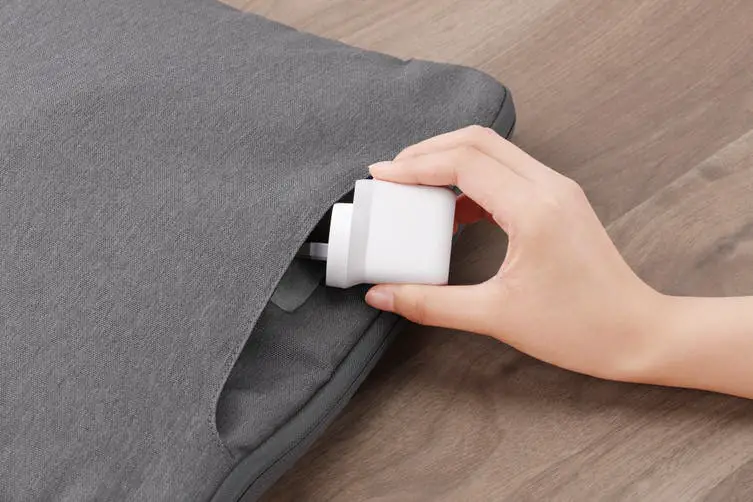
- Power adapter
- User guide
OVERVIEW
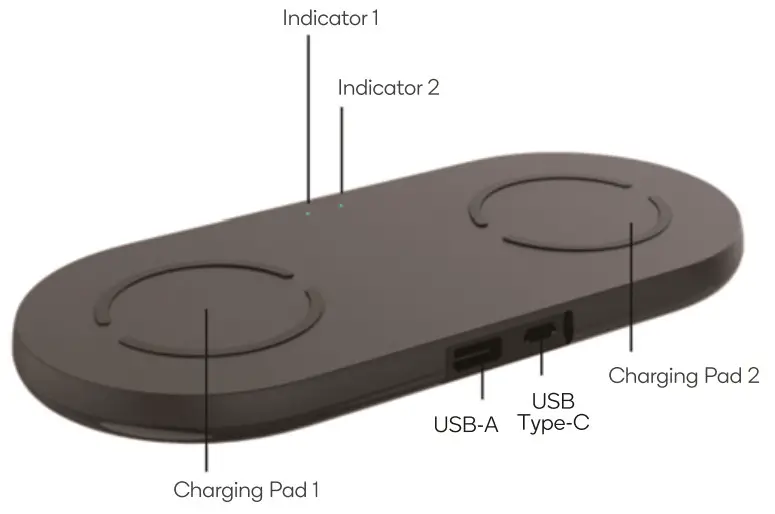
OPERATION
Wireless Charging
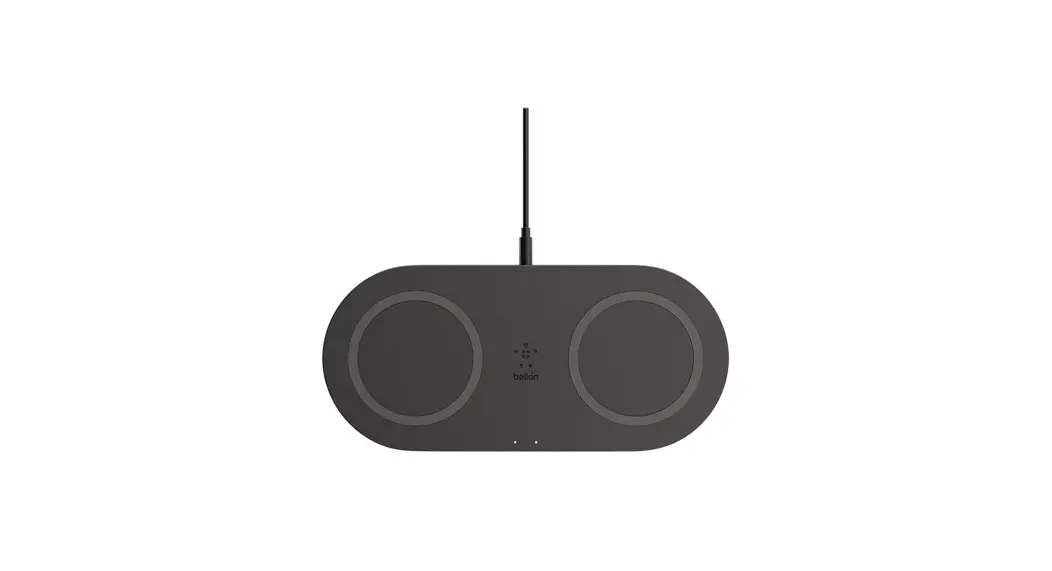
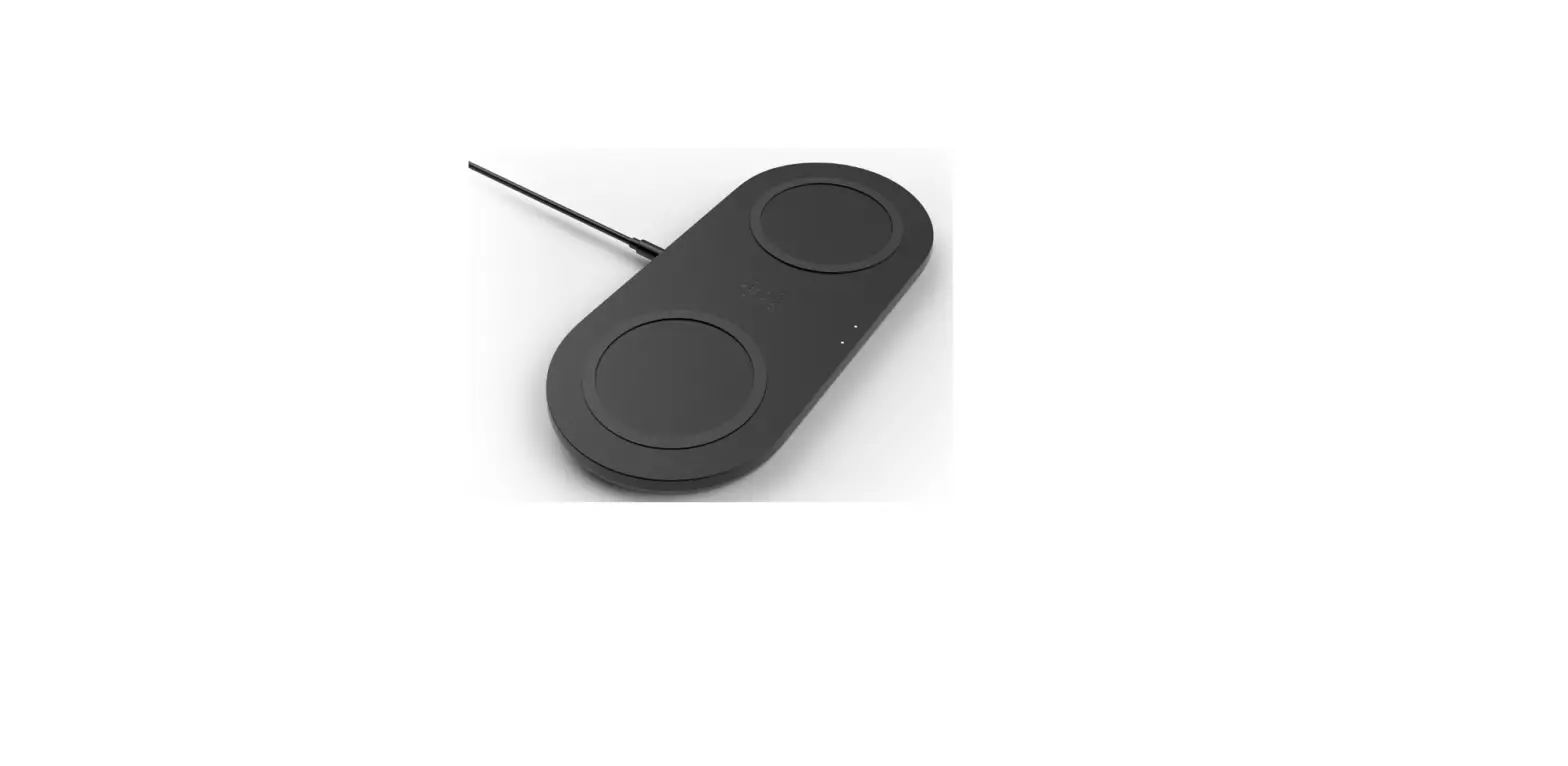
- Connect the wireless charger to the power adapter, the white and yellow indicator lights will flash twice. The wireless charger is ready to be used.
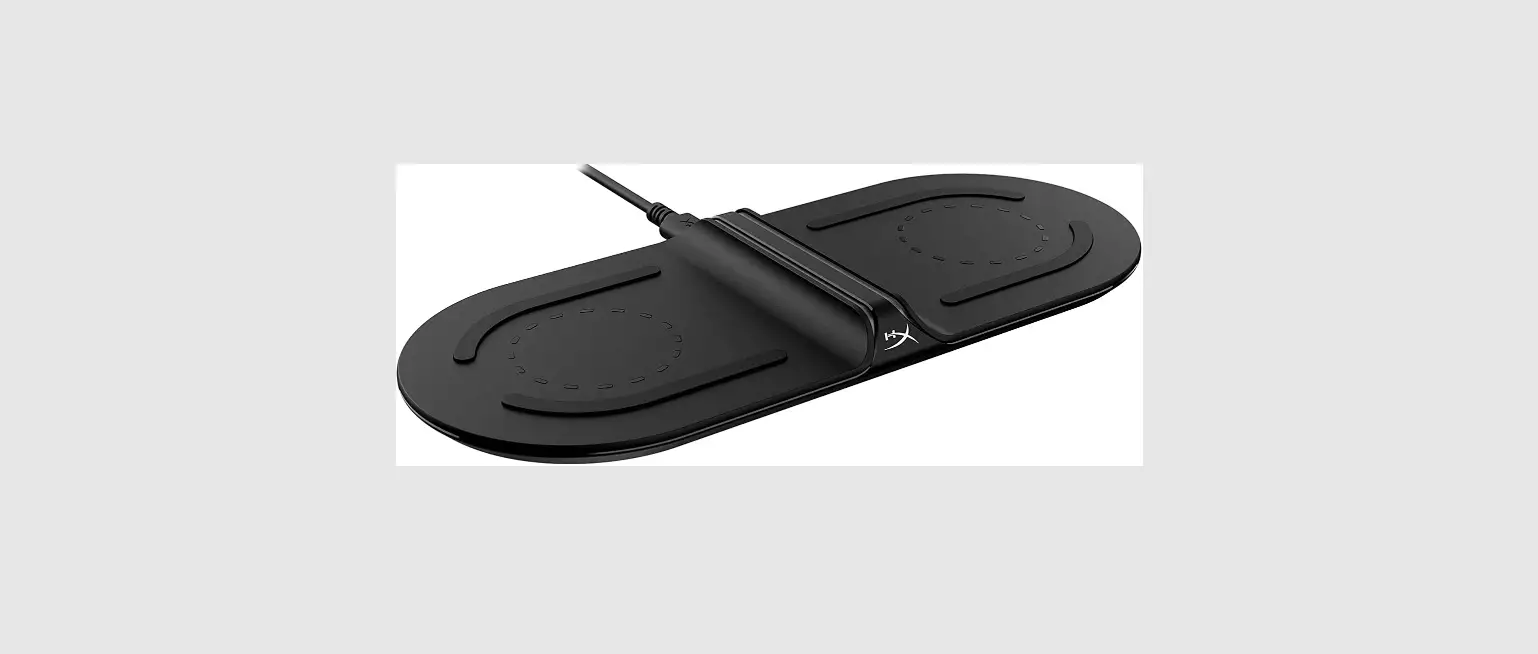
- Place your device (which supports wireless charging) in the center of one of the wireless charging pads and the indicator light will begin flashing yellow.
- When fully charged, the indicator light will be solid white.
- Please remove the device once it is fully charged. Note: If the indicator light flashes white, an error has occurred.
Wired Charging
You can charge your device with a standard charging cable by plugging it into the USB-A/Type-C ports.
SPECIFICATIONS
| Rated input | 12V/4A
|
| Wireless output specifications | |
| Output power | 5W/7.5W/10W |
| Overvoltage protection | Yes |
| Under-voltage protection | Yes |
| Short circuit protection | Yes |
| Over-current protection | Yes |
| Over-temperature protection | Yes |
| FOD | Yes |
| Working frequency | 110Khz – 205Khz |
| Wired output specifications | |
| Output specifications | |
| USB-A | 5V/3A, 9V/2A, 12V/1.5A (QC 18W) |
| Type-C | 5V/3A, 9V/2A, 12V/1.5A(PD 18W) |
| USB-A & Type-C | 5V /3A =15W total. |
| Short circuit protection | Yes |
| Over-current protection | Yes |
| Service temperature range | 0-25°C |
| Storage temperature range | -20 – 70°C |
| Operation humidity | 10% – 80% RH |
| Store humidity | 5% – 95% RH |
NOTES
Need more information?
We hope that this user guide has given you
the assistance needed for a simple setup.
For the most up-to-date guide for your product,
as well as any additional assistance you may require,
head online to help.kogan.com