
kogan GAN-001 65W USB and USB-C Wall Charger
Product Information
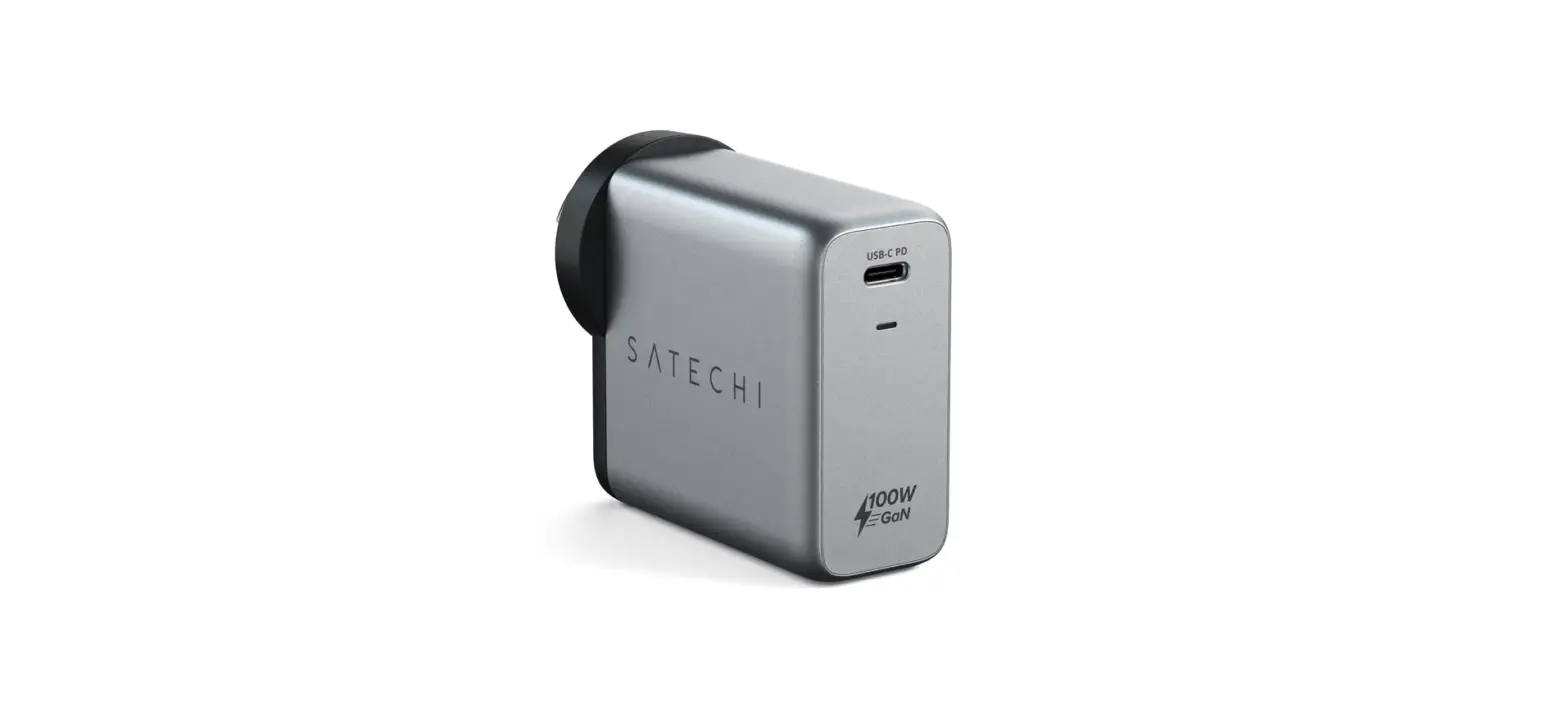
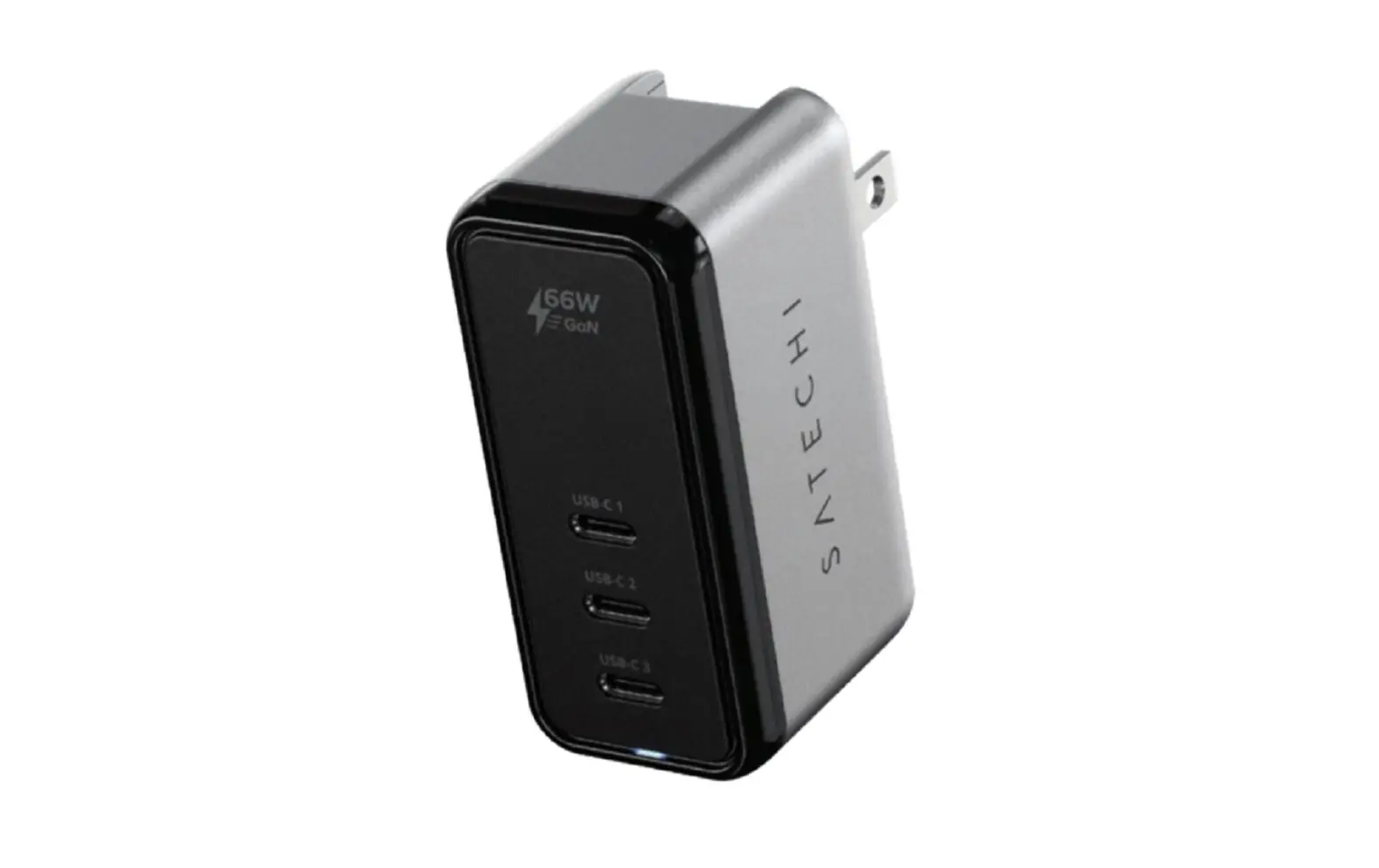
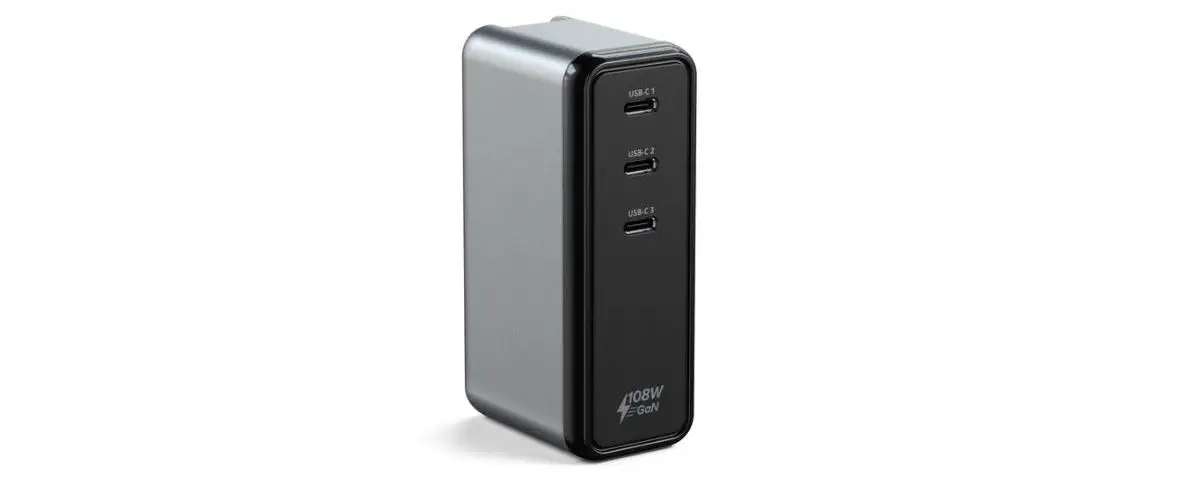
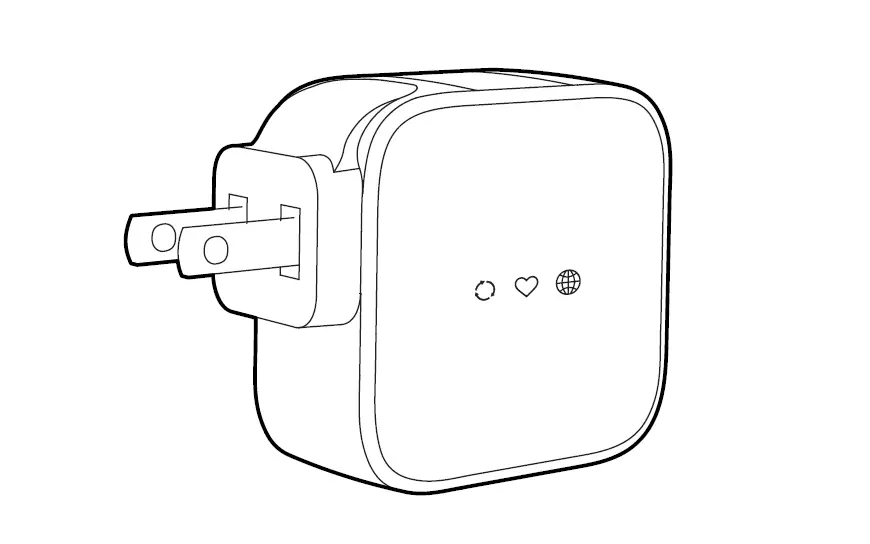
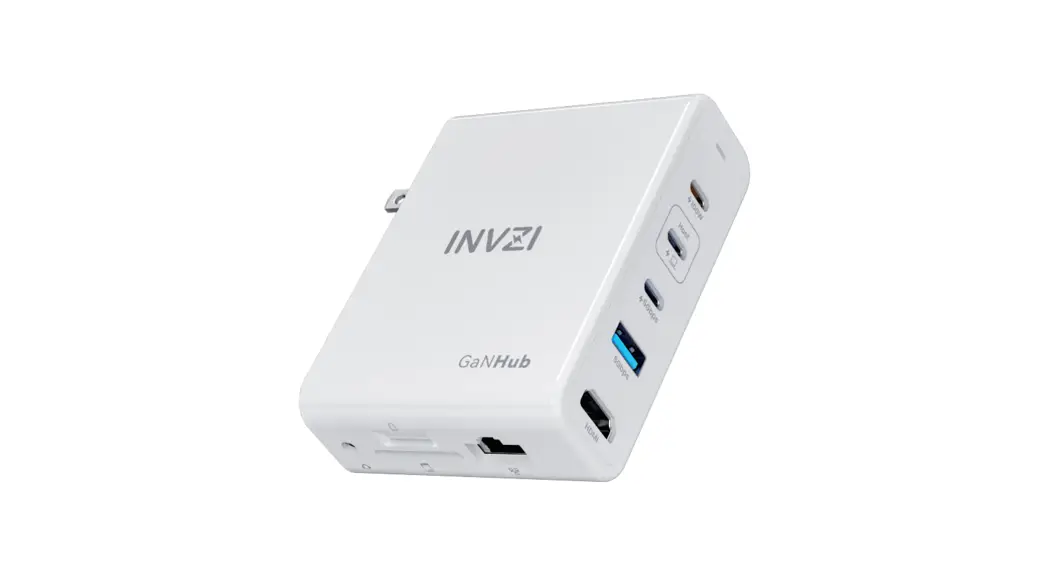
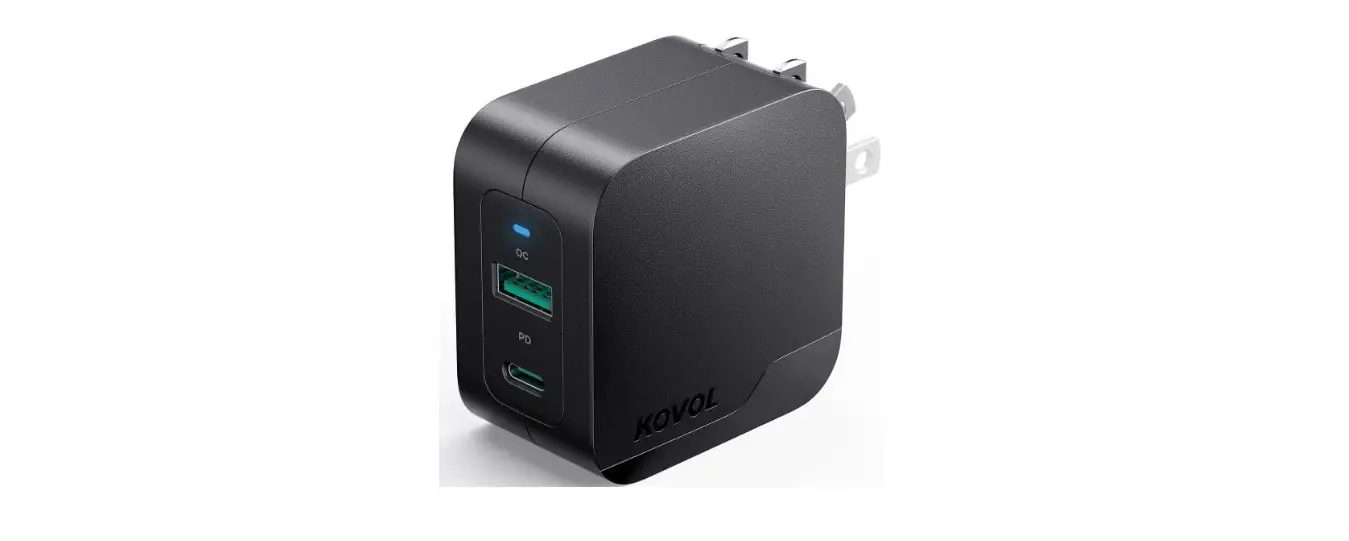
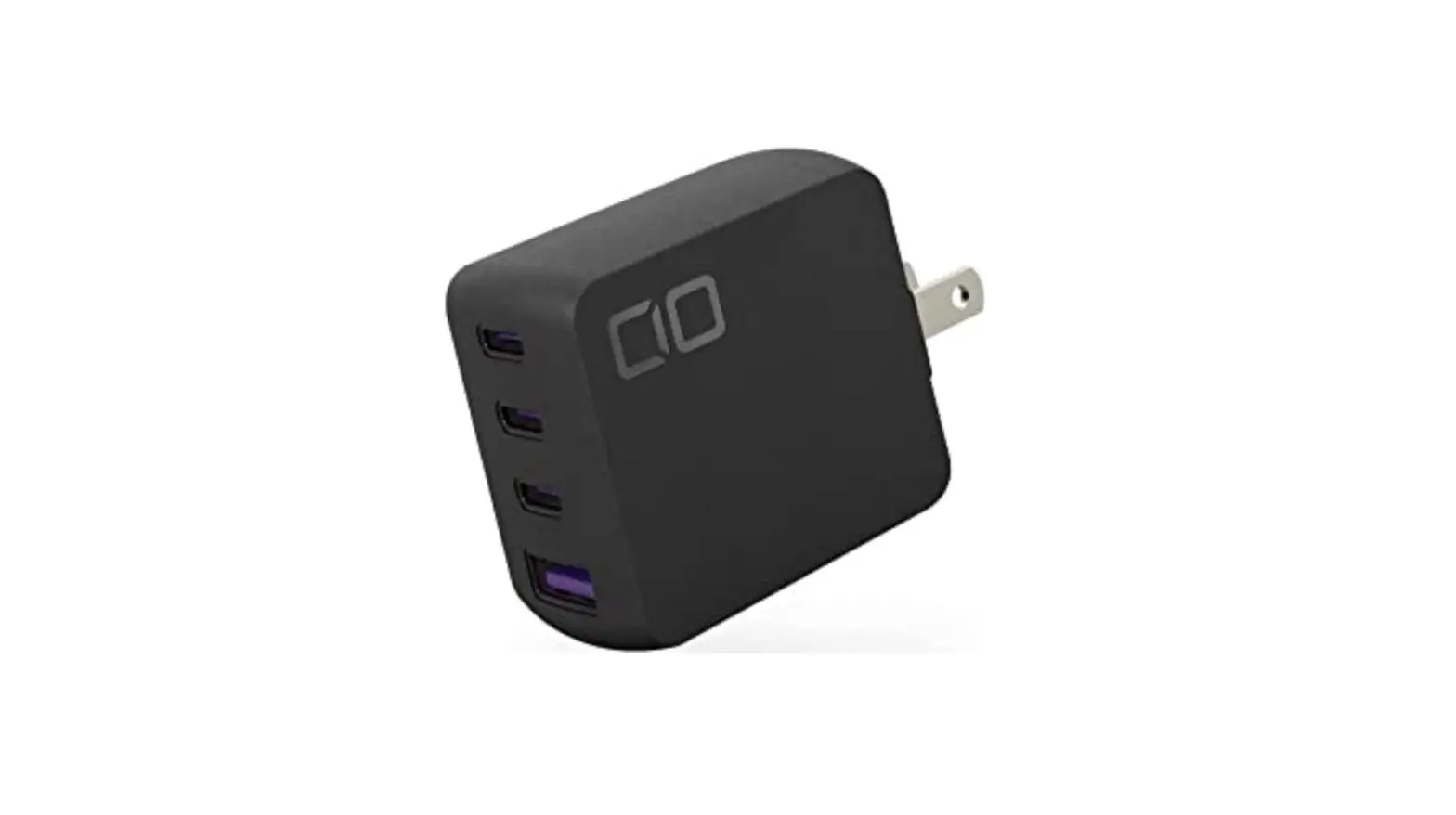
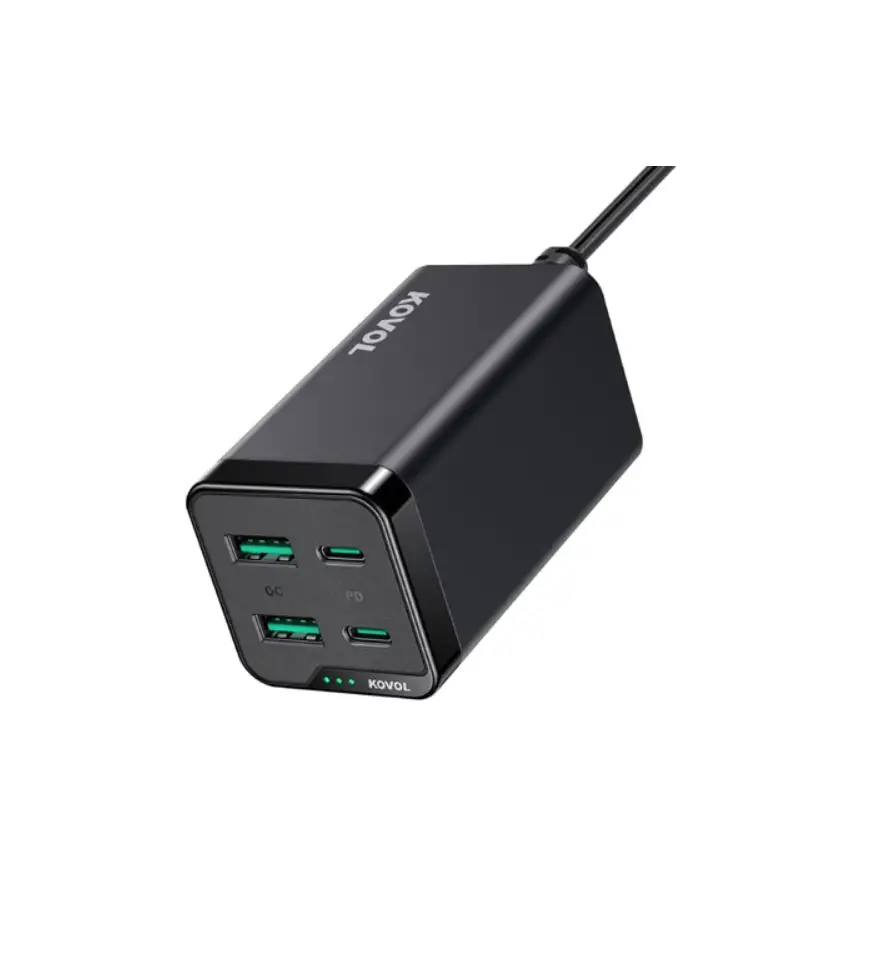
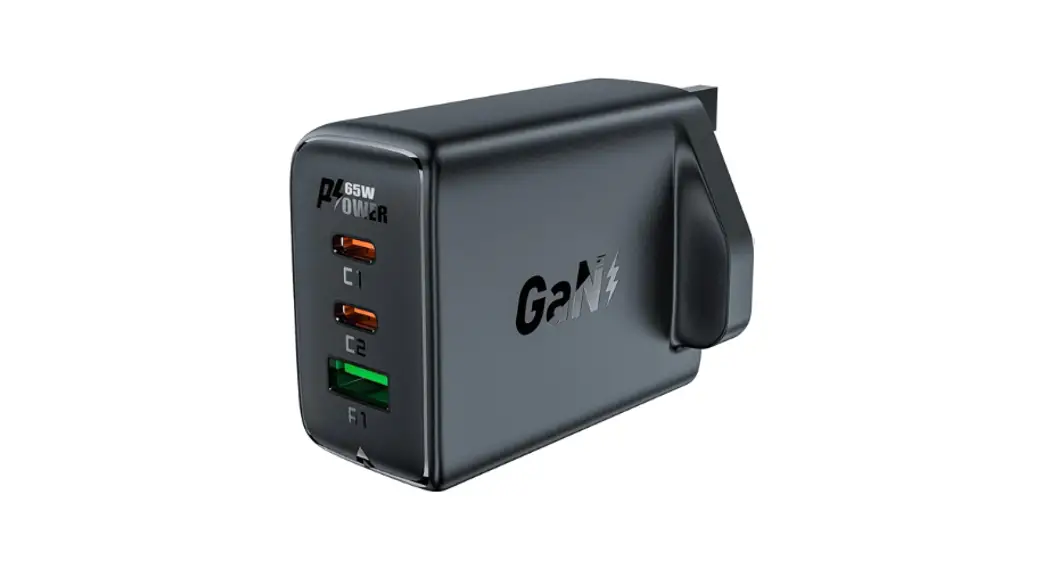
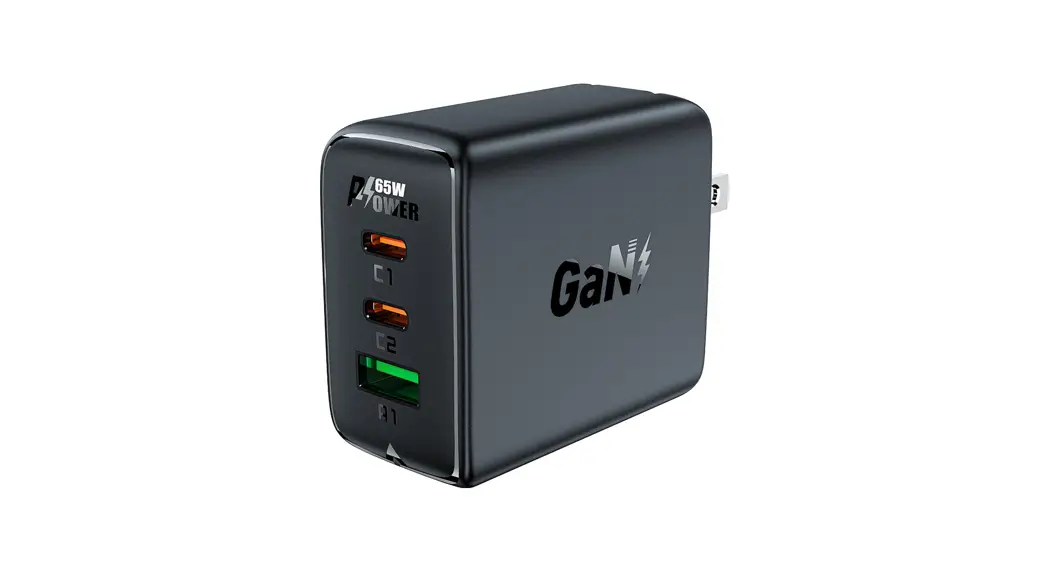
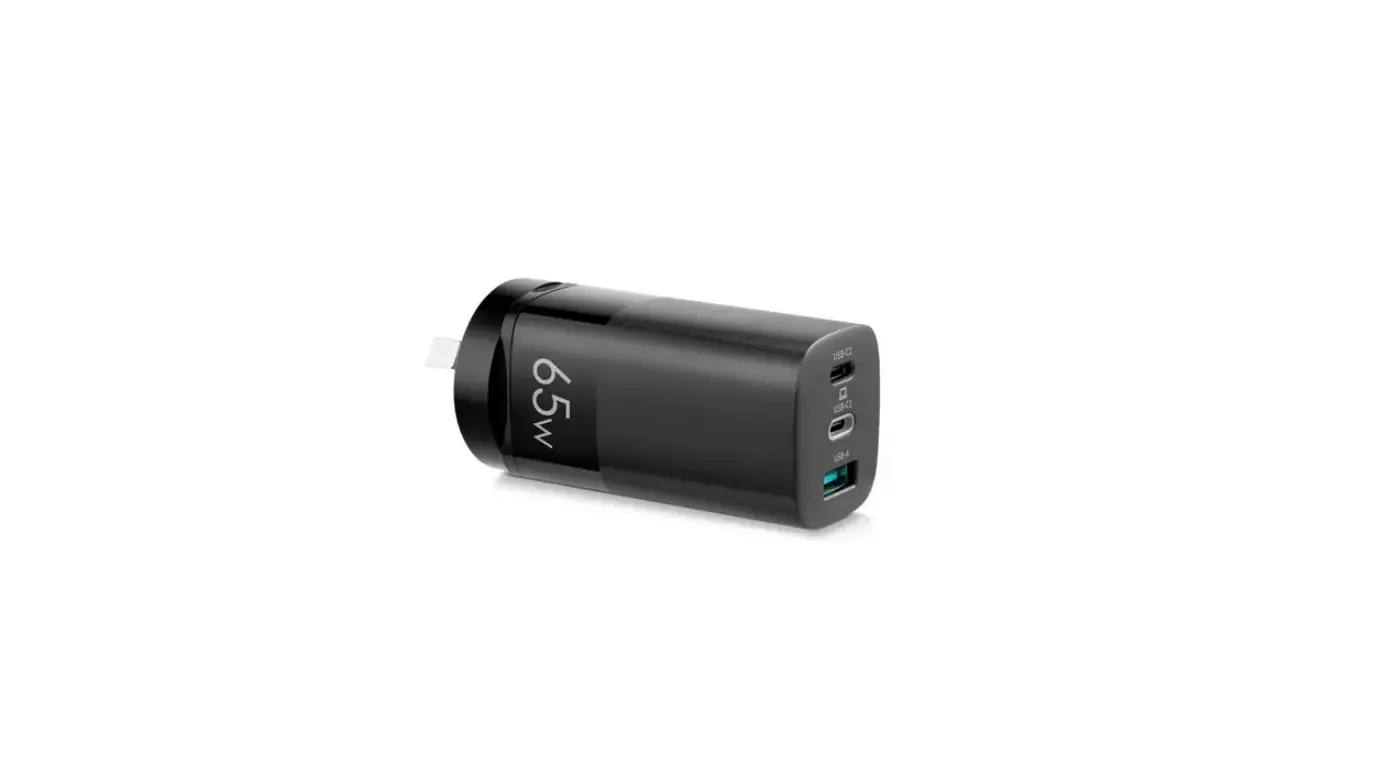
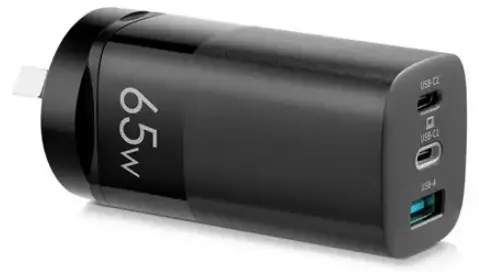
The 65W USB-A and USB-C wall charger (GAN-001) is a 3-port charger that supports up to three devices being charged or powered simultaneously. It is made of GaN material and has dimensions of 97.5 x 40 x 41mm, weighing 138g. The charger comes with a user guide that includes safety and warning instructions, as well as compatibility information for compatible devices. The charger supports power delivery (PD) charging and has the following specifications:
- Input: 100-240V ~ 50/60Hz 1.5A
- USB-C Output: 5V3A, 9V3A, 12V3A, 15V3A, 20V3.25A (45W Max)
- USB-A Output: 3.4-5.5V5A, 5V3A, 9V3A, 12V3A, 20V3A (60W Max)
- USB-C & USB-A Output: 45W (5V3A, 9V3A, 12V3A, 15V3A, 20V2.25A) + 18W (5V3A, 9V2A, 12V1.5A) (63W Max)
- USB-A (x2) Output: (5V4.8A) (24W Max)
Product Usage Instructions
- Read all instructions in the user guide before using the charger for the first time.
- Ensure compatibility of your device with the charger by referring to your device’s user manual to confirm that it supports power delivery (PD) charging.
- Plug the charger into a socket and turn it on.
- Connect the USB-A or USB-C cable(s) to the charger and to your device(s) for charging or powering.
- Ensure that all devices are correctly connected and charged or powered.
- Once charging or powering is complete, unplug the cable(s) from the charger and from your device(s).
- Store the charger and cables in a safe and dry place for future use.
SAFETY & WARNINGS
Ensure to read all instructions in this user guide prior to first use. Retain this user guide for future reference.
- Do not use this charger in a room warmer than 40°C or colder than 0°C.
- Before turning on the power supply, ensure all cables are plugged in properly. If cables are not plugged in properly, this may lead to damage to the charger and/or connected devices.
- The charging load must be compatible with the rated power (100–240V, 50/60Hz).
- Do not use damaged or peeling power cords.
- This charger cannot be disassembled or modified.
- Do not use or store this charger in dusty, damp, or humid areas.
- Do not use excessive force on the wall charger.
- Do not place the charger under the sun or near any heat sources as this may cause the charger to deform or fail.
- Do not disassemble the charger as it contains dangerously high voltage and may damage internal parts.
- Do not apply strong vibrations to the charger.
- Do not use the charger in environments where there are large temperature differences, or near strong magnetic fields.
- Do not allow any liquids to enter the charger.
OVERVIEW
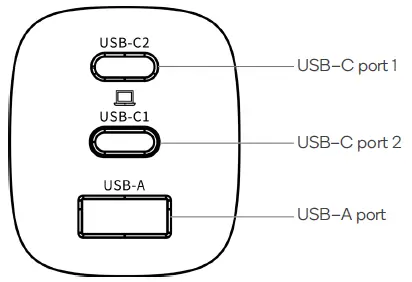
Ports
OPERATION
- Plug the charger into a wall socket.
- Plug your USB–C and/or USB–A cables into the charger and devices. The charger can support up to three devices being charged/powered.
- Turn on the socket.
Compatible devices
The following list of compatible devices is not comprehensive and is intended only as a guide. Always refer to the device’s user manual to ensure your device supports power delivery (PD) charging.
| Brand | Model |
| Apple | iPhone 8, 8 Plus, 11, 11 Pro, 11 Pro Max, XR, XS, XS Max, 13” MacBook Air, 13” MacBook Pro |
| Xiaomi | Mi CC9, CC9 Pro, 9, 9 SE, 10, 10 Pro, Mix 2S, Mix 3 |
| Huawei | Mate 30, 30 Pro, 40, 40 Pro, 40 Pro+, MateBook X, X Pro 2020, 13 2020 |
| Samsung | S10e, Note 10, S20, S20+, S20 Ultra, Galaxy Book S, Galaxy Book Flex |
| Nintendo | Switch, Switch Dock |
| Lenovo | Thinkpad E580, E4580, T470, X270 |
SPECIFICATIONS
| Input | AC 100–240V, 50/60Hz, 1.5A |
| Size | 97.5 x 40 x 41mm |
| Weight | 138g |
| USB–C1/C2 output | 5V⎓3A, 9V⎓3A, 12V⎓3A, 15V⎓3A, 20V⎓3.25A |
| USB–A output | 3.4-5.5V⎓5A, 5V⎓3A, 9V⎓3A, 12V⎓3A, 20V⎓3A |
| USB–C1 + USB–C2 output | 45W (5V⎓3A, 9V⎓3A, 12V⎓3A, 15V⎓3A, 20V⎓2.25A) + 18W (5V⎓3A, 9V⎓2A, 12V⎓1.5A) 63W Max |
| USB–C1 + USB–A output | 45W (5V⎓3A, 9V⎓3A, 12V⎓3A, 15V⎓3A, 20V⎓2.25A) + 18W (5V⎓3A, 9V⎓2A, 12V⎓1.5A) 63W Max |
| USB–C2 + USB–A output | (5V⎓4.8A) 24W Max |
| USB–C1 + (USB–C2 + USB–A) output | 45W (5V⎓3A, 9V⎓3A, 12V⎓3A, 15V⎓3A, 20V⎓2.25A) 60W Max |
Need more information
We hope that this user guide has given you the assistance needed for a simple set-up.
For the most up-to-date guide for your product, as well as any additional assistance you may require, head online to help.kogan.com.