 USER GUIDE
kogan.com
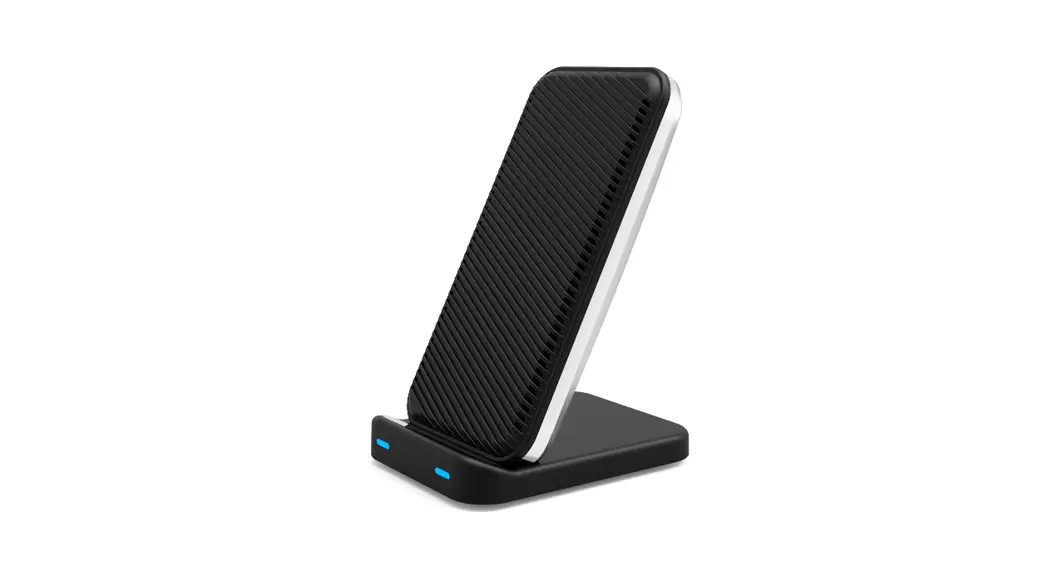
ULTRA-COOL WIRELESS
FAST CHARGING STAND
KACOOLCHSTA
SAFETY & WARNINGS
- Make sure that the device to be charged is Qi-enabled.
- Ensure that a proper QC 2.0 or above fast USB power adapter is used.
- Make sure that there are no other objects on the charging pad.
- Make sure the device’s case is no thicker than 4mm.
- Ensure there is no metal or magnetic material in the center of the device case.
- Do not disassemble or dispose of the product in fire or water.
- Do not use the wireless charger in severely hot, humid, or corrosive environments.
- Do not place close to cards with magnetic stripes or chips (ID card, bank cards, etc.).
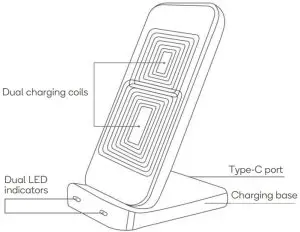
OVERVIEW
OPERATION
Connect to the power adapter
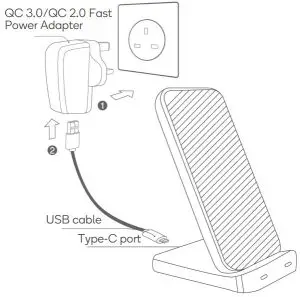
- Connect the power adapter to the wall socket.
- Connect the USB end of the cable into the power adapter, and the other to the Type-C port on the base.
- Connect to the power supply; the blue indicator lights will flash, then turn off, and the unit enters standby mode.
WARNING: Fast wireless charging requires a QC 3.0/QC 2.0 fast wall charger. A power adaptor is not included with the product.
Charging mode
- Connect to the power supply; the blue indicator lights will flash, then turn off, and the unit enters standby mode.
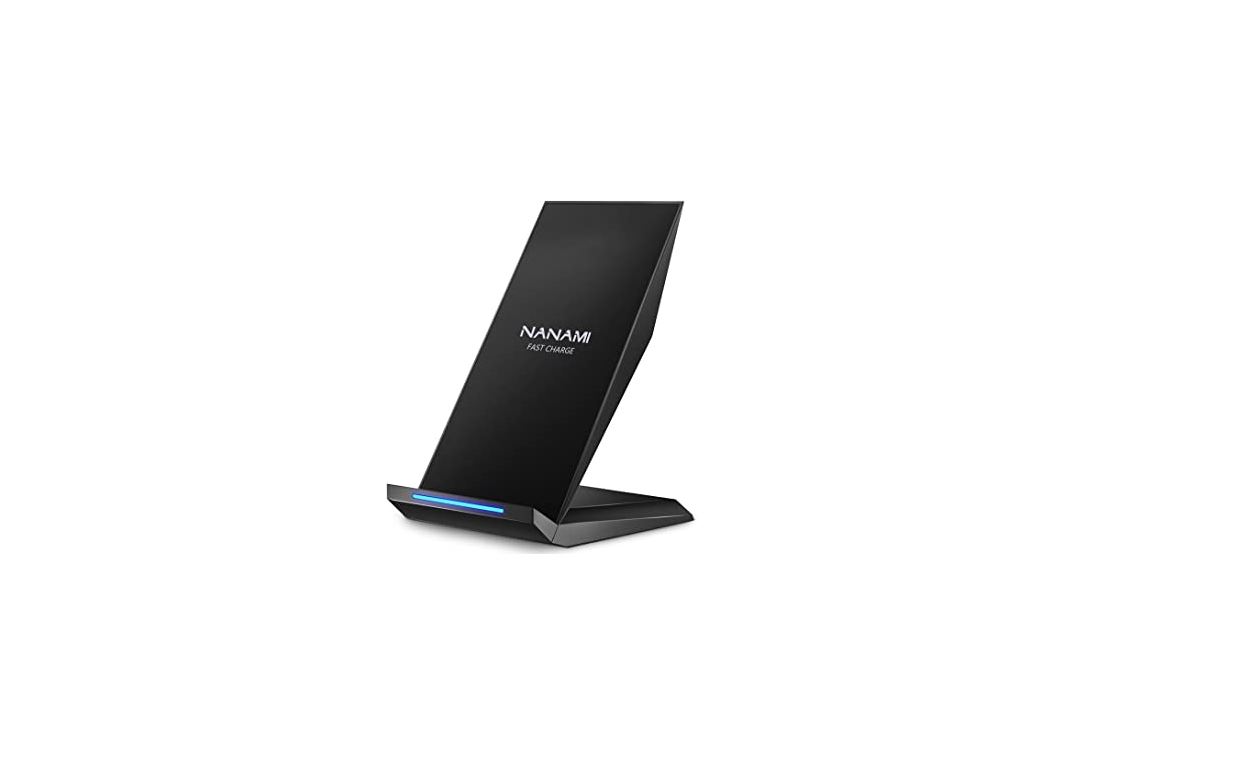
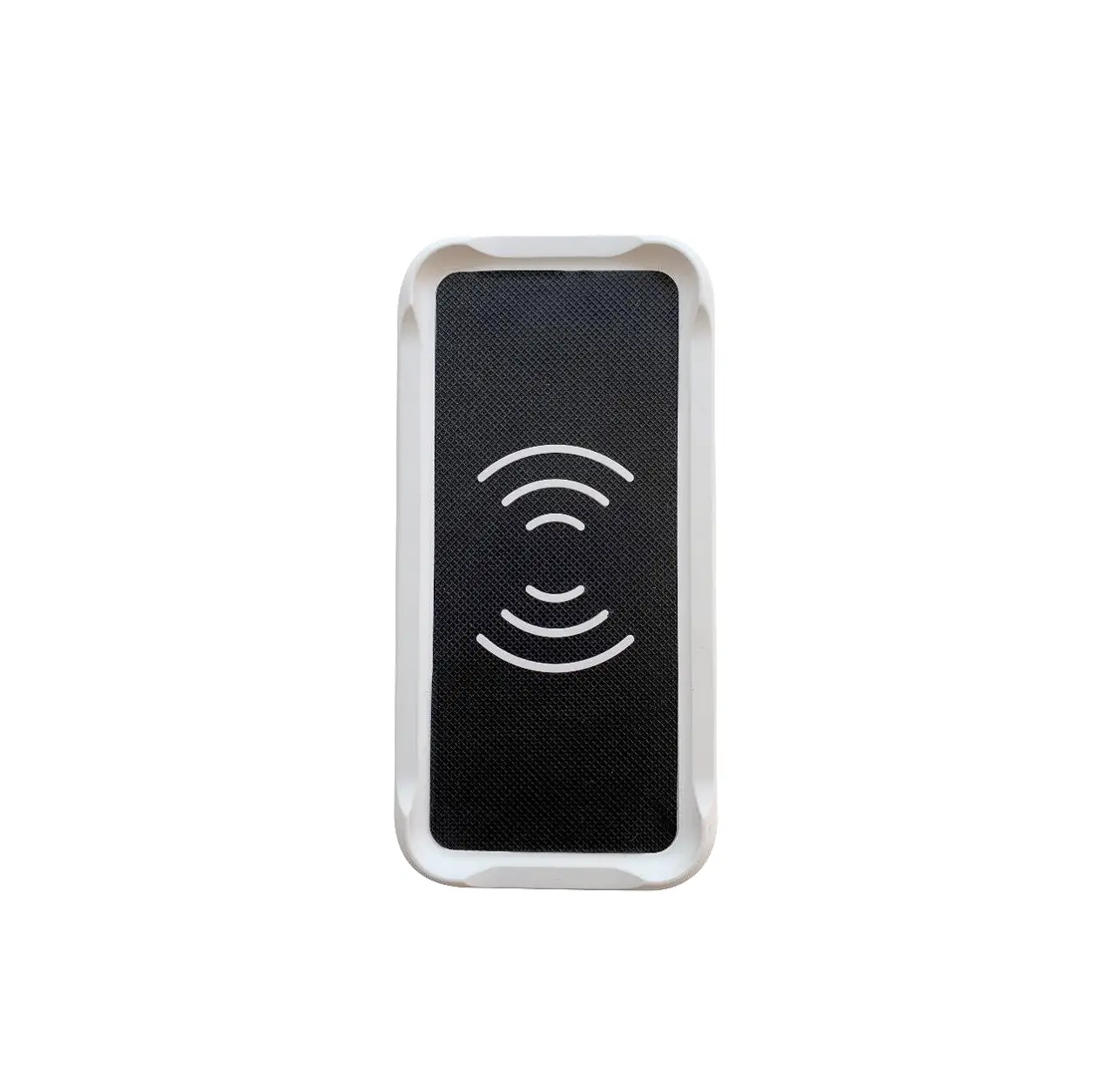
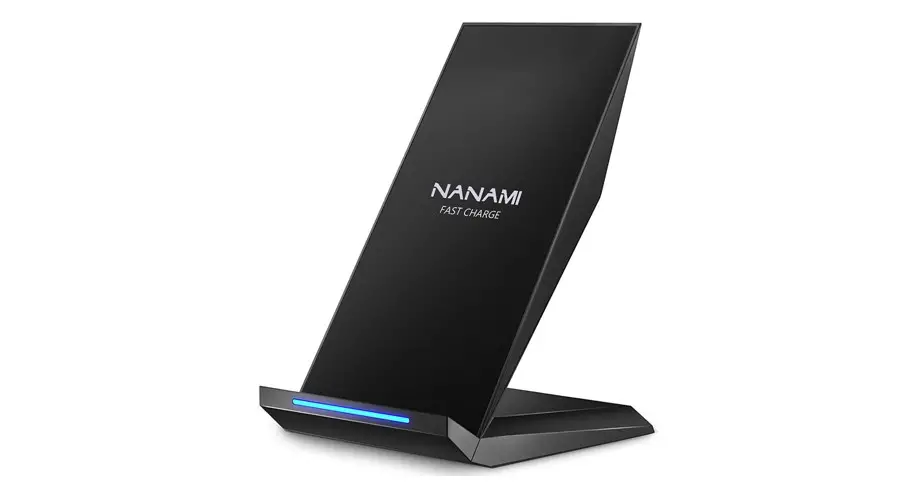
- Place a Qi-enabled device on the charger pad, the indicator light will illuminate blue to show the device is charging. The indicator light will turn off to standby mode when the device is removed from the charging pad.
Cooling fan switch
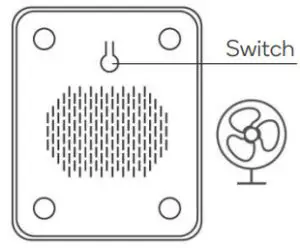
Press switch on the underside of the wireless charger’s base to switch the cooling fan on/off.
SPECIFICATIONS
| Input | DC 12V 1.5A, 9V 1.8A, 5V2A |
| Output | 5W-7.5W-10W (max) |
| Charging distance | 4~10mm |
| Frequency | 110-205KHz |
| Product size | 67 x 87 x 123mm |
| Wireless charging standard | Qi |
| Conversion | ≥78% |
| Compatibility | All Qi standard devices |
NOTES
Need more information?
We hope that this user guide has given you the assistance needed for a simple setup.
For the most up-to-date guide for your product, as well as any additional assistance you may require, head online to help.kogan.com