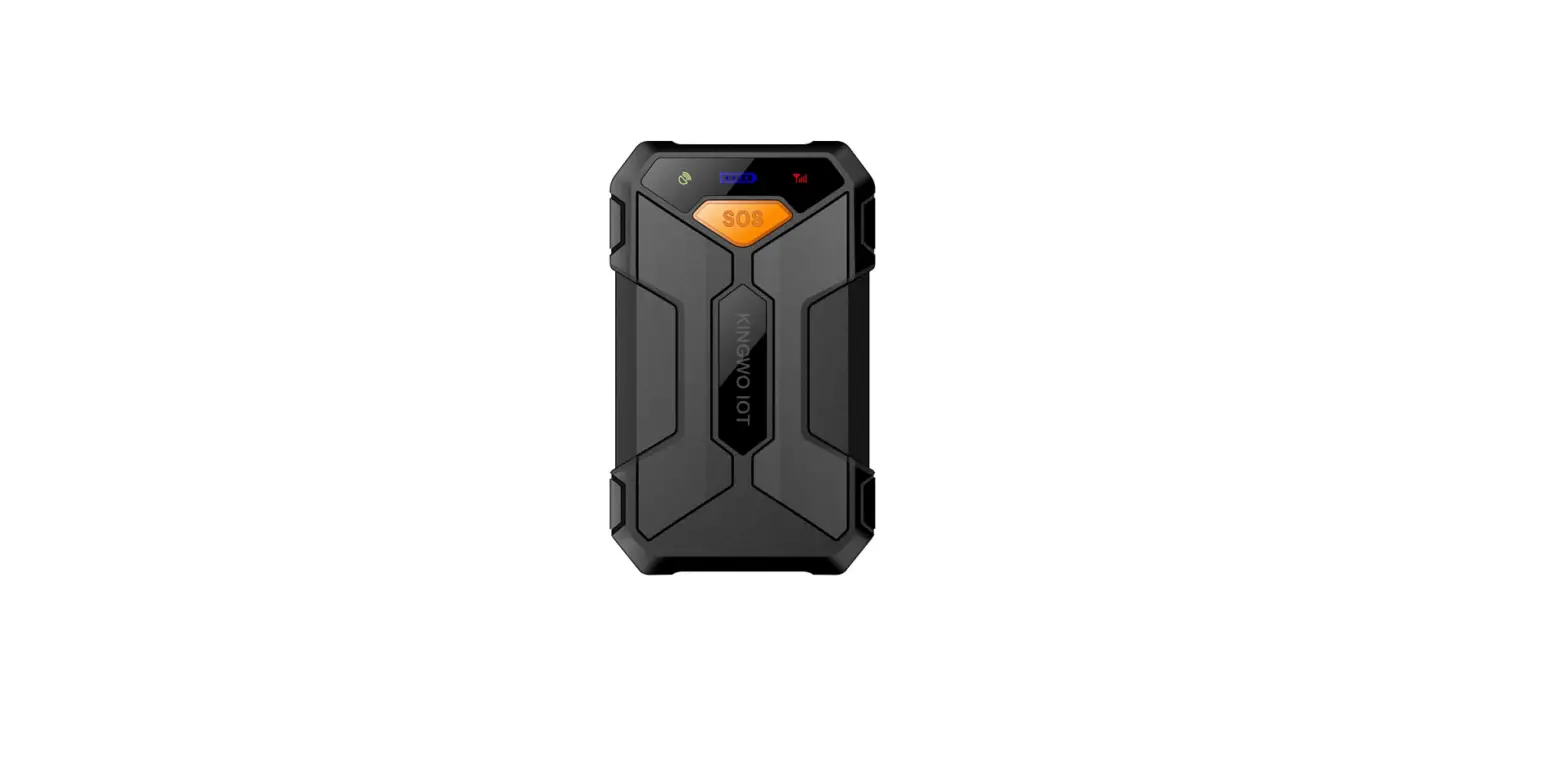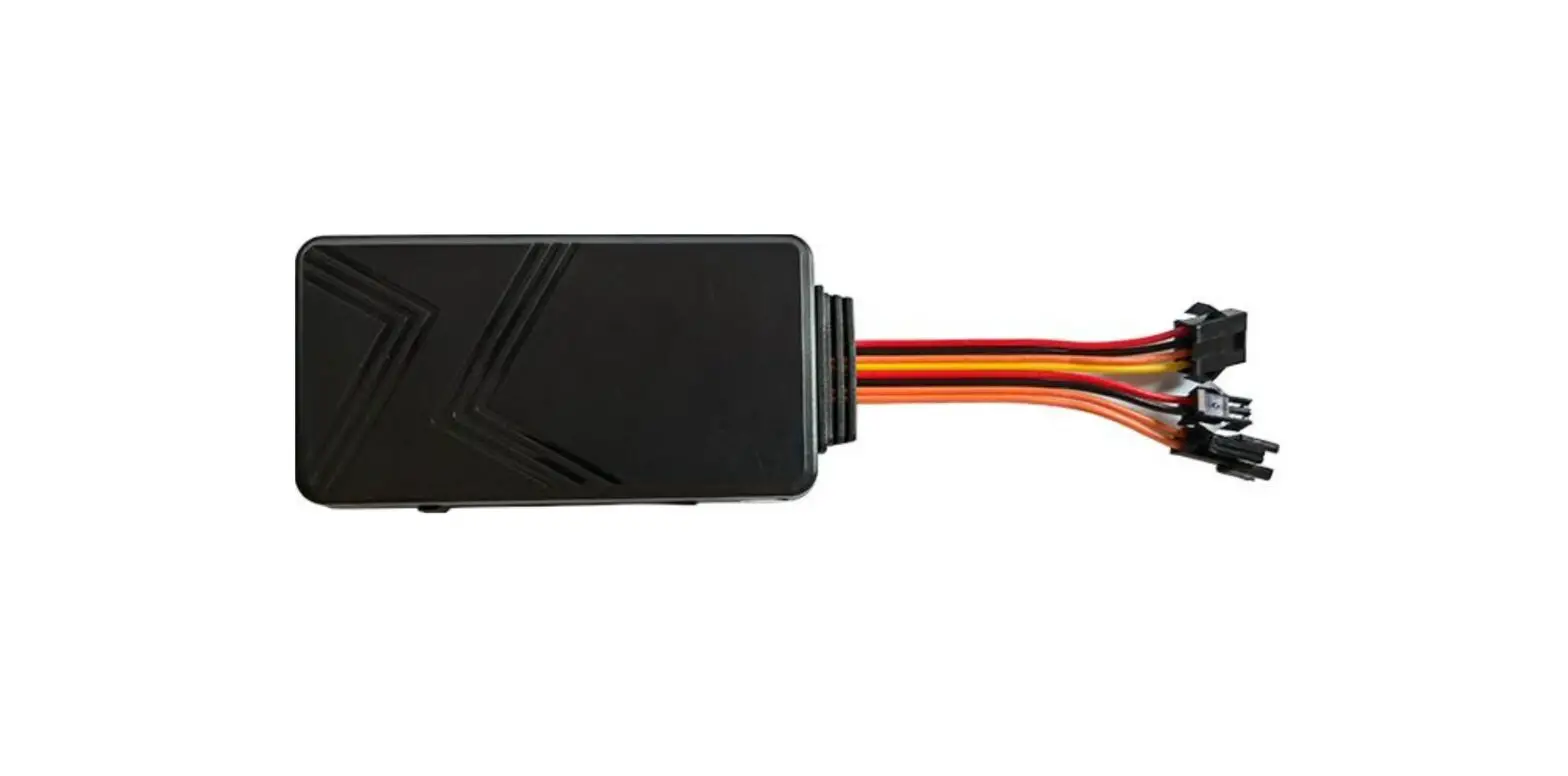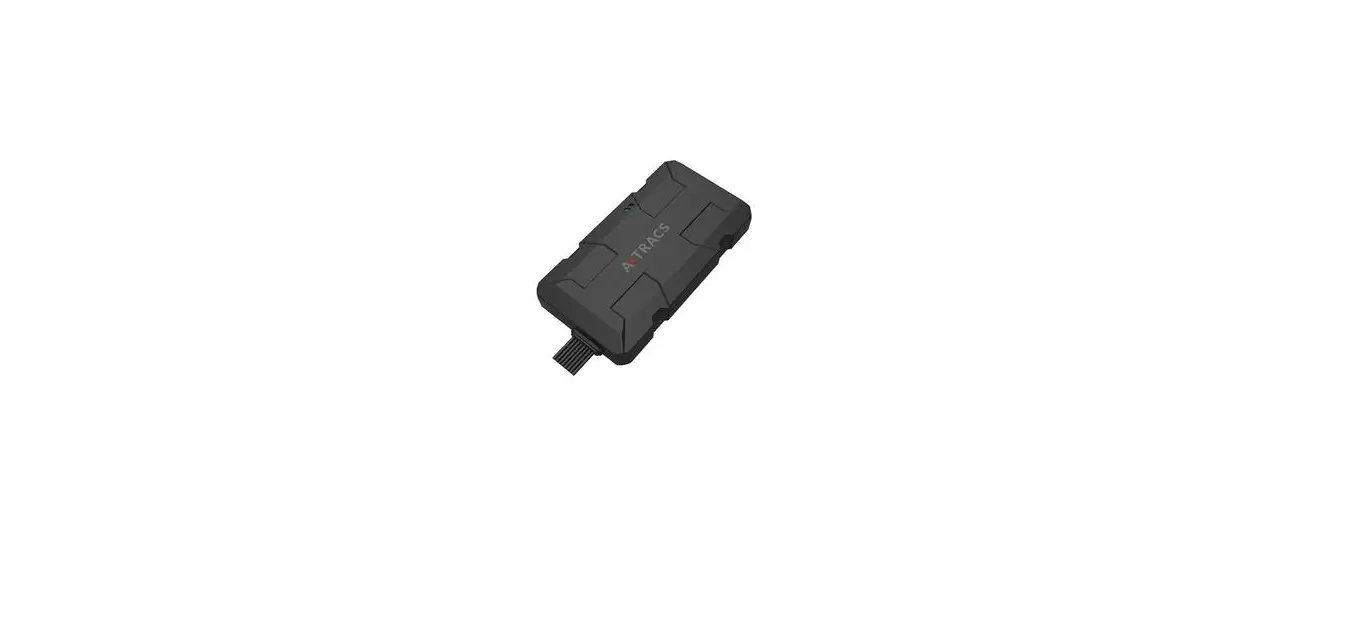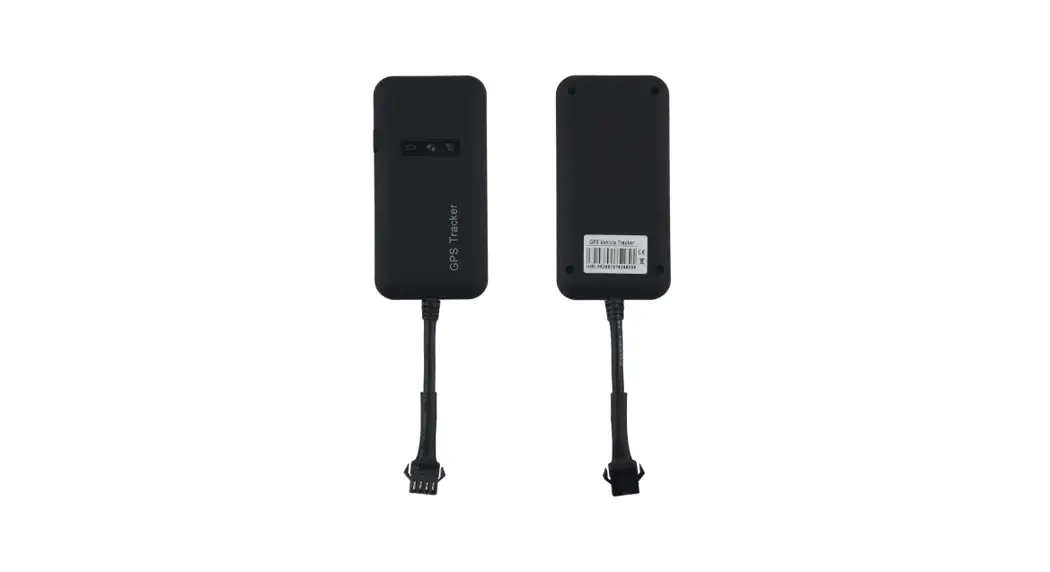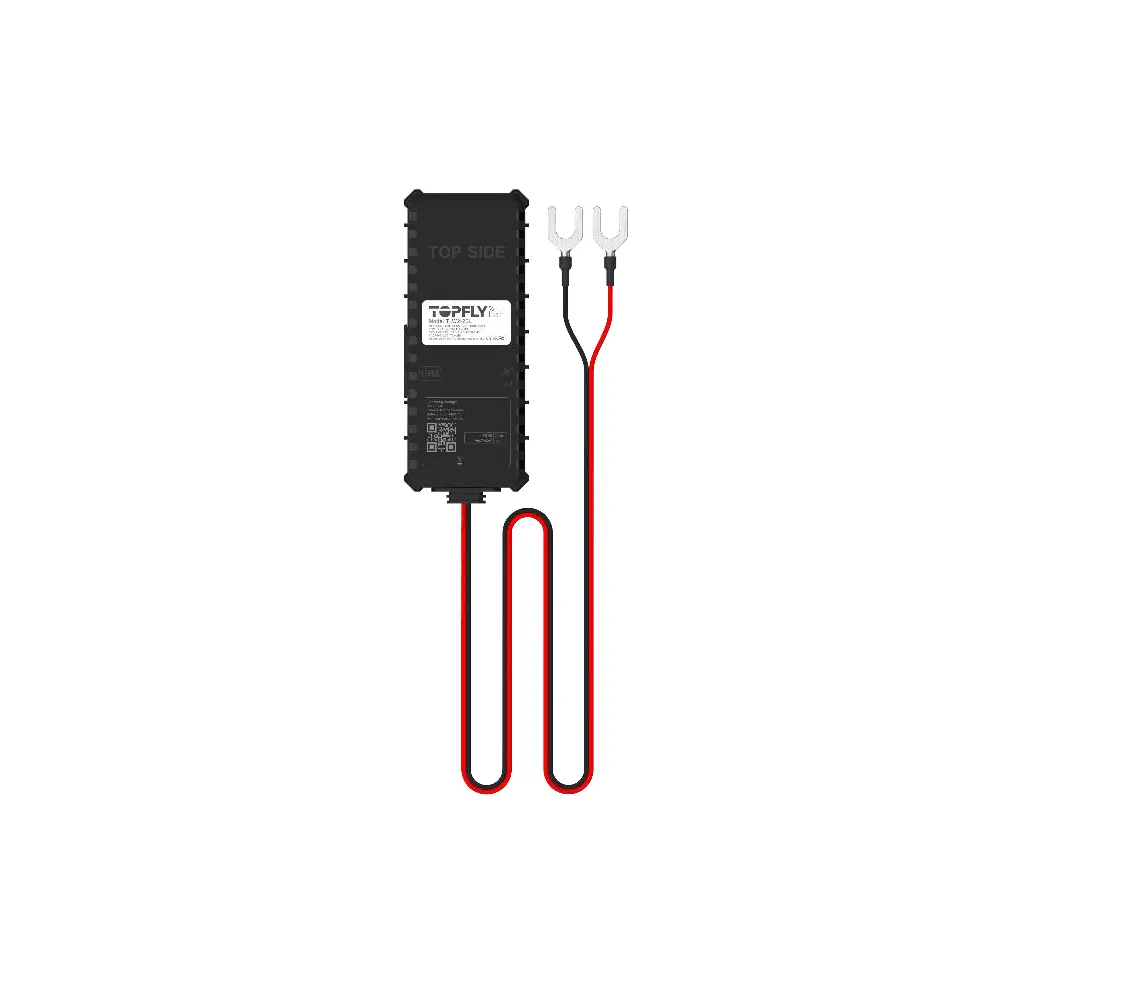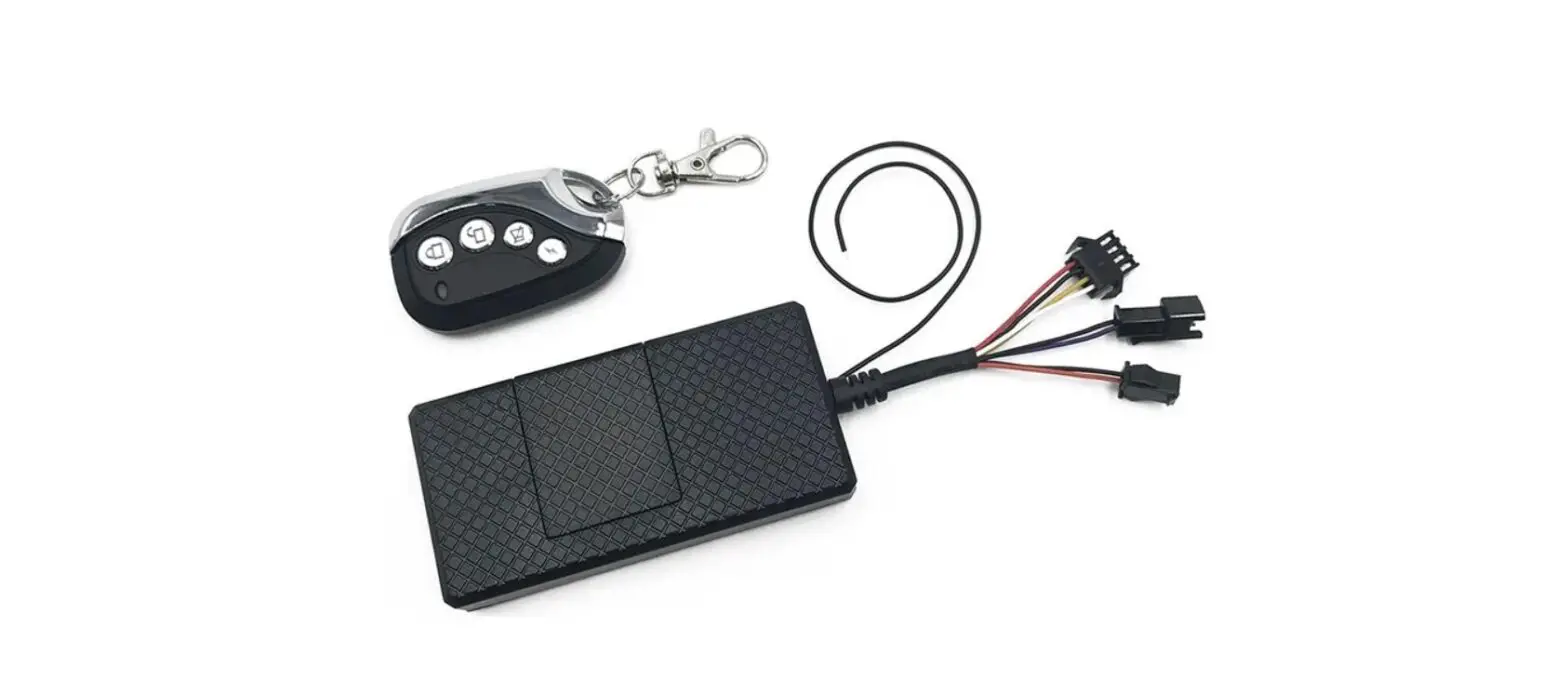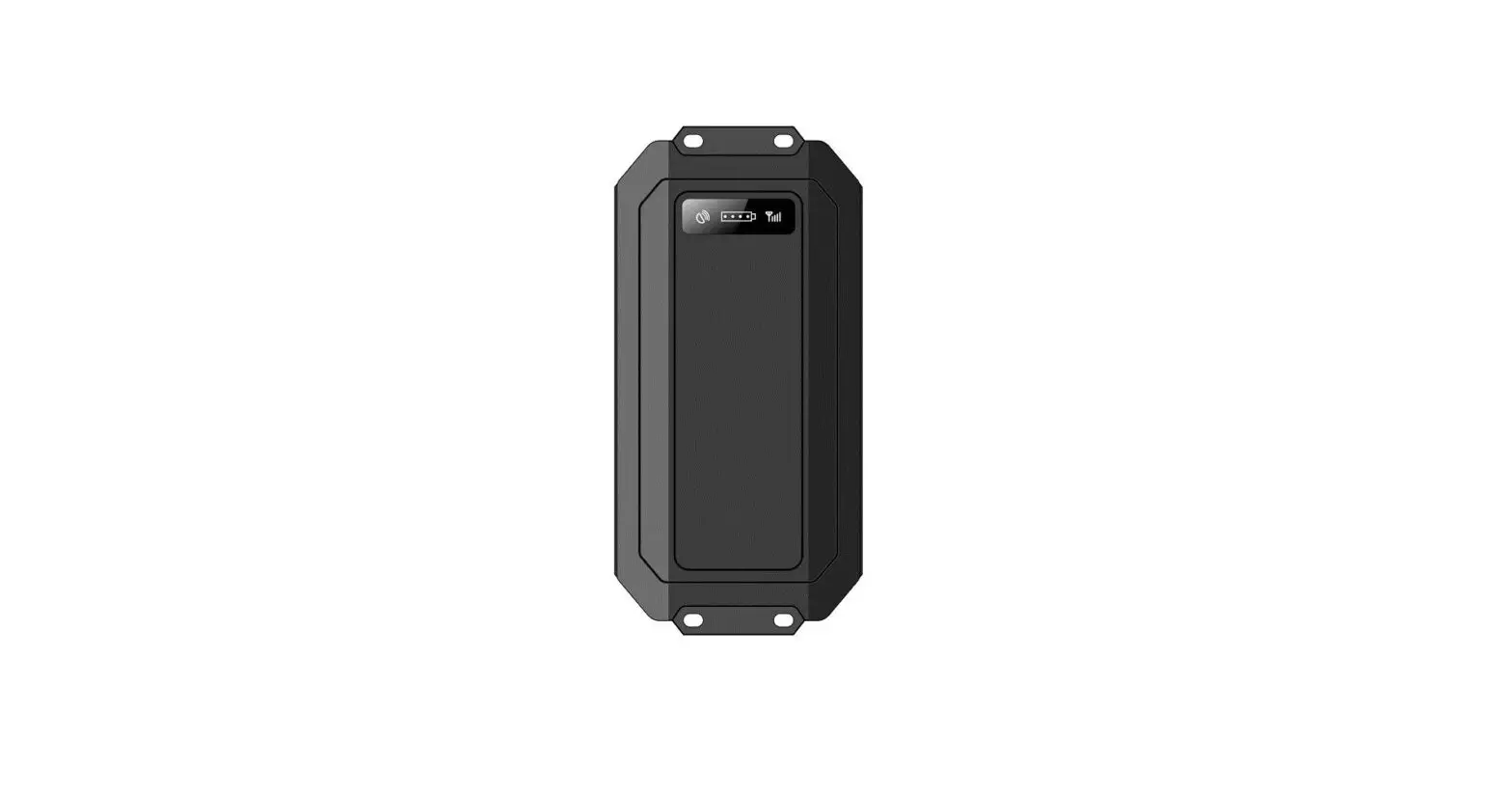

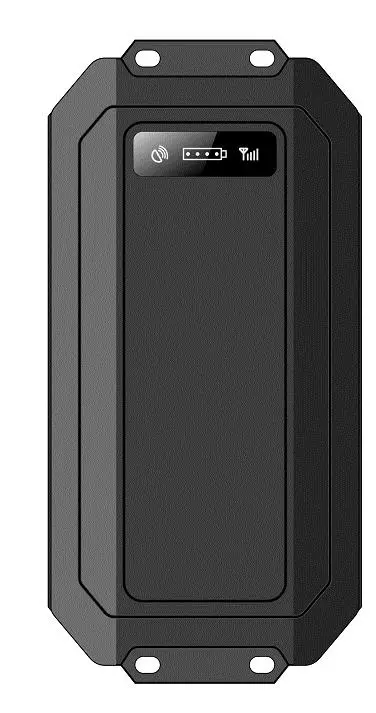
Kingwo NT08E CatM1 NB loT Asset GPS Tracker
Declaration
The contents of this manual are expected to be renewed from time to time without prior notice; the updated content will be added to the new version of this manual. KINGWO will improve or update the products or procedures described in the manual at any time. If there is a description of the product in the manual that does not match the actual product, the actual product shall prevail. KINGWO has the final interpretation rights of this manual.
Product Overview
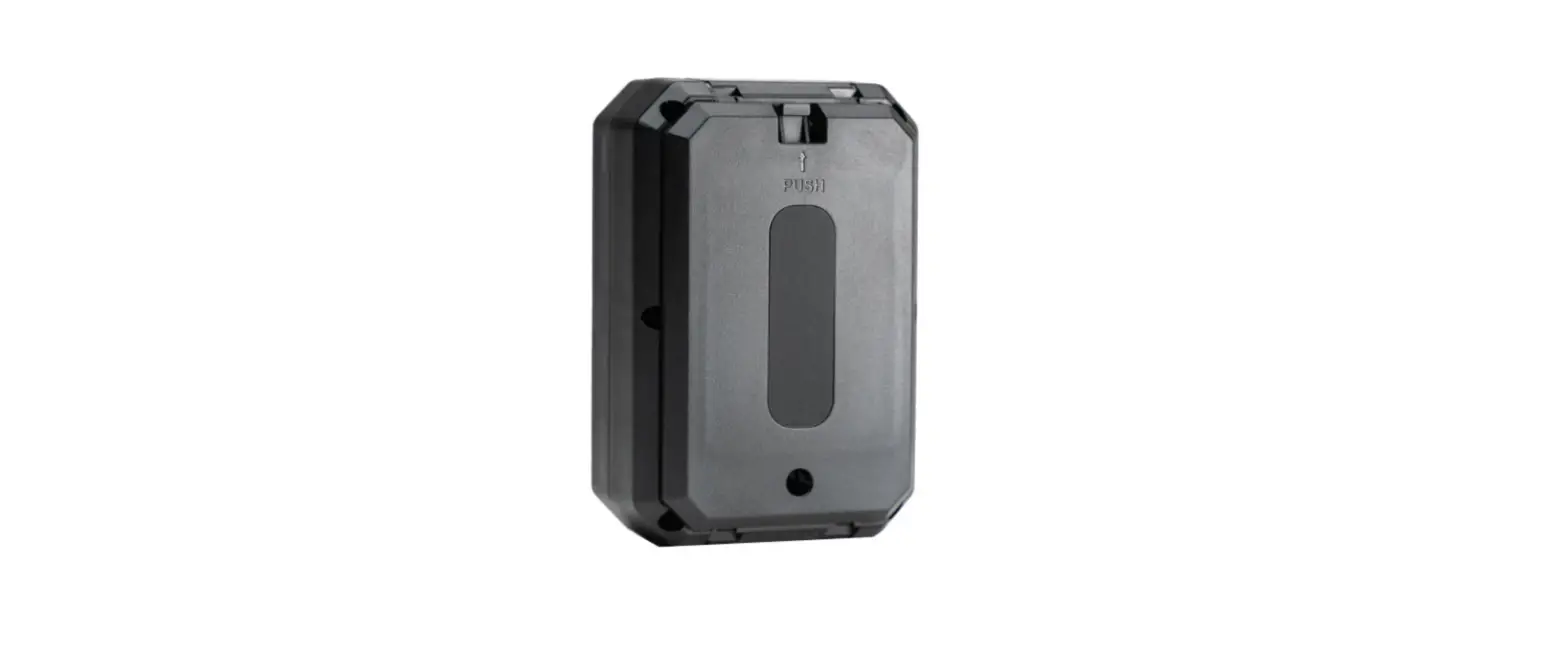
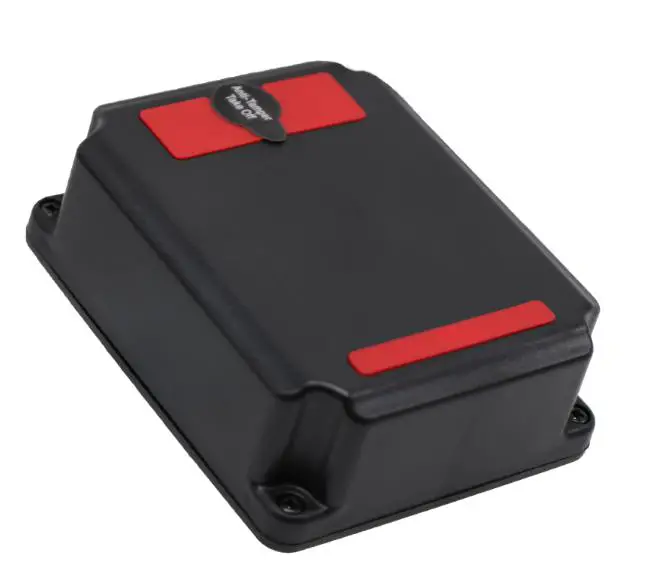
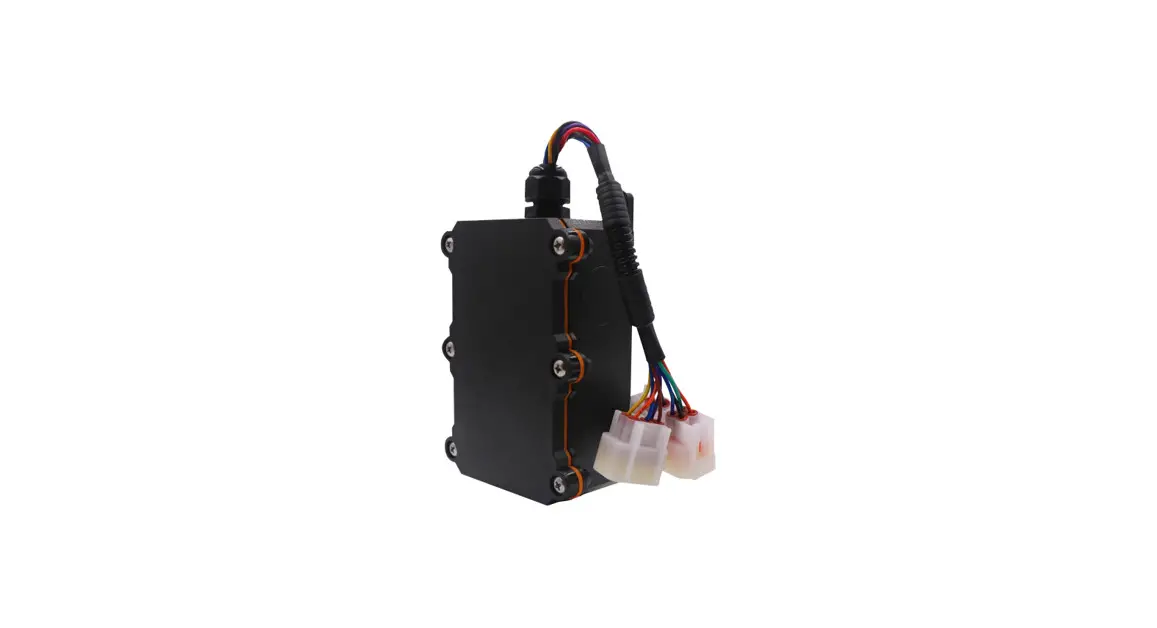
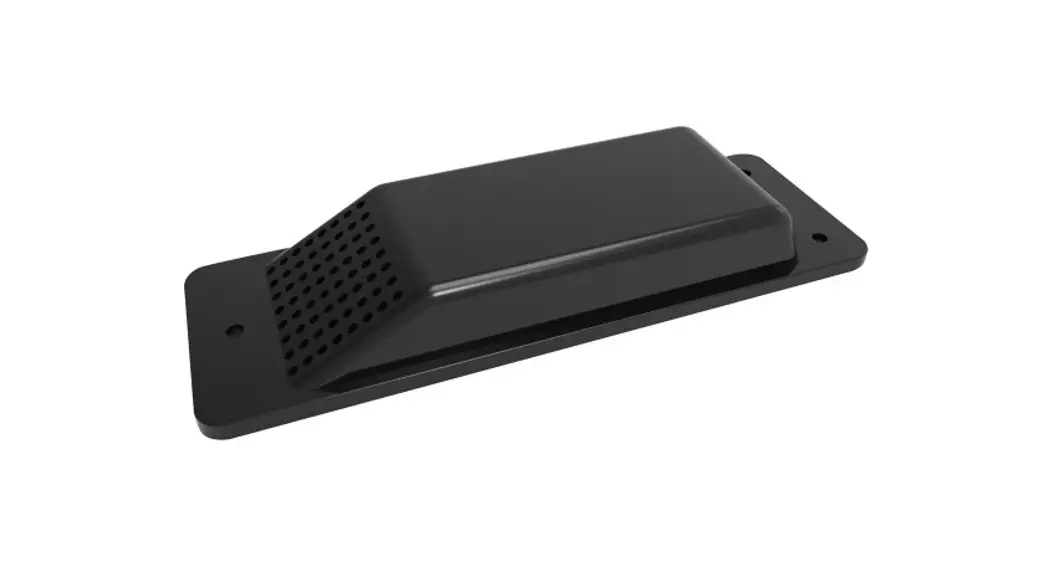
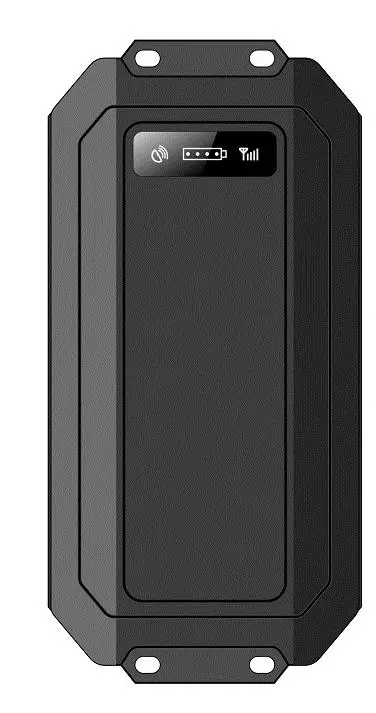 Appearance
| Enclosure | IP67 waterproof |
| Magnets | To stick the device to the metal surface |
| Screw hole | To fix the device to the non-metal surface |
| Power button | Inside the enclosure for hidden installation purposes, to turn on or turn off device |
|
Light sensor | To detect removal alarm or activate the device from warehouse mode into normal mode, remove the sticker on the light sensor, when the device expose to light, it will trigger a removal alarm or activate the device from warehouse mode |
| Temperature sensor | To measure the environment temperature |
| Motion sensor | To detect the motion or static status of the device, detect motion alarm and collision alarm |
| Bluetooth | Bluetooth ibeacon function |
| Wifi | Wifi position for indoors tracking |
LED status
| LED type | Event | Status |
|
Cellular LED (Red) | Network connecting | 0.2s on, 0.2s off |
| Network connected | 0.2s on, 1s off | |
| PDP activate success(APN correct) | 0.2s on, 2s off | |
| Server connection success | 0.2s on, 5s off | |
| Module restart | Solid on | |
| Position LED(Green) | GPS position | Solid on |
| LBS position | 0.5 seconds on, 0.5 seconds off | |
| Wifi Position | 2 seconds on, 2 seconds off | |
| No position | Off | |
| Note: LED can be turned off or on by using the command: LED,0# LED,1# | ||
Product features summary
- Built-in 20000mah batteries, it can last 10+ years if uploaded data once a day
- Multiple work modes: Regular, Clock, Track, motion, and static modes
- Alarms: Motion alarm, removal alarm, collision alarm
- Multiple position modes: GPS, WIFI, LBS, AGPS
- Temperature monitor
- Battery level upload
- Weatherproof for outdoors assets monitor
- No wires and magnets for easy installation
- Jamming detection
Specification
| Physical | Dimension | 154X82X30mm(L*W*H) |
| Weight | 495±5g | |
| Communication module | Quectel BG95 | |
| Working frequency: | ||
| Cat M1: LTE-FDD B1/B2/B3/B4/B5/B8/B12/B13 /B14/B18/B19/B20/B25/B26*/B27/B28/B66/B 85 | ||
|
Cellular | • Cat NB2: LTE-FDD B1/B2/B3/B4/B5/B8/B12/B 13/B18/B19/B20/B25/B26*/B28/B66/B71/B85 | |
| Frequency | • EGPRS: 850/900/1800/1900MHz protocol: Embedded TCP/IP stack Sensitivity: -107dBm@850/900MHz -106dBm@1800/1900MHz Output power: Class 4 (2W)@850/900MHz Class 1 (1W)@1800/1900MHz GPRS data: GPRS Class 10, Mobile Station Class B | |
|
GPS | Channels: 50 Sensitivity: -147dBm Position accuracy:5-10m Accuracy: 5m CEP Cold start: <27s Hot start: <1s | |
| Processor | STM32G070CB | |
| Motion sensor | DA260 | |
| Wifi position | Wifi 4.0 | |
| Bluetooth | Bluetooth 5.0 | |
|
Power | Battery | Disposable Lithium-ion battery and (3.6V, 20000mAh) and ultra-low discharge rate:less than 1%, store one year below 25℃ |
| Power consumption | Average working current <100mA; Power save current <15uA; | |
| GSM antenna | Internal High Gain | |
| GPS antenna | Internal High Gain | |
| SIM | Microsim | |
Intelligent Work modes
The default work mode is the regular model: upload interval is one-day one ping, and the data packets information includes GPS status, longitude, and latitude, cellular signal Strength, satellite numbers, battery level, etc, there are multiple track modes available from the device, below is the explanation for work mode priorities:
- Track mode>Warehouse >Regular mode =Clock mode=Week mode= Motion and static mode;
- The work mode which is equal can be replaced by each other and the last configuration will prevail
Track mode
| Configuration | SMS Command | Remark |
| Set Track mode | ZZ,A,T1,T2# or MODE,1,T1,T2#; | A:1- Enter |
| For example: ZZ,300,60# (MODE,300,60#) indicates enter into track mode, | in track mode,0- Exit track mode; T1: | |
| upload data each 300 seconds, track duration time is 60 mins ZZ,0# or MODE,0# indicates exit | upload interval unit : seconds ; | |
| track mode | value range | |
| 30-300 seconds; T2: | ||
| Track duration time ,Unit: minutes, | ||
| value range | ||
| 5-57600 minutes ; | ||
| Exit track mode | ZZ,0# or MODE,0# | |
| Note: 1. Under track mode, GPS position is on priority, meanwhile, LBS and WIFI data will be captured each 30 seconds 2. Device would enter into power save mode if the device stopped 5 minutes, GPS will be turned off, but it will keep connection with the backend and upload packet according to the configured intervals 3. Under track mode, if the SIM card loosen, network register failure or server failure happens, device will turn off celluar and GPS for 30 minutes and then attempt connection, however, if the removal alarm is triggered during this period, it will immediately attempt a connection. 3.GPS will wake up if motion is detected in power save mode. | ||
Warehouse mode
| Configuration | SMS Command |
|
Set storage mode |
STORAGE,T# For example STORAGE,2880# indicates enter into storage mode, upload data each 2880 minutes | T: Upload interval Unit: Minutes Value range: 2880-43200 minutes (2-30 days) |
| Exit storage mode | STORAGE,0# | |
| Note: This model is designed for power save purposes before the device goes to field: 1. Under warehouse mode, if light sensor is triggered, the device will exit warehouse mode 2. Under warehouse mode, if other work mode has been configured, device will exit warehouse mode 3. Under warehouse mode, device can’t be wake up by vibration 4. Under warehouse mode, use command STORAGE,0# to exit warehouse mode | ||
Regular upload mode (Recommended)
| Configuration | SMS Command | |
|
Set regular upload mode | HX,T# or MODE,0,T# For example HX,1440# or MODE,0,1440# indicates upload each 1400 minutes (24 hours) | T:Upload interval Unit: Minutes Value range: 5-43200min utes (2-30 days) |
| Exit storage mode | STORAGE,0# | |
| Note: Default setting is wake up each 1440 minutes(24 hours) Fixed upload mode can’t be wake up by motion | ||
Clock mode
| Configuration | SMS Command |
|
Set clock mode | MODE, 4, N, T1, T2..TN# For example MODE,4,3,0800,1400,2100## | T1-TN is time point, format is HHMM, for example 0800 indicates 08:00 |
| Delete clock mode and return to fix upload | WAKEUP,# | |
| Note: Time interval between each two clocks should be no less than 5 minutes Clock mode can’t be wake up by motion | ||
Week mode
| Configuration | SMS Command | |
|
Set week mode |
MODE,3,T1,T2# For example MODE,3,246,09:00# indicates wake up at 9:00am at Tuesday, Thursday and Saturday | T1=1:Monday, T1=137 indicates Monday, Wednesday and Sunday T2 indicates wake up point , format is HH:MM |
| Note: Clock mode can’t be wake up by motion | ||
Motion and static mode
| Configuration | SMS Command | |
|
MODE,6,T1,T2,A# or MS, T1,T2,A# | T1:Upload interval in motion status , value 5-43200 minutes T2: Upload interval in static status, value 5-43200 minutes or set clock mode, format (HH:MM) A:Motion Alarm on, 0:Motion Alarm off | |
|
Set motion and static mode | For example: MODE,6,60,300,1# Indicates upload interval in motion status is 60 minutes, upload interval in static status is 300 minutes, motion alarm on | |
| Note: Device can’t be waked up by vibration while in motion mode Device can be waked up by vibration while in static mode After waking up, there should be 3 seconds vibration in 6 seconds, device will turn on the cellular module and upload the data packet, otherwise, it would enter into sleep mode again and maintain the previous configuration parameters | ||
| Configuration | SMS Command | |
|
MODE,6,T1,T2,A# or MS, T1,T2,A# | T1:Upload interval in motion status , value 5-43200 minutes T2: Upload interval in static status, value 5-43200 minutes or set clock mode, format (HH:MM) A:Motion Alarm on, 0:Motion Alarm off 9 | |
|
Set motion and static mode | For example: MODE,6,60,300,1# Indicates upload interval in motion status is 60 minutes, upload interval in static status is 300 minutes, motion alarm on |
- AGPS
When the device successfully registers on the network, AGPS is available to speed up the position speed and improve the position accuracy - LBS
If the device enters into the blind zone and GPS cannot be fixed, the device will switch to the LBS position, LBS provides the reference location which might not be accurate - Wi-Fi
The device has a built-in Wi-Fi Chip, it automatically connects to the WIFI hotspot nearby and filters the hotspot info then select the WIFI hotspots with the strongest signal, the device will pack those hotspots’ info and save it into the packet that will be uploaded after the backend receives Wi-Fi information, it will interpret the WIFI info and acquire the current location from the Wi-Fi database, The default setting is WIFI priority, once it detects WIFI Hotspot, it will upload WIFI info only, and do not use GPS, if WIFI is not detected, it will use GPS to the position.
Kindly remind: To use the Wi-Fi feature, please make sure your software supports the Wi-Fi database - Blind data storage
When the device enters into the blind zone when in sleep mode, it will store the trace data according to the preconfigured time interval and it will upload the data in the blind zone to the backend when the cellular network recovers - Temperature detection
The device’s built-in temperature sensor, it detects the temperature once the device is turned on, then will read it every 16 seconds. The temperature accuracy is 95%. - OTA commands from the backend
Since the wake-up of the device is normally short before entering into sleep mode, it is hard to receive SMS, to ensure the command sending efficiently, we suggest an OTA commands to be sent from the platform, when the device is online, the backend will automatically send this command, to make sure the commands are properly received. - Strong Magnetic and waterproof function
NT07E is with a built-in super strong magnet that can firmly stick the device to the metal surface, is easy to install and conceal, and the device is with waterproof function, which can be installed on any assets that are outdoors. - Position Priority
GPS>WIFI>LBS
Turn on the GPS module immediately after the device wakes up, and report the position after GPS positioning or timeout; - WIFI>GPS>LBS
Search for WIFI hotspots immediately after the device wakes up. When the number of hotspots>=2, the GPS module will not be turned on; - WIFI>LBS, GPS OFF
The GPS module is not turned on after the device wakes up. When the number of hotspots>=2, the positioning package will be reported immediately; - GPS>WIFI, LBS OFF
Turn on the GPS module immediately after the device wakes up, and report the positioning package after GPS positioning or timeout; - WIFI> GPS, LBS OFF
Search for WIFI hotspots immediately after the device wakes up. When the number of hotspots>=2, the GPS module will not be turned on; - AGPS
When the device successfully registers on the network, AGPS is available to speed up the position speed and improve the position accuracy - History data upload and Delete function
Command: BLIND,A# A=1:OFF;A=0:ON Clear command: CLR,BLIND# More than 128 positions can be saved, the blind zone data read is first-in-first-out; - Early sleep mode
In order to reduce the power consumption, the device will not continue to work and directly enter the sleep state under that abnormal status: The device does not recognize the SIM card; the Cellular module resets 6 times continuously; the Device resets 6 times continuously; Failed to connect to the server (single IP 3 times, dual IP 2 times each); No response from the server after sending upload data three times in a row. VCC voltage is lower than 2.9V; After VCC is lower than 2.7V or devices resets 6 times continuously, if the upload interval is less than 60 minutes, the sleep time will be changed to 60 minutes mandatory ; - Low Voltage Shutdown
The device will immediately enter the low-power mode and will not wake up;- VCC voltage is lower than 2.7V;
- VCC voltage is lower than 2.9V and the device has been continuously reset 6 times and the power is <=2%;
- Connection timeout
Normally the maximum duration time of each wake-up of the device is 15 minutes. - Network and Bands lock
Command: SEARCH,P[;BandNBiot;BandCAT-M1]#- P: Network priority
- P=1 Lock GSM
- P=2 Nbiot Priority, CAT-M Second, GSM final
- P=3 CAT-M Priority, GSM Second, NB OFF, Defaulted P=4 Lock CAT-M
- P=5 Nbiot Priority, GSM Second, CAT-M OFF
- P=6 CAT-M Priority, NB Second, GSM OFF
- P=7 Nbiot Priority, CAT-M Second, GSM OFF
- BandNBiot: Nbiot Bands; ALL-Bands, Multiple bands are separated by half-width commas, for example, B1, B3, B5
- band-M1: CAT-M1 Bands; ALL-Bands, Multiple bands are separated by half-width commas, for example, B1, B3, B5
- APN Adaptive
The device has APN adapt features, however, if APN is not in APN adapt list, APN configuration is required. - IBEACON
- Command: IBEACON,UUID,major,minor,rssi#
- UUID: 32 bytes,Composed of 0-9, A-F, a-f, default: 0000ffa06da44e50a375bade13be6daa
- Major: Ibeacon group code, default 1, value range 0-65535
- Minor: beacon code, default 0, value range 0-65535
- Rssi: Signal strength at a distance of 1M, default -59, value range 0-255 The device is equipped with a Bluetooth chip, and it broadcasts ibeacon BLE information regularly after power on, and the distance can be checked through the Apple beacon APP;
Functions
Removal alarm
There is a highly sensitive light sensor at the bottom, if the device has been tampered with, either the device is working or in sleep mode, it will be activated and enter into the anti-removal status and switch on the anti-removal alarm, and report the alarm info to the backend or preset phone number. Command: FALL,A#
- A=3 Turn on the removal alarm, and only report data once, as default.
- A=2 Turn on the removal alarm, tracking for 15 minutes, once every 300 seconds
- A=1 Turn off the removal alarm function
- A=0 Turn on the removal alarm function, tracking for 60 minutes, once every 60 seconds
Motion alarm
The motion is in static mode and the motion alarm is turned on, and the motion alarm will be reported following the positioning after being awakened by motion;
GPS receiver failure alarm
When the GPS module is turned on, there is no GPS data output for 90 seconds, and the GPS receiver failure alarm will be reported
WIFI failure alarm
After powering on the WIFI twice in a row, the serial port did not report any information, and followed the positioning packets it will report a WIFI failure alarm;
G-sensor failure alarm
If G-sensor I2C initialization failed, it will report motion sensor failure with position packets
Collision Alarm
Command: COLLISION, A# Value Range 0-8000mg When the acceleration change value exceeds A, the device immediately wakes up and reports a collision alarm, please note collision alarm won’t work if the device is in motion and static mode as well as warehouse mode.
Installation guide
Setup and debugging
SIM card installation
Unscrew the top cover of the device, insert the prepared SIM card into the SIM card holder, and then confirm that the SIM card button is well placed. Please make sure that the SIM card has data service available in advance and note down the SIM card number.
Main unit power on
After installing the SIM card, turn the battery switch to the ON position. When the red light starts to blink, indicating that the device is powered on.
Major parameter setting by SMS or SSCOM tool
SMS list
|
APN,apn,user,pwd# | Set APN, User name and password For example: APN,CMNET,internet,internet# APN:CMNET Username: internet Password: internet APN,CMNET# APN:CMNET User name: Null Password:Null |
|
IP and port | Set IP, port and communication type of primary server , For example: IP,119.23.233.52,6000,1# Set the primary server IP:119.23.233.52,port 6000, communication type:TCP IP,www.365qczx.com,6000,0# Set the primary server domain:www.365qczx.com, Port 6000, communication type UDP |
| HX,<T># | Sleep mode return interval, default 1440 minutes, that is, 24 hours t: wake-up time, unit: minutes range: 5-43 200 minutes for example: hx,120# |
|
ZZ,A,[,T1,T2]# | Track mode A: A=1,Enter track mode A=0 Exit track mode T1: upload interval in track mode,unit:seconds Range:5-300 seconds T2:The continue track time in track mode,Unit: Minutes Range :5-57600 minutes |
| WAKEUP,T1[,T2[,T3[,T4]]]# | Latency mode sets a multipoint return parameter, up to four points in time T1…T4: A point in time, such as 0830 for 08:30 in the morning |
|
FALL, A# | A=3 Switch on removal alarm, do not track, defalut value A=2 Switch on removal alarm, track 15 mins, 300 seconds once A=1 Switch off removal alarm A=0 Switch on removal alarm, track 60 minutes, 60 seconds once |
| UTC, TTTT# | Set time zone, unit minute,default UTC+8:00 |
| STORAGE,T# | Storage mode return interval, default is 0, that is, turn off t: wake-up time, unit: minute value range: 2880-43200 minutes for example storage,10080 |
| MS,m,s# | Motion static detection mode, m: return interval during motion, default 60 minutes, value range 5-43 200 minutes s: static return interval, default 720 minutes, value range 5 43 200 minutes For example: ms,120,1440—return interval during motion |
| is 120 minutes and static return interval is minutes. | |
| *11*4# | Query the communication status of the device |
| *22*1# | Device resume to factory setting |
| *22*4# | Restart the device |
| *77*0 number# | Set center number 1 |
| *77*2 number# | 2 Set number 2 |
SSCOM configuration
Com tool download link and follow up the guide for configuration: http://dl.vodofo.com/KingwoTool20220218.rar
Mounting recommendations
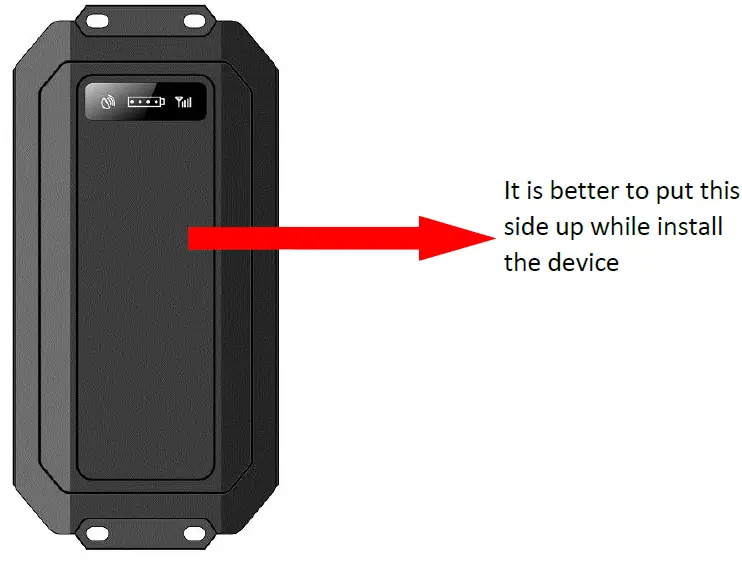
- The bottom of the tracker is fitted with a powerful magnet, please put the tracker directly on a metal surface or mount the device with screws to the surface without metals.
- Please do not put a tracker in the metal environment which will affect the GPS signal.
Safety Information
- Don’t disassemble the device by yourself
- Avoid strong humidity, direct sunlight, and high temperature
Don’t use on airplane
NT08E Usage Requirements
The users are required to strict use the device according to the operating instructions, any disassemble, collide, charge, soak, over 80 °C, human failure, force majeure damage, etc. may cause a short circuit, insufficient working time, battery deformation, liquid leakage, explosion, no warranty, and compensation will be provided by Kingwo.
Contact us
Shenzhen Kingwo IoT Co., Ltd
- +86 0755 86704262
- [email protected]
 dl.vodofo.com/KingwoTool20220218.rar
 365qczx.com
 首页 - GPS Tracker | GPS Tracking Devices-GPS Tracker for Car | Kingwo