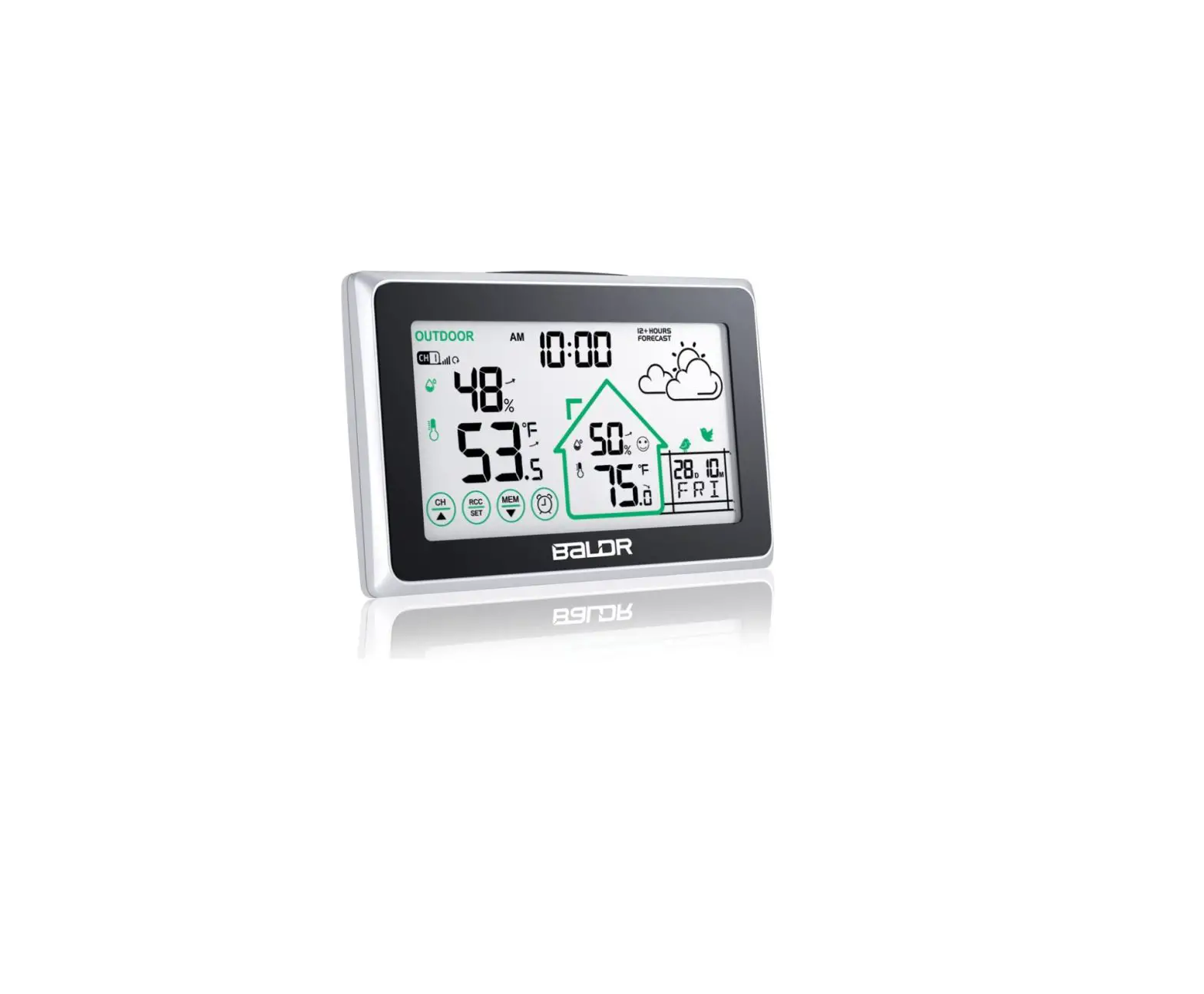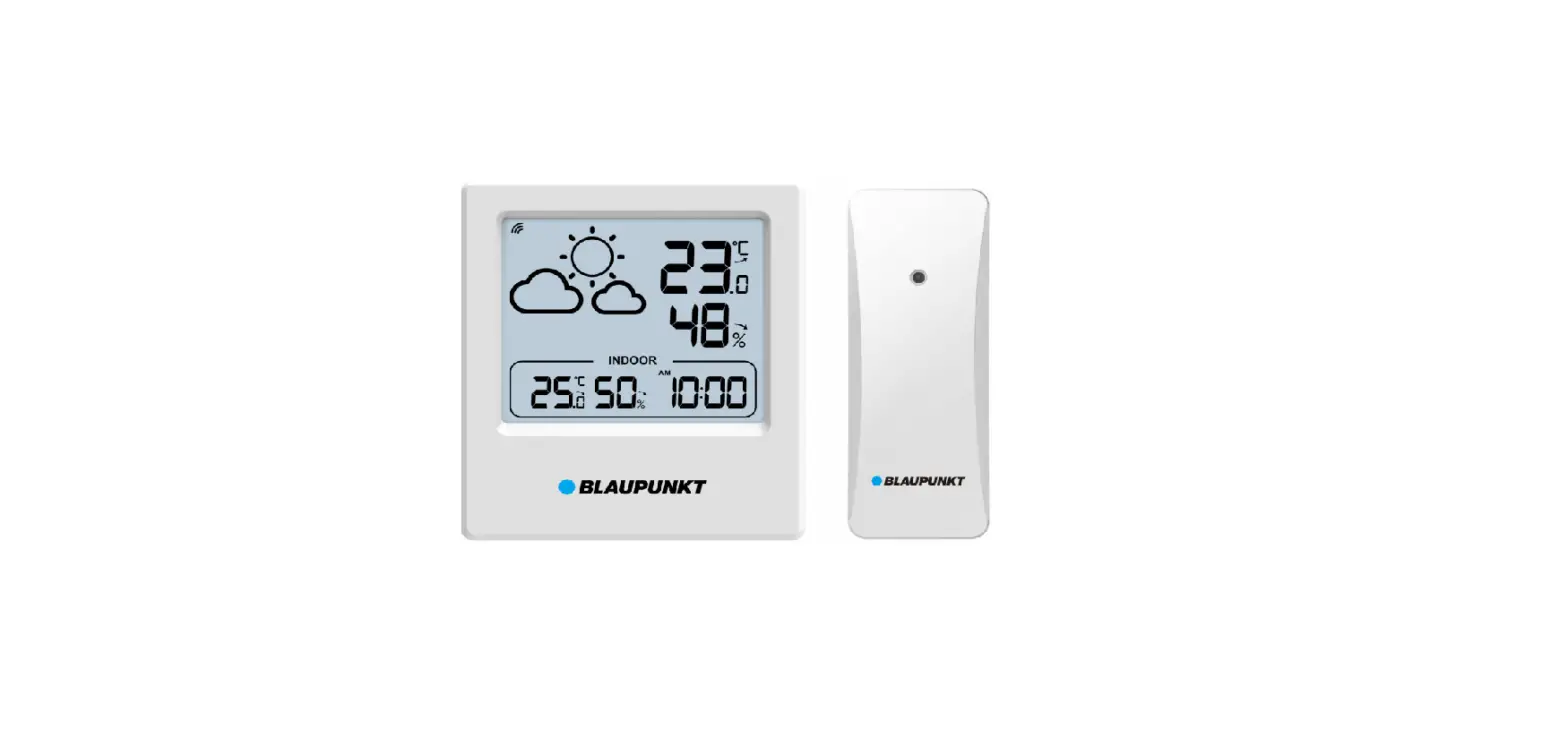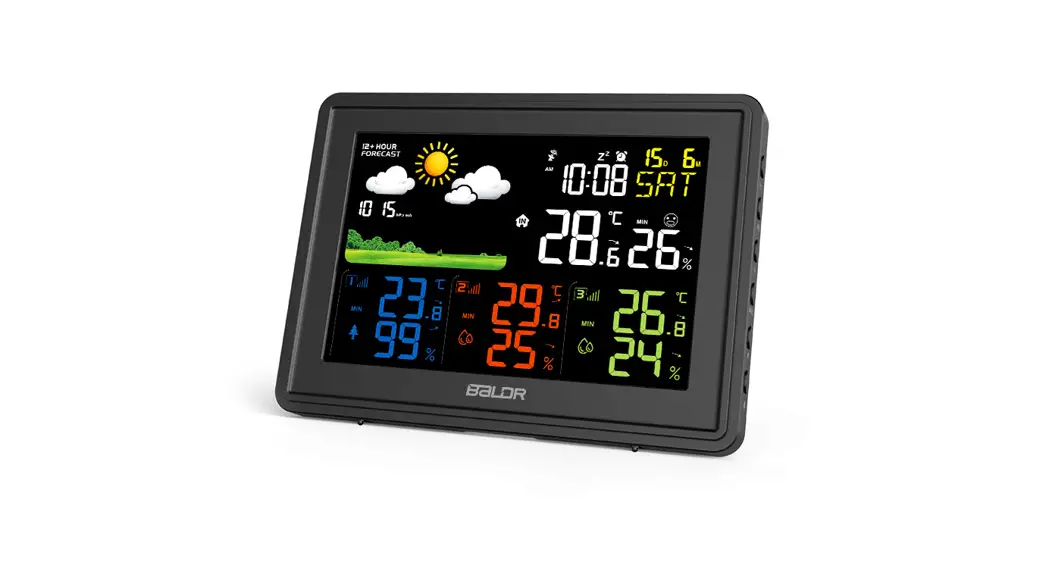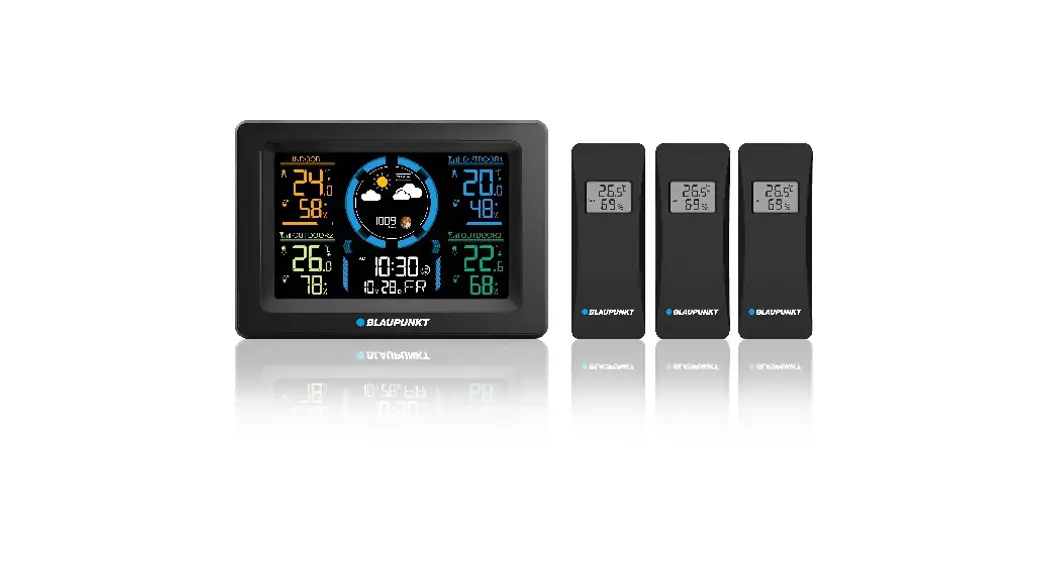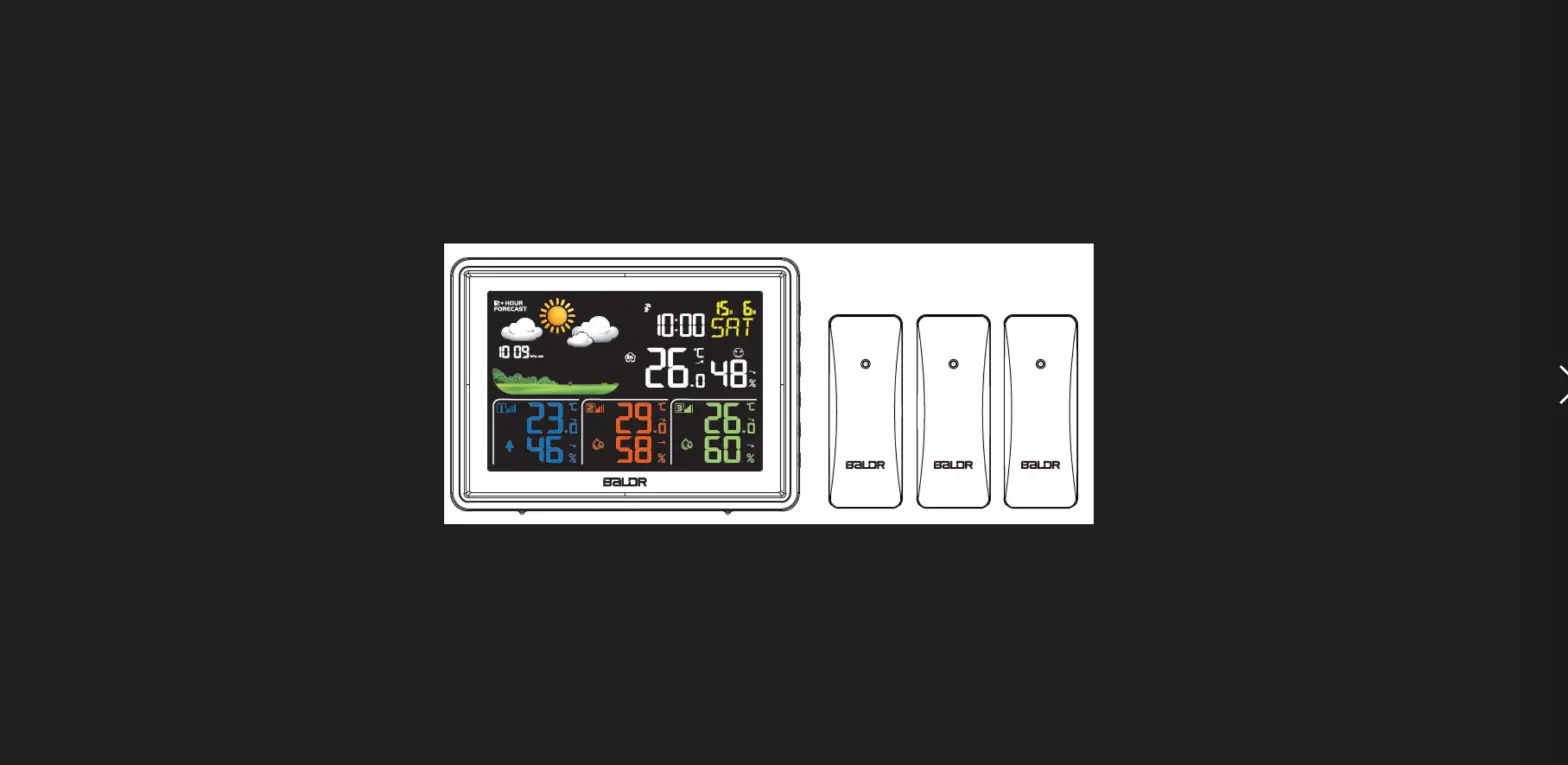

BALDR B0359WST4H4PR Weather Station
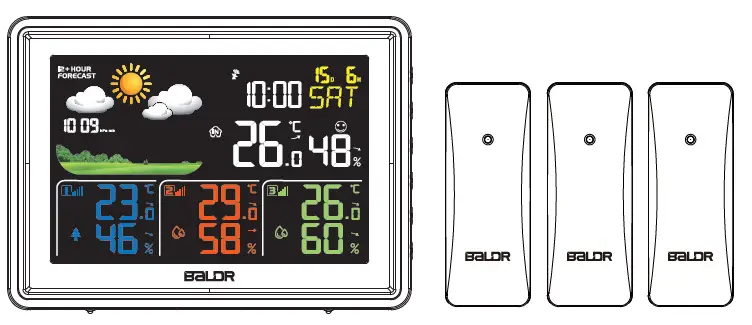
Thank you for your order. BALDR weather station is functional product, no matter what problems you have met while using the weather station, please feel free to contact us to get support.
| Button Function | SET | MEM | CH | ▲/RCC | ▼ |  |  | |
|
Normal Mode | Press | / | Check MAX/MIN Records | / | Select °C/℉ | 12/24H Switch | Check Alarm Time,Turn ON/OFF Alarm Function | Select Backlight Level |
| Hold | Enter Manual Setting | Clear All Records | Re- connect to Sensors | Turn ON/OFF RCC Receiving Mode | / | Set Alarm Time | / | |
|
Time Setting | Press | Confirm /Go To Next Step | / | / | Increase | Decrease | / | Exit/Back to Normal Mode |
| Hold | / | / | / | Adjust Quickly | Adjust Quickly | / | / | |
|
Alarm Setting | Press | / | / | / | Increase | Decrease | Confirm /Go To Next Step | Exit/Back to Normal Mode |
| Hold | / | / | / | Adjust Quickly | Adjust Quickly | / | / | |
| Alarm Goes Off | Press | Turn Off Alarm | Turn Off Alarm | Turn Off Alarm | Turn Off Alarm | Turn Off Alarm | Turn Off Alarm | Snooze Mode |
HOW TO GET MORE ACCURATE VALUE
For the more accurate reading and weather forecast, please place the sensor at a proper place:
- When the sensor is f irst used or relocated, please place the whole set device at the same position for half an hour or more after power on before having accurate measuring of temperature and humidity.
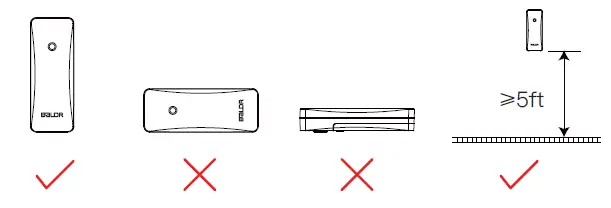
- Place the sensor vertically, meanwhile, please place the sensor at a height about 1.2-2.5 meters/3.93-8.20 feet.
- Make sure there is not a thick wall or strong interference source using same signal frequency (433Ghz) between the weather station and sensor. (such as TVs, microwaves, computers, etc).

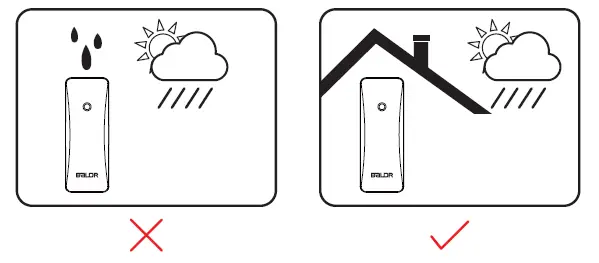
- Avoid exposing to direct rain, sunlight or other heat/cold source.

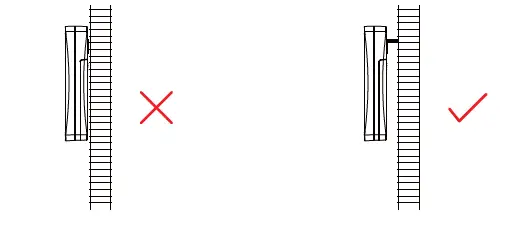
- Leave certain space of gap between the sensor and the wall to avoid blocking the vent of the sensor for well-ventilated.

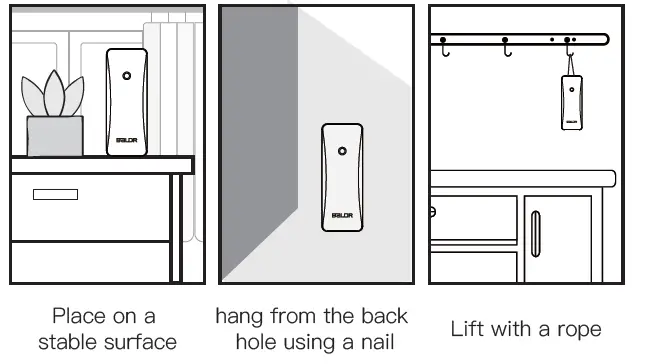
- Mount the sensor in multi ways, no matter whatever way, make sure at least one side of the back’s vent is not blocked.

TROUBLESHOOTING
| Problem | Possible Solution |
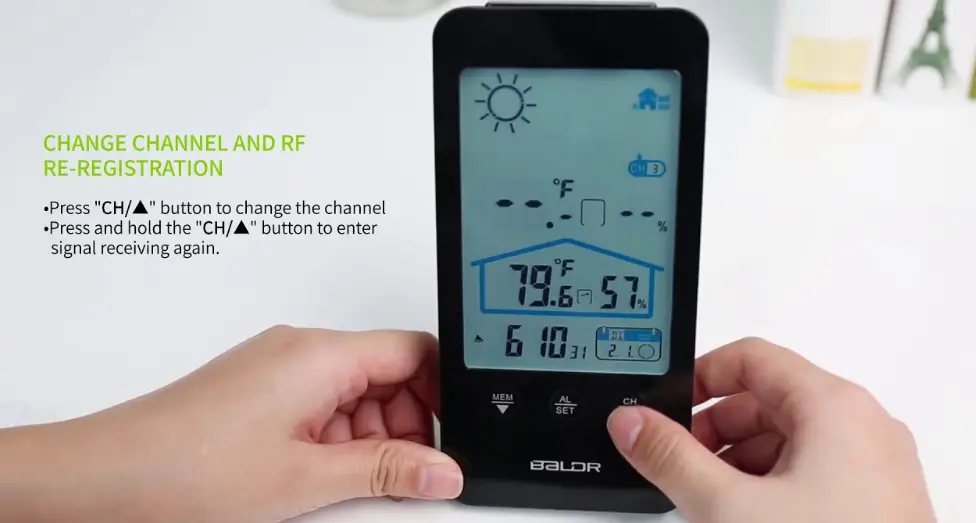
| Outdoor temperature is flashing or showing dashes | If the wireless signal indicator shows”–“, which means connection loss or wireless interference. Press and hold the “CH” button to re-connect the sensors, if doesn’t work, please try the FACTORY RESTART. Note: Distance/Resistance can cause loss of outdoor sensors signal, please move the outdoor sensors to a closer location if disconnected again. |
|
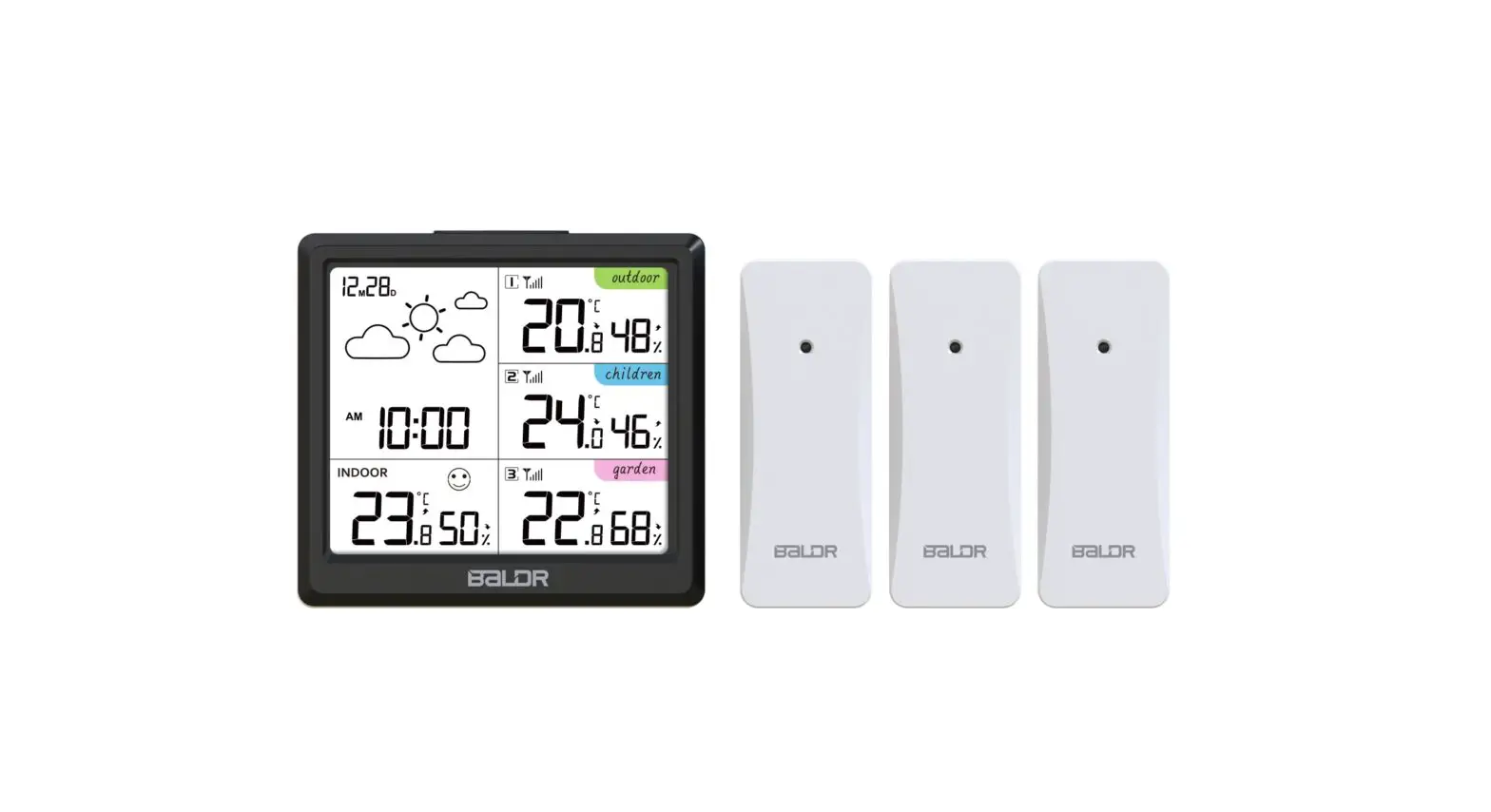
One sensor or two sensors do not work | Place the outdoor sensors right next to the weather station, unplug the adapter of the weather station, take out the CR2032 battery, then remove three sensors batteries. Install the weather station adapter after 1 minute and install three sensors batteries respectively. Note: The channels of the three sensors are CH1, CH2 and CH3 respectively. Insert the CR2032 battery into the weather station after the outdoor data results are available. Install sensors batteries in 3 minutes after power on the main. |
|
Time is inaccurate | *Check to see if the RCC Tower icon appears on the forecast station. If not, the forecast station has not received a WWVB/DCF time signal in the past 24-hours. *Check that the Time Zone selected correctly reflects your location. Adjust the time zone in the MANUAL SETTINGS (Refer to this part of the manual). * FOR US MARKET:Check that the DST indicator is correct for your location (most areas observe DST so this should be ON). Adjust the DST indicator in the Manual Settings(Refer to this part of the manual). |
| Inaccurate temperature or humidity | When the indoor temperature/humidity is inaccurate, it is often due to the location of the display or overpow- ered/under powered batteries. You can test the accuracy at you home. Side-by-side test: Bring the outdoor sensor in the house and place it next to the weather station for 2 hours. |
| Inaccurate temperature or humidity | (1).Temperature:Compare indoor and outdoor temperature. The temperature should be within 2℃(4 ℉) to be within tolerance. Humidity:Compare indoor and outdoor humidity. The temperature should be within 10%RH to be within tolerance. (2).Look for heat sources such as sunlight, door or window frames or reflected heat or cold near the weather station. |
| Inaccurate weather forecast | This Weather station has 5 forecast icons that predict the weather condition of the next 12 hours based on the change of temperature, humidity and barometer. The weather forecast is about 70-75% correct. As weather conditions cannot be 100% correctly forecasted we are not responsible for any loss caused by an incorrect forecast. |
| Outdoor sensor drains batteries quickly | *Test a new set of alkaline batteries. Write down the date of installation and the voltage of the batteries.When the batteries fail, please note the date and voltage again. *Check the distance and resistance between the outdoor sensor and weather station. Outdoor sensors at the end of the range may work while batteries are fresh but not after they drain a bit. |
| The buttons doesn’t workable suddenly | Within 7 minutes of receiving RCC signal, the other buttons have no response except “▲/RCC” button. You can press and hold the “▲/RCC” button to exit RCC receiving. |
| The backlight suddenly went out and turned on in the early morning | There are regular RCC radio signal receiving at early morning each day. Once signal received at any one receiving time, it will stop receiving signal that day. During receiving, the backlight brightness will automatically adjust to 3%, and return to previous brightness after receiving. |
| If your BALDR weather station still can’t be worked well after trying the troubleshooting steps, please visit our official website: https://www.baldr.com or email us by [email protected] for help. | |
FACTORY RESTART
The factory restart returns the weather station and outdoor sensor to an “out-of-the-box” default state and often resolves an issue.
- Unplug the adapter of the weather station.
- Take out the CR2032 battery.
- Remove three sensors batteries.
- Install the weather station adapter after 1 minute.
- Install three sensors batteries respectively. (Note: the channels of the three sensors are CH1, CH2 and CH3 respectively.)
- Insert the CR2032 battery into the weather station after the outdoor data results are available.
Note: Allow the outdoor sensor and weather station to sit together for 30 minutes to establish a strong connection before move the sensors. This is a complementary of the user instruction to help you know well about the product, if you need other detailed settings and information, please follow the operation video by: https://youtu.be/H5yKehuueI4 or scan the following QR code to get relevant product information and operation video link.Thank you.
www.baldr.com [email protected]
 Baldr builds smart devices to connect your home!