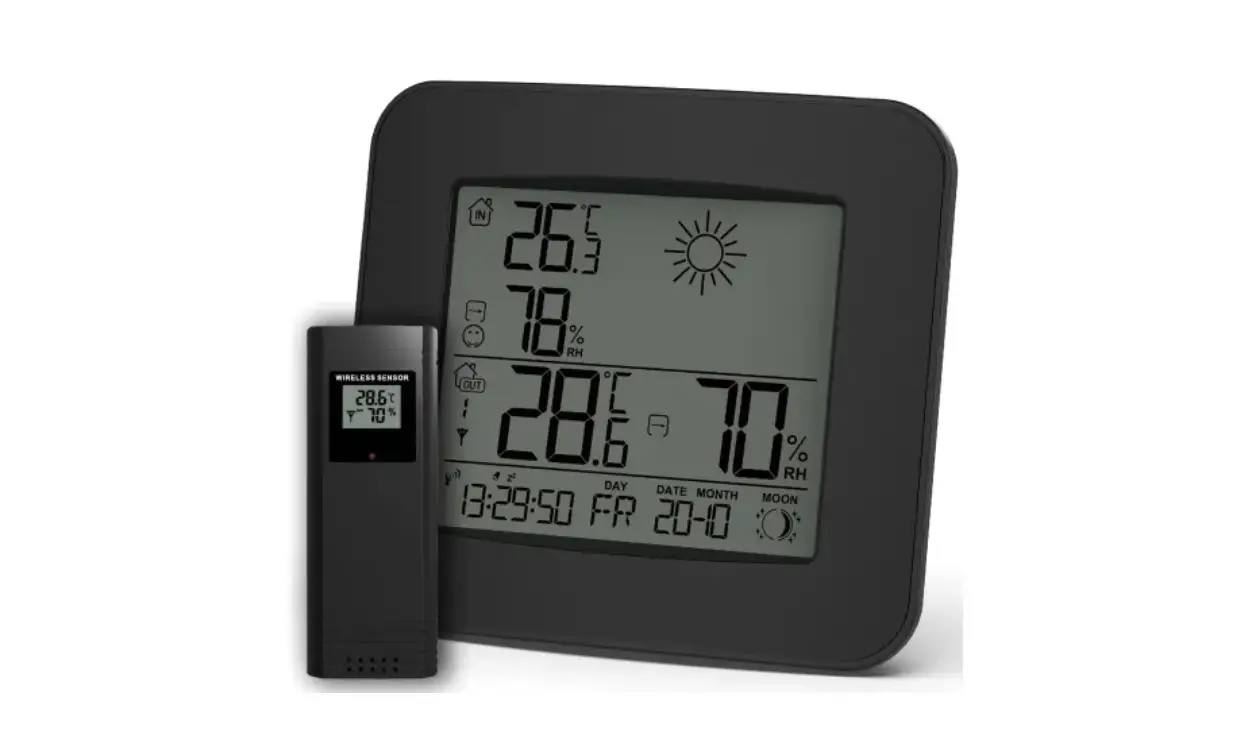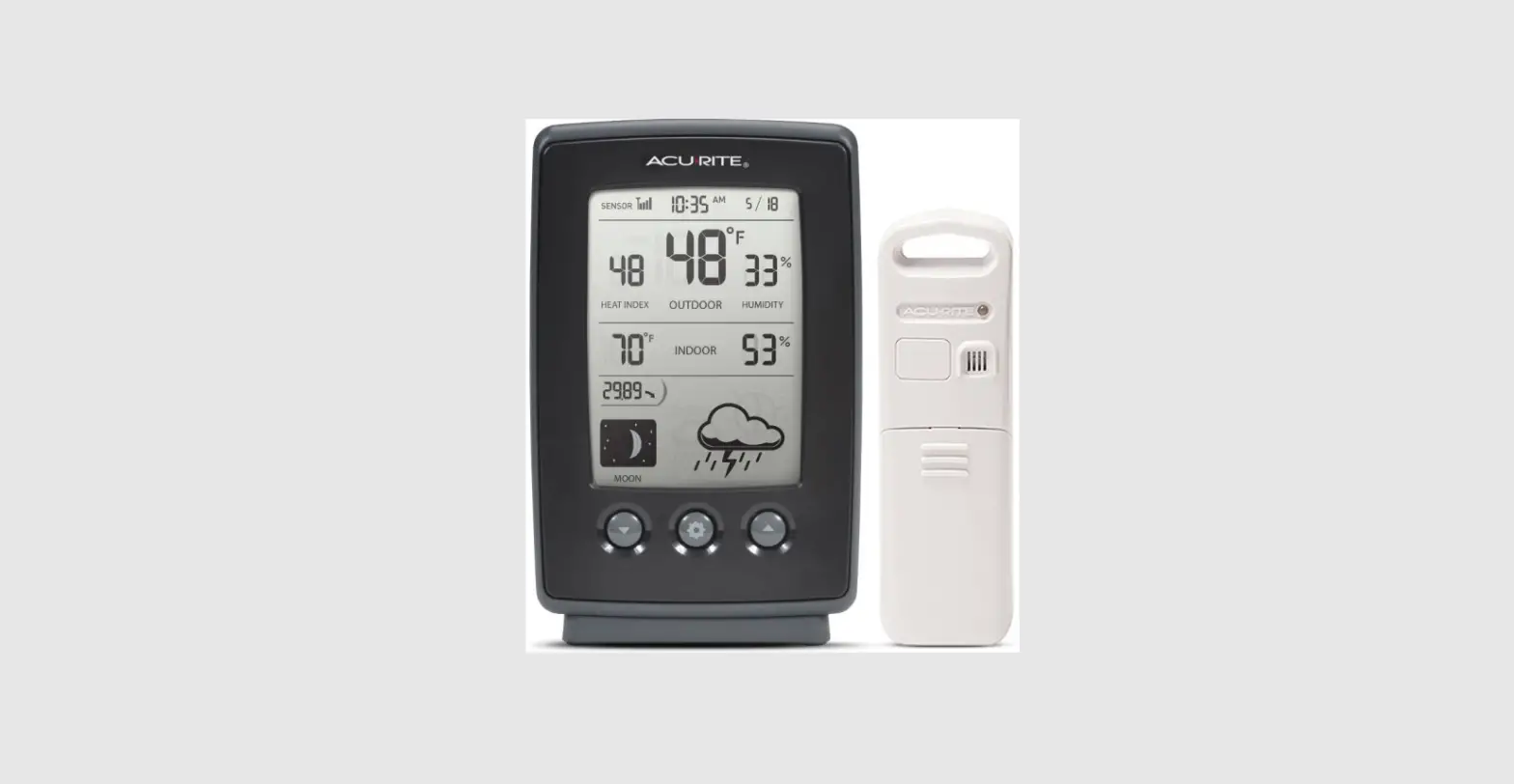
 ACC20WS Weather Station
User Manual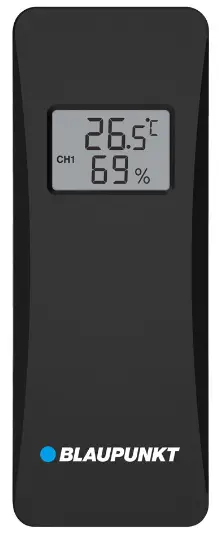
Display & controls
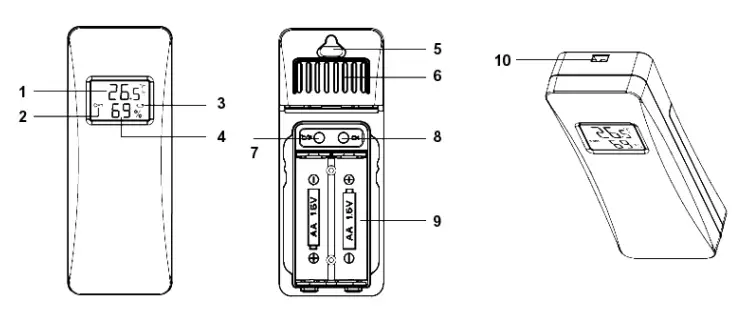
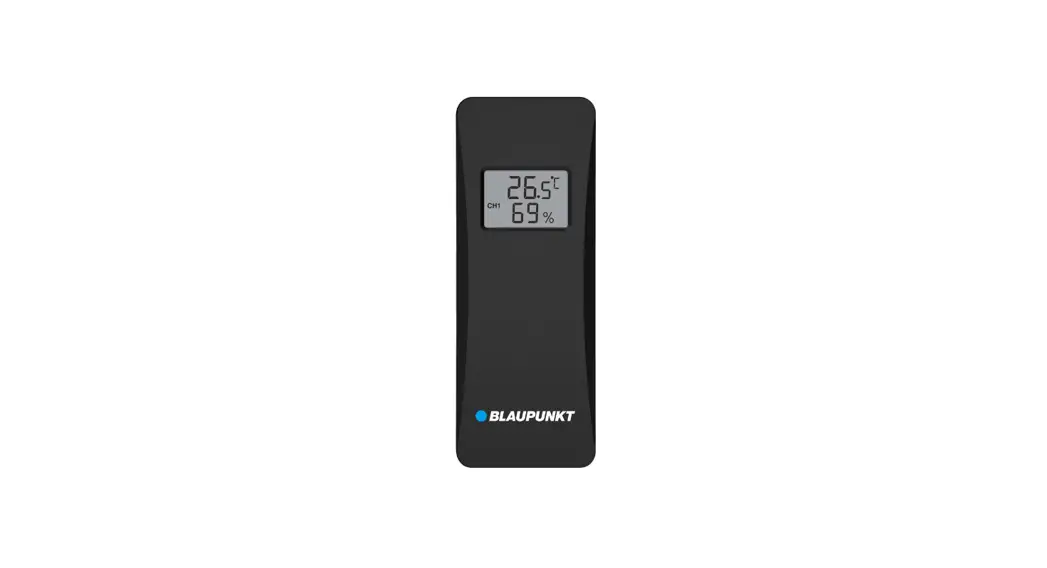
| 1. Temperature 2. Channel Number 3. Low battery indicator 4. Humidity 5. Wall hanging | 6. Ventilation Hole 7. °C/°F switch button 8. Sensor channel number 1/2/3 setting 9. Battery compartment (2*1.5V AA alkaline batteries) 10. Rope hanging Hole |
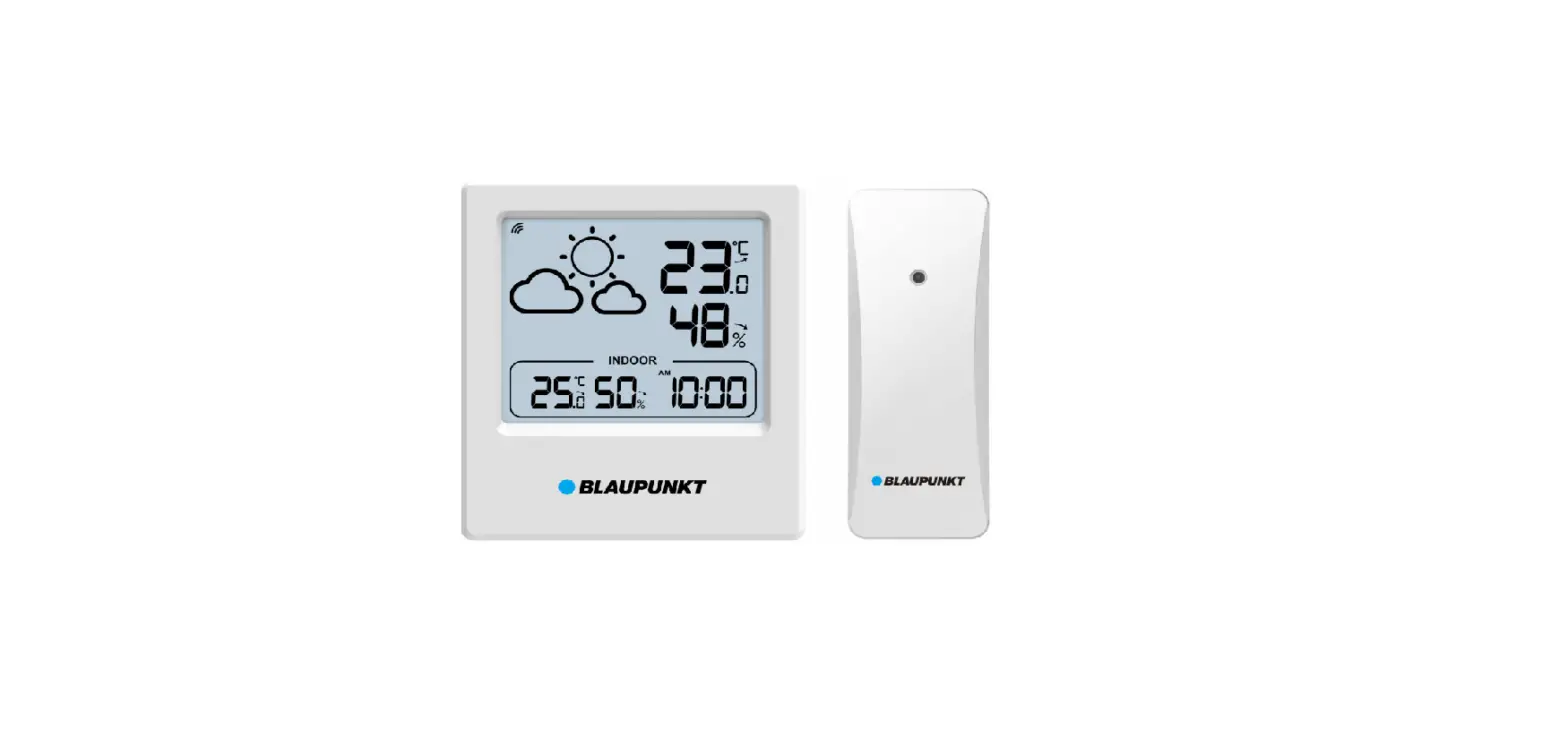
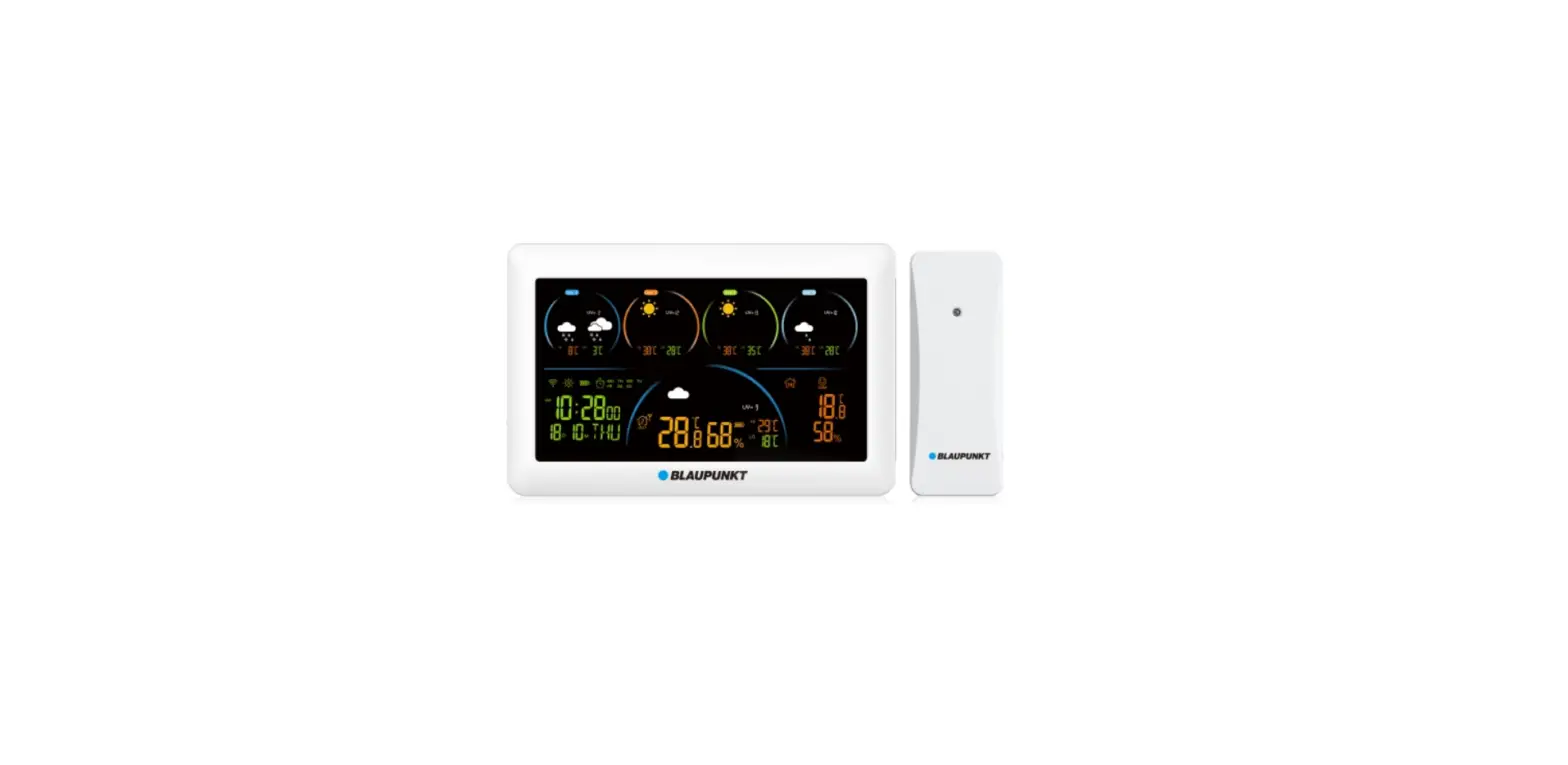
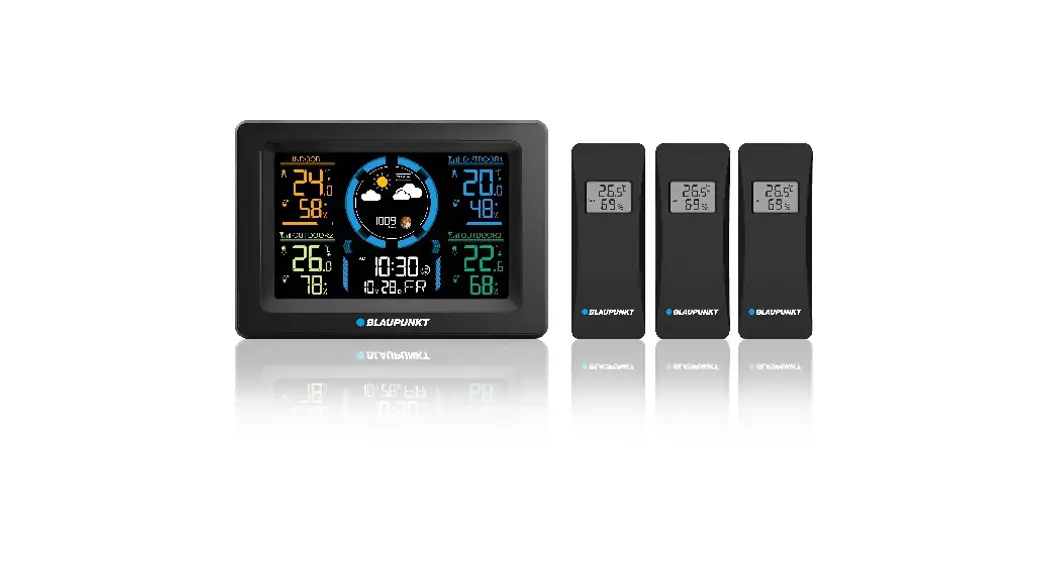
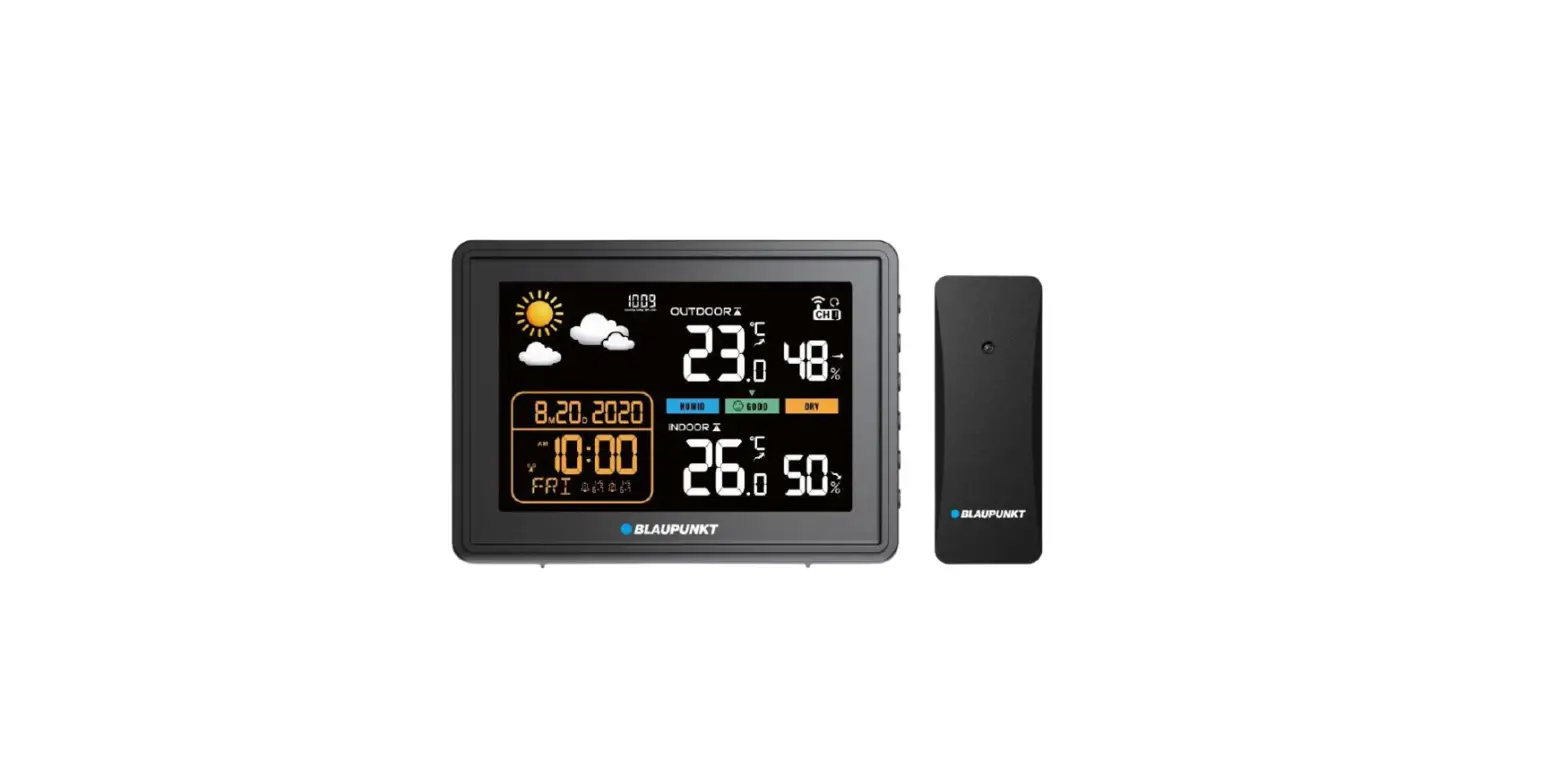
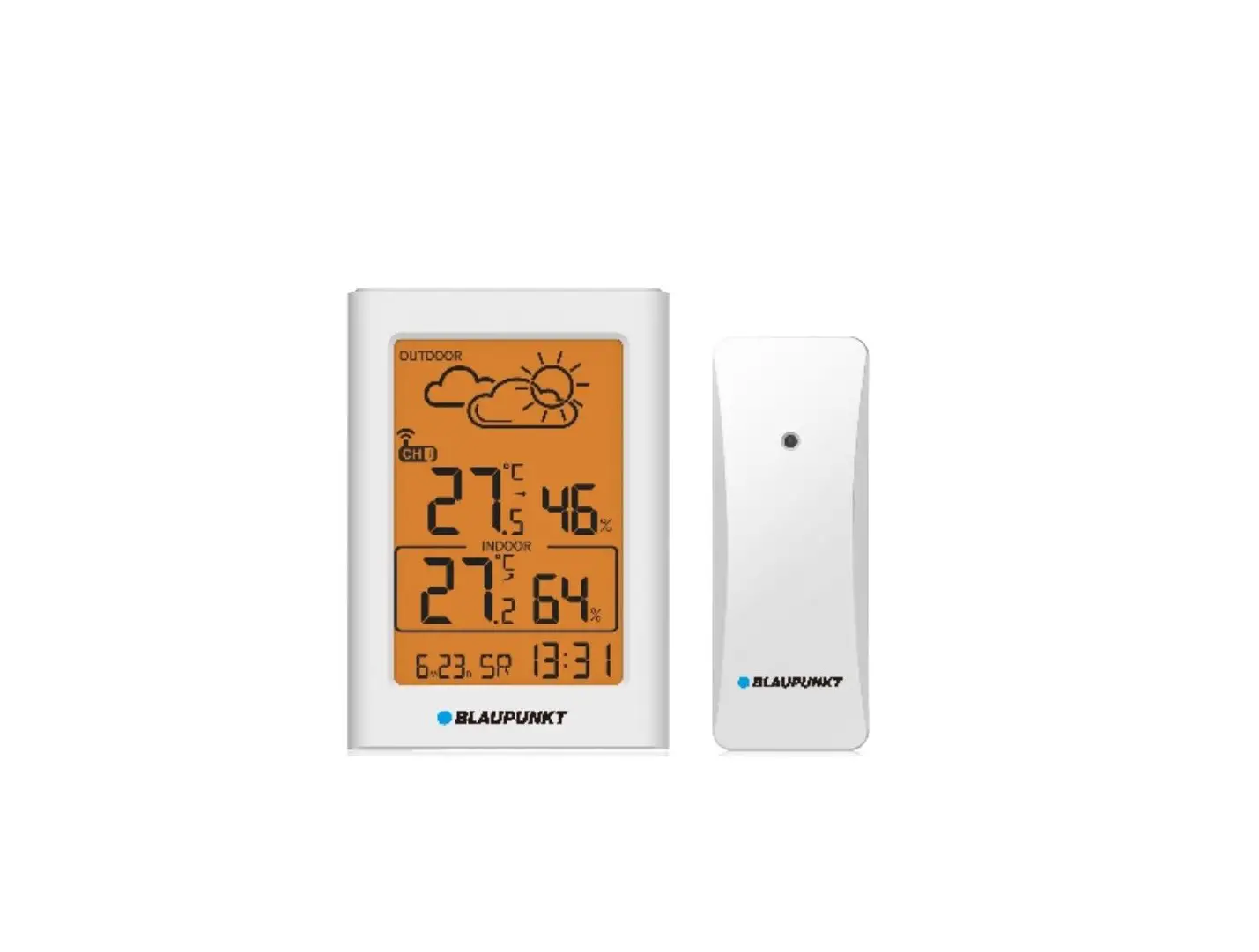
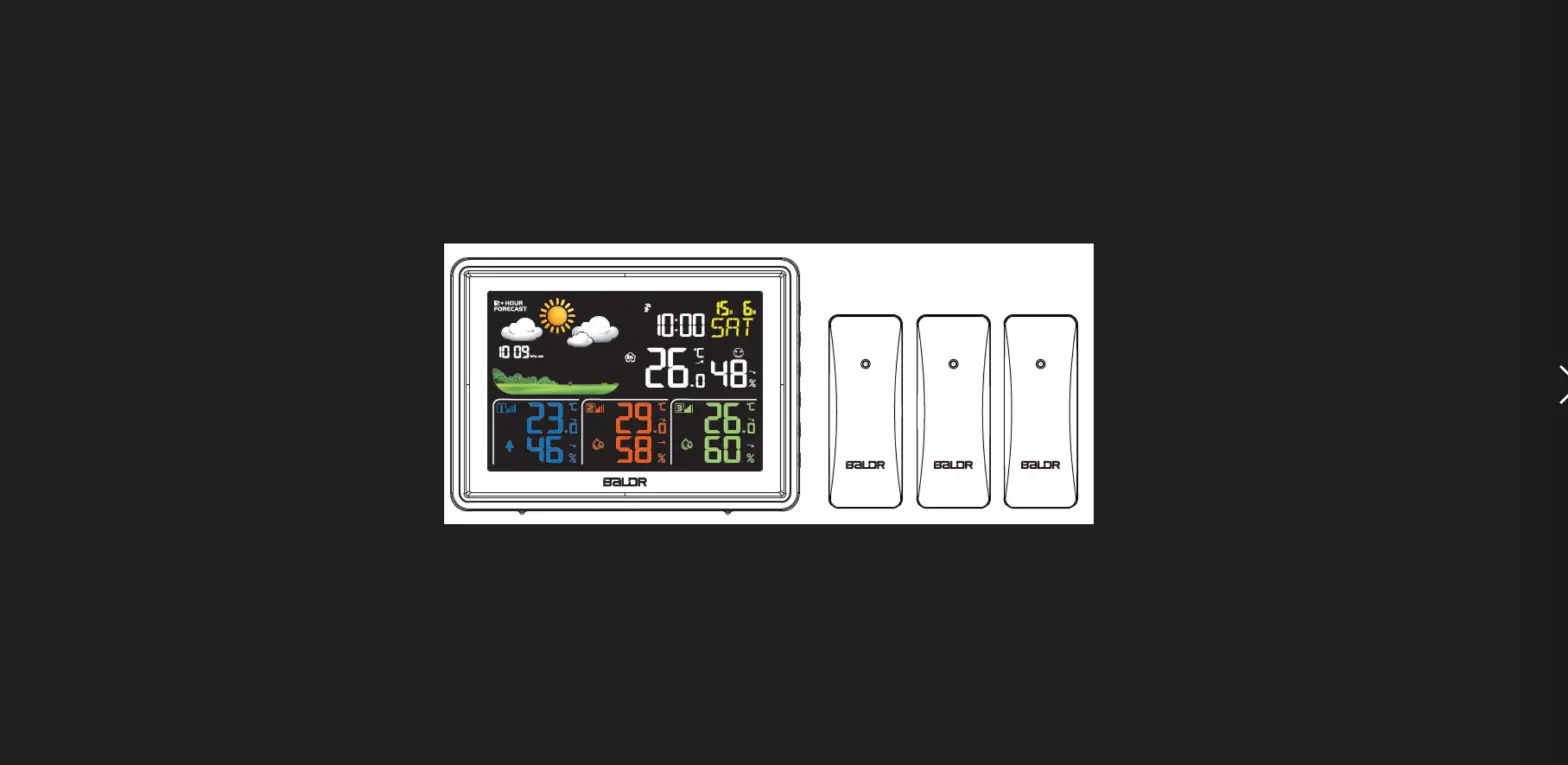
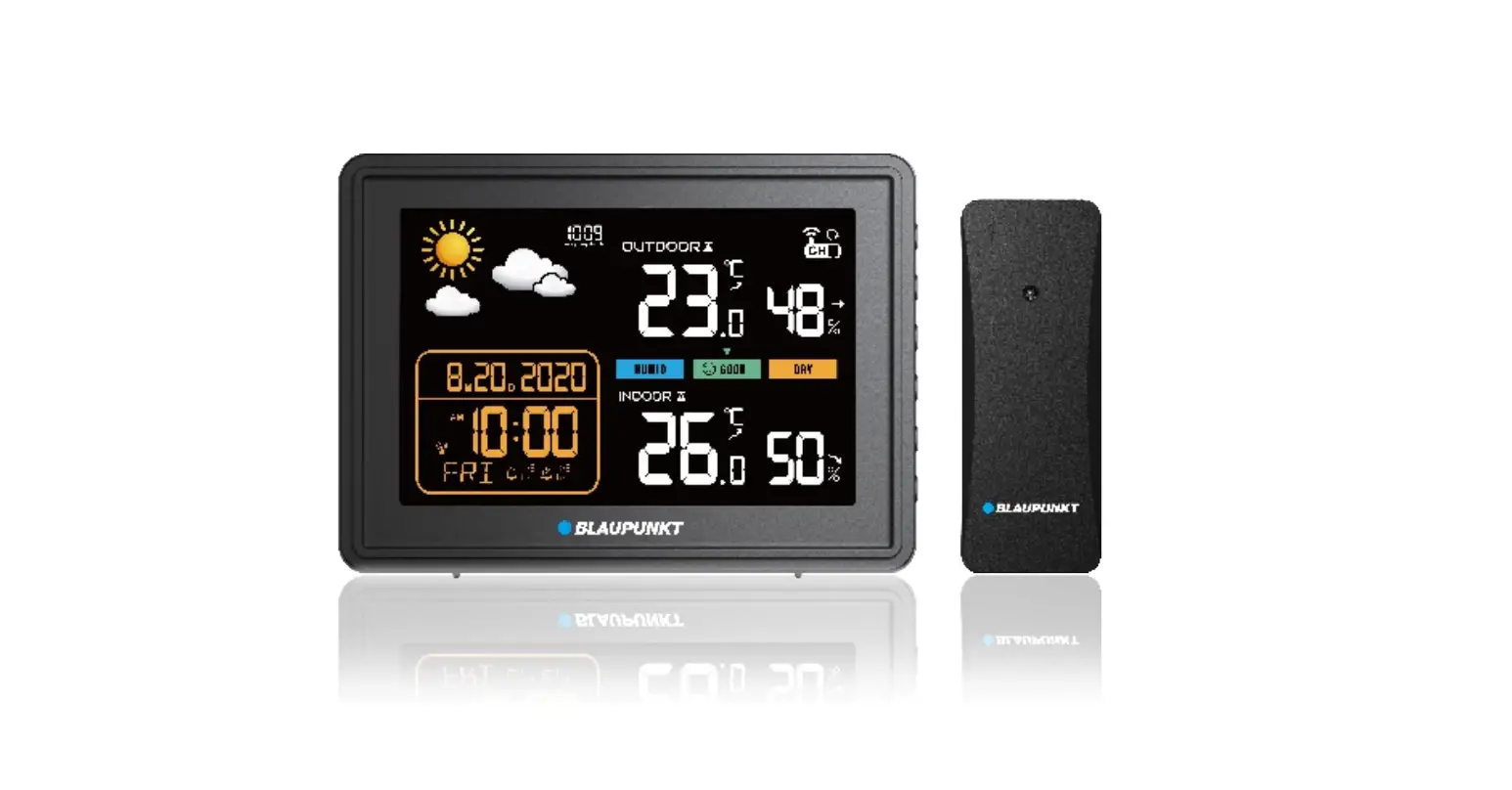
Important: This wireless sensor can work with the following Blaupunkt weather stations: WS15WH/WS30WH/WS30BK/WS40WH/WS40BK/WS50WH APP
Power setting
Open the battery compartment cover of outdoor wireless transmitter, insert 2 x AA batteries to the compartment according to the correct polarity showed in the compartment. (Batteries are included) We recommend use high quality alkaline or lithium batteries for the best product performance. Heavy duty or rechargeable batteries are not recommended. The display of transmitter will show temperature and humidity data once get the power ready. Short press the channel button(above battery compartment) to switch the channel between channel 1~3. Short press C/F button to switch the temperature unit.
The maximum working distance of wireless transmitter is 80 meters away from main unit.(depends on placement and circumstance, not include warranty service) Regarding wireless transmitter placement and pairing(connection) with your main equipment or device, please kindly reference your main unit’s manual for operation.
Specifications
Sensor display dimensions: 25 x 17 mm
IP54 (water proof, for wireless transmitter)
Wireless transmitter working frequency: 433.92 MHz
Power consumption: 24 mW (wireless transmitter)
Sensor dimensions: 43 x 22 x 110 mm
Sensor net weight: 0.05 kg
NOTICE
Conformity
Hereby, Blaupunkt Competence Center 2N-Everpol Sp. z o.o., declares that this equipment is in compliance with the essential requirement and other relevant provisions of Directive 2014/53/EU. Declaration of conformity can be obtained from the product page at www.blaupunkt.com.
Responsible party: 2N-Everpol Sp. z o.o, Puławska 403A, 02-801 Warsaw, Poland, Phone: +48 22
688 08 00, E-mail: [email protected]
 When this crossed-out wheeled bin symbol is attached to a product it means that the product is covered by the European Directive 2012/19/EU. Please inform yourself about the local separate collection system for electrical and electronic products. Please cat according to your local rules and do not dispose of your old products with your normal household waste. Correct disposal of your old product helps to prevent potential negative consequences for the environment and human health.

Your product contains batteries covered by the European Directive 2006/66/EC, which cannot be dispose with normal household waste. Please inform yourself about the local rules on separate collection of batteries because correct disposal helps to prevent negative consequences for the environmental and human health.
13. Battery
a. The batteries must not be exposed to excessive heat such as sunshine, fire or the like.
b. The batteries should be drawn to the environmental aspects of battery disposal.
c. Battery usage CAUTION-to prevent battery leakage which may result in body injuries, property damage, or damage to the apparatus:
- Install all batteries correctly, + and – as marked on the apparatus.
- Do not mix batteries (old and new or carbon and alkaline, etc.)
- Remove batteries when the unit is not used for a long time.
 blaupunkt.com