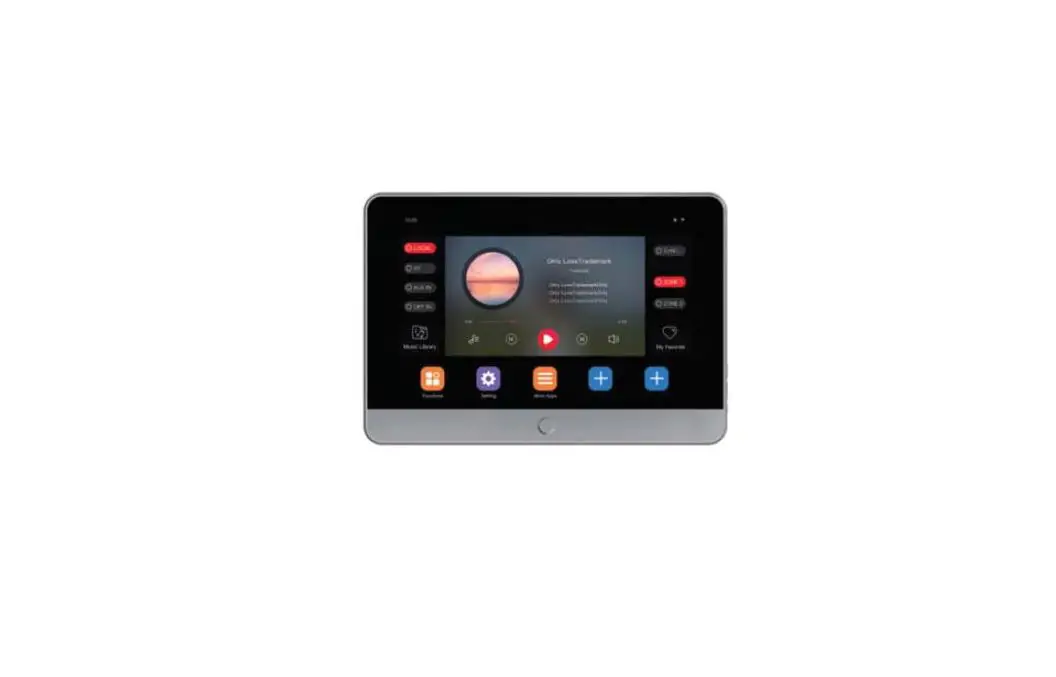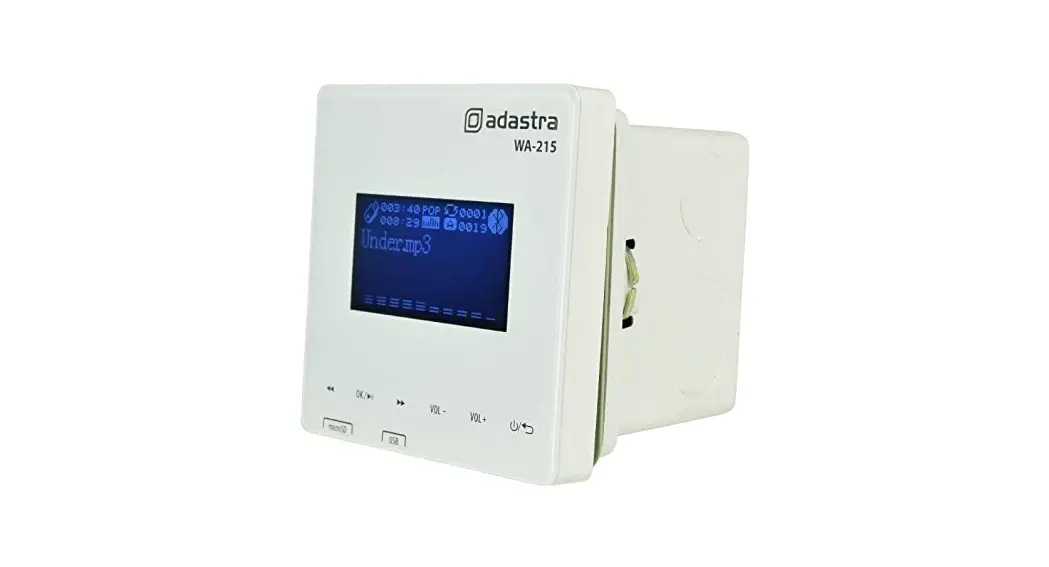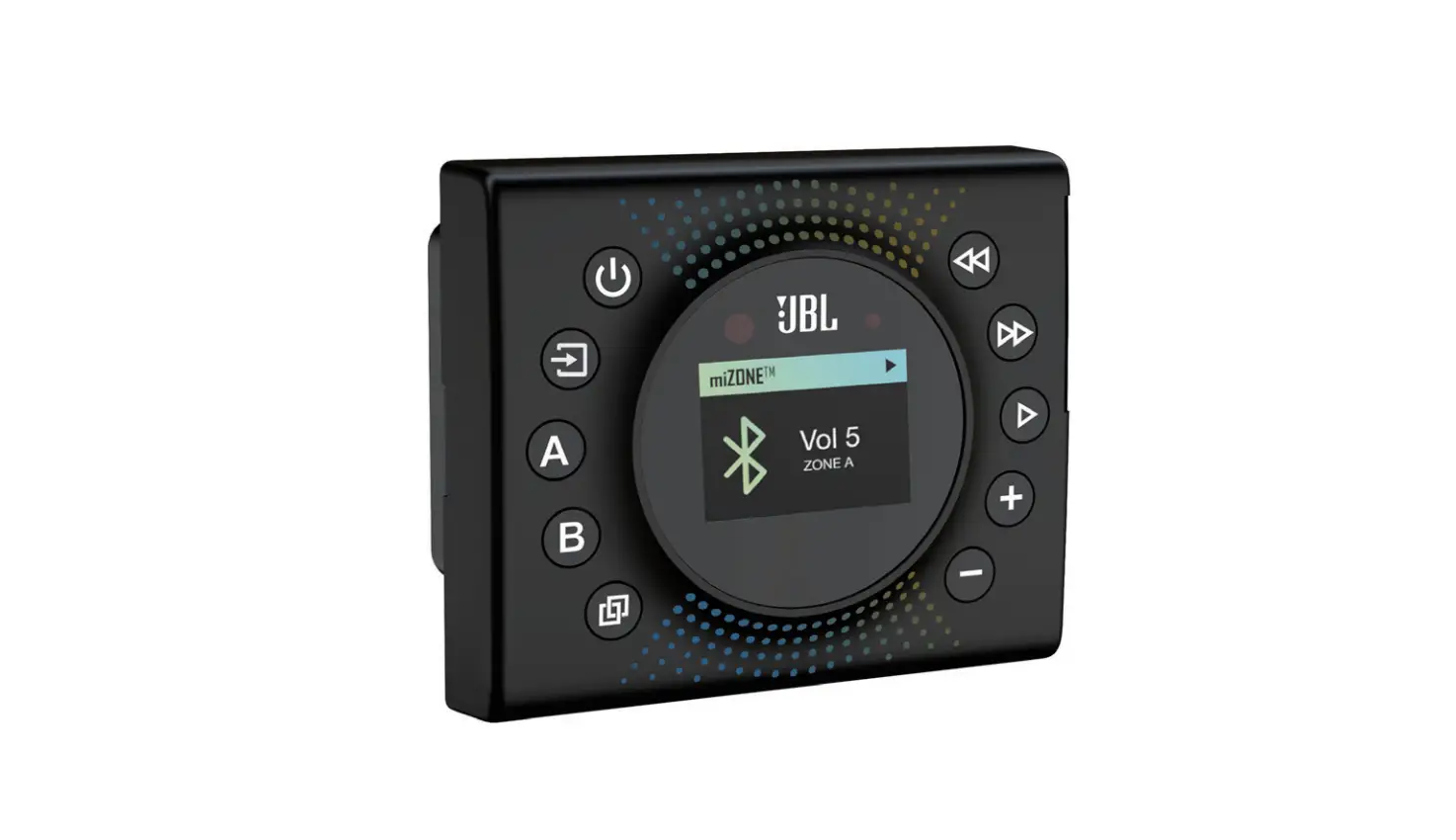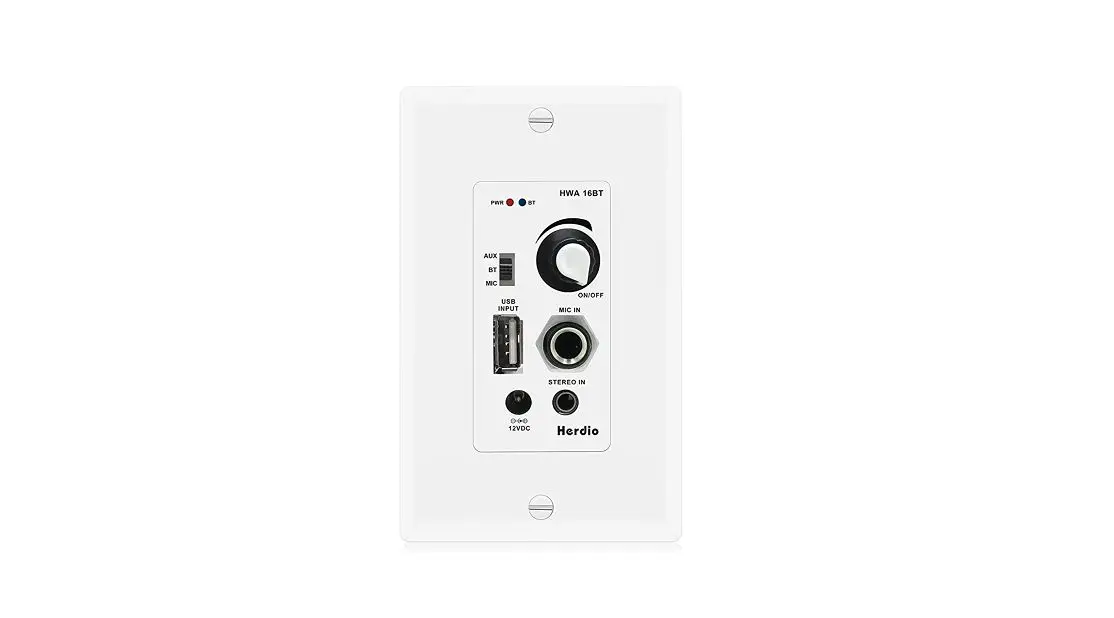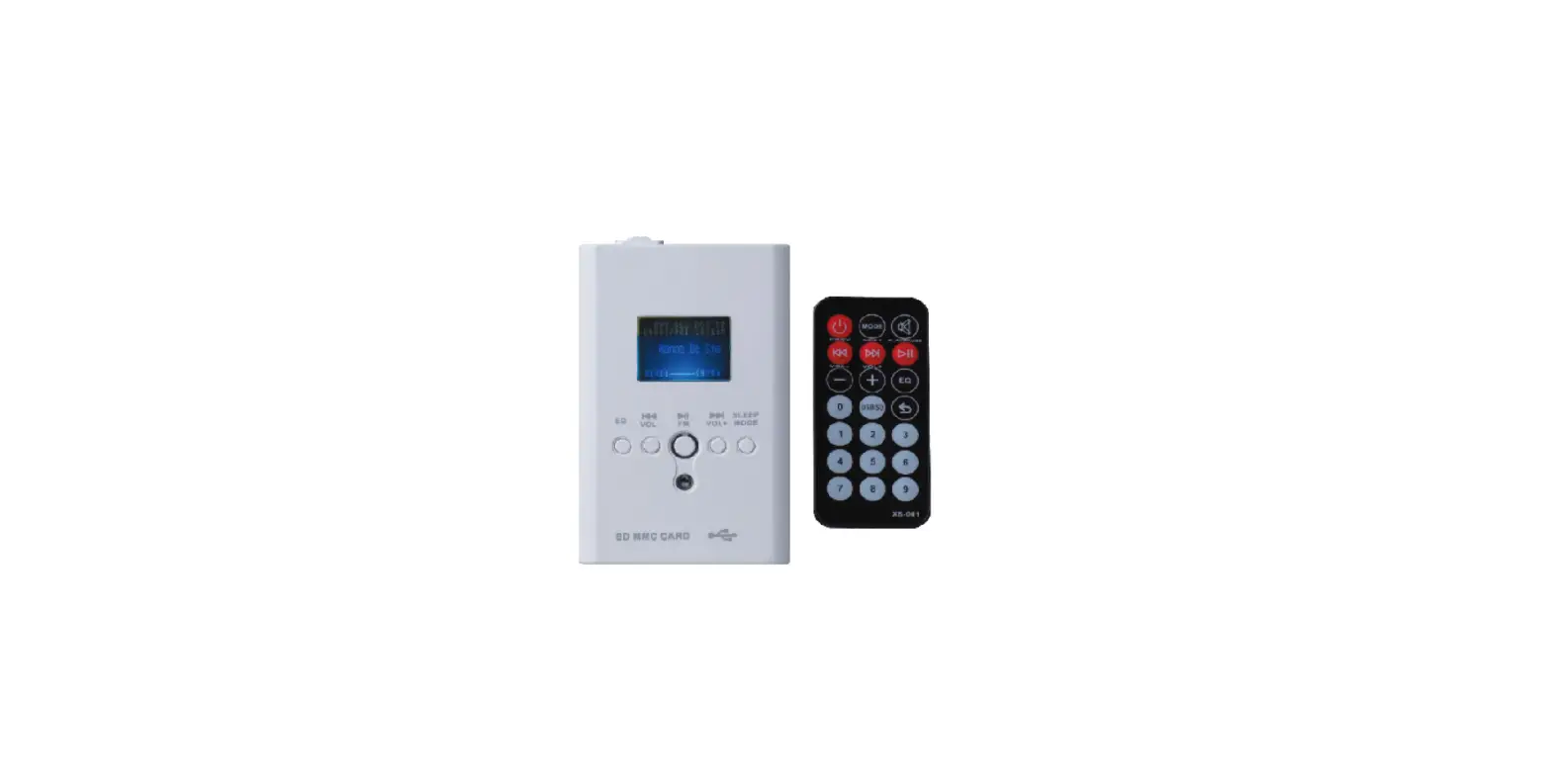

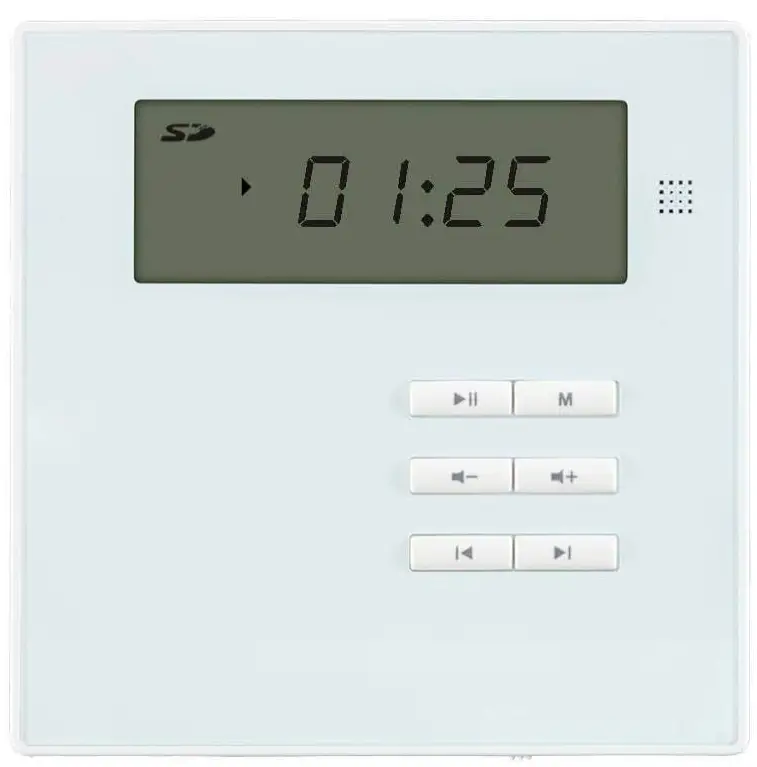
Monoprice 36374 Wall Mount Music Amplifier
SAFETY WARNINGS AND GUIDELINES
Please read this entire manual before using this device, paying extra attention to these safety warnings and guidelines. Please keep this manual in a safe place for future reference.
- This device is intended for indoor use only.
- Do not expose this device to water or moisture of any kind.
- Do not touch the device, the power cord, or any other connected cables with wet hands.
- Do not expose this device to excessively high temperatures. Do not place it in, on, or near heat sources, such as a fireplace, stove, radiator, etc. Do not leave it in direct sunlight.
- Do not place or install this device in an area where it can be exposed to excessive amounts of dust, humidity, oil, smoke, or combustible vapors.
- Prior to operation, check the unit for physical damage. Do not use if physical damage has occurred.
- Ensure that power is turned off and disconnected before making any electrical connections.
- Remove the battery from the controller if it will go unused for a lengthy period of time.
- Clean using a soft, dry cloth only. Do not use chemical cleaners, solvents, or detergents. For stubborn deposits, moisten the cloth with warm water.
- This device has no user-serviceable parts. Do not attempt to open, service, or modify this device.
- Cables run through the wall must be rated for in-wall use.
FEATURES
- 40-watt class D differential amplifier (10 watts/channel RMS, 20 watts/channel peak)
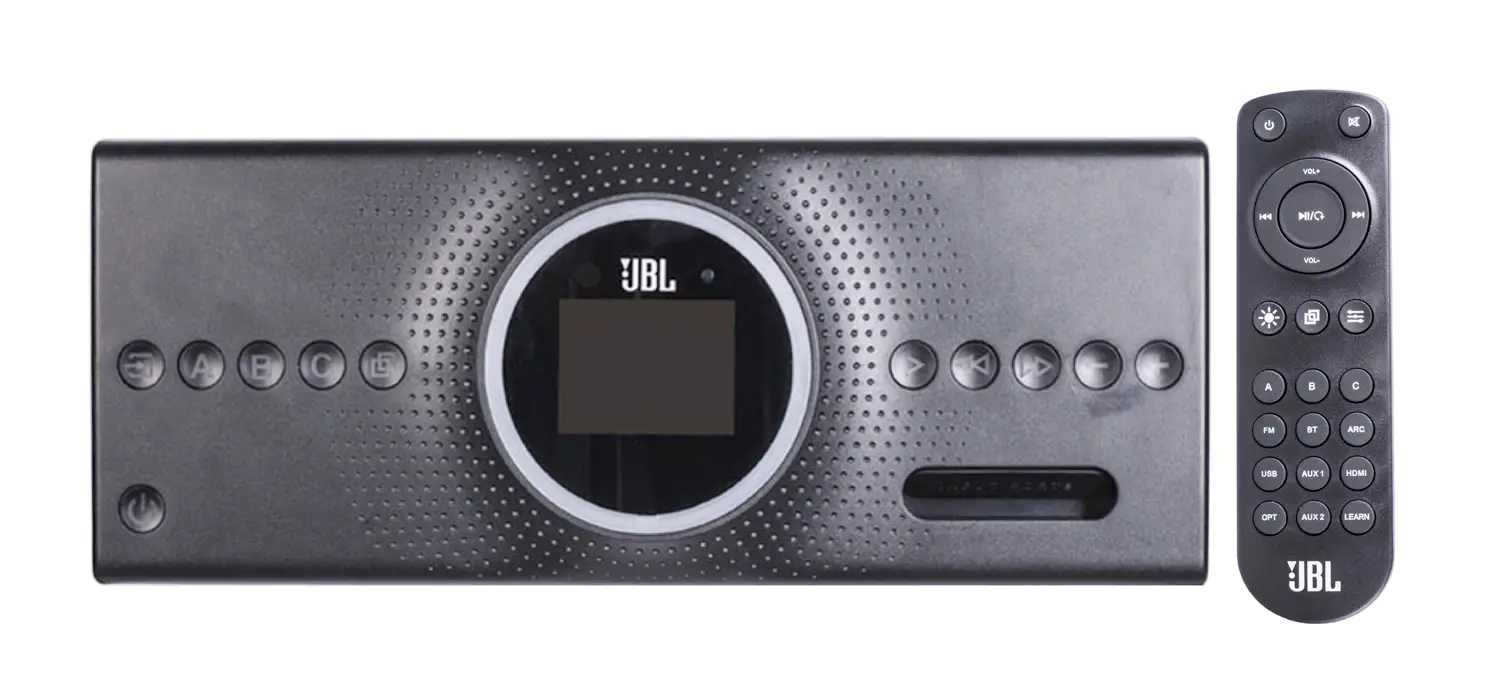
- Includes IR remote control
- Bluetooth® radio for streaming audio from a paired device
- Built-in audio player compatible with wav, mp3, wva, flac, aiff, and WMA files on a USB flash drive or microSD™ card
- Supports up to 16GB USB drives
- Supports up to 16GB microSD cards
- Built-in FM radio with automatic and manual tuning and the ability to store 20 stations presets
- One AUX input with adjustable input sensitivity
CUSTOMER SERVICE
The Monoprice Customer Service department is dedicated to ensuring that your ordering, purchasing, and delivery experience is second to none. If you have any problem with your order, please give us an opportunity to make it right. You can contact a Monoprice Customer Service representative through the Live Chat link on our website www.monoprice.com or via email at [email protected]. Check the website for support times and links.
PACKAGE CONTENTS
Please take an inventory of the package contents to ensure you have all the items listed below. If anything is missing or damaged, please contact Monoprice Customer Service for a replacement.
- 1x Wall mount music amplifier
- 1x Backbox
- 2x Machine screws
- 1x IR remote control with installed CR2032 battery
- 1x User’s manual
PRODUCT OVERVIEW
Front Panel
Bottom Panel
Rear Panel
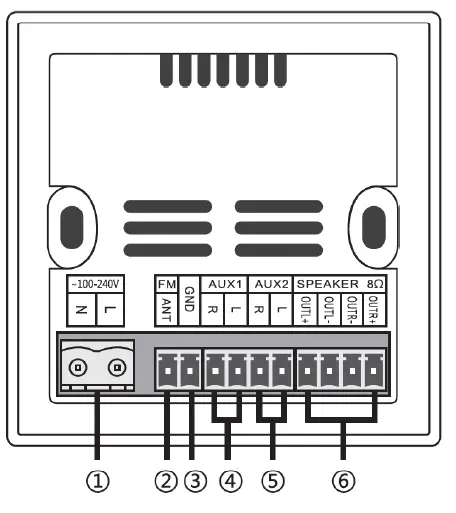
- Power: Power connector for connecting an AC power cord (not included).
- FM: Connector for attaching an FM antenna (not included).
- GND: Connector for attaching the signal ground/common.
- AUX IN: Connectors for attaching the left and right channel inputs from a line-level source.
- AUX OUT: Connectors for attaching an external power amplifier or subwoofer.
- SPEAKER 8Ω: Connectors for attaching the left and right channel speakers.
Remote Control
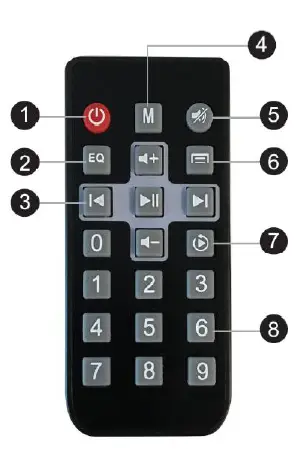
- Standby: Press the button to turn the system on or to put it into standby mode.
- EQ: Press the button to cycle through the Voice, Normal, Pop, Rock, and Jazz effects.
- Control Pad: The control pad consists of five buttons, including Play/Pause, Previous Track, Next Track, Volume Up, and Volume Down.
- Mode: Press the button to cycle through the FM, USB, microSD™, Bluetooth®, and AUX IN inputs.
- Mute: Press the button to turn audio muting on or off.
- Null: Not used.
- Play Mode: Press the button to toggle between the Repeat All and Repeat 1 play modes. This is only available for the USB and SD™ input modes.
- Keypad: In SD and USB playback modes, use the keypad to directly select the track to play.
INSTALLATION
Important! Installation of structural materials and electric wiring should always be performed by a qualified contractor or engineer. All cables should be rated for in-wall use.
- Select a location for the amplifier. Ensure that there are no obstructions behind the wall.
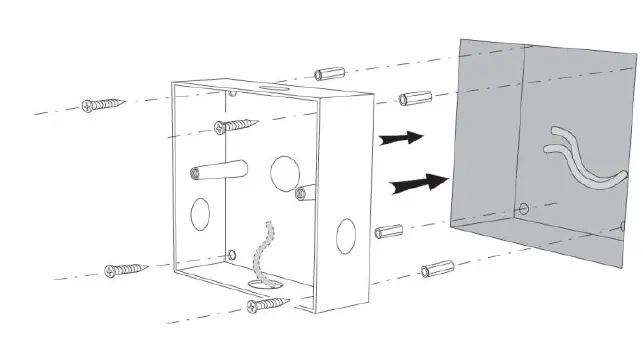
- Using a drywall saw, cut a 3 5/16″ x 3 5/16″ (84.13 x 84.13 mm) square hole in the wall.
- Ensure that the power cord and audio cabling is installed in the wall to the amplifier installation location.
- Punch open needed holes in the back can, then pull the cables through the hole(s). Be sure to keep the power cord as far as possible from the audio cables.
- Fit the back can into the hole, then use self-tapping screws (not included) to secure it to at least one stud or frame.

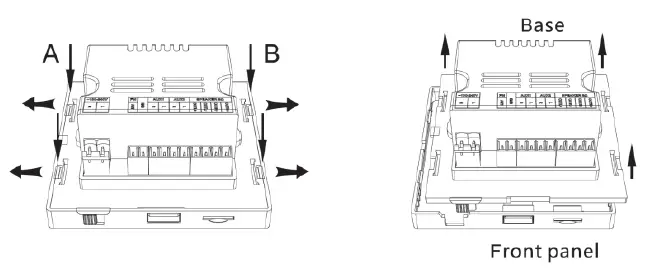
- Select two buckles in either the A or B direction, as indicated in the image below. Pull the outer edge of it so that the snap is disengaged. Carefully disconnect the front panel from the amplifier base.

- Make all audio and control connections to the amplifier connectors. Be sure to match polarity for all connections to ensure proper function and quality of sound.
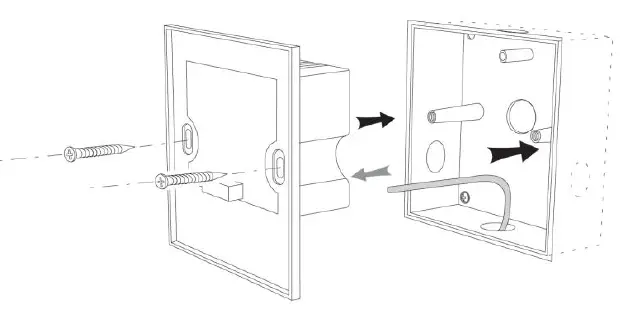
- Connect the amplifier base to the back can using the 2 included machine screws.

- Attach the front panel to the amplifier base.
OPERATION
FM Radio
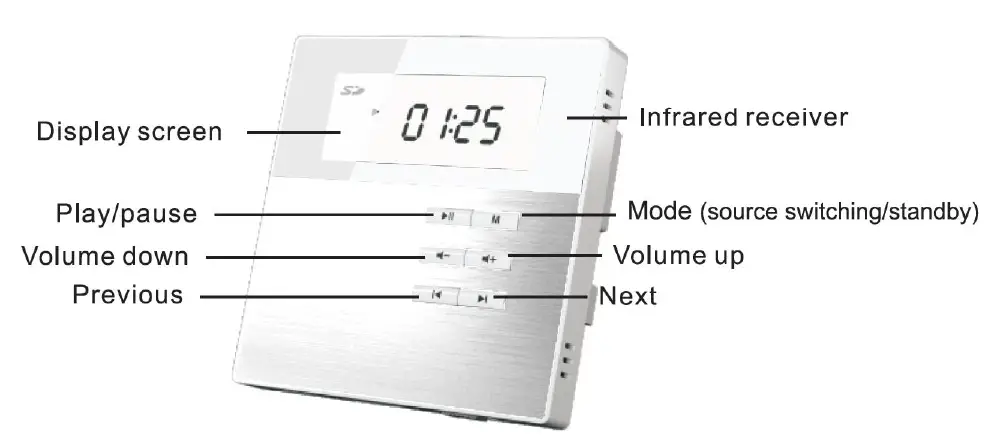
- Momentarily press the M button to start playing the last station selected.
- Press and hold the Play/pause button to start the automatic channel search. When a station with a strong enough signal is found, the amplifier will save it as a preset.
- Momentarily press the Previous or Next buttons to cycle through the saved station presets.
- Press and hold the Previous or Next button to enter manual tuning mode.
- Momentarily press either the Previous or Next buttons to decrease or increase the radio frequency in 0.1MHz increments. If no buttons are pressed within 5 seconds, the amplifier will exit manual tuning mode.
- Momentarily press the Volume down or Volume up buttons to adjust the volume level.
USB Mode
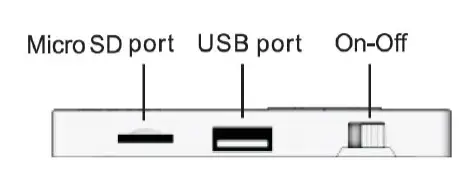
- Insert a USB flash drive with audio files into the USB port on the amplifier.
- Momentarily press the M button until the Usb is visible on the Display screen. If no USB device is connected, the display will blink NO. If a USB device is present but no playable audio files are found, the display will show – – – -. If audio files are found, the display will briefly show the track number, then will change to show the track timer.
- Momentarily press the Play/pause button to pause and resume playback.
- Momentarily press the Previous or Next buttons to select tracks.
- Press and hold the Previous or Next buttons to rewind or fast forward through the track.

FREQUENTLY ASKED QUESTIONS
DOWNLOAD THE PDF LINK: Monoprice 36374 Wall Mount Music Amplifier User Manual