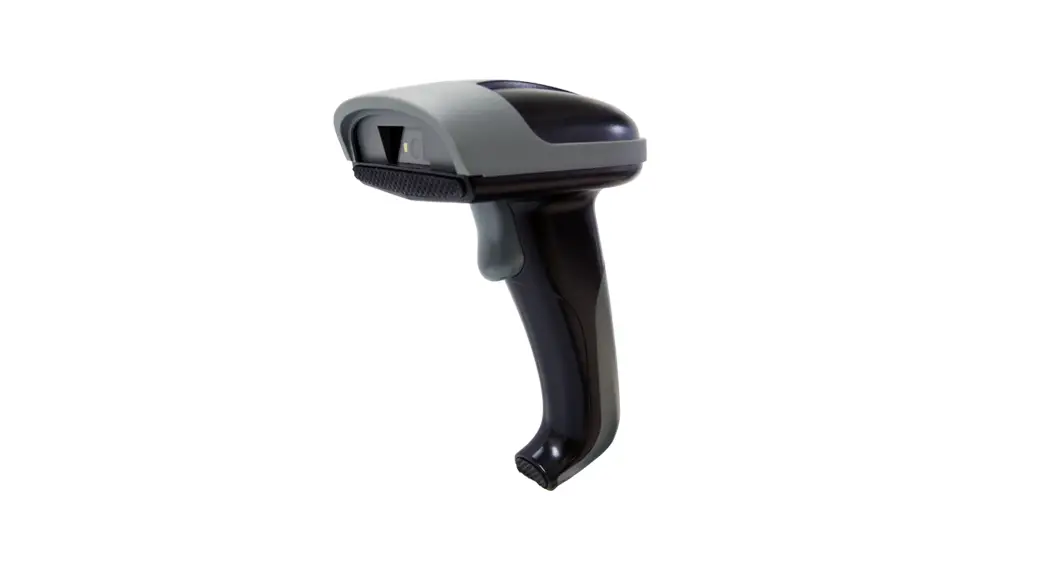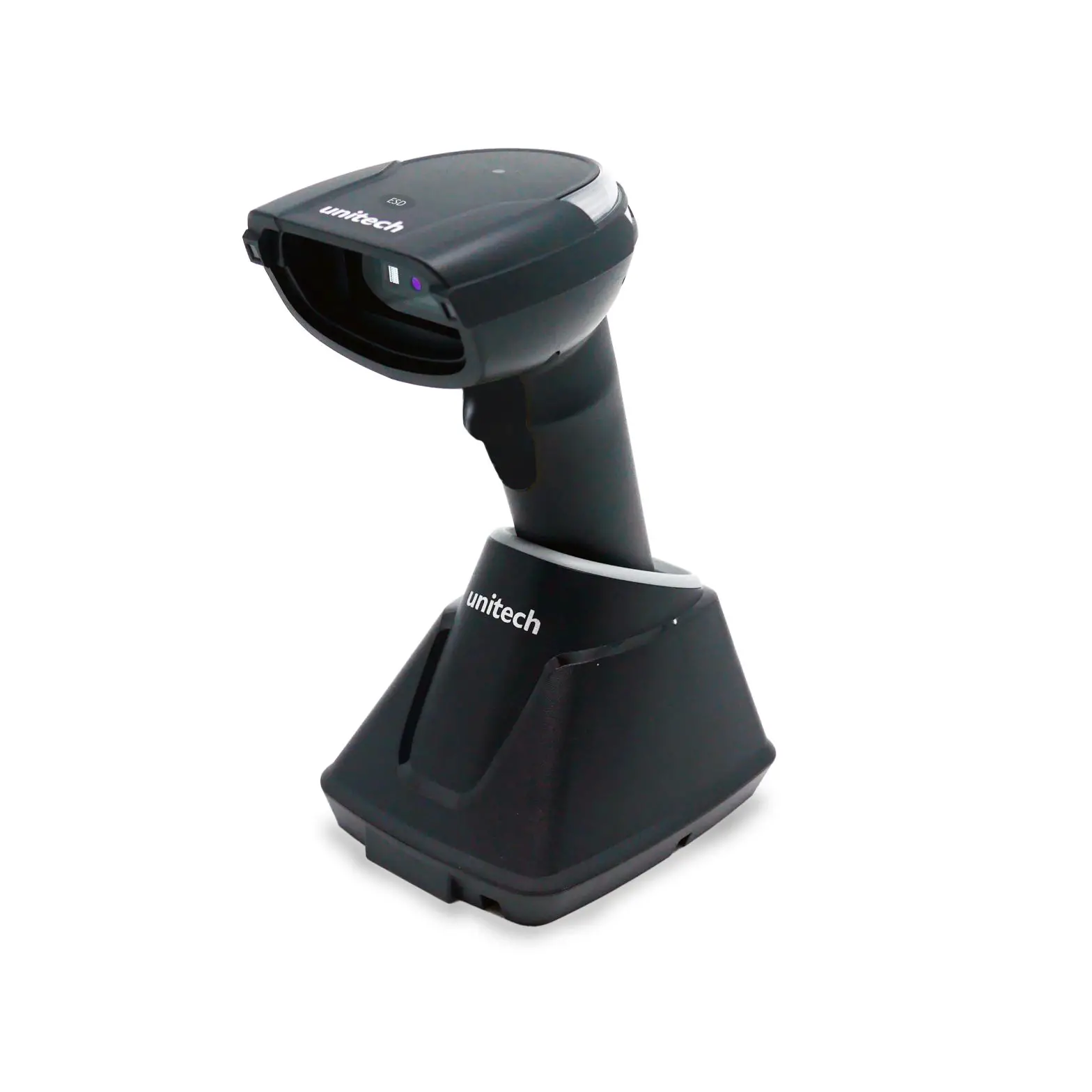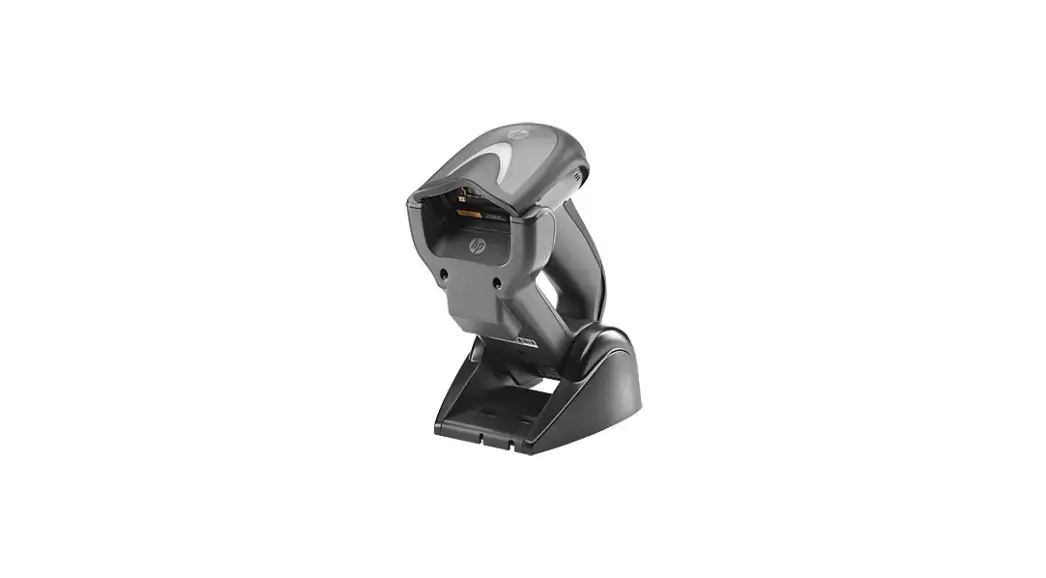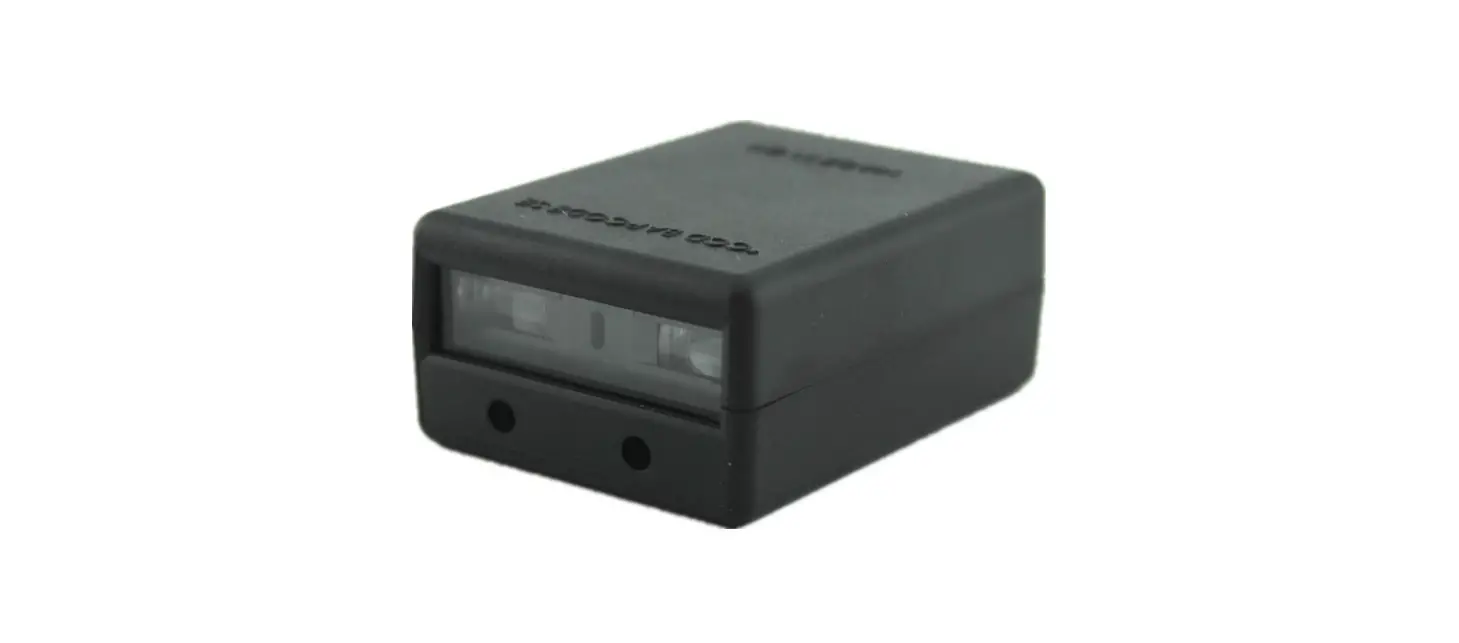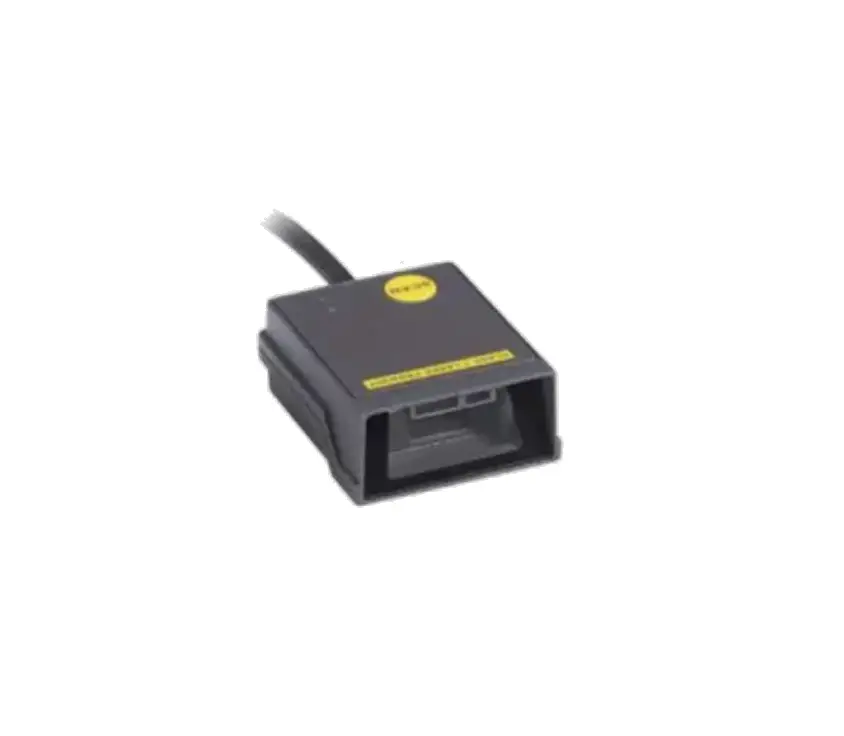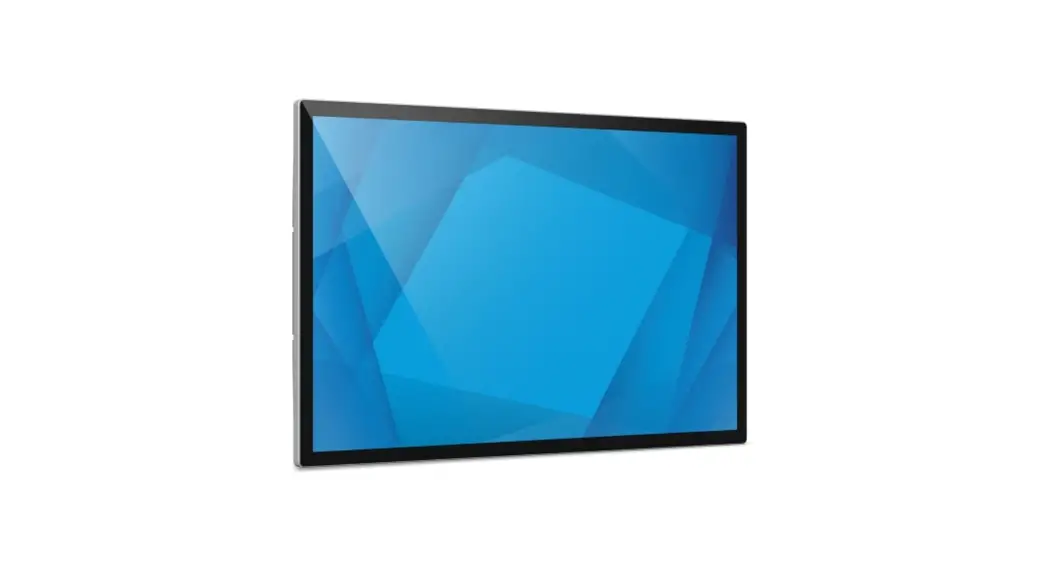
 E384627 Edge Connect 2D Barcode Scanner
User Guide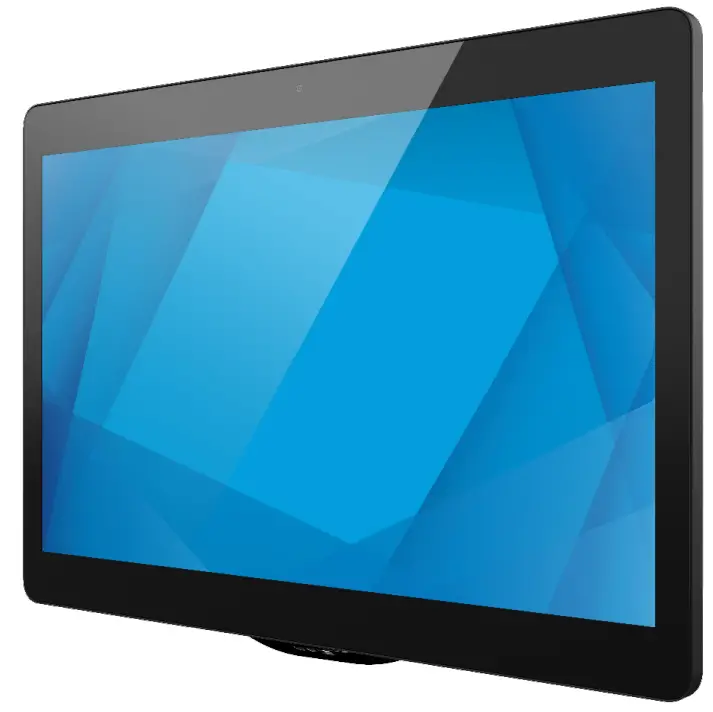
Elo Edge Connect™ 2D Barcode Scanner
For Self-Service and Price-Checker Applications
Product Overview
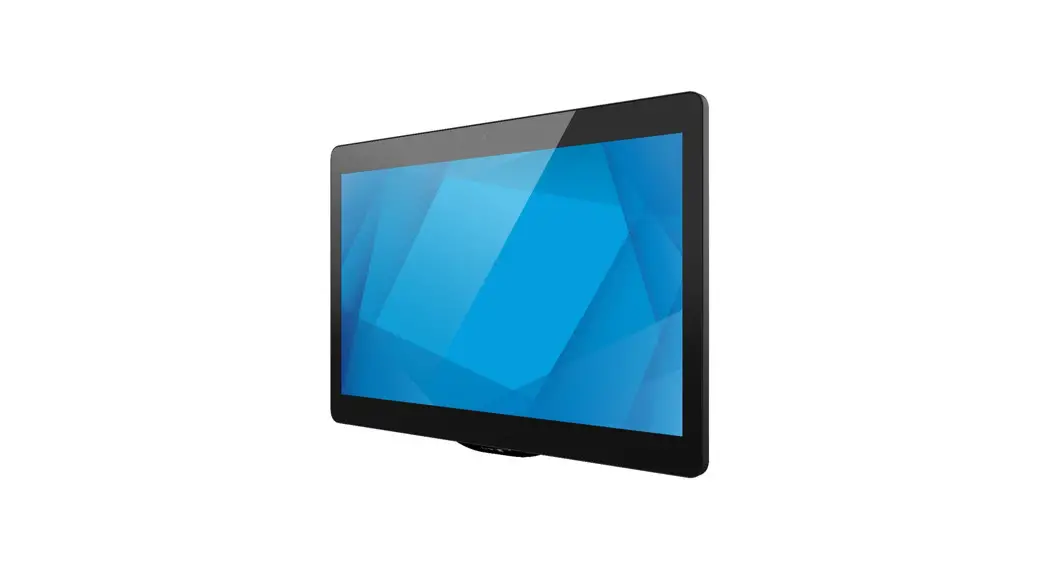
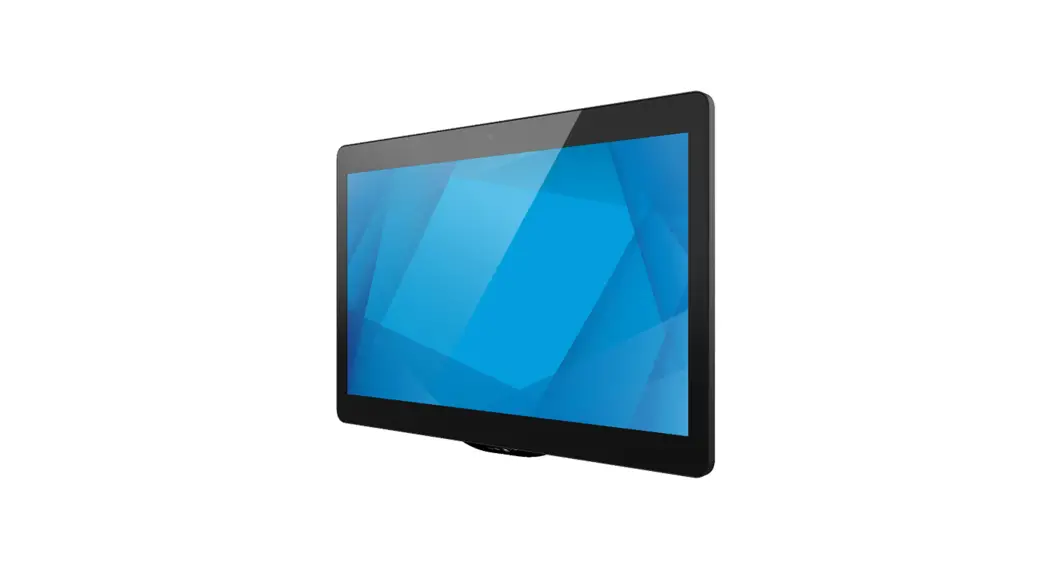
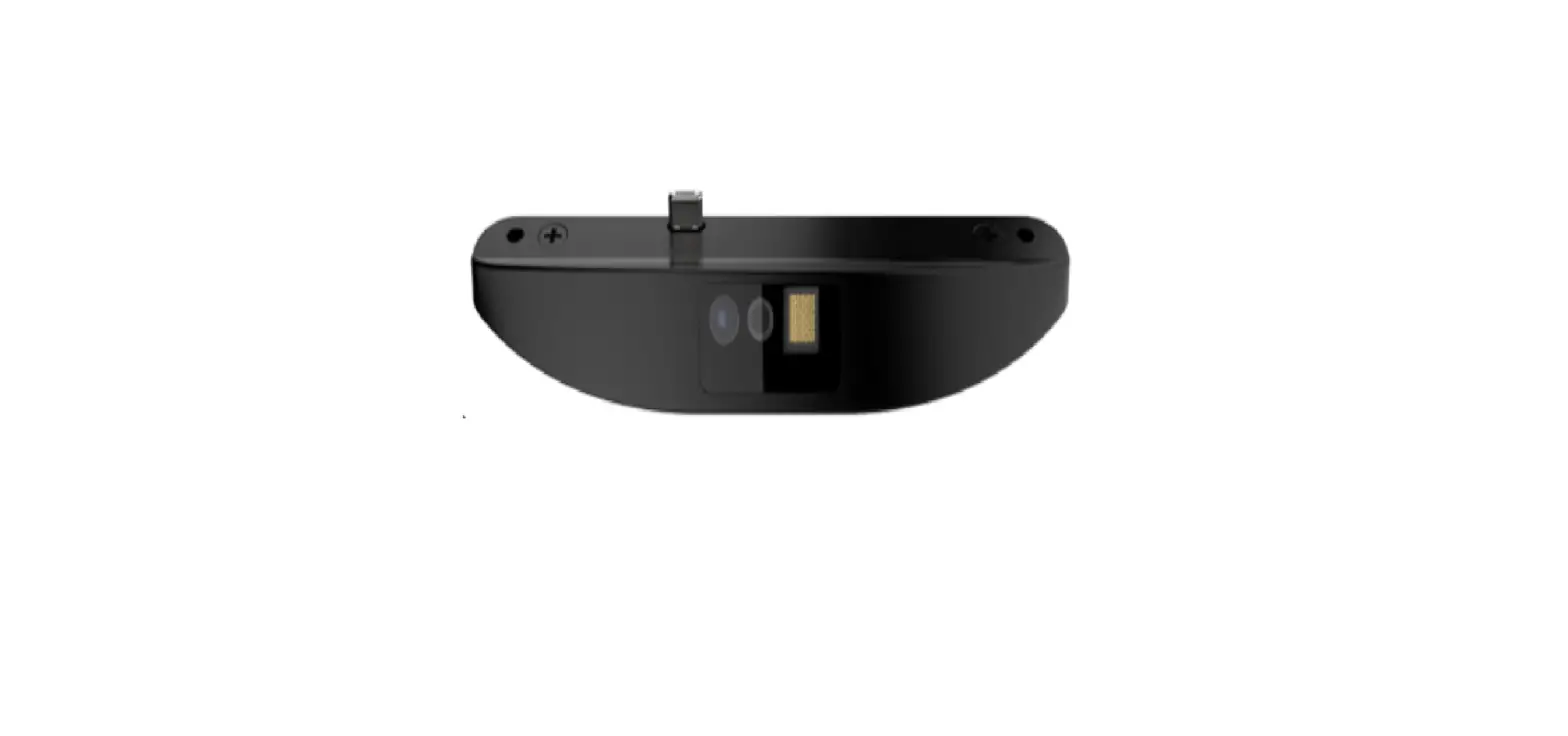
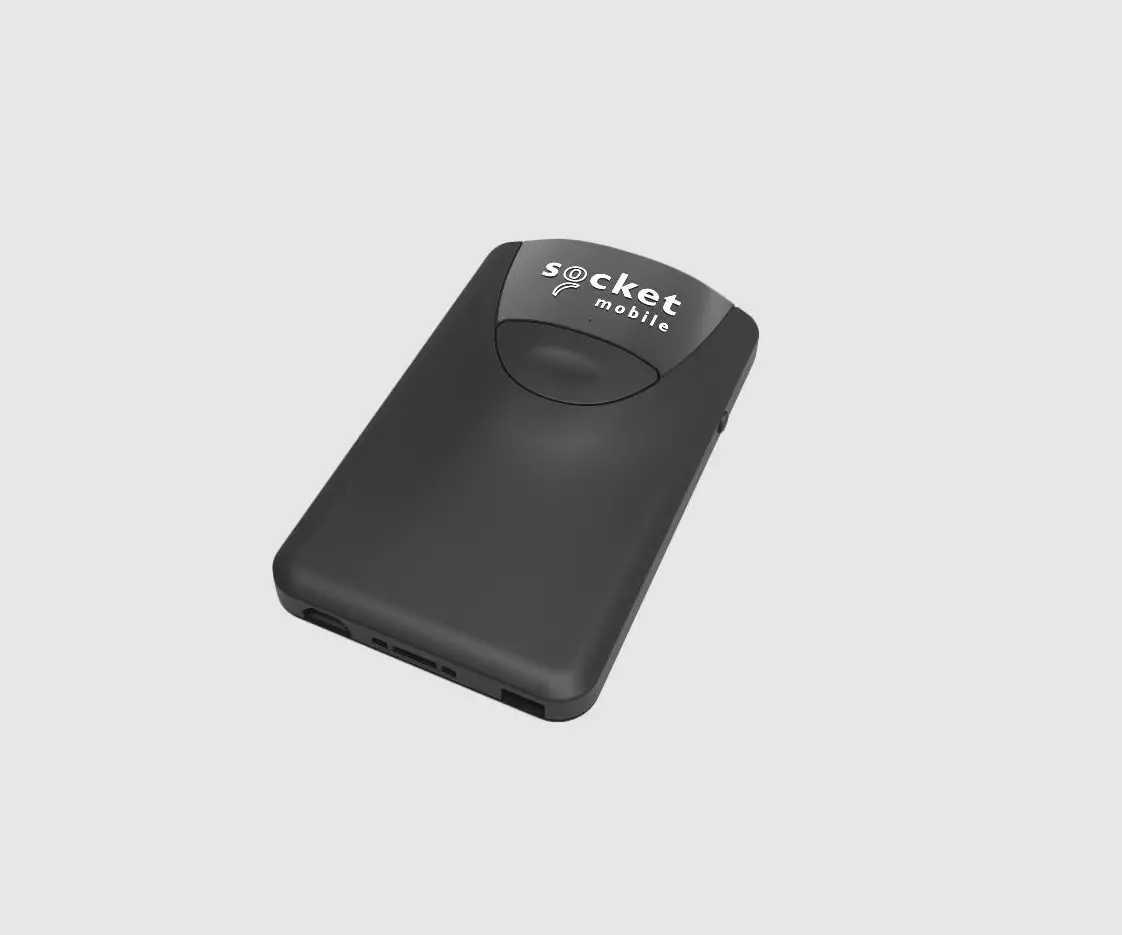
Improve self-service and price-checker applications with Elo’s 2D Barcode Scanner that easily integrates with a variety of Elo touchscreens. The fast, hands-free device provides rapid and accurate scanning of barcodes including linear barcodes and QR codes. Whether on paper, etched into a product or on a mobile screen, the reader can return quick, reliable results.
Our modular design provides our customers with the building blocks to configure a multitude of solutions – making it easy to deploy a variety of solutions from price checkers and self-checkout to visitor management. Start changing the way your customers and employees interact in-store and at work by deploying a new generation of interactive technologies.
Easily and securely attached the camera to any side of the display via Elo Edge Connect™ technology Next Gen Price Checkers – Offer price-checking plus in-depth product information, virtual customer service, endless aisle and related item recommendations, wayfinding, BOPIS, loyalty and assisted selling.
Simplify contactless entry for employees and guests by enabling barcodes & QR codes to be scanned on badges and personal devices
Elo Edge Connect™ 2D Barcode Scanner
| Model | E384627 | E245047 |
| Color | Black | |
| Compatibility | I-Series for Android I-Series for Windows EloPOS Touchscreen Monitors – 1002L, 1302L, 1502L, 1902L, 1903LM, 2002L, 2202L, 2203LM, 2402L, 2403LM, 2702L, 2703LM Touchscreen Signage – 3202L, 3203L, 4202L, 4303L, 4602L, 5053L, 5502L, 5503L, 5553L, 6553L | |
| Barcode Engine | SE4720 | SE4107 |
| Supported Terminal Modes | SNAPI, HID, CDC, OPOS / IBM Handheld, IBM Tabletop | |
| Standard Configuration | SNAPI with Imaging Interface, Presentation Mode | |
| Resolution | 1280 X 800 | 1280 x 960 |
| Illumination & Aiming | Red LED illumination, Orange LED aimer | White LED illumination, Green LED aimer |
| Ideal Scan Distance | 1.6″ – 30.0″ / 4.06 cm – 76.2 cm (depends on barcode quality, size and evironmental conditions) | 1.2″ – 19.5″ / 3.05 cm – 49.5 cm (depends on barcode quality, size and evironmental conditions) |
| Viewing Angle | Horizontal: 48°, Vertical: 30° | Horizontal: 44.5°, Vertical: 33.5° |
| Beeper Support | Yes | Horizontal: 44.5°, Vertical: 33.5° |
| Supported Symbologies | 1D: All major 1D 2D: PDF417, MicroPDF417, Data Matrix, MaxiCode*, QR Code, Micro QR Code, Aztec, Grid Matrix*,DotCode*, Macro PDF Postal*: US PostNet, US Planet, UK Postal, Australian Postal, Japan Postal, Dutch Postal (KIX), Mailmark. *Default setting may be disabled. | |
| Dimensions | 4.67″ x 1.40″ x 0.81″ / 118.5 mm x 35.46 mm x 20.60 mm | 4.67″ x 1.05″ x 0.76″ / 118.5 mm x 26.6 mm x 19.1 mm |
| Shipping Dimensions | 6.89″ x 4.49″ x 2.72″ / 175 mm x 114 mm x 69 mm | |
| Weight Unpackaged | 0.071 lbs / 0.032 kg | 0.049 lbs / 0.022 kg |
| Weight Packaged | 0.291 lbs / 0.132 kg | 0.26 lbs / 0.12 kg |
| Temperature | Operating: 10° C to 40° C (50° F to 104° F) / Storage: 0° C to 50° C (32° F to 122° F) | |
| Humidity (non-condensing) | Operating: 20% – 80% / Storage: 10% – 90% | |
| Warranty | 2 year standard warranty | |
| What’s in the Box | 2D Barcode Scanner 2 Mounting screws QIG | |
Ordering Information
| Part Number | Description |
| E384627 | Elo Edge Connect 2D Barcode Scanner (4720-Performance) |
| E245047 | Elo Edge Connect 2D Barcode Scanner (4107-Value) |
Learn more about Elo at EloTouch.com.
| Americas Tel +1 408 597 8000 [email protected] | Europe (EMEA) Tel +32 16 930 136 [email protected] | Asia Pacific Tel +86 (21) 3329 1385 [email protected] |
Elo reserves the right to change or update, without notice, any information contained herein; to change, without notice, the design, construction, materials, processing or specifications of any products; and to discontinue or limit production or distribution of any products.
Elo, the Elo logo and Elo Edge Connect are either trademarks or registered trademarks of Elo Touch Solutions, Inc. All other trademarks are the property of their respective owners. © 2021 Elo Touch Solutions, Inc. All rights reserved. 21084AES00146
 Touchscreens for Retail, Self-Order & POS | Elo® Official Website