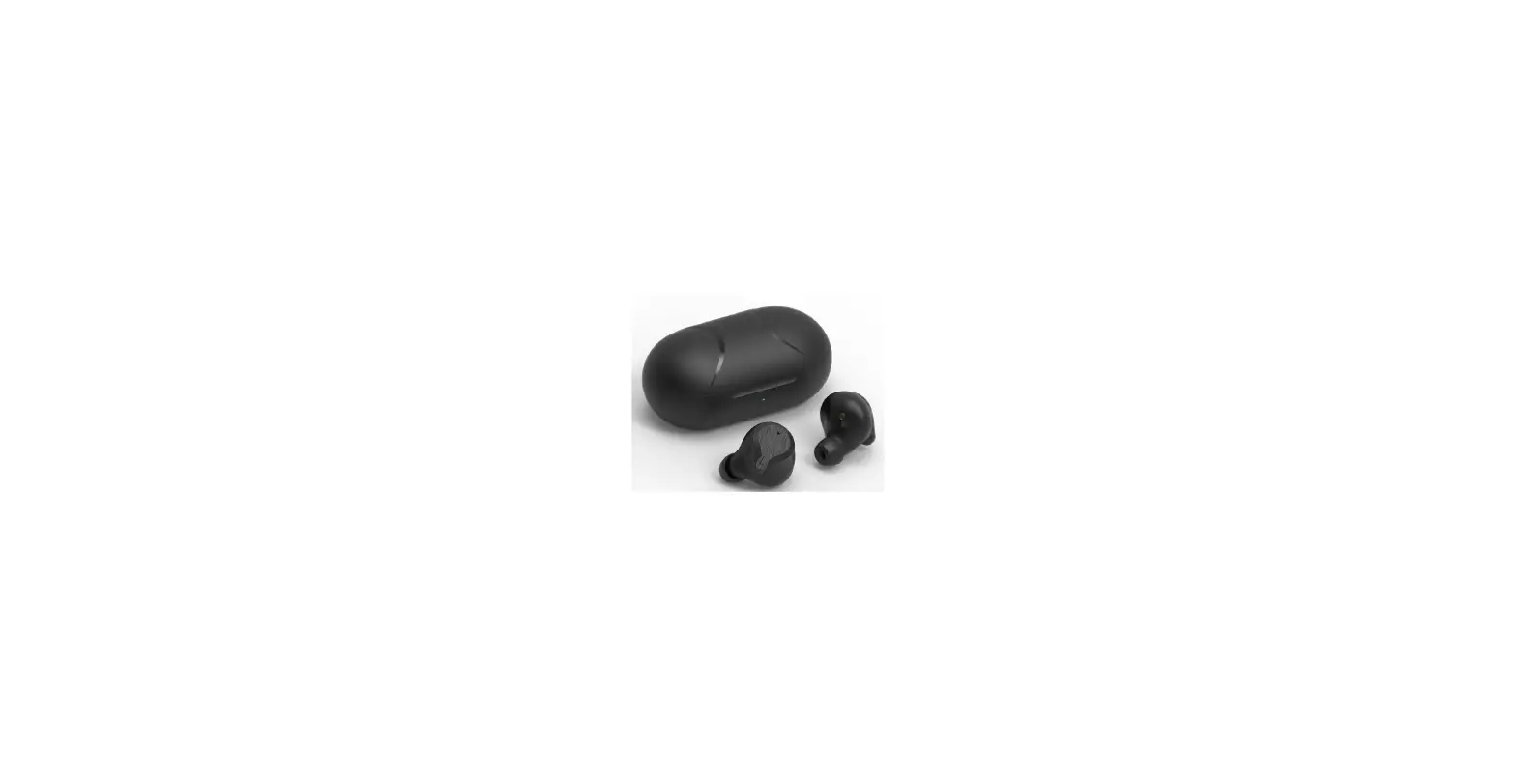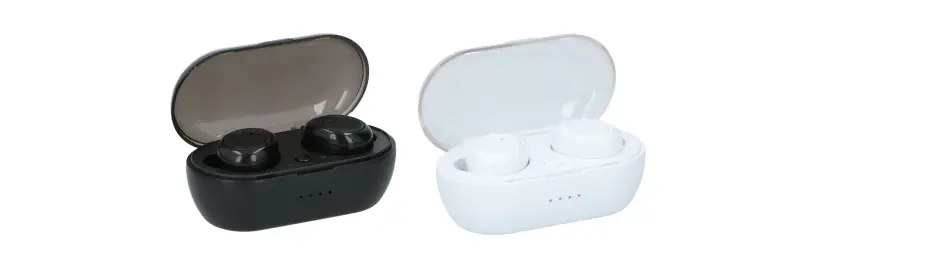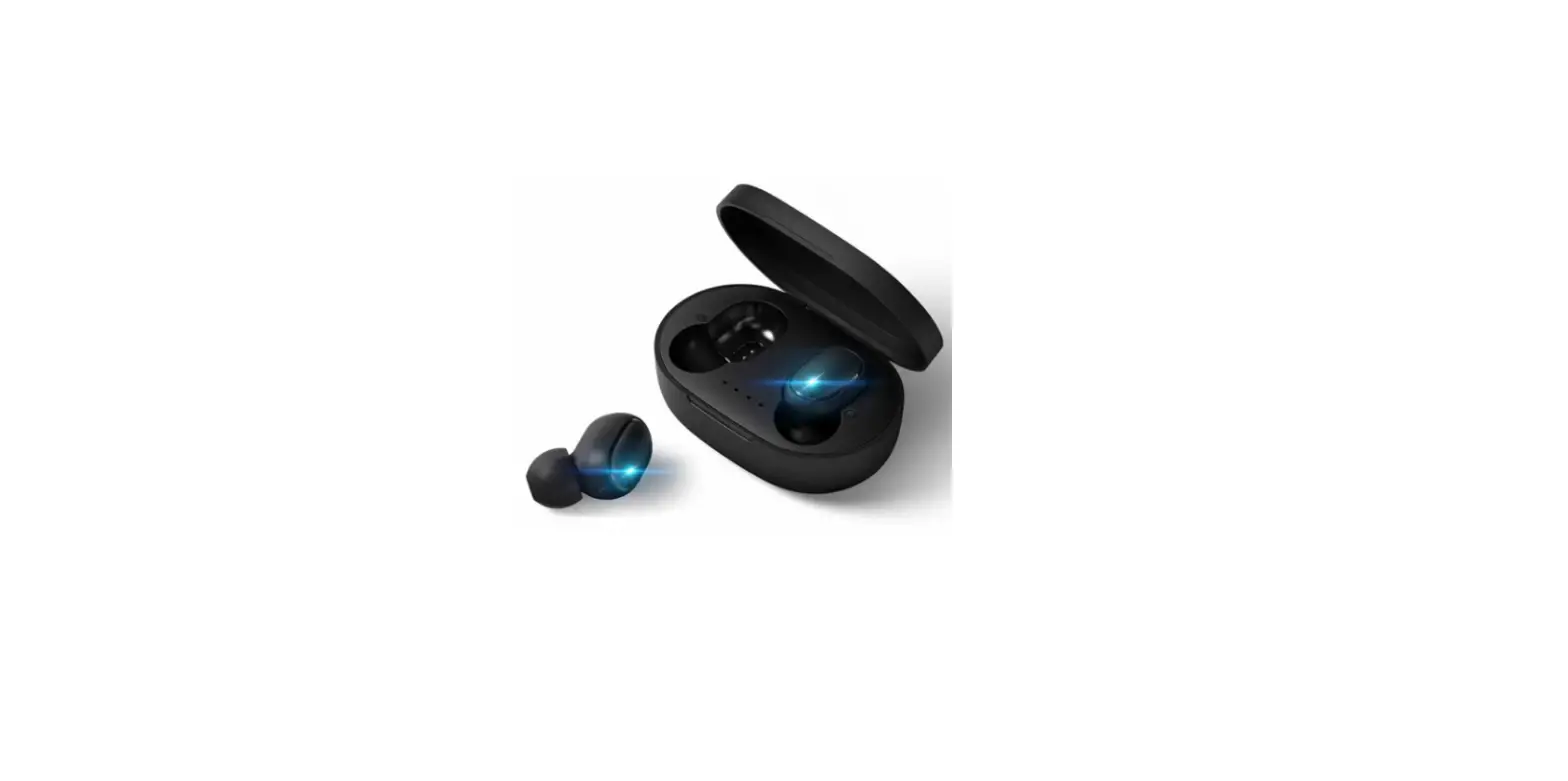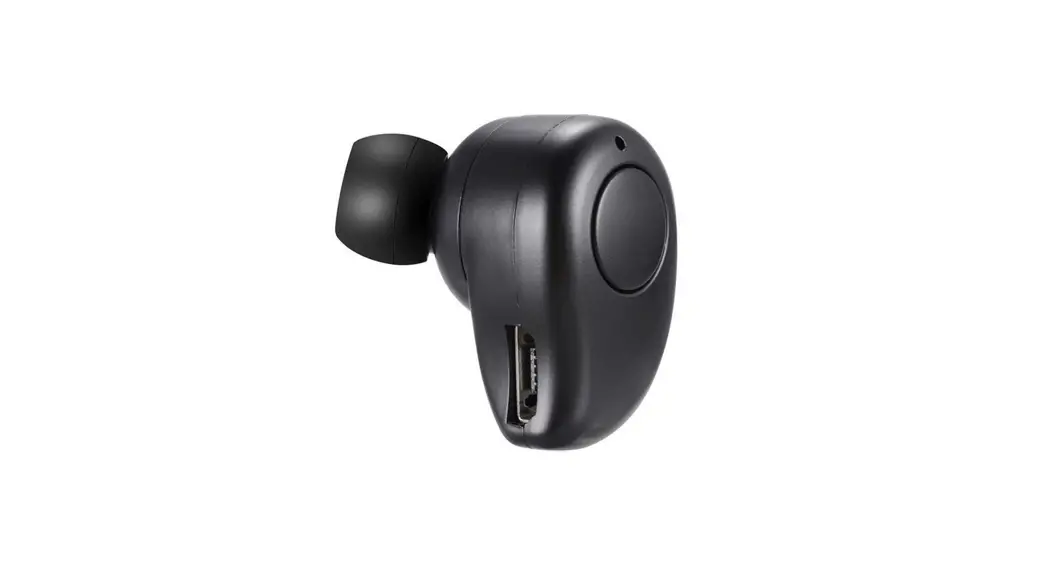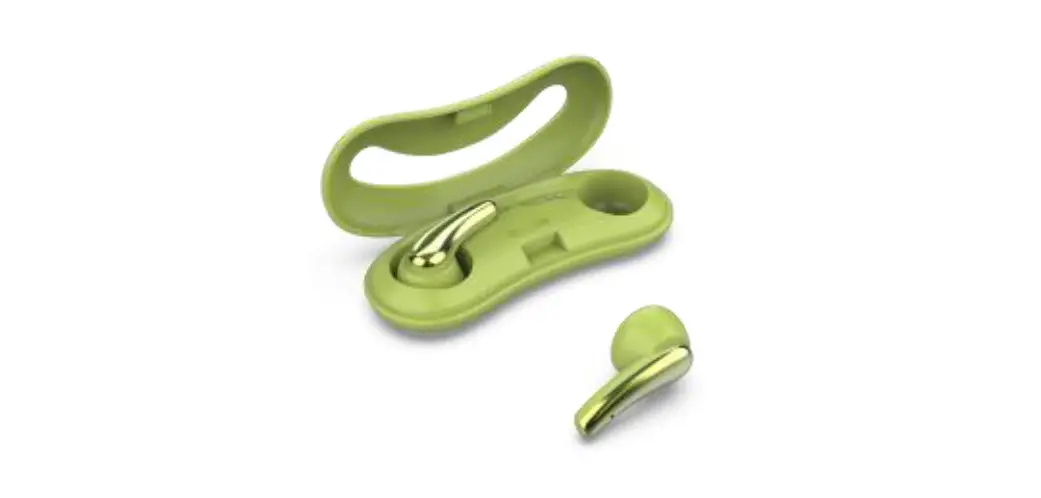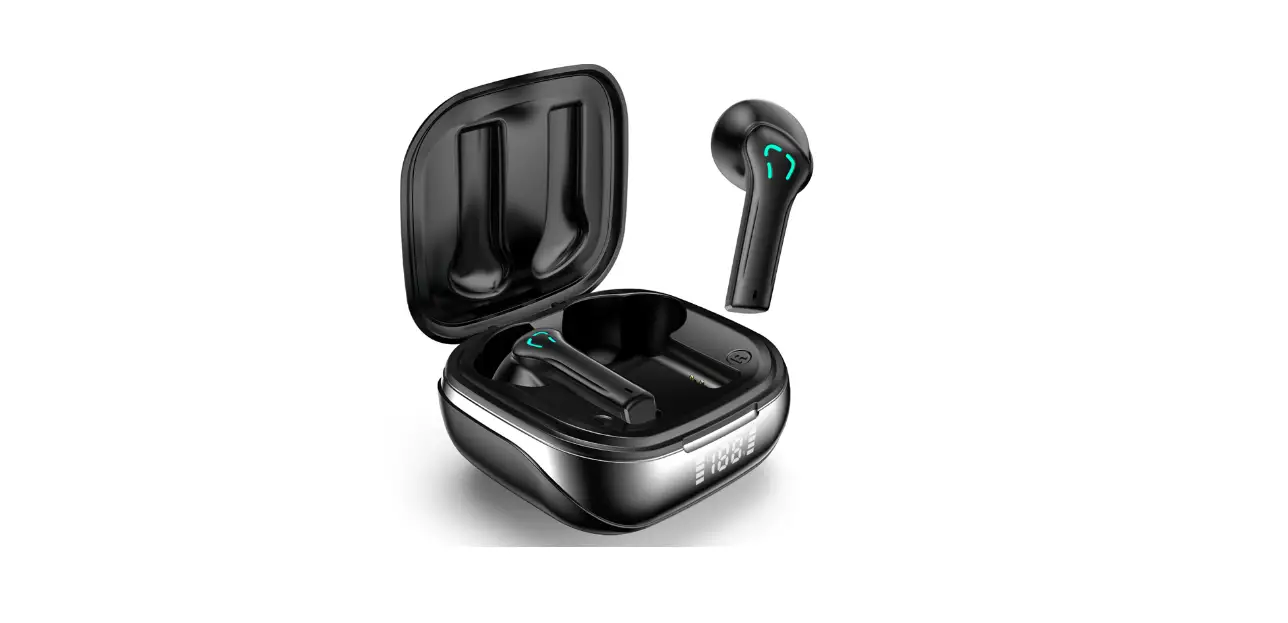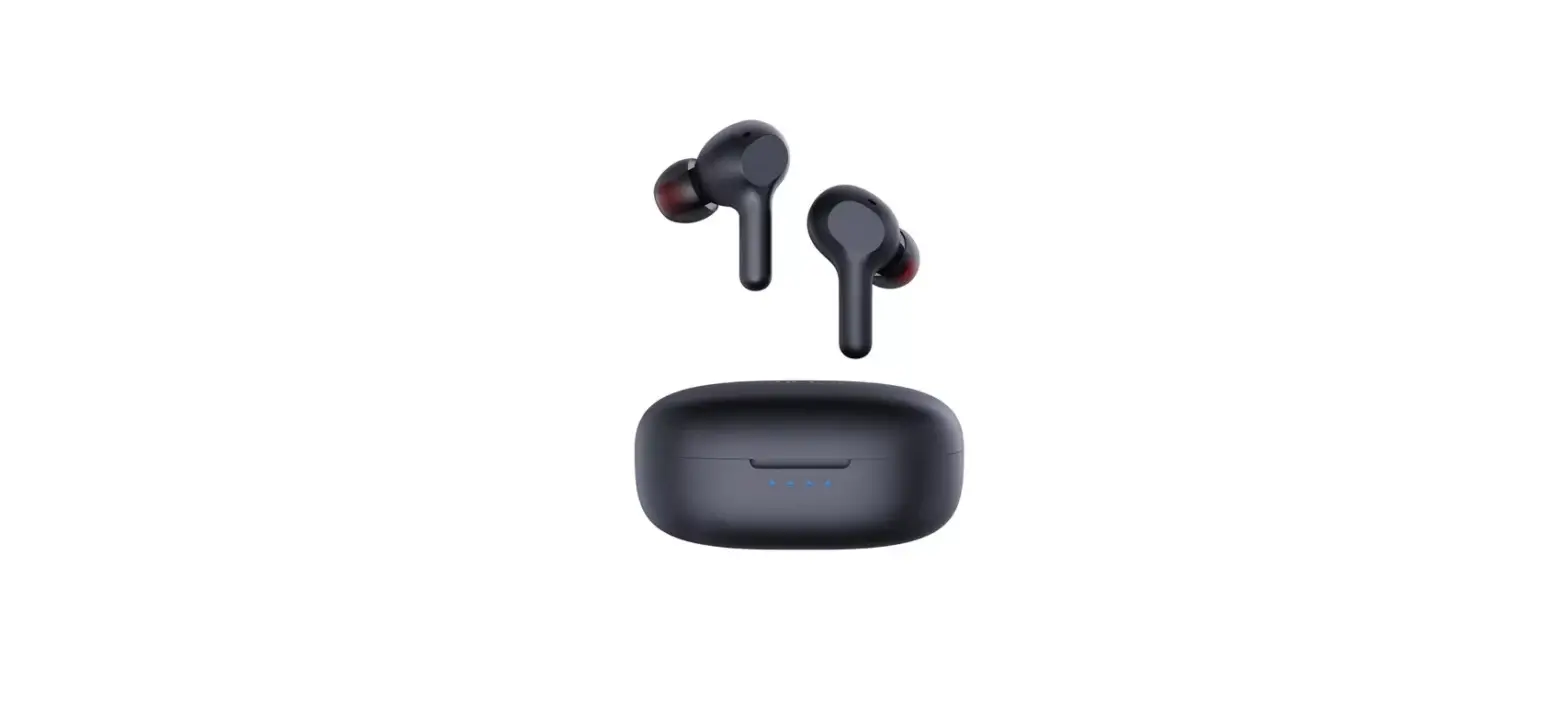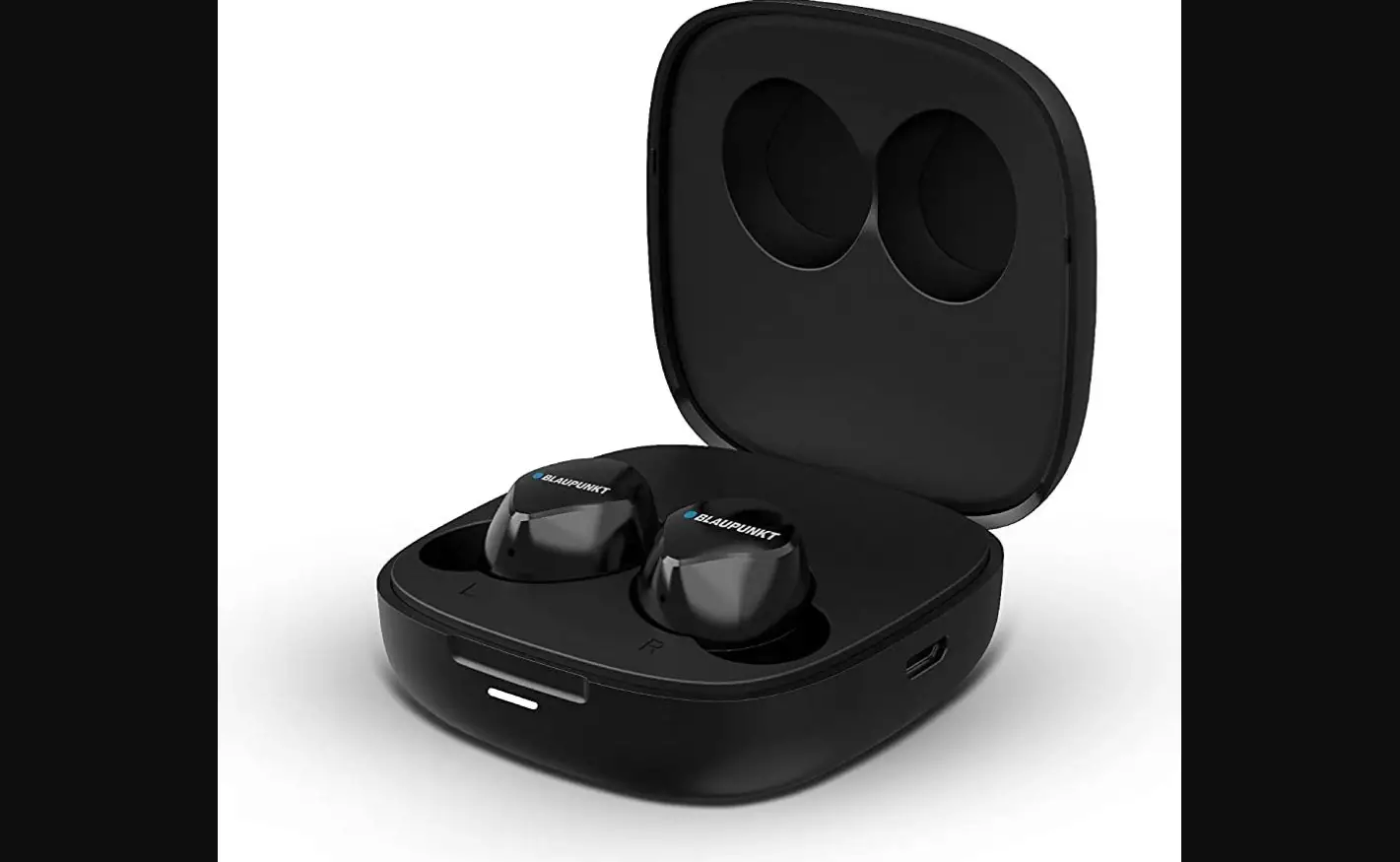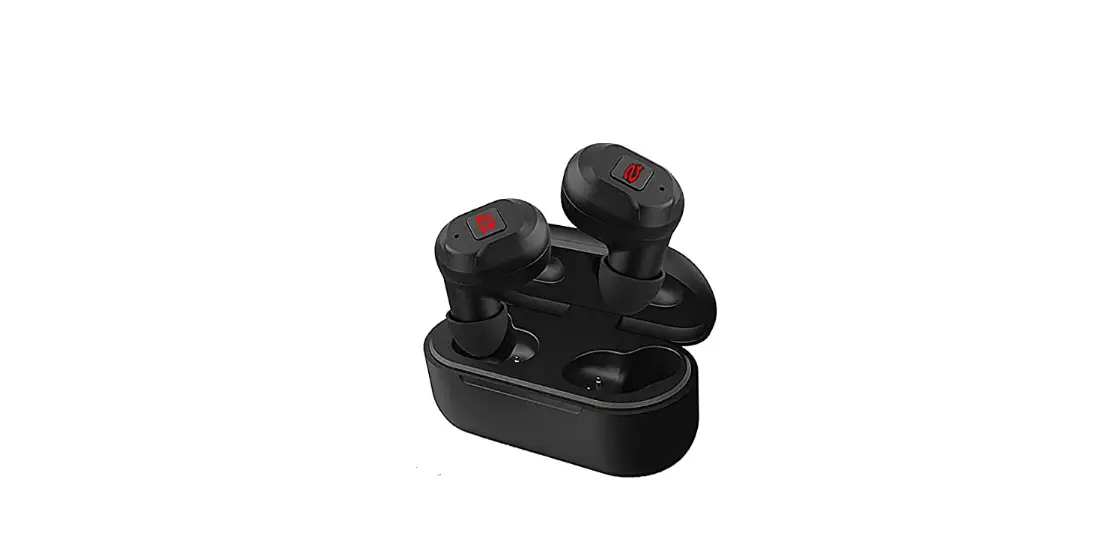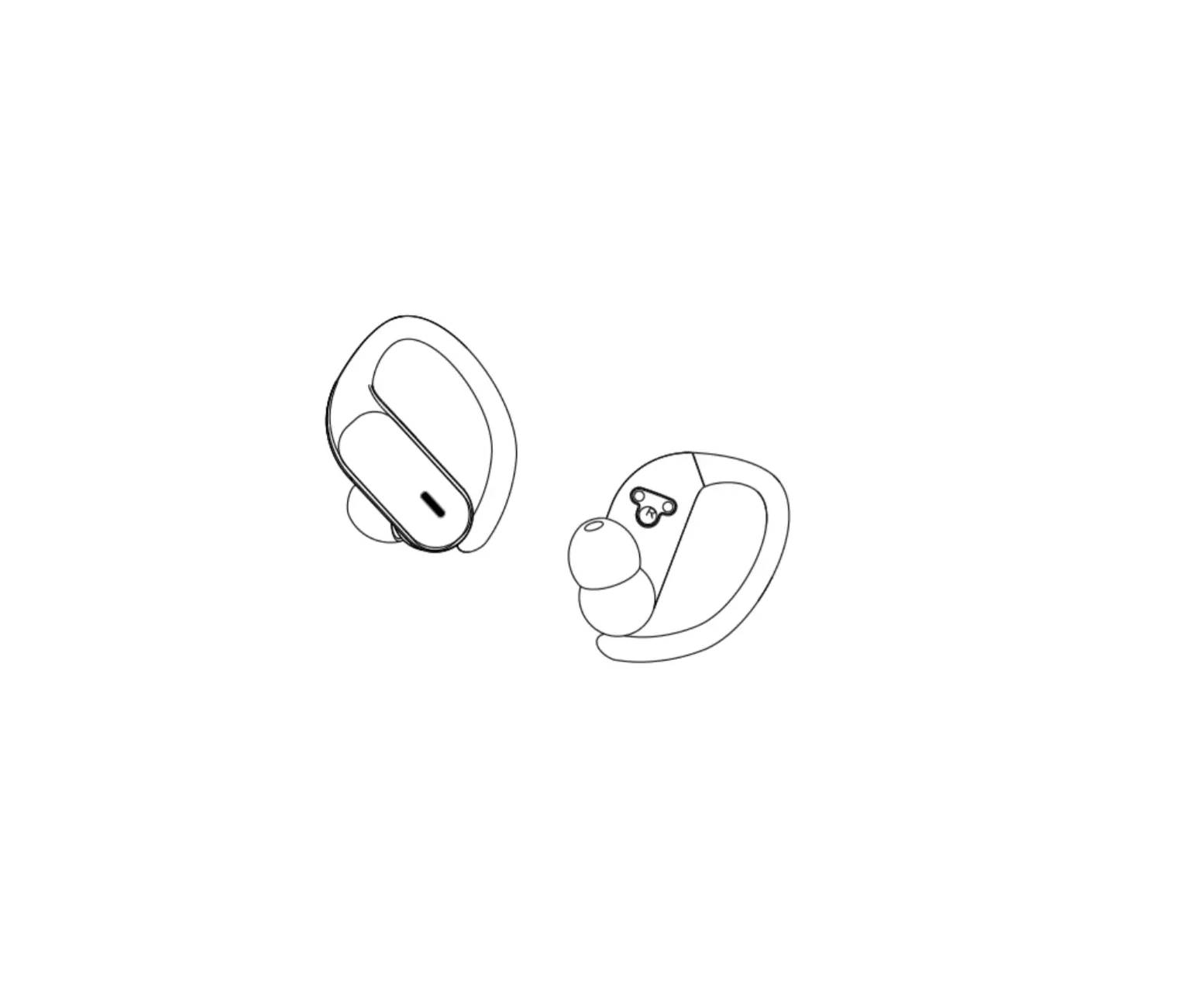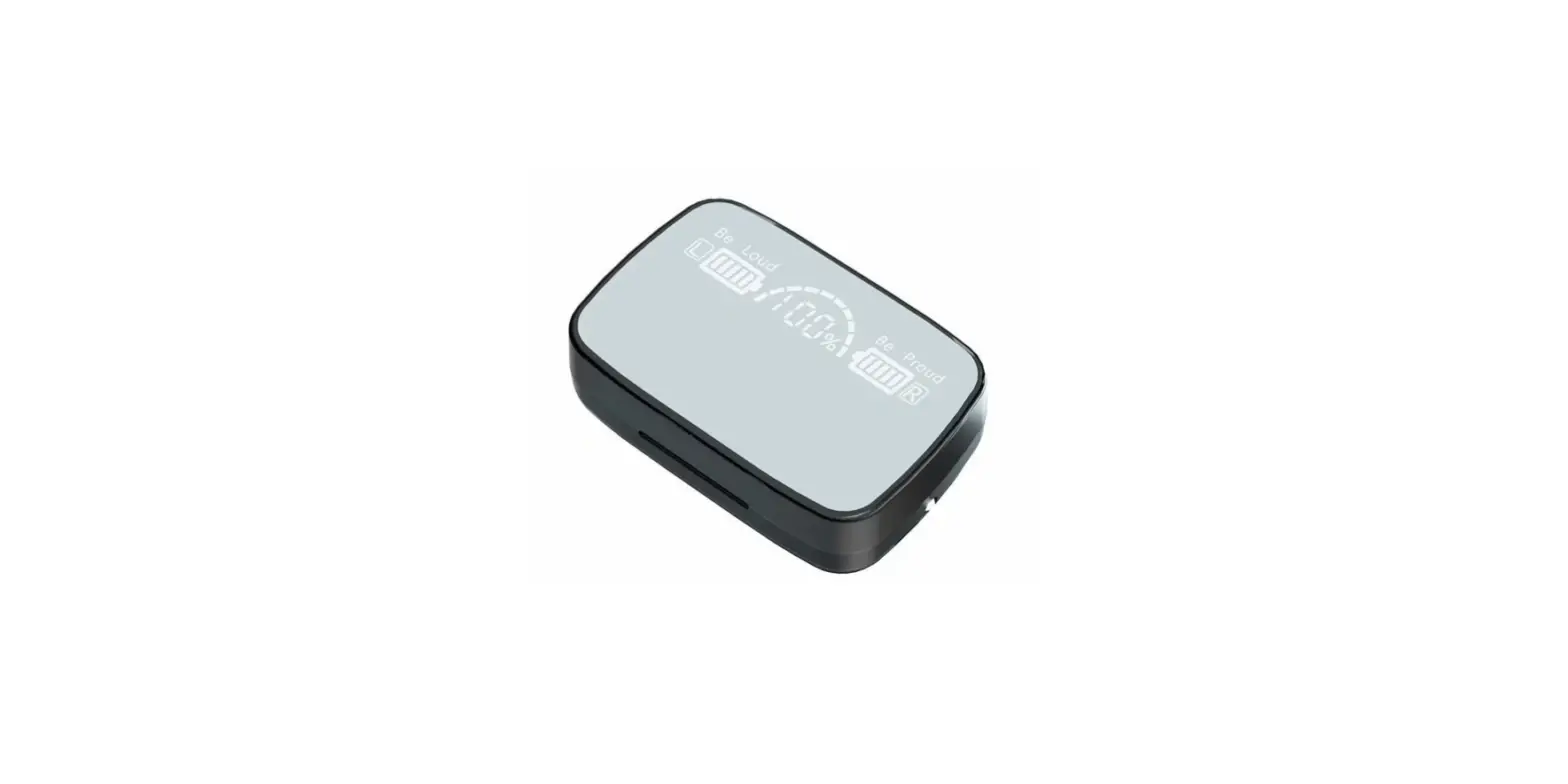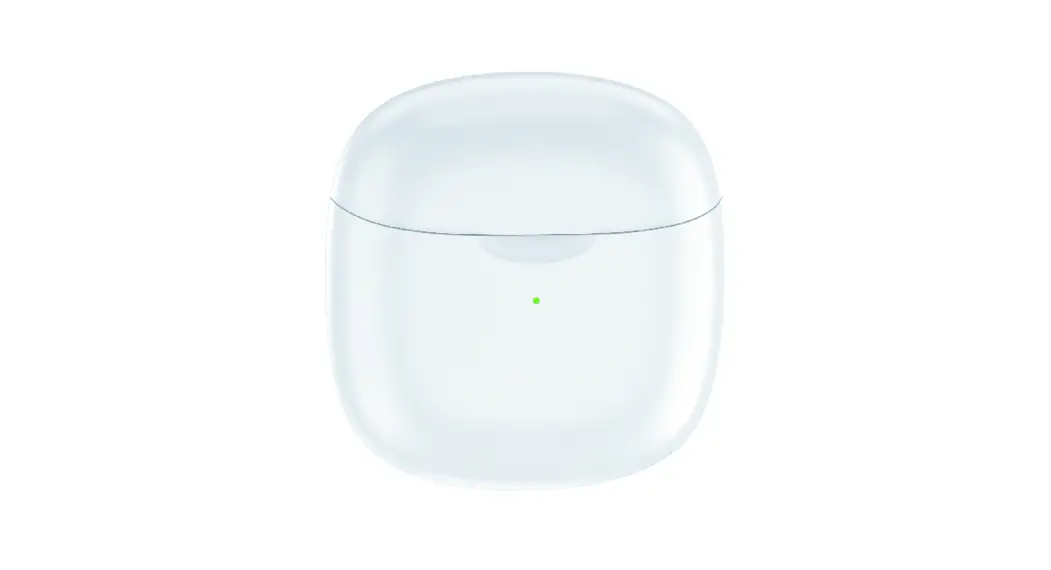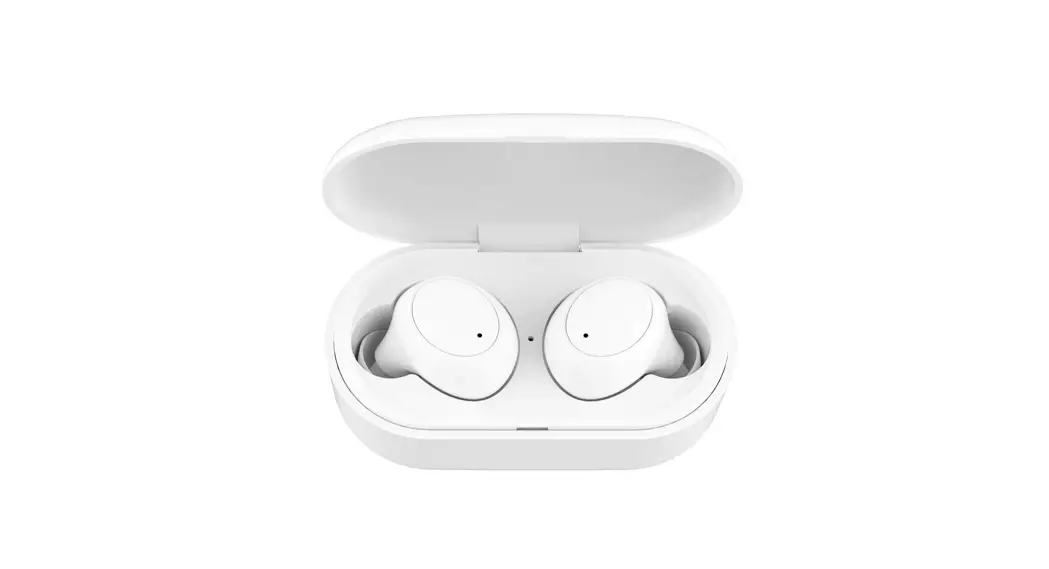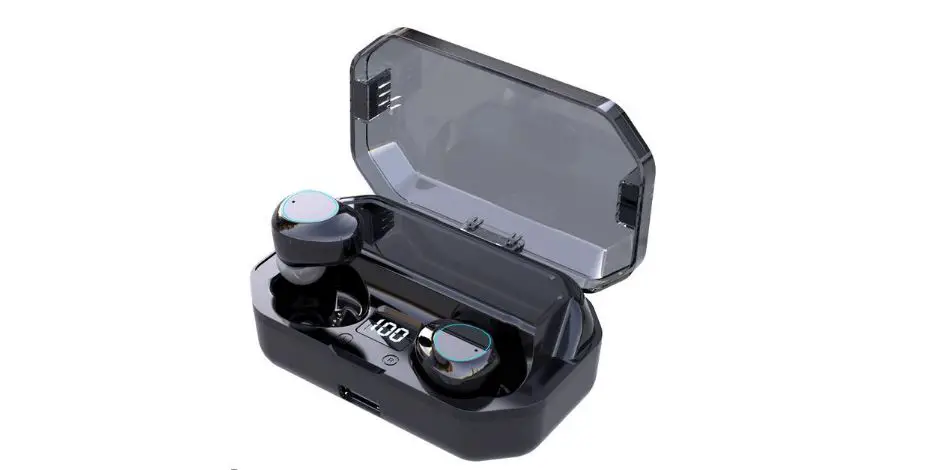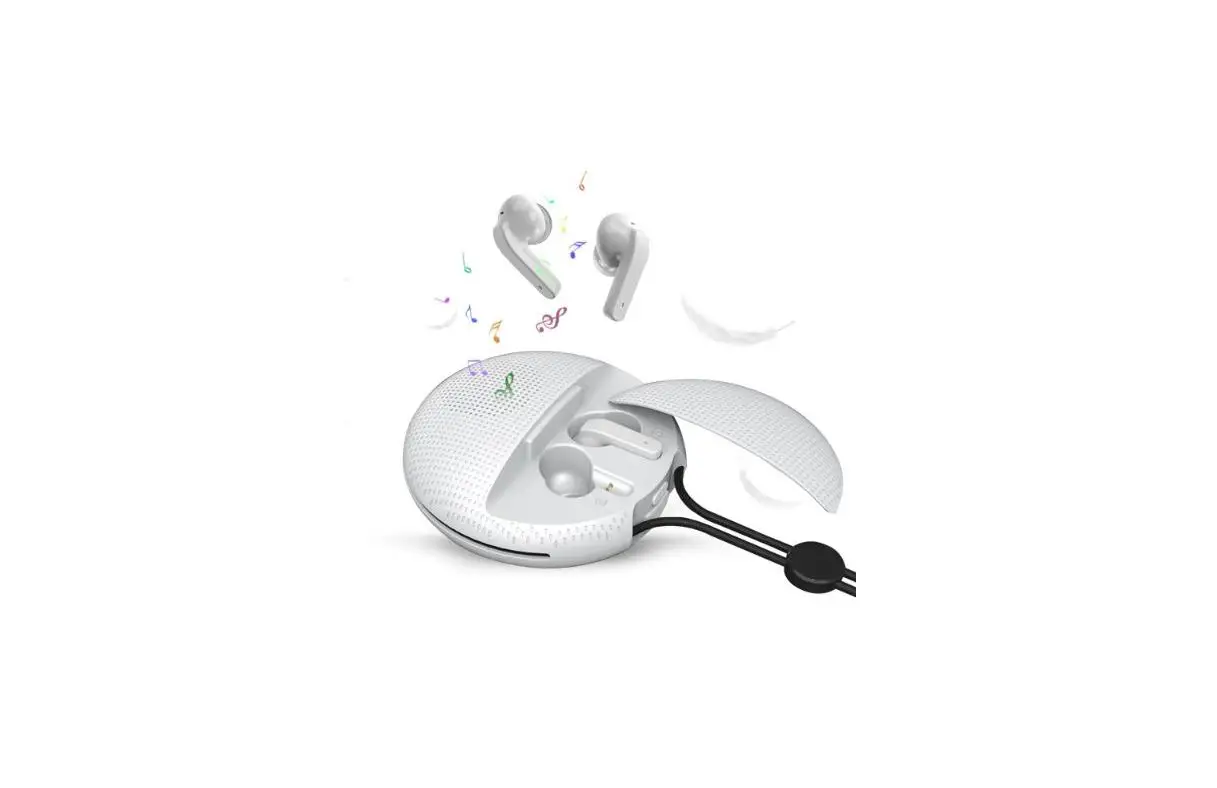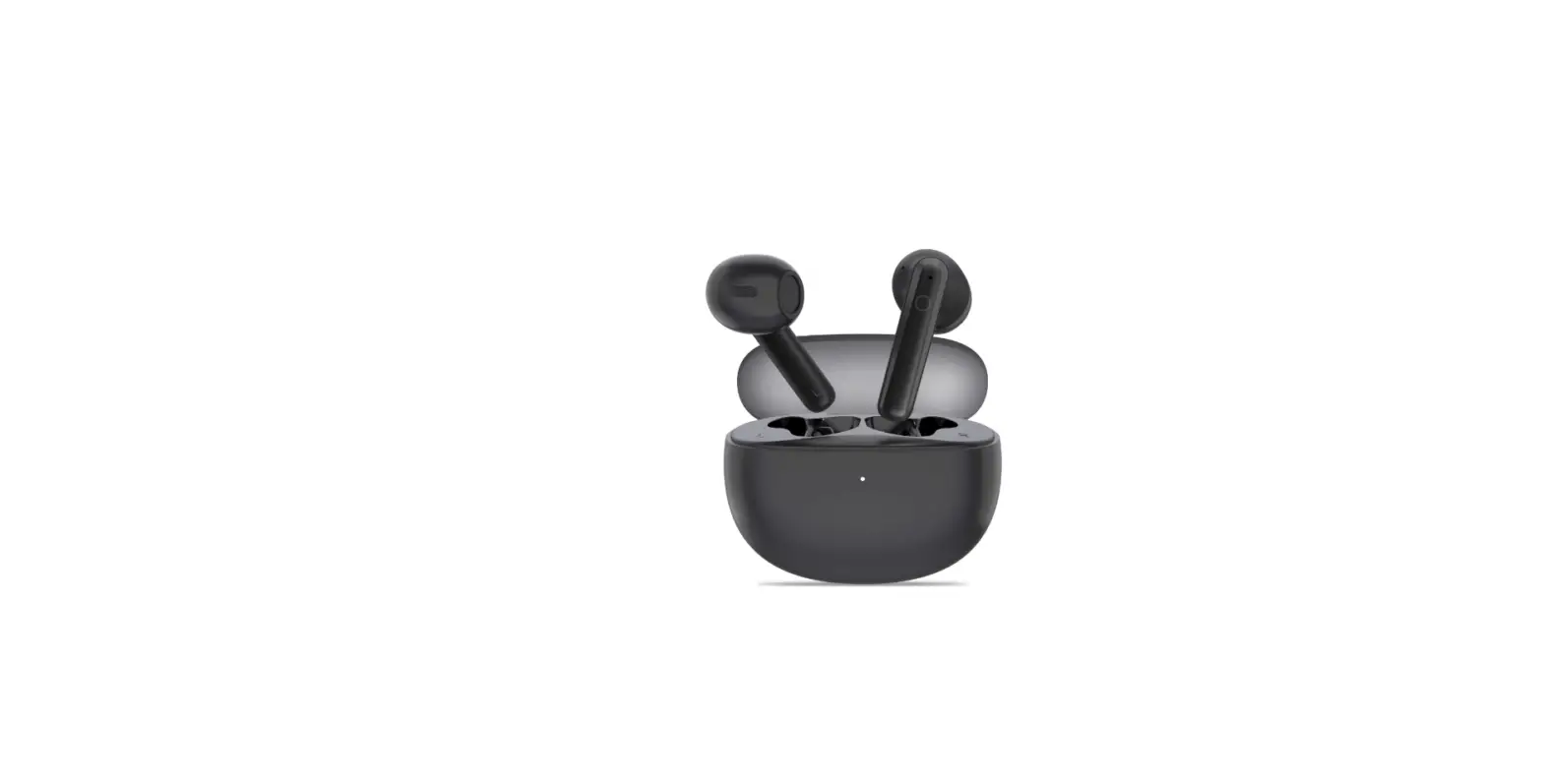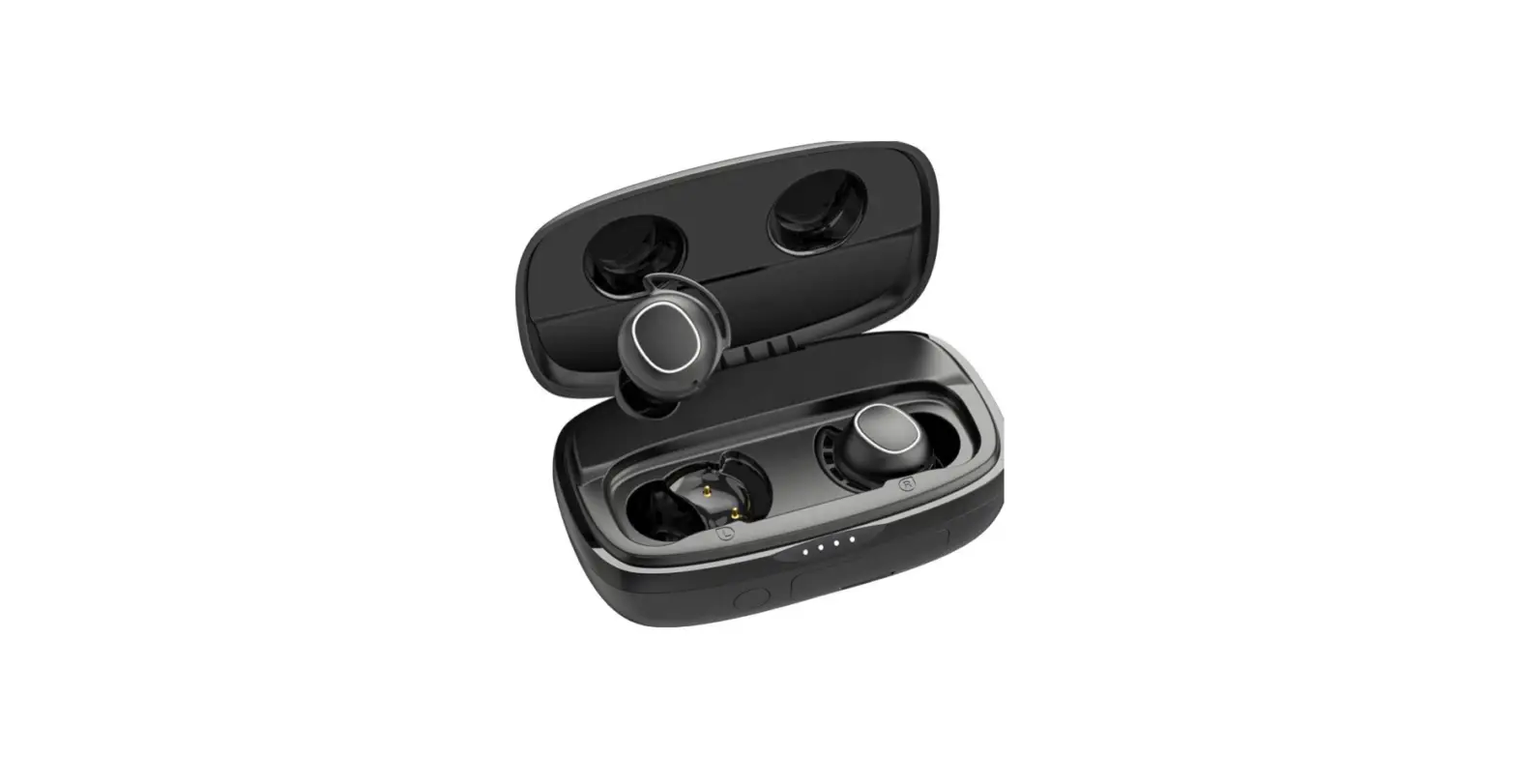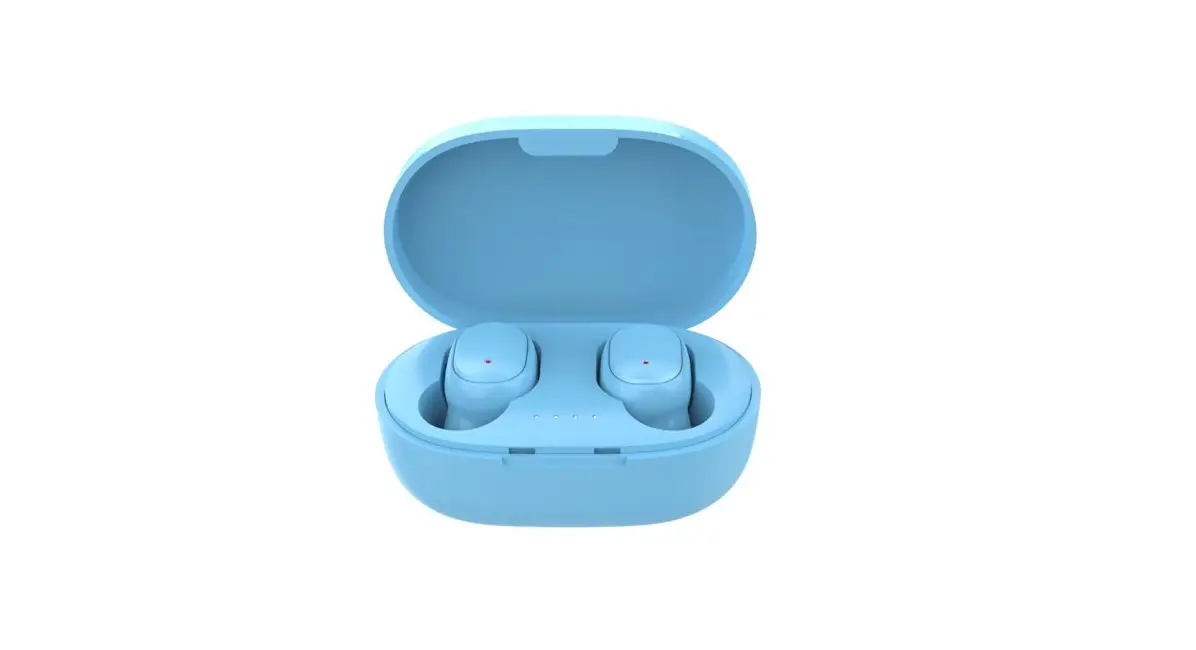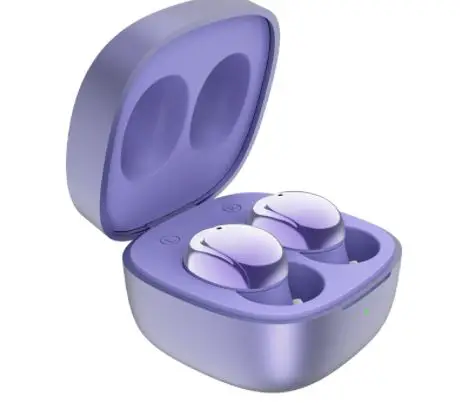

Xing Hui Plastic Electroplating MS-TS80S True Wireless Bluetooth Earbuds
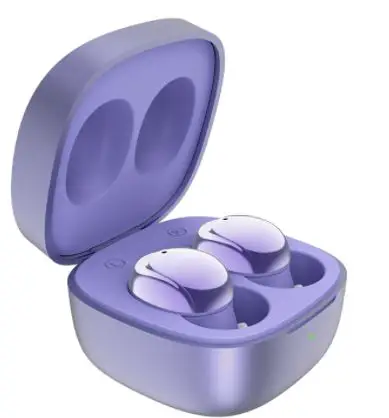
Left (slave) earbud operation instruction
| mode | operation | Prompt tone | LED indicator |
| Turn on | 1. Open the charge case 2. Long press touch pad for 3s when earbuds turn off | Power on | Blue led light is on for 1s |
| Turn off | 1. Put earbuds in charger case and close cover 2. Earbuds no any connection within 10 minutes, turn off automatically 3. Long press touch pad for 10s when earbuds on | Power off | Blue led blinks for 3times then off |
| Paring on (with mobile phones) | To take earbuds out charger case, L,R earbuds connect with each other, the Master earbud is in the mode of reconnecting and paring | Paring (paring starting) Connected (paring success) | Red,blue Led flash in turn till connected with mobile phone in the reconnecting and paring mode |
| TWS connection | 1. L, R earbuds to be taken out charger case at same time, then in the TWS connection mode 2. The first one out of case is master and connect with mobile phone, another is slave to connect with master earbud 3. L,R earbud blue Led lights 0.5s on after TWS connected | ||
| Mode switch | 1. Music mode as default when to turn on 2. Twice touch pad to switch between music or gaming mode | Gaming mode/music mode | / |
| Play/pause | / | / | / |
| Volume + | NA | NA | NA |
| Volume – | Single touch under music or calling | NA | NA |
| Previous | Long touch pad for 2s under playing | NA | NA |
| Next | / | / | NA |
| In coming calling | Mobile phone ringtone /incoming call | ||
| Answer calling | Twice touch L or R touch pad | Beep | |
| Hold up calling | Twice touch L or R touch pad | Beep | |
| Reject calling | Long touch L or R touch pad for 1-2s | Beep | |
| Voice assistance | Three touch L or R touch pad | Beep | NA |
| Quit Voice assistance | Three touch L or R touch pad | Beep | NA |
| Clean up the information of mobile phone connection | Long touch pad for 10s when earbuds turn off | Blue Led flashes three times | |
| DUT mode | Touch 5 times L or R touch pad in the paring mode | Blue Led lights on | |
| Mobile phone turn off BT/BT disconnect/over long distance | Reconnecting and paring mode | Disconnected, paring | |
| Low battery | Below 3.5v warning reminder every 4 minutes | Low battery | |
| Charging | Earbuds in charging case and cover closed | Red Led lights on and blue Led off after full charged | |
| Paring name | MS-TS80s | ||
Right (master) earbud operation instruction
| mode | operation | Prompt tone | LED indicator |
| Turn on | 3. Open the charge case 4. Long press touch pad for 3s when earbuds turn off | Power on | Blue led light is on for 1s |
| Turn off | 4. Put earbuds in charger case and close cover 5. Earbuds no any connection within 10 minutes, turn off automatically 6. Long press touch pad for 10s when earbuds on | Power off | Blue led blinks for 3times then off |
| Paring on (with | To take earbuds out charger case, L,R | Paring (paring | Red,blue Led flash in |
| mobile phones) | earbuds connect with each other, the | starting) | turn till connected |
| Master earbud is in the mode of | Connected | with mobile phone in | |
| reconnecting and paring | (paring success) | reconnecting and | |
| paring mode | |||
| TWS connection | 4. L , R earbuds to be taken out charger case at same time, then in the TWS connection mode | ||
| 5. The first one out of case is master and connect with mobile phone, another is | |||
| slave to connect with master earbud L,R earbud blue Led lights 0.5s on after TWS | |||
| connected | |||
| Mode switch | / | / | / |
| Play/pause | Twice touch pad | / | / |
| Volume + | Single touch under music or calling | ||
| Volume – | NA | NA | NA |
| Previous | NA | NA | NA |
| Next | Long touch pad for 2s under playing | / | NA |
| In coming calling | Mobile phone ringtone /incoming call | ||
| Answer calling | Twice touch L or R touch pad | Beep | |
| Hold up calling | Twice touch L or R touch pad | Beep | |
| Reject calling | Long touch L or R touch pad for 1-2s | Beep | |
| Voice assistance | Three touch L or R touch pad | Beep | NA |
| Quit Voice assistance | Three touch L or R touch pad | Beep | NA |
| Clean up the | Long touch pad for 10s when earbuds | Blue Led flashes three | |
| information of | turn off | times | |
| mobile phone | |||
| connection | |||
| DUT mode | Touch 5 times L or R touch pad in the | Blue Led lights on | |
| paring mode | |||
| Mobile phone turn off BT/BT disconnect/ove r long distance | Reconnecting and paring mode | Disconnected paring | |
| Low battery | Below 3.5v warning reminder every 4 minutes | Low battery | |
| Charging | Earbuds in charging case and cover closed | Red Led lights on and blue Led off after full charged | |
| Paring name | MS-TS80s | ||
Charging case instruction
| Item | Operation |
| Charging case charged (input) | Plug in USB cable |
| Charging case discharged (output) | Earbuds in case on right position, case to start charging |
Earbuds LED indication during charging
| Item | Charging case to charge earbuds |
| The indicator of case discharging (output) | Case cover closed and indicate current power level for 5s,then to light LED off |
To restore factory default setting
To press case button for 3s to clean up paring information (to success setting, case white LED flashes one time ), to press case button for 10s to restore factory default setting (to success setting, case white LED flashes 3 times)
Earbuds LED indication during charging
| Power level (charging case output) | LED indicator |
| 70%-100% level (>3.94V) | Close or open the case cover, green LED light on for 5s,then off |
| 40%-70% level (3.92V-3.73V) | Close or open the case cover, yellow LED light on for 5s,then off |
| 10%-30% level (3.73V-3.4V) | Close or open the case cover, red LED light on for 5s, then off |
| 5%-10% level(3.2V-3.4V) | Close or open the case cover, red LED blinks for 5s,then |
| off | |
| Below3.2V | Charging case only sends turn on/off pules signal to earbuds, boosted circuit and LED stop working |
Power priority status
| Power level | Earbuds status | Charging case LED status |
| No charging | Put into earbuds | No light on |
| No charging | Take out earbuds | No light on |
| Charging and not full charged | Without earbuds | Indicate the case charging status |
| Charging and not full charged | Earbuds charging | Indicate the case charging status |
| Charging and not full charged | Earbuds full charged | Indicate the case charging status |
| Charging and full charged | Without earbuds | Indicate the case power full status |
| Charging and full charged | Earbuds charging | Indicate the case power full status |
| Charging and full charged | Earbuds full charged | Indicate the case power full status |
| Pull out cable after charging | Without earbuds | No light on |
| Pull out cable after charging | Earbuds full charged | No light on |
| Pull out cable after charging | Earbuds no full charged | No light on |
FCC Statement
This equipment has been tested and found to comply with the limits for a Class B digital device, pursuant to Part 15 of the FCC Rules. These limits are designed to provide reasonable protection against harmful interference in a residential installation. This equipment generates uses and can radiate radio frequency energy and, if not installed and used in accordance with the instructions, may cause harmful interference to radio communications. However, there is no guarantee that interference will not occur in a particular installation. If this equipment does cause harmful interference to radio or television reception, which can be determined by turning the equipment off and on, the user is encouraged to try to correct the interference by one or more of the following measures:
- Reorient or relocate the receiving antenna.
- Increase the separation between the equipment and receiver.
- Connect the equipment into an outlet on a circuit different from that to which the receiver is connected.
- Consult the dealer or an experienced radio/TV technician for help.
This device complies with part 15 of the FCC Rules. Operation is subject to the following two conditions:
(1) This device may not cause harmful interference, and
(2) this device must accept any interference received, including interference that may cause undesired operation.
Changes or modifications not expressly approved by the party responsible for compliance could void the user’s authority to operate the equipment